6 Best Alternatives to Notion for iOS in 2026
By Noahlast updated pricing verified
Compared: Notion alternatives that run on iOS
| Alternative | Best for | Learning curve | Price |
|---|---|---|---|
| Notionreference | Teams that want to consolidate scattered docs, wikis, and lightweight project trackers into one linked workspace, and are willing to spend time designing their own database structure. | Steep | Free tier · paid from $10/mo |
| Coda | Teams that want to replace a mix of wiki, spreadsheet, and lightweight internal-tool software with one doc-based workspace, e.g. a product team building a roadmap, OKR tracker, and meeting hub in the same file. | Steep | Pricing not verified |
| Airtable | Small-to-midsize teams that need a relational database with a spreadsheet UI to run project trackers, content calendars, or lightweight CRMs without writing code. | Moderate | Free tier · paid from $20/mo |
| Obsidian | individuals building a long-lived personal knowledge base who want their notes to stay plain markdown files they can read, back up, and move without the app | Moderate | Free tier · paid from $4/mo |
| Google Workspace | businesses, schools, and startups standardizing on browser-based email and real-time collaborative documents instead of desktop Office software | Low | From $7/mo |
| ClickUp | small and mid-sized teams that want tasks, docs, chat, and time tracking on one paid seat instead of buying a tracker, a wiki, a chat app, and a timesheet tool separately | Steep | Free tier · paid from $7/mo |
| Evernote | Individuals who want to capture and search notes, scanned documents, and web clips across phone, desktop, and browser in one synced place | Moderate | Free tier · paid from $14.99/mo |
 Notion
 Coda
Coda Airtable
 Obsidian
 Google Workspace
 ClickUp
 Evernote
1Coda — best Notion alternative for teams that want to replace a mix of wiki, spreadsheet, and lightweight internal-tool software with one doc-based workspace, e.g. a product team building a roadmap, OKR tracker, and meeting hub in the same file.
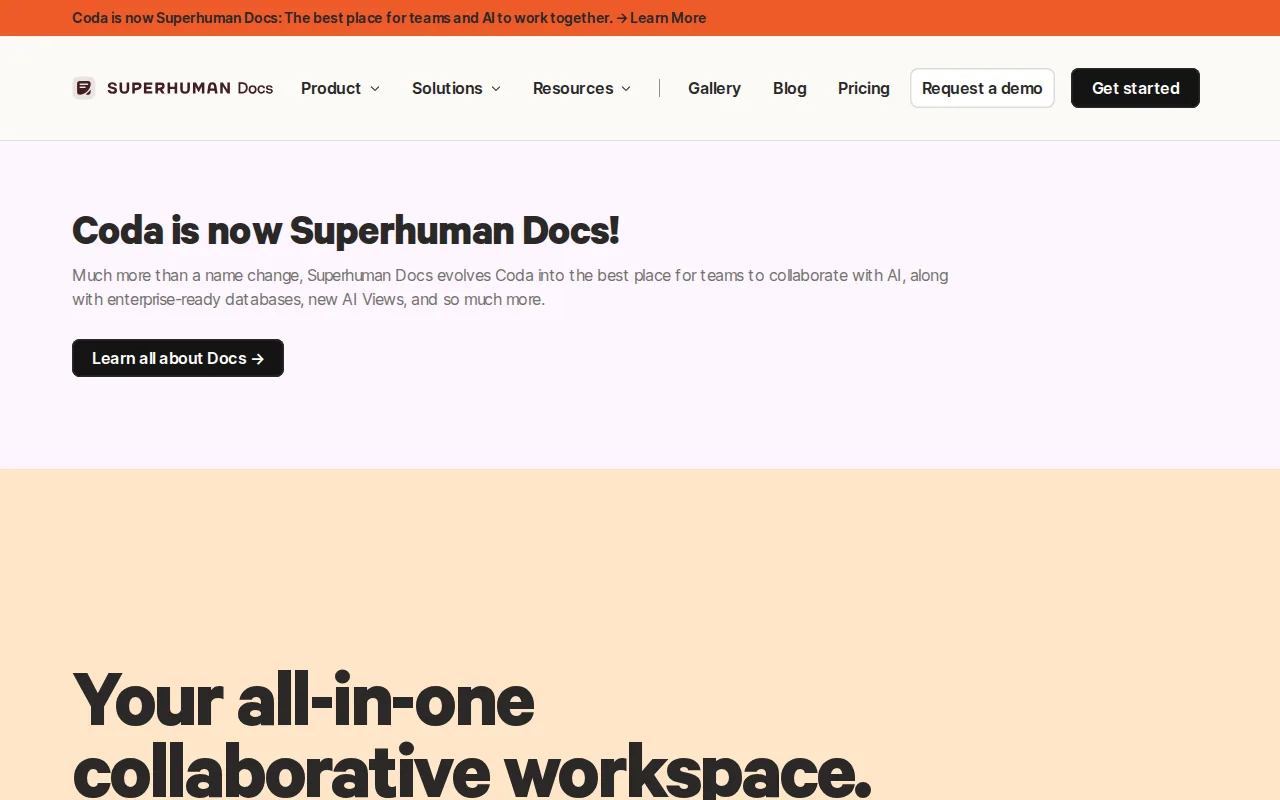
Coda is the best Notion alternative for teams whose documents need to do something rather than just say something. In Coda, tables live inside the document and drive a calendar view, a kanban board, and an AI summary column off one dataset, with buttons and automations that turn a doc into a small internal tool; Notion's block-and-database model gets close but keeps databases as pages rather than as live data inside prose. Coda's billing is the bigger structural difference: it charges per doc maker rather than per member, so read-only viewers cost nothing, where Notion charges $10/member/month on Plus and $20/member/month on Business for everyone with access. Coda also ships 600+ Packs that pull Slack, Jira, Google Calendar, and Figma into a doc, and its AI chat, AI-generated tables, and AI column all operate on that same live data. Notion is still the better choice when you need to know what you will pay: Coda's pricing page renders plan numbers only inside a JavaScript app, so no dollar figure can be quoted here, maker-based billing is harder to forecast as more people need edit rights, the in-progress rebrand to Superhuman Docs under Superhuman leaves plan continuity uncertain, and Coda ships no Linux client where Notion does. Both carry a steep learning curve.
Compared to Notion: billing per doc maker rather than per member, so read-only viewers cost nothing, 600+ Packs pulling Slack, Jira, Google Calendar, and Figma into a doc, and no published plan prices against Notion's open $10 and $20 per-member tiers
Wins:Maker-based billing charges only for people who build docs, so a team with many read-only viewers pays less than Notion's per-member $10 Plus or $20 Business seats · Tables inside the document drive a calendar, a kanban board, and an AI summary column from one dataset, with buttons and automations that make a doc behave like an app · 600+ Packs pull Slack, Jira, Google Calendar, and Figma into the doc itself, and AI chat, AI-generated tables, and the AI column all run on that same live data
Loses:Coda's pricing page renders plan numbers only inside a JavaScript app, so costs cannot be compared against Notion's openly published $10 and $20 per-member tiers without signing in · Maker-based billing is harder to forecast than flat per-seat pricing once more people need edit rights · The in-progress rebrand to Superhuman Docs under Superhuman (owned by Grammarly) leaves plan continuity, limits, and support channels uncertain, and Coda ships no Linux client where Notion does
Pros
- Combines docs, spreadsheet-style tables, and app-like buttons/automations in one file instead of three separate tools
- 600+ Packs (integrations) let a doc pull in Slack, Jira, Google Calendar, Figma, and other tools directly
- AI features (chat, AI-generated tables, AI column) work on the same live data already in the doc
- Templates for team hubs, CRM, OKRs, and meeting notes give teams a working starting doc instead of a blank page
Cons
- Maker-based pricing is unusual and harder to estimate than flat per-seat pricing
- Steep learning curve for building anything beyond a simple table or note
- Pricing page did not expose concrete plan prices without a JS-rendered app session
- Mid-transition rebrand to Superhuman Docs creates near-term uncertainty about plan continuity and support
Pricing: Pricing not verified — Coda's plan prices could not be read from coda.io/pricing, which exposes them only inside a JavaScript app; Notion publishes Free, $10/member/month Plus, and $20/member/month Business (verified )
2Airtable — best Notion alternative for small-to-midsize teams that need a relational database with a spreadsheet UI to run project trackers, content calendars, or lightweight CRMs without writing code.
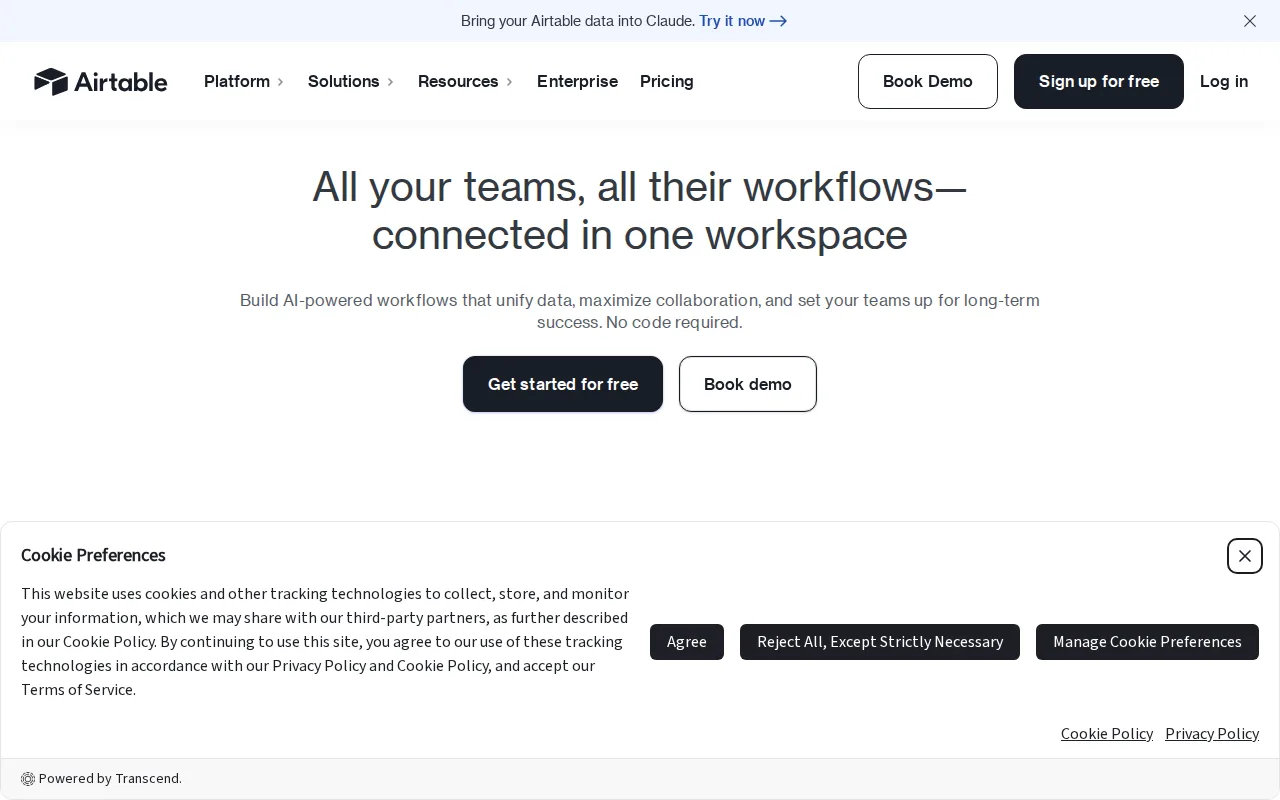
Airtable is the best Notion alternative for teams whose work is really a database wearing a spreadsheet. Airtable's bases link records across tables like a genuine relational database while still reading as a grid, which is exactly where Notion's model strains: Notion's databases are pages first, Airtable's are records first. Grid, kanban, calendar, gallery, and Gantt views, plus automations, no-code interfaces, and AI agents, all run off the same base, and Airtable's learning curve is rated moderate against Notion's steep. Airtable reports over 500,000 organizations using the product, and its HyperDB tier scales to records in the hundreds of millions, well past what Notion's databases are built for. Notion is still the better choice on price and on writing. Airtable Team costs $20/user/month billed annually, double Notion's $10/member/month Plus, and Airtable Business is $45/user/month — a 20-person team pays $900/month just for edit rights, against $400/month for the same 20 people on Notion Business. Airtable's Free and Team tiers cap records and attachments per base, pushing active teams up a tier, while Notion's free plan supports unlimited pages and blocks for solo use. Notion also ships a Linux desktop client and Airtable does not.
Compared to Notion: real relational linking between tables instead of page-based databases, a moderate learning curve against Notion's steep, and $20/user/month billed annually against Notion's $10/member/month Plus
Wins:Bases link records across tables like a genuine relational database while still presenting as a spreadsheet, going beyond Notion's page-first database model · Learning curve is rated moderate against Notion's steep, with grid, kanban, calendar, gallery, and Gantt views all running off the same base · Over 500,000 organizations reported using it, and the HyperDB tier scales to records in the hundreds of millions — well past what Notion's databases are built for
Loses:Team costs $20/user/month billed annually, double Notion's $10/member/month Plus, and Business at $45/user/month bills a 20-person team $900/month against $400/month on Notion Business · Free and Team tiers cap records and attachments per base, so active teams upgrade quickly; Notion's free plan supports unlimited pages and blocks for solo use · No Linux desktop client, which Notion ships, and SSO plus advanced RBAC sit behind custom-quoted Enterprise Scale pricing
Pros
- Relational linking between tables goes well beyond what a flat spreadsheet like Google Sheets can do
- Built-in automations, interfaces, and reporting reduce the need for separate tools for simple internal apps
- Free plan is usable for individuals and very small teams before any payment is required
- Native integrations with Slack, Google Drive, Salesforce, Jira, and Zendesk plus a documented REST API for custom work
Cons
- Per-editor seat pricing gets expensive fast once a team grows past a handful of active editors
- Free and Team tiers cap records and attachments per base, forcing upgrades as data volume grows
- Enterprise-grade features (SSO, advanced RBAC, unlimited workspaces) are locked behind custom-quoted Enterprise Scale pricing
- Complex bases with many linked tables and automations can become hard to navigate for new users
Pricing: Free tier · paid from $20/mo — $20/user/month for Airtable Team billed annually vs Notion's $10/member/month Plus — $200/month vs $100/month at 10 seats; Airtable Business at $45/user/month is more than double Notion's $20/member/month Business plan (verified )
3Obsidian — best Notion alternative for individuals building a long-lived personal knowledge base who want their notes to stay plain markdown files they can read, back up, and move without the app
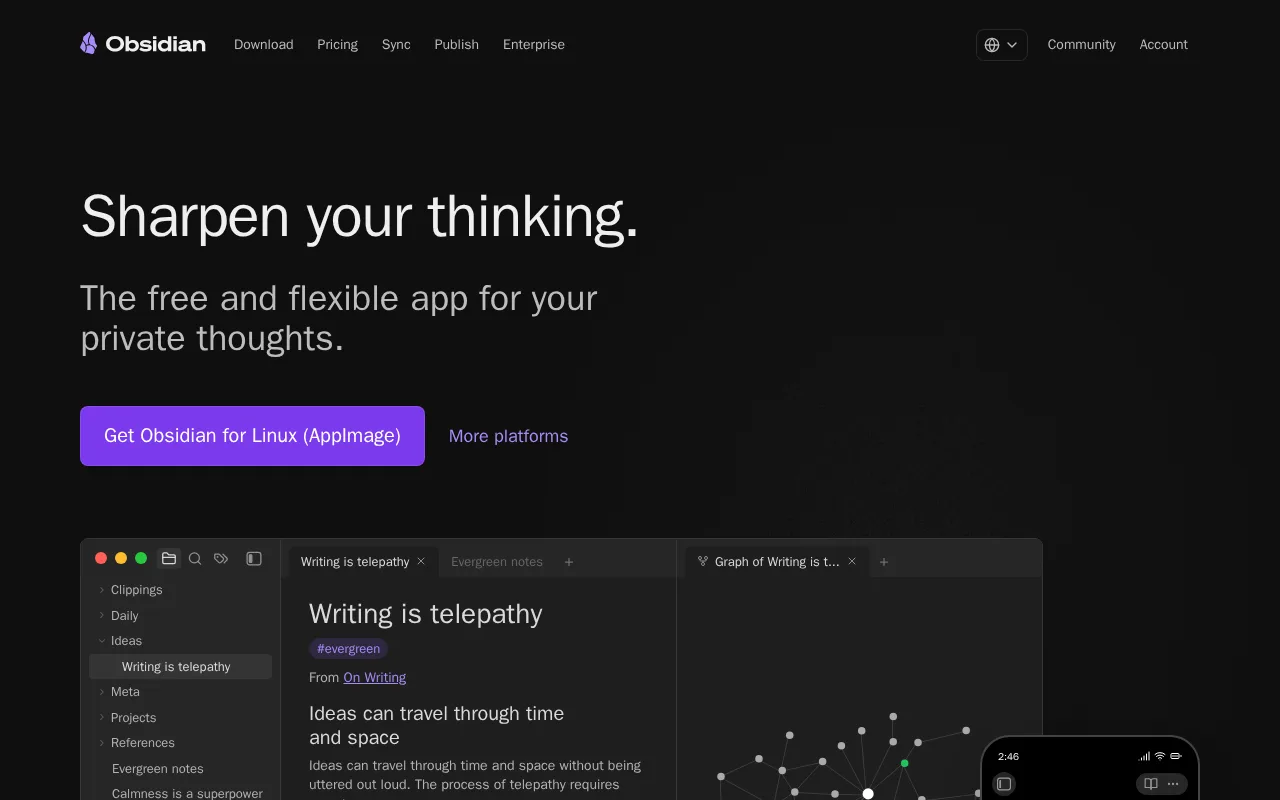
Obsidian is the best Notion alternative for anyone who wants their notes to be files on their own disk. Obsidian is free without limits and requires no sign-up, where Notion's free tier caps blocks in multi-member workspaces, limits file uploads to 5MB, and keeps only 7 days of page history. Obsidian stores notes locally in open file formats, so they open offline and are never locked into a vendor — a direct answer to Notion's own limitation that offline support covers only recently viewed or favorited pages, and only on paid plans. Obsidian's optional add-ons are cheap and plainly priced on obsidian.md: Sync is $4/user/month billed annually ($5 billed monthly) with AES-256 end-to-end encryption, version history, and shared vaults, and Publish is $8/site/month billed annually. A commercial license costs $50/user/year, and Obsidian states it is not required for commercial use. Obsidian also says it collects no telemetry and cannot read notes stored on your device. Notion is still the better choice for teams: Obsidian has no relational databases, nothing equivalent to Notion Agent, AI Meeting Notes, or Enterprise Search, and no SAML SSO, private teamspaces, or granular database permissions of the kind Notion's $20/member/month Business plan provides. Obsidian's collaboration is shared vaults on the paid Sync plan, not a shared workspace with roles.
Compared to Notion: free without limits and no sign-up against Notion's $10/member/month Plus, notes stored locally in open file formats that work fully offline, and optional Sync at $4/user/month instead of workspace-wide team permissions
Wins:Free without limits and no sign-up required, where Notion's free plan caps blocks in multi-member workspaces, files at 5MB, and page history at 7 days · Notes are stored locally in open file formats and work fully offline, against Notion's offline support covering only recently viewed or favorited pages on paid plans · Optional add-ons are cheap and published: Sync at $4/user/month billed annually with AES-256 end-to-end encryption and version history, Publish at $8/site/month, and a $50/user/year commercial license Obsidian says is not required
Loses:No relational databases or linked-table views, which is the core of what Notion's block-and-database model provides · Nothing equivalent to Notion Agent, AI Meeting Notes, or Enterprise Search, which Notion sells on its $20/member/month Business plan · Collaboration is shared vaults on the paid Sync plan rather than a shared workspace with SAML SSO, private teamspaces, and granular database permissions
Pros
- The app is free without limits and needs no account; notes are stored locally as plain markdown files in open formats, so there is no lock-in.
- 7,647 community plugins and 755 themes let the editor be reshaped for research, writing, task management, or visualization.
- Works fully offline on Windows, macOS, Linux, iOS, and Android, with no server round-trip to open a note.
- Obsidian states notes stay on the device and are inaccessible to the company, its apps collect no telemetry, and Obsidian Sync is AES-256 end-to-end encrypted.
- Paid products are optional services rather than a feature wall: Sync from $4/user/month, Publish from $8/site/month, and a commercial license the FAQ says is not required.
Cons
- There is no web version, so a vault is only reachable from a device where Obsidian is installed.
- Cross-device sync is a paid add-on from $4/user/month, or a do-it-yourself setup on iCloud, Dropbox, or Git.
- Real-time collaboration needs paid shared vaults on Obsidian Sync; there is no free multi-user editing.
- Obsidian's own apps are not open source — obsidian.md publishes open file formats plus public release and plugin repositories, but not the application source.
Pricing: Free tier · paid from $4/mo — Free without limits vs Notion's free tier and $10/member/month Plus; Obsidian's optional Sync add-on is $4/user/month billed annually ($5 monthly), still under half a Notion Plus seat (verified )
4Google Workspace — best Notion alternative for businesses, schools, and startups standardizing on browser-based email and real-time collaborative documents instead of desktop Office software
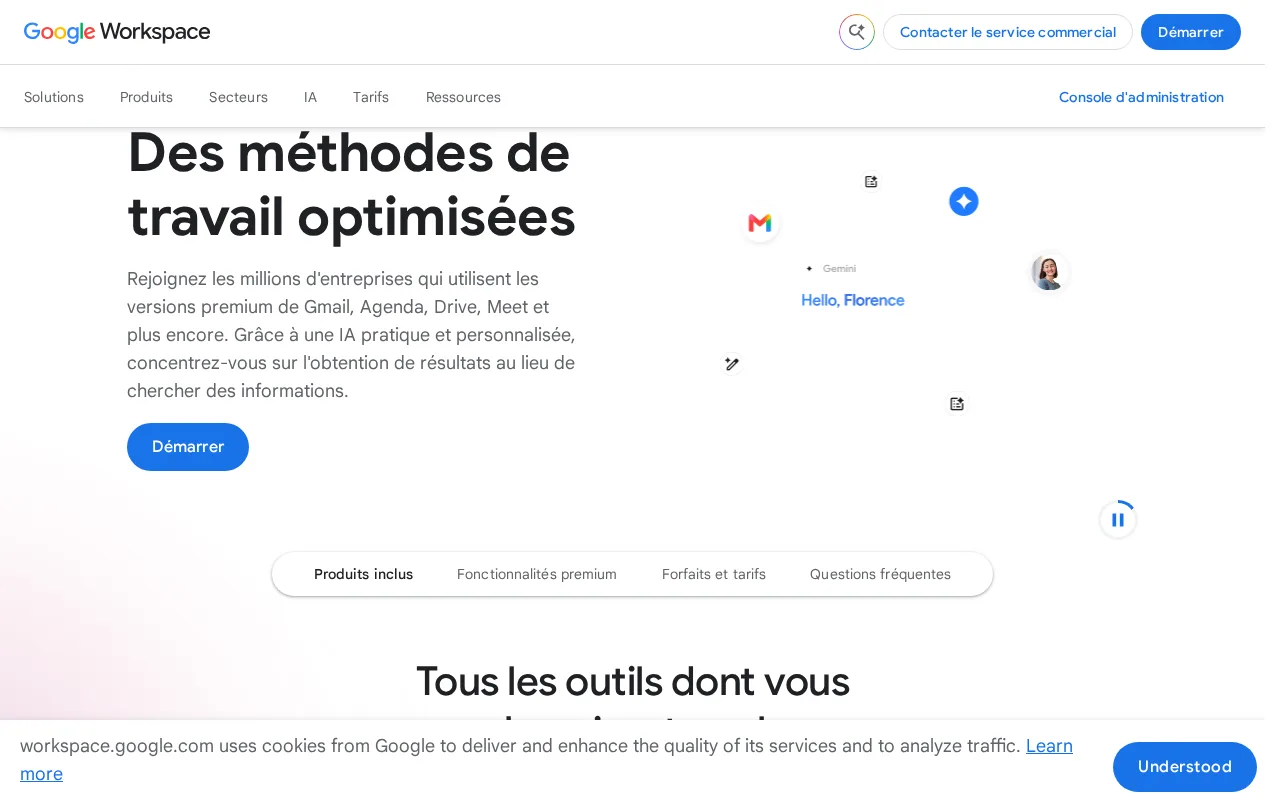
Google Workspace is the best Notion alternative for teams whose real problem is that Notion does not do email. Google Workspace bundles Gmail on a custom domain with Drive, Docs, Sheets, Slides, Meet, Calendar, and Chat under one admin console from $7/user/month billed annually, below Notion's $10/member/month Plus, and it carries 4.7/5 from 17,667 Capterra reviews — the only external rating on record among every tool in this comparison. Gemini AI is bundled into every paid tier rather than gated, which lands squarely on Notion's own biggest weakness: Notion's Free and Plus plans give only trial AI, and full access needs the $20/member/month Business plan or separate credits at $10 per 1,000. Google Workspace's learning curve is rated low against Notion's steep, and real-time co-editing with live cursors works across Docs, Sheets, and Slides with no manual save. Notion is still the better choice for structured knowledge: Google Workspace has no relational databases and no nested linked-page wiki, which is why most teams choose Notion in the first place, and it has no free tier at all, where Notion's free plan supports unlimited pages and blocks for solo use. Workspace also ships no official native Linux desktop client, while Notion does.
Compared to Notion: business email, Drive, Meet, and Calendar inside the same $7/user/month subscription, Gemini AI bundled into every paid tier rather than gated at $20/member/month, and no free tier at all
Wins:Bundles Gmail on a custom domain, Drive, Docs, Sheets, Slides, Meet, and Calendar under one admin console from $7/user/month billed annually, below Notion's $10/member/month Plus · Gemini AI is included in every paid tier, where Notion gives only trial AI on Free and Plus and charges $20/member/month or $10 per 1,000 credits for full access · 4.7/5 from 17,667 Capterra reviews — the only external rating on record among the tools compared here — with a learning curve rated low against Notion's steep
Loses:No free tier at all, where Notion's free plan supports unlimited pages and blocks for solo use · No relational databases and no nested linked-page wiki structure, which is the reason most teams pick Notion · No official native Linux desktop client (Notion ships one), Meet participant caps and pooled storage are hard-capped per tier, and the advertised rate requires annual billing — flexible monthly costs about 20% more ($8.40 vs $7)
Pros
- Real-time collaborative editing across Docs, Sheets, and Slides with automatic saving.
- Gemini AI features are bundled into every paid tier rather than sold as a separate add-on.
- Tight integration across Gmail, Drive, Calendar, and Meet under one admin console.
- Transparent, published per-user pricing with no mandatory onboarding fee.
Cons
- Offline and power-user editing features lag behind Microsoft 365's desktop Excel and Word.
- No official native Linux desktop client for Drive sync.
- Google Meet participant caps and storage limits are hard-capped per tier, forcing plan upgrades.
- Lowest advertised per-user price requires annual billing; flexible monthly billing costs about 20% more.
Pricing: From $7/mo — $7/user/month for Business Starter billed annually ($8.40 billed flexibly) vs Notion's $10/member/month Plus — $70/month vs $100/month at 10 seats, though Google Workspace has no free tier
5ClickUp — best Notion alternative for small and mid-sized teams that want tasks, docs, chat, and time tracking on one paid seat instead of buying a tracker, a wiki, a chat app, and a timesheet tool separately
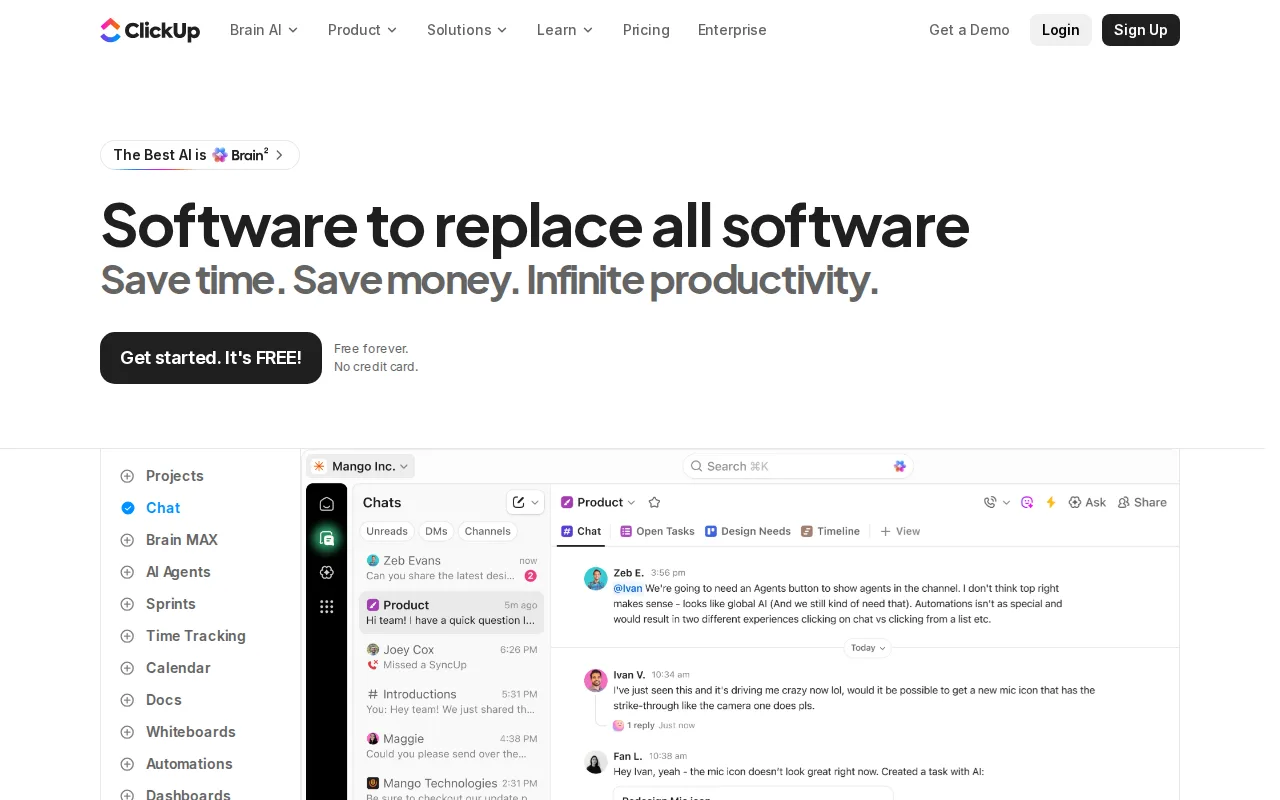
ClickUp is the best Notion alternative for teams whose center of gravity is tasks rather than documents. ClickUp's Unlimited plan costs $7/user/month billed yearly ($10 billed monthly), 30% below Notion's $10/member/month Plus, and includes unlimited storage, unlimited Gantt charts, unlimited integrations, unlimited custom fields, native time tracking, and resource management — project-management depth that Notion's databases only approximate. ClickUp Business is $12/user/month billed yearly ($19 monthly) against Notion Business at $20/member/month, so a 25-person team pays $300/month instead of $500/month, and ClickUp Business adds 5,000 automations per month, unlimited dashboards, private whiteboards, sprint points and reporting, and Google SSO. ClickUp's Free Forever plan allows unlimited tasks and unlimited free members with 24/7 support, though file storage is capped at 60MB. Notion is still the better choice for writing and company knowledge: nested pages, linked databases, and a real wiki structure are what teams pick Notion for, and ClickUp's collaborative docs are a lighter version of that. SAML SSO and SCIM provisioning also require ClickUp's custom-quoted Enterprise plan, while Notion includes SAML SSO on its published $20/member/month Business tier, and ClickUp's advertised $7 and $12 rates both require yearly billing.
Compared to Notion: $7/user/month billed yearly against Notion's $10/member/month Plus, unlimited Gantt charts, native time tracking, and resource management at that price, and SAML SSO gated to custom-quoted Enterprise where Notion includes it at $20/member/month
Wins:Unlimited is $7/user/month billed yearly ($10 monthly), 30% below Notion's $10/member/month Plus, with unlimited storage, Gantt charts, integrations, and custom fields · Business is $12/user/month billed yearly against Notion Business at $20/member/month — $300/month versus $500/month for a 25-person team — adding 5,000 automations per month, unlimited dashboards, and sprint points and reporting · Native time tracking, resource management, and portfolio workload management are built in, where Notion's databases only approximate project-management depth
Loses:SAML SSO and SCIM provisioning require custom-quoted Enterprise; Notion includes SAML SSO on its published $20/member/month Business plan · Free Forever caps total file storage at 60MB, and the advertised $7 and $12 rates both require yearly billing — monthly costs $10 and $19 · Nested pages, linked databases, and a wiki structure for company knowledge are what Notion is built around; ClickUp's collaborative docs are a lighter version of that
Pros
- Free Forever includes unlimited tasks and unlimited members with Kanban boards, sprints, collaborative docs, calendar view, and in-app video recording.
- Unlimited at $7/user/month billed yearly already covers unlimited storage, Gantt charts, integrations, custom fields, and native time tracking.
- One workspace spans tasks, docs and wikis, chat, whiteboards, dashboards, goals, forms, and time tracking, cutting the number of separate subscriptions a team carries.
- Native apps for Windows, macOS, Linux, iOS, and Android plus a Chrome extension and a public API (10,000 calls/minute on Enterprise).
- ClickUp holds 4.6/5 across 4,630 Capterra reviews, 4.1/5 across 687 Trustpilot reviews, and 4.6/5 across 123 Product Hunt reviews.
Cons
- AI is priced on top of the plan at $9/user/month (Brain AI) or $28/user/month (Everything AI), plus $10 per 10,000 AI Super Credits once the allowance runs out.
- Free Forever caps total file storage at 60MB and Spaces at 5, so the free plan stops working for any team that attaches real files.
- Depth comes with per-plan caps on Spaces, lists, folders, automations, and view types — 40 lists per Space on Free, 200 on Unlimited, 400 on Business — so a workspace needs deliberate setup before it is usable.
- Payment is per Workspace and the whole Workspace must upgrade at once; a single team cannot be moved to a paid plan on its own.
Pricing: Free tier · paid from $7/mo — $7/user/month for ClickUp Unlimited billed yearly ($10 monthly) vs Notion's $10/member/month Plus, and $12/user/month for ClickUp Business vs Notion Business at $20/member/month — $300/month vs $500/month at 25 seats (verified )
6Evernote — best Notion alternative for individuals who want to capture and search notes, scanned documents, and web clips across phone, desktop, and browser in one synced place
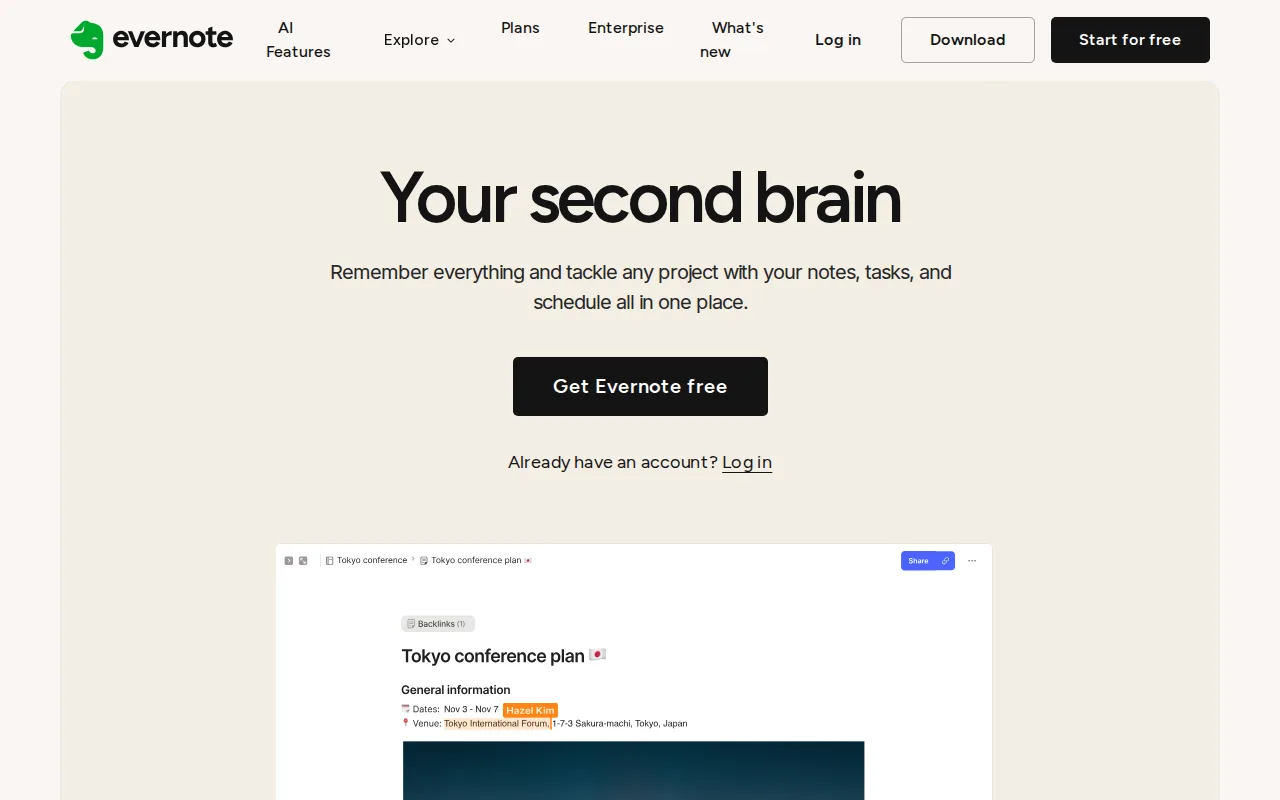
Evernote is the best Notion alternative for people whose notes start as paper, PDFs, and web pages rather than as typed documents. Evernote's Web Clipper captures full articles, screenshots, and PDFs straight into notebooks, and its OCR makes scanned documents and images searchable, neither of which Notion's block editor does. Evernote's search also goes further than Notion's, supporting Boolean, geographic, and filtered queries across notes, attachments, and scans, and its paid plans add AI meeting transcription, rewriting, and semantic search. Its apps on Windows, Mac, iOS, Android, and web are mature with reliable sync, and its learning curve is rated moderate against Notion's steep. Notion is still the better choice for almost everything else, starting with price: Evernote Starter costs $14.99/month against Notion's $10/member/month Plus, and Advanced at $17.99/month sits just under Notion Business at $20/member/month, which also brings Notion Agent, AI Meeting Notes, SAML SSO, and private teamspaces. Evernote's free tier is far tighter than Notion's — 50 notes, 1 notebook, 1 device sync, 1GB monthly upload, and 20 tags — where Notion's free plan supports unlimited pages and blocks for solo use, and even paid Starter stops at 1,000 notes and 20 notebooks. Evernote has no relational databases and no Linux client.
Compared to Notion: OCR that makes scanned documents and images searchable, a Web Clipper that captures full articles and PDFs into notebooks, and $14.99/month for Starter against Notion's $10/member/month Plus
Wins:OCR makes scanned documents, PDFs, and images searchable, and the Web Clipper captures full articles, screenshots, and PDFs straight into notebooks — neither of which Notion's block editor does · Advanced search supports Boolean, geographic, and filtered queries across notes, attachments, and scans, going beyond what Notion's search covers · Mature apps on Windows, Mac, iOS, Android, and web with reliable sync, and a learning curve rated moderate against Notion's steep
Loses:Starter costs $14.99/month against Notion's $10/member/month Plus, and Advanced at $17.99/month sits just under Notion Business at $20, which also includes Notion Agent, AI Meeting Notes, SAML SSO, and private teamspaces · The free tier stops at 50 notes, 1 notebook, 1 device sync, 1GB monthly upload, and 20 tags, where Notion's free plan supports unlimited pages and blocks for solo use · No relational databases, no linked-page wiki structure, and no Linux desktop client, all of which Notion provides; even paid Starter caps users at 1,000 notes and 20 notebooks
Pros
- Strong OCR and document scanning for turning paper and PDFs into searchable notes
- Mature apps on Windows, Mac, iOS, Android, and web with reliable sync
- Web Clipper captures full articles, screenshots, and PDFs directly into notebooks
- AI features for meeting transcription, rewriting, and semantic search built into paid plans
Cons
- Free plan is capped at 50 notes and 1 device, far tighter than competitors like Google Keep or Notion's free tiers
- Notebook limits even on the paid Starter plan (20 notebooks) can feel restrictive for heavy users
- Pricing has risen substantially over the years, which has pushed some long-time users toward cheaper alternatives
- No fully offline-first, end-to-end encrypted note body by default outside of the in-note encryption feature on Mac and Windows
Pricing: Free tier · paid from $14.99/mo — $14.99/month for Evernote Starter vs Notion's $10/member/month Plus, and $17.99/month for Evernote Advanced vs Notion Business at $20/member/month