5 Best Alternatives to Mixpanel for Web in 2026
By Noahlast updated pricing verified
Compared: Mixpanel alternatives that run on Web
| Alternative | Best for | Learning curve | Price |
|---|---|---|---|
| Mixpanelreference | product teams tracking funnels, retention, and feature adoption across web and mobile without writing SQL | Moderate | Free |
| Amplitude | product teams that need behavioral analytics, session replay, and lightweight experimentation in one tool, and prefer usage-based pricing tied to event volume over per-seat licensing | Moderate | Free |
| PostHog | product and engineering teams who want analytics, session replay, feature flags, and error tracking in one platform instead of stitching together separate tools | Moderate | Free |
| Google Analytics | businesses that want free, event-based web and app analytics tightly integrated with Google Ads for campaign measurement | Moderate | Free |
| Heap | product teams that want non-technical staff to build and adjust event funnels retroactively, without waiting on engineering to instrument new tracking code | Low | Free |
| Pendo | product and revenue teams at mid-size to enterprise software companies who need in-app guidance and usage analytics without writing custom instrumentation code for every feature | Moderate | Free |
 Mixpanel
 Amplitude
 PostHog
 Google Analytics
 Heap
Heap Pendo
Pendo1Amplitude — best Mixpanel alternative for product teams that need behavioral analytics, session replay, and lightweight experimentation in one tool, and prefer usage-based pricing tied to event volume over per-seat licensing
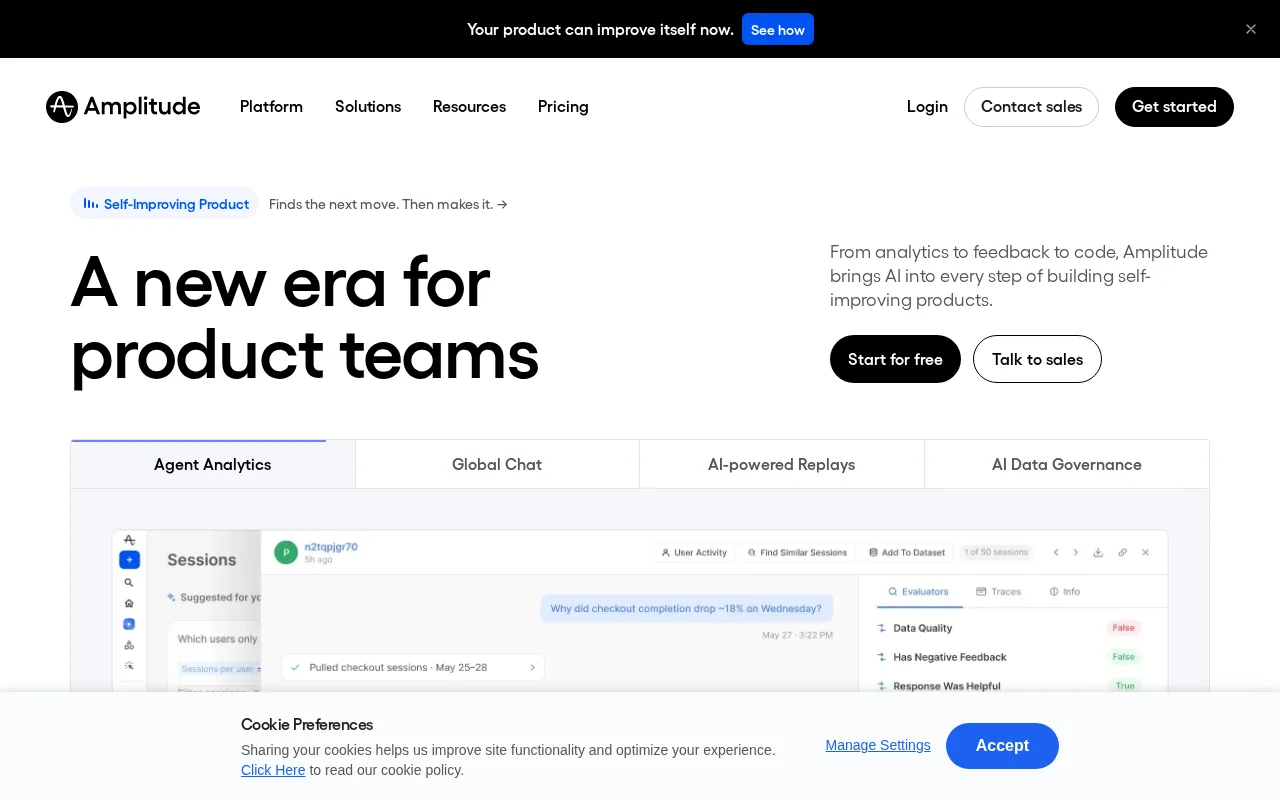
Amplitude is the best Mixpanel alternative for product teams that want behavioral analytics, session replay, and feature experimentation bundled into one platform under usage-based pricing tied to event volume. Amplitude's Free plan covers up to 2 million tracked events per month with no credit card required, double Mixpanel's own free tier of 1 million events, and it includes AI agents, 10,000 monthly session replays, and MCP connectivity for tools like Claude and Cursor at no cost. Amplitude holds a 4.6/5 rating from 68 Capterra reviews, close to Mixpanel's 4.5/5 from 146 Capterra reviews though with less review volume. Both tools ship SDKs across major languages and bundle session replay and experimentation directly into the analytics product rather than requiring separate tools. Mixpanel is still the better choice for teams that want fast, ad hoc querying across tens of millions of events via its proprietary Arb engine, or that prioritize its stronger combined review count (146 Capterra plus 90 Product Hunt reviews): Amplitude's Growth and Enterprise pricing beyond the free tier is largely hidden behind "contact sales," the same opacity Mixpanel's own Growth plan has past its 1M free events.
Compared to Mixpanel: a larger free tier (2M events/month vs 1M), session replay and MCP connectivity for Claude and Cursor included free, native SDKs across TypeScript, Python, Go, Swift, and Kotlin
Wins:Free tier covers 2 million events/month with no credit card required, double Mixpanel's 1 million free events · AI agents, MCP connectivity, and 10,000 monthly session replays included free · SDKs across TypeScript, Python, Go, Swift, and Kotlin cover most product stacks
Loses:Lower combined review volume (68 Capterra reviews) than Mixpanel's 146 Capterra plus 90 Product Hunt reviews · No equivalent to Mixpanel's proprietary Arb query engine built specifically for fast ad hoc queries across tens of millions of events · Growth and Enterprise pricing beyond the free tier is largely hidden behind "contact sales," the same limitation Mixpanel's own Growth plan has
Pros
- Free tier covers 2 million events/month with no credit card required, generous compared to many analytics competitors.
- Session replay and feature experimentation are built in, reducing the need for separate tools.
- Native MCP support lets AI coding assistants query product analytics data directly.
- SDKs across TypeScript, Python, Go, Swift, and Kotlin cover most product stacks.
Cons
- Growth and Enterprise pricing is not published; both require a sales conversation to get a quote.
- Usage-based pricing means costs can rise with instrumentation depth, not just company size or seats.
- Advanced session replay volume (beyond the free tier's 10,000/month) requires moving to a paid plan.
- Setup and event-taxonomy design require more upfront planning than simpler analytics tools.
Pricing: Free — Free up to 2M events/month, then usage-based, vs Mixpanel's free tier up to 1M events/month, then usage-based (verified )
2PostHog — best Mixpanel alternative for product and engineering teams who want analytics, session replay, feature flags, and error tracking in one platform instead of stitching together separate tools
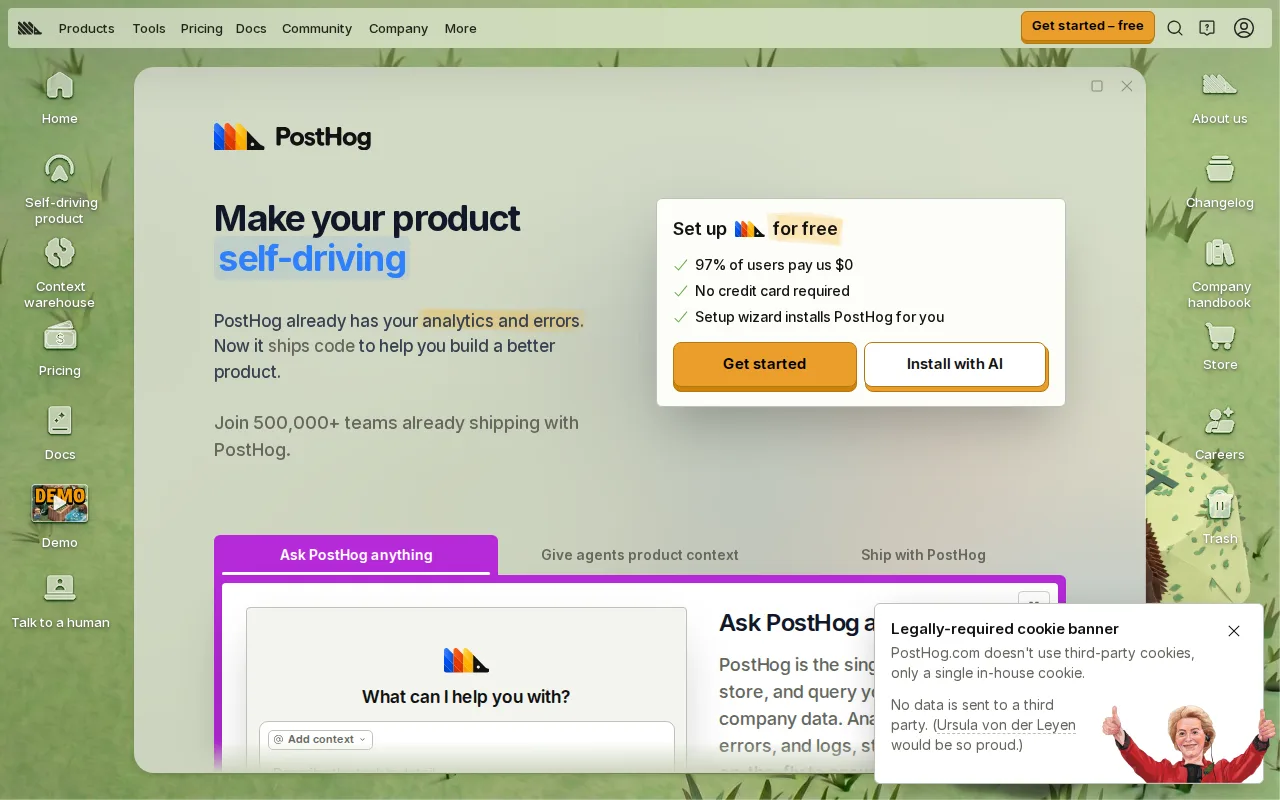
PostHog is the best Mixpanel alternative for product and engineering teams who want analytics, session replay, feature flags, error tracking, and surveys bundled into one open-source platform instead of assembling several point tools. PostHog's Free plan includes 1 million analytics events, 5,000 session replays, 1 million feature flag requests, and 100,000 error tracking exceptions per month with no credit card required, matching Mixpanel's own 1 million free events but adding replay, flags, and error tracking Mixpanel's free tier doesn't include. PostHog holds a 5.0/5 rating from 253 Product Hunt reviews, more review volume than Mixpanel's 90 Product Hunt reviews. PostHog's core is MIT-licensed and available on GitHub, with a dedicated posthog-foss repository for teams that want strictly open-source code, unlike Mixpanel, which is fully closed-source. Mixpanel is still the better choice for teams that specifically need fast ad hoc queries across very large event volumes via a purpose-built query engine (Arb) or that prefer a single, more focused analytics product: PostHog's usage-based pricing spans several separately billed products (events, replays, flags, surveys, data warehouse), making total monthly cost harder to forecast than Mixpanel's single event-based pricing model.
Compared to Mixpanel: bundles session replay, feature flags, error tracking, and surveys alongside analytics in one open-source tool, an MIT-licensed core on GitHub vs Mixpanel's closed-source codebase, 253 Product Hunt reviews vs Mixpanel's 90
Wins:Free tier bundles session replay, feature flags, and error tracking alongside analytics, none of which Mixpanel's free tier includes · MIT-licensed, open-source core on GitHub, with a dedicated posthog-foss repository, unlike Mixpanel's closed-source codebase · 253 Product Hunt reviews at 5.0/5, more review volume than Mixpanel's 90 Product Hunt reviews
Loses:No equivalent to Mixpanel's proprietary Arb query engine purpose-built for fast ad hoc queries at scale · Usage-based pricing spans multiple separately billed products, harder to forecast than Mixpanel's single event-based model · Lower Capterra review count than Mixpanel's 146 Capterra reviews (PostHog's rating comes from Product Hunt only)
Pros
- Combines analytics, session replay, feature flags, error tracking, and surveys in one platform.
- Generous free tier: 1M analytics events and 5,000 session replays per month with no credit card required.
- MIT-licensed core with source available on GitHub, plus a dedicated posthog-foss repository for strictly open-source use.
- Choice of US or EU cloud region, or self-hosting.
Cons
- Usage-based pricing spans multiple products independently, making total monthly cost harder to forecast than flat per-seat pricing.
- Some enterprise features are gated behind a separate proprietary license (the 'ee' directory), not the fully open-source core.
- Self-hosting PostHog at scale requires more operational overhead than using the managed cloud.
- The breadth of bundled tools (analytics, replay, flags, surveys, data warehouse) means new users face a wider surface area to learn than a single-purpose analytics tool.
Pricing: Free — Free up to 1M events/month (plus 5,000 replays), then usage-based, vs Mixpanel's free tier up to 1M events/month, then usage-based (verified )
3Google Analytics — best Mixpanel alternative for businesses that want free, event-based web and app analytics tightly integrated with Google Ads for campaign measurement
Google Analytics is the best Mixpanel alternative for businesses that want free, event-based web and app analytics with no meaningful traffic cap, tightly integrated with Google Ads for campaign measurement. Google Analytics 4 is free for businesses of any size, unlike Mixpanel's free tier, which caps at 1 million events per month before usage-based billing begins. Google Analytics holds a 4.7/5 rating from 8,101 Capterra reviews, by far the largest review count of any tool in this comparison and dramatically more than Mixpanel's 146 Capterra reviews. Like Mixpanel, GA4 uses an event-based data model rather than the older session-based approach, and it adds machine-learning-driven insights like predicted churn and purchase likelihood built in at no extra cost. Mixpanel is still the better choice for product teams that need discrete, no-SQL-required funnel and retention analysis built specifically around product usage rather than marketing-site traffic: GA4's event model and reorganized interface represent a real relearning curve for teams used to older analytics tools, and its enterprise tier, Google Analytics 360, requires a sales conversation for pricing, same as Mixpanel's own Enterprise plan.
Compared to Mixpanel: completely free for businesses of any size with no meaningful traffic cap, a 4.7/5 rating from 8,101 Capterra reviews vs Mixpanel's 146, native Google Ads integration for campaign ROI measurement
Wins:Completely free for businesses of any size, unlike Mixpanel's 1M-event free-tier cap before usage-based billing · 8,101 Capterra reviews at 4.7/5, by far the largest review count of any tool in this comparison · Native Google Ads integration ties analytics directly to campaign performance at no extra cost
Loses:Not built specifically around discrete product-usage funnels and retention the way Mixpanel is · GA4's event-based model and reorganized interface represent a real relearning curve for teams used to older tools · Standard properties apply data sampling and shorter retention windows that only the custom-priced 360 tier removes
Pros
- Free for businesses of any size, with no meaningful traffic cap for most use cases.
- Deep, native integration with Google Ads for tying analytics directly to campaign performance.
- Cross-platform (web + app) tracking in a single GA4 property.
- Machine-learning-driven insights (predictive metrics, anomaly detection) built in at no extra cost.
Cons
- GA4's event-based model and menu reorganization created a steep relearning curve versus the older Universal Analytics.
- Standard (free) properties apply data sampling and shorter data-retention windows than the paid 360 tier.
- Google Analytics 360 pricing is not published and requires a sales conversation, making budgeting difficult upfront.
- Some users report GA4 reports are harder to pull and customize compared to the legacy interface.
Pricing: Free — Free for businesses of any size vs Mixpanel's free tier up to 1M events/month, then usage-based (verified )
4Heap — best Mixpanel alternative for product teams that want non-technical staff to build and adjust event funnels retroactively, without waiting on engineering to instrument new tracking code
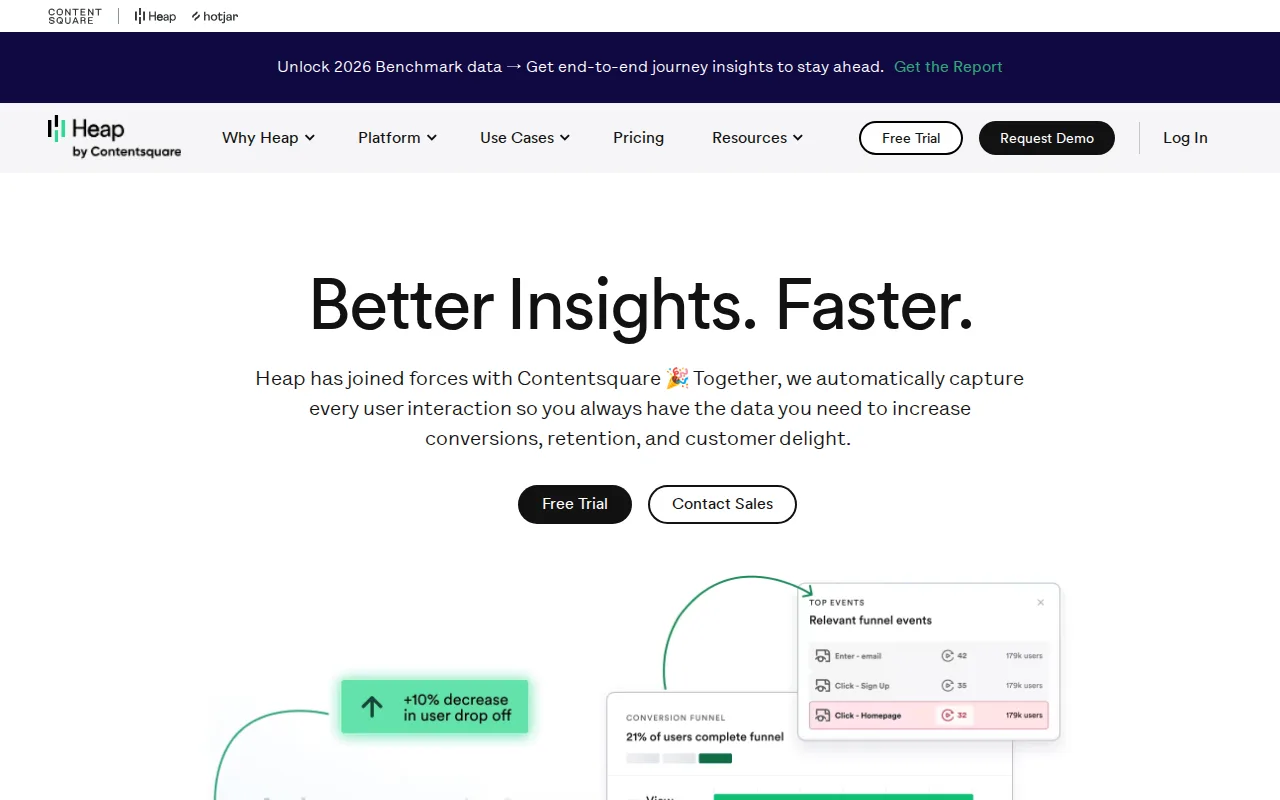
Heap is the best Mixpanel alternative for product teams that want non-technical staff to build and adjust event funnels retroactively, without waiting on engineering to instrument new tracking code the way Mixpanel typically requires. Heap's autocapture model records every click, tap, and form submission from install through a single snippet, so a product manager can define a new funnel step after the fact and see historical data for it immediately, a structural difference from Mixpanel's manual event-tagging approach. Heap's Free plan covers up to 10,000 monthly sessions and 6 months of history, and it holds a 4.5/5 rating from 42 Capterra reviews, close to Mixpanel's 4.5/5 from 146 Capterra reviews though with less review volume. Heap is now owned by Contentsquare, feeding its analytics and session replay into a broader digital experience platform. Mixpanel is still the better choice for teams that specifically want a genuinely free tier scaled by events rather than sessions: Heap's Growth, Pro, and Premier pricing above the 10,000-session free tier is not published and requires a sales conversation, and reviewers report costs rising sharply as session volume scales, prompting some teams to switch at renewal.
Compared to Mixpanel: autocapture records every interaction from install, letting teams build funnels against historical data with no manual event tagging, now backed by Contentsquare's broader digital experience platform
Wins:Autocapture records every interaction on install, so new funnels can be built against historical data with no re-instrumentation, unlike Mixpanel's manual event-tagging model · Non-technical team members can define and adjust tracked events without engineering involvement · Free tier includes SSO and unlimited enrichment sources, not just a stripped-down trial
Loses:No published pricing above the 10,000-session free tier; Growth, Pro, and Premier all require a sales quote, unlike Mixpanel's clearer free-to-usage-based path · Lower review volume (42 Capterra reviews) than Mixpanel's combined 146 Capterra plus 90 Product Hunt reviews · Session replay is an add-on rather than included in the base Pro plan
Pros
- Autocapture records every interaction on install, so new funnels can be built against historical data with no re-instrumentation.
- Non-technical team members can define and adjust tracked events without engineering involvement.
- Sense AI enables natural-language queries against behavioral data.
- Free tier includes SSO and unlimited enrichment sources, not just a stripped-down trial.
Cons
- No published pricing above the 10,000-session free tier; Growth, Pro, and Premier require a sales quote.
- Reviewers report costs rising sharply as monthly session volume grows.
- Session replay is an add-on rather than included in the base Pro plan.
- Now part of Contentsquare following acquisition, which has changed roadmap priorities for some long-time users.
Pricing: Free — Free up to 10,000 sessions/month, then custom quote, vs Mixpanel's free tier up to 1M events/month, then usage-based (verified )
5Pendo — best Mixpanel alternative for product and revenue teams at mid-size to enterprise software companies who need in-app guidance and usage analytics without writing custom instrumentation code for every feature
Pendo is the best Mixpanel alternative for product and revenue teams that need in-app guides, walkthroughs, and feedback surveys layered directly on top of usage analytics, without requiring engineering resources for every change, a combination Mixpanel's analytics-only product doesn't offer. Pendo's Free plan covers up to 500 monthly active users with real product analytics, in-app guides, and Pendo-branded roadmaps and NPS surveys, and the company reports tracking over 40 trillion events across 18,000+ apps and agents. Pendo holds a 4.5/5 rating from 238 Capterra reviews, more review volume than Mixpanel's 146 Capterra reviews, with reviewers specifically praising customer service. Pendo's Agent Analytics and Pendo MCP extend the platform to monitor how users interact with AI agents inside a product, letting tools like Claude query usage data through natural language, similar in spirit to Mixpanel's own MCP integrations for Slack, Claude, ChatGPT, and Cursor. Mixpanel is still the better choice for teams that want a leaner, analytics-focused tool with a straightforward free-to-paid path: every one of Pendo's paid tiers (Base, Core, Ultimate) is quoted individually with no published pricing, while Mixpanel at least publishes its free-tier limits clearly before usage-based billing kicks in.
Compared to Mixpanel: in-app guides, walkthroughs, and feedback surveys built directly on top of usage analytics, a 4.5/5 rating from 238 Capterra reviews vs Mixpanel's 146, Agent Analytics for monitoring AI-feature usage
Wins:In-app guides and walkthroughs can be built and published without engineering involvement, a capability Mixpanel's analytics-only product lacks · 4.5/5 rating from 238 Capterra reviews vs Mixpanel's 146 Capterra reviews · Free plan covers up to 500 MAU with real product analytics and in-app guides, not just a time-limited trial
Loses:Every paid tier (Base, Core, Ultimate) is quoted individually with no published pricing, less transparent than Mixpanel's stated free-tier limits · Access control is coarse, with limited permission tiers and broad default rights for basic users · In-app surveys do not support multi-select response options, limiting nuanced feedback collection
Pros
- Free plan covers up to 500 MAU with real product analytics and in-app guides, not just a time-limited trial.
- In-app guides and walkthroughs can be built and published without engineering involvement.
- Leo AI assistant and Agent Analytics extend the platform to monitor AI-feature usage, not just traditional UI events.
- Capterra reviewers rate customer service 4.5/5, citing a communicative, responsive support team.
Cons
- No published pricing for any paid tier; Base, Core, and Ultimate are all custom quotes scaled to MAU.
- Access control is coarse, with limited permission tiers and broad default rights for basic users.
- In-app surveys do not support multi-select response options, limiting nuanced feedback collection.
- Some reviewers report occasional platform stability issues as new features are still being built out.
Pricing: Free — Free up to 500 MAU, then custom quote, vs Mixpanel's free tier up to 1M events/month, then usage-based (verified )