6 Best Alternatives to Google Drive for iOS in 2026
By Noahlast updated
All 6 Google Drive alternatives
Compared: Google Drive alternatives that run on iOS
| Alternative | Best for | Learning curve | Price |
|---|---|---|---|
| Google Drivereference | individuals and teams already using Google Docs, Sheets, and Slides who want real-time collaborative editing with simple cloud storage and sharing links | Low | Free tier · paid from $1.99/mo |
| Dropbox | individuals and teams who need dependable cross-device file sync and simple sharing links, especially teams already invoking Dropbox's large-file-transfer and version-history features | Low | Free tier · paid from $9.99/mo |
| OneDrive | households and businesses already paying for Microsoft 365 who want file storage that co-authors Word, Excel, and PowerPoint documents natively | Low | Free tier · paid from $1.99/mo |
| Box | mid-size and large enterprises that need compliance-grade file storage (HIPAA, FINRA, GDPR) plus AI-powered document workflows, not just file sync | Moderate | Free |
| pCloud | users who want to pay once for cloud storage instead of an ongoing monthly subscription, and who value choosing between EU and US data residency | Low | Free tier · paid from $199 one-time |
| Nextcloud | organizations that want a self-hosted, data-sovereign alternative to Google Workspace or Microsoft 365 for file sync, groupware, and video conferencing | Moderate | Free |
| MEGA | privacy-conscious individuals and small teams who want client-side end-to-end encrypted cloud storage where the provider cannot access file contents | Low | Free |
 Google Drive
 Dropbox
 OneDrive
 Box
Box pCloud
 Nextcloud
 MEGA
MEGA1Dropbox — best Google Drive alternative for individuals and teams who need dependable cross-device file sync and simple sharing links, especially teams already invoking Dropbox's large-file-transfer and version-history features
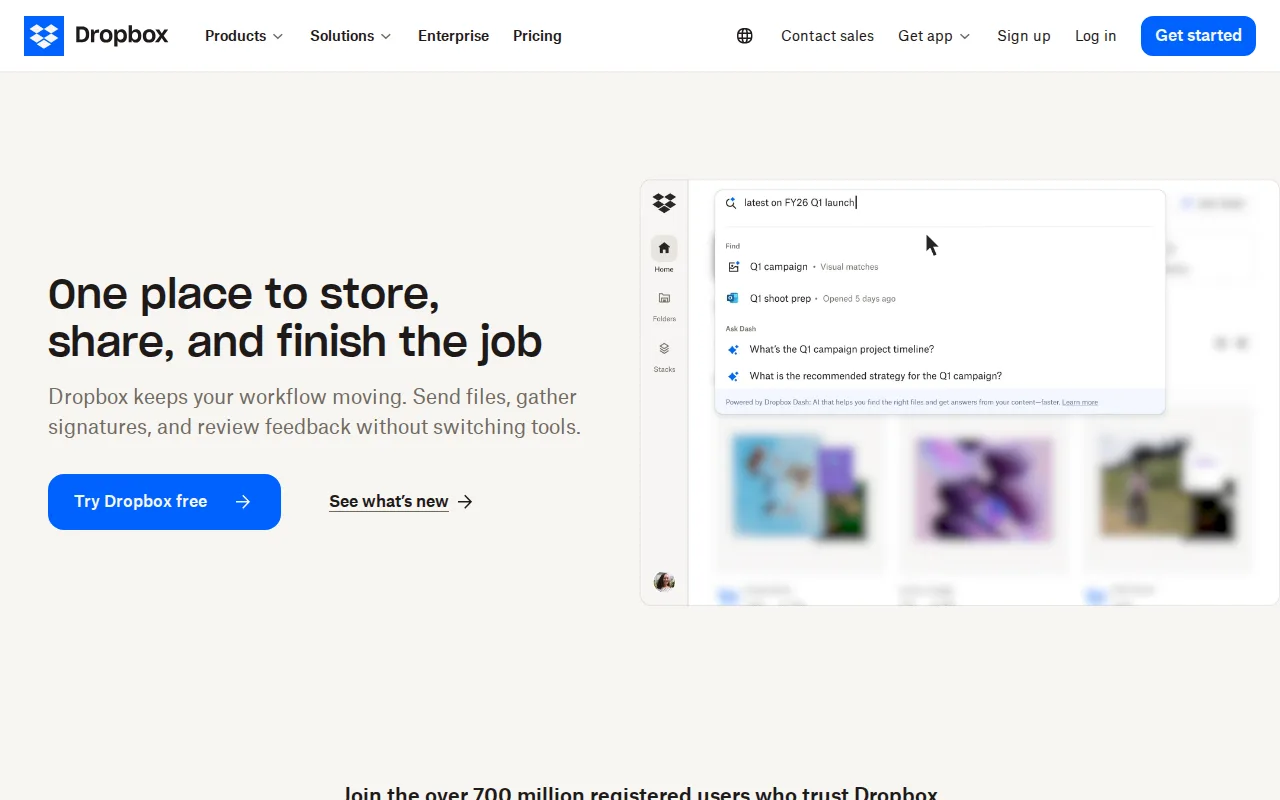
Dropbox is the best Google Drive alternative for individuals and teams who need dependable cross-device sync and simple sharing links without tying storage to Gmail and Photos. Dropbox holds a 4.5/5 rating from 21,704 Capterra reviews, and its file-transfer links handle files up to 250GB, far beyond typical email-attachment limits, with 175+ file-type previews so files open without downloading. Dropbox's Standard team plan pools 3TB of storage starting at $15/user/month, and its version-history windows on paid plans (180 days on Standard, 1 year on Advanced) protect against accidental deletion or ransomware. Google Drive is still the better choice for individuals or teams already living inside Google Docs, Sheets, and Slides who want real-time collaborative editing built directly into the files they store: Dropbox's free Basic tier is capped at just 2GB, well below Google Drive's shared 15GB, and Dropbox's per-user team pricing ($15-$24/month) climbs faster than Google Drive's Google One plans as storage needs grow. Reviewers also note Dropbox can lag on very large folder syncs compared to lighter tools.
Compared to Google Drive: file-transfer links up to 250GB with no dedicated large-file feature on Drive, longer version-history windows on paid plans (up to 1 year), 175+ file-type previews without downloading
Wins:File-transfer links handle files up to 250GB, an explicit large-file feature Google Drive doesn't advertise · Version history and file-recovery windows extend up to 1 year on the Advanced tier · 175+ file-type previews avoid downloading files just to view them
Loses:Free tier is only 2GB, far smaller than Google Drive's shared 15GB · Per-user team pricing ($15-$24/month) climbs faster than Google One's $1.99-$9.99/month storage-only plans · No real-time collaborative editing built into stored files the way Google Docs, Sheets, and Slides offer
Pros
- Reliable cross-device sync with a simple, well-understood synced-folder model.
- File-transfer links support very large files (up to 250GB) without needing a separate tool.
- Long version history and file-recovery windows on paid tiers protect against accidental deletion or ransomware.
- Broad platform support and deep third-party integrations (Slack, Zoom, Adobe, Microsoft Office).
Cons
- Per-user team pricing ($15-$24/month) makes larger teams considerably more expensive than storage-only competitors.
- Free tier is limited to just 2GB, among the smallest of major cloud storage services.
- Syncing very large folders can be slower than expected, according to reviewer feedback.
- Advanced security and admin features (SSO, tiered admin) are locked behind the higher Advanced tier.
Pricing: Free tier · paid from $9.99/mo — $9.99/month Dropbox Plus (2TB) matches Google One's 2TB price, but Dropbox's team plans start higher at $15/user/month versus Google Workspace storage bundled from $7/user/month (verified )
2OneDrive — best Google Drive alternative for households and businesses already paying for Microsoft 365 who want file storage that co-authors Word, Excel, and PowerPoint documents natively
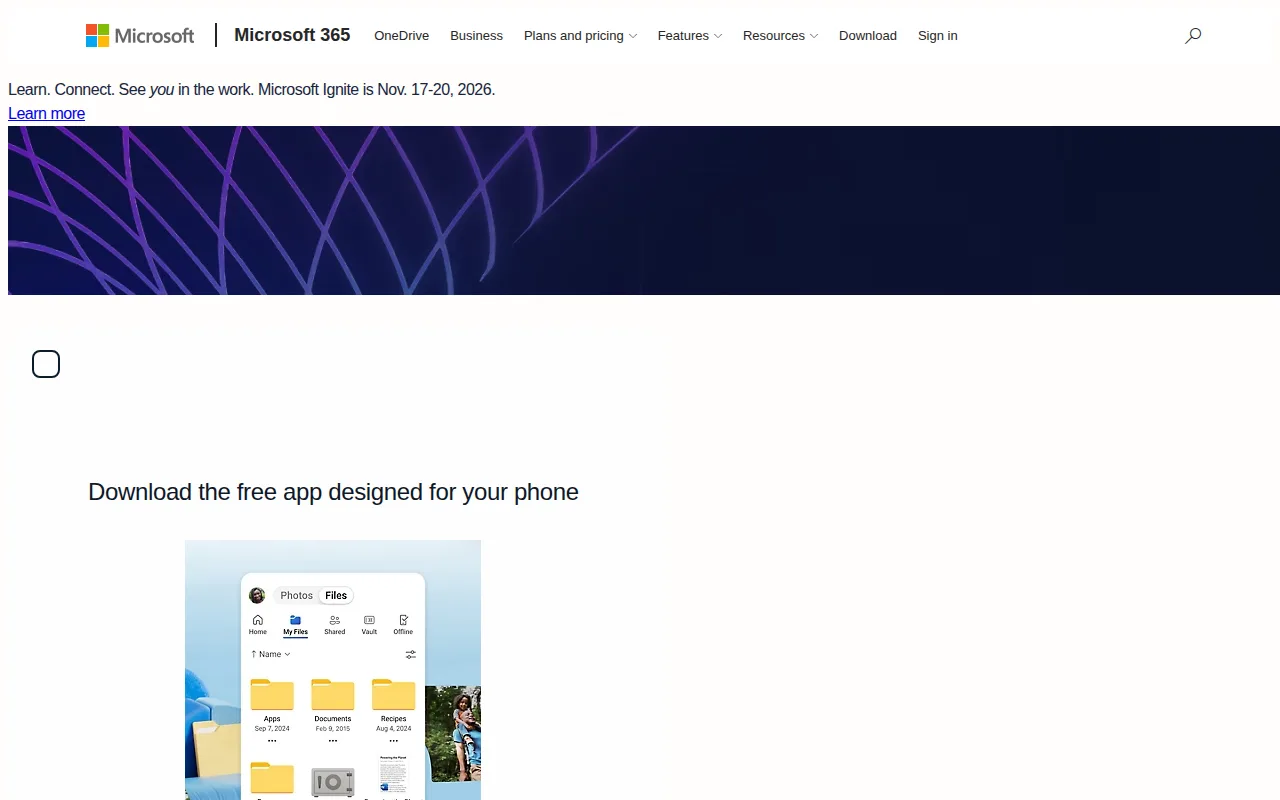
OneDrive is the best Google Drive alternative for households and businesses already paying for Microsoft 365 who want storage that co-authors Word, Excel, and PowerPoint documents natively. Microsoft 365 Personal bundles 1TB of OneDrive storage with the full desktop Office app suite and Copilot access for $9.99/month billed annually, the same price as Google Drive's Google One 2TB-only plan, so OneDrive buyers get 1TB of storage plus a full productivity suite for the same dollar. OneDrive's Family plan splits up to 6TB across six people for $12.99/month, and Personal Vault adds a second PIN- or biometric-locked layer for sensitive files like scanned IDs, something Google Drive doesn't offer. OneDrive holds a 4.5/5 rating from 12,828 Capterra reviews. Google Drive is still the better choice for anyone who specifically wants real-time collaborative editing inside Google Docs, Sheets, and Slides, or who needs a native Linux desktop client: OneDrive has no official Linux app while Google Drive supports Linux, and OneDrive's free tier is capped at just 5GB versus Google Drive's shared 15GB.
Compared to Google Drive: 1TB of storage bundled with full desktop Office apps for the same $9.99/month as Google Drive's storage-only 2TB plan, Personal Vault's extra-authentication layer for sensitive files, Family plan splits up to 6TB across 6 people for $12.99/month
Wins:$9.99/month Microsoft 365 Personal bundles 1TB storage plus desktop Word, Excel, PowerPoint, and Copilot, versus Google One's $9.99/month for 2TB storage alone · Personal Vault adds a PIN- or biometric-locked layer for sensitive files that Google Drive doesn't offer · Family plan splits up to 6TB across 6 people for $12.99/month
Loses:Free tier is only 5GB versus Google Drive's shared 15GB · No official native Linux desktop client, unlike Google Drive · Full value requires a Microsoft 365 subscription rather than storage alone
Pros
- 1TB of storage bundled with a Microsoft 365 Personal subscription that also includes desktop Office apps.
- Personal Vault adds a second authentication layer for sensitive scanned documents and IDs.
- Real-time co-authoring in Word, Excel, and PowerPoint without leaving the desktop apps.
- Family plan splits up to 6TB across six people for $12.99/month.
Cons
- Free tier is only 5GB, well below competitors like Google Drive's 15GB.
- No official native Linux sync client.
- Full value requires a Microsoft 365 subscription, not just storage.
- Sync client has a history of user complaints about performance on large file libraries.
Pricing: Free tier · paid from $1.99/mo — $9.99/month Microsoft 365 Personal (1TB storage plus Office apps) vs Google Drive's $9.99/month Google One 2TB (storage only) (verified )
3Box — best Google Drive alternative for mid-size and large enterprises that need compliance-grade file storage (HIPAA, FINRA, GDPR) plus AI-powered document workflows, not just file sync
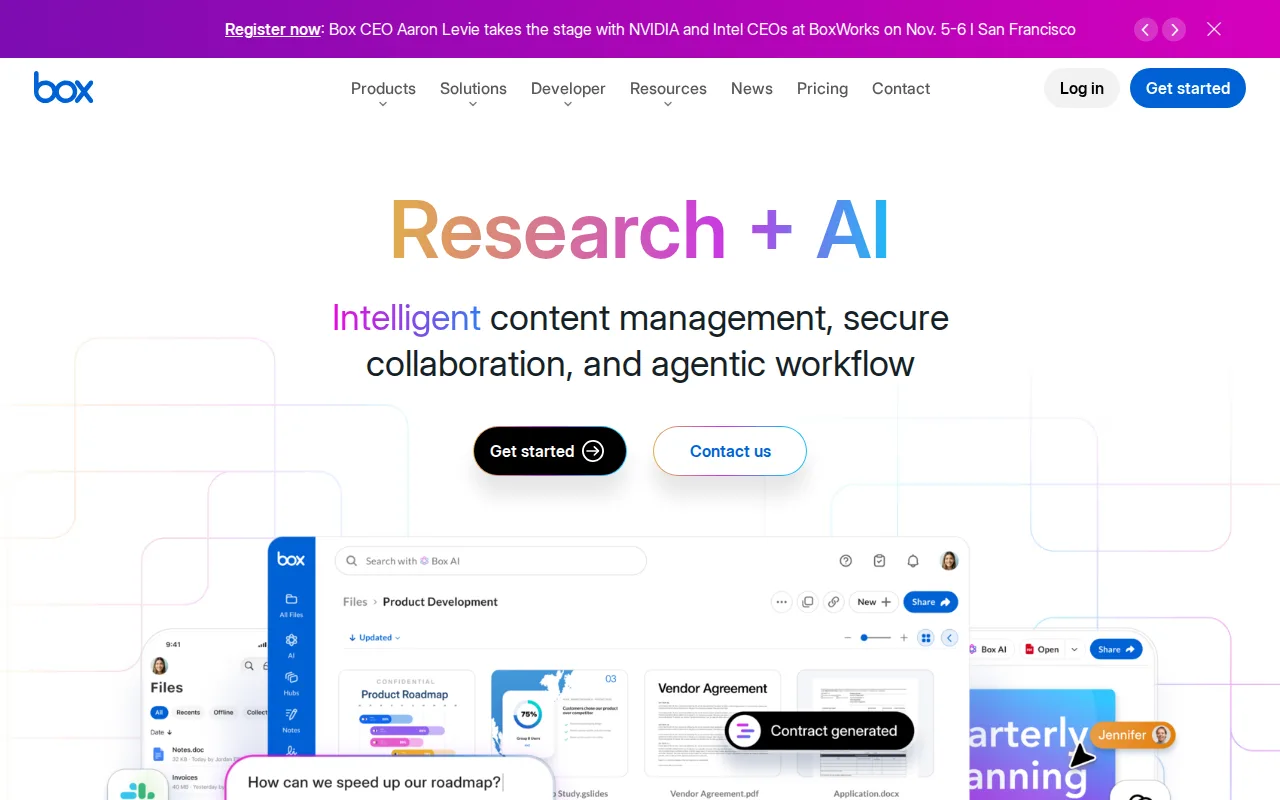
Box is the best Google Drive alternative for mid-size and large enterprises that need compliance-grade file storage, not just casual file sync. Box supports HIPAA, FINRA, and GDPR compliance controls plus Box AI for document summarization and structured data extraction from contracts and handwritten forms, capabilities Google Drive doesn't offer as a standalone product. Box's Business plans headline 'from $5/user/month' with a 3-user minimum, and the Business and Business Plus tiers include unlimited storage rather than Google Drive's tiered Google One caps. Box holds a 4.4/5 rating from 5,641 Capterra reviews, and unlimited e-signature requests are included even on lower-tier Business plans. Google Drive is still the better choice for individuals, small teams, and anyone who wants transparent published pricing: Box's own pricing page shows only the headline '$5/user/month' without exact per-tier dollar figures as static text, requiring an interactive calculator, while Google Drive and Google One list every price directly. Google Drive's Docs/Sheets/Slides editing is also more mature for teams that mainly need simple collaborative documents rather than compliance-grade content management.
Compared to Google Drive: HIPAA/FINRA/GDPR compliance controls Google Drive doesn't offer standalone, unlimited storage on Business and Business Plus tiers vs Google One's capped tiers, unlimited e-signature requests included on lower Business tiers
Wins:HIPAA, FINRA, and GDPR compliance controls built in, which Google Drive doesn't offer as a standalone product · Business and Business Plus tiers include unlimited storage, unlike Google One's capped 100GB-2TB tiers · Unlimited e-signature requests included even on lower Business tiers
Loses:Business plans require a minimum of 3 users, ruling out the solo users Google Drive/Google One serves · Exact per-tier dollar pricing isn't published as static text, requiring an interactive calculator, unlike Google Drive's clearly listed Google One prices · Business Starter tier caps storage at 100GB before unlimited storage kicks in at higher tiers
Pros
- Compliance certifications (HIPAA, FINRA, GDPR support) that matter for regulated industries like banking and life sciences.
- Box AI summarizes documents and extracts structured data from contracts and scanned forms.
- 1,500+ third-party integrations plus a full developer API.
- Unlimited e-signature requests included even on lower-tier Business plans.
Cons
- Business plans require a minimum of 3 users, ruling out solo or two-person teams.
- Business Starter tier caps storage at 100GB while higher tiers are unlimited, creating a hard upgrade point for growing teams.
- Exact per-seat pricing isn't published as static text on Box's own pricing page, requiring an interactive calculator to compare plans.
Pricing: Free — Business plans advertised 'from $5/user/month' (exact tier prices not published as static text) vs Google Drive's storage-only Google One starting at $1.99/month (verified )
4pCloud — best Google Drive alternative for users who want to pay once for cloud storage instead of an ongoing monthly subscription, and who value choosing between EU and US data residency
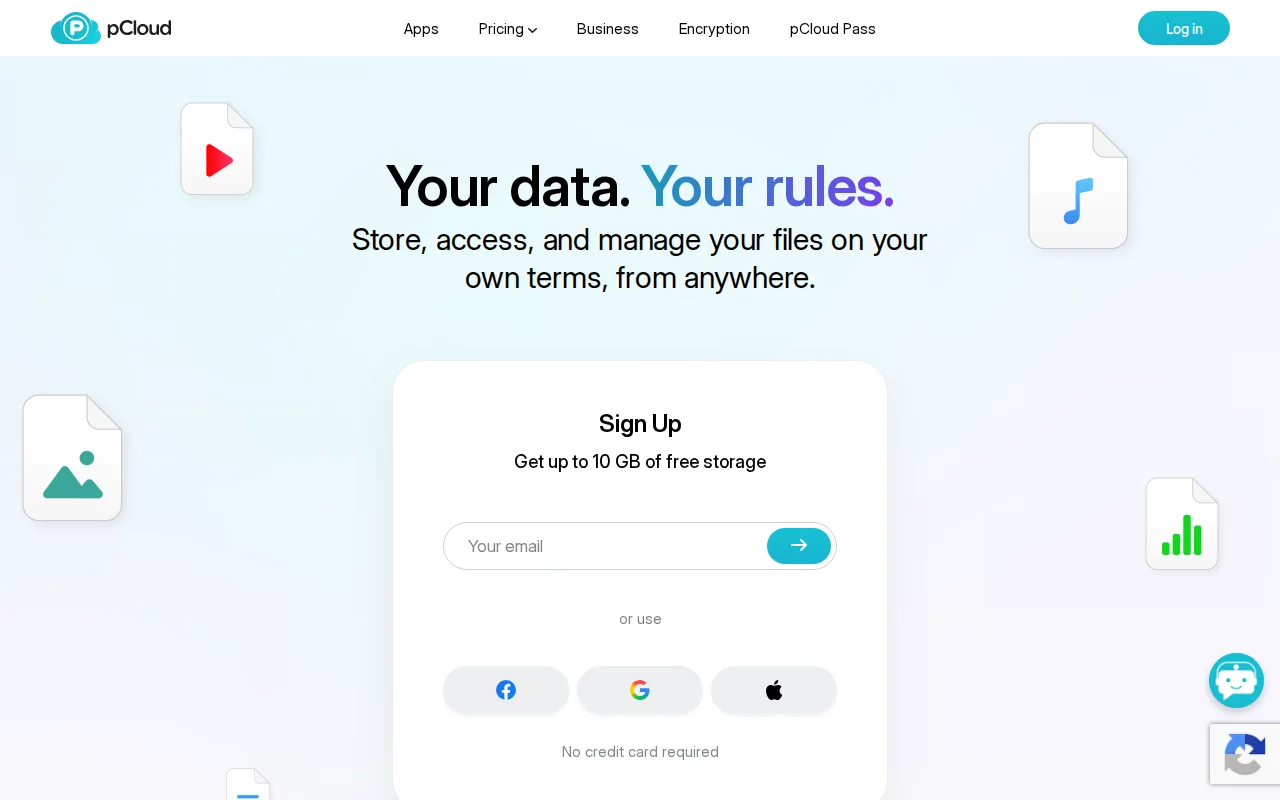
pCloud is the best Google Drive alternative for users who want to pay once for cloud storage instead of Google One's recurring monthly subscription. pCloud's lifetime Premium plan costs $199 one-time for 500GB, and the 2TB Premium Plus plan is $399 one-time, so after roughly 3-4 years of an equivalent Google One monthly plan pCloud has already paid for itself with no further bills. pCloud also lets users choose whether their data lives in Europe or the US, and it holds a 4.5/5 rating from 180 Capterra reviews. Google Drive is still the better choice for anyone who wants a low upfront cost or deep integration with collaborative office apps: pCloud's lifetime plans require $199-$1,190 paid upfront rather than Google Drive's $1.99/month entry point, true zero-knowledge encryption is a separate paid add-on rather than built in, and pCloud has no equivalent to Google Docs, Sheets, and Slides real-time collaborative editing built directly into stored files.
Compared to Google Drive: one-time lifetime payment ($199 for 500GB) instead of a recurring subscription, choice of EU or US data center, no ongoing monthly bill after the upfront purchase
Wins:One-time lifetime payment ($199 for 500GB, $399 for 2TB) eliminates Google One's recurring monthly subscription entirely · Choice of EU (Luxembourg) or US data center for stored files, a choice Google Drive doesn't offer · 30-day file version history included on paid plans
Loses:Lifetime plans require a large upfront payment ($199-$1,190) versus Google Drive's $1.99/month entry point · True zero-knowledge client-side encryption costs extra as a paid add-on rather than being built in · No real-time collaborative document editing built into stored files, unlike Google Docs, Sheets, and Slides
Pros
- One-time lifetime plans eliminate recurring subscription costs for long-term storage.
- Choice of EU (Luxembourg) or US data center for stored files.
- 30-day file version history and password-protected sharing links included on paid plans.
- 14-day money-back guarantee on lifetime purchases.
Cons
- True zero-knowledge client-side encryption (pCloud Encryption) costs extra rather than being built in.
- Lifetime plans require a large upfront payment ($199-$1,190) instead of a low monthly fee.
- Free plan's exact storage allocation isn't clearly stated on the pricing page.
- No annual/monthly subscription pricing is prominently displayed alongside the lifetime plans, which can make comparison shopping harder.
Pricing: Free tier · paid from $199 one-time — $199 one-time (500GB, lifetime) vs Google Drive's $1.99/month Google One 100GB — pCloud has no ongoing monthly fee after the upfront purchase (verified )
5Nextcloud — best Google Drive alternative for organizations that want a self-hosted, data-sovereign alternative to Google Workspace or Microsoft 365 for file sync, groupware, and video conferencing
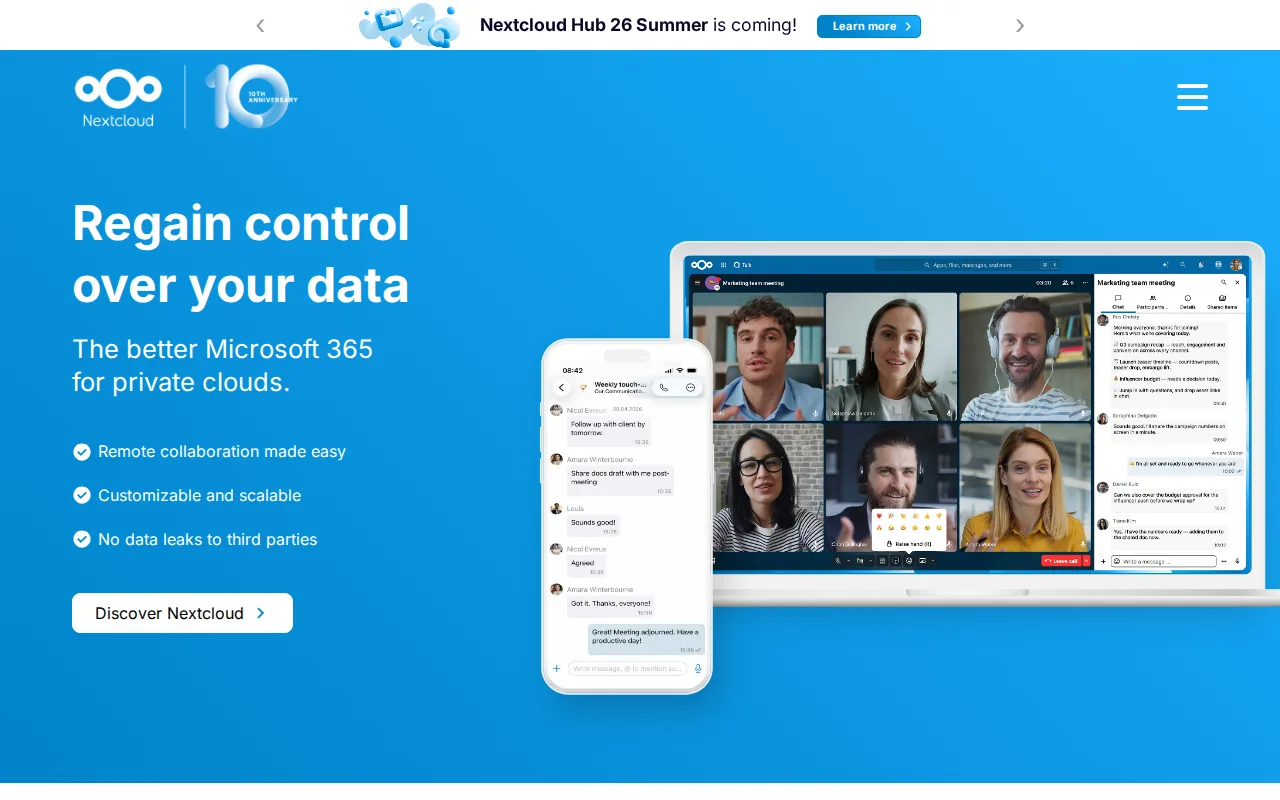
Nextcloud is the best Google Drive alternative for organizations that want a self-hosted, data-sovereign alternative to Google Drive's cloud infrastructure. The Community edition is fully open source under AGPL-3.0 and free to self-host with no user limit, and it bundles file sync with Talk video conferencing, groupware, and LibreOffice-based collaborative document editing in one codebase rather than requiring separate tools. Nextcloud holds a 4.6/5 rating from 443 Capterra reviews, and it scales from a single Raspberry Pi to installations serving tens of millions of users. Google Drive is still the better choice for anyone who doesn't want to run their own infrastructure: Nextcloud's Community edition puts the burden of updates, backups, and uptime on the organization's own IT staff, and getting official enterprise support with an SLA requires a 100-user minimum starting around €71.29/user/year, with no published self-serve rate for smaller teams — Google Drive's storage, by contrast, is fully managed with no server maintenance required at any size.
Compared to Google Drive: free, open-source (AGPL-3.0) self-hosting with no user limit, bundles video conferencing and groupware into the same codebase, full control over where data physically lives
Wins:Free, open-source Community edition (AGPL-3.0) self-hosts with no user limit, unlike Google Drive's cloud-only model · Bundles file sync, Talk video conferencing, groupware, and LibreOffice-based document editing into one connected suite · Organizations choose exactly where their data is physically hosted, rather than Google's infrastructure
Loses:Self-hosting the Community edition puts updates, backups, and uptime on the organization's own IT staff, unlike Google Drive's fully managed service · Enterprise support with an SLA requires a 100-user minimum starting around €71.29/user/year, with no published self-serve rate for smaller teams · Performance depends on the hosting hardware chosen, unlike Google Drive's consistent managed infrastructure
Pros
- Fully open source (AGPL-3.0) and free to self-host with no user limit on the Community edition.
- Bundles file sync, video conferencing, groupware, and document editing into one connected suite.
- Scales from a single Raspberry Pi to distributed installations serving tens of millions of users.
- Native apps across web, Windows, macOS, Linux, iOS, and Android.
Cons
- Enterprise support pricing starts at a 100-user minimum, with no published self-serve rate for smaller teams.
- Self-hosting the Community edition puts the burden of updates, backups, and uptime on the organization's own IT staff.
- Performance and app ecosystem depend heavily on the hosting hardware and configuration, unlike a fully managed SaaS suite.
- The large number of optional apps can make initial setup and configuration more complex than a single-purpose file-sync tool.
Pricing: Free — Free self-hosted Community edition vs Google Drive's $1.99/month Google One entry price — Nextcloud's enterprise support starts at €71.29/user/year for 100+ users (verified )
6MEGA — best Google Drive alternative for privacy-conscious individuals and small teams who want client-side end-to-end encrypted cloud storage where the provider cannot access file contents
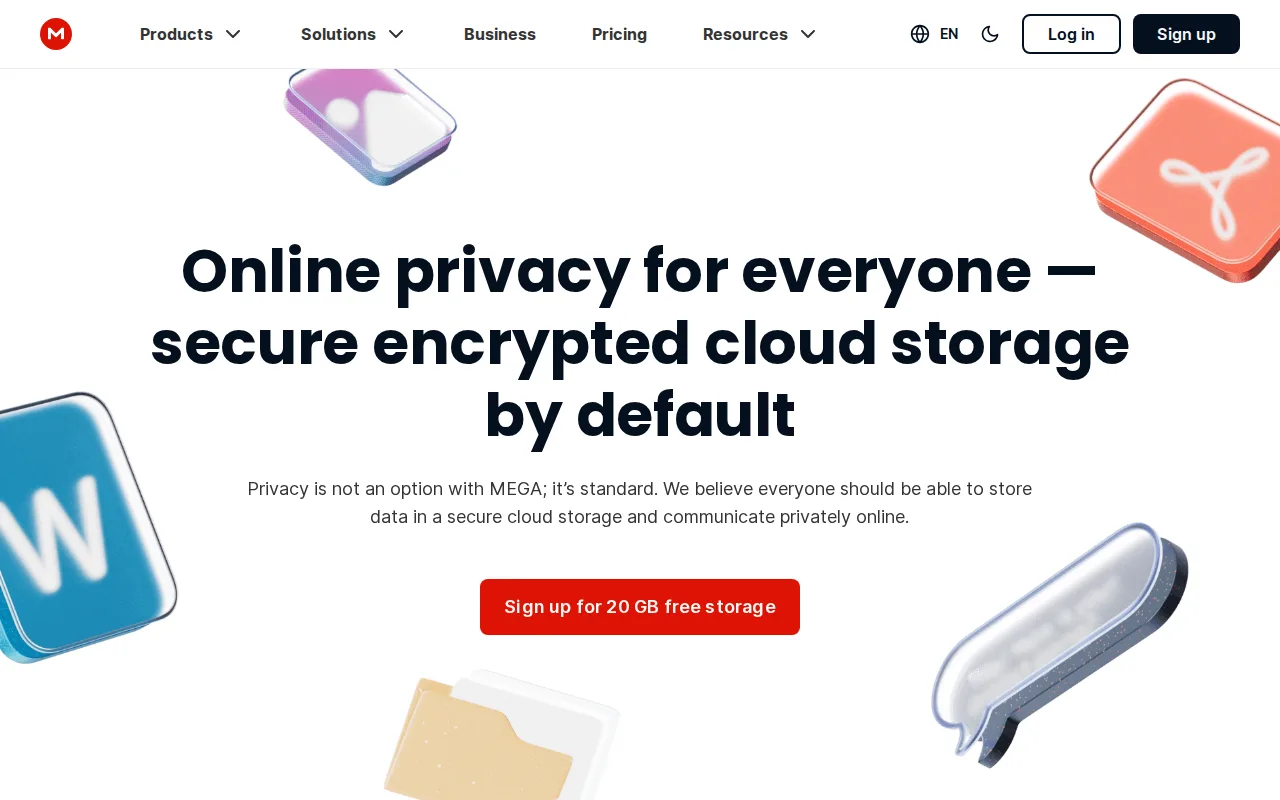
MEGA is the best Google Drive alternative for privacy-conscious users who want end-to-end, zero-knowledge encryption applied by default on every tier, including the free plan. MEGA's free tier includes 20GB of base storage, 5GB more than Google Drive's 15GB, and that storage isn't shared with other products (Gmail, Photos) the way Google Drive's allotment is. Because encryption happens client-side before upload, MEGA's servers store only ciphertext they cannot decrypt, and MEGA published its client-side source code in 2016 so security researchers could independently audit the implementation. Google Drive is still the better choice for anyone who wants recoverable access and integrated collaborative editing: MEGA cannot recover a lost password or encryption key on a user's behalf, meaning a forgotten password permanently loses access to files, whereas Google's account-recovery options can restore access, and MEGA has no equivalent to Google Docs, Sheets, and Slides real-time collaborative editing. MEGA's paid Pro tier pricing also wasn't independently reverified, unlike Google Drive's published Google One rates.
Compared to Google Drive: 20GB of dedicated free storage vs Google Drive's 15GB shared across Gmail and Photos, end-to-end zero-knowledge encryption standard on every tier including free, publicly audited client-side source code since 2016
Wins:20GB free base storage, more than Google Drive's 15GB, and not shared across other products · End-to-end, zero-knowledge encryption is standard on every tier, including free, rather than a paid add-on · Published client-side source code in 2016 for independent security auditing
Loses:Lost passwords or encryption keys can't be recovered by MEGA, unlike Google's account-recovery options · No real-time collaborative document editing built into stored files, unlike Google Docs, Sheets, and Slides · Paid Pro tier pricing wasn't independently reverified, unlike Google Drive's published Google One rates
Pros
- End-to-end encryption is standard on every tier, including the free plan, not gated behind a paid upgrade.
- 20GB of free base storage is generous compared to most mainstream cloud storage competitors.
- Published client-side source code in 2016 for independent security auditing.
- Native apps across Windows, macOS, Linux, Android, and iOS, plus browser-based access.
Cons
- Zero-knowledge encryption means MEGA cannot recover a lost password or key on the user's behalf, risking permanent data loss.
- Free-tier bonus storage beyond the 20GB base is time-limited and can expire, unlike a flat permanent free allotment.
- Paid Pro tiers bundle storage and bandwidth together, which can push users to a higher, costlier tier just to get more transfer quota even if they don't need more storage.
- MEGA's history (founded by Kim Dotcom as a Megaupload successor) has drawn scrutiny that makes some enterprise buyers cautious despite the technical encryption model.
Pricing: Free