5 Best Alternatives to MEGA in 2026
By Noahlast updated

From our data: All 5 alternatives listed here have a free tier, but among the 4 with a stated free-storage amount, none matches MEGA's 20GB: Google Drive offers 15GB, while Proton Drive and Sync.com each offer 5GB and Dropbox offers just 2GB (pCloud's free allocation is unstated).
 Google Drive
 Dropbox
 pCloud
 Proton Drive
 Sync.com
How we picked
- Ranked partly by external ratings: Google Drive (4.8/5 from 28,587 Capterra reviews) and Dropbox (4.5/5 from 21,704 Capterra reviews) carry by far the largest review volume of the five alternatives, ahead of pCloud (4.5/5, 180 reviews) and Sync.com (4.3/5, 57 reviews); Proton Drive has no external rating on file.
- Pricing verification coverage was mixed: Dropbox, pCloud, Proton Drive, and Sync.com all have independently verified, on-site pricing, while Google Drive's Google One pricing was not independently reverified.
- Free-tier storage size was compared directly against MEGA's 20GB free allocation: Google Drive's 15GB is the closest, while Dropbox, Proton Drive, and Sync.com offer smaller free tiers of 2GB, 5GB, and 5GB respectively.
- End-to-end encryption was treated as a distinct feature signal rather than a ranking tiebreaker, since only Proton Drive and Sync.com match MEGA's default zero-knowledge model, while Google Drive, Dropbox, and pCloud (on its free/base tiers) can technically access unencrypted file contents server-side.
Paid placement never alters editorial rank — read the full methodology.
MEGA alternatives at a glance
| Alternative | Best for | Learning curve | Price |
|---|---|---|---|
| MEGAreference | privacy-conscious individuals and small teams who want client-side end-to-end encrypted cloud storage where the provider cannot access file contents | Low | Free |
| Google Drive | individuals and teams already using Google Docs, Sheets, and Slides who want real-time collaborative editing with simple cloud storage and sharing links | Low | Free tier · paid from $1.99/mo |
| Dropbox | individuals and teams who need dependable cross-device file sync and simple sharing links, especially teams already invoking Dropbox's large-file-transfer and version-history features | Low | Free tier · paid from $9.99/mo |
| pCloud | users who want to pay once for cloud storage instead of an ongoing monthly subscription, and who value choosing between EU and US data residency | Low | Free tier · paid from $199 one-time |
| Proton Drive | privacy-focused individuals and small teams who want end-to-end encrypted cloud storage with a genuinely usable free tier and open-source, independently-audited clients | Low | Free tier · paid from $4.99/mo |
| Sync.com | privacy-conscious individuals and regulated businesses (legal, healthcare, finance) who need zero-knowledge encrypted file storage that even the vendor cannot read | Low | Free tier · paid from $4/mo |
 MEGA
MEGA1Google Drive — best MEGA alternative for individuals and teams already using Google Docs, Sheets, and Slides who want real-time collaborative editing with simple cloud storage and sharing links
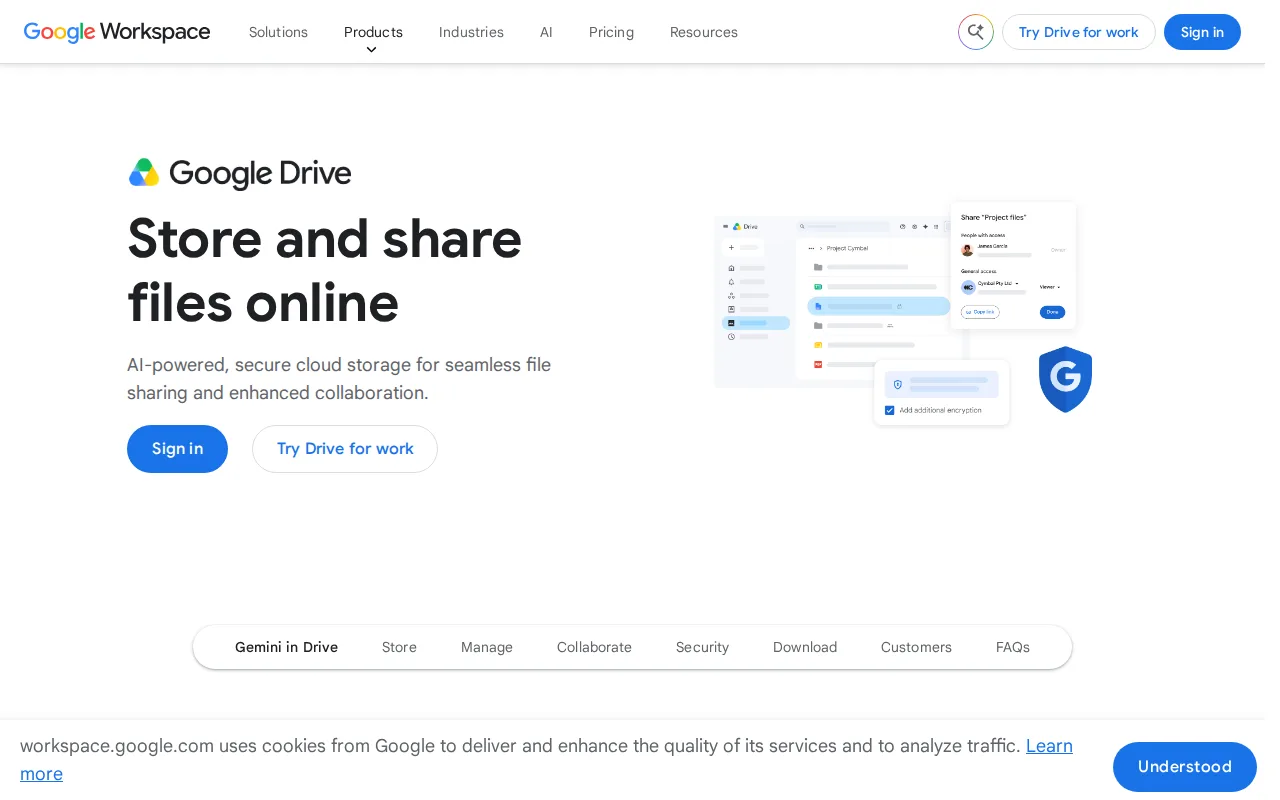
Google Drive is the best MEGA alternative for individuals and teams who want real-time collaborative editing built directly into their storage, something MEGA's file-sync-focused product doesn't offer. Google Drive holds a 4.8/5 rating from 28,587 Capterra reviews, the largest review base of any alternative here, and its 15GB free tier is close to MEGA's 20GB free allocation while adding native Docs, Sheets, and Slides editing with no separate app. Google One paid storage starts at just $1.99/month for 100GB, and the 2TB plan at $9.99/month allows sharing across up to 5 family members. MEGA is still the better choice for anyone who wants true end-to-end encryption by default: Google Drive's files are not end-to-end encrypted, meaning Google can technically access file contents server-side, unlike MEGA's zero-knowledge model that applies on every tier including free. MEGA's 20GB free storage is also dedicated to files, while Google Drive's 15GB is shared across Drive, Gmail, and Google Photos, so it fills up faster in practice for users with an active inbox.
Compared to MEGA: real-time collaborative editing in Docs, Sheets, and Slides, 4.8/5 rating from 28,587 Capterra reviews, cheaper entry-level paid storage ($1.99/mo for 100GB)
Wins:Native real-time collaborative editing in Docs, Sheets, and Slides, which MEGA does not offer · 4.8/5 rating from 28,587 Capterra reviews, the largest review base among these alternatives · Google One paid storage starts at $1.99/month for 100GB, with a 2TB family-shareable plan at $9.99/month
Loses:Files are not end-to-end encrypted; Google can technically access file contents server-side, unlike MEGA's zero-knowledge model · Free tier (15GB) is shared across Drive, Gmail, and Photos rather than dedicated to storage like MEGA's 20GB · Business/team storage isn't sold standalone; it requires a full Google Workspace subscription
Pros
- Real-time collaborative editing built directly into Docs, Sheets, and Slides from stored files.
- Google One storage plans are inexpensive relative to competitors, starting at $1.99/month for 100GB.
- Powerful in-document and in-file search across the entire Drive.
- 2TB plan allows sharing storage with up to 5 family members at no extra cost.
Cons
- Free 15GB storage is shared across Drive, Gmail, and Photos, so it fills up quickly with normal use.
- Some bundled apps (particularly Sheets) are described by reviewers as lacking features versus dedicated tools like Excel.
- Large file uploads can experience delays compared to some competitors.
- Business/team storage isn't sold standalone; it requires a full Google Workspace subscription.
Pricing: Free tier · paid from $1.99/mo — Free 15GB, then $1.99/month for 100GB, vs MEGA's free 20GB with paid Pro tier pricing not published
2Dropbox — best MEGA alternative for individuals and teams who need dependable cross-device file sync and simple sharing links, especially teams already invoking Dropbox's large-file-transfer and version-history features
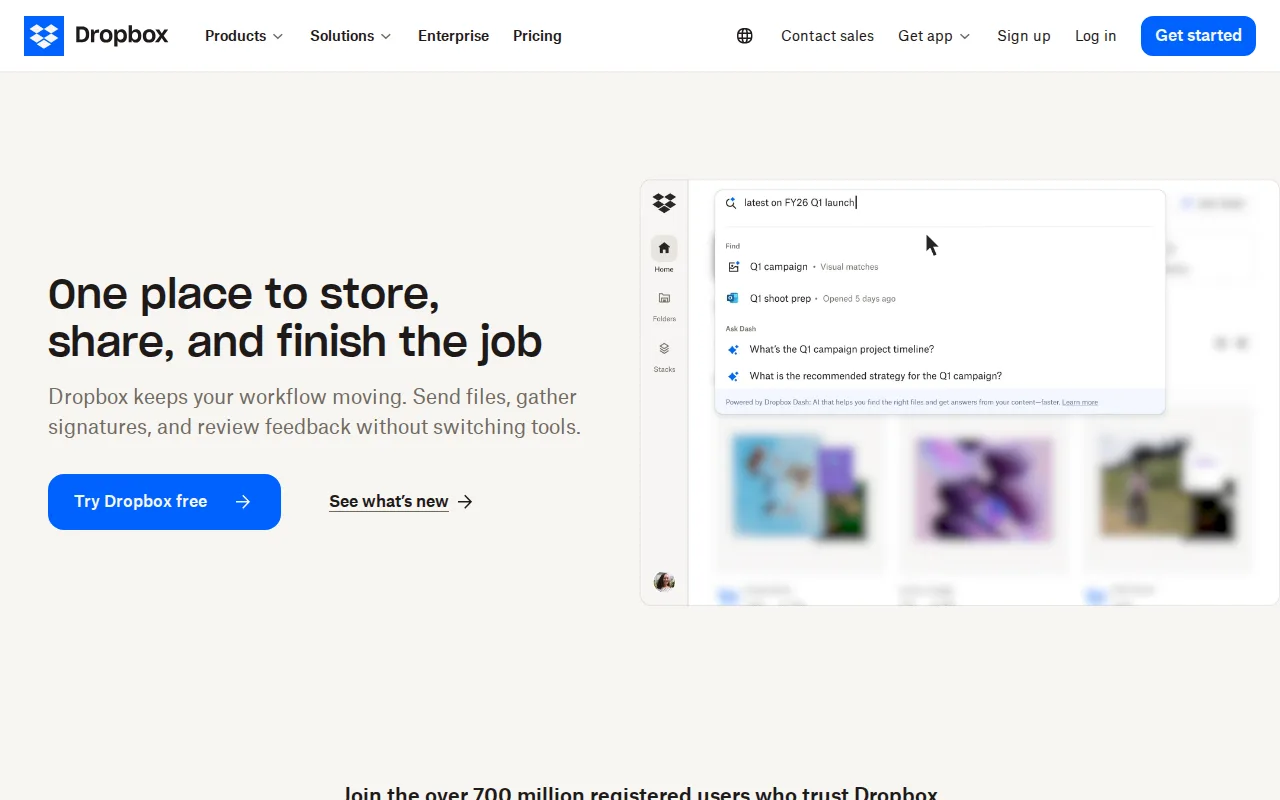
Dropbox is the best MEGA alternative for individuals and teams who need dependable cross-device file sync and file-transfer links that handle files up to 250GB, serving over 700 million registered users. Dropbox holds a 4.5/5 rating from 21,704 Capterra reviews, and its Plus plan costs $9.99/month for 2TB of storage, a lower per-gigabyte price than MEGA's unpublished Pro tier rates. Dropbox also includes 175+ file-type previews and long version-history windows on paid plans, plus deep third-party integrations with Slack, Zoom, and Adobe that MEGA's data doesn't describe. MEGA is still the better choice for anyone who wants default end-to-end encryption or a larger genuinely free tier: Dropbox's Basic free plan is capped at just 2GB, far below MEGA's 20GB, and Dropbox files aren't end-to-end encrypted by default the way MEGA's are — true end-to-end encryption on Dropbox requires the pricier $24/user/month Advanced tier. Dropbox's per-user team pricing ($15-$24/user/month) also climbs faster for growing teams than MEGA's flat consumer-focused plans.
Compared to MEGA: file-transfer links up to 250GB, 4.5/5 rating from 21,704 Capterra reviews, 175+ file-type previews and deep third-party integrations
Wins:File-transfer links handle files up to 250GB, well beyond MEGA's typical link-sharing scope · 4.5/5 rating from 21,704 Capterra reviews, backed by 700 million registered users · 175+ file-type previews and integrations with Slack, Zoom, and Adobe
Loses:Free Basic tier is capped at just 2GB, far smaller than MEGA's 20GB free allocation · Files aren't end-to-end encrypted by default; true end-to-end encryption requires the $24/user/month Advanced tier · Per-user team pricing ($15-$24/month) climbs faster for growing teams than MEGA's consumer-focused plans
Pros
- Reliable cross-device sync with a simple, well-understood synced-folder model.
- File-transfer links support very large files (up to 250GB) without needing a separate tool.
- Long version history and file-recovery windows on paid tiers protect against accidental deletion or ransomware.
- Broad platform support and deep third-party integrations (Slack, Zoom, Adobe, Microsoft Office).
Cons
- Per-user team pricing ($15-$24/month) makes larger teams considerably more expensive than storage-only competitors.
- Free tier is limited to just 2GB, among the smallest of major cloud storage services.
- Syncing very large folders can be slower than expected, according to reviewer feedback.
- Advanced security and admin features (SSO, tiered admin) are locked behind the higher Advanced tier.
Pricing: Free tier · paid from $9.99/mo — $9.99/month for 2TB (Plus) vs MEGA's free 20GB with unpublished Pro tier pricing (verified )
3pCloud — best MEGA alternative for users who want to pay once for cloud storage instead of an ongoing monthly subscription, and who value choosing between EU and US data residency
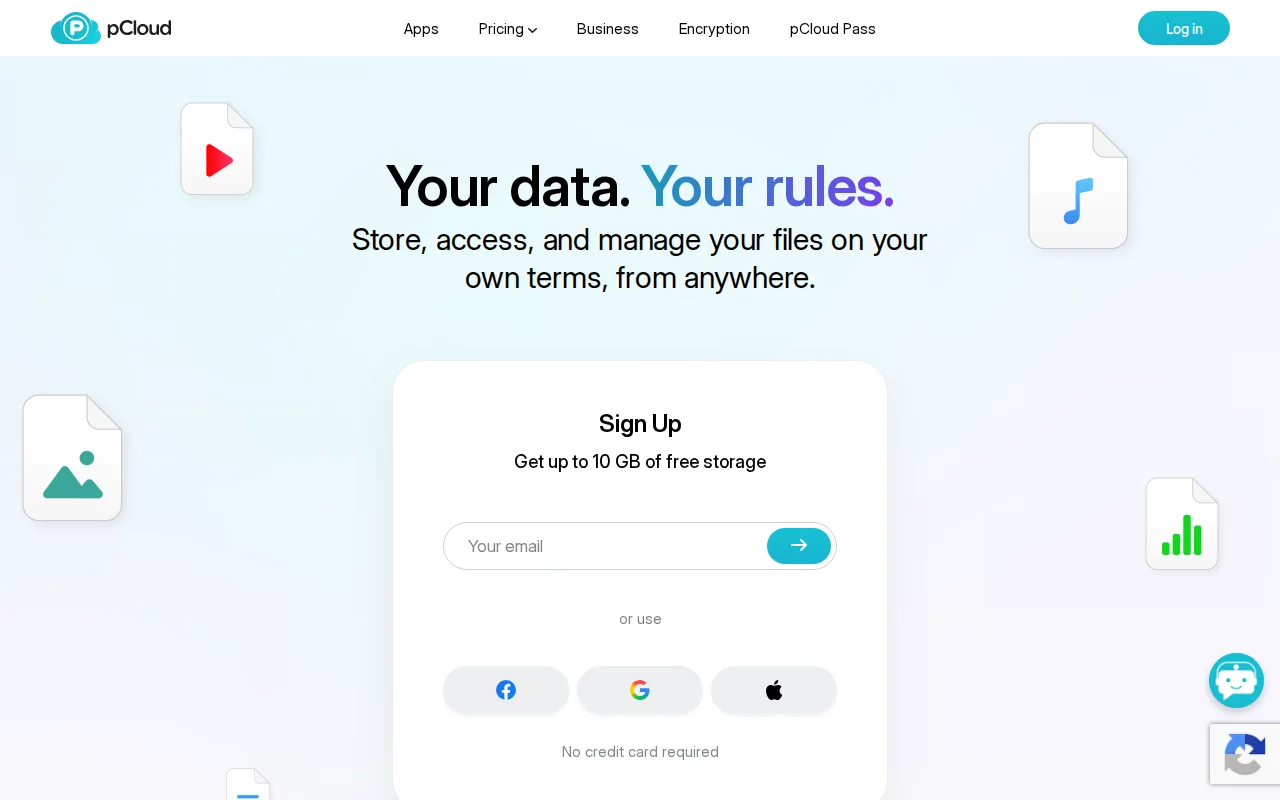
pCloud is the best MEGA alternative for users who want to pay once for cloud storage instead of an ongoing subscription, something none of MEGA's Pro tiers offer since they bill monthly. pCloud's lifetime plans start at $199 one-time for 500GB and top out at $1,190 for 10TB, each covering storage permanently rather than recurring, and pCloud holds a 4.5/5 rating from 180 Capterra reviews. pCloud also lets users choose whether their data lives in Europe or the US, a data-residency choice MEGA's data doesn't describe, and it reports over 22 million users across 130+ countries with a 99.98% uptime guarantee. MEGA is still the better choice for anyone who wants default zero-knowledge encryption without paying extra: pCloud's true end-to-end encryption (pCloud Encryption) is sold as a separate paid add-on, unlike MEGA's E2E encryption that ships free on every tier including the base plan. pCloud's lifetime plans also require a large upfront payment ($199-$1,190) compared to MEGA's free-to-start, pay-as-you-grow model.
Compared to MEGA: one-time lifetime payment instead of a recurring subscription, choice of EU or US data center, 4.5/5 rating from 180 Capterra reviews
Wins:One-time lifetime plans ($199-$1,190) eliminate recurring subscription costs entirely · Choice of EU (Luxembourg) or US data center for stored files · 4.5/5 rating from 180 Capterra reviews and a stated 99.98% uptime guarantee
Loses:True zero-knowledge encryption (pCloud Encryption) costs extra rather than shipping free by default like MEGA's · Lifetime plans require a large upfront payment ($199-$1,190) versus MEGA's free-to-start model · Free plan's exact storage allocation isn't clearly stated on pCloud's pricing page, unlike MEGA's explicit 20GB
Pros
- One-time lifetime plans eliminate recurring subscription costs for long-term storage.
- Choice of EU (Luxembourg) or US data center for stored files.
- 30-day file version history and password-protected sharing links included on paid plans.
- 14-day money-back guarantee on lifetime purchases.
Cons
- True zero-knowledge client-side encryption (pCloud Encryption) costs extra rather than being built in.
- Lifetime plans require a large upfront payment ($199-$1,190) instead of a low monthly fee.
- Free plan's exact storage allocation isn't clearly stated on the pricing page.
- No annual/monthly subscription pricing is prominently displayed alongside the lifetime plans, which can make comparison shopping harder.
Pricing: Free tier · paid from $199 one-time — $199 one-time for 500GB vs MEGA's free 20GB with unpublished recurring Pro tier pricing (verified )
4Proton Drive — best MEGA alternative for privacy-focused individuals and small teams who want end-to-end encrypted cloud storage with a genuinely usable free tier and open-source, independently-audited clients
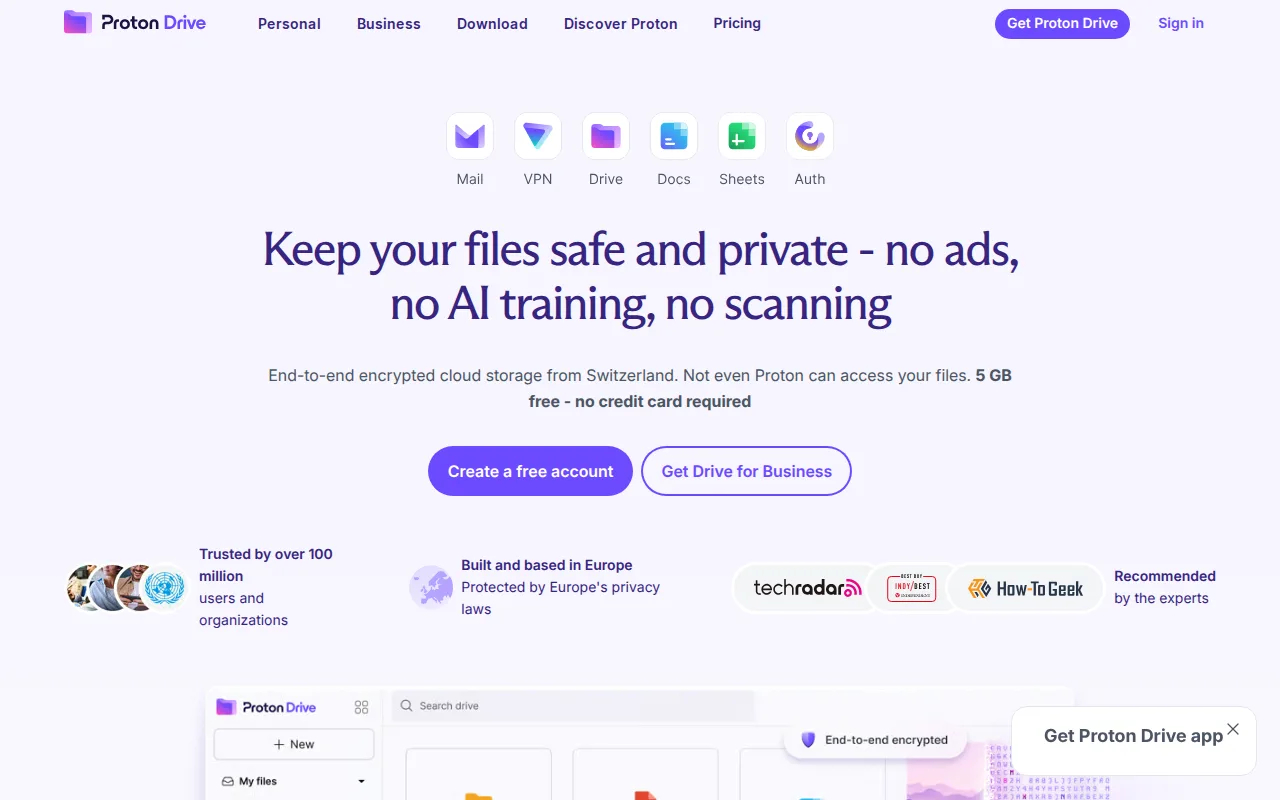
Proton Drive is the best MEGA alternative for privacy-focused users who specifically want officially open-source (GPL-3.0), independently audited client code rather than just publicly published source, since Proton Drive is explicitly licensed as open source while MEGA only says it published client-side source in 2016 without an equivalent open-source license classification. Proton Drive's Free plan includes 5GB alongside encrypted Proton Docs and Proton Sheets for collaborative editing within the same encrypted storage, and Drive Plus costs $4.99/month for 200GB. Proton is based in Switzerland, subject to strict Swiss privacy law, and reports over 100 million users across its Mail, VPN, Calendar, and Pass suite that Drive can bundle into. MEGA is still the better choice for anyone who wants more free storage upfront or native Linux support: MEGA's 20GB free tier is four times larger than Proton Drive's 5GB, and Proton Drive's platform list (web, Windows, macOS, iOS, Android) does not include a native Linux client the way MEGA's does.
Compared to MEGA: officially open-source (GPL-3.0) audited client code, encrypted Proton Docs and Sheets for collaborative editing, Swiss jurisdiction under strict privacy law
Wins:Explicitly licensed open source (GPL-3.0) and independently audited, versus MEGA's published-but-not-open-licensed source · Encrypted Proton Docs and Proton Sheets allow collaborative editing within the same encrypted storage · Bundles with Proton's Mail, VPN, Calendar, and Pass suite (100 million+ users) at higher tiers
Loses:Free tier is 5GB, a quarter of MEGA's 20GB free allocation · No native Linux desktop client, unlike MEGA which supports Linux directly · Best per-dollar value requires the pricier $12.99/month Proton Unlimited bundle rather than Drive alone
Pros
- Files are end-to-end encrypted client-side, so Proton cannot read stored content.
- Client source code is open source (GPL-3.0) and independently audited.
- 5 GB free tier is more generous than most end-to-end encrypted competitors.
- Based in Switzerland, subject to strict Swiss privacy law rather than US or EU data requests.
Cons
- Lost passwords can't be recovered by Proton for end-to-end encrypted content without a saved recovery kit.
- Free tier storage (5 GB) is modest compared to Google Drive's 15 GB free tier.
- Best value per dollar requires the pricier Proton Unlimited bundle rather than a Drive-only plan.
Pricing: Free tier · paid from $4.99/mo — $4.99/month for 200GB (Drive Plus) vs MEGA's free 20GB with unpublished Pro tier pricing (verified )
5Sync.com — best MEGA alternative for privacy-conscious individuals and regulated businesses (legal, healthcare, finance) who need zero-knowledge encrypted file storage that even the vendor cannot read
Sync.com is the best MEGA alternative for regulated businesses (legal, healthcare, financial services, government) that need zero-knowledge encrypted file sync with dedicated plans built for those industries, something MEGA's general-consumer data doesn't describe. Sync.com's Personal 150GB plan costs $4/month billed monthly ($3.50/month billed annually), and its CloudFiles feature integrates directly with Windows Explorer and Mac Finder for a native-feeling sync experience. Sync.com is Canadian-based, appealing to users who want their data outside US jurisdiction, and reports 2.7 million users. MEGA is still the better choice for anyone who wants a bigger genuinely free tier or fewer reported reliability issues: Sync.com's free tier is 5GB, a quarter of MEGA's 20GB, and Sync.com reviewers report real reliability problems including folder creation and sync operations failing at times, along with slow customer support response times, issues MEGA's data doesn't carry. Sync.com's 1TB and 5TB tier pricing is also shown as a discounted "promotional" rate against a listed regular price roughly double, making its true long-term cost less transparent than MEGA's stated pricing.
Compared to MEGA: dedicated plans for regulated industries (legal, healthcare, finance, government), CloudFiles integration with Windows Explorer and Mac Finder, Canadian jurisdiction outside US legal reach
Wins:Dedicated plans for regulated industries (legal, healthcare, financial services, government) · CloudFiles integrates directly with Windows Explorer and Mac Finder for native-feeling sync · Canadian jurisdiction appeals to users who want data outside US legal reach
Loses:Free tier is 5GB, a quarter of MEGA's 20GB free allocation · Reviewers report reliability problems, including folder creation and sync operations failing at times · 1TB and 5TB pricing is shown as a discounted 'promotional' rate against a regular price roughly double, less transparent than MEGA's stated pricing
Pros
- True zero-knowledge encryption means even Sync.com cannot read stored files.
- Free tier includes 5GB of storage with no credit card required to start.
- Canadian jurisdiction appeals to users wanting data outside U.S. legal reach.
- CloudFiles integrates directly with Windows Explorer and Mac Finder for native-feeling sync.
Cons
- Some users report inconsistent reliability, including folder creation and sync operations failing at times.
- Customer support response times draw complaints, with some users left to self-resolve recovery issues.
- Zero-knowledge encryption means a lost password results in permanently inaccessible files, with no vendor-side reset.
- 1TB and 5TB tier pricing shown as 'promotional' against a listed regular price roughly double, making true long-term cost less transparent.
Pricing: Free tier · paid from $4/mo — $4/month for 150GB (Personal) vs MEGA's free 20GB with unpublished Pro tier pricing (verified )
Which one is right for you?
- You already use Google Docs, Sheets, or Slides and want storage with real-time collaborative editing built inGoogle Drive
- You need to send very large files (up to 250GB) or want deep Slack/Zoom/Adobe integrationsDropbox
- You'd rather pay once for storage than commit to a recurring monthly subscriptionpCloud
- You want officially open-source, independently audited client code rather than just published sourceProton Drive
- You run a legal, healthcare, or financial services business that needs zero-knowledge encrypted storage built for complianceSync.com
- You want the largest free tier among mainstream, actively rated alternativesGoogle Drive
Frequently asked questions
Is there a free alternative to MEGA?
- Yes — Google Drive (15GB), Dropbox (2GB Basic), Proton Drive (5GB), and Sync.com (5GB) all offer free tiers, though none matches MEGA's 20GB free allocation.
What is the closest alternative to MEGA?
- Proton Drive is the closest match on privacy model, since both use default end-to-end (zero-knowledge) encryption; Proton Drive is additionally licensed open source (GPL-3.0) while MEGA only publishes its client source without an equivalent open-source license.
Can Google Drive replace MEGA?
- Yes for users who mainly want storage plus real-time collaborative document editing, since Google Drive's 4.8/5 Capterra rating and 15GB free tier are close in scale to MEGA's offering. Users who specifically need default end-to-end encryption should stay with MEGA or move to Proton Drive or Sync.com instead, since Google Drive can technically access unencrypted file contents server-side.
Which MEGA alternative has the best free tier?
- Among the alternatives with a stated free allocation, Google Drive's 15GB is the largest, though it still falls short of MEGA's own 20GB free tier.
Which MEGA alternative doesn't charge a recurring subscription?
- pCloud is the only alternative here that sells storage as a one-time lifetime purchase ($199 for 500GB up to $1,190 for 10TB) instead of a recurring monthly or annual subscription.
Which MEGA alternatives use true end-to-end encryption like MEGA?
- Proton Drive and Sync.com both apply zero-knowledge, end-to-end encryption by default; Google Drive and Dropbox do not encrypt files end-to-end by default, and pCloud only offers it as a separate paid add-on.