5 Best Alternatives to Formstack for Web in 2026
By Noahlast updated pricing verified
Compared: Formstack alternatives that run on Web
| Alternative | Best for | Standout | Biggest weakness | Learning curve | Price |
|---|---|---|---|---|---|
| Formstackreference | teams that need forms, document generation, and eSignature chained into one no-code workflow, especially Salesforce shops that want native forms inside their org | The Suite plan chains Forms, Documents, and Sign into one workflow — a form submission can auto-generate a document and route it for signature with no code and no per-envelope signing fees. | No permanently free tier — only a 14-day trial — and reviewers on Capterra and G2 describe the multi-product pricing structure as confusing once a team needs more than the entry-level Forms plan. | Moderate | From $83/mo |
| Jotform | small businesses and individuals building surveys, applications, or payment-collecting forms who need more submission volume than Google Forms offers without Typeform's higher price | Gold tier includes HIPAA-friendly form handling for healthcare-related data collection, a compliance feature most form builders in this price range do not offer. | Monthly submission caps (100 on Starter, 1,000 on Bronze) are counted per account, not per form, so a single popular form can exhaust the monthly limit and block all other forms from accepting responses until the next billing cycle or an upgrade. | Low | Free tier · paid from $34/mo |
| Tally | founders and small teams who want advanced form features (conditional logic, payments, e-signatures) without paying for them, and only need a paid plan to remove branding or add a custom domain | The free plan includes conditional logic, payment collection, and e-signatures with no submission cap, features most competitors reserve for paid tiers. | The free plan keeps "Powered by Tally" branding on every form and offers no custom domain, so any team that needs a professional, unbranded form must jump straight to the $24/month Pro tier — there's no low-cost branding-removal option in between. | Low | Free tier · paid from $24/mo |
| Typeform | marketing and product teams that want higher form-completion rates through a conversational, one-question-at-a-time design and are willing to pay per response volume rather than per user | The one-question-at-a-time conversational form format, which Typeform's own conversion data and third-party comparisons consistently cite as improving completion rates over traditional multi-field forms. | The free plan was cut from 100 to just 10 responses/month in February 2026, and response caps rather than user seats are the main pricing lever, so a single high-traffic form can force an upgrade even for a one-person team. | Low | Free tier · paid from $28/mo |
| Paperform | small businesses, agencies, and service professionals who want branded forms that double as landing pages, payment flows, and booking systems, not just plain data-collection forms | Forms render as fully branded, standalone web pages (not an embedded widget), with built-in payment processing, appointment booking, document signing (Papersign), and workflow automation (Stepper) in one product. | Pricing scales by annual submission volume rather than a simple flat rate, and the Free plan's 30-submissions-per-month cap is restrictive for anything beyond testing; Pro's 3-user limit and Business's 5-user limit (at $9/month per extra seat) push growing teams into steep tier jumps quickly. | Low | Free tier · paid from $24/mo |
| Wufoo | small organizations and teams that need reliable form building with built-in payment processing and don't need more than a few thousand entries a month | Native payment processing built into forms across five gateways (PayPal, Stripe, Authorize.Net, Square, Braintree), letting teams collect payments directly through a form rather than bolting on a separate checkout tool. | Every tier is metered by monthly entry volume rather than offering unlimited submissions, so even the mid-tier Professional plan caps out at 5,000 entries/month, forcing higher-volume teams into progressively more expensive tiers that competitors don't always require. | Low | Free tier · paid from $16.25/mo |
 Formstack
 Jotform
 Tally
Tally Typeform
 Paperform
 Wufoo
Wufoo1.Jotform — best Formstack alternative for small businesses and individuals building surveys, applications, or payment-collecting forms who need more submission volume than Google Forms offers without Typeform's higher price
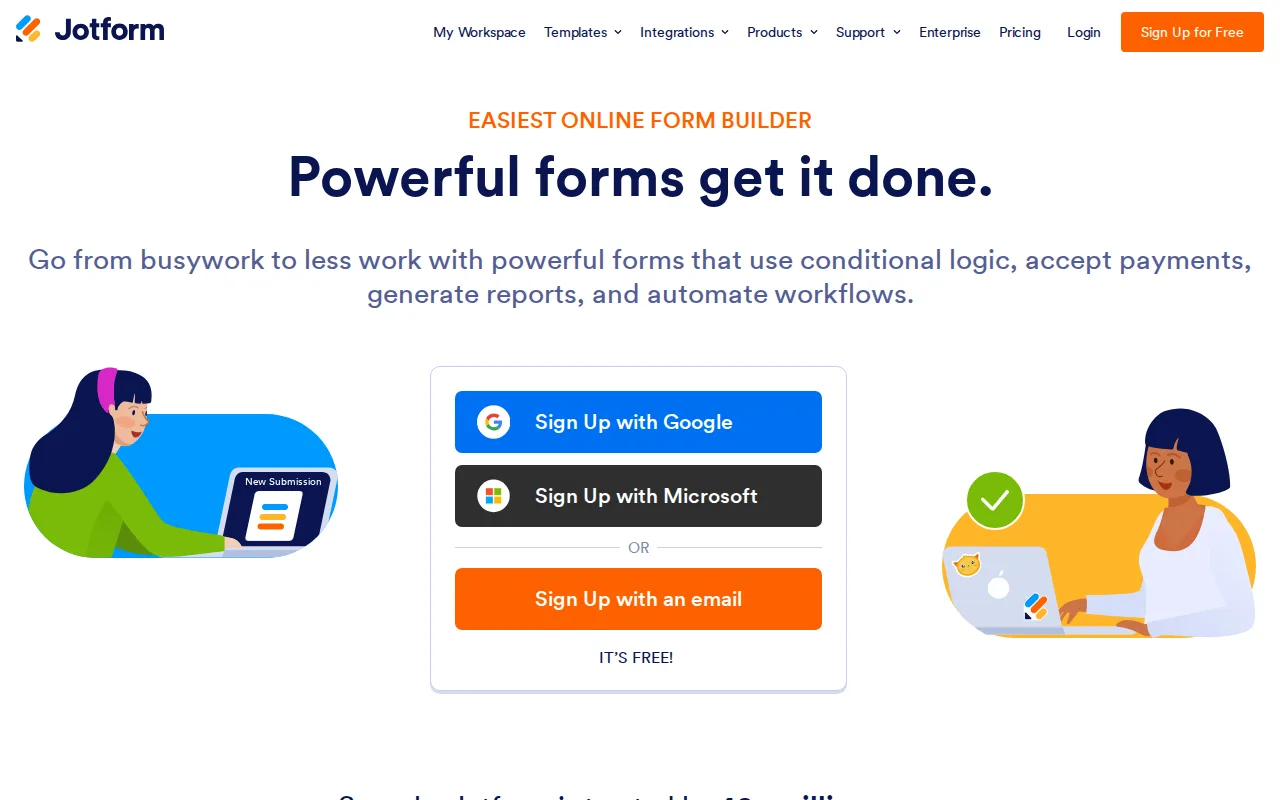
Jotform is the best Formstack alternative for small businesses and individuals who want a genuine, ongoing free tier rather than Formstack's 14-day-trial-only model. Jotform's free Starter plan covers 5 active forms and 100 monthly submissions at no cost, and Jotform holds a 4.7/5 rating from 2,919 Capterra reviews, more than 20 times the review volume behind Formstack's 4.0/5 from 127 reviews. Jotform's Gold tier at $99/month includes HIPAA-friendly form handling for healthcare use cases, a compliance feature at a fraction of Formstack's $250/month Suite plan price. Formstack is still the better choice for teams that need document generation and eSignature chained into one workflow: Jotform's monthly submission caps apply account-wide, so a single high-traffic form can block submissions on all other forms, while Formstack's Suite plan bundles Forms, Documents, and Sign so a submission can auto-generate a document and route it for signature with no per-envelope fee, something Jotform's context doesn't offer as a native chained workflow.
Compared to Formstack: genuine ongoing free tier vs Formstack's 14-day-trial-only model, far larger review base (2,919 vs 127 Capterra reviews), HIPAA-friendly Gold tier at $99/month vs Formstack's $250/month Suite
Wins:Free Starter plan is a real, ongoing free tier, not a time-limited trial; Formstack has no permanently free plan · 4.7/5 rating from 2,919 Capterra reviews, over 20 times Formstack's 127-review sample · Gold tier's HIPAA-friendly capability costs $99/month, well under Formstack's $250/month Suite plan
Loses:Monthly submission limits apply account-wide, so one high-traffic form can block submissions on all other forms · No native document-generation-to-eSignature chained workflow the way Formstack's Suite plan connects Forms, Documents, and Sign · Enterprise pricing is not published and requires a sales conversation for unlimited usage, similar to Formstack's own custom-quoted Enterprise tier
Pros
- Free Starter plan is a real, ongoing free tier, not a time-limited trial.
- Payment collection (Stripe, PayPal, and others) is built into the form builder rather than requiring a separate integration.
- Gold tier's HIPAA-friendly capability supports healthcare intake forms without a separate compliance product.
- Nonprofits and educational institutions get 50% off paid tiers.
Cons
- Monthly submission limits apply account-wide, so one high-traffic form can block submissions on all other forms.
- Jotform branding stays on forms until upgrading to a paid Bronze tier or higher.
- Jumping from Starter's 100 monthly submissions to meaningful volume (1,000+ on Bronze) requires a $34-39/month commitment.
- Enterprise pricing is not published and requires a sales conversation for unlimited usage.
Pricing: Free tier · paid from $34/mo — Free (5 forms, 100 submissions/month) or $34/month Bronze vs Formstack's $83/month Forms plan (verified undefined NaN, NaN)
2.Tally — best Formstack alternative for founders and small teams who want advanced form features (conditional logic, payments, e-signatures) without paying for them, and only need a paid plan to remove branding or add a custom domain
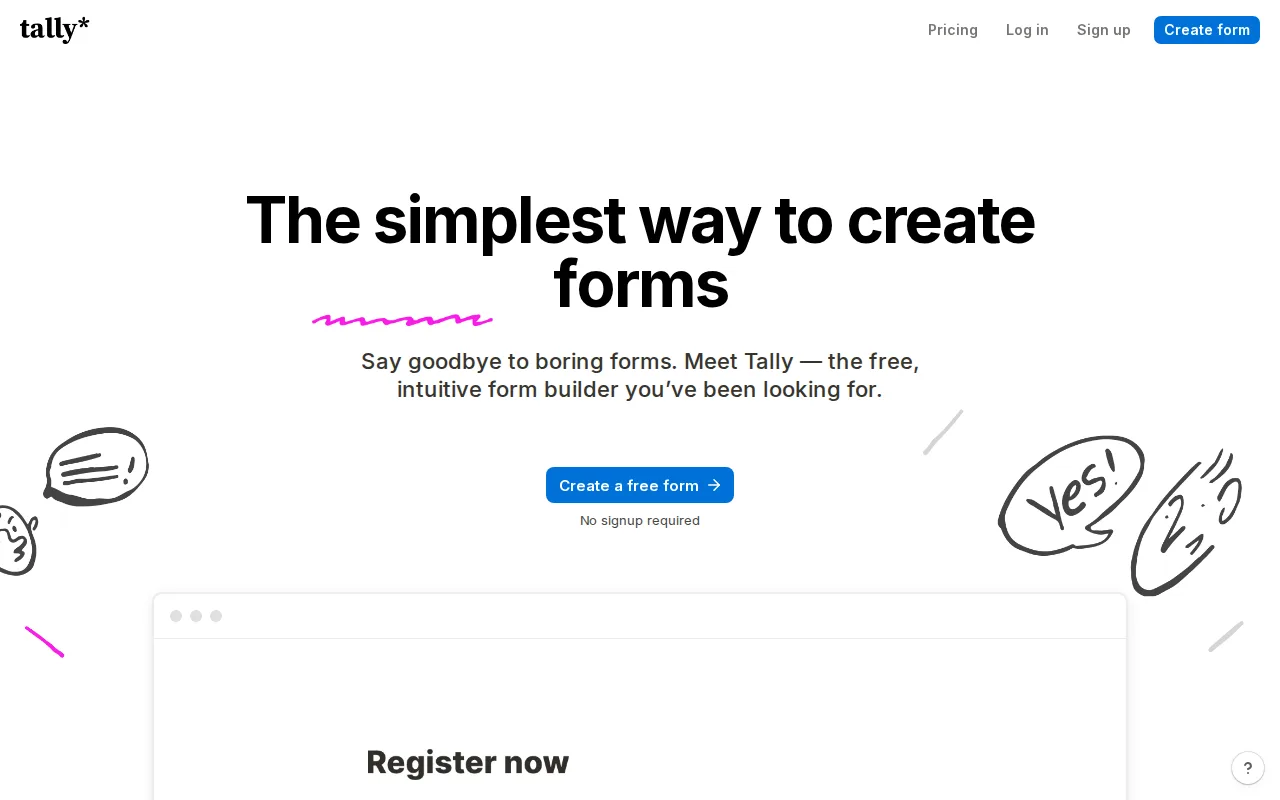
Tally is the best Formstack alternative for founders and small teams who want conditional logic, payment collection, and e-signatures on a free plan, features Formstack only offers on paid tiers starting at $83/month. Tally's free plan has no cap on forms or submissions (subject to fair-use limits), and paid tiers start at just $24/month for Pro, dramatically cheaper than Formstack's $83/month single-product Forms plan or $250/month Suite plan. Tally is EU-hosted, GDPR-compliant, and doesn't use cookie tracking, a privacy-first stance Formstack's context doesn't document as a feature. Formstack is still the better choice for teams that need document generation and eSignature chained into a single automated workflow, or Salesforce-native forms: Tally has no built-in document-generation feature comparable to Formstack's Documents product, and no Salesforce-native version, while Formstack's Suite plan connects Forms, Documents, and Sign with unlimited eSignatures and no per-envelope fee.
Compared to Formstack: free plan includes conditional logic, payments, and e-signatures vs Formstack's paid-only equivalents, dramatically cheaper Pro tier ($24/mo vs $83/mo), EU-hosted with no cookie tracking
Wins:Free plan includes conditional logic, payment collection, and e-signatures with no submission cap; Formstack has no permanently free tier · Pro tier costs $24/month, far under Formstack's $83/month single-product Forms plan · EU-hosted, GDPR-compliant, and doesn't use cookie tracking by default
Loses:No document-generation product comparable to Formstack's Documents, which auto-generates contracts and letters from templated data · No Salesforce-native version, unlike Formstack's dedicated Forms for Salesforce and Documents for Salesforce products · "Fair use" limits on the free plan aren't published as hard numbers, leaving high-volume users uncertain when they'll be asked to upgrade
Pros
- Free plan has no cap on forms or submissions and includes payments, signatures, and conditional logic.
- Document-style editor is faster to build in than block-and-canvas competitors for anyone comfortable typing in Notion.
- EU-hosted, GDPR-compliant, and doesn't use cookie tracking by default.
- Embeds cleanly into WordPress, Webflow, and Framer sites via iframe or popup.
Cons
- Removing Tally's branding requires the $24/month Pro plan; there's no cheaper branding-removal add-on.
- Jump from Pro ($24) to Business ($74) is steep for teams that need only one or two compliance features.
- "Fair use" limits on the free plan aren't published as hard numbers, leaving high-volume users uncertain when they'll be asked to upgrade.
Pricing: Free tier · paid from $24/mo — Free or $24/month Pro vs Formstack's $83/month Forms plan (verified undefined NaN, NaN)
3.Typeform — best Formstack alternative for marketing and product teams that want higher form-completion rates through a conversational, one-question-at-a-time design and are willing to pay per response volume rather than per user

Typeform is the best Formstack alternative for marketing and product teams that want a one-question-at-a-time conversational format proven to raise completion rates, an approach Formstack's context doesn't emphasize. Typeform holds a 4.7/5 rating from 974 Capterra reviews, over 7 times the review volume behind Formstack's 127 Capterra reviews, and its Basic tier starts at $28/month billed annually, well under Formstack's $83/month Forms plan starting price. Typeform's native integrations with Salesforce, HubSpot, and Google Sheets route form data automatically without the multi-product Suite pricing Formstack requires for connected workflows. Formstack is still the better choice for teams that need document generation and eSignature chained into one no-code workflow, especially Salesforce shops that want native forms inside their org: Typeform has no document-generation or eSignature product, while Formstack's Suite plan chains Forms, Documents, and Sign together and ships Salesforce-native versions of Forms and Documents that run inside a Salesforce org without middleware.
Compared to Formstack: far larger review base (974 vs 127 Capterra reviews), cheaper entry tier ($28/mo Basic vs $83/mo Forms), conversational format proven to raise completion rates
Wins:4.7/5 rating from 974 Capterra reviews, over 7 times Formstack's 127-review sample · Basic tier starts at $28/month billed annually, well under Formstack's $83/month Forms plan · One-question-at-a-time conversational format widely cited as improving completion rates over standard forms
Loses:No document-generation or eSignature product comparable to Formstack's Documents and Sign · No Salesforce-native version, unlike Formstack's dedicated Salesforce Solutions tier · Free plan was cut from 100 to just 10 responses/month in February 2026, and pricing scales on response volume rather than Formstack's user-and-submission model
Pros
- One-question-at-a-time format is widely cited as improving form completion rates versus traditional scrolling forms.
- AI-powered form creation on paid plans speeds up building forms from a prompt or existing document.
- Native integrations with Salesforce, HubSpot, and Google Sheets avoid manual data export.
- Annual billing cuts the effective monthly price by roughly 30% versus month-to-month across every tier.
Cons
- Free plan responses were cut from 100/month to 10/month in a February 2026 change, making it impractical for anything beyond testing.
- Pricing scales on response volume, not just users, so a single popular form can force an upgrade regardless of team size.
- No native mobile app; form building and management are web-only, unlike SurveyMonkey's dedicated iOS/Android apps.
- Branding removal requires the Plus tier ($56/month annually), unlike some competitors that include it at the entry paid tier.
Pricing: Free tier · paid from $28/mo — $28/month Basic vs Formstack's $83/month Forms (verified undefined NaN, NaN)
4.Paperform — best Formstack alternative for small businesses, agencies, and service professionals who want branded forms that double as landing pages, payment flows, and booking systems, not just plain data-collection forms
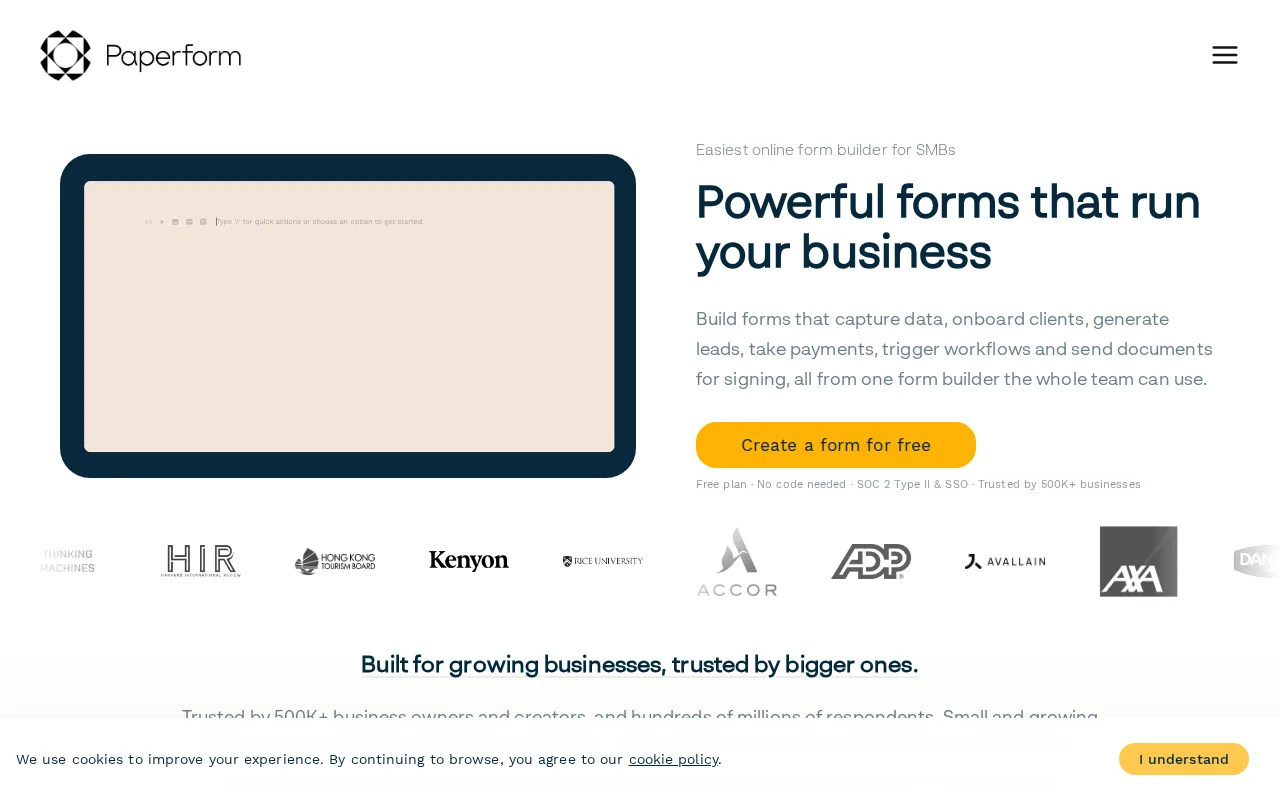
Paperform is the best Formstack alternative for small businesses, agencies, and service professionals who want forms that render as fully branded, standalone web pages with built-in payment processing, appointment booking, and workflow automation, a combination Formstack's context doesn't describe as a single product. Paperform's free plan covers 1 user and 30 submissions per month at no cost, something Formstack doesn't offer at any tier since Formstack has only a 14-day trial, and Paperform's Essentials tier starts at $24/month, far under Formstack's $83/month Forms plan. Paperform carries SOC 2 Type II certification and GDPR compliance, matching Formstack's own security posture for regulated buyers. Formstack is still the better choice for teams that need document generation chained to eSignature in one workflow, or Salesforce-native forms: Paperform has no dedicated document-generation product comparable to Formstack's Documents, and no Salesforce-native version, while Formstack's Suite plan connects Forms, Documents, and Sign and ships Forms for Salesforce for orgs that want native forms inside Salesforce.
Compared to Formstack: free plan available vs Formstack's 14-day-trial-only model, cheaper entry tier ($24/mo Essentials vs $83/mo Forms), forms render as branded standalone pages with built-in booking and payments
Wins:Free plan covers 1 user and 30 submissions/month; Formstack has no permanently free tier, only a 14-day trial · Essentials tier costs $24/month, far under Formstack's $83/month Forms plan · Forms render as branded, standalone pages with built-in payment processing, appointment booking, and document signing (Papersign) in one product
Loses:No dedicated document-generation product comparable to Formstack's Documents, which auto-generates contracts and letters from templated data · No Salesforce-native version, unlike Formstack's dedicated Forms for Salesforce and Documents for Salesforce products · Pro's 3-user and Business's 5-user seat limits (plus $9/month per extra seat on Business) are more restrictive than Formstack's Suite plan's 3 included builder users
Pros
- Forms render as branded, standalone pages rather than embedded widgets, closer to a landing page than a typical form.
- Built-in payment processing, appointment booking, document signing, and workflow automation in one product.
- SOC 2 Type II certification and GDPR compliance support security-conscious buyers.
- Native integrations with 2,000+ apps, including major CRMs and Slack.
Cons
- Pricing scales by annual submission volume, which is harder to predict than a flat per-user rate as usage grows.
- Free plan is capped at 30 submissions/month, restrictive beyond light testing.
- Pro (3 users) and Business (5 users) have low included seat counts, with $9/month per additional user on Business.
- No native mobile app; form building and management happen entirely in the browser.
Pricing: Free tier · paid from $24/mo — Free or $24/month Essentials vs Formstack's $83/month Forms (verified undefined NaN, NaN)
5.Wufoo — best Formstack alternative for small organizations and teams that need reliable form building with built-in payment processing and don't need more than a few thousand entries a month
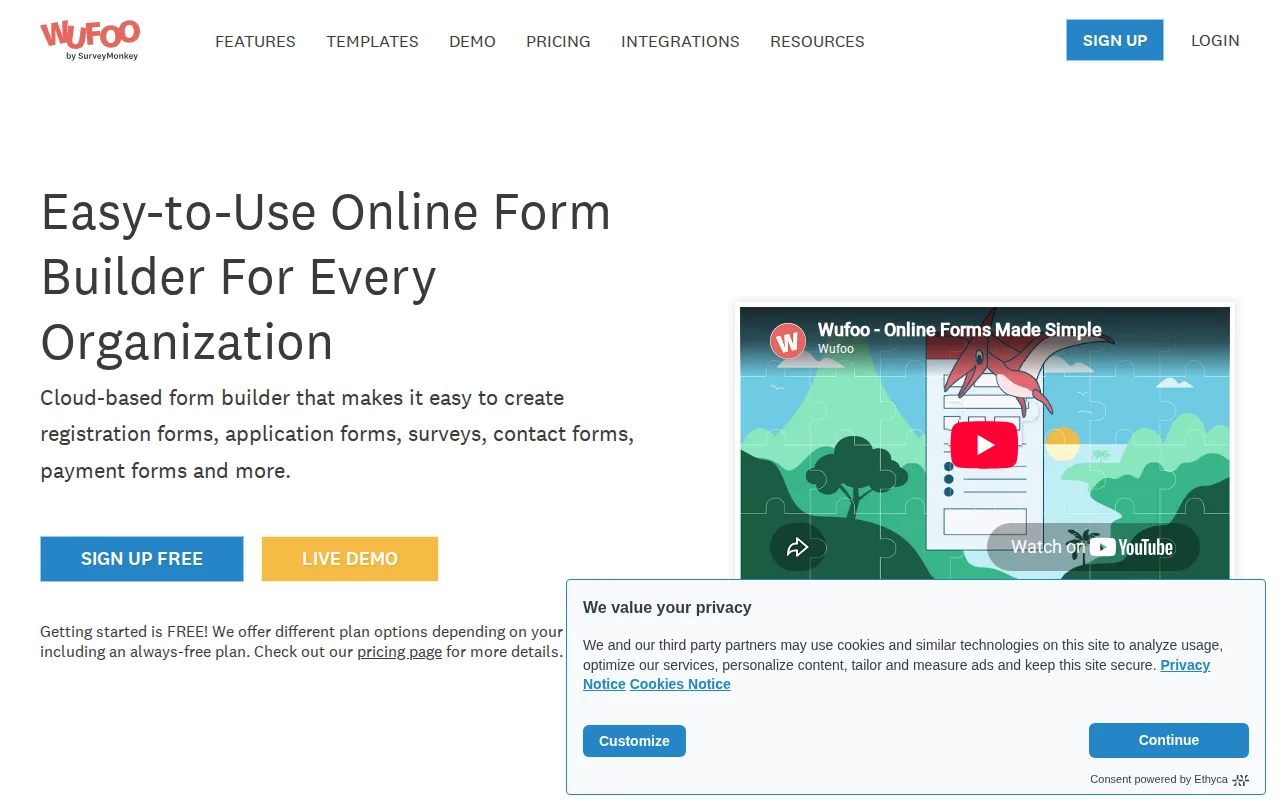
Wufoo is the best Formstack alternative for small organizations that need reliable form building with native payment processing across five gateways (PayPal, Stripe, Authorize.Net, Square, Braintree) built directly into forms. Wufoo's Starter tier costs $16.25/month billed annually, a fraction of Formstack's $83/month Forms plan, and Wufoo's free plan covers 5 forms and 100 entries per month, a real ongoing free tier Formstack doesn't offer at any level. Wufoo has operated since 2006 and is now owned by SurveyMonkey, giving it a longer operating track record than Formstack's context documents, and integrates with Mailchimp, Salesforce, Asana, WordPress, and DocuSign. Formstack is still the better choice for teams that need document generation and eSignature chained into one no-code workflow: Wufoo has no document-generation or eSignature product comparable to Formstack's Documents and Sign, and every Wufoo tier is metered by monthly entry volume, capping even the mid-tier Professional plan at 5,000 entries/month, while Formstack's Suite plan includes unlimited eSignatures with no per-envelope fee.
Compared to Formstack: much cheaper entry tier ($16.25/mo Starter vs $83/mo Forms), free tier available vs Formstack's 14-day-trial-only model, native payment processing across five gateways built into every form
Wins:Starter tier costs $16.25/month billed annually, a fraction of Formstack's $83/month Forms plan · Free plan covers 5 forms and 100 entries/month; Formstack has no permanently free tier, only a 14-day trial · Native payment processing across five gateways (PayPal, Stripe, Authorize.Net, Square, Braintree) built directly into forms
Loses:No document-generation or eSignature product comparable to Formstack's Documents and Sign · Every tier is metered by monthly entry volume, capping the mid-tier Professional plan at 5,000 entries/month, more restrictive than Formstack's Suite plan's 5,000 submissions per form · Interface and form-building experience are described as dated compared to newer competitors, a criticism not raised about Formstack
Pros
- Native payment processing across five major gateways built directly into forms.
- Free tier is genuinely usable for small-scale form collection, not just a time-limited trial.
- Long operating history (since 2006) and SurveyMonkey ownership suggest platform stability.
- Integrates with widely used tools: Mailchimp, Salesforce, Asana, WordPress, DocuSign.
Cons
- Every paid tier is capped by monthly entry volume, requiring an upgrade as response volume grows rather than offering unlimited entries.
- Interface and form-building experience are dated compared to newer competitors like Typeform or JotForm.
- Starter tier is limited to a single user, restricting collaboration until the Professional tier.
- Annual billing is required to get the advertised 25% discount; month-to-month costs more per month across every tier.
Pricing: Free tier · paid from $16.25/mo — $16.25/month Starter vs Formstack's $83/month Forms (verified undefined NaN, NaN)