4 Best Alternatives to Appwrite in 2026
By Noahlast updated pricing verified

From our data: All four alternatives compared to Appwrite offer a free entry point, and three of the four — Supabase, Firebase, and AWS Amplify — start at exactly $0 like Appwrite itself, while PocketBase has no official paid tier at any price since there's no managed cloud offering; on reviews, Supabase's 861 Product Hunt reviews are the largest single sample among the alternatives, more than 143 times PocketBase's 6, and Appwrite itself carries no external ratings to compare against any of them.
 Supabase
 Firebase
 PocketBase
 AWS Amplify
How we picked
- Pricing was independently verified on-site for all four alternatives — Supabase, Firebase, PocketBase, and AWS Amplify — matching Appwrite's own verified pricing (fetched 2026-08-21), so every dollar figure in this comparison comes from a live pricing-page read.
- All five products compared here, including Appwrite itself, offer a free tier: Appwrite, Supabase, Firebase, and AWS Amplify all start at $0, and PocketBase is entirely free since it's self-hosted with no official managed cloud offering at any price.
- External ratings exist for three of the four alternatives — Supabase (5.0/5, 861 Product Hunt reviews), Firebase (4.6/5, 767 Capterra reviews), and AWS Amplify (4.8/5 Capterra plus 5.0/5 Product Hunt, 8 and 11 reviews respectively) — while PocketBase has only 6 Product Hunt reviews and Appwrite itself carries no external ratings on file at all.
- License model varies across the comparison: Appwrite (BSD-3-Clause) and PocketBase (MIT) are fully open source and self-hostable at $0, Supabase is open core with a paid managed cloud on top of an Apache-2.0 base, and Firebase and AWS Amplify are proprietary, freemium platforms with no self-hosting option at all.
Paid placement never alters editorial rank — read the full methodology.
Appwrite alternatives at a glance
| Alternative | Best for | Learning curve | Price |
|---|---|---|---|
| Appwritereference | developer teams building web, mobile, or Flutter apps that want a Firebase-style backend (auth, database, storage, functions) they can self-host for free instead of relying solely on a vendor's cloud | Moderate | Free tier · paid from $25/mo |
| Supabase | developers who want a Postgres-based backend (auth, storage, realtime, auto-generated APIs) they can self-host later, rather than committing to a proprietary NoSQL platform like Firebase | Moderate | Free tier · paid from $25/mo |
| Firebase | mobile and web developers who want a fully managed backend (database, auth, hosting, functions) without provisioning or maintaining their own servers | Moderate | Free |
| PocketBase | developers who want a single-binary backend (database, auth, storage, realtime API) for a side project or small-to-medium app without assembling separate services | Low | Free |
| AWS Amplify | teams already building on AWS who want Git-based hosting plus managed auth, data, and storage without assembling separate services | Moderate | Free tier · paid from $0.01/mo |
 Appwrite
1Supabase — best Appwrite alternative for developers who want a Postgres-based backend (auth, storage, realtime, auto-generated APIs) they can self-host later, rather than committing to a proprietary NoSQL platform like Firebase
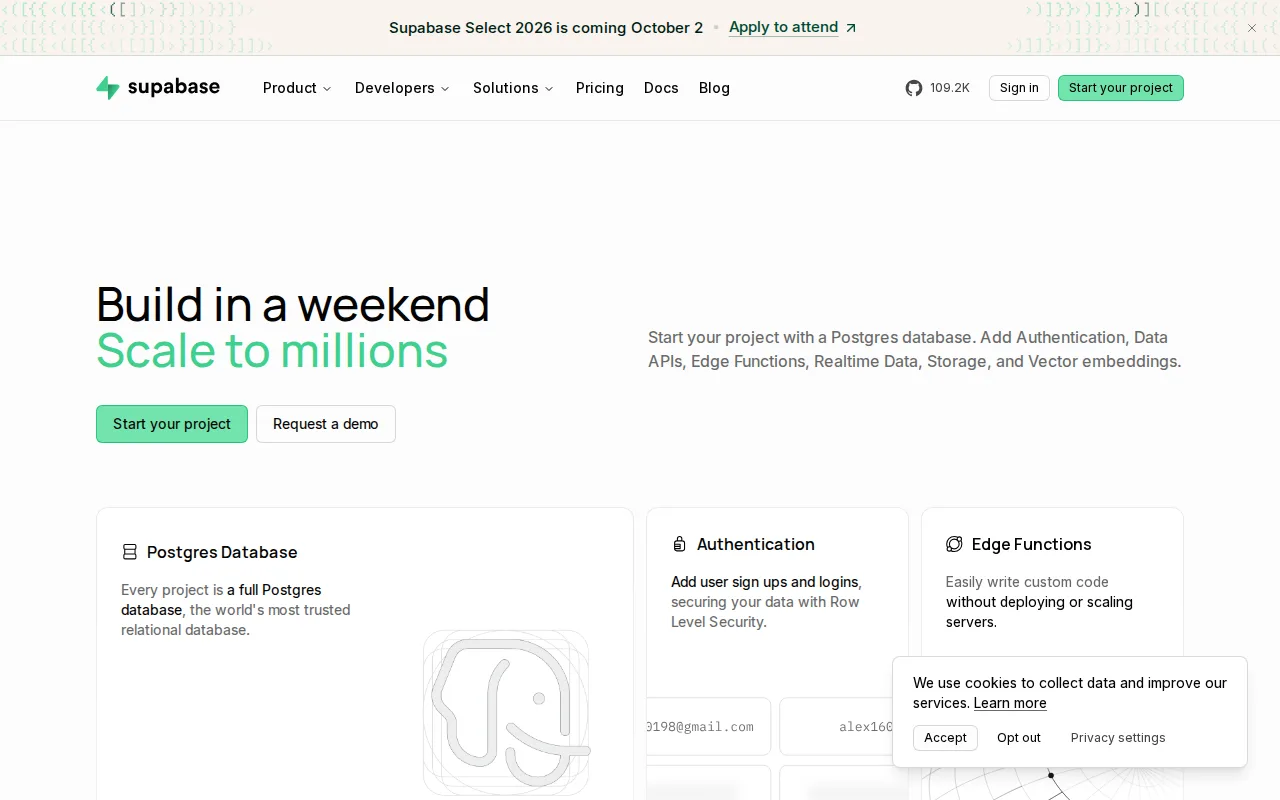
Supabase is the best Appwrite alternative for developers who want a full Postgres database instead of Appwrite's own database abstraction, with REST, GraphQL, and Realtime APIs generated automatically from the schema. Supabase's Row Level Security enforces per-row authorization directly in Postgres, letting existing SQL skills and extensions like pgvector and PostGIS carry over, something Appwrite's own document-style database model doesn't offer in the same way. Supabase holds a 5.0/5 rating from 861 Product Hunt reviews, evidence Appwrite doesn't have since Appwrite carries no external ratings on file at all. Both platforms share the same free-tier philosophy and open-core licensing approach, and Supabase's Pro tier starts at $25/month, identical to Appwrite's own Pro tier price. Appwrite remains the better choice for teams that want a broader bundled feature set at that same $25/month price point: Appwrite's Pro tier includes messaging alongside auth, database, storage, and functions, while Supabase's pricing beyond the $25/month base is usage-based per project, so teams running several Supabase projects or exceeding its 100,000 MAU and 250GB egress limits can see invoices climb well past the advertised starting price.
Compared to Appwrite: full Postgres database with auto-generated APIs and Row Level Security vs Appwrite's document-style database, 5.0/5 from 861 Product Hunt reviews vs Appwrite's none on file, same $25/month Pro starting price but usage-based overages beyond that
Wins:Full Postgres database with auto-generated REST, GraphQL, and Realtime APIs and Row Level Security, letting existing SQL skills and extensions like pgvector carry over directly · 5.0/5 rating from 861 Product Hunt reviews, evidence Appwrite doesn't have since it carries no external ratings on file · Free tier includes unlimited API requests and a 500MB database with no time limit, alongside 50,000 monthly active users
Loses:Pricing beyond the $25/month Pro base is usage-based and billed per project, so accounts running multiple projects stack recurring charges Appwrite's flat Pro tier doesn't · Row Level Security has a steeper learning curve than simpler client-side security rules for teams new to SQL · Free-tier projects pause after 1 week of inactivity, the same limitation Appwrite's own free Cloud tier carries
Pros
- Full Postgres database rather than a proprietary NoSQL store, so existing SQL skills and extensions like pgvector and PostGIS carry over directly.
- Auto-generates REST, GraphQL, and Realtime APIs from the schema, with Row Level Security for per-row authorization.
- Apache-2.0-licensed core stack is self-hostable, avoiding hard vendor lock-in.
- Free tier includes unlimited API requests, 50,000 monthly active users, and a 500MB database with no time limit on the account.
Cons
- Compute is billed per project, so accounts running several projects stack recurring charges beyond the flat $25/month Pro fee.
- MAU overage ($0.00325/user past 100,000) and egress overage ($0.09/GB past 250GB) can produce unpredictable invoices at scale.
- Free-tier projects pause automatically after 1 week of inactivity.
- Row Level Security has a steeper learning curve than Firebase's simpler client-side security rules for teams new to SQL.
Pricing: Free tier · paid from $25/mo — $25/month (Pro), matching Appwrite's own $25/month Pro tier; Supabase adds usage-based overages per project beyond that base price (verified )
2Firebase — best Appwrite alternative for mobile and web developers who want a fully managed backend (database, auth, hosting, functions) without provisioning or maintaining their own servers
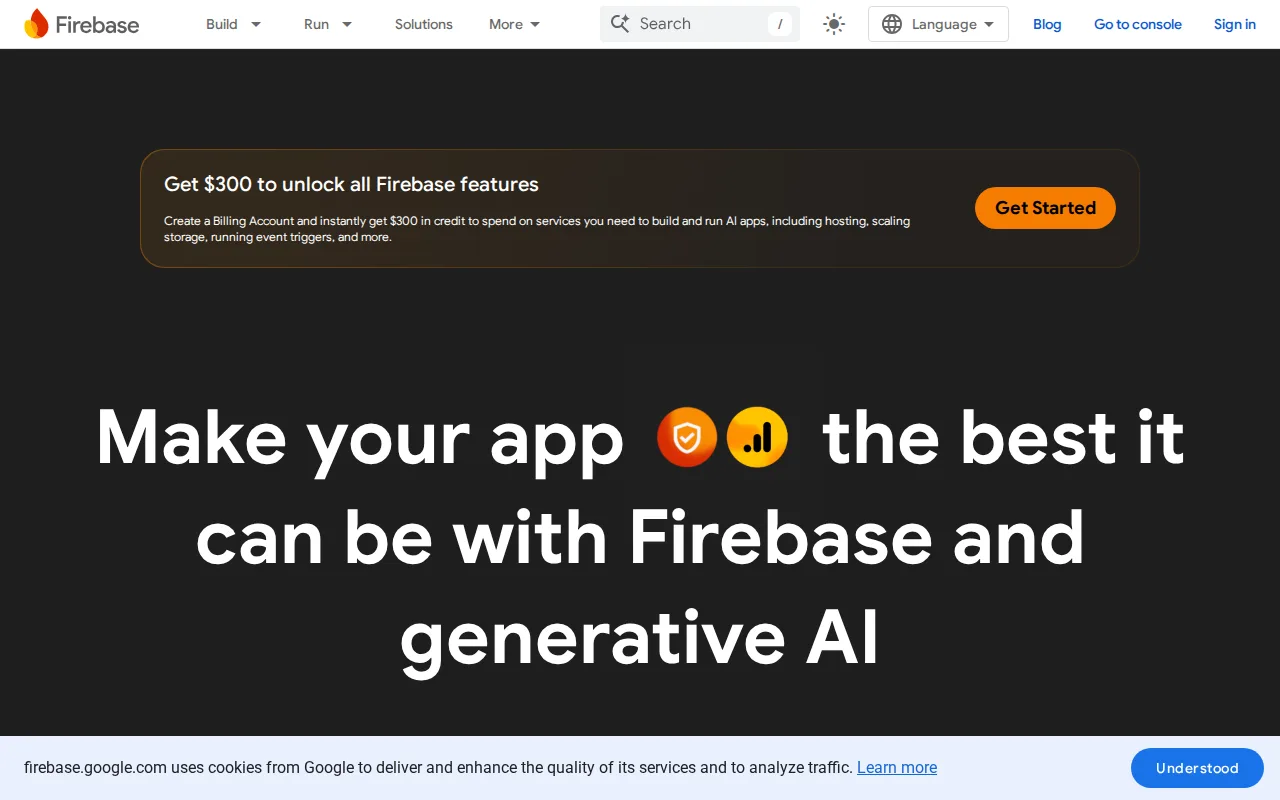
Firebase is the best Appwrite alternative for mobile and web developers who want Google's fully managed infrastructure instead of Appwrite's self-hosted-first model. Firebase's free Spark plan requires no payment method and no server provisioning at all, while Appwrite's own free Cloud tier still pauses projects after a week of inactivity and self-hosting shifts operational work like updates and backups onto the team. Firebase holds a 4.6/5 rating from 767 Capterra reviews, evidence Appwrite doesn't have since Appwrite carries no external ratings on file. Firebase bundles Crashlytics, Google Analytics, and Cloud Messaging alongside its core database, auth, storage, and functions, integrated operational tooling that goes beyond Appwrite's own backend-focused feature set. Appwrite remains the better choice for teams that want to avoid vendor lock-in and self-host on their own infrastructure at no licensing cost: Firebase's Firestore uses a proprietary NoSQL data model with real migration lock-in, and Blaze-plan costs are usage-based across many separately metered services, making cost forecasting harder than Appwrite's flat $25/month Pro tier.
Compared to Appwrite: no payment method required for the free Spark plan vs Appwrite's free tier pausing after a week of inactivity, 4.6/5 from 767 Capterra reviews vs Appwrite's none on file, integrated Crashlytics/Analytics/Messaging Appwrite doesn't bundle
Wins:Free Spark plan requires no payment method and no server provisioning, fully managed by Google · 4.6/5 rating from 767 Capterra reviews, evidence Appwrite doesn't have since it carries no external ratings on file · Integrated Crashlytics, Google Analytics, Performance Monitoring, and Cloud Messaging reduce the need for separate third-party tools
Loses:Firestore's proprietary NoSQL data model creates real migration lock-in, unlike Appwrite's fully open-source BSD-3-Clause codebase that can be self-hosted anywhere · Blaze pay-as-you-go pricing spans many separately metered services, making cost forecasting harder than Appwrite's flat $25/month Pro tier · No self-hosting option at all, unlike Appwrite which can run entirely on a team's own infrastructure at no licensing cost
Pros
- Generous free Spark tier with no payment method required, suitable for prototypes and small apps.
- Fully managed infrastructure removes the need to provision or scale servers manually.
- Deep, well-documented SDKs across iOS, Android, web, Flutter, Unity, and C++.
- Integrated operational tooling (Crashlytics, Analytics, Remote Config) reduces the need for separate third-party services.
Cons
- Blaze pay-as-you-go pricing spans many separately metered services, making cost forecasting difficult at scale.
- Firestore's proprietary NoSQL model creates lock-in and a steeper query-design learning curve than SQL databases.
- Some reviewers report recurring bugs and instability in certain SDK versions.
- Complex security rules (Firestore/Realtime Database) require careful configuration to avoid open or over-restrictive access.
Pricing: Free — $0 (Spark, fixed free quotas) then usage-based Blaze pricing vs Appwrite's $0 free tier and flat $25/month Pro tier (verified )
3PocketBase — best Appwrite alternative for developers who want a single-binary backend (database, auth, storage, realtime API) for a side project or small-to-medium app without assembling separate services
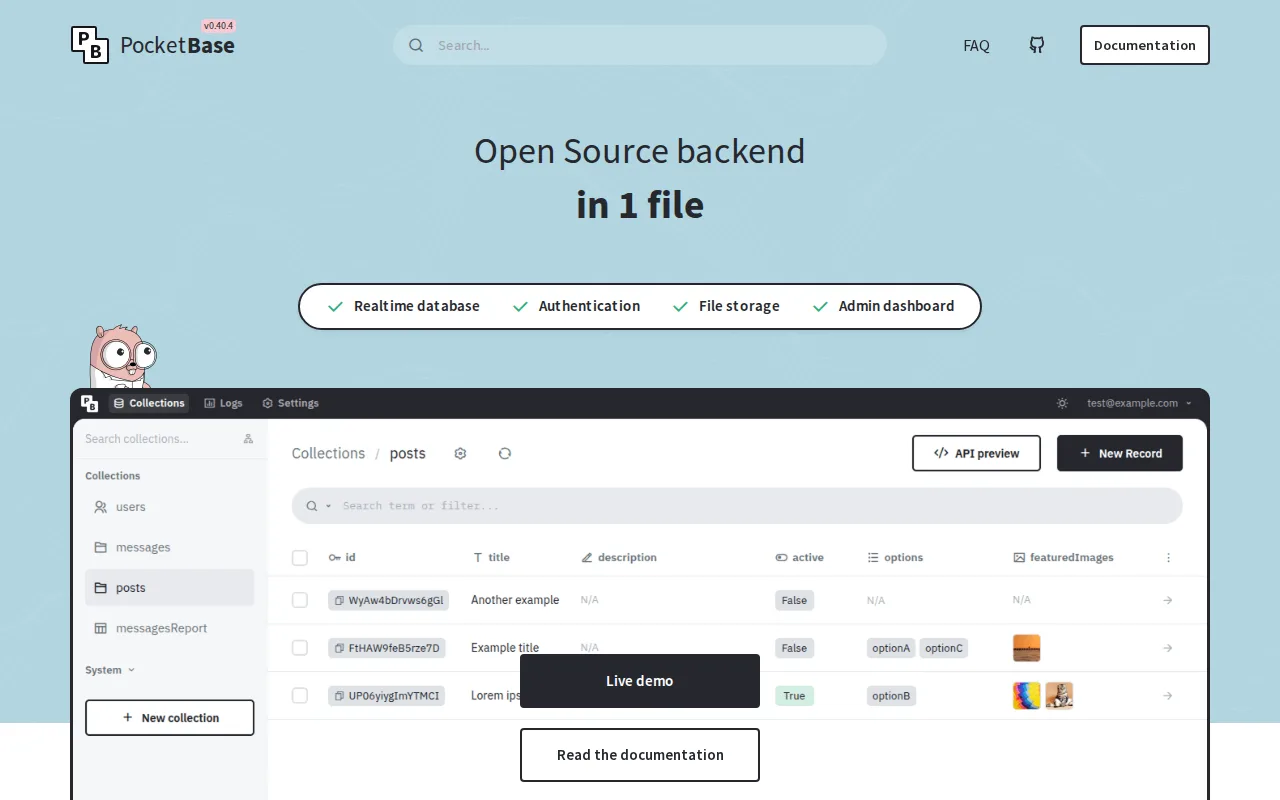
PocketBase is the best Appwrite alternative for developers who want the entire backend — database, auth, storage, and a realtime API — as a single portable executable rather than Appwrite's multi-service Docker deployment. Like Appwrite, PocketBase is fully open source and self-hosted for free with no licensing cost, but PocketBase's MIT license and one-binary architecture mean there's no separate database server, auth provider, or storage bucket to configure, a simpler starting point than Appwrite's own containerized services. PocketBase's built-in admin dashboard lets non-technical users manage records without writing code, similar in spirit to Appwrite's own console. Its GitHub repository has over 60,000 stars, more than Appwrite's own 57.1K. Appwrite remains the better choice for teams that need a managed cloud hosting option or broader SDK coverage: PocketBase has no official managed cloud offering at all, so scaling, backups, and uptime are entirely self-managed, and its SQLite single-writer model is a weaker fit for heavy concurrent write traffic than Appwrite Cloud's managed infrastructure and broader SDK coverage across React, Vue, Svelte, Flutter, and more.
Compared to Appwrite: single-binary architecture with no separate services to configure vs Appwrite's multi-service Docker deployment, over 60,000 GitHub stars vs Appwrite's 57.1K, no official managed cloud unlike Appwrite Cloud's free and Pro tiers
Wins:Single portable executable bundles database, auth, storage, and a realtime API with no separate services to provision, simpler than Appwrite's containerized deployment · Over 60,000 GitHub stars, more than Appwrite's own 57.1K · MIT license with source fully available, matching Appwrite's own open-source, self-hostable philosophy
Loses:No official managed cloud offering at all, unlike Appwrite Cloud's free tier and $25/month Pro tier for teams that don't want to self-host · SQLite's single-writer model limits write concurrency compared to Appwrite's broader backend architecture · Smaller ecosystem of official SDKs than Appwrite's coverage across React, Next.js, Vue, Svelte, iOS, Android, and Flutter
Pros
- Single executable bundles database, auth, storage, and a realtime API with no separate services to configure.
- MIT license with source fully available; no vendor lock-in.
- Built-in admin dashboard for managing records and users without writing code.
- JavaScript and Dart SDKs cover popular frontend frameworks including React, Vue, Svelte, and Flutter.
Cons
- No official managed cloud offering; every deployment is self-hosted and self-maintained.
- SQLite's single-writer model limits write concurrency compared to Postgres-based backends.
- Custom server-side logic requires extending PocketBase in Go or JavaScript hooks rather than a more general-purpose framework.
- Smaller ecosystem of official integrations and enterprise features than a hosted platform like Supabase or Firebase.
Pricing: Free — $0, self-hosted only with no official managed cloud, vs Appwrite's $0 free tier plus a $25/month Pro tier for managed Appwrite Cloud (verified )
4AWS Amplify — best Appwrite alternative for teams already building on AWS who want Git-based hosting plus managed auth, data, and storage without assembling separate services
AWS Amplify is the best Appwrite alternative for teams already standardized on AWS infrastructure who want Git-based CI/CD hosting bundled with a managed backend rather than Appwrite's self-hosted-first model. Amplify provisions authentication through Cognito, data APIs, storage, and serverless functions from a single TypeScript codebase, and its Hosting product builds and serves web apps, including Next.js and Nuxt server-side rendering, through Amazon CloudFront. Amplify holds a 4.8/5 rating from 8 Capterra reviews and a 5.0/5 rating from 11 Product Hunt reviews, evidence Appwrite doesn't have since it carries no external ratings on file at all. Amplify's 12-month AWS Free Tier covers 1,000 build minutes, 5GB CDN storage, and 15GB data transfer per month at no cost, comparable in spirit to Appwrite's own always-free tier. Appwrite remains the better choice for teams that want one predictable price rather than several separately billed services: Amplify's backend services (Cognito, AppSync, DynamoDB, Lambda) are billed separately under their own AWS pricing, making total cost harder to estimate than Appwrite's flat $25/month Pro tier, and Amplify assumes comfort with AWS's console and IAM model rather than a simplified single-dashboard experience.
Compared to Appwrite: Git-based CI/CD hosting on CloudFront that Appwrite doesn't provide, 4.8/5 from 8 Capterra reviews plus 5.0/5 from 11 Product Hunt reviews vs Appwrite's none on file, backend services billed separately under AWS pricing unlike Appwrite's flat $25/month Pro tier
Wins:Git-based CI/CD hosting through Amazon CloudFront bundled with the backend toolkit, a combination Appwrite as a backend platform doesn't offer · 4.8/5 rating from 8 Capterra reviews plus a 5.0/5 rating from 11 Product Hunt reviews, evidence Appwrite doesn't have on file · Extends into any other AWS service (DynamoDB, AppSync, Lambda, S3) as an application's needs grow
Loses:Backend services (Cognito, AppSync, DynamoDB, Lambda) are billed separately under their own AWS pricing, making total cost harder to estimate than Appwrite's flat $25/month Pro tier · Steeper learning curve for teams unfamiliar with AWS's console, IAM permissions, and service naming, versus Appwrite's more unified console · No self-hosting option comparable to Appwrite's BSD-3-Clause, fully self-hostable codebase
Pros
- Combines Git-based CI/CD hosting with a full backend toolkit (auth, data, storage, functions) provisioned from code.
- 12-month AWS Free Tier covers 1,000 build minutes, 5 GB storage, and 15 GB data transfer per month at no cost.
- No pay-per-seat pricing for team collaboration.
- Extends into any other AWS service as an application's needs grow.
Cons
- Backend services (Cognito, AppSync, DynamoDB, Lambda) are billed separately under their own AWS pricing, making total cost harder to estimate than flat-rate competitors.
- Learning curve is steeper for teams unfamiliar with AWS's console, IAM permissions, and service naming.
- Free tier build minutes and transfer allowances expire after 12 months.
- Fewer opinionated defaults than Vercel or Netlify, requiring more configuration for common frontend framework deployments.
Pricing: Free tier · paid from $0.01/mo — $0 for the first 12 months (AWS Free Tier), then pay-as-you-go across separately billed services, vs Appwrite's $0 free tier and flat $25/month Pro tier (verified )
Which one is right for you?
- You want a full Postgres database with auto-generated APIs and Row Level Security instead of a document-style database.Supabase
- You want a fully managed backend from Google with no server to provision and integrated crash reporting and analytics.Firebase
- You want the entire backend as one portable executable with no separate services to configure, self-hosted for free.PocketBase
- You're already building on AWS and want Git-based CI/CD hosting bundled with a managed backend toolkit.AWS Amplify
- You want to avoid vendor lock-in with a proprietary NoSQL database and prefer SQL skills to carry over directly.Supabase
Frequently asked questions
What is the best alternative to Appwrite?
- Supabase is the best-reviewed alternative to Appwrite, holding a 5.0/5 rating from 861 Product Hunt reviews and matching Appwrite's own $25/month Pro starting price. For a fully managed backend with no server to run, Firebase is the closer fit, backed by Google's infrastructure.
Is there a free alternative to Appwrite?
- Yes — all four alternatives compared here offer a free tier, and PocketBase is entirely free since it has no official managed cloud offering at any price. Supabase, Firebase, and AWS Amplify all start at $0 before usage-based or tiered pricing kicks in.
Can Supabase replace Appwrite?
- Supabase can replace Appwrite for most backend needs, since both are open-core, self-hostable platforms bundling auth, database, storage, and functions. Supabase's core is Postgres-based with auto-generated APIs, while Appwrite uses its own document-style database, and Supabase's Pro-tier pricing beyond $25/month is usage-based per project.
What is the closest alternative to Appwrite for self-hosting?
- PocketBase is the closest alternative to Appwrite for self-hosting, since both are fully open source (MIT and BSD-3-Clause respectively) and free to run on your own infrastructure. PocketBase ships as a single binary with no official managed cloud option, while Appwrite also offers a managed Appwrite Cloud starting free.
Is Firebase cheaper than Appwrite?
- Firebase's free Spark plan requires no payment method at all, comparable to Appwrite's own free Cloud tier, but Firebase's paid Blaze plan bills usage across many separately metered services rather than Appwrite's flat $25/month Pro tier. Which is cheaper depends heavily on usage patterns and how many services get metered.