3 Best Open-Source Alternatives to AnythingLLM in 2026
By Noahlast updated pricing verified
Of the 6 AnythingLLM alternatives we track, 3 are open-source: Ollama, Open WebUI, Jan. Each entry below keeps its full comparison from the main list.
All 6 AnythingLLM alternatives
Compared: open-source alternatives to AnythingLLM
| Alternative | Best for | Standout | Biggest weakness | Learning curve | Price |
|---|---|---|---|---|---|
| AnythingLLMreference | developers and privacy-sensitive teams that want document chat and agents running on their own hardware, with no per-token bill and no files leaving the machine | One install bundles a local model runner, a document knowledge base, and tool-using agents with no account or API key, including a meeting assistant that transcribes and summarizes calls on-device without a bot joining the call. | Mobile is Android-only — there is no iOS app — and the newer Magic features that make AnythingLLM work system-wide are capped by daily usage limits unless you buy a Desktop Pro license whose price appears nowhere on anythingllm.com or docs.anythingllm.com. Answer quality is also bounded by whatever model your own hardware can run, which varies far more than a fixed cloud model. | Moderate | Free tier · paid from $50/mo |
| Ollama | developers who want to run open-weight LLMs locally for privacy, offline use, or air-gapped applications, with optional cloud access for models too large to run on local hardware | Local inference stays entirely on-device by default with no telemetry, and the same CLI/API surface extends to paid cloud models when a task needs more compute than local hardware provides. | Local model quality and speed are bounded by the user's own hardware (RAM, GPU/VRAM), so running larger models still requires either capable hardware or upgrading to the paid cloud tier, and Max plan signups are currently paused while Ollama adds capacity. | Low | Free tier · paid from $20/mo |
| Open WebUI | individuals, startups, and regulated organizations that want a self-hosted, vendor-independent chat interface for local or API-based AI models | Full self-hosted control over AI model routing and chat data, connecting to local runners like Ollama or cloud providers such as OpenAI and Anthropic, with air-gapped and data-residency deployment options for regulated industries. | The core product is source-available rather than a standard OSI open-source license, since the Open WebUI License requires preserving Open WebUI branding unless an Enterprise license is purchased, and self-hosting requires ongoing maintenance of Docker/Ollama infrastructure that a hosted chatbot service does not. | Moderate | Free |
| Jan | developers and privacy-conscious users who want to run open-weight LLMs entirely offline while keeping the option to plug in cloud models from one interface | Runs open models like Llama, Gemma, and Qwen fully offline on local hardware via a bundled llama.cpp engine, while exposing an OpenAI-compatible API server for other apps to call. | The advertised Memory feature for persistent context across chats is still listed as coming soon, and running larger open models locally requires meaningful RAM/GPU resources that make performance uneven compared to cloud-only chat apps. | Low | Free |
 AnythingLLM
 Ollama
 Open WebUI
 Jan
Jan1.Ollama — best AnythingLLM alternative for developers who want to run open-weight LLMs locally for privacy, offline use, or air-gapped applications, with optional cloud access for models too large to run on local hardware
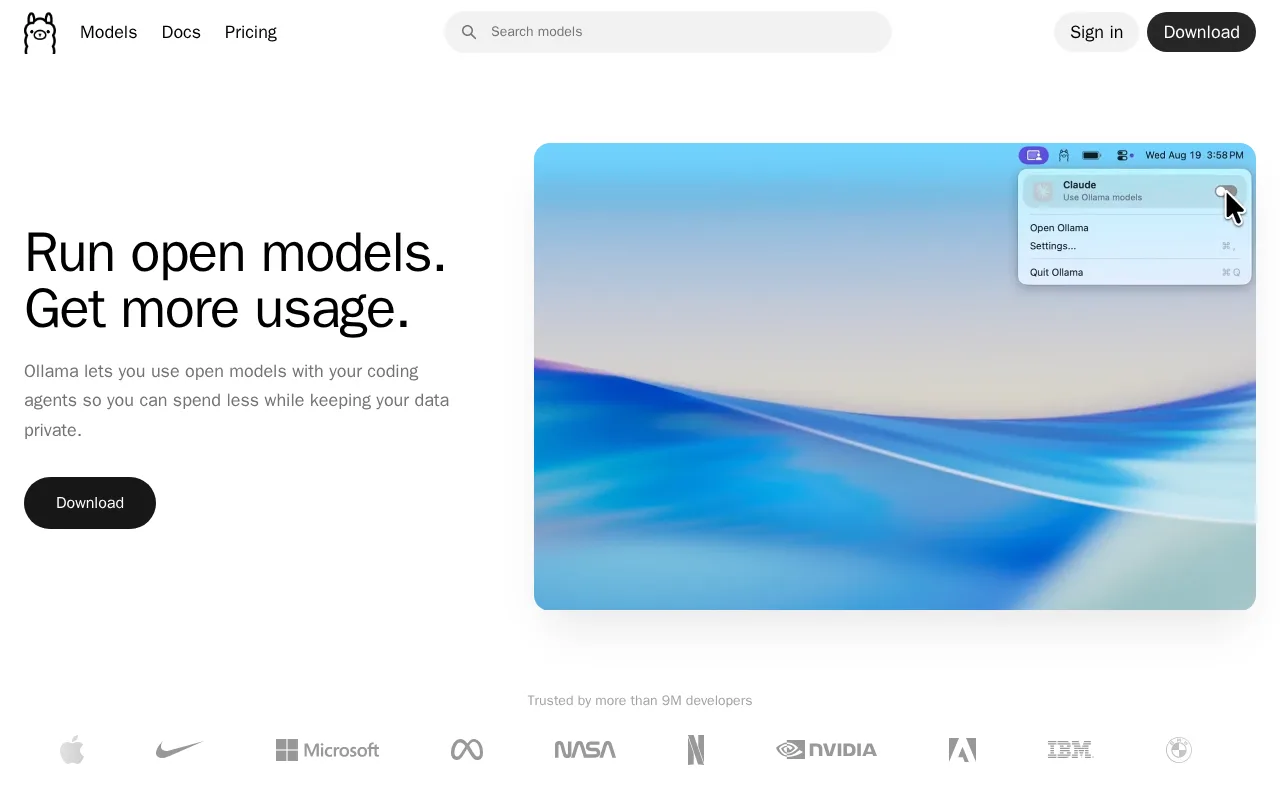
Both run open-weight models locally on a laptop or server; AnythingLLM can even use Ollama as its backend, so buyers compare Ollama's bare runtime against AnythingLLM's document chat and agent interface.
Pros
- Core local runtime is free, open source (MIT), and requires no account to run models offline.
- No telemetry from local inference; data never leaves the device unless a cloud model is explicitly used.
- Simple CLI and REST API make it easy to integrate into existing developer tools and 40,000+ community integrations.
- Cloud tier extends the same interface to larger models when local hardware isn't enough.
Cons
- Local performance depends entirely on the user's own hardware; larger models need significant RAM or GPU VRAM to run well.
- Max plan ($100/month) is currently paused for new signups while Ollama adds capacity.
- Cloud usage limits reset on 5-hour and 7-day cycles, which can be restrictive for bursty workloads compared to flat monthly quotas.
- Team plan has a 5-seat minimum ($125/month), which is a meaningful jump for very small teams.
Pricing: Free tier · paid from $20/mo (verified undefined NaN, NaN)
2.Open WebUI — best AnythingLLM alternative for individuals, startups, and regulated organizations that want a self-hosted, vendor-independent chat interface for local or API-based AI models
Both are self-hosted, multi-user chat interfaces with retrieval over private documents, cross-shopped for private team deployments behind a company firewall.
Pros
- Free to self-host with a one-command Docker or pip install, no account required.
- Connects to both local model runners (Ollama) and cloud APIs (OpenAI, Anthropic, and compatible providers) from one interface.
- Air-gapped and data-residency-controlled deployment options suit regulated industries.
- Large community library (478,000+ members) sharing prompts, tools, and custom functions.
Cons
- Source-available Open WebUI License requires preserving Open WebUI branding unless an Enterprise license is purchased, which is not a standard OSI open-source license.
- Self-hosting requires ongoing maintenance of Docker and, typically, a separate Ollama or model-serving backend.
- Enterprise pricing (SSO, RBAC, audit logs, branding removal) is not published and requires a sales conversation.
- No official native mobile app; access on phones is through the web interface.
Pricing: Free
3.Jan — best AnythingLLM alternative for developers and privacy-conscious users who want to run open-weight LLMs entirely offline while keeping the option to plug in cloud models from one interface
Both are open-source desktop AI assistants built around running models offline with no account, competing for the same privacy-first local-AI user.
Pros
- Fully open source under Apache 2.0 with no account or subscription required.
- Runs models 100% offline once downloaded, with no data leaving the device by default.
- OpenAI-compatible local API server lets other tools call locally hosted models.
- Supports both local open-weight models and cloud providers in one interface.
Cons
- No web or mobile client; desktop only (Windows, macOS, Linux).
- Memory/persistent-context feature is still marked coming soon.
- Running larger local models is limited by the user's own hardware, unlike cloud-only competitors.
- Smaller community and fewer integrations than Ollama, which some users prefer for headless/server use.
Pricing: Free (verified undefined NaN, NaN)