5 Best Alternatives to Zed for macOS in 2026
By Noahlast updated pricing verified
Compared: Zed alternatives that run on macOS
| Alternative | Best for | Learning curve | Price |
|---|---|---|---|
| Zedreference | developers who want a genuinely fast, native (non-Electron) editor with built-in agentic AI support, and who are comfortable using their own API keys or a lean paid AI subscription instead of a bundled enterprise IDE | Moderate | Free tier · paid from $10/mo |
| Visual Studio Code | developers across nearly any language or stack who want a fast, free, extensible editor with strong Git integration and a large extension ecosystem, rather than a full paid IDE | Low | Free |
| Cursor | software teams that want autonomous AI agents handling multi-file changes and PR reviews directly inside their editor and CI pipeline | Moderate | Free tier · paid from $20/mo |
| IntelliJ IDEA | Java and Kotlin developers who want the strongest JVM-focused IDE, using the free Community edition unless they specifically need Ultimate's web-framework or database tooling | Moderate | Free tier · paid from $169/yr |
| Sublime Text | developers who want a fast, lightweight editor for large files and quick edits without the memory overhead of a full IDE | Moderate | From $50/yr |
| Neovim | developers who already use Vim's modal editing and want built-in LSP, Tree-sitter, and Lua scripting without relying on third-party Vim plugins to add them | Steep | Free |
 Zed
Zed Visual Studio Code
 Cursor
 IntelliJ IDEA
 Sublime Text
 Neovim
1Visual Studio Code — best Zed alternative for developers across nearly any language or stack who want a fast, free, extensible editor with strong Git integration and a large extension ecosystem, rather than a full paid IDE
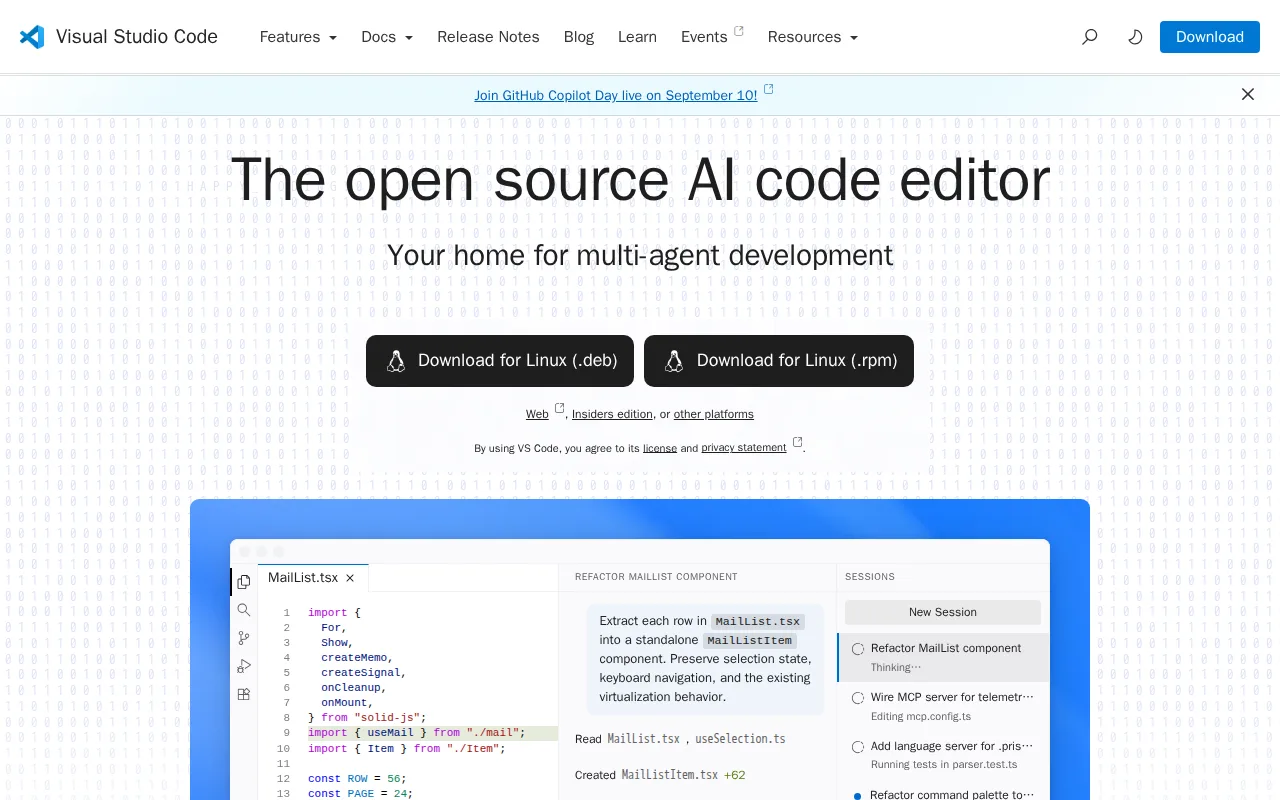
Visual Studio Code is the best Zed alternative for developers who want the largest extension ecosystem and a fully free editor with no paid AI tier at all. VS Code holds a 4.8/5 rating from 1,694 Capterra reviews, far more review volume than Zed's 5.0/5 from just 46 Product Hunt reviews, and its marketplace of over 80,000 extensions covers nearly every language and framework, dwarfing Zed's much smaller, younger extension catalog. VS Code is completely free for individual and commercial use with no paid tier gating any core editor functionality, while Zed's own AI subscription (edit predictions, agent access) costs $10/month for Pro or $30/seat/month for Business once a user exceeds the free Personal plan's 2,000 accepted edit predictions. VS Code also runs identically across Windows, macOS, Linux, and the browser via vscode.dev. Zed is still the better choice for raw editing speed: VS Code runs inside Electron/Chromium and performance degrades with many extensions installed, especially on large codebases, while Zed is built from scratch in Rust specifically to avoid that overhead, and Zed's built-in multiplayer collaboration and Claude Code integration ship natively rather than through third-party extensions.
Compared to Zed: 4.8/5 rating from 1,694 Capterra reviews vs Zed's 5.0/5 from just 46, marketplace of over 80,000 extensions vs Zed's much smaller catalog, completely free with no paid AI tier at all
Wins:4.8/5 rating from 1,694 Capterra reviews vs Zed's 5.0/5 from just 46 reviews · Marketplace of over 80,000 extensions vs Zed's much smaller, younger extension catalog · Completely free for individual and commercial use, with no paid AI tier at all
Loses:Runs inside Electron/Chromium rather than Zed's native Rust build, and performance degrades with many extensions installed · No built-in multiplayer collaboration or native Claude Code integration the way Zed ships them · Advanced refactoring and language-specific tooling generally lag behind dedicated JetBrains IDEs
Pros
- Free for individual and commercial use with no paid tier gating core editor functionality.
- Extension marketplace covers virtually every language, framework, and workflow, from linting to remote containers.
- Built-in Git integration and an integrated terminal remove the need for separate tools for basic version control.
- Runs identically across Windows, macOS, Linux, and the browser via vscode.dev.
Cons
- Performance degrades with many extensions installed, especially on large codebases or lower-end hardware.
- The official build's telemetry and marketplace terms sit under a separate Microsoft license, distinct from the MIT-licensed open-source core.
- Advanced refactoring and language-specific tooling generally lag behind dedicated JetBrains IDEs for languages like Java or C#.
- AI features increasingly nudge users toward GitHub Copilot, which is a separate paid subscription for full functionality.
Pricing: Free — Free (no paid tier for the editor) vs Zed's free Personal plan ($0) with Pro at $10/month for unlimited edit predictions (verified )
2Cursor — best Zed alternative for software teams that want autonomous AI agents handling multi-file changes and PR reviews directly inside their editor and CI pipeline
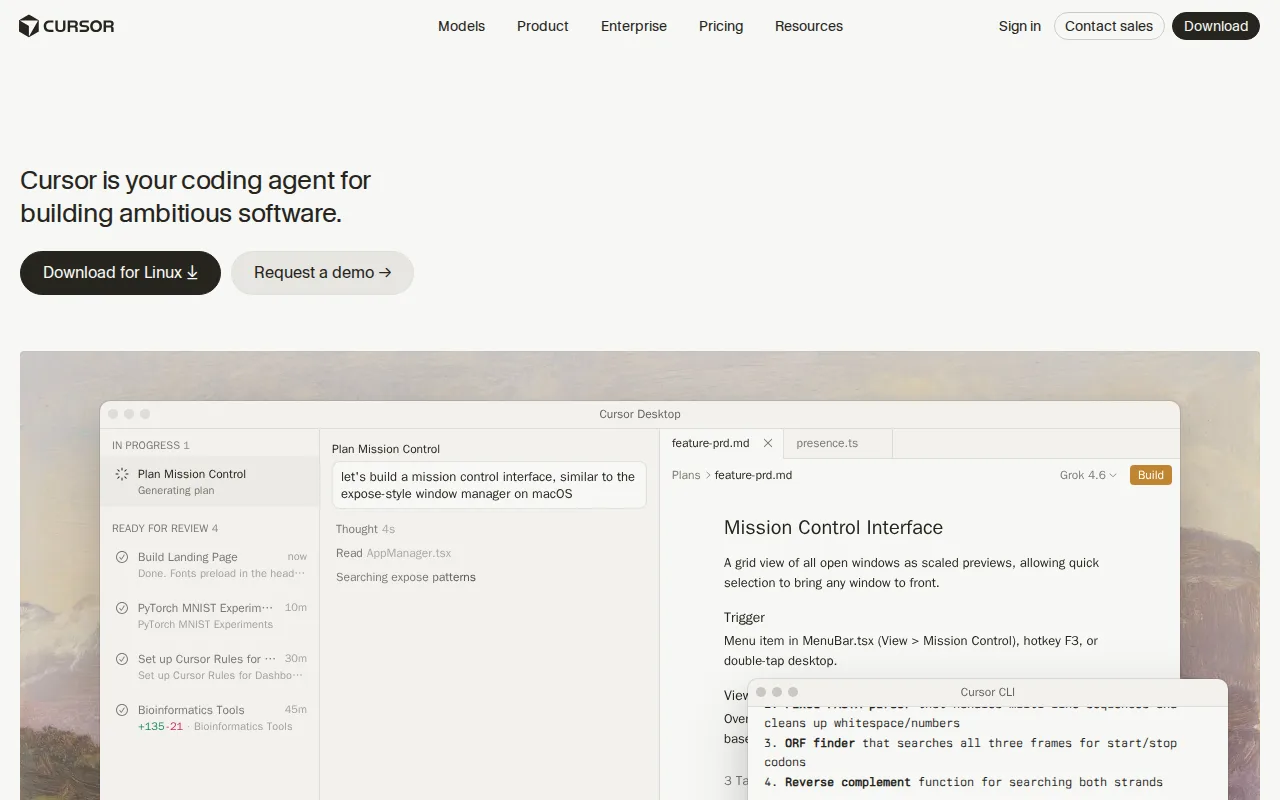
Cursor is the best Zed alternative for developers who want autonomous AI agents that plan, write, test, and open pull requests directly inside the editor, going beyond Zed's edit-prediction and connected-agent model. Cursor's cloud agents keep working on long-running tasks (hours or days) independent of the local machine, and Cursor supports multiple frontier models (Grok, Claude, and its own Composer model) rather than routing through a single AI subscription the way Zed's Pro plan does. Cursor holds a 5.0/5 rating on Capterra, matching Zed's own 5.0/5 Product Hunt score, though both ratings come from small samples (4 reviews for Cursor, 46 for Zed). Cursor's Pro plan costs $20/month, double Zed's $10/month Pro tier. Zed is still the better choice for raw editor performance and cost predictability: Cursor is forked from VS Code and runs inside Electron, without the native Rust performance Zed is built around, and Cursor's usage-based pricing on top of the subscription (extra Agent requests, Bugbot) can make monthly costs unpredictable, while Zed's Pro plan includes a flat $5 monthly token credit before usage-based billing kicks in.
Compared to Zed: autonomous cloud agents that keep working on long tasks independent of the local machine, multi-model support (Grok, Claude, Composer) instead of one AI subscription, matching 5.0/5 rating though from a smaller Capterra sample (4 reviews)
Wins:Autonomous cloud agents keep working on long-running tasks independent of the local machine · Multi-model support (Grok, Claude, Cursor's own Composer) avoids lock-in to one AI subscription · 5.0/5 rating on Capterra, matching Zed's own 5.0/5 Product Hunt score
Loses:Forked from VS Code and runs inside Electron, without Zed's native Rust performance · Usage-based pricing on top of the subscription can make monthly costs unpredictable, versus Zed's flat $5 monthly Pro credit before overage · Pro plan costs $20/month, double Zed's $10/month Pro tier
Pros
- Autonomous agents can plan, write, test, and open pull requests with minimal hand-holding.
- Multi-model support (Grok, Claude, Cursor's own Composer) avoids lock-in to a single AI provider.
- Cloud agents keep running on long tasks without tying up the developer's local machine.
- Free Hobby tier requires no credit card, making it easy to evaluate before paying.
Cons
- Usage-based charges on top of the subscription make total monthly cost harder to predict than a flat fee.
- Steep price jump from Pro ($20/month) to Ultra ($200/month) for teams needing higher Agent limits.
- Requires comfort delegating multi-file changes to an agent, a real workflow shift for developers used to manual review of every diff.
- No iOS or Android app; Cursor is desktop- and CLI-only.
Pricing: Free tier · paid from $20/mo — $20/month (Pro) vs Zed's $10/month (Pro, with $5 of monthly token credits) (verified )
3IntelliJ IDEA — best Zed alternative for java and Kotlin developers who want the strongest JVM-focused IDE, using the free Community edition unless they specifically need Ultimate's web-framework or database tooling
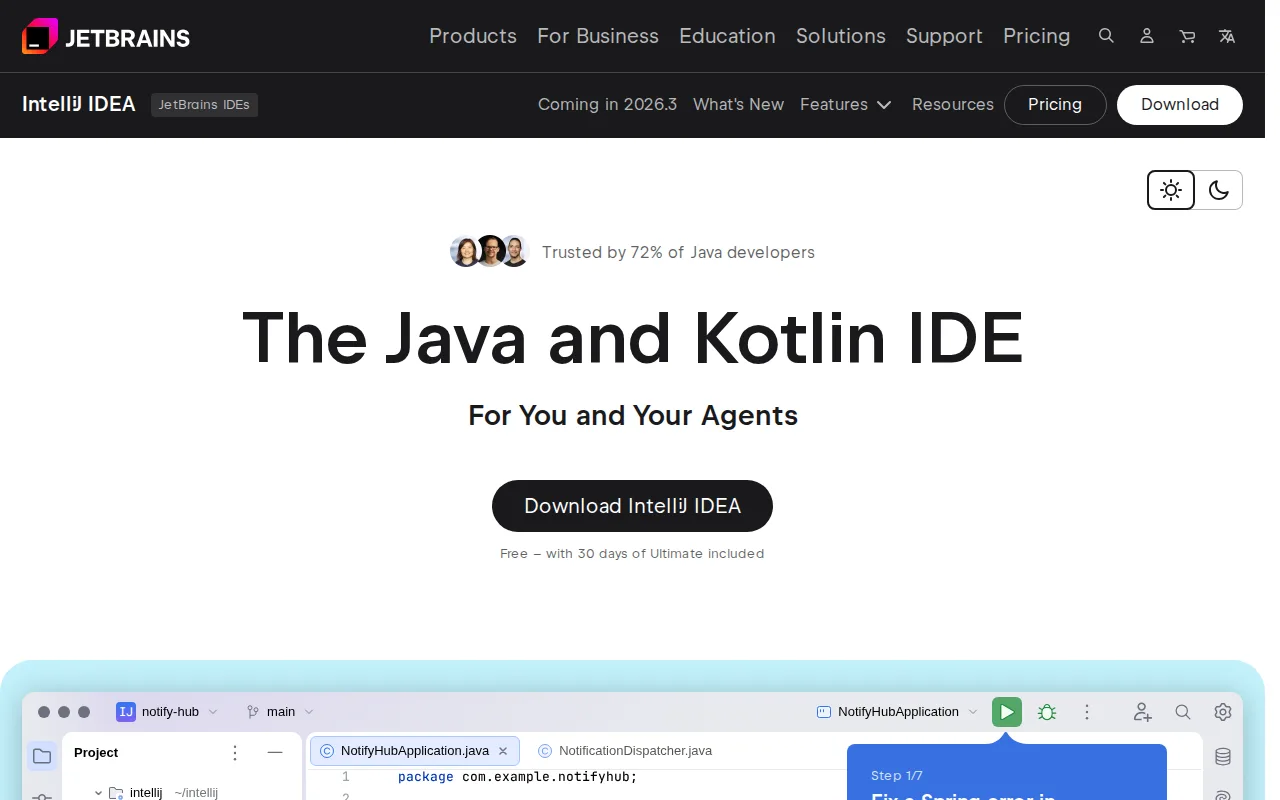
IntelliJ IDEA is the best Zed alternative for Java and Kotlin developers who want deep, language-specific IDE tooling instead of a lightweight, general-purpose editor. IntelliJ's Community edition is completely free and open source under Apache 2.0 with no expiration or feature paywall, covering core Java, Kotlin, Groovy, and Android development with refactoring and debugging tools tuned specifically for the JVM, capabilities Zed's more general editor doesn't match natively. IntelliJ holds a 4.7/5 rating from 1,259 Capterra reviews, far more review volume than Zed's 5.0/5 from just 46 Product Hunt reviews, and its Ultimate edition ($169/year individual, first-year price) adds web-framework support, database tools, and profiling for teams that need them. Zed is still the better choice for developers who want a fast, native, non-Java-specific editor: IntelliJ carries heavier resource usage (RAM and startup time) than Zed's Rust-built editor, especially on large codebases, and IntelliJ's Ultimate tier is a recurring per-seat subscription that can cost more than Zed's $10/month Pro plan once seat count and framework needs grow.
Compared to Zed: free, open-source Community edition with deep Java/Kotlin-specific refactoring and debugging tools, 4.7/5 rating from 1,259 Capterra reviews vs Zed's 5.0/5 from just 46, Ultimate edition adds database tools and web-framework support Zed doesn't offer natively
Wins:Free, open-source Community edition with deep Java/Kotlin-specific refactoring and debugging tools · 4.7/5 rating from 1,259 Capterra reviews vs Zed's 5.0/5 from just 46 reviews · Ultimate edition adds database tools and web-framework support Zed doesn't offer natively
Loses:Heavier resource usage (RAM and startup time) than Zed's native Rust-built editor, especially on large codebases · Ultimate edition is a recurring per-seat subscription that can cost more than Zed's $10/month Pro plan as seat count grows · Deep Java/Kotlin focus makes it a poor fit for developers working primarily in other languages, unlike Zed's general-purpose design
Pros
- Community edition is completely free and open source with no feature countdown or nag screens.
- Deep, JetBrains-grade refactoring, code completion, and debugging tools tuned specifically for Java and Kotlin.
- Ultimate adds integrated database tools and web-framework support without needing separate plugins from third parties.
- Strong out-of-the-box Gradle/Maven build tool integration reduces project setup friction.
Cons
- Ultimate is a recurring per-seat subscription rather than a one-time purchase, an ongoing cost for teams that need its features.
- Heavier resource usage (RAM and startup time) than lighter editors like Visual Studio Code, especially on large codebases.
- The line between what requires Ultimate versus what Community already covers is not always clear to new users.
- Organization/business licensing costs meaningfully more per seat than individual licensing, a real budget factor for teams standardizing on Ultimate.
Pricing: Free tier · paid from $169/yr — Free (Community) or $169/year (Ultimate, Individual, first-year price) vs Zed's free Personal plan ($0) with Pro at $10/month
4Sublime Text — best Zed alternative for developers who want a fast, lightweight editor for large files and quick edits without the memory overhead of a full IDE
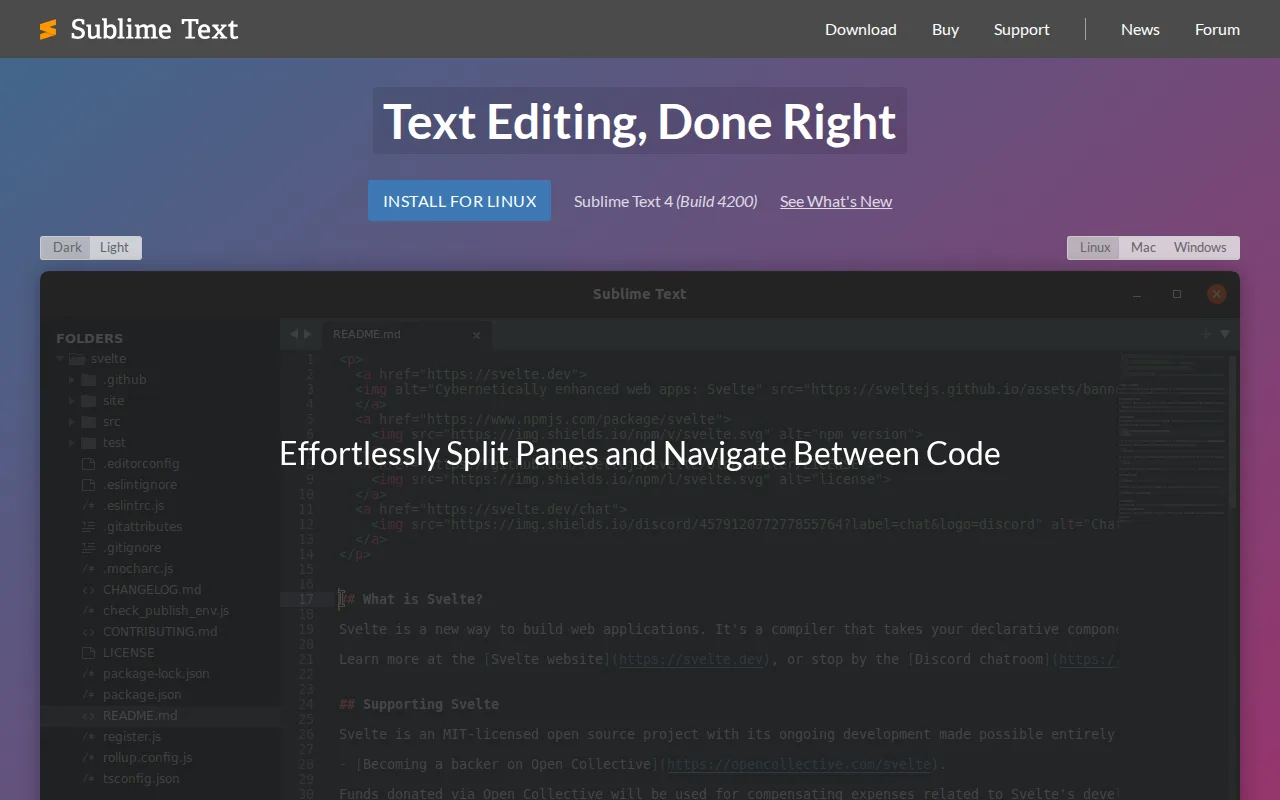
Sublime Text is the best Zed alternative for developers who want a proven, extremely fast editor with a one-time purchase instead of an ongoing AI subscription. Sublime Text's Personal license is a one-time $99 purchase covering 3 years of updates across Windows, Mac, and Linux, a fixed cost compared to Zed's recurring $10/month Pro or $30/seat/month Business AI subscriptions. Sublime Text holds a 4.6/5 rating from 1,382 Capterra reviews, far more review volume than Zed's 5.0/5 from just 46 Product Hunt reviews, and its GPU-accelerated rendering and multiple-selection editing (Ctrl+D/Cmd+D) keep it fast even on very large files. Zed is still the better choice for developers who want built-in AI coding assistance and native multiplayer collaboration: Sublime Text has no built-in AI coding assistance at all, unlike competitors including Zed that now offer it natively, and Sublime Text's free evaluation periodically prompts for purchase, which some users find intrusive over time compared to Zed's genuinely free-forever Personal plan.
Compared to Zed: one-time $99 purchase (3 years of updates) instead of a recurring AI subscription, 4.6/5 rating from 1,382 Capterra reviews vs Zed's 5.0/5 from just 46, GPU-accelerated rendering and multiple-selection editing for very large files
Wins:One-time $99 purchase covering 3 years of updates, instead of Zed's recurring AI subscription · 4.6/5 rating from 1,382 Capterra reviews vs Zed's 5.0/5 from just 46 reviews · GPU-accelerated rendering and multiple-selection editing keep it fast even on very large files
Loses:No built-in AI coding assistance at all, unlike Zed's native edit predictions and agent integration · Free evaluation periodically prompts for purchase, unlike Zed's genuinely free-forever Personal plan · Plugin management and JSON-based configuration have a learning curve compared to more modern editors
Pros
- Very fast performance, even on large files, thanks to GPU-accelerated rendering.
- Multiple-selection editing makes bulk in-file changes fast without macros or find-replace.
- One-time $99 Personal license (not a recurring subscription) for individual developers.
- Native performance on Windows, Mac (Apple Silicon), and Linux (including ARM64).
Cons
- No built-in AI coding assistance, which competitors like VS Code and JetBrains IDEs now offer natively.
- Free evaluation periodically prompts for purchase, which some users find intrusive over time.
- $99 one-time or $50-65/seat/year pricing is a point of criticism given free competitors like VS Code.
- Plugin management and JSON-based configuration have a learning curve compared to GUI-driven settings in other editors.
Pricing: From $50/yr — $99 one-time (Personal license, 3 years of updates) vs Zed's free Personal plan ($0) with Pro at $10/month (verified )
5Neovim — best Zed alternative for developers who already use Vim's modal editing and want built-in LSP, Tree-sitter, and Lua scripting without relying on third-party Vim plugins to add them
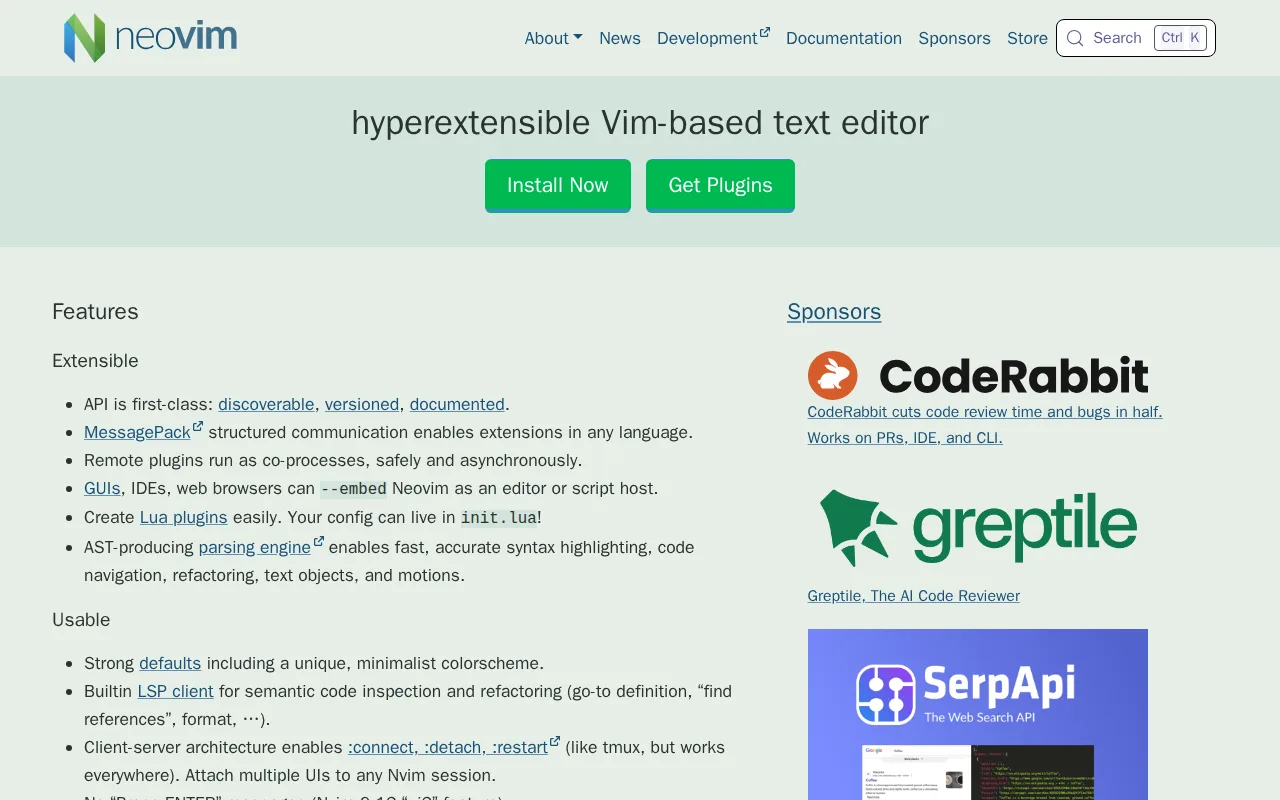
Neovim is the best Zed alternative for developers who already know Vim's modal editing and want a completely free, open-source editor with no paid tier of any kind. Neovim is entirely free under Apache 2.0 with no AI subscription or seat-based pricing at all, unlike Zed's $10/month Pro or $30/seat/month Business tiers once a user exceeds the free Personal plan's usage limits. Neovim ships a built-in Language Server Protocol client and native Tree-sitter integration for accurate syntax parsing, both included in the free core rather than gated behind a subscription, and it holds a matching 5.0/5 rating on Product Hunt to Zed's own score, though from a much smaller sample of 7 reviews versus Zed's 46. Zed is still the better choice for developers who don't already know Vim: Neovim's learning curve is steep for anyone not already comfortable with Vim's modal, keyboard-driven editing model, its out-of-the-box experience is minimal by design and typically requires assembling a plugin configuration, and it has no official GUI beyond the terminal, while Zed ships a full graphical editor with built-in AI features ready to use immediately.
Compared to Zed: entirely free under Apache 2.0 with no paid tier of any kind, built-in LSP client and Tree-sitter integration included in the free core, matching 5.0/5 Product Hunt rating though from a much smaller sample (7 reviews)
Wins:Entirely free under Apache 2.0 with no paid tier of any kind · Built-in LSP client and native Tree-sitter integration included in the free core, not gated behind a subscription · Matching 5.0/5 Product Hunt rating to Zed's own score
Loses:Steep learning curve for anyone not already comfortable with Vim's modal, keyboard-driven editing model · Minimal out-of-the-box experience typically requires assembling and maintaining a plugin configuration · No official GUI beyond the terminal, unlike Zed's full graphical editor with built-in AI features
Pros
- Built-in LSP client provides code completion, diagnostics, and go-to-definition without third-party plugins.
- Native Tree-sitter support gives more accurate syntax highlighting and code navigation than regex-based highlighting.
- Lua scripting and configuration alongside traditional Vimscript, with a large modern plugin ecosystem built around it.
- Completely free with no paid tier, and compatible with most existing Vim 8.x plugins.
Cons
- Steep learning curve for anyone not already familiar with Vim's modal editing and keybindings.
- Minimal out-of-the-box experience; a productive setup usually requires assembling and maintaining a plugin configuration.
- No official GUI beyond the terminal; graphical front-ends are separate community projects with varying maturity.
- Configuration in Lua (or Vimscript) has a real learning investment compared to GUI-based settings in editors like VS Code.
Pricing: Free — Free (no paid tier at all) vs Zed's free Personal plan ($0) with Pro at $10/month for unlimited edit predictions (verified )