5 Best Alternatives to WPS Office in 2026
By Noahlast updated pricing verified

From our data: 3 of the 5 WPS Office alternatives listed here have a free tier (LibreOffice, OnlyOffice, and Zoho Workplace), matching WPS Office's own free Standard plan, while Microsoft 365 and Google Workspace are paid-only; of the three published paid entry prices, $7/user/month for Google Workspace Business Starter, $9.99/month for Microsoft 365 Personal, and $20/admin/month for OnlyOffice DocSpace Business Cloud, none undercuts WPS Office's own $2.49/user/month Sharing plan.
 Microsoft 365
 LibreOffice
 Google Workspace
 OnlyOffice
 Zoho Workplace
How we picked
- The ranking follows what WPS Office charges for: full PDF editing, e-signatures, and unlimited templates sit behind Pro+ at $5.83/month ($69.99/year), and AI tools carry daily usage caps even after paying. Each alternative was judged on whether it gates the same capability, which is why LibreOffice and OnlyOffice's free desktop editors score well on this axis.
- External review evidence separated the top two: Google Workspace holds 4.7/5 from 17,667 Capterra reviews and Microsoft 365 4.6/5 from 14,143, both above WPS Office's own 4.5/5 from 1,537. OnlyOffice matches WPS Office's 4.5/5 but from 324 reviews, and LibreOffice and Zoho Workplace have no external rating on record here.
- Per-seat prices were compared directly against WPS Office's $5.83/month Pro+ and $2.49/user/month Sharing plan: LibreOffice is $0, Google Workspace Business Starter is $7/user/month billed annually, Microsoft 365 Personal is $9.99/month, and OnlyOffice DocSpace Business Cloud is $20/admin/month with unlimited regular users free.
- Platform coverage was checked against WPS Office's six targets (Windows, macOS, Linux, iOS, Android, and web): OnlyOffice matches all six, LibreOffice covers only the three desktop operating systems with no official mobile apps, and Microsoft 365, Google Workspace, and Zoho Workplace each ship five with no native Linux desktop client.
- Pricing was taken from on-site figures verified on 14 September 2026 for WPS Office, Microsoft 365, LibreOffice, and OnlyOffice. Google Workspace's tiers carry no verification timestamp, and Zoho Workplace's current prices and storage limits could not be verified at all, so no dollar figure is quoted for it.
Paid placement never alters editorial rank — read the full methodology.
WPS Office alternatives at a glance
| Alternative | Best for | Learning curve | Price |
|---|---|---|---|
| WPS Officereference | students, freelancers, and budget-conscious users who need Microsoft-compatible document, spreadsheet, and presentation editing without a Microsoft 365 subscription | Low | Free tier · paid from $2.49/mo |
| Microsoft 365 | individuals and families who want the full desktop-grade Office apps plus generous cloud storage and Copilot AI synced across multiple devices, rather than free browser-only Office | Low | From $9.99/mo |
| Google Workspace | businesses, schools, and startups standardizing on browser-based email and real-time collaborative documents instead of desktop Office software | Low | From $7/mo |
| LibreOffice | individuals, schools, and organizations that want a full office suite without a subscription and can work without native real-time cloud co-authoring | Low | Free |
| OnlyOffice | organizations that need Microsoft Office-compatible editing but want the option to self-host on their own servers under an open-source license | Moderate | Free tier · paid from $20/mo |
| Zoho Workplace | Small and midsize teams that want business email, office documents, chat, and video meetings from a single vendor at a lower per-seat cost than Google Workspace or Microsoft 365. | Moderate | Pricing not verified |
 WPS Office
1Microsoft 365 — best WPS Office alternative for individuals and families who want the full desktop-grade Office apps plus generous cloud storage and Copilot AI synced across multiple devices, rather than free browser-only Office
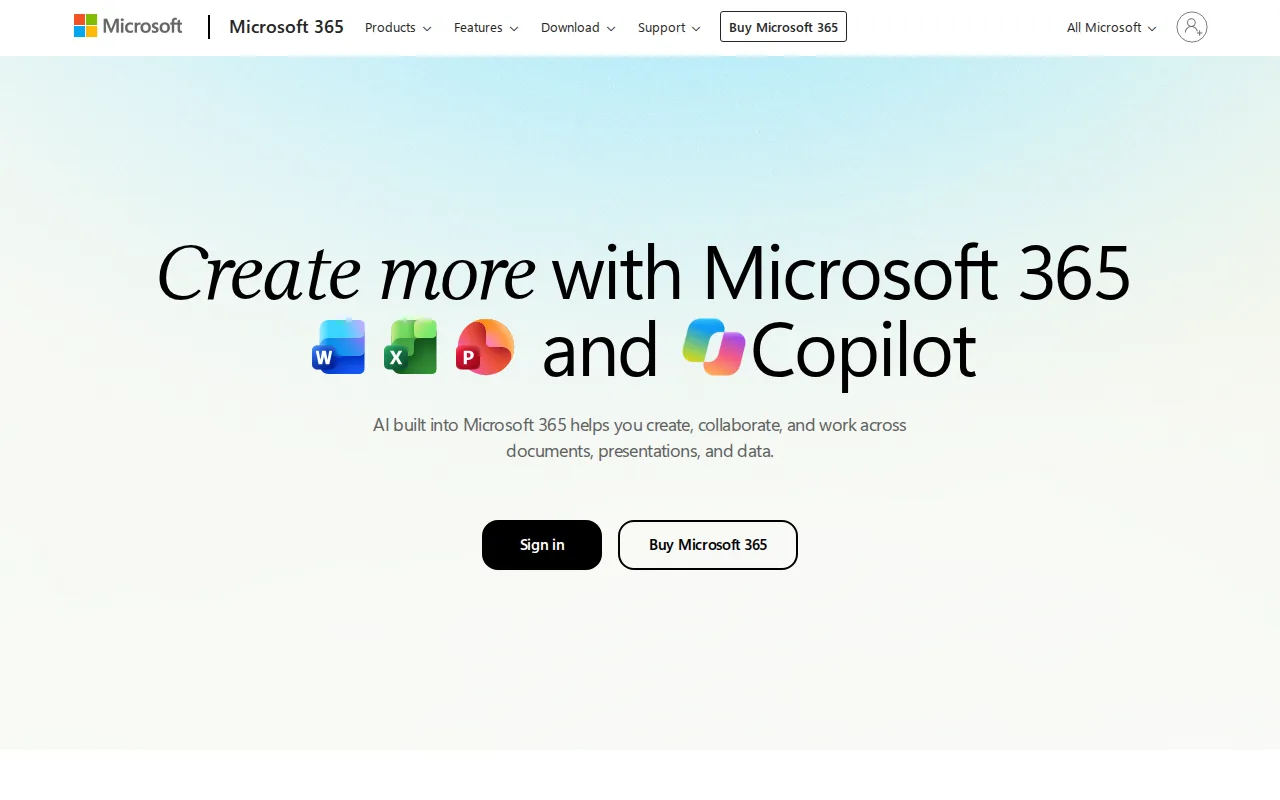
Microsoft 365 is the best WPS Office alternative for anyone whose files have to survive a round trip. WPS Office sells compatibility with DOCX, XLSX, and PPTX, and its own listing concedes that advanced spreadsheet and macro compatibility with Excel is less complete than Microsoft's; Microsoft 365 defines those formats, so nothing has to be matched. Microsoft 365 Personal is $9.99/month ($99.99/year) for one person and includes 1TB of cloud storage, fifty times the 20GB that WPS Office's $5.83/month Pro+ tier provides, and Family at $12.99/month covers up to six people with up to 6TB pooled. Copilot is built into Word, Excel, PowerPoint, and Outlook on most plans, where WPS Office's AI tools carry daily usage limits even on the paid Pro+ tier. On review evidence Microsoft 365 leads too, with 4.6/5 from 14,143 Capterra reviews against WPS Office's 4.5/5 from 1,537. WPS Office is still the better choice for anyone who does not want a subscription at all. WPS Standard is free with no credit card, while Microsoft 365 has no ongoing free tier and cancellation removes desktop app access; the only one-time option is Office Home 2024 at $179.99 with no Copilot and no feature upgrades. Microsoft also ships no Linux client, which WPS Office does.
Compared to WPS Office: 1TB of cloud storage per person against WPS Pro+'s 20GB, Copilot built into Word, Excel, PowerPoint, and Outlook rather than AI tools capped daily, and no free tier at all where WPS Standard costs nothing
Wins:1TB of cloud storage per person on Personal and up to 6TB pooled on Family, fifty times the 20GB WPS Office's Pro+ tier includes · Copilot is built into Word, Excel, PowerPoint, and Outlook on most plans, while WPS Office's AI tools carry daily usage limits even after paying for Pro+ · 4.6/5 from 14,143 Capterra reviews against WPS Office's 4.5/5 from 1,537, on the apps that define the DOCX, XLSX, and PPTX formats WPS Office has to match
Loses:No ongoing free tier, and canceling removes desktop app access entirely, where WPS Standard stays free with no credit card · Personal costs $9.99/month against WPS Office Pro+'s $5.83, and the only non-subscription path is Office Home 2024 at $179.99 with no Copilot and no feature upgrades · No Linux desktop client, where WPS Office runs on Windows, macOS, Linux, iOS, Android, and the web
Pros
- Bundles full-featured desktop and web apps (Word, Excel, PowerPoint, Outlook, OneNote) in one subscription.
- Generous cloud storage — 1TB per person, up to 6TB pooled on Family and Premium.
- Copilot AI assistance is built into Word, Excel, PowerPoint, and Outlook rather than sold separately.
- Family and Premium plans cover up to 6 people under a single subscription.
Cons
- No ongoing free tier; canceling the subscription removes access to the desktop apps entirely.
- The only one-time-purchase option (Office Home 2024, $179.99) lacks Copilot and never gets feature upgrades.
- Advanced Copilot AI agents require the $19.99/month Premium tier, a $10-20/month jump over Personal.
- Reviewers cite setup and admin complexity, especially for business deployments.
Pricing: From $9.99/mo — $9.99/month for Microsoft 365 Personal ($99.99/year) vs WPS Office Pro+ at $5.83/month ($69.99/year) or $2.49/user/month on the WPS Sharing plan (verified )
2Google Workspace — best WPS Office alternative for businesses, schools, and startups standardizing on browser-based email and real-time collaborative documents instead of desktop Office software
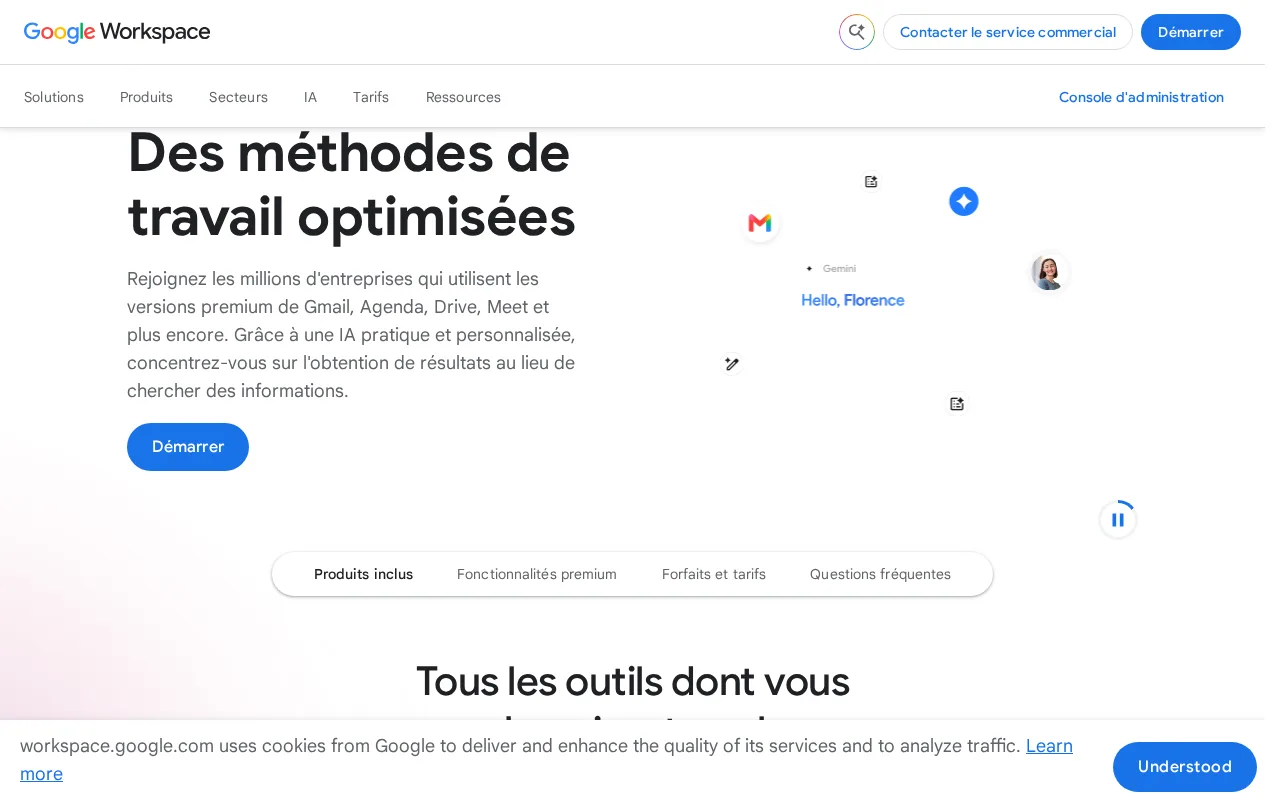
Google Workspace is the best WPS Office alternative for a team rather than a person. WPS Office is a document, spreadsheet, presentation, and PDF suite with 1GB of storage on the free tier and 20GB on Pro+, and it carries no email, chat, or meeting product at all. Google Workspace bundles Gmail on a custom domain, Drive, Docs, Sheets, Slides, Meet, and Calendar under one admin console, starting at $7/user/month billed annually for Business Starter and reaching 2TB of pooled storage per user on Business Standard at $14, a hundred times what WPS Office Pro+ provides. Editing is genuinely simultaneous, with live cursors and automatic saving, and Gemini AI is bundled into every paid tier rather than metered by day the way WPS Office caps its AI even on Pro+. Google Workspace also carries the strongest review evidence on this page, 4.7/5 from 17,667 Capterra reviews against WPS Office's 4.5/5 from 1,537. WPS Office is still the better choice for individuals and for anyone offline. Google Workspace has no free tier, Business Starter's $7/user/month is nearly triple WPS Office's $2.49/user/month Sharing plan, Starter caps storage at 30GB pooled per user, month-to-month billing costs about 20% more, and Google ships no native Linux client where WPS Office does.
Compared to WPS Office: Gmail on a custom domain, Meet, and Calendar bundled with the editors rather than documents and PDF alone, 2TB of pooled storage on the $14 Business Standard tier against WPS Pro+'s 20GB, and no free tier where WPS Standard costs nothing
Wins:Bundles Gmail on a custom domain, Drive, Calendar, and Meet with the editors under one admin console, where WPS Office has no email, chat, or meeting product · Real-time multi-user editing with live cursors and automatic saving, plus Gemini AI in every paid tier rather than AI metered daily as on WPS Office Pro+ · 4.7/5 from 17,667 Capterra reviews, the highest score and the largest review base on this page, against WPS Office's 4.5/5 from 1,537
Loses:No free tier at all: Business Starter costs $7/user/month billed annually, nearly triple WPS Office's $2.49/user/month Sharing plan, and WPS Standard is free · Business Starter caps storage at 30GB pooled per user, and flexible month-to-month billing costs about 20% more than the advertised annual rate · No official native Linux desktop client, where WPS Office ships one, and offline editing depth lags desktop suites
Pros
- Real-time collaborative editing across Docs, Sheets, and Slides with automatic saving.
- Gemini AI features are bundled into every paid tier rather than sold as a separate add-on.
- Tight integration across Gmail, Drive, Calendar, and Meet under one admin console.
- Transparent, published per-user pricing with no mandatory onboarding fee.
Cons
- Offline and power-user editing features lag behind Microsoft 365's desktop Excel and Word.
- No official native Linux desktop client for Drive sync.
- Google Meet participant caps and storage limits are hard-capped per tier, forcing plan upgrades.
- Lowest advertised per-user price requires annual billing; flexible monthly billing costs about 20% more.
Pricing: From $7/mo — $7/user/month for Business Starter billed annually ($8.40 on flexible billing) vs WPS Office's $2.49/user/month Sharing plan or $5.83/month Pro+
3LibreOffice — best WPS Office alternative for individuals, schools, and organizations that want a full office suite without a subscription and can work without native real-time cloud co-authoring
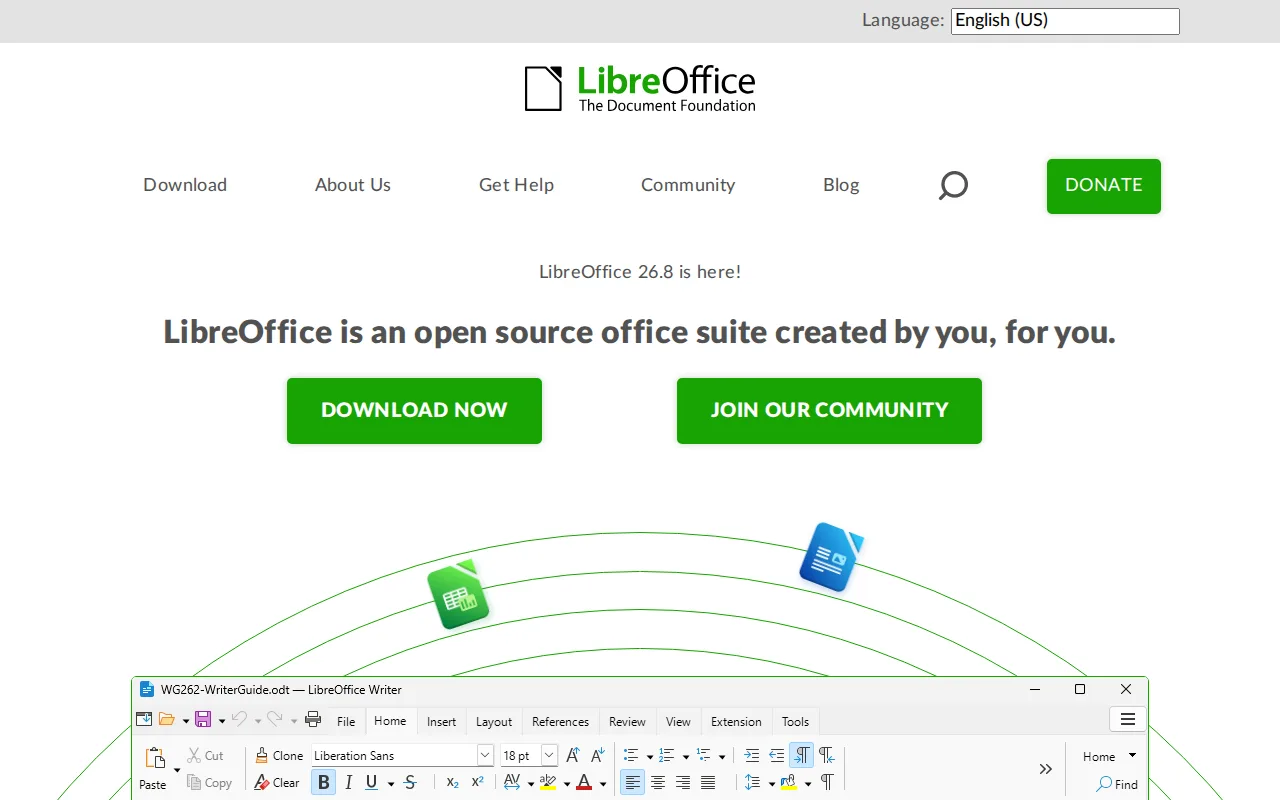
LibreOffice is the best WPS Office alternative for people who object to paying twice. WPS Office is free to install, but full PDF editing and conversion, e-signatures, and unlimited templates all sit behind Pro+ at $5.83/month ($69.99/year), and one of the things that tier sells is an ad-free interface. LibreOffice has no paid tier, no account requirement, and no feature gating of any kind, and it ships six applications rather than four: Writer, Calc, Impress, Draw for vector graphics, Base for desktop databases, and Math for formulas. It reads and writes DOCX, XLSX, and PPTX and uses OpenDocument natively, and it is published under the Mozilla Public License 2.0 with GPL and LGPL components, which answers the data-handling and bundled-installer scrutiny WPS Office's own listing acknowledges. WPS Office is still the better choice away from a desktop. LibreOffice has no official iOS or Android apps and no web version, where WPS Office covers Windows, macOS, Linux, iOS, Android, and the web, and it includes 1GB of cloud storage free and 20GB on Pro+ where LibreOffice bundles none. LibreOffice also has no real-time co-authoring and no external review rating on record, against WPS Office's 4.5/5 from 1,537 Capterra reviews.
Compared to WPS Office: no paid tier, no account, and no ads where WPS sells an ad-free interface in Pro+ at $5.83/month, six applications including Draw and Base against WPS Office's four, and desktop only with no mobile apps or web version
Wins:No paid tier, no account, and no feature gating, where WPS Office holds full PDF editing and conversion, e-signatures, and unlimited templates for Pro+ at $5.83/month ($69.99/year) · Six applications including Draw for vector graphics and Base for desktop databases, where WPS Office covers documents, spreadsheets, presentations, and PDF · Open source under the Mozilla Public License 2.0 with GPL and LGPL components and publicly published source, which answers the data-handling and bundled-installer scrutiny WPS Office's own listing acknowledges
Loses:No official iOS or Android apps and no web version, where WPS Office runs on Windows, macOS, Linux, iOS, Android, and the web · No real-time multi-user co-authoring and no bundled cloud storage, where WPS Office includes 1GB free and 20GB on Pro+ · Complex Microsoft-format documents with advanced macros, certain chart types, or specific fonts can lose fidelity when round-tripped, and LibreOffice has no external review rating on record against WPS Office's 4.5/5 from 1,537 Capterra reviews
Pros
- Completely free with no subscription, account, or feature paywall, including a desktop database app (Base) most competitors omit.
- Open source (MPL-2.0/GPL/LGPL) with an active community and frequent releases.
- Broad Microsoft Office format compatibility (.docx, .xlsx, .pptx) for opening and editing existing Office files.
- Runs on Windows, macOS, and Linux, and is the default suite on many Linux distributions.
Cons
- No native real-time cloud co-authoring like Microsoft 365 or Google Workspace, so simultaneous multi-user editing isn't built in.
- Complex Microsoft-format documents (advanced macros, some chart and font rendering) can lose fidelity when converted.
- No official mobile apps for iOS/Android under the LibreOffice brand.
- Interface and default styling feel dated compared to Microsoft Office or Google Workspace.
Pricing: Free — $0 with no paid tier, account, or feature paywall vs WPS Office's free Standard plan plus Pro+ at $5.83/month ($69.99/year) for PDF editing and e-signatures (verified )
4OnlyOffice — best WPS Office alternative for organizations that need Microsoft Office-compatible editing but want the option to self-host on their own servers under an open-source license
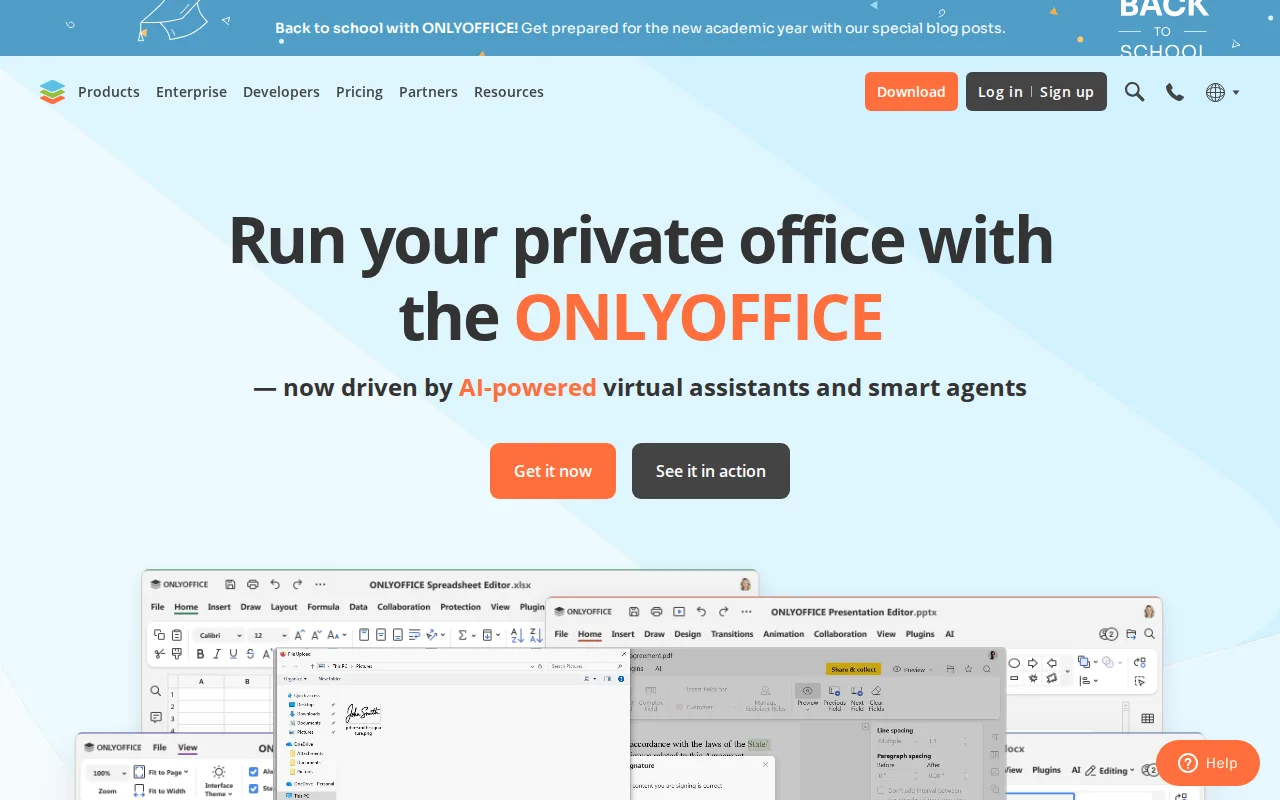
OnlyOffice is the best WPS Office alternative for an organization that cannot put its documents on someone else's server. WPS Office is closed-source software from Kingsoft whose own listing notes past scrutiny over data-handling practices, and it offers no self-hosted option at any price. OnlyOffice publishes its source under AGPL 3.0 on GitHub, gives away desktop editors for Windows, macOS, and Linux, and lets anyone run a Community Server on their own infrastructure at no cost. Its hosted DocSpace charges per admin rather than per seat: the Startup tier is free for up to 3 admins with unlimited users and guests, and Business Cloud is $20/admin/month with unlimited regular users included, so a 25-person team with two admins pays $40/month against $62.25 on WPS Office's $2.49/user/month Sharing plan. OnlyOffice also matches WPS Office's six-platform coverage exactly and adds real-time co-editing with character-level change tracking. WPS Office is still the better choice for individuals and very small groups. OnlyOffice's Business Cloud entry price is $20/admin/month against WPS Office Pro+'s $5.83, its free Startup tier caps at 2GB per space and 12 rooms, its Enterprise on-premises tier is billed per connection with no published price, and its 4.5/5 rests on 324 Capterra reviews against WPS Office's 1,537.
Compared to WPS Office: AGPL 3.0 source you can audit and self-host where WPS Office is closed-source with no on-premises option, per-admin pricing at $20/admin/month with unlimited free users instead of $2.49 per seat, and a free Startup tier capped at 2GB per space and 12 rooms
Wins:AGPL 3.0 source on GitHub plus a free self-hosted Community Server keeps documents on your own infrastructure, an option WPS Office does not offer at any price · DocSpace charges per admin, not per seat: Business Cloud is $20/admin/month with unlimited regular users free, so a 25-person team with two admins pays $40/month against $62.25 on WPS Office's Sharing plan · Real-time co-editing with character-level change tracking and built-in AI for content generation, translation, and text extraction from scans, across the same six platforms WPS Office covers
Loses:Costs much more for individuals and small groups: Business Cloud starts at $20/admin/month against WPS Office Pro+'s $5.83, and the free Startup tier caps at 3 admins, 2GB per space, and 12 rooms · Enterprise on-premises pricing is billed per connection and is not published, so self-hosted deployment needs a sales conversation where WPS Office lists every tier · 4.5/5 from 324 Capterra reviews matches WPS Office's score but on a fifth of the sample (1,537), and complex Word and Excel documents with heavy macros still lose fidelity
Pros
- AGPL 3.0 source code available on GitHub; fully self-hostable for organizations that need to keep data on-premises.
- DocSpace charges only for admin seats, with unlimited regular users invited free.
- Native apps across Windows, macOS, Linux, iOS, and Android, plus 40+ third-party integrations including Nextcloud and Moodle.
- Real-time co-editing with character-level change tracking and built-in AI content tools.
Cons
- Complex documents with advanced Word/Excel formatting or macros can lose fidelity when opened in ONLYOFFICE.
- Enterprise on-premises pricing is not published; requires a sales conversation.
- Per-admin pricing model on Business Cloud takes more effort to compare against per-user competitors.
- DocSpace's interface is less polished than Google Workspace or Notion for non-technical teams.
Pricing: Free tier · paid from $20/mo — $20/admin/month for DocSpace Business Cloud with unlimited free users, plus a free Startup tier for up to 3 admins, vs WPS Office's $5.83/month Pro+ or $2.49/user/month Sharing plan (verified )
5Zoho Workplace — best WPS Office alternative for small and midsize teams that want business email, office documents, chat, and video meetings from a single vendor at a lower per-seat cost than Google Workspace or Microsoft 365.
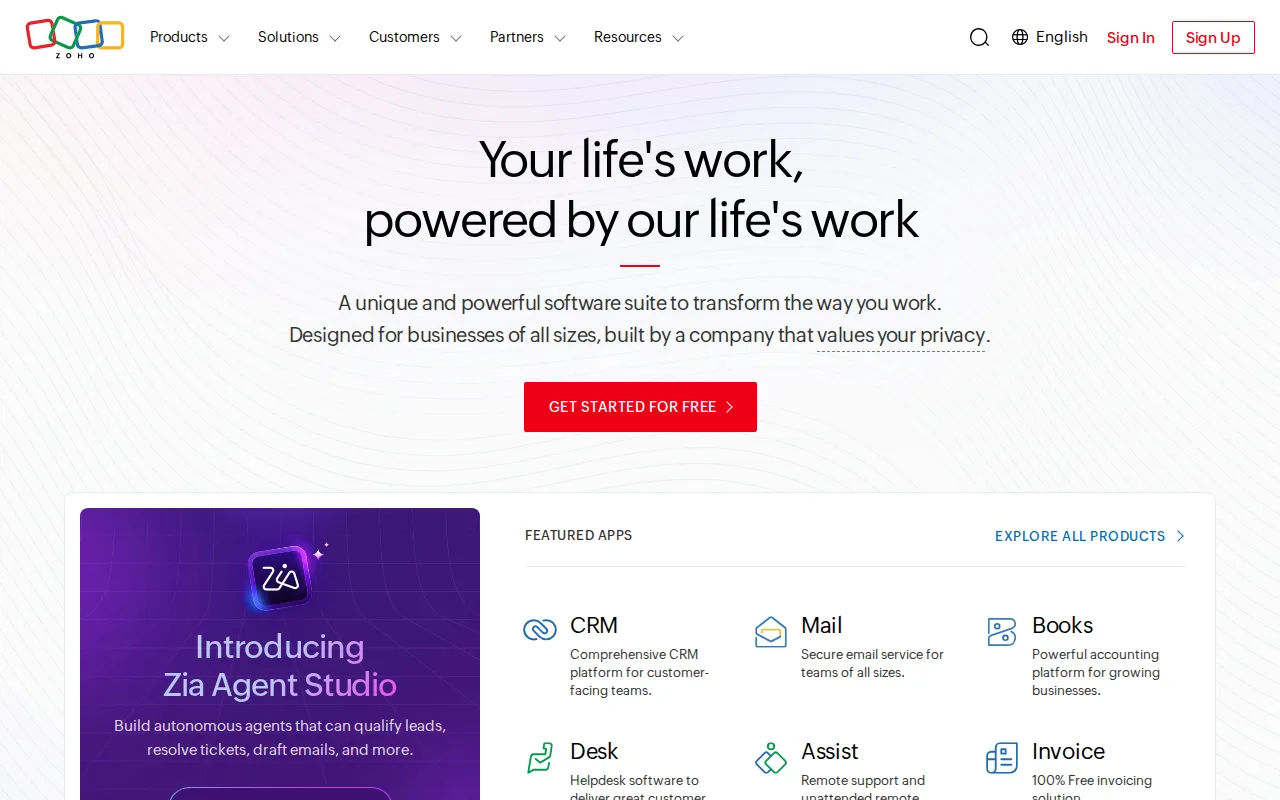
Zoho Workplace is the best WPS Office alternative for a small business that is tired of buying productivity software in pieces. WPS Office covers documents, spreadsheets, presentations, and PDF, which leaves email, chat, meetings, and shared storage to somebody else. Zoho Workplace bundles business email (Mail), the Writer, Sheet, and Show editors, team chat (Cliq), video meetings (Meeting), and cloud file storage (WorkDrive) into a single subscription with one admin relationship, and it sits inside Zoho Corporation's catalog of more than 55 apps, so CRM, accounting, and help-desk needs stay with the same vendor. Zoho also states plainly that it runs no advertising business and does not sell customer data, which speaks directly to the data-handling and bundled-installer scrutiny WPS Office's own listing acknowledges. WPS Office is still the better choice when you need to know the price before you commit. Zoho Workplace's current rates and storage limits could not be verified, so no figure is quoted here, while WPS Office publishes a free Standard tier, Pro+ at $5.83/month, and a Sharing plan at $2.49/user/month. Zoho also has no native Linux client where WPS Office does, and no external review rating on record against WPS Office's 4.5/5 from 1,537 Capterra reviews.
Compared to WPS Office: business email, chat, meetings, and file storage bundled with the editors rather than documents and PDF alone, a stated no-advertising and no-data-selling policy against the data-handling scrutiny WPS Office has drawn, and no verifiable published price where WPS Office lists every tier
Wins:One subscription and one vendor cover business email (Mail), documents (Writer, Sheet, Show), chat (Cliq), meetings (Meeting), and storage (WorkDrive), where WPS Office covers documents, spreadsheets, presentations, and PDF only · Zoho states it runs no advertising business and does not sell customer data, which addresses the data-handling scrutiny WPS Office's own listing acknowledges · Backed by Zoho Corporation's catalog of 55+ apps including CRM, Books, Desk, and Bigin, so adjacent needs stay with the same vendor under one account
Loses:Current pricing and storage limits could not be verified, so no dollar figure can be quoted, where WPS Office publishes a free Standard tier, Pro+ at $5.83/month, and a $2.49/user/month Sharing plan · Writer, Sheet, and Show can lag Microsoft Office on file-format fidelity for complex documents, and the third-party integration ecosystem is smaller than Microsoft 365's or Google Workspace's · No native Linux client, where WPS Office runs on Windows, macOS, Linux, iOS, Android, and the web, and administrators juggle separate consoles for Mail, WorkDrive, Cliq, and Meeting
Pros
- Bundles email, docs, chat, video meetings, and cloud storage into one subscription and one admin console
- Generally priced below Google Workspace and Microsoft 365 at entry tiers
- No advertising-based business model; Zoho states it does not sell customer data
- Backed by Zoho's broader 55+ app catalog (CRM, Books, Desk, Bigin) for add-on needs
Cons
- Smaller third-party integration and plugin ecosystem than Microsoft 365 or Google Workspace
- Office document fidelity in Writer, Sheet, and Show can lag Microsoft Office for complex files
- Admins juggle several separate Zoho app consoles (Mail, WorkDrive, Cliq, Meeting) rather than one unified settings panel
- Current pricing and storage limits could not be verified on Zoho's site this session; confirm exact numbers before buying
Pricing: Pricing not verified — Zoho Workplace's current per-user price could not be verified, so it cannot be compared directly against WPS Office's $5.83/month Pro+ or $2.49/user/month Sharing plan
Which one is right for you?
- You trade complex Excel workbooks with macros and need them to open exactly the same way every timeMicrosoft 365
- Several people edit the same document at once and you also need business email on your own domainGoogle Workspace
- You want an office suite that costs nothing, shows no ads, and never asks for an accountLibreOffice
- Your organization has to keep documents on its own servers under a license it can auditOnlyOffice
- You want email, documents, chat, and meetings from a single vendor on one billZoho Workplace
- You need a desktop database and a vector drawing tool alongside the word processor and spreadsheetLibreOffice
- You have a large team but only a couple of administrators and want to stop paying by the seatOnlyOffice
Frequently asked questions
Is there a free alternative to WPS Office?
- Yes — LibreOffice is completely free with no account, no ads, and no feature paywall, and OnlyOffice's desktop editors and self-hosted Community Server are free under AGPL 3.0, with a free DocSpace Startup tier for up to 3 admins and unlimited users. Microsoft 365 and Google Workspace have no free tier at all.
What is the closest alternative to WPS Office?
- OnlyOffice is the closest match: both are Microsoft-format-compatible suites covering documents, spreadsheets, presentations, and PDF across the same six platforms (Windows, macOS, Linux, iOS, Android, and web), and both hold a 4.5/5 Capterra rating. The difference is licensing, since OnlyOffice's source is AGPL 3.0 and self-hostable while WPS Office is closed-source.
Can LibreOffice replace WPS Office?
- On a Windows, macOS, or Linux desktop, yes — LibreOffice reads and writes DOCX, XLSX, and PPTX and adds Draw and Base with no paid tier of any kind. It cannot replace WPS Office on a phone, tablet, or in a browser, since LibreOffice publishes no official mobile apps and no web version.
Which WPS Office alternative is cheapest?
- LibreOffice at $0, with no subscription, account, or feature paywall. Among the paid options, Google Workspace Business Starter at $7/user/month billed annually is the cheapest published per-seat rate, still well above WPS Office's own $2.49/user/month Sharing plan.
Does any WPS Office alternative let me keep documents on my own servers?
- OnlyOffice is the only one here that does, with AGPL 3.0 source on GitHub, a free self-hosted Community Server, and an Enterprise on-premises edition billed per connection. Microsoft 365, Google Workspace, and Zoho Workplace are cloud-only, and WPS Office offers no self-hosted option.
Which WPS Office alternative has the best review scores?
- Google Workspace leads at 4.7/5 from 17,667 Capterra reviews, ahead of Microsoft 365's 4.6/5 from 14,143 and WPS Office's own 4.5/5 from 1,537. OnlyOffice also scores 4.5/5 but from 324 reviews, and LibreOffice and Zoho Workplace have no external rating on record here.
Which WPS Office alternatives run on Linux?
- LibreOffice and OnlyOffice both ship native Linux desktop editors, matching WPS Office's own Linux support. Microsoft 365, Google Workspace, and Zoho Workplace have no official native Linux desktop client, so Linux users reach them through a browser.