3 Best Free Alternatives to Workato in 2026
By Noahlast updated
Compared: free alternatives to Workato
| Alternative | Best for | Standout | Biggest weakness | Learning curve | Price |
|---|---|---|---|---|---|
| Workatoreference | enterprise IT and operations teams that need governed, auditable integrations across 1,000+ apps with AI agent orchestration, not self-serve no-code automation for individuals | Enterprise governance controls (role-based access, audit logs, dev/test/prod environments) layered on top of no-code recipe building, letting IT approve reusable integrations that business teams then self-serve within guardrails. | No public pricing whatsoever: every tier, dollar figure, and usage metric is hidden behind a sales conversation, making it impossible to compare cost against competitors like Zapier or Make without engaging Workato's sales team first. | Steep | Pricing not verified |
| Zapier | non-developers and small operations teams who need to connect thousands of different apps through simple trigger-action automations, without engineering resources | The largest pre-built app-integration library in workflow automation, with thousands of supported apps, so most tools a team already uses can be connected without custom API work. | Pricing is metered by task volume, not just seats, so cost rises quickly for high-volume automations, and moving from 750 to 2,000 tasks/month on Professional roughly doubles the monthly bill; unused tasks don't roll over between billing periods. | Low | Free tier · paid from $19.99/mo |
| Make | operations, marketing, and IT teams that need visual, branching automation workflows across 3,000+ apps, beyond what simpler linear automation tools support | A canvas-style visual scenario builder with routers, filters, and branching logic that handles more complex multi-path automations than simpler linear automation tools, plus a natural-language builder (Maia) for describing automations in plain text. | Pricing is metered by operation credits rather than a flat seat price, so complex, high-volume scenarios can consume the monthly allowance quickly; the listed per-tier prices are also annual-billing rates, with monthly billing costing more, and building non-trivial branching scenarios has a real learning curve. | Moderate | Free tier · paid from $12/mo |
| n8n | technical teams that want to mix visual workflow building with custom code, either self-hosted for full control or on cloud paying per execution instead of per step | Billing by full workflow execution rather than by individual step or task, so complex multi-node automations don't multiply cost the way per-task pricing does on competitors. | Cloud pricing is listed in euros, not dollars, and jumps sharply from Pro (€50/month) to Business (€667/month), leaving a wide gap for teams that outgrow Pro's execution limits but don't need Business's SSO and compliance features. | Moderate | Free |
 Workato
 Zapier
 Make
Make n8n
n8n1.Zapier — best Workato alternative for non-developers and small operations teams who need to connect thousands of different apps through simple trigger-action automations, without engineering resources
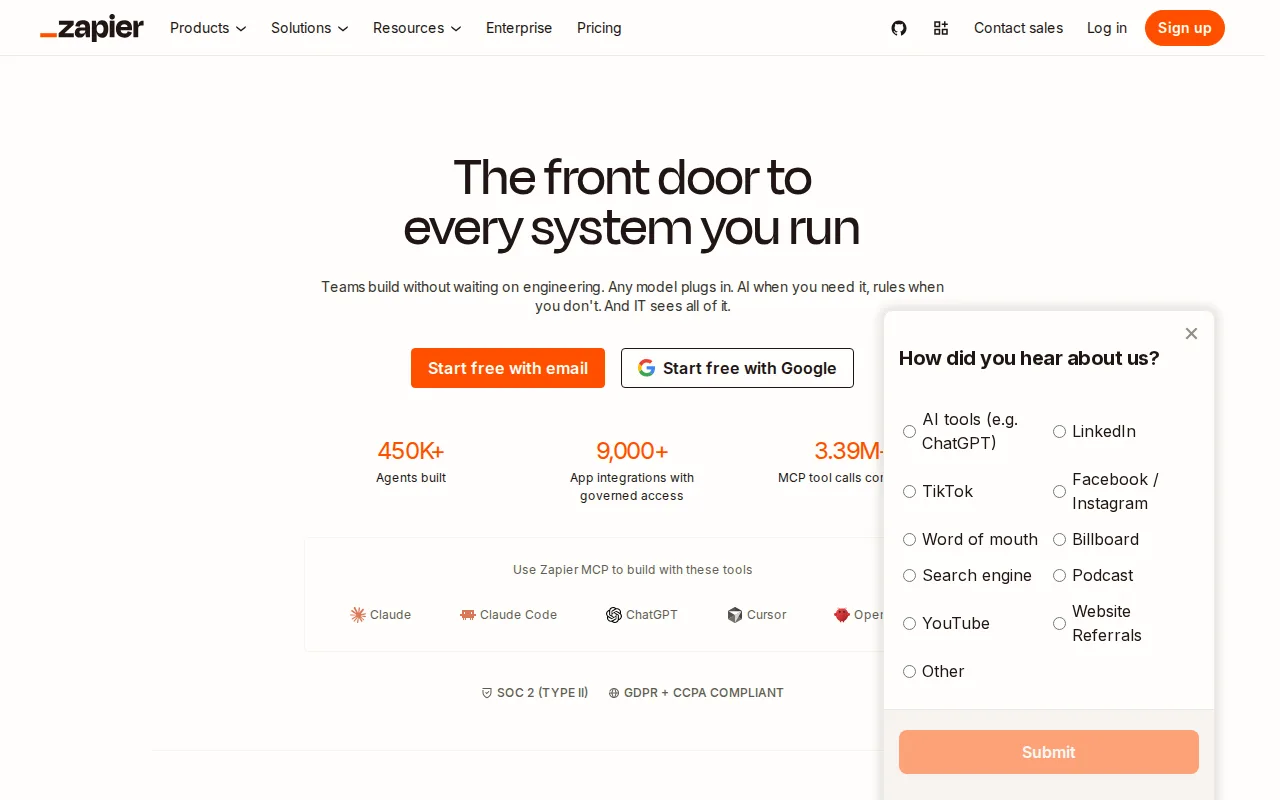
Zapier is the best Workato alternative for non-developers and small operations teams who need self-serve automation without an enterprise sales conversation. Zapier publishes its pricing directly, starting with a Free plan covering 100 tasks/month and Professional at $19.99/month billed annually for 750 tasks/month, while Workato publishes no pricing at all and shows no confirmed free tier. Zapier holds a 4.7/5 rating from 3,069 Capterra reviews, far more than Workato's 4.6/5 from just 85 reviews, and its thousands of pre-built app integrations cover most tools a small team already uses without custom API work. Workato is still the better choice for enterprise IT and operations teams: its governance layer (role-based access, audit logs, dev/test/prod environments) and AI agent orchestration are built for the roughly half of the Fortune 500 it counts as customers connecting 1,000+ enterprise systems like Salesforce, NetSuite, Workday, and ServiceNow, a level of centralized control Zapier's linear Zap editor doesn't target, and Zapier's task-based pricing can get expensive fast at high automation volume where Workato's negotiated enterprise contracts may work out cheaper at scale.
Compared to Workato: publishes self-serve pricing starting free (100 tasks/month) instead of requiring a sales conversation, far larger review base (4.7/5 from 3,069 Capterra reviews vs 4.6/5 from 85), thousands of pre-built app integrations
Wins:Publishes self-serve pricing starting with a free 100-tasks/month plan, instead of Workato's sales-only, no-pricing-published model · 4.7/5 rating from 3,069 Capterra reviews, far larger than Workato's 4.6/5 from 85 reviews · Thousands of pre-built app integrations cover most tools a small team already uses without custom API work
Loses:No enterprise governance layer (RBAC, audit logs, dev/test/prod environments) matching Workato's, which targets roughly half of the Fortune 500 · Task-based pricing rises quickly with automation volume; moving from 750 to 2,000 tasks/month on Professional roughly doubles the bill · No AI agent orchestration built on the same connector infrastructure the way Workato offers
Pros
- Free plan supports real two-step automations, not just a trial, at 100 tasks/month.
- Broadest app-integration library among no-code automation tools, covering thousands of connectors.
- AI-assisted Zap building and AI fields reduce the manual setup needed for common workflows.
- Multi-step Zaps with filters, paths, and webhooks cover moderately complex logic without custom code.
Cons
- Task-based pricing means cost scales directly with automation volume, and high-frequency workflows can get expensive fast.
- Unused monthly tasks don't roll over, unlike some competitors' credit systems.
- Team and Enterprise features like SSO and shared workflows require a meaningful jump in monthly cost over Professional.
- Complex multi-branch logic can be harder to debug in Zapier's linear Zap editor than in visual-flow competitors like Make.
Pricing: Free tier · paid from $19.99/mo (verified undefined NaN, NaN)
2.Make — best Workato alternative for operations, marketing, and IT teams that need visual, branching automation workflows across 3,000+ apps, beyond what simpler linear automation tools support
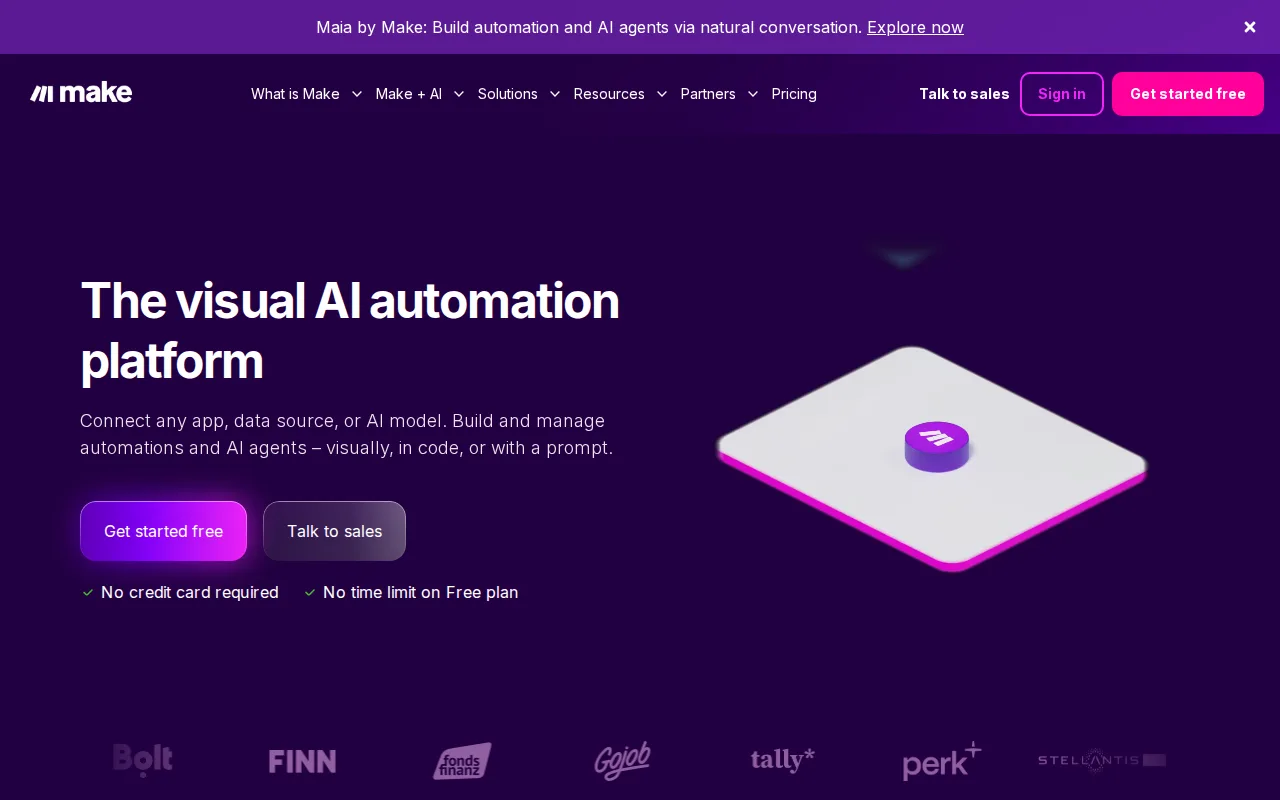
Make is the best Workato alternative for operations, marketing, and IT teams that want visual, branching automation with published, self-serve pricing. Make's Free plan covers 1,000 operations/month and its Core tier starts at $12/month billed annually, while Workato shows no pricing at all on its site and routes every visitor to a demo request. Make holds a 4.8/5 rating from 408 Capterra reviews, the highest of any tool in this comparison and above Workato's own 4.6/5 from 85 reviews, and its canvas-style scenario builder with routers, filters, and branching logic plus a natural-language builder (Maia) handles complex multi-path automations without a sales conversation. Workato is still the better choice for large enterprises that specifically need governance: Make's listing doesn't describe role-based access controls, audit logs, or separate dev/test/prod environments the way Workato's enterprise governance layer does, and Make's 3,000+ app integrations, while broad, aren't described as reaching the same roster of enterprise systems that Workato's 1,000+ connectors and Fortune 500 customer base target.
Compared to Workato: publishes self-serve pricing starting free (1,000 operations/month) instead of requiring a sales conversation, highest rating in this set (4.8/5 from 408 Capterra reviews vs 4.6/5 from 85), visual scenario builder with branching logic and a natural-language builder (Maia)
Wins:Publishes self-serve pricing starting with a free 1,000-operations/month plan, instead of Workato's sales-only pricing model · 4.8/5 rating from 408 Capterra reviews, the highest in this comparison and above Workato's 4.6/5 from 85 · Canvas-style scenario builder with routers, filters, and branching logic, plus Maia for describing automations in plain text
Loses:No described role-based access controls, audit logs, or dev/test/prod environments matching Workato's enterprise governance layer · Operation-credit pricing means complex or high-volume scenarios can burn through a plan's monthly allowance quickly · 3,000+ app integrations aren't documented as reaching the same enterprise-system depth (SAP-scale ERPs, ServiceNow) as Workato's 1,000+ connectors
Pros
- Visual scenario builder supports branching, routers, and filters for genuinely complex multi-path automations.
- 3,000+ app integrations cover most common business tools out of the box.
- Free tier (1,000 ops/month) is enough to build and test real automations before paying.
- Core plan starts at $12/month, undercutting some competitors for lower-volume users.
Cons
- Operation-credit pricing means complex or high-volume scenarios can burn through a plan's monthly allowance quickly.
- Listed tier prices are annual-billing rates; paying monthly costs more.
- Complex branching scenarios have a real learning curve for non-technical users.
- Free plan's 15-minute minimum interval between scenario runs limits near-real-time automation.
Pricing: Free tier · paid from $12/mo (verified undefined NaN, NaN)
3.n8n — best Workato alternative for technical teams that want to mix visual workflow building with custom code, either self-hosted for full control or on cloud paying per execution instead of per step
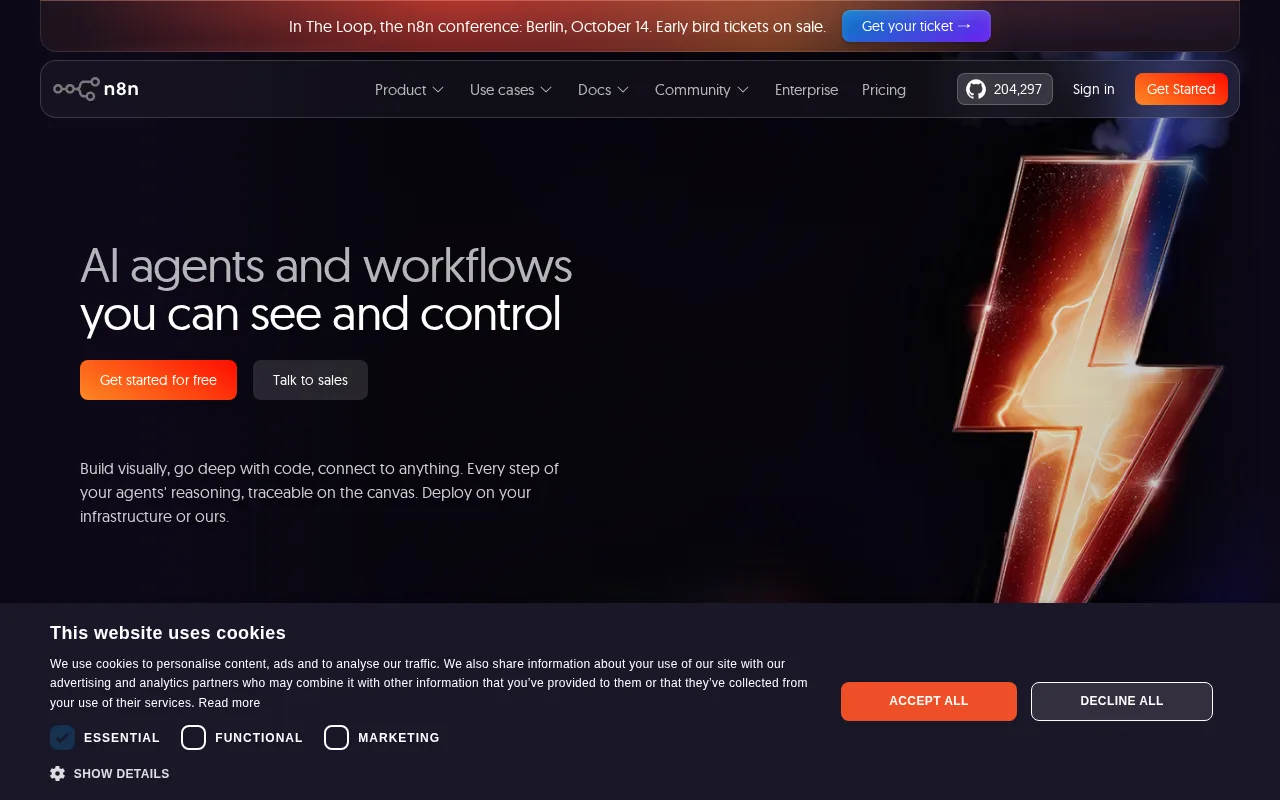
n8n is the best Workato alternative for technical teams that want a self-hostable automation engine free via Docker, avoiding Workato's quote-only, no-free-tier pricing entirely. n8n's Self-hosted Community edition runs the full core automation engine at $0 under its Sustainable Use License, and its cloud Starter tier starts at 20 euros/month billed annually for 2,500 workflow executions, both far more transparent than Workato's pricing page, which shows no tier names or dollar figures anywhere. n8n bills cloud usage per full workflow execution rather than per individual step, and every node can be extended with custom JavaScript or Python when a pre-built integration doesn't cover a use case. Workato is still the better choice for large enterprises that need proven governance at scale: Workato's RBAC, audit logs, and dev/test/prod environments target roughly half of the Fortune 500, while n8n's Sustainable Use License is not OSI-approved open source, and n8n's cloud pricing jumps sharply from Pro (50 euros/month) to Business (667 euros/month) with nothing in between, a gap Workato's negotiated enterprise contracts avoid by design.
Compared to Workato: self-hosted Community edition is free forever under Docker, publishes real starting prices (20 euros/month Starter) instead of requiring a sales call, bills cloud usage per workflow execution rather than by task or step
Wins:Self-hosted Community edition runs the full automation engine free forever via Docker, unlike Workato which has no confirmed free tier · Publishes real starting prices (20 euros/month Starter, cloud) instead of Workato's sales-only, no-pricing-published model · Bills cloud usage per full workflow execution rather than per individual step or task, which can lower cost for complex multi-step automations
Loses:No enterprise governance layer matching Workato's RBAC, audit logs, and dev/test/prod environments, built for roughly half of the Fortune 500 · Sustainable Use License is not OSI-approved open source, and enterprise features require a separate commercial license · Cloud pricing jumps sharply from Pro (50 euros/month) to Business (667 euros/month) with no tier in between
Pros
- Bills per full workflow execution, not per step, which can be cheaper than per-task pricing for complex automations.
- Free, fully-featured self-hosted Community edition via Docker with the complete automation engine.
- Every node can be extended or replaced with custom JavaScript or Python code.
- 500+ pre-built app integrations plus native support for building multi-agent AI workflows with human-in-the-loop steps.
Cons
- Large price jump between Pro (€50/month) and Business (€667/month) cloud tiers, with nothing in between.
- Sustainable Use License is not OSI-approved open source; enterprise features require a separate commercial license even for self-hosted use.
- Self-hosting requires managing your own Docker infrastructure, updates, and scaling, unlike a fully managed cloud automation tool.
- Visual canvas can get cluttered on large workflows with many branches and custom code nodes.
Pricing: Free (verified undefined NaN, NaN)