1 Best Free Alternatives to Vidyard in 2026
By Noahlast updated
Of the 1 Vidyard alternatives we track, 1 is free: Loom. Each entry below keeps its full comparison from the main list.
Compared: free alternatives to Vidyard
| Alternative | Best for | Standout | Biggest weakness | Learning curve | Price |
|---|---|---|---|---|---|
| Vidyardreference | sales and marketing reps who want to send trackable, personalized video messages through their CRM and email tools instead of generic text outreach | Video Agent automates trigger-based video sequences using AI avatars, letting a rep record once and send personalized-feeling video outreach at scale with engagement analytics tied back to pipeline. | Starter-tier pricing is not published on the site, so buyers must start a trial or talk to sales to learn the actual monthly cost, and the free plan caps recording at just 5 videos per month. | Low | Free |
| Loom | product, engineering, and customer-facing teams replacing routine live meetings or long written explanations with short async screen-recording videos | Native Jira integration (as an Atlassian product) that converts a recorded walkthrough directly into a ticket with technical details auto-extracted from the video. | The free Starter tier caps recordings at 5 minutes and 25 videos per person, which most teams recording walkthroughs regularly outgrow fast, forcing an $18-24/user/month upgrade. | Low | Free tier · paid from $18/mo |
 Vidyard
 Loom
Loom1.Loom — best Vidyard alternative for product, engineering, and customer-facing teams replacing routine live meetings or long written explanations with short async screen-recording videos
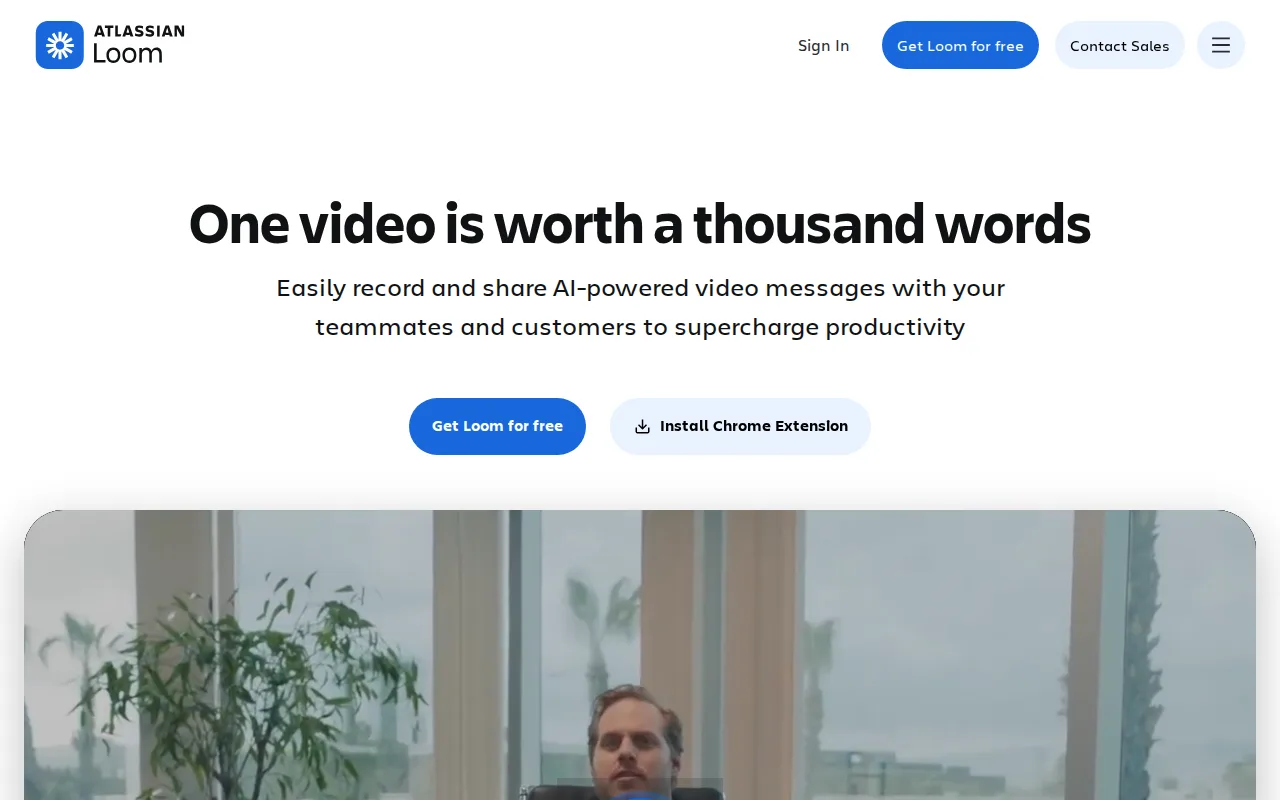
Async screen-and-webcam recording tool with a simpler UI, the most common cross-shop for teams comparing video messaging platforms.
Pros
- Records and generates a shareable link in seconds, with no export or upload step.
- Native Jira ticket creation from a recorded walkthrough since the Atlassian acquisition.
- Transcriptions and captions in 50+ languages included even on paid tiers.
- Edit-by-transcript (Business + AI) lets you trim video by deleting text instead of scrubbing a timeline.
Cons
- Free tier is capped at 5-minute recordings and 25 videos per person, too limited for regular use.
- AI features (meeting recaps, filler-word removal) require the pricier Business + AI tier at $24/user/month.
- No offline or local-only recording mode; videos upload to Loom's cloud by default.
- Per-seat pricing adds up quickly for larger teams compared with ad hoc recording tools.
Pricing: Free tier · paid from $18/mo (verified undefined NaN, NaN)