5 Best Alternatives to UXPin for Web in 2026
By Noahlast updated pricing verified
Compared: UXPin alternatives that run on Web
| Alternative | Best for | Learning curve | Price |
|---|---|---|---|
| UXPinreference | product design teams building on a custom React component library who need prototypes and handoff specs that match production code, not just visual mockups | Steep | Free tier · paid from $29/mo |
| Adobe XD | existing Creative Cloud subscribers who already have XD projects and want to keep using them without migrating to a new tool immediately | Moderate | From $54.99/mo |
| Penpot | small design teams (up to 8 members) wanting a free Figma-style tool, and larger organizations wanting to self-host their design infrastructure under an open-source license | Moderate | Free tier · paid from $7/mo |
| Figma | design and product teams that need real-time multiplayer editing and a shared design-to-development handoff, from solo freelancers on the free tier up to large enterprises managing design systems across many teams | Moderate | Free tier · paid from $16/mo |
| Sketch | professional and freelance UI/UX designers on macOS who want a native, distraction-free vector design tool with built-in prototyping and developer handoff | Low | From $12/mo |
| Framer | designers, marketers, and founders who want to design and launch a production website on a visual canvas without a developer handoff for every change | Moderate | Free tier · paid from $10/mo |
 UXPin
UXPin Adobe XD
 Penpot
 Figma
Figma Sketch
 Framer
1Adobe XD — best UXPin alternative for existing Creative Cloud subscribers who already have XD projects and want to keep using them without migrating to a new tool immediately

Adobe XD is the best UXPin alternative for designers who already subscribe to Creative Cloud and want a vector-based UI tool that shares libraries, fonts, and assets directly with Photoshop and Illustrator, an ecosystem tie UXPin's standalone product doesn't offer. Adobe XD's Auto-Animate feature turns artboard-to-artboard differences into smooth interactive transitions without manual keyframing, a faster path to simple prototypes than UXPin's code-backed, logic-driven approach for teams that don't need real component behavior. Adobe XD holds a 4.5/5 rating from 1,087 Capterra reviews, far more third-party validation than UXPin's own 26 Capterra reviews. UXPin is clearly the better choice for any team evaluating new tools today: Adobe confirmed in 2024 it stopped investing in new XD features after its blocked Figma acquisition attempt, and XD was retired as a standalone purchase in June 2023, so the only way to get it now is bundled inside Creative Cloud Standard ($54.99/month) or Pro ($69.99/month) — a materially higher entry cost than UXPin's own $29/seat/month Core tier, for a product receiving only bug fixes and security updates.
Compared to UXPin: shares Creative Cloud libraries with Photoshop/Illustrator, Auto-Animate for quick transitions, but no longer sold standalone and costs $54.99/month minimum via Creative Cloud
Wins:Shares Creative Cloud libraries, fonts, and assets directly with Photoshop and Illustrator · Auto-Animate turns artboard differences into interactive transitions without manual keyframing · 4.5/5 rating from 1,087 Capterra reviews, far more validation than UXPin's 26 reviews
Loses:Adobe confirmed it stopped active feature development in 2023; only bug fixes and security updates ship now · No longer sold as a standalone app; only bundled inside Creative Cloud Standard ($54.99/month) or Pro ($69.99/month) · No code-backed components, logic, or variables in prototypes, unlike UXPin's React-component-driven approach
Pros
- Auto-Animate makes building interactive, animated prototypes faster than manual transition setup in some competitors.
- Shares Creative Cloud libraries, fonts, and assets directly with Photoshop and Illustrator for teams already in the Adobe ecosystem.
- Companion iOS and Android apps let stakeholders preview and test prototypes on an actual device.
- Existing files and projects remain usable for current Creative Cloud subscribers without forced migration.
Cons
- No longer sold as a standalone app; only available bundled inside Creative Cloud Standard ($54.99/mo) or Pro ($69.99/mo) plans.
- Adobe has confirmed no further feature development, so it will fall further behind actively developed competitors over time.
- Real-time multiplayer co-editing and plugin ecosystem lag behind Figma, XD's primary competitor.
- Capterra reviewers report bugs and crashes that interrupt workflow and cause lost progress.
Pricing: From $54.99/mo — $54.99/month minimum via Creative Cloud Standard vs UXPin's $29/seat/month Core (billed annually) (verified )
2Penpot — best UXPin alternative for small design teams (up to 8 members) wanting a free Figma-style tool, and larger organizations wanting to self-host their design infrastructure under an open-source license
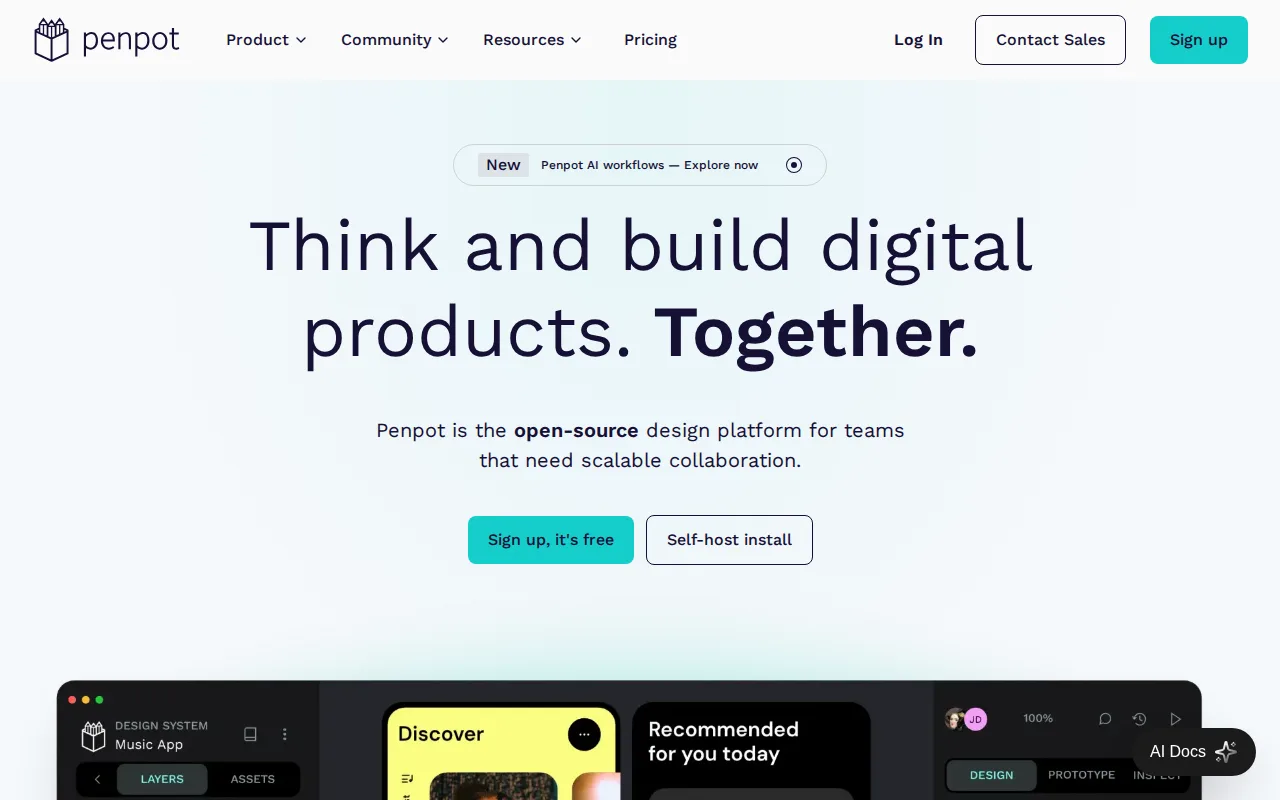
Penpot is the best UXPin alternative for teams that want a free, open-source design platform they can self-host, since Penpot's full codebase is published under the Mozilla Public License 2.0 and can run entirely on an organization's own infrastructure with no per-seat fee, an option UXPin's closed-source, cloud-only product doesn't offer. Penpot's hosted Professional plan is free for teams up to 8 members with unlimited viewers, a genuinely free tier UXPin only offers in a limited form (50 AI credits, 2 prototypes) after its 14-day trial ends. Penpot exports natively to standard SVG, CSS, HTML, and JSON, and has added AI workflows for code-to-design and design-to-code conversion. UXPin is still the better choice for teams that specifically need code-backed component prototyping with real logic and variables: Penpot's smaller plugin and font ecosystem lags behind more established tools, and Penpot's Unlimited ($7/user/month) and Enterprise ($25/user/month) cloud tiers sit close to UXPin's own pricing once a team outgrows the free 8-member cap, narrowing the cost advantage for teams not self-hosting.
Compared to UXPin: MPL-2.0 open-source core is free to self-host, free Professional plan for up to 8 members, but no code-backed React components or logic in prototypes
Wins:Full MPL-2.0 open-source codebase can be self-hosted with no vendor lock-in, an option UXPin doesn't offer · Free Professional plan covers teams up to 8 members with unlimited viewers, more generous than UXPin's limited post-trial free plan · Native CSS Grid and Flexbox-aware layout tools that export directly to standard CSS, HTML, and SVG
Loses:No code-backed React components; prototypes use static vector shapes rather than UXPin's real component logic and variables · Smaller plugin and font marketplace than more established design tools · Cloud Unlimited ($7/user/month) and Enterprise ($25/user/month) tiers narrow the cost advantage for teams not self-hosting
Pros
- Full open-source codebase (MPL-2.0) that can be self-hosted with no vendor lock-in.
- Free Professional plan covers teams up to 8 members with unlimited viewers.
- Native CSS Grid and Flexbox-aware layout tools that export directly to standard CSS.
- Design-to-code and code-to-design AI workflows built into the platform.
Cons
- Smaller plugin and font marketplace than Figma, which has years of third-party ecosystem lead.
- Enterprise self-hosted licensing ($50,000/year) is a significant jump from the free self-hosted community edition's DIY setup.
- Cloud Unlimited and Enterprise pricing ($7-$25/user/month) is close to Figma's own tiers, narrowing the price advantage for teams not self-hosting.
- Real-time collaboration and rendering performance on very large files lag behind Figma, per user reports.
Pricing: Free tier · paid from $7/mo — Free for teams up to 8 members; Unlimited is $7/user/month vs UXPin's $29/seat/month Core (verified )
3Figma — best UXPin alternative for design and product teams that need real-time multiplayer editing and a shared design-to-development handoff, from solo freelancers on the free tier up to large enterprises managing design systems across many teams
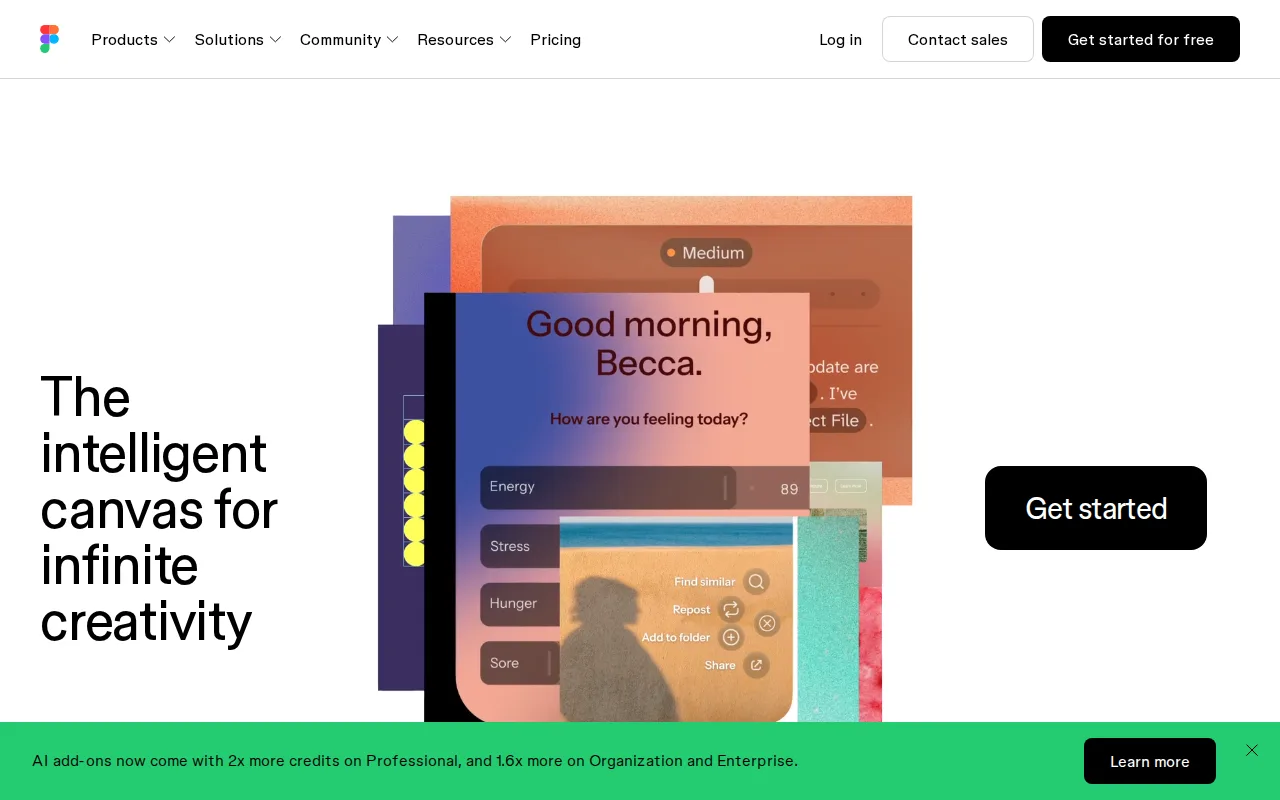
Figma is the best UXPin alternative for design and product teams that want true real-time multiplayer editing across design, prototyping, whiteboarding, and developer handoff, all in one browser-based file with no manual save or merge conflicts, a collaboration model UXPin's more code-and-component-focused workflow doesn't emphasize the same way. Figma reports that roughly 95% of the Fortune 500 uses the product, and it holds a 4.7/5 rating from 874 Capterra reviews, far more third-party validation than UXPin's own 26 Capterra reviews. Figma's Professional tier costs $16/seat/month, undercutting UXPin's $29/seat/month Core tier, and its free Starter plan includes unlimited drafts and basic AI credits with no trial expiration, unlike UXPin's free plan, which is only available after a 14-day trial ends. Dev Mode gives engineers direct, inspectable design specs. UXPin is still the better choice for teams that specifically want prototypes built from real, functioning code components with logic and variables: Figma's prototypes remain static vector approximations rather than UXPin's React-component-driven interactions, and Figma requires an internet connection for full editing, with no native CMYK color profile for print work.
Compared to UXPin: real-time multiplayer editing used by ~95% of the Fortune 500, Professional at $16/seat/month vs UXPin's $29, but prototypes are static vectors, not code-backed components
Wins:True real-time multiplayer editing across design, prototyping, whiteboarding, and Dev Mode handoff in one file · Professional tier costs $16/seat/month, nearly half UXPin's $29/seat/month Core tier · 4.7/5 rating from 874 Capterra reviews and used by roughly 95% of the Fortune 500
Loses:Prototypes remain static vector approximations rather than UXPin's functioning React components with logic and variables · Requires an internet connection for full editing; offline work is limited · No native CMYK color profile or 300dpi export, so print design work needs a separate tool
Pros
- Real-time multiplayer collaboration works reliably even with many simultaneous editors in one file.
- Free Starter tier is genuinely usable for solo designers with unlimited drafts and basic AI credits.
- Dev Mode gives engineers direct, inspectable access to design specs, reducing handoff friction.
- Broad plugin and integration ecosystem plus FigJam and Slides extend it beyond pure UI design.
Cons
- Requires an internet connection for full editing; offline work is limited.
- No native CMYK color profile or 300dpi export, so print design work needs a separate tool.
- Per-seat, per-role pricing (full/dev/collab) can be confusing and adds up quickly for larger teams.
- Organization and Enterprise tiers are annual-billing only, reducing flexibility for smaller teams.
Pricing: Free tier · paid from $16/mo — $16/seat/month Professional vs UXPin's $29/seat/month Core (billed annually) (verified )
4Sketch — best UXPin alternative for professional and freelance UI/UX designers on macOS who want a native, distraction-free vector design tool with built-in prototyping and developer handoff
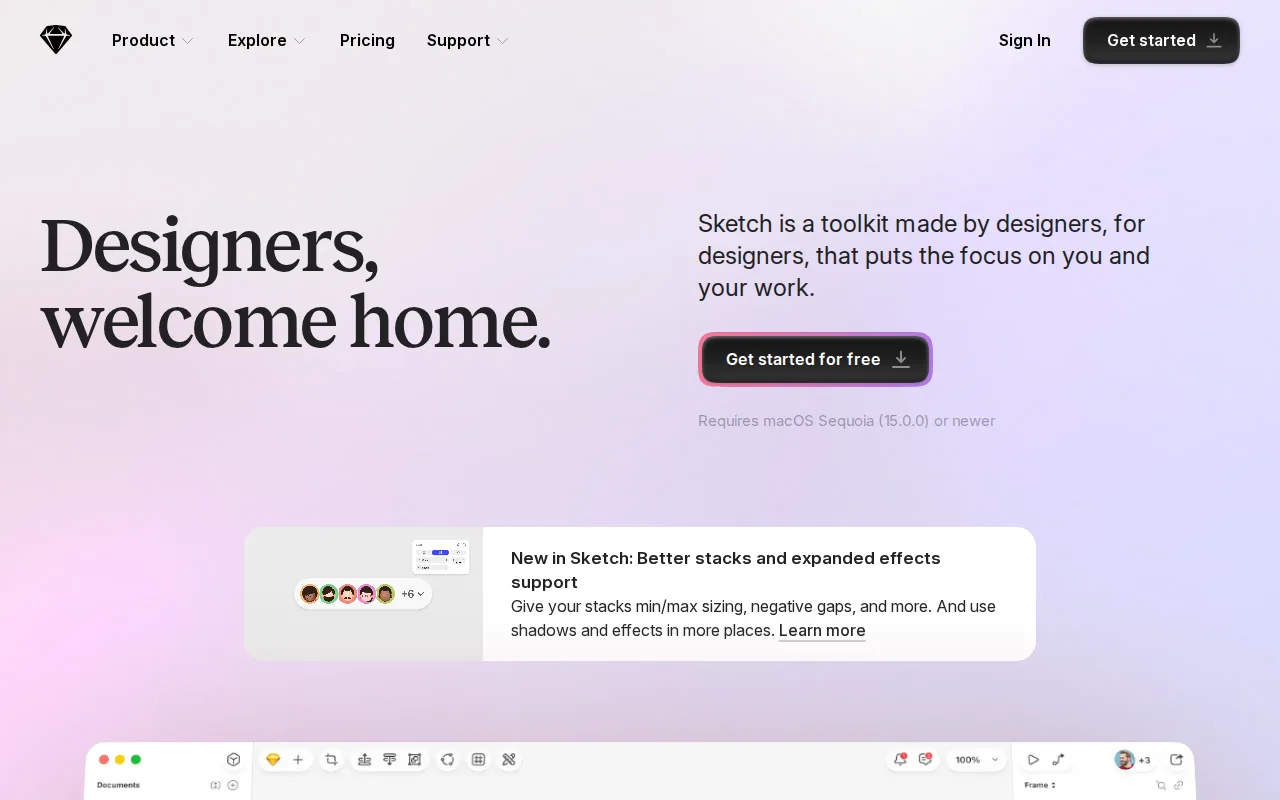
Sketch is the best UXPin alternative for freelance and professional UI/UX designers on macOS who want a native, distraction-free vector design app rather than UXPin's browser-based, code-component-driven workflow. Sketch's Standard plan costs $12/month billed annually, less than half UXPin's $29/seat/month Core tier, and a one-time $120 Mac-only license is also available for designers who don't need cloud collaboration at all, an ownership option UXPin's subscription-only model doesn't offer. Sketch combines native macOS performance with real-time co-editing, Smart Animate, overlays, and interaction-trigger prototyping in the same app, and offline-capable design work is possible, unlike browser-dependent tools. Sketch holds a 4.6/5 rating from 812 Capterra reviews, far more third-party validation than UXPin's own 26 Capterra reviews. UXPin is still the better choice for teams on Windows or Linux, or that specifically need code-backed prototypes: Sketch's native editor is macOS-only, so Windows and Linux designers can't run it at all, and Sketch has no equivalent to UXPin's real React-component prototyping with logic and variables.
Compared to UXPin: native macOS performance at $12/month vs UXPin's $29/seat/month, one-time $120 license option, but macOS-only with no code-backed React components
Wins:Standard tier costs $12/month billed annually, less than half UXPin's $29/seat/month Core tier · One-time $120 Mac-only license option for designers who don't need cloud collaboration, an ownership path UXPin doesn't offer · Native macOS performance with offline-capable design work, unlike UXPin's browser-based workflow
Loses:Native editor is macOS-only; no Windows or Linux app at all, while UXPin runs in any browser · No code-backed React components; prototypes use static vector shapes rather than UXPin's real component logic and variables · No permanent free tier at all, only a 30-day trial, unlike UXPin's limited free plan after its own 14-day trial
Pros
- Native macOS app delivers faster performance than browser-based design tools.
- Prototyping (Smart Animate, overlays, interaction triggers) and developer handoff are built in, not separate products.
- Offline-capable design work, unlike fully cloud-dependent competitors.
- One-time $120 Mac-only license option for designers who don't need cloud collaboration.
Cons
- No Windows or Linux native app; the platform is macOS-only for the design editor.
- No permanent free tier — every plan starts as a 30-day trial before billing begins.
- Enterprise-grade security features (SCIM, BYOK) require the $44/month Enterprise tier.
Pricing: From $12/mo — $12/month Standard (billed yearly) vs UXPin's $29/seat/month Core; a one-time $120 Mac-only license is also available (verified )
5Framer — best UXPin alternative for designers, marketers, and founders who want to design and launch a production website on a visual canvas without a developer handoff for every change
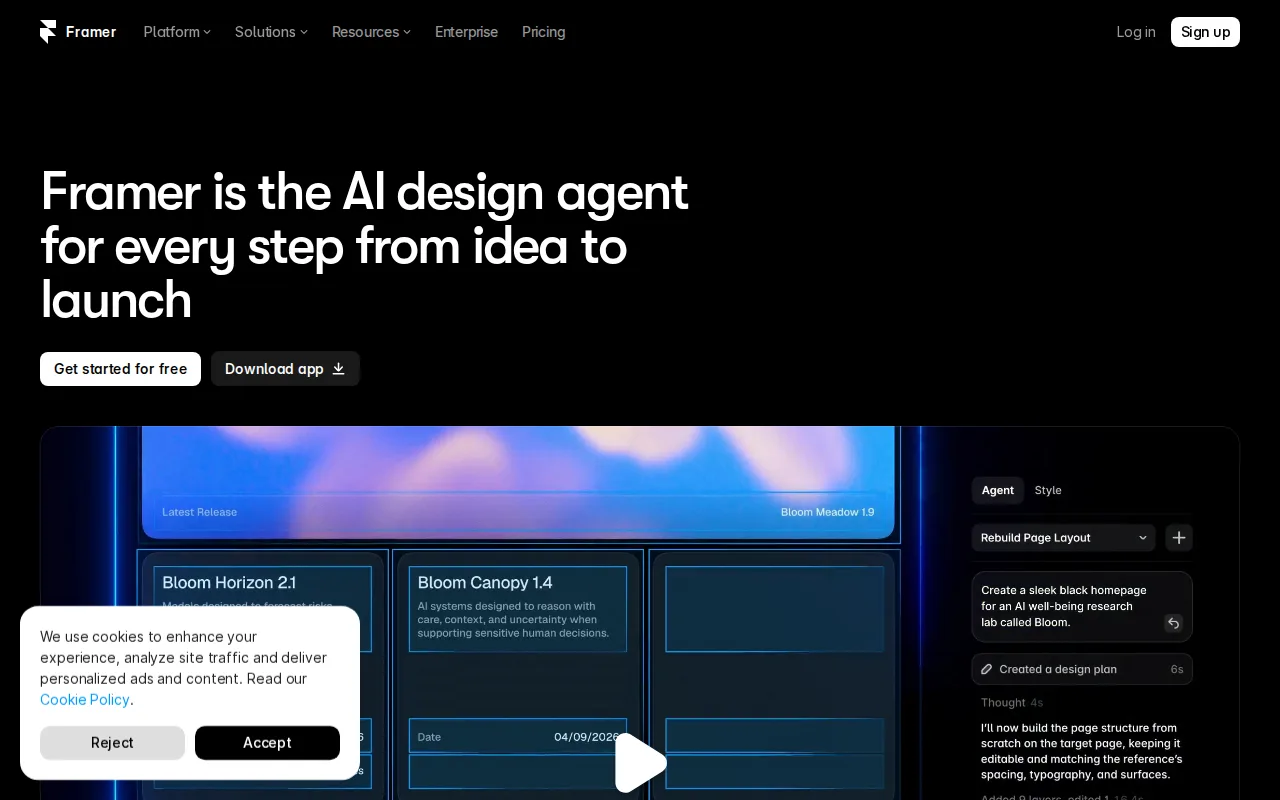
Framer is the best UXPin alternative for designers, marketers, and founders who want to design and publish a production website from one canvas-based editor, with hosting, CMS, SEO, and analytics bundled in, rather than UXPin's focus on prototyping and design-to-code handoff for a separate engineering team to implement. Framer's AI Design Agent edits a live site directly on the canvas, and every plan above Free includes a custom domain, publishing a finished site with no separate deployment step, unlike UXPin, which exports React code that still needs a team to build and deploy. Framer's Free plan includes 500 credits and a working subdomain, and Basic starts at $10/month, well under UXPin's $29/seat/month Core tier. UXPin is still the better choice for teams that need code-backed component prototyping with real logic and variables for a larger custom application, not just a marketing site: Framer's CMS collections are capped by plan (2 on Basic, 10 on Pro), and each additional editor costs $20/month on top of the plan price, adding up quickly for small teams.
Compared to UXPin: designs publish directly to a live, hosted site with AI Design Agent editing, Basic at $10/month vs UXPin's $29/seat/month, but not built for complex application prototyping
Wins:Publishes designs directly to a live, hosted site with bundled CMS, SEO, and analytics, no separate deployment step needed · AI Design Agent edits the live site directly on the canvas rather than generating a draft to copy over · Basic plan starts at $10/month, well under UXPin's $29/seat/month Core tier
Loses:Not built for complex application prototyping with real component logic the way UXPin's React-backed workflow is · CMS collections are capped by plan (2 on Basic, 10 on Pro), which can force an upgrade for content-heavy sites · Each additional editor costs $20/month on top of the plan price, adding up for small teams
Pros
- Design canvas, CMS, and hosting are integrated into one editor instead of separate tools.
- Free plan includes a working site with a subdomain and 1GB of bandwidth, not just a trial.
- Built-in AI Design Agent edits the live site directly rather than generating a draft to copy over manually.
- Hosting comes bundled with SEO, analytics, and A/B testing rather than requiring third-party add-ons.
Cons
- Each additional editor seat costs $20/month on top of the plan price, adding up quickly for small teams.
- CMS collections are capped by plan (2 on Basic, 10 on Pro), which can force an upgrade for content-heavy sites.
- Custom domains and most integrations require at least the $10/month Basic plan.
- Canvas-based, freeform layout has a steeper learning curve than block-based builders like Wix for users without design experience.
Pricing: Free tier · paid from $10/mo — $10/month Basic vs UXPin's $29/seat/month Core (billed annually) (verified )