5 Best Alternatives to Tresorit for iOS in 2026
By Noahlast updated
Compared: Tresorit alternatives that run on iOS
| Alternative | Best for | Learning curve | Price |
|---|---|---|---|
| Tresoritreference | financial, legal, and healthcare teams that need zero-knowledge encrypted file storage plus encrypted data rooms for sharing with outside parties | Moderate | Custom pricing |
| Proton Drive | privacy-focused individuals and small teams who want end-to-end encrypted cloud storage with a genuinely usable free tier and open-source, independently-audited clients | Low | Free tier · paid from $4.99/mo |
| Sync.com | privacy-conscious individuals and regulated businesses (legal, healthcare, finance) who need zero-knowledge encrypted file storage that even the vendor cannot read | Low | Free tier · paid from $4/mo |
| pCloud | users who want to pay once for cloud storage instead of an ongoing monthly subscription, and who value choosing between EU and US data residency | Low | Free tier · paid from $199 one-time |
| Box | mid-size and large enterprises that need compliance-grade file storage (HIPAA, FINRA, GDPR) plus AI-powered document workflows, not just file sync | Moderate | Free |
| Icedrive | keeping a personal photo and document archive in encrypted cloud storage at a low price per terabyte | Low | Free tier · paid from $2.99/mo |
 Tresorit
 Proton Drive
 Sync.com
 pCloud
 Box
Box Icedrive
1Proton Drive — best Tresorit alternative for privacy-focused individuals and small teams who want end-to-end encrypted cloud storage with a genuinely usable free tier and open-source, independently-audited clients
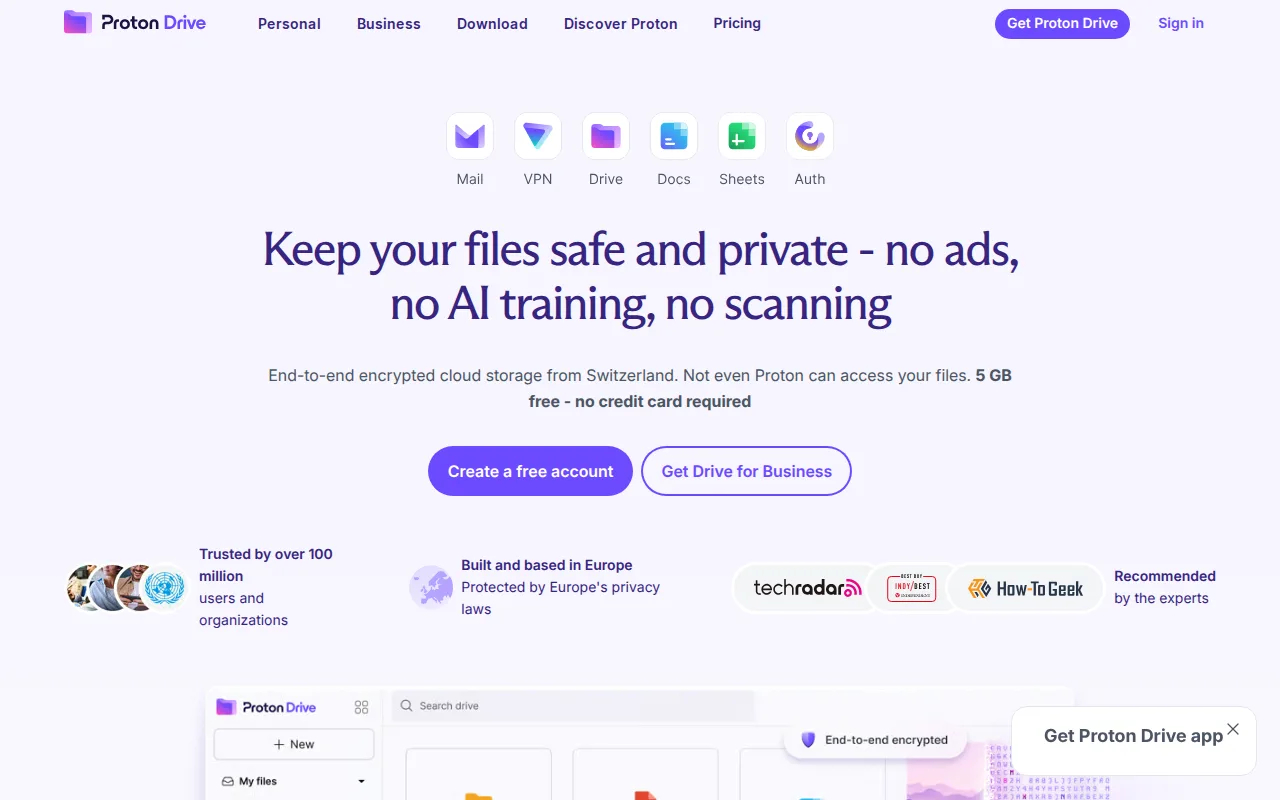
Proton Drive is the best Tresorit alternative for individuals and small teams who want end-to-end encrypted cloud storage without Tresorit's 14-day-trial-then-pay model. Proton Drive's Free plan gives 5GB of storage at no cost, and Drive Plus costs just $4.99/month for 200GB, compared to Tresorit's Professional tier, which has no published price and requires at least 1 paying user with no permanent free option. Like Tresorit, Proton Drive encrypts files on-device before upload so the vendor cannot read stored content, but Proton Drive goes further by publishing its client source code on GitHub under GPL-3.0 for independent review, something Tresorit's closed-source clients do not offer. Tresorit is still the better choice for regulated financial, legal, and healthcare teams that specifically need Tresorit Engage's encrypted data rooms for external due-diligence collaboration, SSO integration with Azure AD or Okta, and a choice of 12 global data-residency regions, none of which Proton Drive's four consumer-oriented tiers provide. Proton Drive's free tier is also more modest than some rivals at just 5GB, and a lost password with no saved recovery kit means permanently lost access to encrypted files.
Compared to Tresorit: has a permanent free tier (5GB) vs none, open-source GPL-3.0 clients vs closed-source, cheaper entry price ($4.99/mo Drive Plus vs no published Tresorit price)
Wins:Permanent free tier (5GB) vs Tresorit's 14-day-trial-then-pay model with no free option · Client source code is public on GitHub under GPL-3.0 vs Tresorit's closed-source clients · Drive Plus starts at $4.99/month for 200GB, a published, transparent price vs Tresorit's unpublished per-user figures
Loses:No Tresorit Engage equivalent for encrypted data rooms with external clients and partners · No SSO integration (Azure AD, Okta, Google) or choice of 12 global data-residency regions · Lost passwords cannot be recovered without a saved recovery kit, and the free tier's 5GB is modest next to some rivals
Pros
- Files are end-to-end encrypted client-side, so Proton cannot read stored content.
- Client source code is open source (GPL-3.0) and independently audited.
- 5 GB free tier is more generous than most end-to-end encrypted competitors.
- Based in Switzerland, subject to strict Swiss privacy law rather than US or EU data requests.
Cons
- Lost passwords can't be recovered by Proton for end-to-end encrypted content without a saved recovery kit.
- Free tier storage (5 GB) is modest compared to Google Drive's 15 GB free tier.
- Best value per dollar requires the pricier Proton Unlimited bundle rather than a Drive-only plan.
Pricing: Free tier · paid from $4.99/mo — $4.99/month Drive Plus (200GB) vs Tresorit's unpublished Professional pricing (Tresorit shows no plain-text dollar figures on its live pricing page) (verified )
2Sync.com — best Tresorit alternative for privacy-conscious individuals and regulated businesses (legal, healthcare, finance) who need zero-knowledge encrypted file storage that even the vendor cannot read
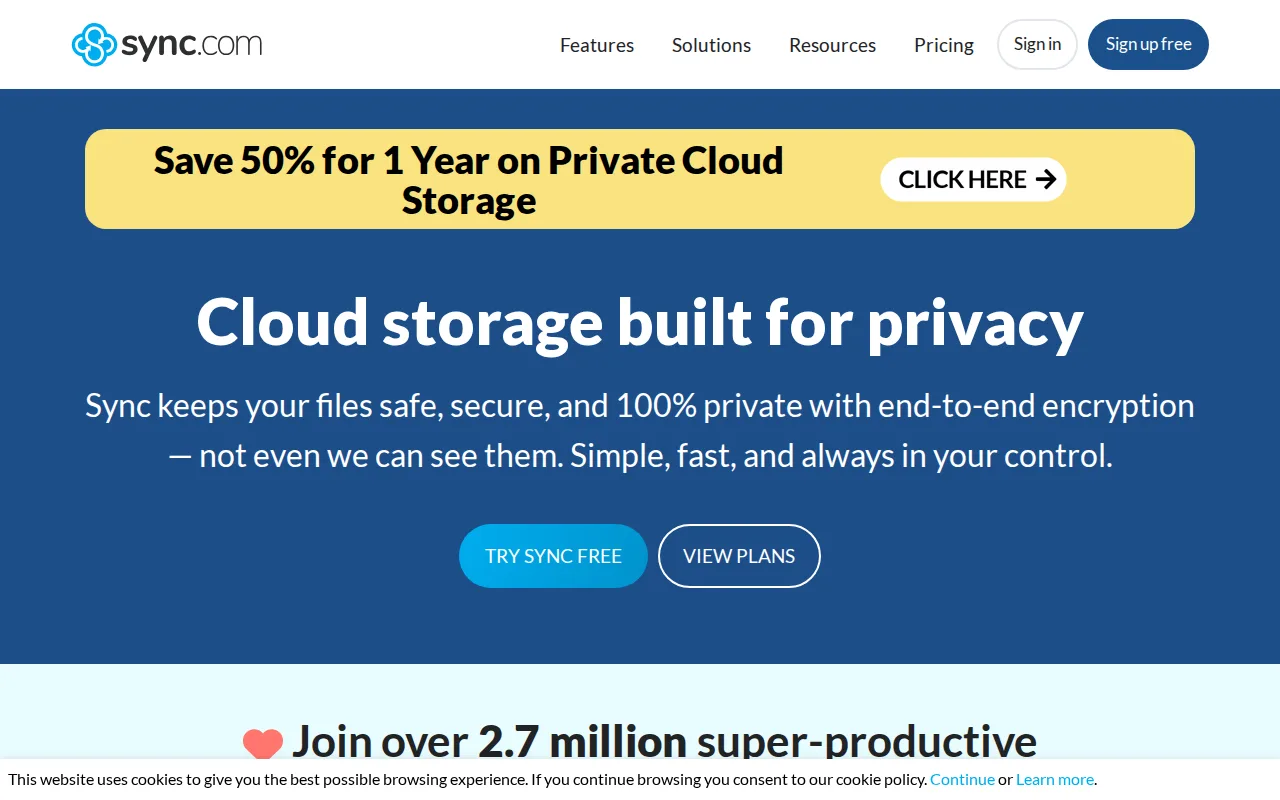
Sync.com is the best Tresorit alternative for privacy-conscious users who want zero-knowledge encryption plus a genuine free tier, something Tresorit doesn't offer at all. Sync.com's Free plan includes 5GB of storage with no credit card required, and Personal 150GB starts at just $4/month ($3.50/month billed annually), while Tresorit has no permanent free plan and doesn't publish exact per-user pricing as plain text. Both services encrypt files end-to-end so the vendor cannot decrypt user content, and Sync.com's Canadian jurisdiction appeals to users who want data outside U.S. legal reach, similar to how Tresorit offers EU-only data residency for compliance-driven teams. Tresorit is still the better choice for regulated businesses that need Tresorit Engage's purpose-built encrypted data rooms for due diligence and external client collaboration, SSO with Azure AD or Okta, and audit logging, none of which Sync.com's individual-focused plans include. Sync.com also draws complaints about slow customer support and occasional reliability issues like failed folder creation, and its 1TB and 5TB tiers are priced as promotional against a regular price roughly double that, making long-term cost less transparent.
Compared to Tresorit: has a free tier (5GB) vs none, cheaper entry price ($4/mo vs unpublished), Capterra rating of 4.3/5 from 57 reviews vs Tresorit's 4.8/5 from 130 reviews
Wins:Permanent free tier (5GB, no credit card required) vs Tresorit's trial-only model · Personal 150GB starts at $4/month, a published price vs Tresorit's unpublished figures · Canadian jurisdiction outside U.S. legal reach, comparable to Tresorit's own EU-residency option
Loses:No equivalent to Tresorit Engage's encrypted data rooms for external client and partner collaboration · No SSO (Azure AD, Okta, Google) or audit logging built for compliance teams · Capterra rating of 4.3/5 from 57 reviews trails Tresorit's 4.8/5 from 130 reviews, and reviewers report slow support and occasional sync failures
Pros
- True zero-knowledge encryption means even Sync.com cannot read stored files.
- Free tier includes 5GB of storage with no credit card required to start.
- Canadian jurisdiction appeals to users wanting data outside U.S. legal reach.
- CloudFiles integrates directly with Windows Explorer and Mac Finder for native-feeling sync.
Cons
- Some users report inconsistent reliability, including folder creation and sync operations failing at times.
- Customer support response times draw complaints, with some users left to self-resolve recovery issues.
- Zero-knowledge encryption means a lost password results in permanently inaccessible files, with no vendor-side reset.
- 1TB and 5TB tier pricing shown as 'promotional' against a listed regular price roughly double, making true long-term cost less transparent.
Pricing: Free tier · paid from $4/mo — $4/month Personal 150GB ($3.50/month billed annually) vs Tresorit's unpublished Professional pricing (verified )
3pCloud — best Tresorit alternative for users who want to pay once for cloud storage instead of an ongoing monthly subscription, and who value choosing between EU and US data residency
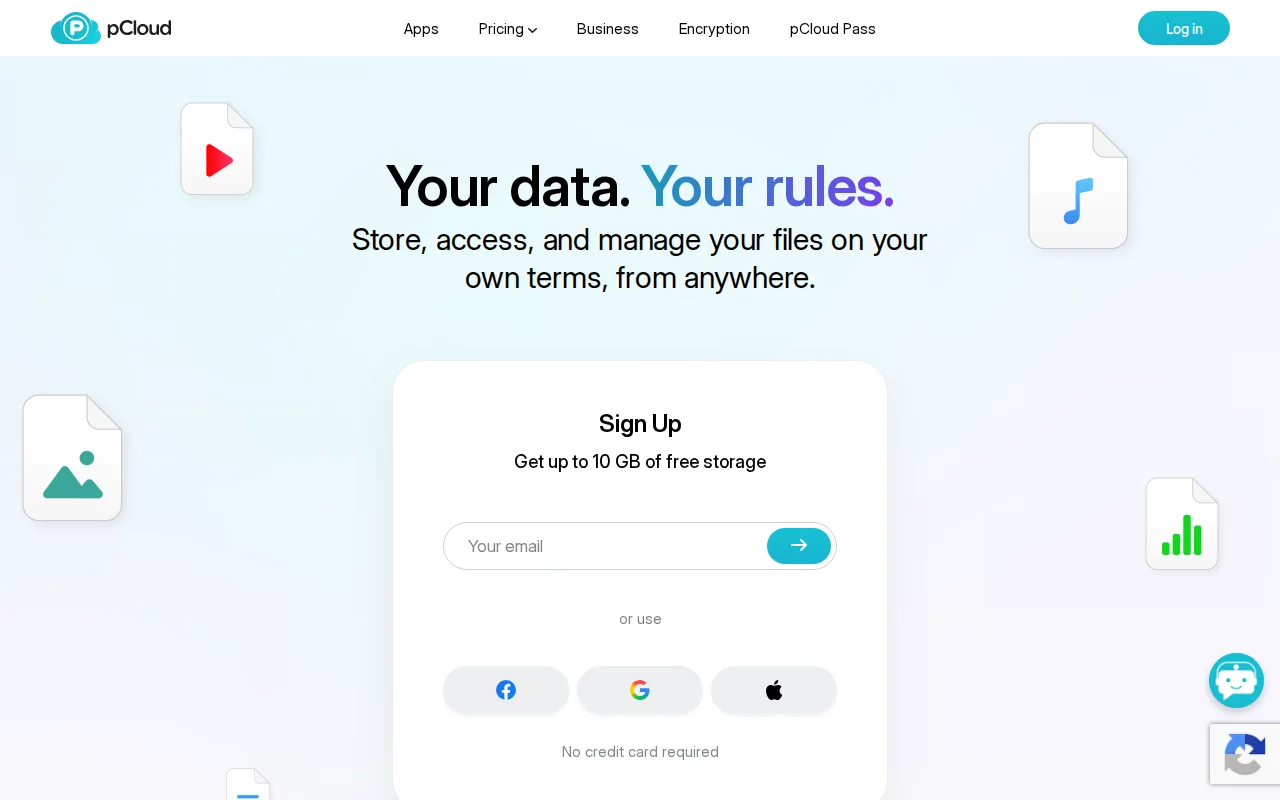
pCloud is the best Tresorit alternative for users who want to pay once instead of an ongoing subscription, a pricing model Tresorit doesn't offer at all. pCloud's lifetime plans run from $199 one-time for 500GB up to $1,190 for 10TB, letting users own storage permanently, while every Tresorit plan restarts as a 14-day trial before recurring billing begins with no published exact price. pCloud also holds a 4.5/5 rating from 180 Capterra reviews, close to Tresorit's 4.8/5 from 130 reviews, and offers a choice of EU (Luxembourg) or US data centers similar in spirit to Tresorit's own data-residency controls. Tresorit is still the better choice for regulated teams that need true zero-knowledge encryption built in by default and Tresorit Engage's encrypted data rooms for external collaboration: pCloud only offers its zero-knowledge pCloud Encryption as a separate paid add-on rather than including it standard, and pCloud has no equivalent to Tresorit's SSO integration with Azure AD or Okta. pCloud's lifetime plans also require a large upfront payment of $199 to $1,190, a bigger initial commitment than a monthly competitor.
Compared to Tresorit: one-time lifetime payment ($199-$1,190) vs recurring unpublished pricing, published starting price vs none, zero-knowledge encryption sold as paid add-on vs included by default
Wins:One-time lifetime plans ($199-$1,190) eliminate recurring subscription costs entirely, unlike Tresorit's ongoing billing · Publishes exact dollar pricing on its site, unlike Tresorit's JavaScript-rendered figures with no plain-text numbers · Choice of EU (Luxembourg) or US data center, comparable to Tresorit's own residency options
Loses:Zero-knowledge client-side encryption (pCloud Encryption) costs extra rather than being included by default like Tresorit's · No equivalent to Tresorit Engage's encrypted data rooms for external due-diligence collaboration · No SSO integration (Azure AD, Okta, Google) or audit logging for compliance-driven teams
Pros
- One-time lifetime plans eliminate recurring subscription costs for long-term storage.
- Choice of EU (Luxembourg) or US data center for stored files.
- 30-day file version history and password-protected sharing links included on paid plans.
- 14-day money-back guarantee on lifetime purchases.
Cons
- True zero-knowledge client-side encryption (pCloud Encryption) costs extra rather than being built in.
- Lifetime plans require a large upfront payment ($199-$1,190) instead of a low monthly fee.
- Free plan's exact storage allocation isn't clearly stated on the pricing page.
- No annual/monthly subscription pricing is prominently displayed alongside the lifetime plans, which can make comparison shopping harder.
Pricing: Free tier · paid from $199 one-time — $199 one-time for 500GB (lifetime) vs Tresorit's unpublished Professional pricing (Tresorit shows no recurring dollar figure as plain text) (verified )
4Box — best Tresorit alternative for mid-size and large enterprises that need compliance-grade file storage (HIPAA, FINRA, GDPR) plus AI-powered document workflows, not just file sync

Box is the best Tresorit alternative for mid-size and large enterprises that need compliance-grade file storage plus AI-powered document workflows, matching Tresorit's compliance focus but adding capabilities Tresorit doesn't have. Box's Business plans start at $5/user/month with a 3-user minimum, and its free Individual plan includes 10GB of storage, while Tresorit requires at least 1 paying user with no published exact price and no permanent free tier. Box AI summarizes documents and extracts structured data from contracts and handwritten forms using OpenAI, Anthropic, and Google models, a workflow-automation layer Tresorit's encryption-first product doesn't offer. Box also holds a 4.4/5 rating from 5,641 Capterra reviews, a much larger review base than Tresorit's 130. Tresorit is still the better choice for teams whose top priority is that the vendor itself can never read stored files: Box relies on server-side encryption rather than Tresorit's zero-knowledge model, and Box's own pricing page doesn't display exact per-tier dollar amounts as static text either, requiring an interactive calculator just like Tresorit's JavaScript-rendered pricing.
Compared to Tresorit: has a free tier (10GB) vs none, Box AI document workflows vs none, server-side encryption vs Tresorit's zero-knowledge model
Wins:Free Individual plan with 10GB storage vs Tresorit's trial-only model with no free tier · Box AI summarizes documents and extracts structured data from contracts and handwritten forms, a capability Tresorit lacks · Larger Capterra review base (5,641 reviews at 4.4/5) than Tresorit's 130 reviews at 4.8/5
Loses:Server-side encryption rather than Tresorit's zero-knowledge, client-side encryption model · No equivalent to Tresorit Engage's purpose-built encrypted data rooms for external due-diligence collaboration · Business plans still require a 3-user minimum, and exact per-seat pricing isn't shown as static text, requiring an interactive calculator
Pros
- Compliance certifications (HIPAA, FINRA, GDPR support) that matter for regulated industries like banking and life sciences.
- Box AI summarizes documents and extracts structured data from contracts and scanned forms.
- 1,500+ third-party integrations plus a full developer API.
- Unlimited e-signature requests included even on lower-tier Business plans.
Cons
- Business plans require a minimum of 3 users, ruling out solo or two-person teams.
- Business Starter tier caps storage at 100GB while higher tiers are unlimited, creating a hard upgrade point for growing teams.
- Exact per-seat pricing isn't published as static text on Box's own pricing page, requiring an interactive calculator to compare plans.
Pricing: Free — "From $5/user/month" (Box Business, 3-user minimum, exact tier figures not shown as static text) vs Tresorit's unpublished Professional pricing (verified )
5Icedrive — best Tresorit alternative for keeping a personal photo and document archive in encrypted cloud storage at a low price per terabyte
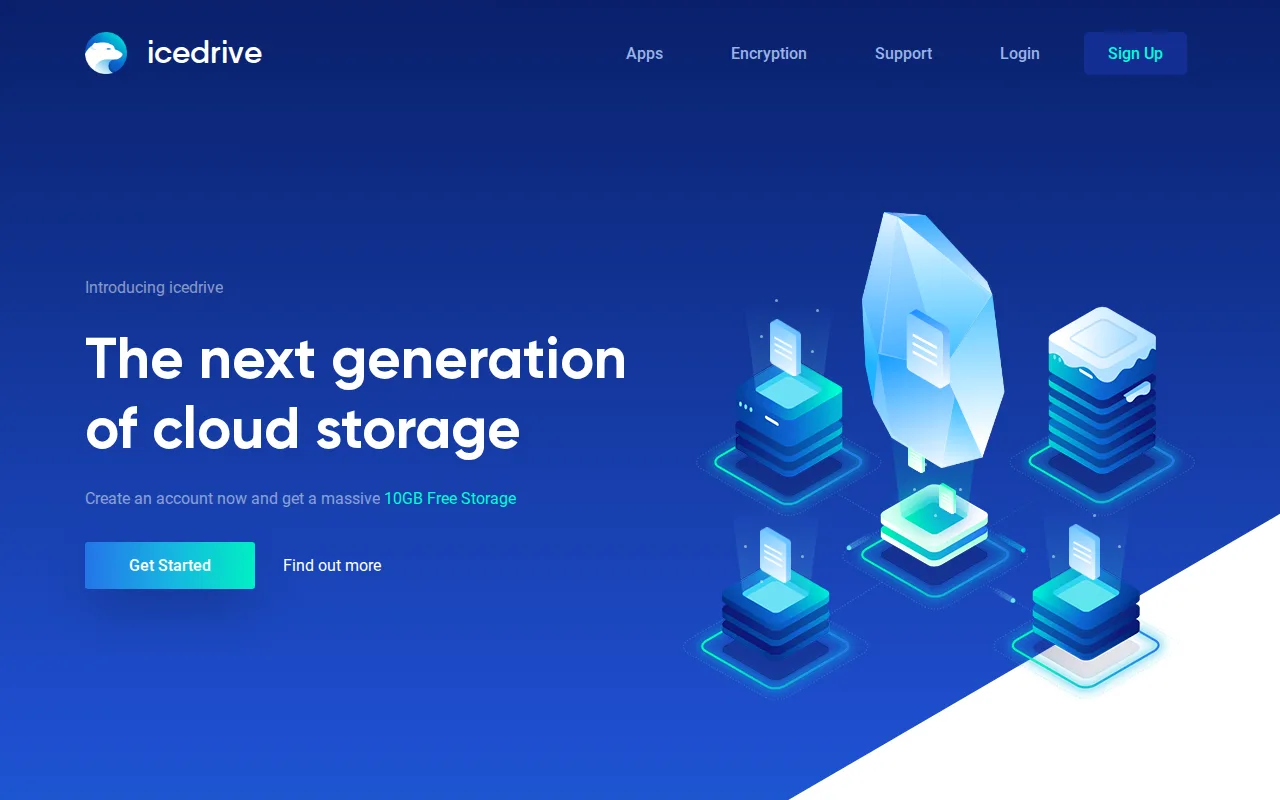
Icedrive is the best Tresorit alternative for individuals who want client-side encrypted cloud storage at a much lower price point than Tresorit's business-focused plans. Icedrive gives every account 10GB of free storage, and its Lite plan runs around $1.67/month for 150GB, far below Tresorit's unpublished per-user pricing, which requires at least one paying user with no free tier at all. Both services encrypt files client-side, though Icedrive uses the Twofish cipher rather than the AES standard most competitors (including Tresorit) use. Tresorit is still clearly the better choice for compliance-driven organizations: Icedrive has no equivalent to Tresorit Engage's encrypted data rooms for external client collaboration, no SSO integration with Azure AD or Okta, and no data-residency choice across 12 global regions, and Icedrive's desktop and mobile clients are closed source, which cuts against its own privacy positioning the same way Tresorit's closed-source clients do. Icedrive has also had gaps in native Linux app availability in the past, and it carries no external Capterra or G2 rating in our listing data to compare against Tresorit's 4.8/5 from 130 reviews.
Compared to Tresorit: has a free tier (10GB) vs none, much lower entry price (~$1.67/mo vs unpublished), Twofish encryption vs AES
Wins:Free tier with 10GB of storage vs Tresorit's trial-only model with no permanent free option · Lite plan starts around $1.67/month for 150GB, far below Tresorit's unpublished per-user rates · Uses Twofish client-side encryption, a less common cipher than the AES standard Tresorit and most competitors use
Loses:No equivalent to Tresorit Engage's encrypted data rooms for external due-diligence or client collaboration · No SSO integration (Azure AD, Okta, Google) or choice of 12 global data-residency regions · Closed-source clients undercut its own privacy pitch, and it has had past gaps in native Linux app support
Pros
- 10GB free account to try the web, desktop and mobile apps before paying.
- Client-side Twofish encryption with zero-knowledge keys on every paid plan, file and folder names included.
- Low per-terabyte pricing billed yearly: 3TB for $9.99/month or 10TB for $29.99/month.
- Native apps for Windows, macOS, Linux (AppImage, Snap and a CLI), iOS and Android, with virtual-drive mounting on desktop.
- One-time Lifetime plans ($229 for 500GB, $499 for 2TB) and a 30-day money-back guarantee on paid plans.
Cons
- Zero-knowledge encryption covers only the encrypted space on paid plans; free accounts get no encryption and no file history.
- Starter (100GB) is sold yearly only, and month-to-month billing costs $2 to $5 more per month than yearly billing on the same plan.
- Desktop sync is capped at 2 to 10 devices depending on the plan, and Lifetime plans are positioned for casual personal use rather than heavy workloads.
- No document editing or office-suite integration; Icedrive Docs is still marked coming soon.
Pricing: Free tier · paid from $2.99/mo — About $1.67/month for the Lite plan (150GB) vs Tresorit's unpublished Professional pricing (verified )