6 Best Alternatives to Thunderbird for macOS in 2026
By Noahlast updated pricing verified
All 6 Thunderbird alternatives
Compared: Thunderbird alternatives that run on macOS
| Alternative | Best for | Learning curve | Price |
|---|---|---|---|
| Thunderbirdreference | privacy-conscious individuals and teams who want a full-featured, ad-free email and calendar client without a subscription, and are comfortable installing desktop software rather than using webmail | Low | Free |
| Outlook | individuals who want a free, ad-supported webmail and calendar client, with the option to upgrade to an ad-free inbox, larger storage, and Copilot AI through a Microsoft 365 subscription | Low | Free tier · paid from $9.99/mo |
| Gmail | individuals who want a free, reliable, spam-filtered inbox with strong search, and businesses wanting professional email bundled with Google's collaboration suite | Low | Free tier · paid from $7/mo |
| Superhuman | professionals and teams handling a high daily email volume who are willing to learn keyboard shortcuts and pay a premium for faster triage | Moderate | From $25/mo |
| Proton Mail | privacy-conscious individuals, journalists, and small teams who want end-to-end encrypted email with open-source, independently audited clients rather than a mainstream provider that can technically read stored mail | Low | Free tier · paid from $3.99/mo |
| Fastmail | privacy-conscious individuals and small businesses who want custom-domain email with no ads or content scanning and don't mind paying from day one | Low | From $4/mo |
| HEY | individuals and small teams who want an opinionated, spam-resistant inbox and are willing to pay a flat annual fee instead of using free Gmail or Outlook | Moderate | From $12/mo |
 Thunderbird
 Outlook
 Gmail
 Superhuman
 Proton Mail
 Fastmail
 HEY
1Outlook — best Thunderbird alternative for individuals who want a free, ad-supported webmail and calendar client, with the option to upgrade to an ad-free inbox, larger storage, and Copilot AI through a Microsoft 365 subscription
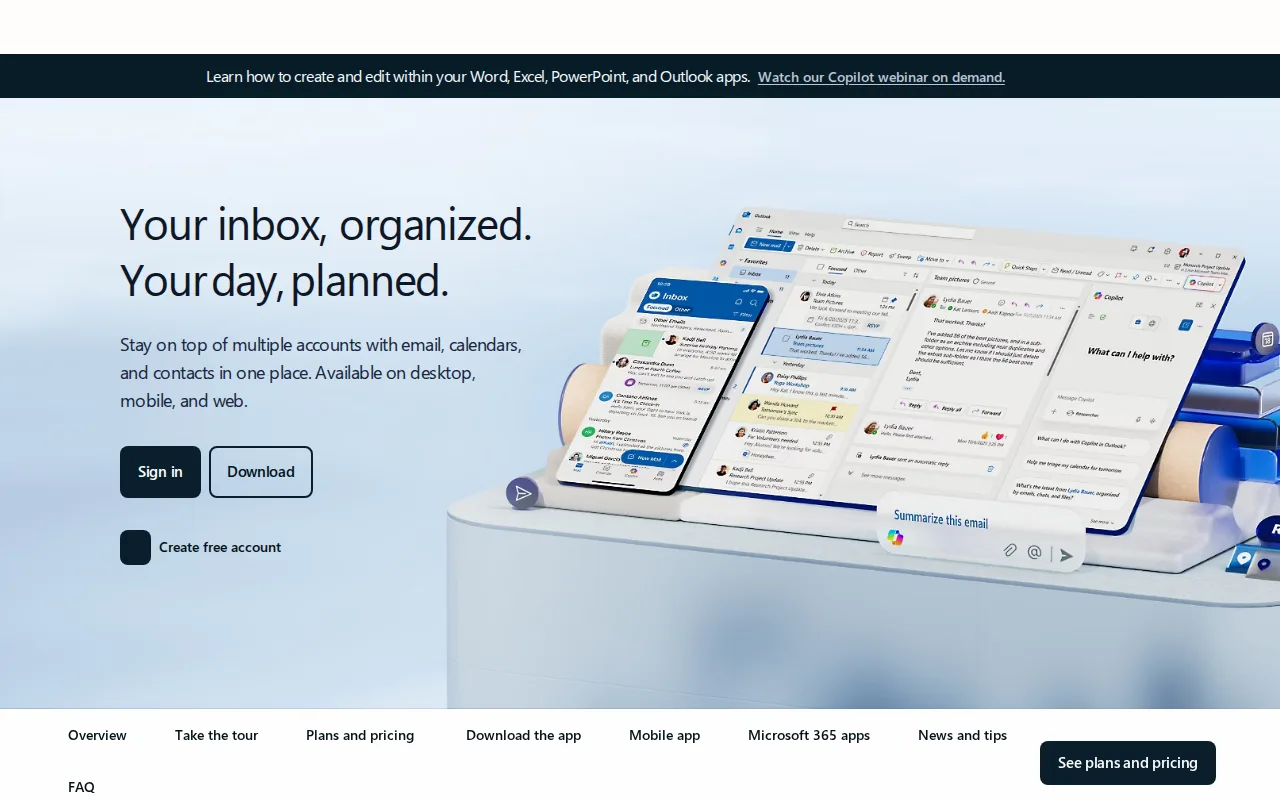
Outlook is the best Thunderbird alternative for people who want the same email, calendar, and contacts combination, reachable from any browser as well as from installed apps. Outlook is Microsoft's mail app, free as ad-supported Outlook.com, with calendar, contacts, and task management synced across web, Windows, macOS, iOS, and Android. Thunderbird has no web client, so checking mail on a borrowed computer means falling back to a provider's webmail. Microsoft 365 Personal at $9.99/month or $99.99/year removes ads, raises the mailbox to 100GB, adds Copilot drafting and summaries, and includes the Microsoft 365 suite and 1TB of OneDrive; Family covers up to six people for $129.99/year. Outlook holds 4.5/5 from 2,501 Capterra reviews, where Thunderbird has no rating on record. Thunderbird is still the better choice for Linux users and for anyone who objects to ads or subscriptions. Outlook lists no Linux app, its free tier shows ads throughout, and removing them requires a full Microsoft 365 subscription, since the standalone Outlook.com Premium plan closed to new users in 2017. Thunderbird is free with no ads, no data collection, and public source code, and Outlook reviewers report slowdowns with large mailboxes and unreliable attachment search.
Compared to Thunderbird: a free web client plus Windows, macOS, iOS, and Android apps, where Thunderbird has no web version, an ad-free 100GB mailbox and Copilot with Microsoft 365 from $9.99/month, ads on the free tier and no Linux app
Wins:Web client at Outlook.com plus apps for Windows, macOS, iOS, and Android, where Thunderbird is desktop and mobile only · Microsoft 365 Personal at $9.99/month ($99.99/year) adds an ad-free 100GB mailbox, Copilot drafting and summaries, the Microsoft 365 suite, and 1TB of OneDrive · 4.5/5 from 2,501 Capterra reviews, where Thunderbird has no rating on record
Loses:The free tier shows ads throughout, where Thunderbird has no ads and no data collection · No Linux app, where Thunderbird runs natively on Linux · Removing ads requires a full Microsoft 365 subscription, and reviewers report slowdowns with large mailboxes and unreliable attachment search
Pros
- Free tier is a fully usable webmail client with calendar and contacts, no subscription required.
- Premium features (ad-free, 100GB mailbox, Copilot) are bundled into a Microsoft 365 subscription rather than sold separately.
- Deep integration with Word, Excel, PowerPoint, and Teams for Microsoft 365 subscribers.
- Broad platform support across web, Windows, macOS, iOS, and Android.
Cons
- Ads appear throughout the free tier.
- Ad-free and expanded-storage upgrades require a full Microsoft 365 subscription, not a low-cost Outlook-only add-on.
- Reviewers report performance slowdowns and sync issues with large mailboxes.
- Attachment search can be unreliable, according to user reviews.
Pricing: Free tier · paid from $9.99/mo — $0 with ads, or $99.99/year for Microsoft 365 Personal (ad-free, 100GB), vs $0 for Thunderbird with no ads (verified )
2Gmail — best Thunderbird alternative for individuals who want a free, reliable, spam-filtered inbox with strong search, and businesses wanting professional email bundled with Google's collaboration suite
Gmail is the best Thunderbird alternative for people who want a free, spam-filtered inbox they can open from any browser and search quickly. Gmail is free with 15GB of storage shared across Gmail, Drive, and Photos, with strong spam filtering, powerful search operators, tabbed sorting into Primary, Promotions, Social, and Updates, and Google Meet, Chat, Calendar, and Drive inside the same interface. It lists apps for web, Windows, macOS, Linux, iOS, and Android, matching Thunderbird's desktop and mobile coverage and adding the web client Thunderbird lacks, along with offline access, two-factor authentication, and a confidential mode for expiring messages. Businesses get a custom domain and 30GB per user through Google Workspace Business Starter at roughly $7/user/month billed annually. Gmail holds 4.8/5 from 13,516 Capterra reviews, the largest sample on this page. Thunderbird is still the better choice for anyone who wants an ad-free, donation-funded client that states it collects no personal data, or who manages several accounts from different providers in one place. Free Gmail accounts show ads, the automatic tabs can bury important messages, and heavy attachments eat into the same 15GB as photos and files. Gmail's Workspace prices also carry no verification date here.
Compared to Thunderbird: free webmail with strong spam filtering and search operators, where Thunderbird has no web client, Meet, Chat, Calendar, and Drive in the same interface, ads on free accounts and 15GB shared with Drive and Photos
Wins:Free web client with strong spam filtering and powerful search operators, plus apps for Windows, macOS, Linux, iOS, and Android, where Thunderbird has no web version · Google Meet, Chat, Calendar, and Drive inside the same interface, with offline access and confidential mode · 4.8/5 from 13,516 Capterra reviews, the largest sample on this page, where Thunderbird has no rating on record
Loses:Free accounts show ads, where Thunderbird has no ads and states it collects no personal data · Automatic tabs can bury important mail in Promotions or Updates, and the free 15GB is shared with Drive and Photos · Workspace pricing beyond Business Starter is not plainly shown, and no Gmail price carries a verification date here
Pros
- Free tier is genuinely capable, with strong spam filtering and powerful search operators.
- Tight integration with Google Meet, Chat, Calendar, and Drive inside the same interface.
- Business (Workspace) tiers add a custom domain and admin controls without switching providers.
- Broad platform support with reliable offline access and cross-device sync.
Cons
- Free accounts show ads, and the automatic tab system (Promotions, Social, Updates) can bury important messages.
- 15GB free storage is shared across Gmail, Drive, and Photos rather than dedicated to email alone.
- Some advanced settings and filters are not intuitive to configure for less technical users.
- Business pricing tiers beyond Starter require checking Google's site directly, as exact per-tier pricing isn't always shown plainly.
Pricing: Free tier · paid from $7/mo — $0 with ads for personal Gmail, or roughly $7/user/month for Google Workspace Business Starter billed annually, vs $0 for Thunderbird with no ads
3Superhuman — best Thunderbird alternative for professionals and teams handling a high daily email volume who are willing to learn keyboard shortcuts and pay a premium for faster triage

Superhuman is the best Thunderbird alternative for professionals who handle a high daily volume of email and will pay to get through it faster. Superhuman layers onto existing Gmail and Outlook accounts rather than replacing them, and builds its workflow around keyboard shortcuts and a Split Inbox that automatically separates mail from teams, VIPs, and tools. Its AI drafts replies, auto-labels and auto-archives messages, sets follow-up reminders, and with permission can send email on the user's behalf; Superhuman claims the setup saves 4+ hours a week. Starter is $25/member/month billed annually, and Business at $33/member/month adds Auto Drafts, Ask AI, an MCP server, and HubSpot and Salesforce integration. It runs on web, Windows, macOS, iOS, and Android and holds 4.8/5 from 23 Capterra reviews. Thunderbird is still the better choice for nearly everyone else. Superhuman costs $300 a year per person on Starter against Thunderbird's $0, has no free tier, and works on top of Gmail and Outlook accounts only. It has no native unified inbox for several accounts, which Thunderbird provides, no Linux app, and a keyboard-driven workflow that takes real time to learn.
Compared to Thunderbird: keyboard-driven triage, Split Inbox, and AI drafts on top of Gmail or Outlook, $25/member/month billed annually ($300/year) vs Thunderbird's $0, no unified inbox for multiple accounts and no Linux app
Wins:AI drafts replies, auto-labels and auto-archives mail, sets follow-up reminders, and can send on the user's behalf with permission · Split Inbox automatically separates mail from teams, VIPs, and tools, and keyboard shortcuts drive the whole workflow · Web client plus Windows, macOS, iOS, and Android apps, and 4.8/5 from 23 Capterra reviews, where Thunderbird has no web client and no rating on record
Loses:No free tier: Starter costs $25/member/month billed annually ($300/year), against Thunderbird's $0 · No native unified inbox for managing multiple accounts in one view, which Thunderbird provides, and it works only on top of Gmail and Outlook accounts · No Linux app, and the keyboard-shortcut workflow has a learning curve rated moderate against Thunderbird's low
Pros
- Keyboard-shortcut-driven workflow that reviewers consistently cite as genuinely faster for high email volume.
- AI auto-drafting and Split Inbox triage reduce manual email sorting.
- Works on top of existing Gmail and Outlook accounts rather than requiring a migration.
- 4.8-out-of-5 rating on Capterra, with customer support rated 4.5-out-of-5 by reviewers.
Cons
- No free tier; Starter alone costs $25/member/month billed annually, well above free clients like Gmail or Outlook.
- No native unified inbox for managing multiple email accounts in a single view.
- Mastering the full keyboard-shortcut workflow takes real time investment for new users.
- Starter and Business tiers cap at 25 seats, forcing larger teams into custom Enterprise pricing.
Pricing: From $25/mo — $25/member/month for Superhuman Starter billed annually ($300/year) vs $0 for Thunderbird (verified )
4Proton Mail — best Thunderbird alternative for privacy-conscious individuals, journalists, and small teams who want end-to-end encrypted email with open-source, independently audited clients rather than a mainstream provider that can technically read stored mail
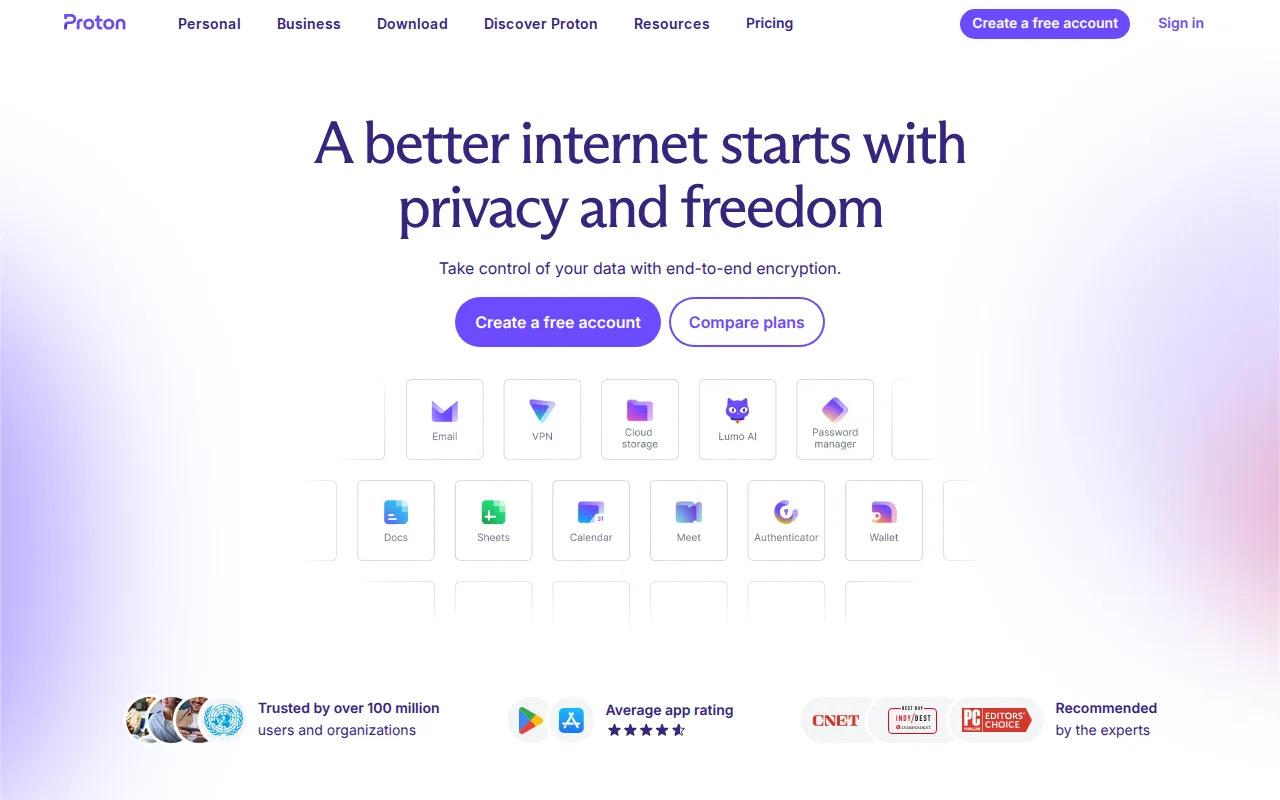
Proton Mail is the best Thunderbird alternative for privacy-conscious people, journalists, and small teams who want the provider itself unable to read their mail. Unlike Thunderbird, which is a client for mail stored elsewhere, Proton Mail also hosts the mailbox, and its zero-access encryption means Proton cannot read message content on any paid plan. Its client apps are open source and independently audited, it operates under Swiss data-protection law, and sign-up needs no phone number. Proton Mail runs on web, Windows, macOS, Linux, iOS, and Android. The free plan includes 1 GB and one address, Mail Plus is $3.99/month billed annually (about $47.88/year) for 15 GB, 10 hide-my-email aliases, and a custom domain, and Proton Unlimited at $9.99/month adds 500 GB plus Proton VPN, Drive, and Pass. On Mail Plus and above, the Bridge app connects Proton Mail to standard IMAP desktop clients. It holds 4.5/5 from 122 Capterra reviews. Thunderbird is still the better choice for anyone who wants one free app for several existing accounts, since Proton Mail's free tier stops at 1 GB and a single address. Mail Plus supports only 1 custom domain, higher tiers bundle VPN and Pass that email-only users may not need, and Proton's prices carry no verification date here.
Compared to Thunderbird: a zero-access encrypted mailbox Proton itself cannot read, with open-source, audited clients, a web client and Linux app alongside desktop and mobile apps, a free tier capped at 1 GB and one address, with Mail Plus at $3.99/month billed annually
Wins:Zero-access encryption means Proton cannot read message content on any paid plan, with open-source, independently audited clients and Swiss jurisdiction · Web client plus Windows, macOS, Linux, iOS, and Android apps, where Thunderbird has no web version · Mail Plus adds 10 hide-my-email aliases and a custom domain for $3.99/month billed annually, and Bridge connects it to standard IMAP desktop clients
Loses:The free tier is capped at 1 GB and a single address, where Thunderbird is free with no tiers and manages multiple accounts · Mail Plus supports only 1 custom domain, and Unlimited and Family bundle VPN, Drive, and Pass that email-only users may not need · Bridge access to desktop clients requires a paid plan, and Proton's prices carry no verification date here
Pros
- Zero-access encryption means Proton cannot read message content on any paid plan.
- Open-source, independently audited client apps across web, desktop, iOS, and Android.
- No phone number required to sign up, and Swiss jurisdiction outside US/EU data-sharing agreements.
- Bridge app connects Proton Mail to standard IMAP clients like Outlook or Apple Mail on Mail Plus and up.
Cons
- Free tier is limited to 1 GB storage and a single email address.
- Higher tiers bundle VPN, Drive, and Pass, which raises the effective price for users who only want email.
- Custom domain support starts at just 1 domain on Mail Plus, fewer than some business-focused competitors.
Pricing: Free tier · paid from $3.99/mo — $3.99/month for Proton Mail Plus billed annually (about $47.88/year) vs $0 for Thunderbird
5Fastmail — best Thunderbird alternative for privacy-conscious individuals and small businesses who want custom-domain email with no ads or content scanning and don't mind paying from day one
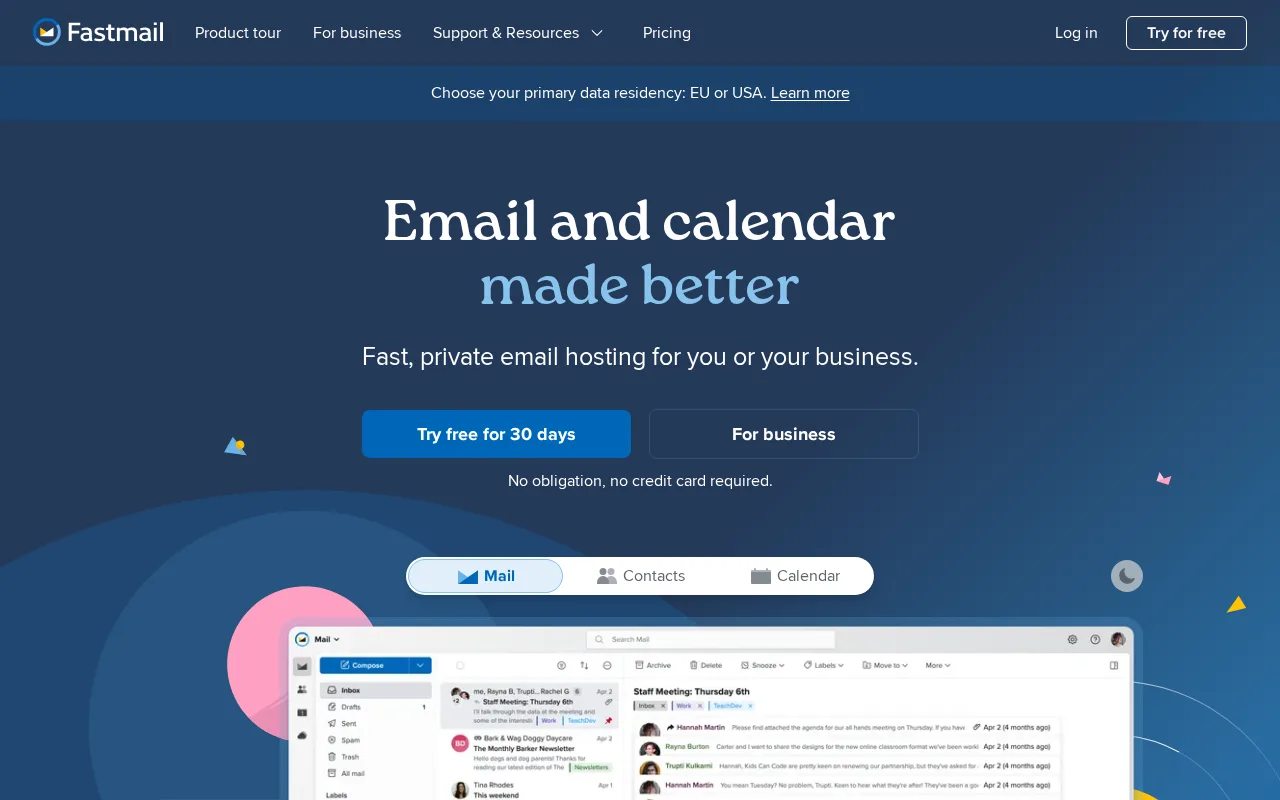
Fastmail is the best Thunderbird alternative for individuals and small businesses who want their own domain on an ad-free mail host, without giving up the desktop client they like. Fastmail runs entirely on paid plans and does not scan email content for advertising. Every plan, including the cheapest, includes custom domain support, unlimited masked email aliases, and standards-based IMAP, CalDAV, and CardDAV access that works with any email client, Thunderbird included. Individual is $5/month billed annually ($60/year) for 60GB, Duo is $96/year for two inboxes, Family is $132/year for up to 6 users, and Business starts at $3/user/month billed annually, with a legal-compliance archive on the $9 Professional tier. Fastmail adds a web client and apps for Windows, macOS, Linux, iOS, and Android on infrastructure it owns, offers a 30-day free trial, and holds 4.9/5 from 11 Capterra reviews. Thunderbird is still the better choice for people who already have a mail provider and just want a free client to read it. Fastmail has no free tier after the trial, it is not open source, and its spam filtering and search are generally considered weaker than Gmail's. It has no AI writing or summarization features, and its rating rests on just 11 reviews.
Compared to Thunderbird: an ad-free mail host with custom domains and unlimited masked aliases on every plan, IMAP, CalDAV, and CardDAV that work with any client, Thunderbird included, $60/year for Individual billed annually, with no free tier after a 30-day trial
Wins:Hosts the mail itself with no ads and no content scanning for advertising, plus custom domains and unlimited masked aliases on every plan · Standards-based IMAP, CalDAV, and CardDAV access works with any email client, so it can sit behind Thunderbird, and it adds the web client Thunderbird lacks · Family plan covers up to 6 users for $132/year billed annually, and Business Professional adds a legal-compliance email archive
Loses:No free tier: every plan requires payment after the 30-day trial, from $60/year for Individual, against Thunderbird's $0 · Not open source, where Thunderbird's code is public on GitHub and funded by donations · Spam filtering and search are generally considered weaker than Gmail's, and there are no AI writing or summarization features
Pros
- No ads and no scanning of email content for advertising, unlike free webmail providers.
- Custom domain support and unlimited masked email aliases included on every plan, even the cheapest.
- Standards-based IMAP/CalDAV/CardDAV access works with any email client, avoiding vendor lock-in.
- Business Professional tier includes a legal-compliance email retention archive.
Cons
- No free tier; every plan requires payment after the 30-day trial ends.
- Spam filtering and search are generally weaker than Gmail's machine-learning-driven systems.
- No AI-assisted writing or summarization features that Gmail and Outlook now offer.
- Base Individual plan's 60GB storage is smaller than Gmail's free 15GB-plus-cheap-upgrade model once photos and attachments accumulate.
Pricing: From $4/mo — $5/month for Fastmail Individual billed annually ($60/year) vs $0 for Thunderbird (verified )
6HEY — best Thunderbird alternative for individuals and small teams who want an opinionated, spam-resistant inbox and are willing to pay a flat annual fee instead of using free Gmail or Outlook
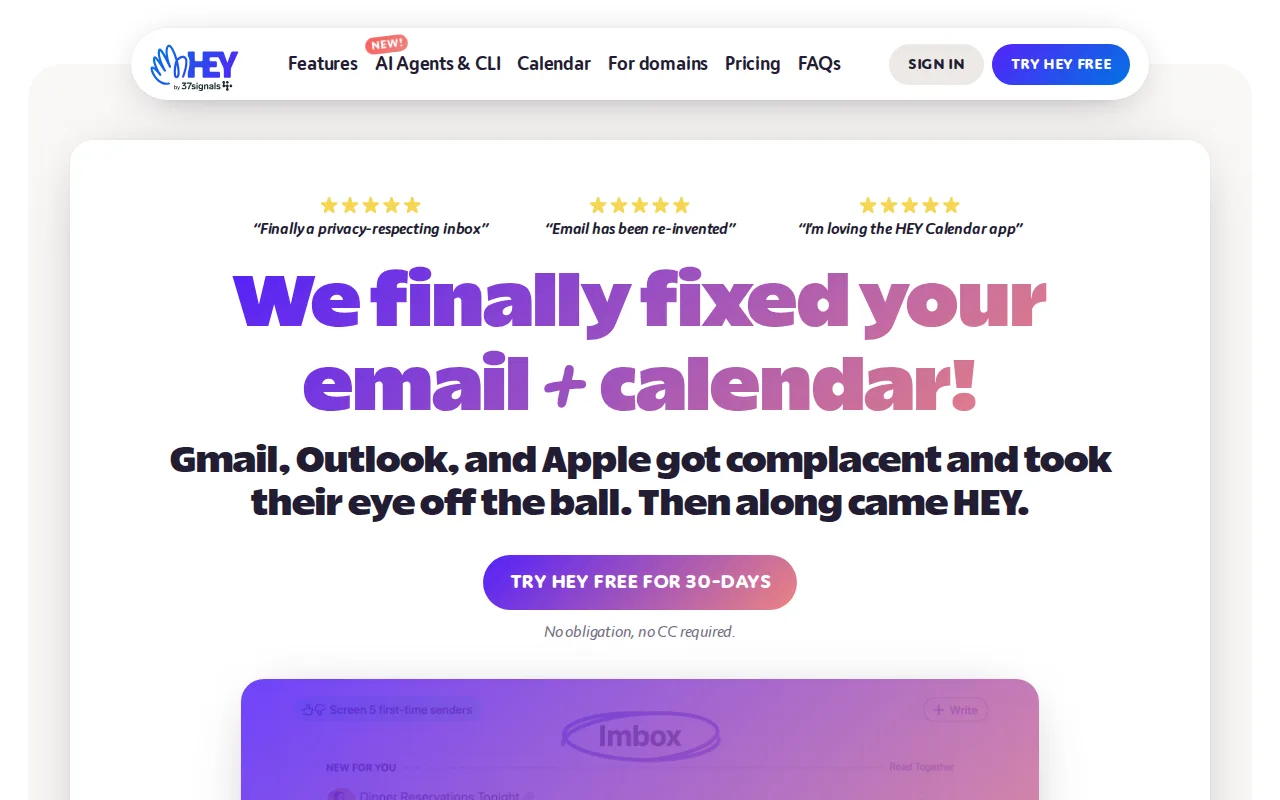
HEY is the best Thunderbird alternative for people whose real problem is clutter: cold email, newsletters, and receipts crowding out the messages that matter. HEY, from Basecamp maker 37signals, holds every first-time sender in a Screener until you approve or reject them, and rejected senders never reach the inbox again. Approved mail is split into the Imbox for real correspondence, The Feed for newsletters, and Paper Trail for receipts, with a calendar and a Reply Later stack built in. Thunderbird can filter and tag messages, but its listing describes no approval gate for new senders. HEY ships a web client and native apps for macOS, Windows, Linux, iOS, and Android. HEY for You is $99/year with a @hey.com address and 100GB, HEY for Families covers up to 5 people for $179/year, and HEY for Domains is $12/user/month for custom domains, with a 30-day trial that needs no credit card. Thunderbird is still the better choice for anyone who wants to keep existing addresses and pay nothing. HEY for You means moving to a new @hey.com address, with no monthly billing and no free tier, and HEY has fewer integrations and power-user filtering rules than Gmail or Outlook. Its 4.3/5 rating rests on 6 Product Hunt reviews.
Compared to Thunderbird: a Screener that holds every first-time sender for approval, Imbox, Feed, and Paper Trail views that separate correspondence, newsletters, and receipts, $99/year with a new @hey.com address vs Thunderbird's $0 with your existing accounts
Wins:The Screener holds every first-time sender until approved, and rejected senders never reach the inbox, where Thunderbird's listing describes filtering and tagging but no approval gate · Imbox, The Feed, and Paper Trail keep correspondence, newsletters, and receipts apart without deleting anything · Web client plus native apps for macOS, Windows, Linux, iOS, and Android, where Thunderbird has no web version
Loses:HEY for You requires a new @hey.com address, and custom domains cost $12/user/month on HEY for Domains, where Thunderbird works with existing accounts for free · No free tier and no monthly billing for individuals: HEY for You is $99/year paid upfront · Fewer third-party integrations and power-user filtering rules than Gmail or Outlook, a learning curve rated moderate against Thunderbird's low, and a 4.3/5 rating from 6 Product Hunt reviews
Pros
- The Screener eliminates spam and cold email by requiring approval before any new sender reaches the inbox.
- Paper Trail and The Feed keep receipts and newsletters out of the main inbox without deleting or losing them.
- Native apps on macOS, Windows, Linux, iOS, and Android plus a web client.
- HEY for Families extends one subscription to up to 5 people.
Cons
- No permanent free plan and no monthly billing for individual accounts; HEY for You is a $99/year commitment.
- Requires switching to a new @hey.com address (or paying extra for HEY for Domains) rather than layering onto an existing Gmail or Outlook address.
- Fewer third-party integrations and power-user filtering rules than Gmail or Outlook.
- Premium short email addresses (2-3 characters) cost $349-$999/year on top of the base plan.
Pricing: From $12/mo — $99/year for HEY for You vs $0 for Thunderbird (verified )