3 Best Alternatives to Superhuman in 2026
By Noahlast updated pricing verified

From our data: Gmail and Outlook both offer genuinely free tiers with a $0 starting price, while Superhuman and Front charge from $25/month with no free option at all; Superhuman's Starter tier at $25/member/month exactly matches Front's Starter tier price of $25/seat/month.
 Gmail
Gmail Outlook
 Front
FrontHow we picked
- Pricing for Outlook and Front was independently verified on August 21, 2026, matching Superhuman's own verification date; Gmail's business pricing carries no verification timestamp in this data set.
- Gmail and Outlook both offer a genuinely free tier (has a free tier, $0 starting price), while Superhuman and Front charge from $25/month with no free option at all.
- Review volume varies by orders of magnitude: Gmail's 4.8/5 rests on 13,516 Capterra reviews and Outlook's 4.5/5 on 2,501, both far larger samples than Superhuman's own 4.8/5 from just 23 Capterra reviews and Front's 4.5/5 from 288.
- Superhuman's Starter tier ($25/member/month) and Front's Starter tier ($25/seat/month) carry an identical entry price, though the two target different use cases: personal high-speed triage versus team shared-inbox support.
Paid placement never alters editorial rank — read the full methodology.
Superhuman alternatives at a glance
| Alternative | Best for | Learning curve | Price |
|---|---|---|---|
| Superhumanreference | professionals and teams handling a high daily email volume who are willing to learn keyboard shortcuts and pay a premium for faster triage | Moderate | From $25/mo |
| Gmail | individuals who want a free, reliable, spam-filtered inbox with strong search, and businesses wanting professional email bundled with Google's collaboration suite | Low | Free tier · paid from $7/mo |
| Outlook | individuals who want a free, ad-supported webmail and calendar client, with the option to upgrade to an ad-free inbox, larger storage, and Copilot AI through a Microsoft 365 subscription | Low | Free tier · paid from $9.99/mo |
| Front | B2B support, sales, and account management teams handling complex, multi-stakeholder customer conversations that a simple ticketing tool can't route well | Moderate | From $25/mo |
 Superhuman
1Gmail — best Superhuman alternative for individuals who want a free, reliable, spam-filtered inbox with strong search, and businesses wanting professional email bundled with Google's collaboration suite
Gmail is the best Superhuman alternative for anyone who wants a reliable, spam-filtered inbox without paying anything, unlike Superhuman's Starter tier at $25/member/month billed annually with no free option at all. Gmail's free Personal tier includes 15GB of storage shared across Gmail, Drive, and Photos, tabbed inbox categorization, and built-in Google Meet and Chat integration, and it holds a 4.8/5 rating from 13,516 Capterra reviews, matching Superhuman's own 4.8/5 score but from a vastly larger sample than Superhuman's 23 reviews. Businesses can add a custom domain and larger storage through Google Workspace, starting around $7/user/month for Business Starter, still well below Superhuman's $25/member/month floor. Superhuman remains the better choice for high-volume email users who specifically want AI-drafted responses and keyboard-shortcut-driven triage: Gmail's free tier shows ads and relies on automatic tab categorization (Promotions, Social, Updates) that can bury important messages, and it doesn't offer Superhuman's Split Inbox, AI auto-drafting, or claimed 4+ hours per week saved through faster triage, since Gmail's AI features (Gemini) are limited to Workspace Business Standard tier and above rather than the free personal plan.
Compared to Superhuman: completely free vs $25/member/month with no free tier, matching 4.8/5 rating but from 13,516 Capterra reviews vs 23, no AI auto-drafting or keyboard-shortcut triage on the free tier
Wins:Completely free for personal use, vs Superhuman's $25/member/month Starter tier with no free option · 4.8/5 rating from 13,516 Capterra reviews, a vastly larger sample than Superhuman's 4.8/5 from 23 reviews · Business Workspace pricing starts around $7/user/month, well below Superhuman's $25/member/month floor
Loses:Free tier shows ads and relies on automatic tab categorization that can bury important messages, unlike Superhuman's Split Inbox triage · No AI auto-drafting or keyboard-shortcut-driven workflow on the free tier; Gemini AI features are limited to Workspace Business Standard and above · Doesn't offer Superhuman's claimed 4+ hours per week saved through faster triage and follow-up reminders
Pros
- Free tier is genuinely capable, with strong spam filtering and powerful search operators.
- Tight integration with Google Meet, Chat, Calendar, and Drive inside the same interface.
- Business (Workspace) tiers add a custom domain and admin controls without switching providers.
- Broad platform support with reliable offline access and cross-device sync.
Cons
- Free accounts show ads, and the automatic tab system (Promotions, Social, Updates) can bury important messages.
- 15GB free storage is shared across Gmail, Drive, and Photos rather than dedicated to email alone.
- Some advanced settings and filters are not intuitive to configure for less technical users.
- Business pricing tiers beyond Starter require checking Google's site directly, as exact per-tier pricing isn't always shown plainly.
Pricing: Free tier · paid from $7/mo — Free personal tier, or Workspace Business Starter from ~$7/user/month vs Superhuman's $25/member/month Starter (billed annually, no free tier)
2Outlook — best Superhuman alternative for individuals who want a free, ad-supported webmail and calendar client, with the option to upgrade to an ad-free inbox, larger storage, and Copilot AI through a Microsoft 365 subscription
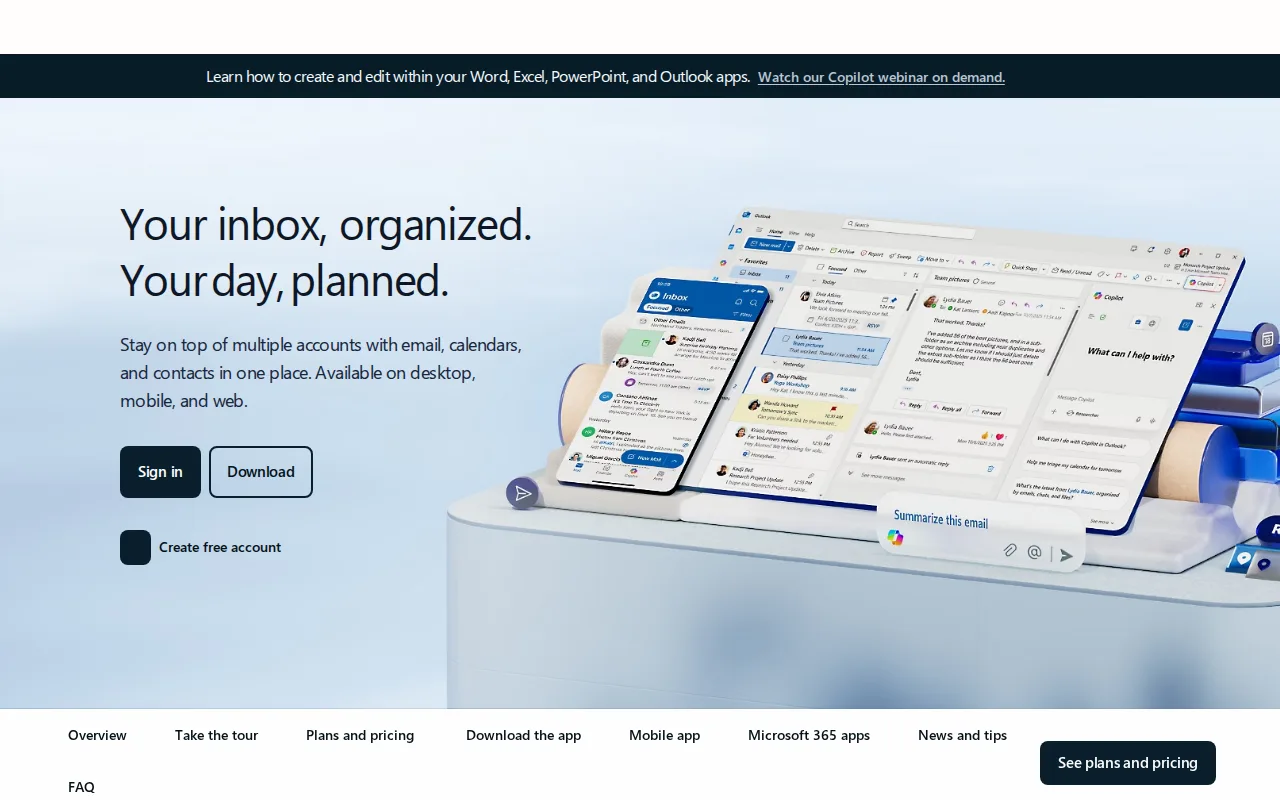
Outlook is the best Superhuman alternative for people who want a free webmail client tightly integrated with Word, Excel, and Teams, rather than paying Superhuman's $25-33/member/month for a layer on top of an existing account. Outlook.com's free tier requires no subscription and includes calendar, contacts, and standard mailbox storage, and it holds a 4.5/5 rating from 2,501 Capterra reviews, a larger sample than Superhuman's 4.8/5 from just 23 reviews. Upgrading to Microsoft 365 Personal at $9.99/month removes ads, raises mailbox storage to 100GB, and adds Copilot AI drafting, still cheaper than Superhuman's $25/member/month Starter tier, and Microsoft 365 Family at $12.99/month covers up to 6 people with the same premium features. Superhuman remains the better choice for high-volume professionals who specifically want keyboard-shortcut-driven triage and a Split Inbox that automatically separates messages from teams, VIPs, and tools: Outlook doesn't offer Superhuman's keyboard-shortcut workflow, and reviewers report performance slowdowns and unreliable attachment search on large Outlook mailboxes, issues Superhuman's speed-focused design is built to avoid.
Compared to Superhuman: free tier with no subscription vs Superhuman's $25/member/month floor, Copilot AI bundled into Microsoft 365 from $9.99/month, no keyboard-shortcut triage system
Wins:Free tier requires no subscription and includes calendar, contacts, and standard mailbox storage · Microsoft 365 Personal at $9.99/month removes ads, adds 100GB storage and Copilot AI drafting, still cheaper than Superhuman's $25/member/month Starter · Family plan at $12.99/month covers up to 6 people with the same premium features, a cost Superhuman's per-seat pricing doesn't offer at that scale
Loses:No keyboard-shortcut-driven triage or Split Inbox that automatically separates messages from teams, VIPs, and tools · Reviewers report performance slowdowns and sync issues with large mailboxes, plus unreliable attachment search · 4.5/5 rating from 2,501 Capterra reviews, below Superhuman's own 4.8/5 score
Pros
- Free tier is a fully usable webmail client with calendar and contacts, no subscription required.
- Premium features (ad-free, 100GB mailbox, Copilot) are bundled into a Microsoft 365 subscription rather than sold separately.
- Deep integration with Word, Excel, PowerPoint, and Teams for Microsoft 365 subscribers.
- Broad platform support across web, Windows, macOS, iOS, and Android.
Cons
- Ads appear throughout the free tier.
- Ad-free and expanded-storage upgrades require a full Microsoft 365 subscription, not a low-cost Outlook-only add-on.
- Reviewers report performance slowdowns and sync issues with large mailboxes.
- Attachment search can be unreliable, according to user reviews.
Pricing: Free tier · paid from $9.99/mo — Free tier, or Microsoft 365 Personal from $9.99/month (ad-free, 100GB, Copilot) vs Superhuman's $25/member/month Starter (billed annually, no free tier) (verified )
3Front — best Superhuman alternative for B2B support, sales, and account management teams handling complex, multi-stakeholder customer conversations that a simple ticketing tool can't route well
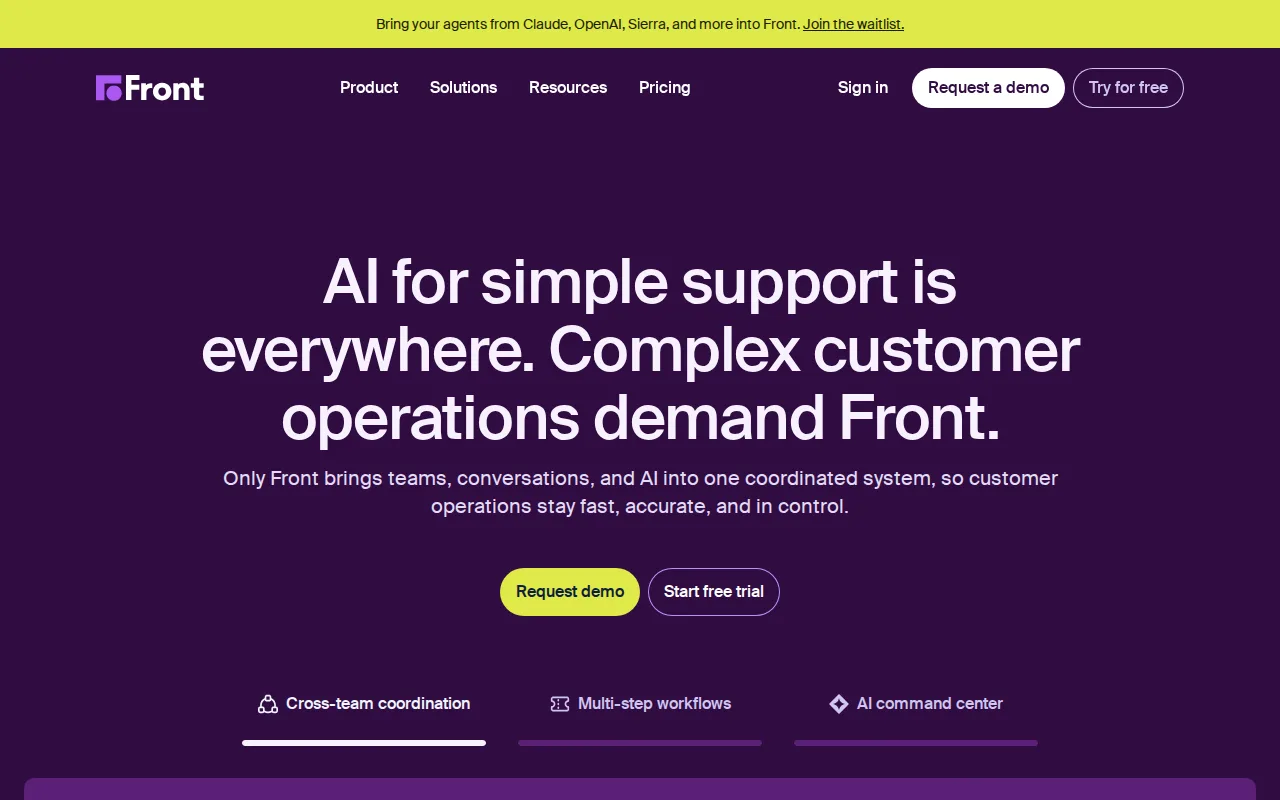
Front is the best Superhuman alternative for support, sales, and account-management teams that need a shared inbox for collaborating on customer conversations, rather than Superhuman's individual-focused, personal-inbox speed tool. Front's Starter tier costs $25/seat/month billed annually, an identical entry price to Superhuman's own $25/member/month Starter tier, but caps at 10 seats versus Superhuman's 25-seat cap before requiring Enterprise. Front centralizes email, chat, SMS, and social messages into one collaborative workspace where teams assign, comment on, and automate responses, a team-collaboration model Superhuman's single-user Split Inbox doesn't address, and Front AI claims to resolve up to 70% of routine requests according to the vendor. Front holds a 4.5/5 rating from 288 Capterra reviews, a larger sample than Superhuman's 4.8/5 from 23 reviews, though a slightly lower score. Superhuman remains the better choice for individuals who want personal high-speed email triage rather than team customer-operations tooling: Front has no permanently free tier beyond a 14-day trial, and its AI add-ons like Autopilot, Copilot, and Smart QA are billed separately from $10-20/seat/month on the lower tiers, on top of the base per-seat price.
Compared to Superhuman: identical $25/seat/month Starter price, team shared-inbox collaboration vs Superhuman's single-user Split Inbox, no permanent free tier and separately billed AI add-ons
Wins:Centralizes email, chat, SMS, and social messages into one collaborative workspace for team assignment and commenting, a model Superhuman's single-user design doesn't address · Front AI claims to resolve up to 70% of routine requests according to the vendor, automating team workflows Superhuman's AI drafting doesn't target · 288 Capterra reviews, a larger sample than Superhuman's 23, even at a slightly lower 4.5/5 score
Loses:No permanently free tier beyond a 14-day trial, the same limitation as Superhuman's own paid-only model · AI add-ons like Autopilot, Copilot, and Smart QA are billed separately from $10-20/seat/month on Starter and Professional, on top of the base per-seat price · Starter caps at just 10 seats versus Superhuman's 25-seat cap before requiring a custom Enterprise plan
Pros
- Shared inbox model lets teams collaborate on customer emails with internal comments and assignments instead of forwarding threads.
- Front AI and Autopilot automate up to 70% of routine requests according to the vendor, freeing agents for complex cases.
- 160+ integrations connect Front to CRMs, project tools, and internal systems without custom development.
- Enterprise tier bundles AI Copilot, Smart QA, and Smart CSAT rather than charging separately for each.
Cons
- No permanently free tier; only a 14-day trial of the Professional plan.
- AI add-ons (Autopilot, Copilot, Smart QA, Smart CSAT) are billed separately on Starter and Professional, adding $10-20/seat/month per feature.
- Starter plan caps out at 10 seats, forcing a jump to Professional for growing teams.
- Per-seat pricing gets expensive for large support teams compared to volume-based helpdesk pricing models.
Pricing: From $25/mo — $25/seat/month Starter (10-seat cap) up to $105/seat/month Enterprise vs Superhuman's $25/member/month Starter up to $33/member/month Business (25-seat cap) (verified )
Which one is right for you?
- You want a completely free, ad-supported personal inbox with strong spam filteringGmail
- You're already using Google Workspace or Drive and want integrated storage and searchGmail
- You want a free webmail client tightly integrated with Word, Excel, and TeamsOutlook
- You want Copilot AI drafting bundled into your existing Microsoft 365 subscriptionOutlook
- You run a support or account-management team that needs a shared inbox for team collaborationFront
- You need omnichannel messaging (email, SMS, social) routed into one collaborative workspaceFront
Frequently asked questions
Is there a free alternative to Superhuman?
- Yes, both Gmail and Outlook offer genuinely free tiers with no subscription required, unlike Superhuman's Starter tier at $25/member/month with no free option. Front, like Superhuman, has no permanently free tier beyond a 14-day trial.
What is the closest alternative to Superhuman?
- Gmail is the closest widely-used alternative, matching Superhuman's own 4.8/5 Capterra rating, though from a vastly larger sample of 13,516 reviews, while costing nothing instead of Superhuman's $25/member/month minimum. It lacks Superhuman's AI auto-drafting and keyboard-shortcut-driven triage, relying instead on tabbed inbox categorization.
Can Front replace Superhuman for a team?
- Front replaces Superhuman for teams that need a shared inbox and customer-conversation collaboration rather than personal high-speed triage. Front's Starter tier costs $25/seat/month, exactly matching Superhuman's Starter price, but caps at 10 seats versus Superhuman's 25-seat cap.
Is Outlook free like Gmail?
- Yes, Outlook.com's free tier requires no subscription and includes calendar, contacts, and standard mailbox storage, similar to Gmail's free Personal tier. Removing ads and adding 100GB of storage plus Copilot AI requires a Microsoft 365 subscription starting at $9.99/month.
Does Gmail have AI email drafting like Superhuman?
- No, Gmail's free personal tier doesn't include AI drafting; Gemini AI features are limited to Google Workspace Business Standard and above. Outlook's Microsoft 365 plans, from $9.99/month, include Copilot AI drafting, closer to Superhuman's AI-assisted approach, though still without Superhuman's keyboard-shortcut triage system.
What's the cheapest alternative to Superhuman?
- Gmail and Outlook are the cheapest alternatives at $0, both requiring no subscription for core email use. Front's lowest paid tier costs $25/seat/month, the same entry price as Superhuman's own Starter tier.