5 Best Alternatives to HEY in 2026
By Noahlast updated pricing verified

From our data: Combined, the five alternatives carry 16,173 reviews (Gmail 13,516, Outlook 2,501, Proton Mail 122, Superhuman 23, Fastmail 11), more than 2,600 times HEY's own 6 Product Hunt reviews.
 Fastmail
 Proton Mail
 Gmail
Gmail Outlook
 Superhuman
How we picked
- Gmail, Outlook, and Proton Mail all offer genuine free tiers; Fastmail and Superhuman, like HEY itself, have no free tier and require payment from day one.
- Review volume varies enormously: Gmail's 13,516 Capterra reviews and Outlook's 2,501 dwarf HEY's own 6 Product Hunt reviews, while Superhuman (23), Proton Mail (122), and Fastmail (11) sit closer to HEY's thin sample.
- Pricing is independently verified for Fastmail, Outlook, and Superhuman; Gmail's Workspace tiers above Business Starter and Proton Mail's figures are both unverified.
- HEY's $99/year ($8.25/month) sits between Fastmail's $6/month entry price and Superhuman's $25/member/month, both of which, like HEY, charge from day one with no free option.
Paid placement never alters editorial rank — read the full methodology.
HEY alternatives at a glance
| Alternative | Best for | Learning curve | Price |
|---|---|---|---|
| HEYreference | individuals and small teams who want an opinionated, spam-resistant inbox and are willing to pay a flat annual fee instead of using free Gmail or Outlook | Moderate | From $12/mo |
| Fastmail | privacy-conscious individuals and small businesses who want custom-domain email with no ads or content scanning and don't mind paying from day one | Low | From $4/mo |
| Proton Mail | privacy-conscious individuals, journalists, and small teams who want end-to-end encrypted email with open-source, independently audited clients rather than a mainstream provider that can technically read stored mail | Low | Free tier · paid from $3.99/mo |
| Gmail | individuals who want a free, reliable, spam-filtered inbox with strong search, and businesses wanting professional email bundled with Google's collaboration suite | Low | Free tier · paid from $7/mo |
| Outlook | individuals who want a free, ad-supported webmail and calendar client, with the option to upgrade to an ad-free inbox, larger storage, and Copilot AI through a Microsoft 365 subscription | Low | Free tier · paid from $9.99/mo |
| Superhuman | professionals and teams handling a high daily email volume who are willing to learn keyboard shortcuts and pay a premium for faster triage | Moderate | From $25/mo |
 HEY
HEY1Fastmail — best HEY alternative for privacy-conscious individuals and small businesses who want custom-domain email with no ads or content scanning and don't mind paying from day one
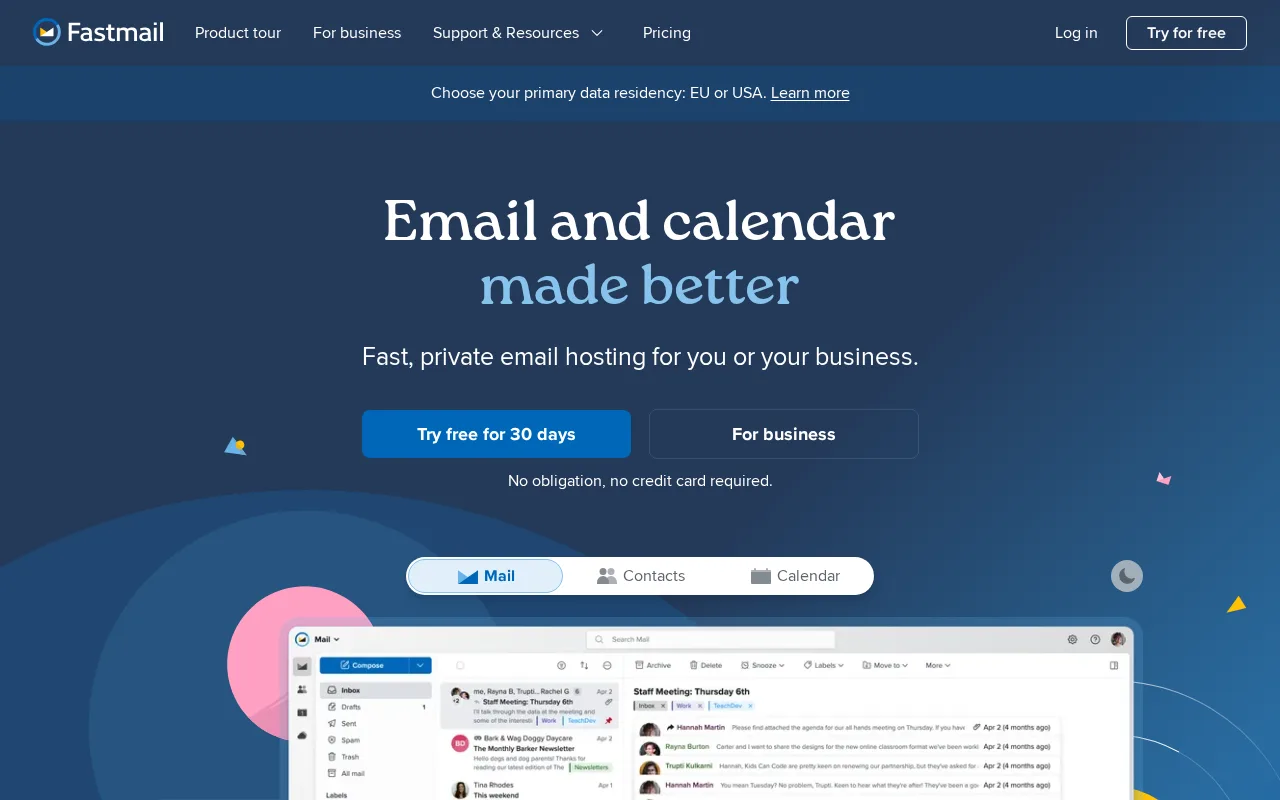
Fastmail is the best HEY alternative for people who want an independent, ad-free, no-content-scanning email provider without HEY's requirement to switch to a new @hey.com address. Fastmail supports standards-based IMAP, CalDAV, and CardDAV on every plan, so it works with any third-party email client, unlike HEY which only works through its own apps. Fastmail's Individual plan starts at $6/month ($5/month billed annually, $60/year), cheaper than HEY for You's $99/year, and Business Basic runs $4/user/month for teams, undercutting HEY for Domains' $12/user/month. Fastmail holds a 4.9/5 rating from 11 Capterra reviews, close in sample size to HEY's own 6 Product Hunt reviews. Every Fastmail plan includes unlimited masked email aliases and full custom-domain support, even the cheapest tier. HEY is still the better choice for anyone who wants HEY's specific Screener workflow: Fastmail has no first-time-sender approval gate the way HEY's Screener does, and its spam filtering and search are generally considered weaker than Gmail's, a comparison that doesn't apply to HEY's own from-scratch spam approach.
Compared to HEY: works with any third-party email client via IMAP/CalDAV/CardDAV unlike HEY's own-apps-only model, $6/month Individual cheaper than HEY for You's $99/year, no first-time-sender approval gate matching HEY's Screener
Wins:Works with any third-party email client via standards-based IMAP, CalDAV, and CardDAV, unlike HEY which only works through its own apps · $6/month Individual plan and $4/user/month Business Basic both undercut HEY for You's $99/year and HEY for Domains' $12/user/month · Unlimited masked email aliases and full custom-domain support included on every plan, even the cheapest tier
Loses:No Screener-style first-time-sender approval gate; unwanted senders reach the inbox and must be filtered after the fact · Spam filtering and search are generally considered weaker than Gmail's, though this isn't a direct HEY comparison since HEY takes its own approach · No dedicated Imbox/Feed/Paper Trail structural sorting the way HEY organizes mail by type
Pros
- No ads and no scanning of email content for advertising, unlike free webmail providers.
- Custom domain support and unlimited masked email aliases included on every plan, even the cheapest.
- Standards-based IMAP/CalDAV/CardDAV access works with any email client, avoiding vendor lock-in.
- Business Professional tier includes a legal-compliance email retention archive.
Cons
- No free tier; every plan requires payment after the 30-day trial ends.
- Spam filtering and search are generally weaker than Gmail's machine-learning-driven systems.
- No AI-assisted writing or summarization features that Gmail and Outlook now offer.
- Base Individual plan's 60GB storage is smaller than Gmail's free 15GB-plus-cheap-upgrade model once photos and attachments accumulate.
Pricing: From $4/mo — $6/month Individual or $4/user/month Business Basic vs HEY for You's $99/year or HEY for Domains' $12/user/month (verified )
2Proton Mail — best HEY alternative for privacy-conscious individuals, journalists, and small teams who want end-to-end encrypted email with open-source, independently audited clients rather than a mainstream provider that can technically read stored mail
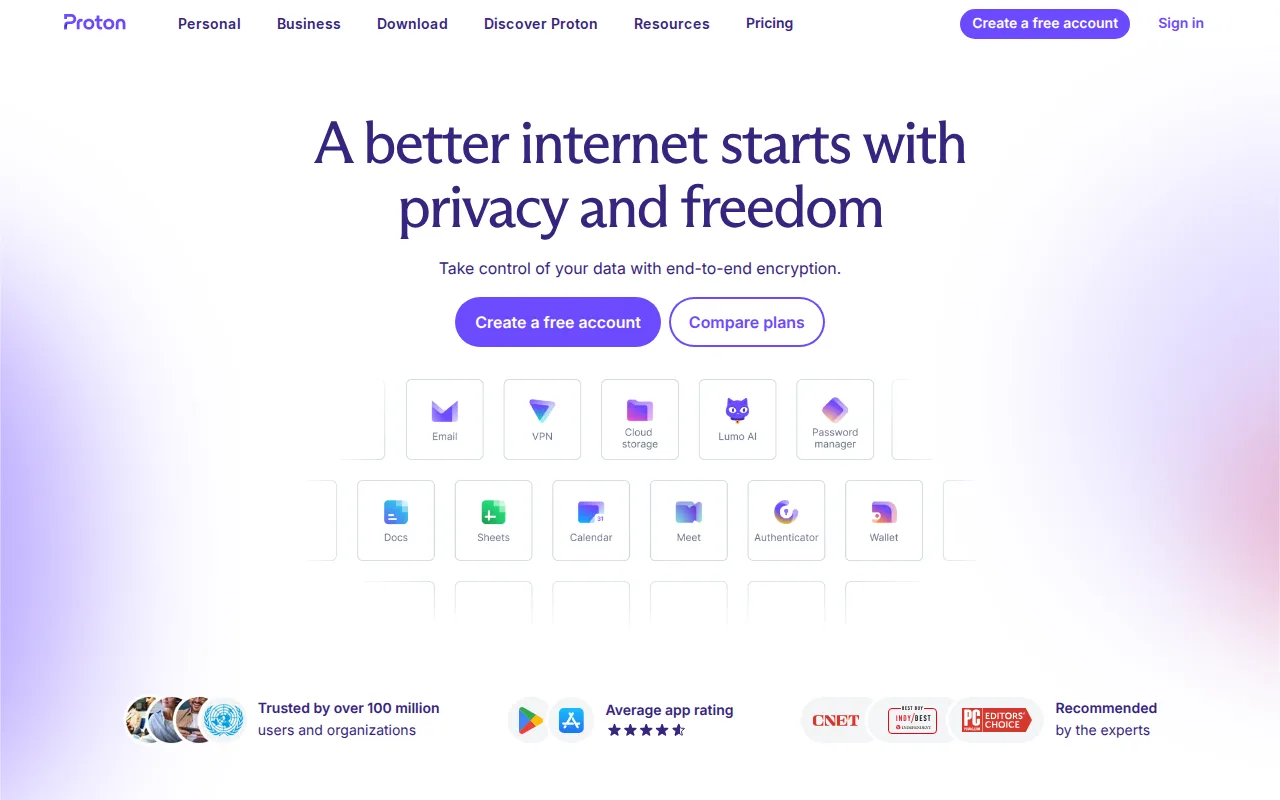
Proton Mail is the best HEY alternative for privacy-conscious individuals who want zero-access encryption HEY doesn't offer, since HEY's marketing focuses on inbox organization and sender screening rather than encryption architecture. Proton Mail's free tier covers 1GB of storage and one address at no cost, an option HEY doesn't have at any tier since HEY for You is a flat $99/year commitment with no free plan. Mail Plus adds 15GB, 10 aliases, and one custom domain for $3.99/month billed annually, cheaper than HEY for You's $99/year ($8.25/month equivalent). Proton Mail's client apps are open source and independently audited across web, Windows, macOS, Linux, iOS, and Android, unlike HEY's closed-source apps. Proton Mail holds a 4.5/5 rating from 122 Capterra reviews, a larger sample than HEY's own 6 Product Hunt reviews. HEY is still the better choice for anyone who wants HEY's Screener and Imbox/Feed/Paper Trail sorting system: Proton Mail has no equivalent first-time-sender approval gate, and its higher-value Unlimited and Family tiers bundle VPN, Drive, and Pass features that email-only switchers may not need, raising the effective cost above what HEY charges for email and calendar alone.
Compared to HEY: zero-access encryption on every paid plan which HEY doesn't market, free tier at 1GB which HEY doesn't offer at any tier, no Screener-style first-time-sender approval gate matching HEY's core mechanic
Wins:Zero-access encryption means Proton itself cannot read message content on any paid plan, a privacy guarantee HEY doesn't market · Free tier covers 1GB of storage and one address at no cost, an option HEY doesn't have at any tier · Open-source, independently audited client apps across six platforms, unlike HEY's closed-source apps
Loses:No Screener-style approval gate that holds first-time senders until explicitly approved, HEY's core anti-spam mechanic · Higher-value Unlimited and Family tiers bundle VPN, Drive, and Pass, raising the effective cost for switchers who only want email · No Imbox/Feed/Paper Trail structural mail sorting the way HEY organizes incoming messages by type
Pros
- Zero-access encryption means Proton cannot read message content on any paid plan.
- Open-source, independently audited client apps across web, desktop, iOS, and Android.
- No phone number required to sign up, and Swiss jurisdiction outside US/EU data-sharing agreements.
- Bridge app connects Proton Mail to standard IMAP clients like Outlook or Apple Mail on Mail Plus and up.
Cons
- Free tier is limited to 1 GB storage and a single email address.
- Higher tiers bundle VPN, Drive, and Pass, which raises the effective price for users who only want email.
- Custom domain support starts at just 1 domain on Mail Plus, fewer than some business-focused competitors.
Pricing: Free tier · paid from $3.99/mo — Free at 1GB, or Mail Plus $3.99/month for 15GB, vs HEY for You's $99/year ($8.25/month equivalent)
3Gmail — best HEY alternative for individuals who want a free, reliable, spam-filtered inbox with strong search, and businesses wanting professional email bundled with Google's collaboration suite
Gmail is the best HEY alternative for anyone who wants a completely free inbox with a massive existing user base, rather than paying HEY's $99/year flat fee for a from-scratch redesign. Gmail's free tier includes 15GB of storage shared across Gmail, Drive, and Photos, spam filtering, and tabbed inbox categorization (Primary, Promotions, Social), a genuinely free option HEY doesn't offer at any tier. Gmail holds a 4.8/5 rating from 13,516 Capterra reviews, by far the largest sample of any alternative in this comparison and vastly larger than HEY's own 6 Product Hunt reviews. Business use through Google Workspace starts around $7/user/month, still cheaper than HEY for Domains' $12/user/month. HEY is still the better choice for anyone frustrated with cold email and inbox clutter that Gmail's tab system only partially solves: Gmail has no equivalent to HEY's Screener, which requires every first-time sender to be approved before reaching the inbox at all, and free Gmail accounts show ads that HEY's paid, ad-free model avoids entirely.
Compared to HEY: completely free tier with 15GB storage which HEY doesn't offer at any price, 4.8/5 from 13,516 Capterra reviews vs HEY's 6 Product Hunt reviews, no equivalent to HEY's Screener so unwanted senders are sorted by tabs after the fact rather than blocked before arrival
Wins:Completely free tier with 15GB of storage, an option HEY doesn't offer at any price since HEY for You is a flat $99/year commitment · 4.8/5 rating from 13,516 Capterra reviews, by far the largest evidence base of any alternative in this comparison · Massive existing user base and native Google Meet, Chat, Calendar, and Drive integration in one interface
Loses:No equivalent to HEY's Screener, which requires every first-time sender to be approved before reaching the inbox at all · Free accounts show ads, unlike HEY's fully paid, ad-free model · Automatic tab categorization (Promotions, Social, Updates) can bury important emails, the exact clutter problem HEY was built to solve differently
Pros
- Free tier is genuinely capable, with strong spam filtering and powerful search operators.
- Tight integration with Google Meet, Chat, Calendar, and Drive inside the same interface.
- Business (Workspace) tiers add a custom domain and admin controls without switching providers.
- Broad platform support with reliable offline access and cross-device sync.
Cons
- Free accounts show ads, and the automatic tab system (Promotions, Social, Updates) can bury important messages.
- 15GB free storage is shared across Gmail, Drive, and Photos rather than dedicated to email alone.
- Some advanced settings and filters are not intuitive to configure for less technical users.
- Business pricing tiers beyond Starter require checking Google's site directly, as exact per-tier pricing isn't always shown plainly.
Pricing: Free tier · paid from $7/mo — Free personal tier, or Google Workspace Business Starter from $7/user/month, vs HEY for You's $99/year or HEY for Domains' $12/user/month
4Outlook — best HEY alternative for individuals who want a free, ad-supported webmail and calendar client, with the option to upgrade to an ad-free inbox, larger storage, and Copilot AI through a Microsoft 365 subscription
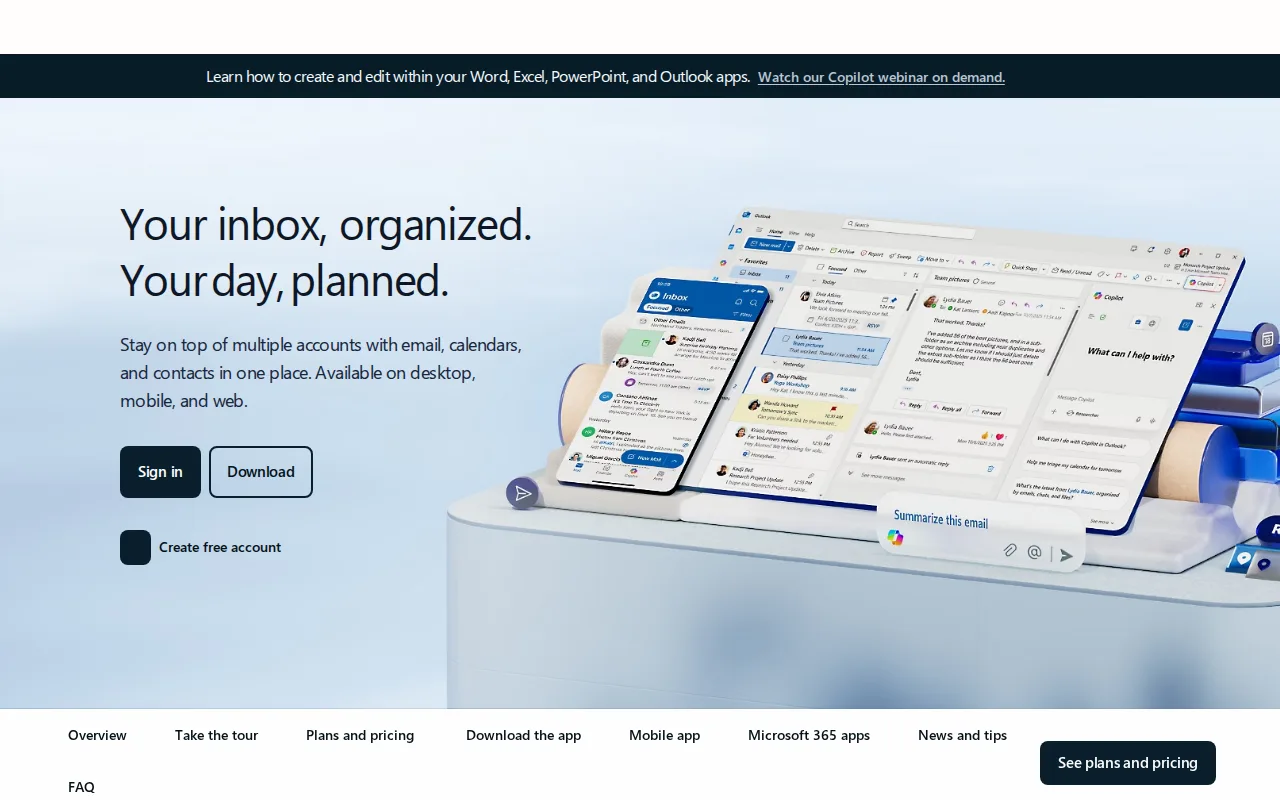
Outlook is the best HEY alternative for anyone who wants free, ad-supported webmail with the option to integrate directly with Word, Excel, and Teams, rather than HEY's standalone, subscription-only design. Outlook's free tier (Outlook.com) requires no subscription, an option HEY doesn't offer since HEY for You is a $99/year commitment with no free plan. Microsoft 365 Personal at $9.99/month removes ads, expands storage to 100GB, and adds Copilot AI drafting, a higher monthly cost than HEY's $99/year ($8.25/month equivalent) but bundled with the full Microsoft 365 suite. Outlook holds a 4.5/5 rating from 2,501 Capterra reviews, a much larger sample than HEY's own 6 Product Hunt reviews. HEY is still the better choice for anyone who wants aggressive spam and cold-email blocking built into the core product: Outlook has no equivalent to HEY's Screener, and reviewers report performance slowdowns and unreliable attachment search on large mailboxes, issues that don't apply to HEY's smaller, more opinionated feature set.
Compared to HEY: free ad-supported webmail tier which HEY doesn't offer, 4.5/5 from 2,501 Capterra reviews vs HEY's 6 Product Hunt reviews, no equivalent to HEY's Screener for blocking first-time senders before they reach the inbox
Wins:Free ad-supported webmail tier requires no subscription, an option HEY doesn't offer since HEY for You is a $99/year commitment · 4.5/5 rating from 2,501 Capterra reviews, a much larger sample than HEY's own 6 Product Hunt reviews · Deep integration with Word, Excel, PowerPoint, and Teams for Microsoft 365 subscribers
Loses:No equivalent to HEY's Screener for blocking first-time senders before they reach the inbox at all · Reviewers report performance slowdowns and unreliable attachment search on large mailboxes · Removing ads requires a full $9.99/month Microsoft 365 subscription rather than a cheaper email-only upgrade, a higher monthly cost than HEY's $99/year equivalent
Pros
- Free tier is a fully usable webmail client with calendar and contacts, no subscription required.
- Premium features (ad-free, 100GB mailbox, Copilot) are bundled into a Microsoft 365 subscription rather than sold separately.
- Deep integration with Word, Excel, PowerPoint, and Teams for Microsoft 365 subscribers.
- Broad platform support across web, Windows, macOS, iOS, and Android.
Cons
- Ads appear throughout the free tier.
- Ad-free and expanded-storage upgrades require a full Microsoft 365 subscription, not a low-cost Outlook-only add-on.
- Reviewers report performance slowdowns and sync issues with large mailboxes.
- Attachment search can be unreliable, according to user reviews.
Pricing: Free tier · paid from $9.99/mo — Free ad-supported tier, or $9.99/month Microsoft 365 Personal (ad-free, 100GB) vs HEY for You's $99/year (verified )
5Superhuman — best HEY alternative for professionals and teams handling a high daily email volume who are willing to learn keyboard shortcuts and pay a premium for faster triage

Superhuman is the best HEY alternative for professionals handling high email volume who want AI-drafted responses and keyboard-shortcut-driven triage layered onto an existing Gmail or Outlook account, rather than switching to a brand-new @hey.com address the way HEY requires. Superhuman's Split Inbox automatically separates messages from teams, VIPs, and tools, a triage approach different from HEY's Imbox/Feed/Paper Trail sorting but aimed at the same inbox-clutter problem. Superhuman Starter costs $25/member/month billed annually, well above HEY for You's $99/year ($8.25/month equivalent), and Business runs $33/member/month for Auto Drafts, Ask AI, and CRM integrations with HubSpot and Salesforce. Superhuman holds a 4.8/5 rating from 23 Capterra reviews, a somewhat larger sample than HEY's own 6 Product Hunt reviews. HEY is still the better choice for anyone who wants to block cold email before it arrives rather than triage it faster after the fact: Superhuman has no Screener-style approval gate for first-time senders, and it has no native unified inbox for managing multiple email accounts in one view, while HEY's Screener structurally prevents unwanted senders rather than just sorting them faster.
Compared to HEY: AI-drafted responses and keyboard-shortcut triage layered onto an existing Gmail or Outlook account with no address switch required, $25/member/month Starter well above HEY for You's $99/year, no Screener-style approval gate so Superhuman triages faster rather than blocking senders before arrival
Wins:Works on top of an existing Gmail or Outlook account rather than requiring a switch to a new address the way HEY does · AI auto-drafting and a Split Inbox that automatically separates messages from teams, VIPs, and tools · 4.8/5 rating from 23 Capterra reviews, a somewhat larger sample than HEY's own 6 Product Hunt reviews
Loses:No Screener-style approval gate that blocks first-time senders before they reach the inbox; Superhuman triages faster rather than preventing unwanted mail from arriving · Starter costs $25/member/month billed annually, far more than HEY for You's $99/year · No native unified inbox for managing multiple email accounts in one view
Pros
- Keyboard-shortcut-driven workflow that reviewers consistently cite as genuinely faster for high email volume.
- AI auto-drafting and Split Inbox triage reduce manual email sorting.
- Works on top of existing Gmail and Outlook accounts rather than requiring a migration.
- 4.8-out-of-5 rating on Capterra, with customer support rated 4.5-out-of-5 by reviewers.
Cons
- No free tier; Starter alone costs $25/member/month billed annually, well above free clients like Gmail or Outlook.
- No native unified inbox for managing multiple email accounts in a single view.
- Mastering the full keyboard-shortcut workflow takes real time investment for new users.
- Starter and Business tiers cap at 25 seats, forcing larger teams into custom Enterprise pricing.
Pricing: From $25/mo — $25/member/month Starter, $33/member/month Business vs HEY for You's $99/year (verified )
Which one is right for you?
- You want to keep your existing address and just add standards-based custom-domain emailFastmail
- You want a provider that technically cannot read your inboxProton Mail
- You want a completely free inbox with the largest user baseGmail
- You're on Microsoft 365 and want meetings and documents tied to your inboxOutlook
- You want AI-drafted replies and faster triage without switching addressesSuperhuman
- You want the cheapest custom-domain email option hereFastmail
Frequently asked questions
Is there a free alternative to HEY?
- Gmail, Outlook, and Proton Mail all offer genuine free tiers, unlike HEY which has no permanent free plan and charges $99/year for HEY for You. Gmail's free tier is the most feature-complete, including 15GB of storage and strong spam filtering.
Does any HEY alternative block spam the way the Screener does?
- None of the five alternatives here have an exact equivalent to HEY's Screener, which holds every first-time sender for approval before a message reaches the inbox. Gmail's tabbed categorization and Superhuman's Split Inbox both sort unwanted mail after it arrives rather than blocking it beforehand.
Is Superhuman better than HEY?
- Superhuman layers AI-drafted responses and keyboard-shortcut triage onto an existing Gmail or Outlook account without requiring a new address, unlike HEY's from-scratch @hey.com switch. It costs more though: Starter is $25/member/month billed annually, well above HEY for You's $99/year.
Can I keep my existing email address on a HEY alternative?
- Yes: Fastmail, Proton Mail, Gmail, Outlook, and Superhuman all work with or alongside an existing address or custom domain, while HEY specifically requires switching to a new @hey.com address unless you pay extra for HEY for Domains.
Which HEY alternative is the most private?
- Proton Mail is the most private option, encrypting messages so Proton itself cannot read them on any paid plan, a guarantee HEY doesn't market. Proton Mail's free tier starts at 1GB, an option HEY doesn't offer at any price.
What's a cheaper alternative to HEY?
- Fastmail starts at $6/month ($60/year with a 30-day trial), close to half HEY for You's $99/year, and its Business Basic tier at $4/user/month undercuts HEY for Domains' $12/user/month. Gmail and Outlook's free tiers are cheaper still, at $0.