1 Best Open-Source Alternatives to Shotcut in 2026
By Noahlast updated pricing verified
Compared: open-source alternatives to Shotcut
| Alternative | Best for | Standout | Biggest weakness | Learning curve | Price |
|---|---|---|---|---|---|
| Shotcutreference | hobbyist and independent video editors on Windows, macOS, or Linux who want a capable, no-cost editor that handles native footage formats without a conversion step | Native FFmpeg-based format support that lets hundreds of audio and video formats be edited directly on the timeline without converting them first, at zero cost. | As a volunteer-maintained open-source project, Shotcut lacks the polish, official support channel, and advanced collaboration or color-grading tools found in paid editors like DaVinci Resolve or Premiere Pro, and its single Product Hunt review notes occasional bugs typical of open-source software. | Moderate | Free |
| Kdenlive | independent video creators and hobbyists who want a full-featured, free video editor on Linux, Windows, or macOS without a subscription | Every editing feature — multi-track timeline, keyframeable effects, color grading, proxy editing — is free and unlocked from install, with no watermarks, export limits, or paid tiers. | Interface and workflow are less polished than Adobe Premiere Pro or DaVinci Resolve, occasional stability issues with very large or complex projects are a recurring community complaint, and support runs through community forums and chat rather than paid, guaranteed-response support. | Steep | Free |
 Shotcut
 Kdenlive
1.Kdenlive — best Shotcut alternative for independent video creators and hobbyists who want a full-featured, free video editor on Linux, Windows, or macOS without a subscription
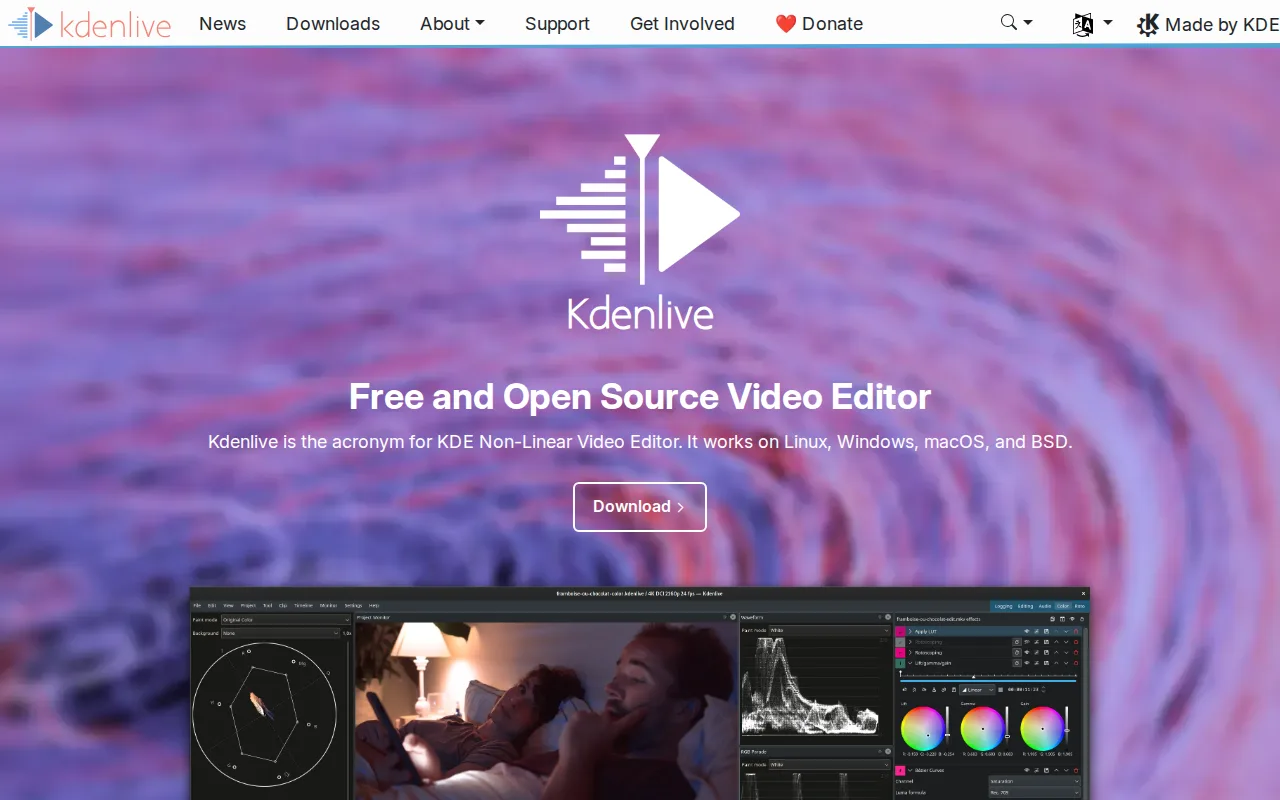
Kdenlive is the best Shotcut alternative for anyone who wants to stay entirely within free, open-source, GPL-licensed software, since Kdenlive is built by the KDE community under GPL-3.0, matching Shotcut's own GPLv3 license and $0 price exactly, with no paid tier, watermark, or export limit on either tool. Both run on Windows, macOS, and Linux, and both are funded through community donations rather than a commercial vendor. Kdenlive provides a full non-linear editing timeline with multi-track video and audio, keyframeable effects, and proxy editing for large 4K+ footage, a feature set comparable in scope to Shotcut's own FFmpeg-based toolset. Neither Kdenlive nor Shotcut has a substantial external rating on record: Kdenlive has none in our listing data, and Shotcut has only a single Product Hunt review at 4/5. Shotcut is still the better choice for anyone who specifically wants native FFmpeg integration that supports hundreds of formats directly on the timeline without a separate proxy step, and Blackmagic Design SDI/HDMI output for professional external monitoring, a hardware integration Kdenlive's MLT-framework-based architecture does not specifically advertise.
Compared to Shotcut: same GPL-3.0 open-source license and $0 price, built by the KDE community, but no Blackmagic Design SDI/HDMI output for external monitoring
Wins:Same GPL-3.0 open-source license as Shotcut, with full source code available on GitHub under the KDE project · Proxy editing for large 4K+ footage is a standard part of the workflow, useful for lower-powered hardware · Backed by the broader KDE Frameworks 6 ecosystem and community, a larger contributor base than Shotcut's Meltytech maintainership
Loses:No native FFmpeg-based format support advertised to the same degree as Shotcut's hundreds-of-formats, no-conversion-step timeline editing · No Blackmagic Design SDI/HDMI output for professional external monitoring, a feature Shotcut includes · No external ratings on record in our listing data, similar to Shotcut's own thin single-review sample
Pros
- Completely free and open source with no paid tier, watermark, or export limit.
- Cross-platform on Linux, Windows, and macOS with active KDE community development.
- Full non-linear editing feature set: multi-track timeline, keyframeable effects, color grading, proxy editing for 4K+ footage.
- Source code is public on GitHub under GPL-3.0, so the project can't disappear behind a licensing change.
Cons
- Interface and stability lag behind paid NLEs like Adobe Premiere Pro and DaVinci Resolve, especially on large or complex projects.
- No official paid support; help comes from documentation, community forums, and Matrix chat.
- Fewer built-in stock media, motion graphics templates, and AI tools than commercial competitors.
- Steeper learning curve for users coming from simplified consumer editors like CapCut.
Pricing: Free — Both completely free under GPL-3.0/GPLv3 with no paid tier of any kind (verified undefined NaN, NaN)