5 Best Alternatives to Seafile for macOS in 2026
By Noahlast updated pricing verified
Compared: Seafile alternatives that run on macOS
| Alternative | Best for | Learning curve | Price |
|---|---|---|---|
| Seafilereference | small IT teams and privacy-focused organizations that want to self-host Dropbox-style file sync with granular permissions and optional office-document editing | Moderate | Free tier · paid from $8/mo |
| Nextcloud | organizations that want a self-hosted, data-sovereign alternative to Google Workspace or Microsoft 365 for file sync, groupware, and video conferencing | Moderate | Free |
| ownCloud | organizations that need full control over where their files are stored (self-hosted or EU-hosted) and want an open-source alternative to Dropbox or Google Drive for file sync and sharing | Moderate | Free |
| Dropbox | individuals and teams who need dependable cross-device file sync and simple sharing links, especially teams already invoking Dropbox's large-file-transfer and version-history features | Low | Free tier · paid from $9.99/mo |
| pCloud | users who want to pay once for cloud storage instead of an ongoing monthly subscription, and who value choosing between EU and US data residency | Low | Free tier · paid from $199 one-time |
| Syncthing | privacy-conscious individuals and self-hosters who want continuous file sync across their own devices without routing data through a third-party cloud server | Moderate | Free |
 Seafile
 Nextcloud
 ownCloud
 Dropbox
 pCloud
 Syncthing
1Nextcloud — best Seafile alternative for organizations that want a self-hosted, data-sovereign alternative to Google Workspace or Microsoft 365 for file sync, groupware, and video conferencing
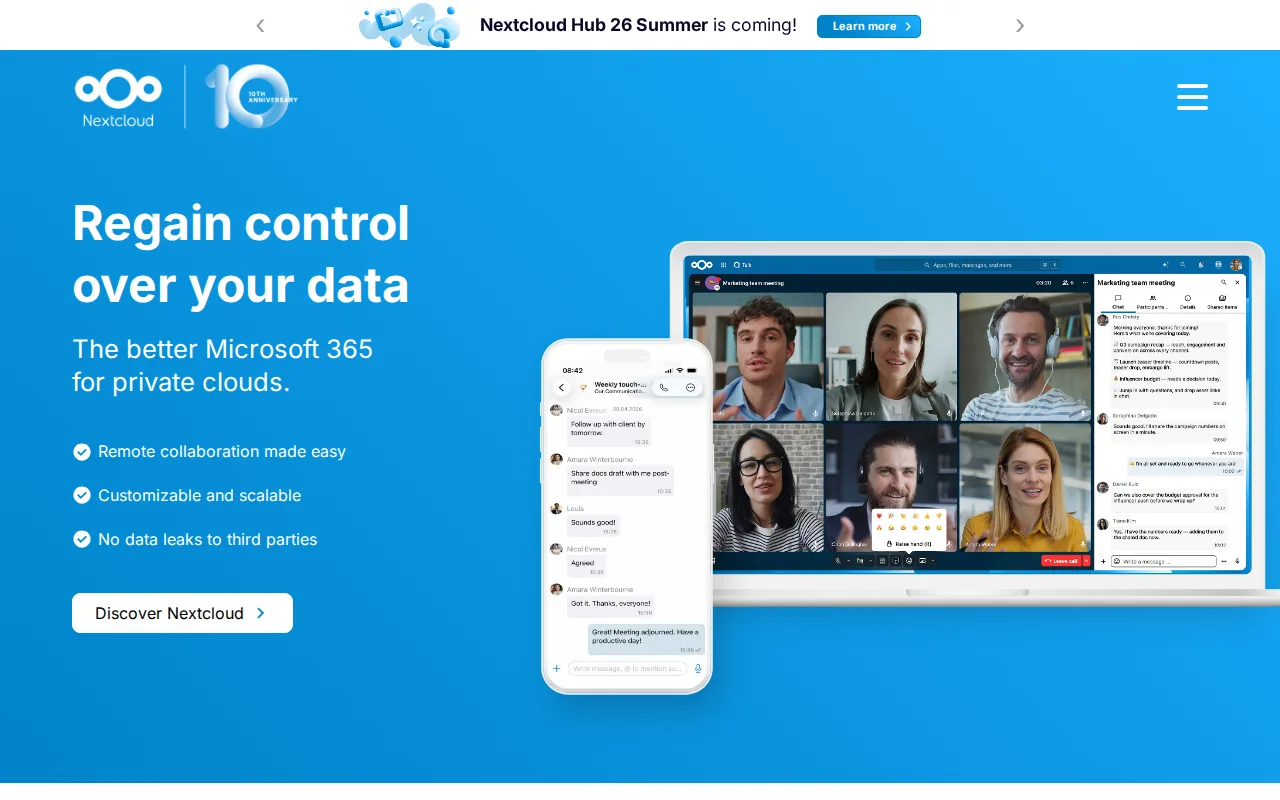
Nextcloud is the best Seafile alternative for organizations that want file sync bundled with video conferencing, groupware, and document editing in one self-hosted, open-source codebase, rather than Seafile's narrower sync-and-share focus. Nextcloud's Community edition is free to self-host with no user limit, matching Seafile's free Community Edition, but Nextcloud adds Talk for audio/video conferencing, Calendar and Contacts for groupware, and a LibreOffice-based Office app, none of which Seafile's Community Edition includes. Nextcloud holds a 4.6/5 rating from 443 Capterra reviews, a verifiable external signal Seafile's own listing lacks. Nextcloud is fully licensed under AGPL-3.0 for its entire codebase, a stricter open-source commitment than Seafile's open-core model, where Pro features like SSO and audit logs are commercial add-ons. Seafile is still the better choice for teams that specifically want simpler, lighter-weight file sync without a large app ecosystem to configure: Nextcloud's enterprise support pricing requires a 100-user minimum with no published self-serve rate, while Seafile's Pro Edition publishes a per-user rate starting around $48/user/year for teams as small as 10 users, and Nextcloud's large number of optional apps can make initial setup more complex than Seafile's more focused sync tool.
Compared to Seafile: bundles video conferencing, groupware, and LibreOffice-based document editing in one suite vs Seafile's narrower sync-and-share focus, fully AGPL-3.0 licensed codebase vs Seafile's open-core model, 4.6/5 rating from 443 Capterra reviews vs no listed ratings for Seafile
Wins:Bundles Talk video conferencing, groupware, and LibreOffice-based document editing that Seafile's Community Edition doesn't include · Fully open source under AGPL-3.0 across the entire codebase, a stricter commitment than Seafile's open-core Pro model · 4.6/5 rating from 443 Capterra reviews, a verifiable signal Seafile's own listing doesn't have
Loses:Enterprise support pricing requires a 100-user minimum with no published self-serve rate, unlike Seafile's Pro Edition, which publishes per-user pricing for teams of 10 or more · Large number of optional apps can make initial setup more complex than Seafile's more focused sync tool · Self-hosting the Community edition puts updates, backups, and uptime entirely on the organization's own IT staff, the same tradeoff Seafile's self-hosted Community Edition carries
Pros
- Fully open source (AGPL-3.0) and free to self-host with no user limit on the Community edition.
- Bundles file sync, video conferencing, groupware, and document editing into one connected suite.
- Scales from a single Raspberry Pi to distributed installations serving tens of millions of users.
- Native apps across web, Windows, macOS, Linux, iOS, and Android.
Cons
- Enterprise support pricing starts at a 100-user minimum, with no published self-serve rate for smaller teams.
- Self-hosting the Community edition puts the burden of updates, backups, and uptime on the organization's own IT staff.
- Performance and app ecosystem depend heavily on the hosting hardware and configuration, unlike a fully managed SaaS suite.
- The large number of optional apps can make initial setup and configuration more complex than a single-purpose file-sync tool.
Pricing: Free — €71.29+/user/year Standard support (100-user minimum) vs Seafile's $48/user/year Pro Edition (10-249 users) (verified )
2ownCloud — best Seafile alternative for organizations that need full control over where their files are stored (self-hosted or EU-hosted) and want an open-source alternative to Dropbox or Google Drive for file sync and sharing
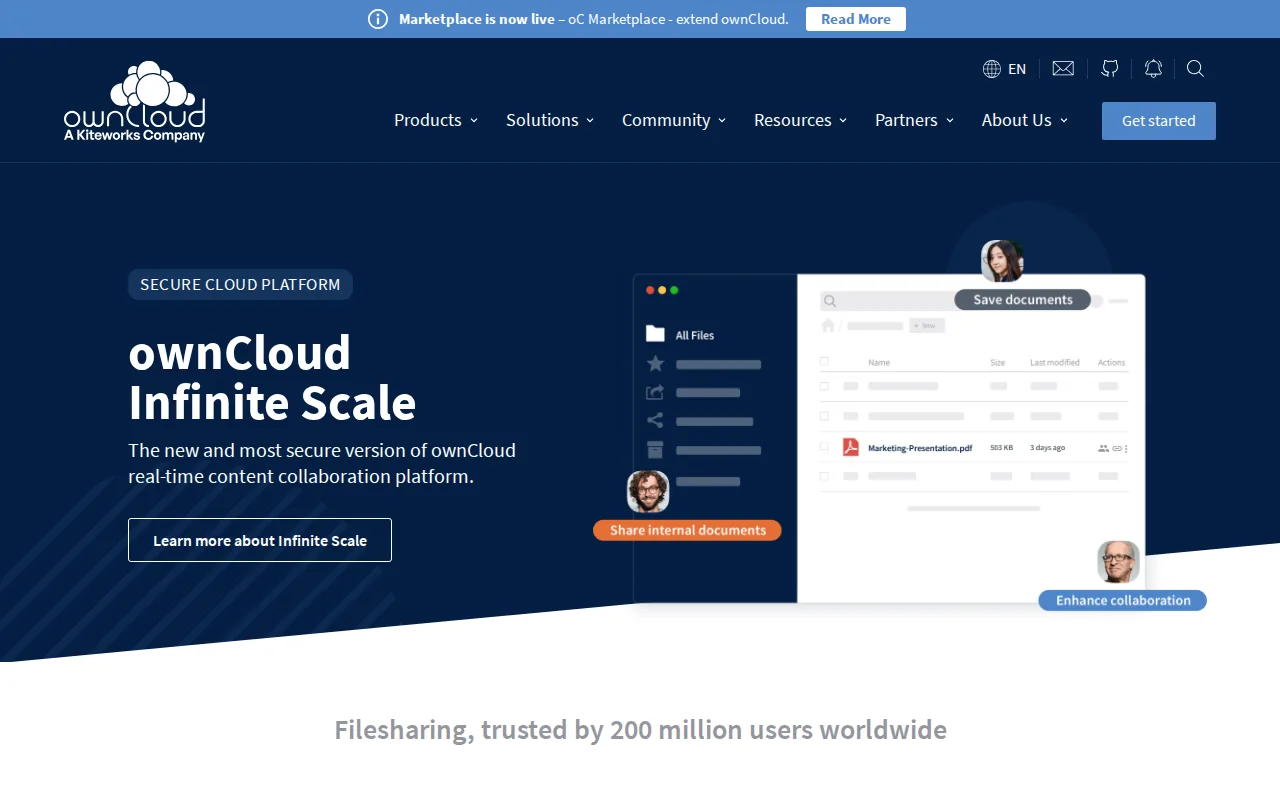
ownCloud is the best Seafile alternative for organizations that want a newer, ground-up-rewritten architecture built for real-time collaborative editing at scale, distinct from Seafile's more established but less recently overhauled sync engine. ownCloud's current generation, Infinite Scale (oCIS), splits storage, backend, and frontend into separate services for real-time collaboration and better horizontal scaling, and the free Community edition is self-hosted with no user limit, matching Seafile's free Community Edition. ownCloud also offers ownCloud.online, a Germany-hosted SaaS option for organizations that want managed EU hosting without running their own infrastructure, roughly comparable to Seafile's own cloud-hosted Plus/Team plan at $8/user/month. ownCloud reports roughly 200 million users across its deployments, a scale signal Seafile's own listing doesn't provide. Seafile is still the better choice for organizations that want clear, published Pro pricing rather than a sales quote: ownCloud's Standard and Enterprise editions both require a 25-user minimum and custom quoted pricing with no published rate card, while Seafile publishes its Pro Edition rate directly at $48/user/year for 10-249 users, and Seafile's Plus/Team cloud plan publishes a flat $8/user/month rate ownCloud's equivalent tiers don't match with a public number.
Compared to Seafile: newer Infinite Scale (oCIS) architecture built for real-time collaborative editing at scale, roughly 200 million reported users across deployments, ownCloud.online offers Germany-hosted SaaS as an alternative to self-hosting
Wins:Infinite Scale (oCIS) architecture is a ground-up rewrite built for real-time collaborative editing and horizontal scaling · Reports roughly 200 million users across deployments, a scale signal Seafile's listing doesn't provide · ownCloud.online offers Germany-hosted SaaS for teams that don't want to self-host, alongside the free self-hosted Community edition
Loses:Standard and Enterprise pricing is not published; both require a 25-user minimum and a sales quote, unlike Seafile's directly published $48/user/year Pro rate · Two parallel architectures (legacy ownCloud 10 and newer Infinite Scale) can make choosing a deployment path more confusing than Seafile's single Pro/Community split · Support on the free Community edition is limited to community forums, with no SLA
Pros
- Community edition is free, open source, and self-hostable with no user limit.
- Full desktop and mobile client coverage: Windows, macOS, Linux, iOS, and Android.
- ownCloud.online offers Germany-hosted SaaS for teams that don't want to self-host.
- Infinite Scale (oCIS) architecture supports real-time collaborative document editing.
Cons
- Standard and Enterprise pricing is not published; both require a 25-user minimum and a sales quote.
- Support on the free Community edition is limited to community forums, with no SLA.
- Two parallel architectures (legacy ownCloud 10 and newer Infinite Scale) can make choosing a deployment path confusing.
- Self-hosting requires ongoing server maintenance and security patching that a fully managed cloud service doesn't.
Pricing: Free — Custom quoted pricing (25-user minimum) vs Seafile's published $48/user/year Pro Edition rate (verified )
3Dropbox — best Seafile alternative for individuals and teams who need dependable cross-device file sync and simple sharing links, especially teams already invoking Dropbox's large-file-transfer and version-history features
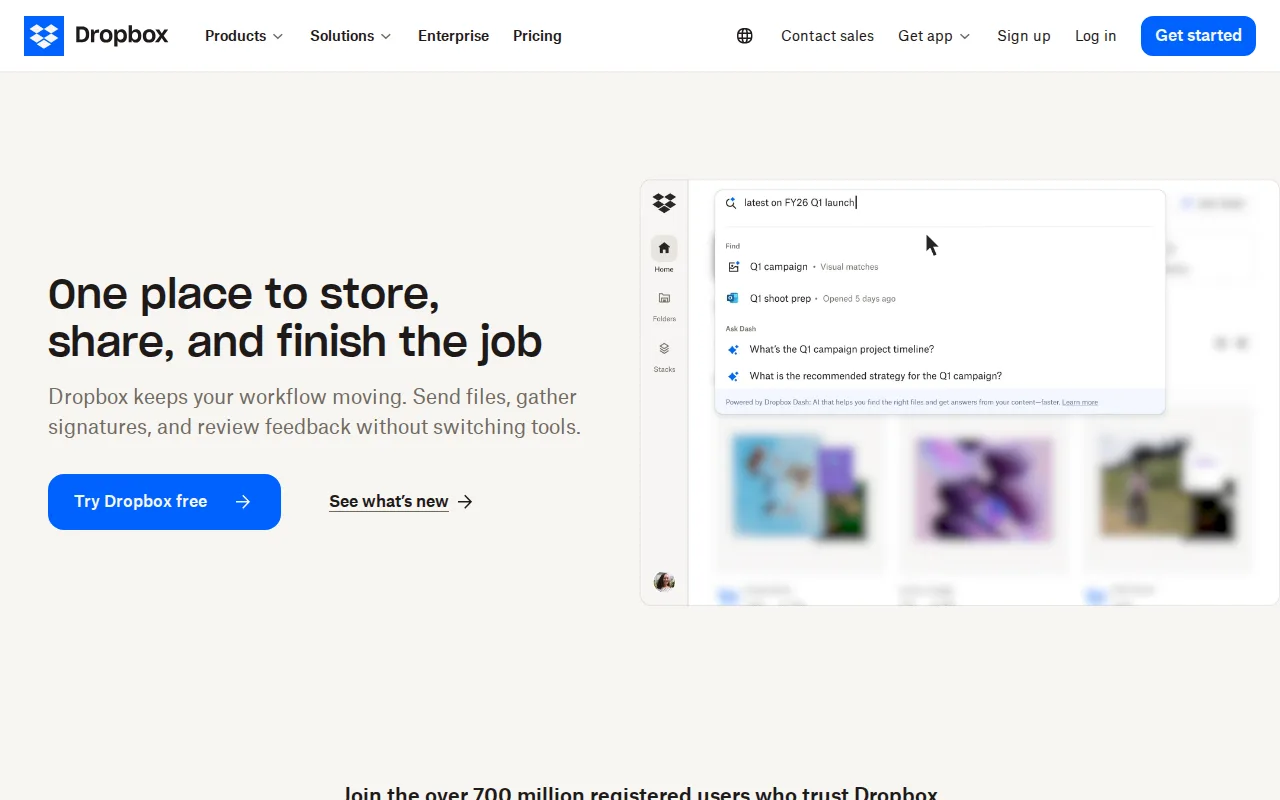
Dropbox is the best Seafile alternative for individuals and teams who want a mainstream, fully-managed cloud sync service rather than a self-hosted platform, backed by far larger scale and review volume than Seafile's own listing shows. Dropbox has more than 700 million registered users and holds a 4.5/5 rating from 21,704 Capterra reviews, by far the largest review sample in this comparison. Dropbox's file-transfer links handle files up to 250GB and its paid Plus plan costs $9.99/month for 2TB, a simpler flat-rate structure than Seafile's per-user-per-year Pro pricing. Dropbox also supports 175+ file-type previews and long version-history windows on paid tiers. Seafile is still the better choice for organizations that need self-hosted control over where files live: Dropbox has no self-hosting option at any tier, while Seafile's Community Edition can run entirely on infrastructure the organization owns, and Dropbox's per-user team pricing ($15-$24/user/month for Standard and Advanced) runs well above Seafile's $8/user/month Plus/Team cloud plan or its free self-hosted option.
Compared to Seafile: 700 million-plus registered users and a 4.5/5 rating from 21,704 Capterra reviews vs no listed ratings for Seafile, file-transfer links up to 250GB, simpler flat per-user monthly pricing vs Seafile's per-user-per-year Pro licensing
Wins:700 million-plus registered users and a 4.5/5 rating from 21,704 Capterra reviews, a scale and review signal Seafile's listing doesn't have · File-transfer links handle files up to 250GB in a single share · Flat, simpler per-user monthly pricing structure rather than Seafile's per-user-per-year Pro licensing
Loses:No self-hosting option at any tier, unlike Seafile's free, self-hosted Community Edition · Team pricing ($15-$24/user/month for Standard/Advanced) runs well above Seafile's $8/user/month Plus/Team cloud plan · Free tier is limited to just 2GB, far smaller than Seafile's free Community Edition, which has no storage cap of its own
Pros
- Reliable cross-device sync with a simple, well-understood synced-folder model.
- File-transfer links support very large files (up to 250GB) without needing a separate tool.
- Long version history and file-recovery windows on paid tiers protect against accidental deletion or ransomware.
- Broad platform support and deep third-party integrations (Slack, Zoom, Adobe, Microsoft Office).
Cons
- Per-user team pricing ($15-$24/month) makes larger teams considerably more expensive than storage-only competitors.
- Free tier is limited to just 2GB, among the smallest of major cloud storage services.
- Syncing very large folders can be slower than expected, according to reviewer feedback.
- Advanced security and admin features (SSO, tiered admin) are locked behind the higher Advanced tier.
Pricing: Free tier · paid from $9.99/mo — $15-$24/user/month Standard/Advanced (cloud only) vs Seafile's $8/user/month Plus/Team cloud plan or free self-hosted Community Edition (verified )
4pCloud — best Seafile alternative for users who want to pay once for cloud storage instead of an ongoing monthly subscription, and who value choosing between EU and US data residency
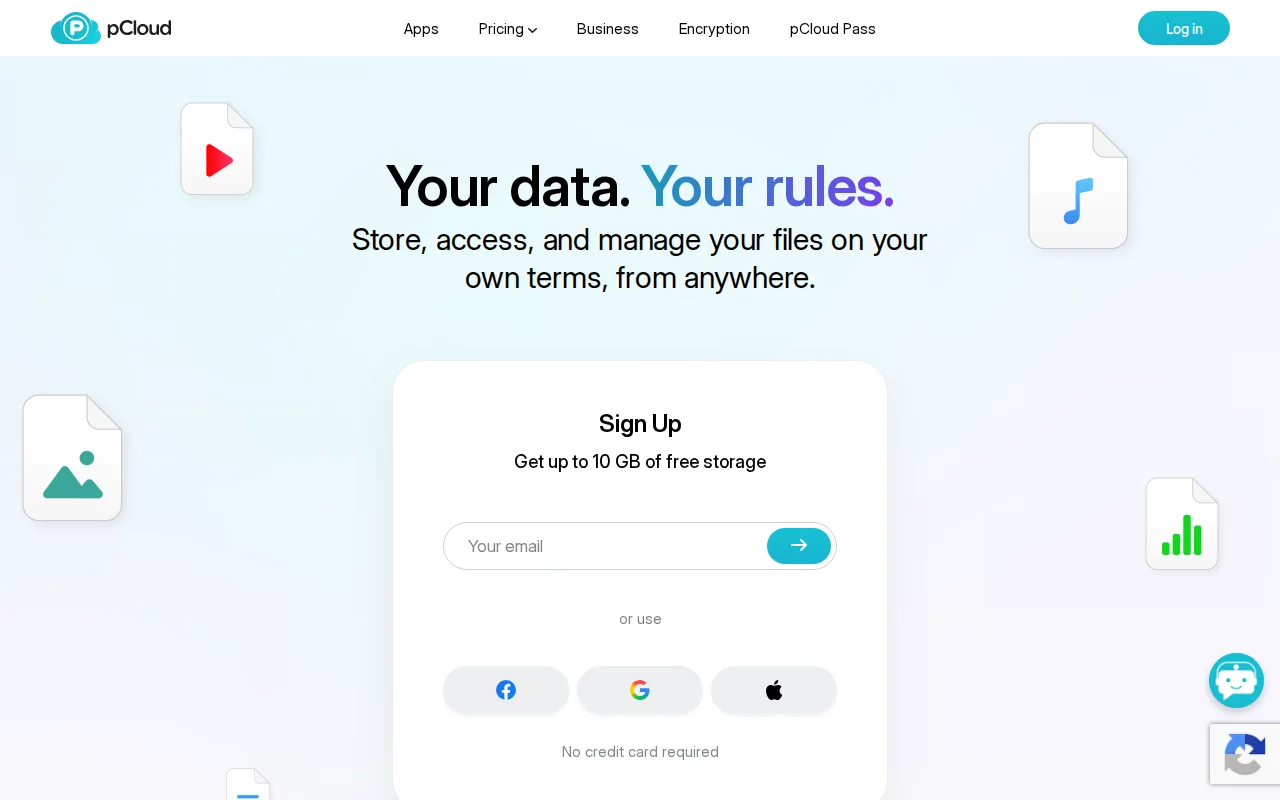
pCloud is the best Seafile alternative for users who want to pay once for cloud storage instead of Seafile's recurring per-user-per-year Pro licensing or per-user-per-month cloud plan. pCloud's lifetime plans start at $199 one-time for 500GB and top out at $1,190 one-time for 10TB, eliminating the ongoing subscription cost that Seafile's Pro Edition ($48/user/year) or Plus/Team plan ($8/user/month) both carry indefinitely. pCloud also lets users choose whether their data lives in Europe or the US, and holds a 4.5/5 rating from 180 Capterra reviews, a verifiable external signal Seafile's own listing lacks. A free plan is available with no credit card required, similar in spirit to Seafile's free Community Edition. Seafile is still the better choice for organizations that need self-hosting or granular folder-level permissions and audit logs: pCloud has no self-hosting option and its true zero-knowledge client-side encryption (pCloud Encryption) costs extra rather than being built in, while Seafile's Pro Edition includes fine-grained folder permissions and audit logs as part of its per-user license, and pCloud's large lifetime payments ($199-$1,190 upfront) are a bigger single commitment than Seafile's per-user-per-year pricing.
Compared to Seafile: one-time lifetime payment ($199-$1,190) replaces recurring per-user billing entirely, choice of EU or US data center for stored files, 4.5/5 rating from 180 Capterra reviews vs no listed ratings for Seafile
Wins:One-time lifetime payment ($199-$1,190) eliminates the recurring per-user-per-year or per-user-per-month cost Seafile's Pro/Plus tiers carry · Choice of EU (Luxembourg) or US data center for stored files · 4.5/5 rating from 180 Capterra reviews, a verifiable signal Seafile's own listing doesn't have
Loses:No self-hosting option at any tier, unlike Seafile's free, self-hosted Community Edition · True zero-knowledge client-side encryption (pCloud Encryption) costs extra rather than being included, unlike Seafile Pro's built-in permission and audit controls · Lifetime plans require a large upfront payment ($199-$1,190) versus Seafile's lower per-user-per-year Pro rate
Pros
- One-time lifetime plans eliminate recurring subscription costs for long-term storage.
- Choice of EU (Luxembourg) or US data center for stored files.
- 30-day file version history and password-protected sharing links included on paid plans.
- 14-day money-back guarantee on lifetime purchases.
Cons
- True zero-knowledge client-side encryption (pCloud Encryption) costs extra rather than being built in.
- Lifetime plans require a large upfront payment ($199-$1,190) instead of a low monthly fee.
- Free plan's exact storage allocation isn't clearly stated on the pricing page.
- No annual/monthly subscription pricing is prominently displayed alongside the lifetime plans, which can make comparison shopping harder.
Pricing: Free tier · paid from $199 one-time — $199 one-time (500GB) vs Seafile's $48/user/year Pro Edition or free self-hosted Community Edition (verified )
5Syncthing — best Seafile alternative for privacy-conscious individuals and self-hosters who want continuous file sync across their own devices without routing data through a third-party cloud server
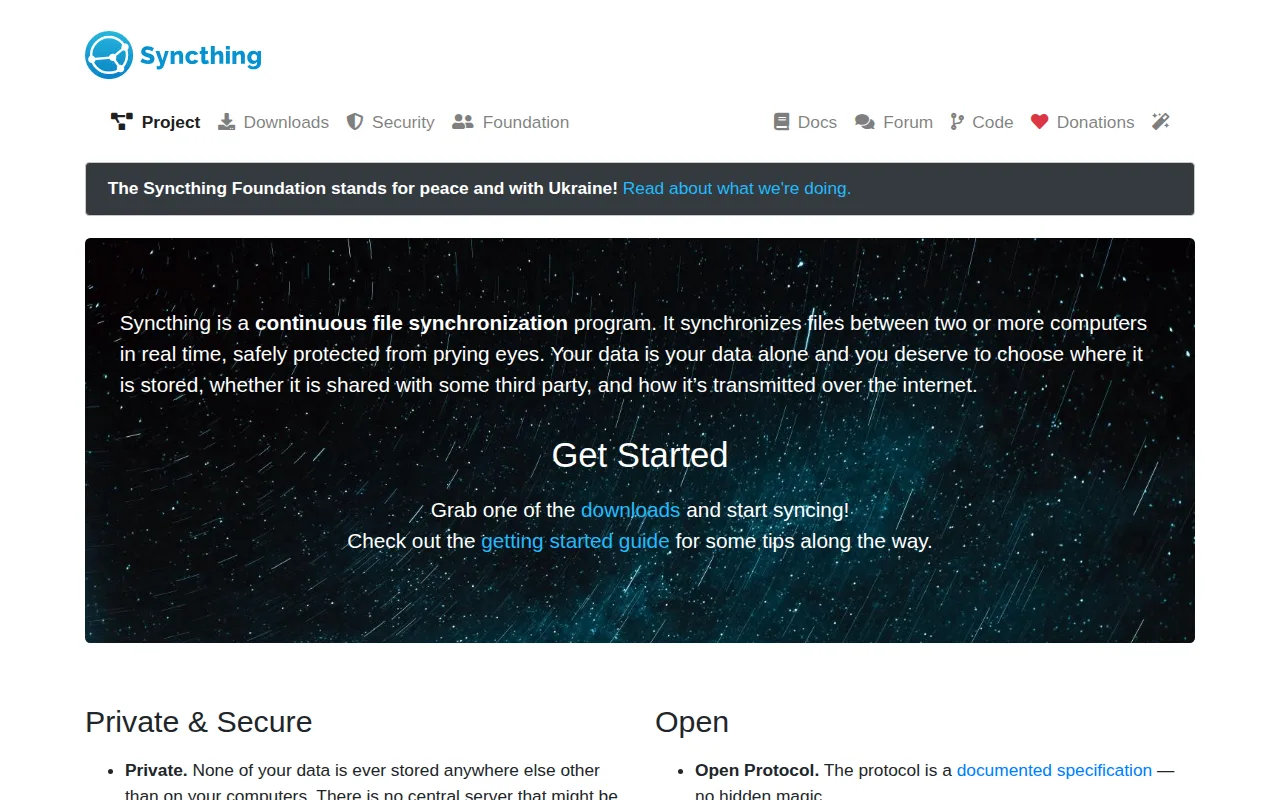
Syncthing is the best Seafile alternative for privacy-conscious individuals and self-hosters who want continuous file sync directly between their own devices with no central server involved at all, going further than Seafile's self-hosted server model. Syncthing is entirely free with no paid tier, license fee, or feature gating of any kind, whereas Seafile's advanced features (office editing, SSO, audit logs) are locked behind its paid Pro Edition starting around $48/user/year. Syncthing is licensed under MPL-2.0 and has accumulated 87.8K stars on GitHub, and files transfer directly between devices over an encrypted, authenticated connection with perfect forward secrecy, so no server — not even a self-hosted one — ever holds a copy. Seafile is still the better choice for organizations that need centralized team collaboration features: Syncthing has no office document editing, folder-level permission management, or web-based team dashboard the way Seafile's Pro Edition does, and Syncthing has no official iOS app because Apple's background-execution restrictions limit its peer-to-peer sync protocol, a mobile gap Seafile's native iOS app doesn't share.
Compared to Seafile: completely free with no paid tier at all vs Seafile's $48/user/year Pro Edition, true peer-to-peer sync with no central server, even self-hosted, 87.8K GitHub stars under the MPL-2.0 license
Wins:Completely free and open source with no paid tier at all, unlike Seafile's $48/user/year Pro Edition for advanced features · True peer-to-peer sync means no server, not even a self-hosted one, ever holds a copy of user files · 87.8K GitHub stars under MPL-2.0, an active-development signal Seafile's own listing doesn't provide
Loses:No office document editing, folder-level permission management, or web-based team dashboard the way Seafile's Pro Edition offers · No official iOS app, since Apple's background-execution restrictions limit continuous peer-to-peer sync · No built-in cloud backup; losing all synced devices simultaneously means losing the data, unlike Seafile's server-based version history
Pros
- Completely free and open source (MPL-2.0), with no paid tier or feature gating.
- True peer-to-peer sync means no third-party server ever holds a copy of user files.
- Strong security model: TLS with perfect forward secrecy and cryptographic device authentication.
- Runs on Windows, macOS, Linux, and Android, manageable via a browser-based web GUI.
Cons
- No official iOS app, since Apple's background-execution restrictions limit continuous peer-to-peer sync.
- Initial setup across multiple machines requires manual device pairing and folder-sharing configuration.
- No built-in cloud backup; since there's no central server, losing all synced devices simultaneously means losing the data.
- No official mobile app for iOS means Apple users need third-party, unofficial clients if they want Syncthing on iPhone or iPad.
Pricing: Free (verified )