5 Best Alternatives to Procreate for macOS in 2026
By Noahlast updated pricing verified
Compared: Procreate alternatives that run on macOS
| Alternative | Best for | Learning curve | Price |
|---|---|---|---|
| Procreatereference | professional and hobbyist digital artists working on iPad who want a one-time-purchase alternative to subscription tools like Photoshop or Fresco | Moderate | From $5.99 one-time |
| Clip Studio Paint | illustrators, manga/comic artists, and 2D animators who need a large customizable brush library, panel/speech-bubble tooling, and either a one-time desktop purchase or cross-platform subscription including iPad and Android | Moderate | From $4.99/mo |
| Krita | digital painters, comic artists, and concept artists who want a full-featured, no-cost illustration tool with a brush engine built specifically for freehand painting rather than photo editing | Moderate | Free |
| MediBang Paint | manga and comic artists who want free screentones and brushes plus multi-artist Group Project collaboration across Windows, Mac, iPad, iPhone, and Android | Moderate | Pricing not verified |
| Affinity | designers and photographers who want Photoshop/Illustrator-level editing tools without paying a subscription, and don't need AI generative features | Moderate | Free tier · paid from $18/mo |
| Adobe Photoshop | photographers and designers who need pixel-level compositing, retouching, or AI-generated image edits beyond what non-destructive editors offer | Steep | From $19.99/mo |
 Procreate
 Clip Studio Paint
 Krita
 MediBang Paint
 Affinity
 Adobe Photoshop
1Clip Studio Paint — best Procreate alternative for illustrators, manga/comic artists, and 2D animators who need a large customizable brush library, panel/speech-bubble tooling, and either a one-time desktop purchase or cross-platform subscription including iPad and Android
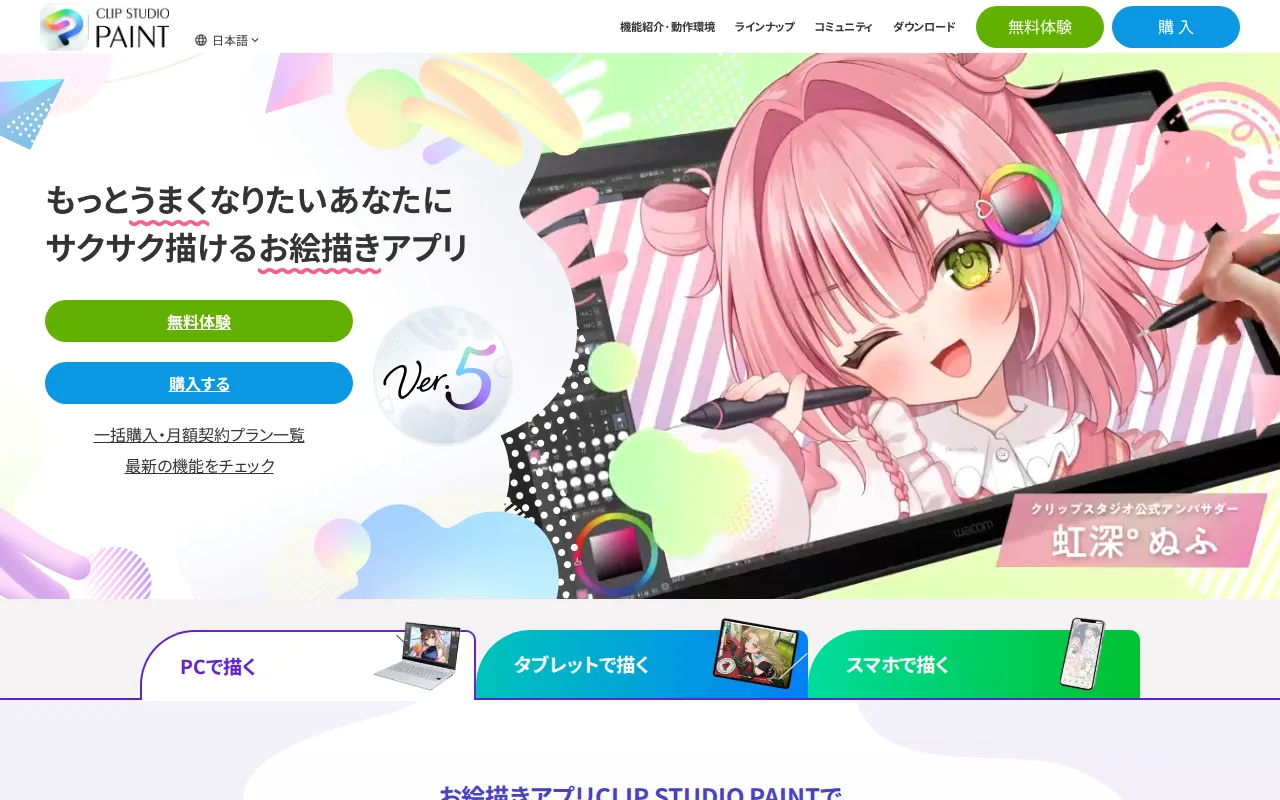
Clip Studio Paint is the best Procreate alternative for illustrators and comic artists who need production tools Procreate does not have, or who draw on more than an iPad. Clip Studio Paint ships 4,000+ brush presets against Procreate's 200+, plus automatic comic panel layout, speech bubble templates, screentones, and 3D model posing, with 100,000+ free community assets and 10GB of cloud storage on every account. It runs on Windows, Mac, iPad, iPhone, and Android, where Procreate is limited to iPad and iPhone. On desktop it sells as a one-time license, PRO at $49.99 or EX at $219.99, and EX adds multi-page management, an animation timeline, and vector layers. Its listing cites 4.7/5 from 68 Capterra reviews. Procreate is still the better choice for iPad-only artists who want a one-time price and a simpler app. Clip Studio Paint's iPad, iPhone, and Android editions are subscription-only, at $4.99/month or $24.99/year for PRO and $8.99/month or $71.99/year for EX, against Procreate's $12.99 once with free updates. Studio Mode's full toolset has a real learning curve for people coming from Procreate, and the split between PRO and EX, and between one-time and subscription licensing, makes total cost confusing to compare.
Compared to Procreate: 4,000+ brushes plus panel layout, speech bubbles, screentones, and 3D posing, Windows, Mac, iPad, iPhone, and Android vs Procreate's iPad and iPhone only, an iPad edition that is subscription-only at $24.99/year for PRO vs Procreate's $12.99 once
Wins:4,000+ brush presets and 100,000+ free community assets, against Procreate's 200+ brushes · Comic production tools Procreate lacks: automatic panel layout, speech bubble templates, screentones, and 3D model posing, with an animation timeline and vector layers in EX · Runs on Windows, Mac, iPad, iPhone, and Android with 10GB of cloud storage, where Procreate is iPad and iPhone only with no built-in cloud sync
Loses:iPad, iPhone, and Android editions are subscription-only ($4.99/month or $24.99/year for PRO), where Procreate is a $12.99 one-time purchase with free updates · Desktop one-time licenses cost $49.99 for PRO and $219.99 for EX, both well above Procreate's $12.99 · Studio Mode's full toolset has a real learning curve for users coming from Procreate, and PRO vs EX plus one-time vs subscription licensing makes cost comparisons confusing
Pros
- One-time perpetual license available on Windows/Mac (PRO $49.99, EX $219.99), avoiding an ongoing subscription for desktop users.
- 4,000+ brush presets plus 100,000+ free community assets via CLIP STUDIO ASSETS cover most traditional-media and manga styles out of the box.
- Dedicated comic/manga tools (panel layout, speech bubbles, screentones) that general illustration apps don't offer.
- EX edition's animation timeline and vector layers extend the same software into frame-by-frame and vector animation work.
Cons
- iPad, iPhone, and Android editions are subscription-only, with no perpetual-license option like the desktop versions.
- The two-edition, two-payment-model structure (PRO vs EX, one-time vs subscription) makes comparing total cost across platforms genuinely confusing.
- Studio Mode's full toolset has a real learning curve for users coming from simpler apps like Procreate.
- EX's higher price ($219.99 one-time or $8.99/month) is a significant step up from PRO for creators who only later discover they need multi-page or vector-animation tools.
Pricing: From $4.99/mo — $24.99/year for Clip Studio Paint PRO on iPad ($4.99/month), or $49.99 one-time on Windows/Mac, vs $12.99 one-time for Procreate (verified )
2Krita — best Procreate alternative for digital painters, comic artists, and concept artists who want a full-featured, no-cost illustration tool with a brush engine built specifically for freehand painting rather than photo editing
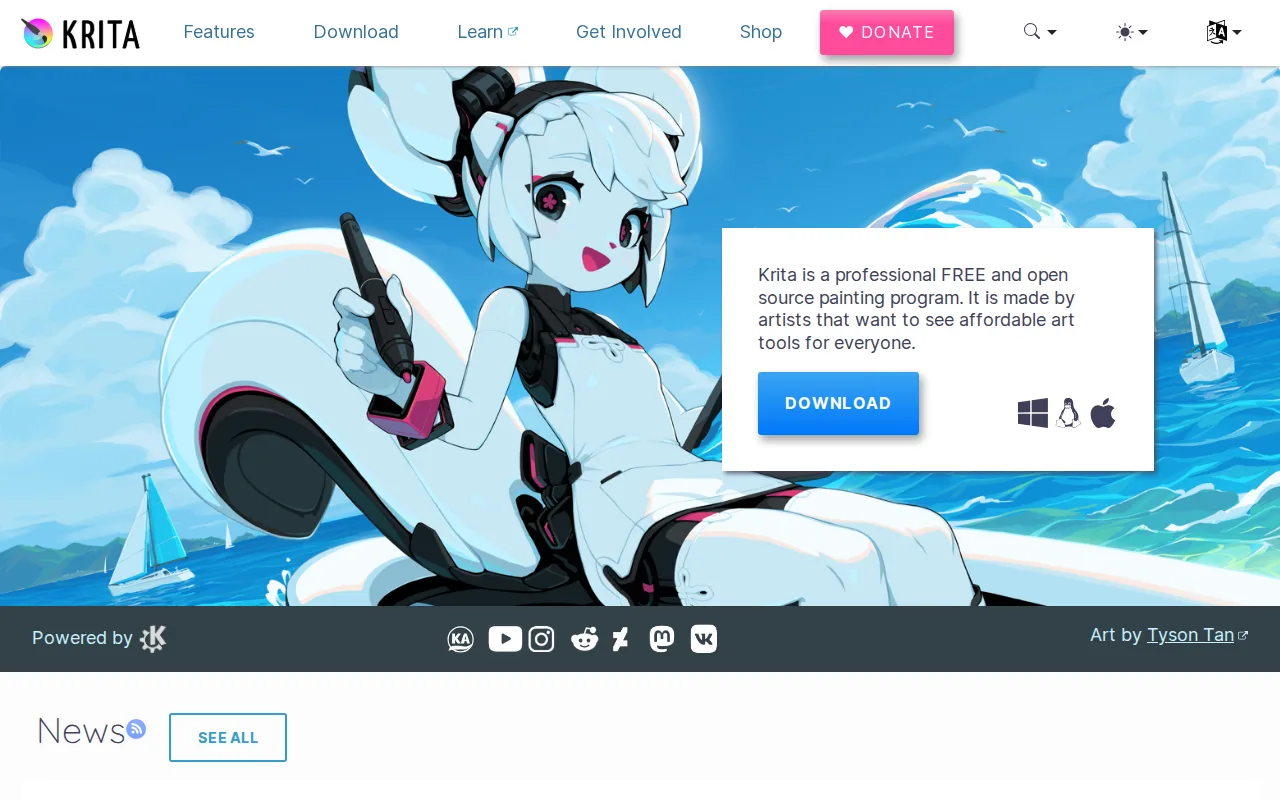
Krita is the best Procreate alternative for artists who paint on a Windows, macOS, or Linux computer with a drawing tablet and do not want to pay anything. Krita is free and open source under GPL-3.0, developed by the KDE community with funding from the Krita Foundation, and the direct download from krita.org has no feature restrictions; paid copies on the Microsoft Store and Steam exist only to fund development. Its brush engine, stabilizers, canvas rotation, mirror tools, and wraparound mode are built for freehand illustration, and it supports pressure-sensitive tablets, layer groups, vector layers, and a built-in frame-by-frame animation timeline. Procreate charges $12.99 for the iPad app and sells animation separately as Procreate Dreams at $19.99. Procreate is still the better choice for anyone who draws on an iPad. Krita has no official iOS or Android app and runs only on desktop operating systems, while Procreate is built around touch and Apple Pencil gestures. Krita's plugin and brush ecosystem is smaller than Photoshop's or Clip Studio Paint's, its vector and text tools are less polished, and its 5.0/5 rating rests on a single Product Hunt review against Procreate's 4.8/5 from 130 Capterra reviews.
Compared to Procreate: free and open source under GPL-3.0 vs Procreate's $12.99 purchase, Windows, macOS, and Linux with a built-in animation timeline, where Procreate sells Procreate Dreams separately for $19.99, no iPad or other mobile app
Wins:Free with no feature restrictions and open source under GPL-3.0, against Procreate's $12.99 one-time purchase · Runs on Windows, macOS, and Linux, where Procreate has no desktop version · Built-in frame-by-frame animation timeline, where Procreate sells animation as the separate $19.99 Procreate Dreams app
Loses:No official iOS or Android app, so Krita cannot replace Procreate on an iPad · Smaller plugin and brush ecosystem than Photoshop or Clip Studio Paint, and vector and text tools are less polished · The 5.0/5 rating rests on a single Product Hunt review, against Procreate's 4.8/5 from 130 Capterra reviews
Pros
- Completely free with no feature paywall, unlike most professional-grade painting software.
- Brush engine and stabilizers are purpose-built for freehand illustration and comic work.
- Open-source (GPL-3.0) with an active community and regular release cadence.
- Built-in animation timeline supports basic frame-by-frame animation without a separate tool.
Cons
- Not designed for photo editing or retouching; lacks RAW support and CMYK color management for print work.
- Smaller plugin and brush-marketplace ecosystem than Photoshop or Clip Studio Paint.
- No official mobile app for iOS/Android, unlike Procreate or Clip Studio Paint.
- Some advanced features (vector tools, text handling) are less polished than in dedicated design software.
Pricing: Free — $0 for Krita (desktop only) vs $12.99 one-time for Procreate on iPad (verified )
3MediBang Paint — best Procreate alternative for manga and comic artists who want free screentones and brushes plus multi-artist Group Project collaboration across Windows, Mac, iPad, iPhone, and Android
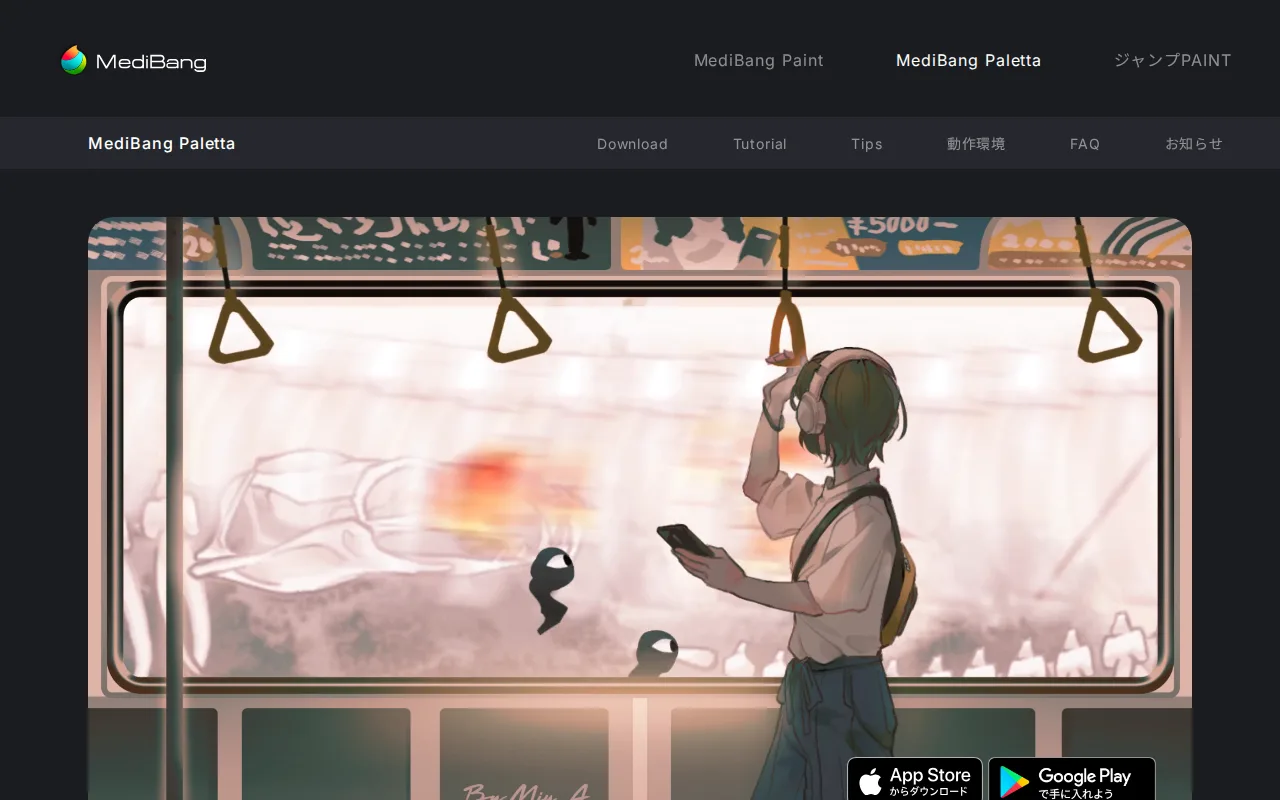
MediBang Paint is the best Procreate alternative for manga and comic artists who want a free app that runs on the devices they already own, including an iPad. MediBang Paint is free on Windows 10 or later, macOS 11 or later, iPad, iPhone, and Android, with no basic brushes behind a paywall, where Procreate costs $12.99 on iPad and another $5.99 for Procreate Pocket on iPhone. It ships 180+ brushes and 1,000+ screentones, so manga artists do not need separate screentone packs. One MediBang account syncs files across an unlimited number of devices, and drawing works offline. Its Group Project feature lets several artists split story, drafts, inking, and screentone work on one shared file, something Procreate cannot do, since Procreate has no built-in cloud sync or collaboration. Procreate is still the better choice for artists who care most about brush quality and a polished tool. MediBang Paint's brush engine, layer effects, and page and panel management are less advanced than Clip Studio Paint's, and its screentone and material store skews toward a Japanese manga look. Free cloud storage for sync and Group Project is limited before heavier users are pushed to a paid MediBang Premium subscription whose price is not listed, and MediBang Paint has no rating or verified pricing on record.
Compared to Procreate: free on Windows, macOS, iPad, iPhone, and Android vs Procreate's $12.99 iPad and $5.99 iPhone apps, Group Project and unlimited-device sync where Procreate has no cloud sync or collaboration, a brush engine and layer toolkit less advanced than Clip Studio Paint's
Wins:Free on Windows, macOS, iPad, iPhone, and Android, where Procreate costs $12.99 on iPad plus $5.99 for the separate iPhone app and has no desktop or Android version · Group Project lets multiple artists split story, drafts, inking, and screentones on one shared file, and one account syncs across unlimited devices, where Procreate has no built-in cloud sync or collaboration · 1,000+ screentones included alongside 180+ brushes, so manga artists need no separate screentone packs
Loses:Brush engine, layer effects, and page and panel management are less advanced than Clip Studio Paint's · Free cloud storage for sync and Group Project is limited, and heavier use requires a paid MediBang Premium subscription with no price listed · The built-in screentone and material store skews toward a Japanese manga aesthetic · No rating on record, against Procreate's 4.8/5 from 130 Capterra reviews
Pros
- Free on every supported platform with no basic brushes locked behind a paywall.
- Comes preloaded with 180+ brushes and 1,000+ screentones, so manga artists don't need separate screentone packs.
- One MediBang account syncs files across an unlimited number of devices spanning Windows, macOS, iPad, iPhone, and Android.
- Group Project lets multiple artists split story, draft, inking, and screentone work on a single shared file.
Cons
- Brush engine and layer/effects toolkit are less advanced than Clip Studio Paint, the tool most professional manga studios use.
- Free-tier cloud storage for multi-device sync and Group Project is limited, and heavier use requires a paid MediBang Premium subscription.
- No browser-based editor: the desktop app requires Windows 10+ or macOS 11 (Big Sur)+, and mobile use needs a separate iPad, iPhone, or Android install.
- Built-in screentone and material store skews toward a Japanese manga aesthetic, which can feel narrow for other illustration styles.
Pricing: Pricing not verified — $0 for MediBang Paint on every platform vs $12.99 one-time for Procreate on iPad, plus $5.99 for Procreate Pocket on iPhone
4Affinity — best Procreate alternative for designers and photographers who want Photoshop/Illustrator-level editing tools without paying a subscription, and don't need AI generative features
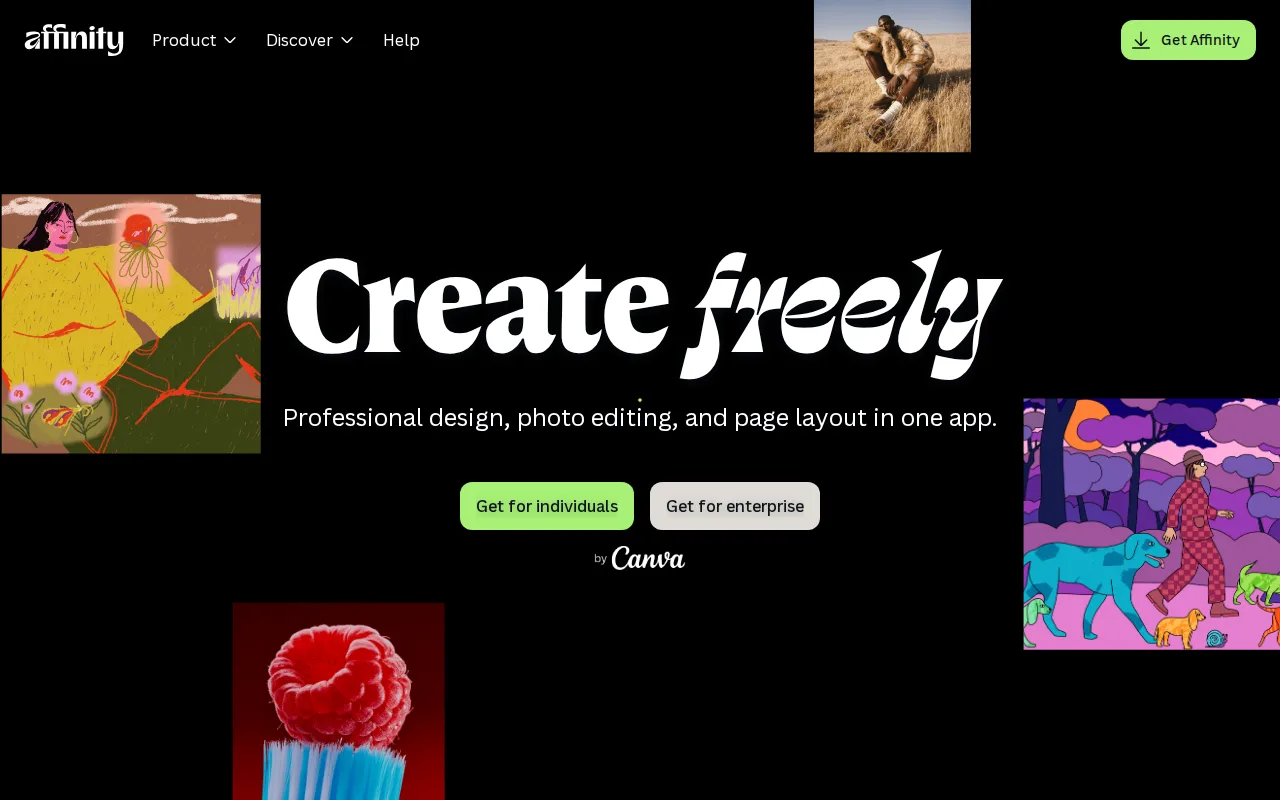
Affinity is the best Procreate alternative for artists whose work spills into logo design, photo editing, or page layout, and who work on a Windows PC or Mac. Affinity is Canva's professional creative app, merging the former Affinity Designer, Photo, and Publisher into one program with Vector, Pixel, and Layout studios. The core app is free with a free Canva account, with no restrictions on tools, customization, or export. Procreate, by contrast, is a raster painting app at $12.99 that runs only on iPad and iPhone. Affinity's optional generative tools, Generative Fill, Generative Expand, and AI image or vector generation, need Canva Pro at $14.99/month or $119.99/year. Affinity Photo holds 4.8/5 from 99 Capterra reviews, level with Procreate's 4.8/5 from 130. Procreate is still the better choice for drawing on a tablet, and for most painters. Affinity has no iPad app yet, only a listing that says it is coming soon, and no Linux version. Its listing describes vector, pixel, and layout editing rather than a painting brush engine like Procreate's 200+ physically simulated brushes, and users of the older separate Affinity apps face changed workflows after the 2026 merge.
Compared to Procreate: free Vector, Pixel, and Layout studios on Windows and macOS vs Procreate's $12.99 iPad-only painting app, generative AI tools only with Canva Pro at $14.99/month, no iPad app yet and no painting-focused brush engine in its listing
Wins:Core app with Vector, Pixel, and Layout studios is free with a free Canva account, with no restrictions on tools or export, against Procreate's $12.99 purchase · Handles vector illustration, photo editing, and page layout in one program, work Procreate's raster painting app does not cover · Runs on Windows and macOS (Apple silicon and Intel), where Procreate has no desktop version
Loses:No iPad app yet (listed as coming soon) and no Linux version · Generative Fill, Generative Expand, and AI image or vector generation require Canva Pro at $14.99/month or $119.99/year · The listing describes vector, pixel, and layout editing rather than a painting brush engine like Procreate's 200+ physically simulated brushes · The 2026 merge of Designer, Photo, and Publisher into one app changes workflows for users of the older versions
Pros
- Full professional design suite (vector, raster, layout) free with no time limit or feature gate on the core tools.
- Requires only a free Canva account, no credit card, to unlock everything in the base app.
- Backed by Canva's infrastructure and update cadence rather than a small independent studio.
- Optional Canva Pro AI features integrate directly inside the same app rather than requiring a separate tool.
Cons
- Generative AI features are gated behind a paid Canva plan (Canva Pro costs $18/month or $144/year).
- No iPad app yet; it is listed as coming soon rather than available.
- No Linux support.
- The October 2025 relaunch merged three apps into one and moved sign-in to Canva accounts, while the older Affinity V2 apps remain a separate product with separate Serif accounts.
Pricing: Free tier · paid from $18/mo — $0 for Affinity's core app ($14.99/month Canva Pro for AI tools) vs $12.99 one-time for Procreate (verified )
5Adobe Photoshop — best Procreate alternative for photographers and designers who need pixel-level compositing, retouching, or AI-generated image edits beyond what non-destructive editors offer
Adobe Photoshop is the best Procreate alternative for artists whose work mixes illustration with photo retouching, compositing, or AI-generated edits. Photoshop is Adobe's layer-based, pixel-level editor, and its Generative Fill and Generative Expand add, remove, or extend image content from a text prompt inside the layer stack. It runs on Windows, macOS, the web, and iPad, where Procreate runs only on iPad and iPhone, and it shares fonts, assets, and files with Illustrator and Lightroom through Creative Cloud. The single-app plan includes 100GB of storage and 25 monthly generative credits. Photoshop holds 4.8/5 from 2,466 Capterra reviews, the largest review base on this page and nearly 19 times Procreate's 130. Procreate is still the better choice for nearly every painter on a budget. Photoshop is subscription-only with no perpetual license: $22.99/month for the single app or $19.99/month for the Photography plan with Lightroom, both annual plans billed monthly, against Procreate's $12.99 once with free updates. A year of the single app costs $275.88. Photoshop's learning curve is steep against Procreate's moderate, it is demanding on hardware, and cancelling an annual plan early can trigger a termination fee.
Compared to Procreate: Generative Fill and Expand plus pixel-level compositing and retouching, Windows, macOS, web, and iPad vs Procreate's iPad and iPhone only, subscription-only at $22.99/month for the single app vs Procreate's $12.99 once
Wins:Generative Fill and Generative Expand add, remove, or extend image content from a text prompt inside the layer stack · Runs on Windows, macOS, the web, and iPad, and shares fonts, assets, and files with Illustrator and Lightroom, where Procreate is iPad and iPhone only · 4.8/5 from 2,466 Capterra reviews, nearly 19 times Procreate's 130
Loses:Subscription-only with no perpetual license: $22.99/month for the single app ($275.88/year) against Procreate's $12.99 one-time purchase · Steep learning curve against Procreate's moderate, especially for users new to layers, masks, and blend modes · Demanding on hardware, and cancelling an annual plan within the first year can trigger an early termination fee
Pros
- Layer-based, pixel-level editing that remains the industry benchmark for compositing and retouching.
- Generative Fill and Remove tool cut hours off object removal and background work.
- Deep Creative Cloud integration shares fonts, assets, and files with Illustrator and Lightroom.
- Free web-based Firefly editor lets anyone try generative editing without a subscription.
Cons
- No perpetual license; access ends when the subscription lapses.
- Steep learning curve for users unfamiliar with layers, masks, and blend modes.
- Demanding on hardware; large multi-layer files can slow even high-end machines.
- Cancelling an annual-billed-monthly plan within the first year can trigger an early termination fee.
Pricing: From $19.99/mo — $22.99/month for Photoshop alone or $19.99/month with Lightroom (annual plans billed monthly) vs $12.99 one-time for Procreate (verified )