5 Best Alternatives to Adobe Photoshop in 2026
By Noahlast updated pricing verified

From our data: Three of the five alternatives listed here (Affinity, GIMP, Photopea) are completely free, and the remaining two (Pixelmator Pro $49.99, Luminar Neo $129) sell as one-time purchases averaging $89.50, all avoiding Adobe Photoshop's recurring $22.99/month subscription.
 Affinity
 GIMP
GIMP Photopea
 Pixelmator Pro
 Luminar Neo
How we picked
- Pricing was independently verified for four of the five alternatives — GIMP, Photopea, Pixelmator Pro, and Luminar Neo — matching Adobe Photoshop's own verified $22.99/month starting price; only Affinity's Canva Pro pricing was not independently verified.
- Cost model was a major axis: three of five alternatives (Affinity, GIMP, Photopea) are completely free, and two more (Pixelmator Pro $49.99, Luminar Neo $129) are one-time purchases, against Photoshop's recurring $22.99/month subscription.
- GIMP and Luminar Neo carry no structured Capterra or G2 rating in our listing data, so those two picks lean more on feature and pricing signals than review volume, versus Photoshop's own 4.8/5 from 2,466 Capterra reviews.
- License model was checked directly against Photoshop's closed-source subscription: GIMP is fully open source under GPLv3, the only alternative here with published, freely modifiable source code.
Paid placement never alters editorial rank — read the full methodology.
Adobe Photoshop alternatives at a glance
| Alternative | Best for | Learning curve | Price |
|---|---|---|---|
| Adobe Photoshopreference | photographers and designers who need pixel-level compositing, retouching, or AI-generated image edits beyond what non-destructive editors offer | Steep | From $19.99/mo |
| Affinity | designers and photographers who want Photoshop/Illustrator-level editing tools without paying a subscription, and don't need AI generative features | Moderate | Free tier · paid from $18/mo |
| GIMP | photographers, illustrators, and designers who want a full-featured, scriptable photo editor without paying a subscription or license fee | Steep | Free |
| Photopea | students, social media creators, and small business owners who need Photoshop-style PSD editing without buying or installing desktop software | Moderate | Free |
| Pixelmator Pro | Mac and iPad users who want professional-grade, layer-based photo editing and AI retouching without a Photoshop subscription | Moderate | From $12.99/mo |
| Luminar Neo | photography hobbyists who want AI-assisted, single-slider editing tools like sky replacement and background removal without paying an ongoing Adobe-style subscription | Low | From $129 one-time |
 Adobe Photoshop
1Affinity — best Adobe Photoshop alternative for designers and photographers who want Photoshop/Illustrator-level editing tools without paying a subscription, and don't need AI generative features
Affinity is the best Adobe Photoshop alternative for designers and photographers who want layer-based, pixel-level editing without paying an ongoing subscription. Since Canva's acquisition, Affinity's Vector, Pixel, and Layout studios are free for everyone with no restrictions on tools, customization, or export, requiring only a free Canva account, against Photoshop's $22.99/month single-app subscription. Affinity holds a 4.8/5 rating from 99 Capterra reviews, matching Photoshop's own 4.8/5 rating, though on a much smaller sample than Photoshop's 2,466 Capterra reviews. Optional AI features (Generative Fill, Generative Expand, AI image/vector generation) cost $14.99/month through Canva Pro, a fixed price against Photoshop's tiered generative-credit system bundled into its $22.99/month plan. Photoshop is still the better choice for designers who need cross-platform reach and deeper generative AI: Affinity has no iPad app yet, listing support as coming soon rather than shipped, while Photoshop already runs on iPad, Affinity has no Linux version, and its generative AI is gated behind a separate Canva Pro subscription rather than bundled into the core purchase the way Photoshop includes a monthly credit allowance.
Compared to Adobe Photoshop: free core app (Vector, Pixel, Layout studios) vs a $22.99/month subscription, matching 4.8/5 Capterra rating, optional AI at $14.99/month via Canva Pro
Wins:Vector, Pixel, and Layout studios are free with no restrictions on tools, customization, or export, vs Photoshop's $22.99/month single-app subscription · 4.8/5 rating from 99 Capterra reviews, matching Photoshop's own 4.8/5 rating · Optional Canva Pro AI features cost $14.99/month, a fixed price against Photoshop's tiered generative-credit system
Loses:No iPad app yet; support is listed as coming soon rather than shipped, while Photoshop already runs on iPad · No Linux version, and desktop support is limited to Windows and macOS · Rating sample of 99 Capterra reviews is far smaller than Photoshop's 2,466 Capterra reviews
Pros
- Full professional design suite (vector, raster, layout) free with no time limit or feature gate on the core tools.
- Requires only a free Canva account, no credit card, to unlock everything in the base app.
- Backed by Canva's infrastructure and update cadence rather than a small independent studio.
- Optional Canva Pro AI features integrate directly inside the same app rather than requiring a separate tool.
Cons
- Generative AI features are gated behind a paid Canva plan (Canva Pro costs $18/month or $144/year).
- No iPad app yet; it is listed as coming soon rather than available.
- No Linux support.
- The October 2025 relaunch merged three apps into one and moved sign-in to Canva accounts, while the older Affinity V2 apps remain a separate product with separate Serif accounts.
Pricing: Free tier · paid from $18/mo — $0 core app vs Photoshop's $22.99/month single-app plan; optional Canva Pro AI at $14.99/month (verified )
2GIMP — best Adobe Photoshop alternative for photographers, illustrators, and designers who want a full-featured, scriptable photo editor without paying a subscription or license fee
GIMP is the best Adobe Photoshop alternative for photographers, illustrators, and designers who want a full-featured, scriptable image editor without paying a subscription or license fee at all, unlike Photoshop's $22.99/month single-app plan. GIMP is licensed under the GPLv3 with its full source code public and freely modifiable, and it costs nothing to download, use, or redistribute, with no paid tier of any kind. Its scripting API in Python, C, C++, and Scheme lets users automate batch processing and build custom filters and plugins, backed by a large community library built up over the project's multi-decade history. GIMP runs on Linux, macOS, and Windows, covering a platform (Linux) Photoshop doesn't support at all. Photoshop is still the better choice for users who need generative AI tools and dedicated vendor support: GIMP has no equivalent to Photoshop's Generative Fill or Generative Expand, native .psd file compatibility is imperfect for complex layered files, and there is no official paid support tier or SLA, so troubleshooting relies entirely on community forums rather than the dedicated support a subscription like Photoshop's provides.
Compared to Adobe Photoshop: completely free and open source (GPLv3) vs a $22.99/month subscription, scriptable via Python/C/C++/Scheme, runs natively on Linux which Photoshop doesn't support
Wins:Completely free and open source under GPLv3, with no license fee, subscription, or usage limits, vs Photoshop's $22.99/month plan · Scripting API in Python, C, C++, and Scheme automates batch processing and custom filters · Runs natively on Linux, macOS, and Windows, covering a platform (Linux) Photoshop doesn't support at all
Loses:No equivalent to Photoshop's Generative Fill or Generative Expand AI tools · Native .psd file compatibility is imperfect for complex layered files · No official paid support tier or SLA; troubleshooting relies entirely on community forums and documentation
Pros
- Completely free with no license fee, subscription, or feature paywall.
- Fully cross-platform on Linux, macOS, and Windows with the same feature set on each.
- Scriptable via Python, C, C++, and Scheme for custom filters and batch automation.
- Open-source license means the software can be audited, modified, and redistributed without restriction.
Cons
- No official vendor support or SLA; help comes only from community forums and documentation.
- Interface and non-destructive editing workflow are less approachable for beginners than Photoshop or Affinity Photo.
- Native file compatibility with Photoshop's .psd format is imperfect for complex layered files.
- Smaller plugin and brush ecosystem than commercial competitors, despite community contributions.
Pricing: Free — $0 vs Photoshop's $22.99/month single-app plan (verified )
3Photopea — best Adobe Photoshop alternative for students, social media creators, and small business owners who need Photoshop-style PSD editing without buying or installing desktop software
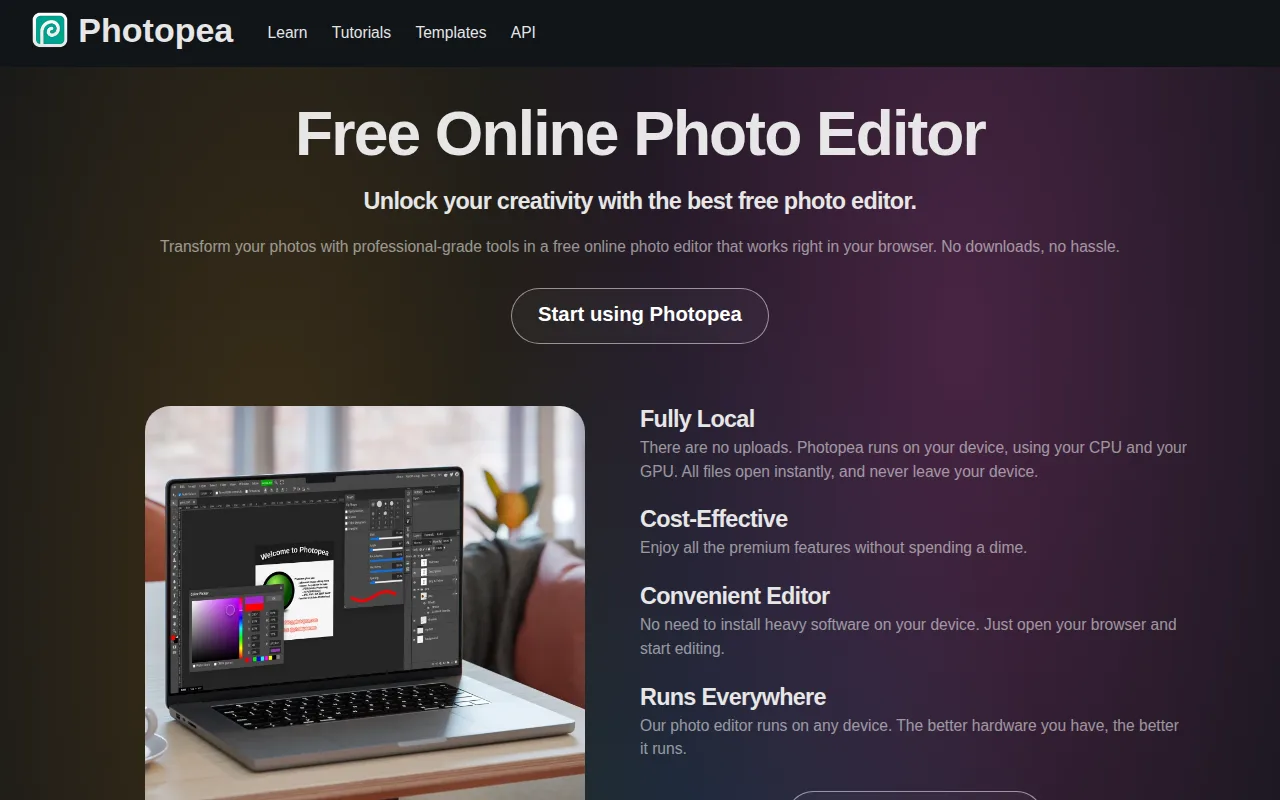
Photopea is the best Adobe Photoshop alternative for students, social media creators, and small business owners who need Photoshop-style layer editing without installing or paying for desktop software. Photopea runs entirely in the browser at photopea.com with no download, account, or cost required, and it opens and saves native PSD files alongside AI, XD, Sketch, and 40+ other formats, against Photoshop's $22.99/month subscription. Its toolset mirrors Photoshop's layer-based workflow — masking, blend modes, liquify, puppet warp, and adjustment layers — plus RAW photo support for CR2, CR3, NEF, ARW, and DNG files. Photopea holds a 4.5/5 rating from 113 Capterra reviews, a smaller sample than Photoshop's 2,466 Capterra reviews. Photoshop is still the better choice for professionals who need cloud sync, version history, and dedicated support: Photopea has no built-in cloud storage or version history across sessions, its editing performance on large, layer-heavy files depends entirely on the user's browser and device rather than optimized native code, and it's built and maintained largely by a single developer, so support channels are far more limited than a commercial vendor's.
Compared to Adobe Photoshop: free, browser-based editor vs a $22.99/month subscription, opens and saves native PSD files with no conversion, no cloud sync or version history
Wins:Runs entirely in the browser at no cost, with no download, account, or subscription, vs Photoshop's $22.99/month plan · Opens and saves native PSD, AI, and XD files with no conversion step · RAW photo format support (CR2, CR3, NEF, ARW, DNG) built in, at no cost
Loses:No built-in cloud storage or version history across sessions, unlike Photoshop's Creative Cloud integration · Editing performance on large, layer-heavy files depends on the user's browser and device rather than optimized native code · Built and maintained largely by a single developer, so support channels are far more limited than Photoshop's
Pros
- Opens and saves native PSD, AI, and XD files with no conversion step.
- Runs in any modern browser with no installation, account, or upload of files to a server required.
- Full layer-based editing toolset: masking, liquify, puppet warp, and adjustment layers.
- RAW photo format support (CR2, CR3, NEF, ARW, DNG) built in.
Cons
- No built-in cloud storage or version history across sessions.
- Editing performance on large, layer-heavy files depends on the browser and device, unlike a native desktop app.
- Built and maintained largely by a single developer, so support channels are more limited than a commercial vendor's.
- Interface closely mirrors Photoshop's, which can be dense for users who've never used Photoshop before.
Pricing: Free — $0 vs Photoshop's $22.99/month single-app plan (verified )
4Pixelmator Pro — best Adobe Photoshop alternative for mac and iPad users who want professional-grade, layer-based photo editing and AI retouching without a Photoshop subscription

Pixelmator Pro is the best Adobe Photoshop alternative for Mac and iPad users who want professional, layer-based editing and AI retouching without an ongoing subscription. Pixelmator Pro costs $49.99 as a one-time Mac App Store purchase, which pays for itself against Photoshop's $22.99/month subscription in about two months and then never bills again, and its AI-powered Super Resolution, one-click background removal, Auto Enhance, and Intelligent Denoise are built into the core editing workflow rather than sold as add-ons. Pixelmator Pro holds a 4.8/5 rating from 48 Capterra reviews, matching Photoshop's own 4.8/5 rating from 2,466 reviews. Photoshop is still the better choice for anyone outside Apple's ecosystem or on older hardware: Pixelmator Pro is Mac- and iPad-only, with no Windows, Linux, or Android version at all, while Photoshop covers Windows, macOS, web, and iPad, and Pixelmator Pro requires macOS 26 or iPadOS 26 or later, locking out users on older machines that Photoshop's broader OS support still reaches.
Compared to Adobe Photoshop: one-time $49.99 purchase vs a $22.99/month subscription, AI Super Resolution and background removal built in, Mac/iPad only with no Windows support
Wins:One-time $49.99 purchase pays for itself against Photoshop's $22.99/month subscription in about two months, then never bills again · AI-powered Super Resolution, background removal, Auto Enhance, and Intelligent Denoise are built into the core app rather than sold as add-ons · 4.8/5 rating from 48 Capterra reviews, matching Photoshop's own 4.8/5 rating
Loses:Mac- and iPad-only, with no Windows, Linux, or Android version at all, while Photoshop covers Windows, macOS, web, and iPad · Requires macOS 26 or iPadOS 26 or later, locking out users on older hardware · Smaller third-party plugin ecosystem than Photoshop's, limiting advanced workflow customization
Pros
- One-time $49.99 purchase instead of Photoshop's ongoing subscription.
- AI-powered Super Resolution, background removal, and Intelligent Denoise built into the core app.
- Native macOS/iPadOS interface with Apple Pencil and Multi-Touch support on iPad.
- 4.8-star rating from 48 Capterra reviews, with reviewers citing it as a strong Photoshop alternative on value.
Cons
- Mac and iPad only — no Windows, Linux, or Android version since Apple's 2024 acquisition of the Pixelmator Team.
- Requires macOS 26 or iPadOS 26 or later, excluding users on older hardware.
- Smaller third-party plugin ecosystem than Photoshop's, which limits advanced workflow customization.
Pricing: From $12.99/mo — $49.99 one-time vs Photoshop's $22.99/month ongoing subscription (verified )
5Luminar Neo — best Adobe Photoshop alternative for photography hobbyists who want AI-assisted, single-slider editing tools like sky replacement and background removal without paying an ongoing Adobe-style subscription
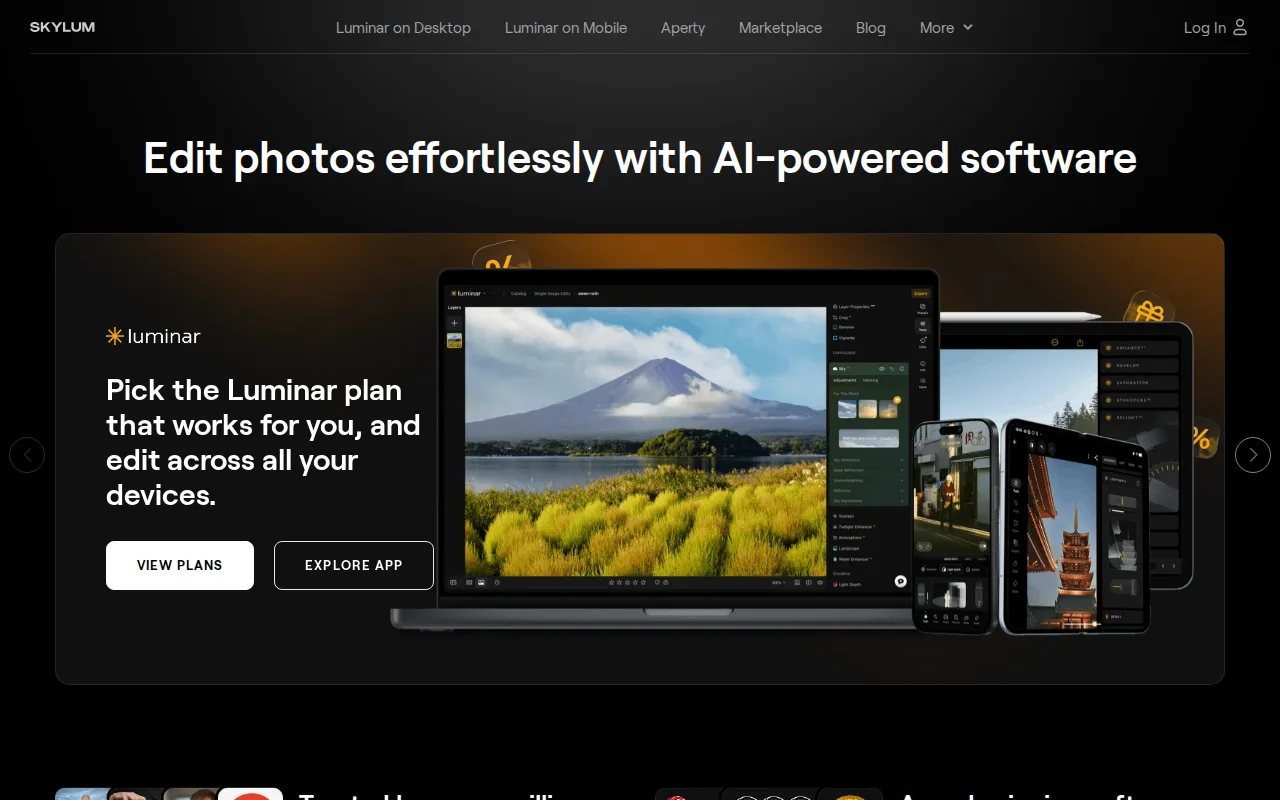
Luminar Neo is the best Adobe Photoshop alternative for photography hobbyists who want AI-assisted, single-slider editing without learning Photoshop's full manual layers-and-masks workflow. Luminar Neo's Desktop Only edition costs $129 as a one-time purchase, which pays for itself against Photoshop's $22.99/month subscription in under six months, and its Sky Replacement, background removal, and AI-driven SupersharpAI and NoiselessAI tools automate edits that take considerably more manual work in Photoshop's layer stack. The Max bundle at $199 adds mobile apps for iOS, Android, and ChromeOS plus Apple Vision Pro support, platforms beyond Photoshop's Windows/macOS/web/iPad coverage. Photoshop is still the better choice for professional compositing and retouching work: Luminar Neo's AI tools run on a 365-day license cycle requiring a separate Luminar Prime renewal of $33 to $59 a year to stay current, it carries no external rating on Capterra or G2 in our listing data versus Photoshop's 4.8/5 from 2,466 Capterra reviews, and Luminar Neo lacks the depth of professional manual retouching and layer-based compositing tools that remain Photoshop's industry-standard strength.
Compared to Adobe Photoshop: one-time $129 purchase vs a $22.99/month subscription, AI single-slider tools automate sky replacement and background removal, lacks Photoshop's professional compositing depth
Wins:Desktop Only edition costs $129 as a one-time purchase, paying for itself against Photoshop's $22.99/month subscription in under six months · Single-slider AI tools (Sky Replacement, background removal, SupersharpAI, NoiselessAI) automate edits that take more manual work in Photoshop · Max bundle adds mobile apps for iOS, Android, and ChromeOS plus Apple Vision Pro support, beyond Photoshop's platform coverage
Loses:AI tools require a separate Luminar Prime renewal of $33 to $59 a year to stay current after the first year · Carries no external rating on Capterra, G2, or Product Hunt in our listing data, versus Photoshop's 4.8/5 from 2,466 Capterra reviews · Lacks the depth of professional manual retouching and layer-based compositing tools that remain Photoshop's industry-standard strength
Pros
- One-time perpetual license option avoids Adobe's mandatory ongoing subscription for the core desktop app.
- Single-slider AI tools (Accent AI, Sky Replacement, background removal) make complex edits accessible without a manual layers-based workflow.
- Cross-platform coverage including iOS, Android, ChromeOS, and Apple Vision Pro on higher-tier bundles.
- Includes a large library of presets, LUTs, overlays, and skies, plus bundled photography courses.
Cons
- AI tools require a 365-day license renewal through Luminar Prime ($33-$59/year) to stay current after the first year, softening the 'pay once' pitch.
- Pricing display leans on frequent 'up to 50% off' discounting from list prices, making it harder to judge the real baseline cost.
- Lacks the depth of professional-grade manual retouching and color-grading tools found in Photoshop or Capture One.
- AI-driven edits can look overprocessed on some images without careful slider tuning, a common complaint among more experienced photo editors.
Pricing: From $129 one-time — $129 one-time Desktop Only vs Photoshop's $22.99/month ongoing subscription (verified )
Which one is right for you?
- You want a completely free, subscription-free image editorAffinity
- You want a fully open-source editor you can script and auditGIMP
- You need to open and edit PSD files without installing anythingPhotopea
- You're on Mac or iPad and want a one-time-purchase editorPixelmator Pro
- You want AI-assisted, single-slider photo editing without a subscriptionLuminar Neo
Frequently asked questions
Is there a free alternative to Adobe Photoshop?
- Yes — Affinity, GIMP, and Photopea are all completely free, unlike Photoshop's $22.99/month single-app subscription.
What is the closest alternative to Adobe Photoshop?
- Affinity is the closest match on rating and feature depth, holding a 4.8/5 Capterra score that ties Photoshop's own, while dropping the subscription requirement for its core app.
Can GIMP replace Adobe Photoshop?
- Yes for most photo editing and compositing tasks, since GIMP offers layer-based editing, masking, and a scripting API at no cost. Users who specifically need Generative Fill or Generative Expand should stay with Photoshop, since GIMP has no AI generative tools.
Is there a browser-based alternative to Photoshop that opens PSD files?
- Yes — Photopea runs entirely in the browser, opens and saves native PSD files with no conversion, and costs nothing, though it lacks Photoshop's cloud sync and version history.
Are there one-time-purchase alternatives to Photoshop's subscription?
- Yes — Pixelmator Pro ($49.99, Mac/iPad only) and Luminar Neo ($129) both sell as one-time purchases instead of Photoshop's recurring $22.99/month subscription.