5 Best Alternatives to Clip Studio Paint in 2026
By Noahlast updated pricing verified

From our data: Combining every rating captured for the five alternatives here that have one — Procreate (142, across two platforms), Adobe Photoshop (2,466), Krita (1), Affinity Designer (455), and Affinity (99) — totals 3,163 reviews, more than 25 times Clip Studio Paint's own combined 123 reviews across Capterra and G2; MediBang Paint carries no rating data at all.
 Procreate
 Adobe Photoshop
 Krita
Krita Affinity
 MediBang Paint
How we picked
- Pricing was independently verified for Procreate, Adobe Photoshop, Krita, Affinity Designer, and Affinity against their own sources; MediBang Paint has no pricing data captured at all.
- Rating evidence varies sharply: Adobe Photoshop's 4.8/5 rests on 2,466 Capterra reviews, the deepest sample here, while Krita's 5/5 comes from just 1 Product Hunt review and MediBang Paint carries no rating data at all; Clip Studio Paint's own listing has no external rating entry captured either.
- Affinity Designer and Affinity reflect two related but separately tracked listings: Affinity Designer describes the historical standalone app now folded into Canva's free unified Affinity suite (with legacy iPad apps still downloadable), while Affinity is the dedicated listing for that same unified app, so their entries below overlap in substance but are compared as the distinct catalog entries our listing data provides.
- MediBang Paint's entry reflects only its inclusion in the alternative list; name, slug, and website URL are the only confirmed facts, so no pricing or feature comparison is made for it.
Paid placement never alters editorial rank — read the full methodology.
Clip Studio Paint alternatives at a glance
| Alternative | Best for | Learning curve | Price |
|---|---|---|---|
| Clip Studio Paintreference | illustrators, manga/comic artists, and 2D animators who need a large customizable brush library, panel/speech-bubble tooling, and either a one-time desktop purchase or cross-platform subscription including iPad and Android | Moderate | From $4.99/mo |
| Procreate | professional and hobbyist digital artists working on iPad who want a one-time-purchase alternative to subscription tools like Photoshop or Fresco | Moderate | From $5.99 one-time |
| Adobe Photoshop | photographers and designers who need pixel-level compositing, retouching, or AI-generated image edits beyond what non-destructive editors offer | Steep | From $19.99/mo |
| Krita | digital painters, comic artists, and concept artists who want a full-featured, no-cost illustration tool with a brush engine built specifically for freehand painting rather than photo editing | Moderate | Free |
| Affinity | designers and photographers who want Photoshop/Illustrator-level editing tools without paying a subscription, and don't need AI generative features | Moderate | Free tier · paid from $18/mo |
| MediBang Paint | manga and comic artists who want free screentones and brushes plus multi-artist Group Project collaboration across Windows, Mac, iPad, iPhone, and Android | Moderate | Pricing not verified |
 Clip Studio Paint
1Procreate — best Clip Studio Paint alternative for professional and hobbyist digital artists working on iPad who want a one-time-purchase alternative to subscription tools like Photoshop or Fresco
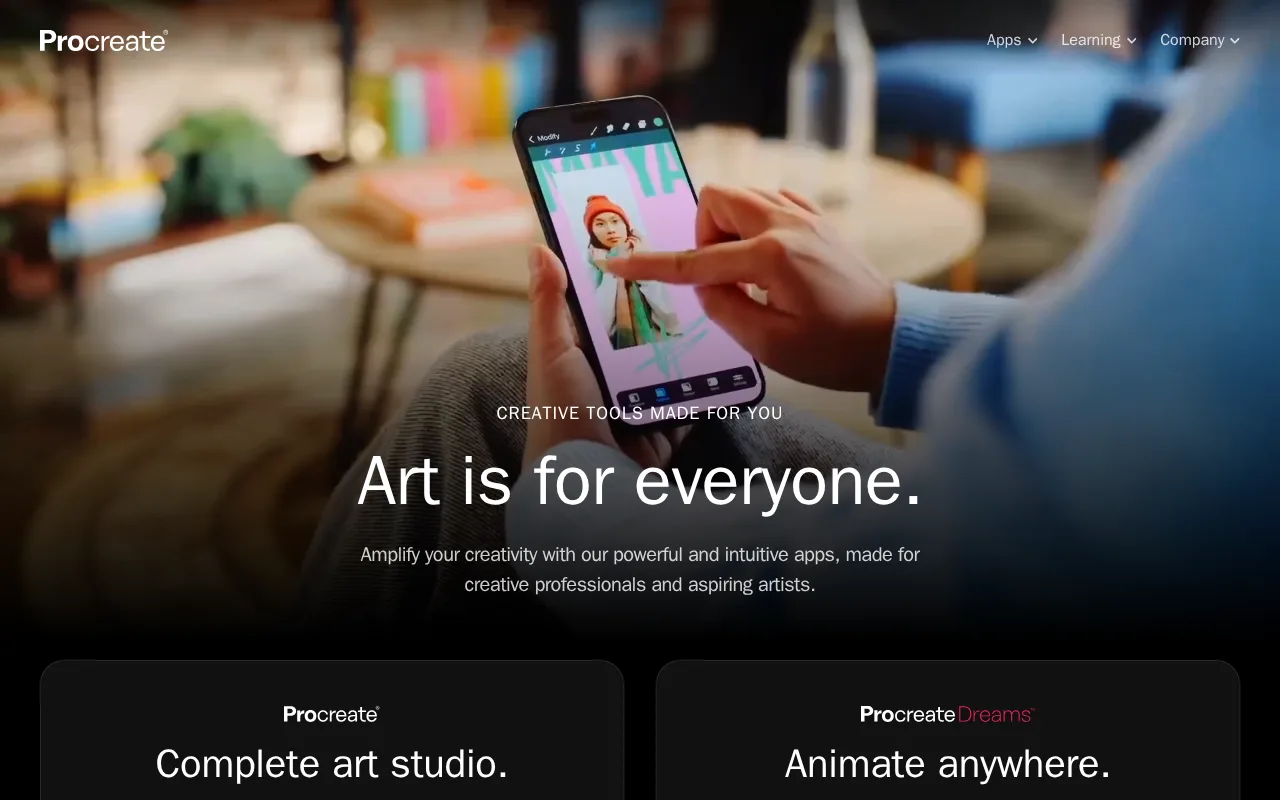
Procreate is the best Clip Studio Paint alternative for iPad artists who want to pay once and never subscribe, unlike Clip Studio Paint's iPad edition, which is subscription-only since there's no perpetual-license option on mobile platforms. Procreate costs a single $12.99 purchase that includes every future update, compared to Clip Studio Paint's PRO subscription at $4.99/month or EX at $8.99/month on iPad. Procreate holds a 4.8/5 rating from 130 Capterra reviews and a 5/5 score from 12 Product Hunt reviews, both strong marks against Clip Studio Paint's own listing, which carries no independently captured rating in our listing data. Procreate has been the top-selling paid iPad app on the App Store for multiple years running, with a physically-simulated brush engine and over 200 customizable brushes. Clip Studio Paint is still the better choice for manga and comic creators, and for anyone who needs more than an iPad: Procreate runs only on iPad and iPhone, with no Windows, macOS, Android, or web version at all, unlike Clip Studio Paint's four-platform reach, and Procreate has no built-in cloud sync or real-time collaboration, nor Clip Studio Paint's dedicated panel layout, speech-bubble, and screentone tools built specifically for sequential art.
Compared to Clip Studio Paint: one-time $12.99 purchase vs subscription-only iPad pricing, 4.8/5 rating from 130 Capterra reviews, but iPad/iPhone only with no cloud sync
Wins:One-time $12.99 purchase includes every future update, vs Clip Studio Paint's subscription-only iPad edition ($4.99-$8.99/month) · 4.8/5 rating from 130 Capterra reviews and 5/5 from 12 Product Hunt reviews, evidence Clip Studio Paint's own listing doesn't have captured in our listing data · Top-selling paid iPad app on the App Store for multiple years running
Loses:Runs only on iPad and iPhone; no Windows, macOS, Android, or web version at all, unlike Clip Studio Paint's four-platform reach · No built-in cloud sync or real-time collaboration; sharing relies on manual export · No dedicated panel layout, speech-bubble, or screentone tools for sequential art, which Clip Studio Paint builds in specifically
Pros
- One-time $12.99 purchase with no subscription and free lifetime updates.
- Deep, physically-simulated brush engine with over 200 customizable brushes.
- Consistently rated the top-selling paid iPad app on the App Store for multiple years running.
- 4.8/5 rating from 130 Capterra reviews and roughly 4.4/5 across 50,000 App Store ratings.
Cons
- iPad and iPhone only — no Windows, macOS, Android, or web version.
- No built-in cloud sync or real-time collaboration; sharing files relies on manual export.
- Procreate Pocket (iPhone) and Procreate Dreams (animation) are separate paid apps, not included with the main purchase.
- No desktop tablet support, so artists without an iPad cannot use the software at all.
Pricing: From $5.99 one-time — $12.99 one-time (iPad) vs Clip Studio Paint's $4.99/month PRO or $8.99/month EX subscription on iPad (no perpetual option on mobile) (verified )
2Adobe Photoshop — best Clip Studio Paint alternative for photographers and designers who need pixel-level compositing, retouching, or AI-generated image edits beyond what non-destructive editors offer
Adobe Photoshop is the best Clip Studio Paint alternative for artists who want AI-generative editing tools layered onto pixel-level compositing, capabilities beyond Clip Studio Paint's brush-and-panel-focused toolset. The Photography plan bundling Photoshop with Lightroom starts at $19.99/month billed annually, while Photoshop alone runs $22.99/month, both subscription-only against Clip Studio Paint's option to buy PRO for a one-time $49.99 or EX for $219.99. Photoshop holds a 4.8/5 rating from 2,466 Capterra reviews, by far the deepest review sample among Clip Studio Paint's listed alternatives. Generative Fill and Generative Expand use Adobe Firefly and partner models to add, remove, or extend image content from a text prompt, and a free web-based Firefly editor lets anyone try generative editing without a subscription at all. Clip Studio Paint is still the better choice for manga and comic artists who want a one-time purchase: Photoshop has no perpetual license option, access ends when the subscription lapses, unlike Clip Studio Paint's PRO and EX one-time licenses on Windows/Mac, and Photoshop's listing doesn't describe the panel layout, speech-bubble, or screentone tools Clip Studio Paint builds specifically for sequential art, nor Clip Studio Paint's 4,000+ brush presets and 100,000+ free community assets.
Compared to Clip Studio Paint: AI-generative Fill and Expand tools, 4.8/5 rating from 2,466 Capterra reviews, but subscription-only with no perpetual license or manga-specific tools
Wins:Generative Fill and Generative Expand add, remove, or extend image content from a text prompt, a capability Clip Studio Paint's listing doesn't describe · 4.8/5 rating from 2,466 Capterra reviews, by far the deepest sample among Clip Studio Paint's listed alternatives · Free web-based Firefly editor lets anyone try generative editing without any subscription at all
Loses:No perpetual license option; access ends when the subscription lapses, unlike Clip Studio Paint's one-time PRO ($49.99) or EX ($219.99) licenses on Windows/Mac · No dedicated panel layout, speech-bubble, or screentone tools for sequential art, which Clip Studio Paint builds in specifically · Steep learning curve and heavy hardware demands for large multi-layer files
Pros
- Layer-based, pixel-level editing that remains the industry benchmark for compositing and retouching.
- Generative Fill and Remove tool cut hours off object removal and background work.
- Deep Creative Cloud integration shares fonts, assets, and files with Illustrator and Lightroom.
- Free web-based Firefly editor lets anyone try generative editing without a subscription.
Cons
- No perpetual license; access ends when the subscription lapses.
- Steep learning curve for users unfamiliar with layers, masks, and blend modes.
- Demanding on hardware; large multi-layer files can slow even high-end machines.
- Cancelling an annual-billed-monthly plan within the first year can trigger an early termination fee.
Pricing: From $19.99/mo — $19.99/month Photography (+ Lightroom) or $22.99/month Photoshop alone vs Clip Studio Paint's one-time $49.99 PRO or $219.99 EX (verified )
3Krita — best Clip Studio Paint alternative for digital painters, comic artists, and concept artists who want a full-featured, no-cost illustration tool with a brush engine built specifically for freehand painting rather than photo editing
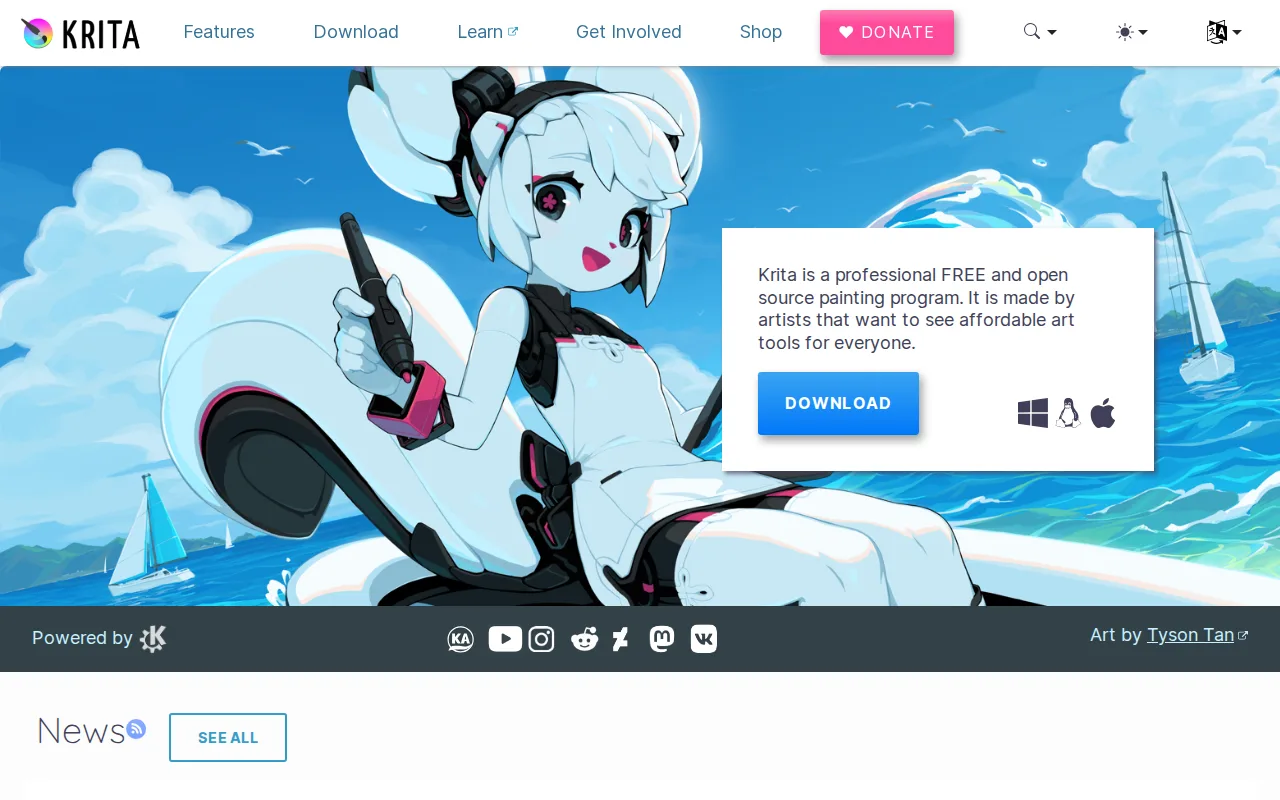
Krita is the best Clip Studio Paint alternative for illustrators who want a full-featured painting tool with no cost at all, unlike Clip Studio Paint's PRO ($49.99 one-time or $4.99/month) and EX ($219.99 one-time or $8.99/month) tiers. Krita is fully free and open source under the GPL-3.0 license, maintained by the KDE community with funding from the nonprofit Krita Foundation, and the direct download from krita.org carries no feature restrictions of any kind. Krita holds a 5/5 rating, though from just 1 Product Hunt review, a far thinner sample than Clip Studio Paint's own 4.7/5 from 68 Capterra reviews and 4.4/5 from 55 G2 reviews. Krita runs natively on Linux in addition to Windows and macOS, a platform Clip Studio Paint's Windows/Mac/iOS/Android reach doesn't include. Clip Studio Paint is still the better choice for manga and comic artists who need mobile editing and sequential-art tools: Krita has no official mobile app for iOS or Android at all, unlike Clip Studio Paint's iPad, iPhone, and Android editions, and Krita is focused on painting rather than manga production, lacking Clip Studio Paint's automatic panel layout, speech bubble templates, and screentones.
Compared to Clip Studio Paint: completely free and open source (GPL-3.0), native Linux support, but a 5/5 rating from just 1 review and no manga-specific tools or mobile app
Wins:Completely free and open source under GPL-3.0, with no feature restrictions of any kind, vs Clip Studio Paint's paid PRO/EX tiers · Native Linux support, a platform Clip Studio Paint's Windows/Mac/iOS/Android reach doesn't include · Maintained by the KDE community with nonprofit Krita Foundation funding, an independent development model
Loses:5/5 rating rests on just 1 Product Hunt review, a far thinner sample than Clip Studio Paint's 4.7/5 from 68 Capterra and 4.4/5 from 55 G2 reviews · No official mobile app for iOS or Android at all, unlike Clip Studio Paint's iPad, iPhone, and Android editions · Focused on painting rather than manga production, lacking Clip Studio Paint's automatic panel layout, speech bubble templates, and screentones
Pros
- Completely free with no feature paywall, unlike most professional-grade painting software.
- Brush engine and stabilizers are purpose-built for freehand illustration and comic work.
- Open-source (GPL-3.0) with an active community and regular release cadence.
- Built-in animation timeline supports basic frame-by-frame animation without a separate tool.
Cons
- Not designed for photo editing or retouching; lacks RAW support and CMYK color management for print work.
- Smaller plugin and brush-marketplace ecosystem than Photoshop or Clip Studio Paint.
- No official mobile app for iOS/Android, unlike Procreate or Clip Studio Paint.
- Some advanced features (vector tools, text handling) are less polished than in dedicated design software.
Pricing: Free — Free, with no paid tier of any kind, vs Clip Studio Paint's $49.99-$219.99 one-time or $4.99-$8.99/month subscription tiers (verified )
4Affinity — best Clip Studio Paint alternative for designers and photographers who want Photoshop/Illustrator-level editing tools without paying a subscription, and don't need AI generative features
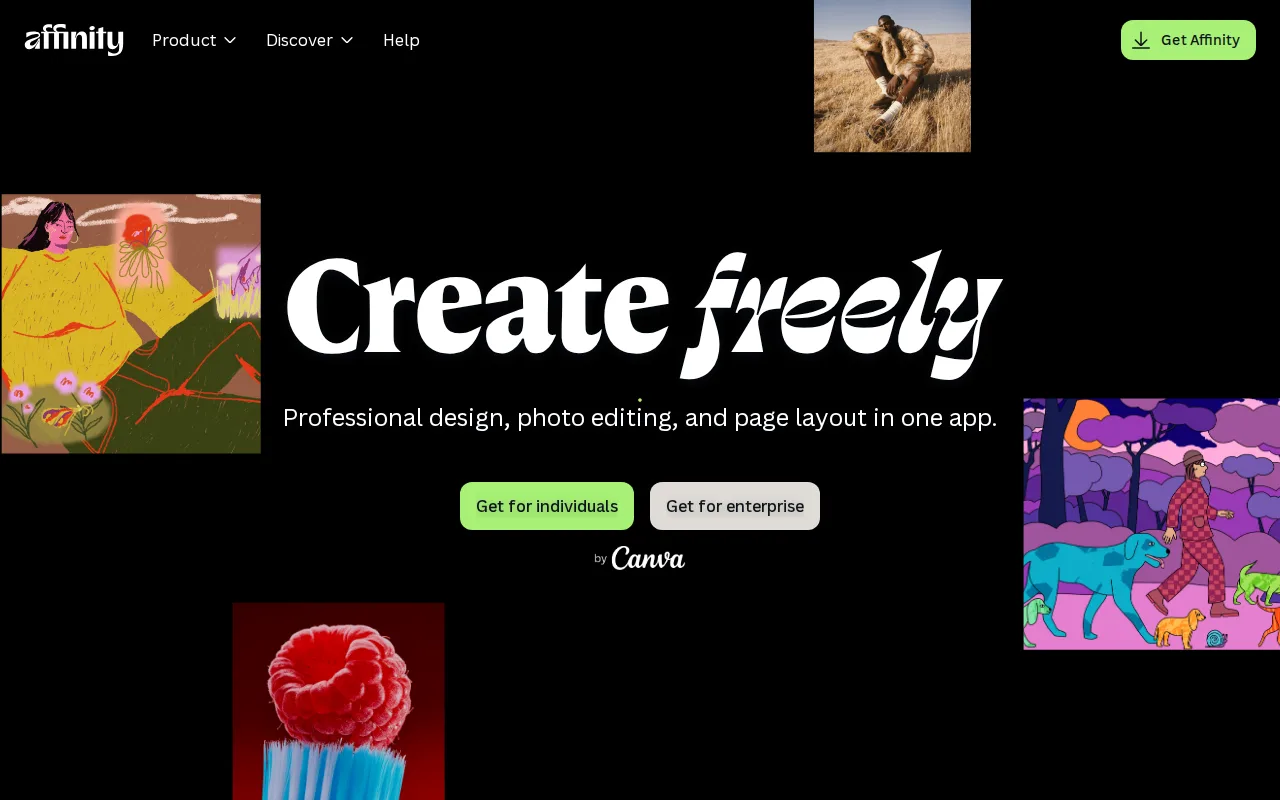
Affinity is the best Clip Studio Paint alternative for artists who want a free, professional-grade vector, pixel, and page-layout suite backed by Canva's infrastructure rather than a small independent studio. The core Affinity app is free forever with a free Canva account, with full access to the Vector, Pixel, and Layout studios and no restrictions on customization or export, against Clip Studio Paint's one-time $49.99 PRO or $219.99 EX pricing (or $4.99-$8.99/month subscription). Affinity holds a 4.8/5 rating from 99 Capterra reviews, ahead of Clip Studio Paint's own 4.7/5 from 68 Capterra reviews. Optional Canva Pro AI features (Generative Fill, Generative Expand, AI image/vector generation) integrate directly inside the same app for $14.99/month or $119.99/year, rather than requiring a separate tool. Clip Studio Paint is still the better choice for manga and comic artists working on tablets: Affinity currently runs only on Windows and macOS, with iPad support still listed as coming soon rather than shipped, unlike Clip Studio Paint's current iPad, iPhone, and Android editions, and Affinity's listing doesn't describe the panel layout, speech-bubble, or screentone tools Clip Studio Paint builds specifically for sequential art.
Compared to Clip Studio Paint: free vector/pixel/layout suite backed by Canva, 4.8/5 rating from 99 Capterra reviews, but Windows/macOS only with no iPad app shipped yet
Wins:Free forever with a free Canva account, full access to Vector, Pixel, and Layout studios with no restrictions on core tools · 4.8/5 rating from 99 Capterra reviews, ahead of Clip Studio Paint's own 4.7/5 from 68 Capterra reviews · Optional Canva Pro AI features integrate directly inside the same app rather than requiring a separate tool
Loses:Runs only on Windows and macOS; iPad support is still listed as coming soon rather than shipped, unlike Clip Studio Paint's current iPad, iPhone, and Android editions · Generative AI features require a separate Canva Pro subscription ($14.99/month or $119.99/year) · No panel layout, speech-bubble, or screentone tools for sequential art the way Clip Studio Paint has
Pros
- Full professional design suite (vector, raster, layout) free with no time limit or feature gate on the core tools.
- Requires only a free Canva account, no credit card, to unlock everything in the base app.
- Backed by Canva's infrastructure and update cadence rather than a small independent studio.
- Optional Canva Pro AI features integrate directly inside the same app rather than requiring a separate tool.
Cons
- Generative AI features are gated behind a paid Canva plan (Canva Pro costs $18/month or $144/year).
- No iPad app yet; it is listed as coming soon rather than available.
- No Linux support.
- The October 2025 relaunch merged three apps into one and moved sign-in to Canva accounts, while the older Affinity V2 apps remain a separate product with separate Serif accounts.
Pricing: Free tier · paid from $18/mo — Free (core app) or $14.99/month Canva Pro add-on for AI vs Clip Studio Paint's one-time $49.99 PRO/$219.99 EX or $4.99-$8.99/month subscription (verified )
5MediBang Paint — best Clip Studio Paint alternative for manga and comic artists who want free screentones and brushes plus multi-artist Group Project collaboration across Windows, Mac, iPad, iPhone, and Android
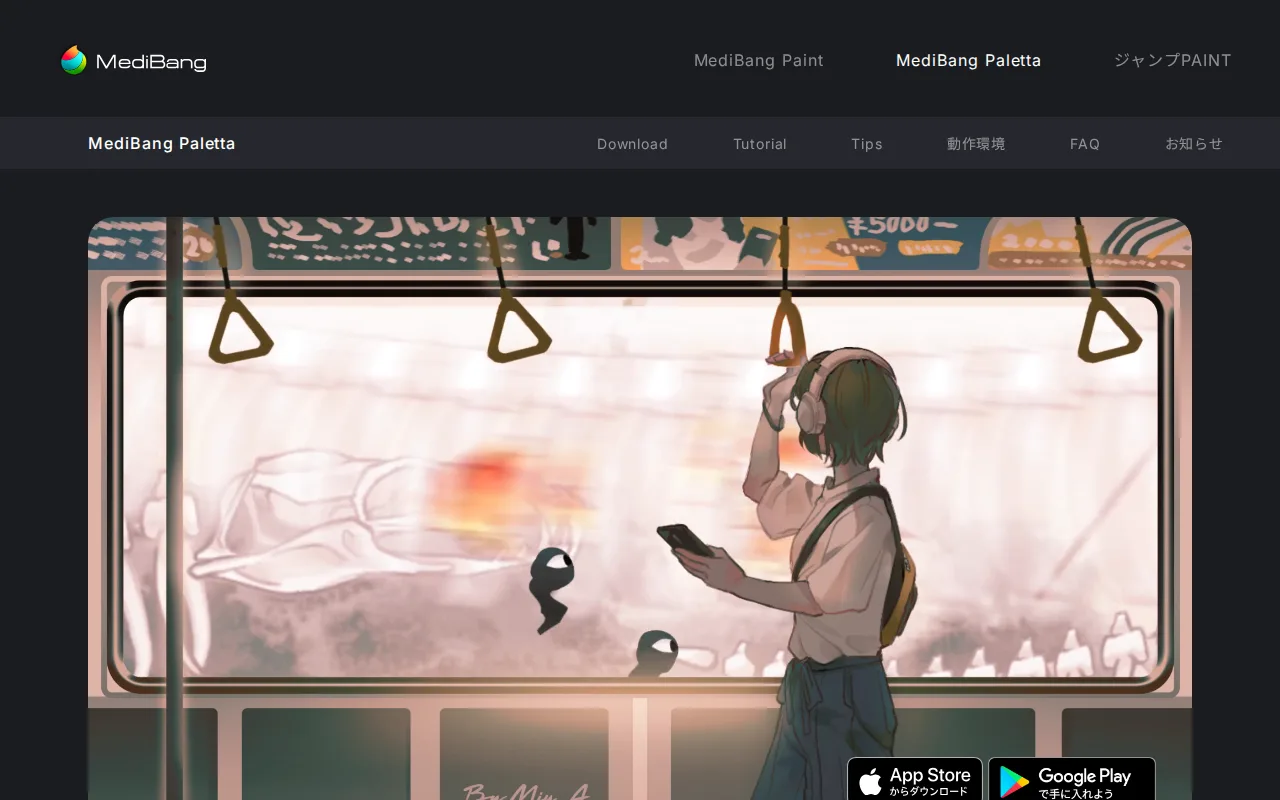
MediBang Paint is included here as a Clip Studio Paint alternative, but no pricing, feature list, platform support, or rating data for it was captured in our listing data beyond its name and website (medibangpaint.com). That leaves no independent basis for direct comparative claims about cost, brush library size, manga-specific tooling, or user satisfaction, so none are made here. What can be said is that it's grouped alongside Clip Studio Paint in the same illustration-and-comic-production category, since it's part of the same competitor set surfaced for this page. Clip Studio Paint is the far better-documented choice on every axis our listing data actually covers: a published $49.99 PRO or $219.99 EX one-time price (or $4.99-$8.99/month subscription), a 4.7/5 rating from 68 Capterra reviews and 4.4/5 from 55 G2 reviews, and 4,000+ brush presets plus 100,000+ free community assets through CLIP STUDIO ASSETS, none of which our listing data can confirm or deny for MediBang Paint.
Compared to Clip Studio Paint: grouped in the same illustration-and-comic category, but no independent pricing, feature, or rating data available for MediBang Paint in our listing data
Loses:No independent pricing, feature list, or rating data for MediBang Paint was captured in our listing data, unlike Clip Studio Paint's published pricing and 4.7/5 Capterra rating · No documented brush library, manga-specific tooling, or platform support to compare against Clip Studio Paint's 4,000+ brush presets and 100,000+ community assets
Pros
- Free on every supported platform with no basic brushes locked behind a paywall.
- Comes preloaded with 180+ brushes and 1,000+ screentones, so manga artists don't need separate screentone packs.
- One MediBang account syncs files across an unlimited number of devices spanning Windows, macOS, iPad, iPhone, and Android.
- Group Project lets multiple artists split story, draft, inking, and screentone work on a single shared file.
Cons
- Brush engine and layer/effects toolkit are less advanced than Clip Studio Paint, the tool most professional manga studios use.
- Free-tier cloud storage for multi-device sync and Group Project is limited, and heavier use requires a paid MediBang Premium subscription.
- No browser-based editor: the desktop app requires Windows 10+ or macOS 11 (Big Sur)+, and mobile use needs a separate iPad, iPhone, or Android install.
- Built-in screentone and material store skews toward a Japanese manga aesthetic, which can feel narrow for other illustration styles.
Pricing: Pricing not verified
Which one is right for you?
- You're on iPad and want a one-time purchase with no subscriptionProcreate
- You want AI-generative image editing (Fill, Expand, Remove)Adobe Photoshop
- You want a completely free, open-source painting tool on LinuxKrita
- You want the same free suite backed by Canva's infrastructure and update cadenceAffinity
- You're comparing MediBang Paint against Clip Studio Paint's other named competitorsMediBang Paint
- You want AI tools bundled directly inside a free design suiteAffinity
Frequently asked questions
Is there a free alternative to Clip Studio Paint?
- Yes — Krita is completely free and open source with no paid tier at all, and Affinity (and Affinity Designer, the same unified app) is free for Windows and macOS with a free Canva account; Clip Studio Paint's own PRO tier starts at $49.99 one-time or $4.99/month.
What is the closest alternative to Clip Studio Paint?
- Procreate is the closest match for iPad artists specifically, with a 4.8/5 rating from 130 Capterra reviews and a one-time $12.99 purchase, versus Clip Studio Paint's subscription-only iPad edition.
Can Krita replace Clip Studio Paint?
- For illustration and painting work, largely yes, at zero cost. Manga and comic artists who need dedicated panel layout, speech-bubble, and screentone tools, or a mobile app, should stay with Clip Studio Paint, since Krita has neither.
Is Affinity really free now?
- Yes — following Canva's acquisition of Serif, the unified Affinity app (which folds in what was Affinity Designer, Photo, and Publisher) became free for Windows and macOS in October 2025, with only optional AI features gated behind a Canva Pro subscription.
Which Clip Studio Paint alternative has the best reviews?
- Affinity, at 4.8/5 from 99 Capterra reviews, edges out Clip Studio Paint's own 4.7/5 from 68 Capterra reviews and Adobe Photoshop's 4.8/5 from a much larger sample of 2,466 reviews.
Does MediBang Paint compete with Clip Studio Paint?
- It's listed as a competitor, but no independent pricing, feature, or rating data for MediBang Paint was available in our listing data, so no direct comparison can be made.