5 Best Alternatives to OnlyOffice for Windows in 2026
By Noahlast updated pricing verified
Compared: OnlyOffice alternatives that run on Windows
| Alternative | Best for | Learning curve | Price |
|---|---|---|---|
| OnlyOfficereference | organizations that need Microsoft Office-compatible editing but want the option to self-host on their own servers under an open-source license | Moderate | Free tier · paid from $20/mo |
| Microsoft 365 | individuals and families who want the full desktop-grade Office apps plus generous cloud storage and Copilot AI synced across multiple devices, rather than free browser-only Office | Low | From $9.99/mo |
| Google Workspace | businesses, schools, and startups standardizing on browser-based email and real-time collaborative documents instead of desktop Office software | Low | From $7/mo |
| LibreOffice | individuals, schools, and organizations that want a full office suite without a subscription and can work without native real-time cloud co-authoring | Low | Free |
| Nextcloud | organizations that want a self-hosted, data-sovereign alternative to Google Workspace or Microsoft 365 for file sync, groupware, and video conferencing | Moderate | Free |
| Collabora Online | organizations that need on-premise, self-hosted document collaboration (data residency, compliance, or Nextcloud/ownCloud integration) instead of Google Workspace or Microsoft 365 SaaS | Moderate | Free tier · paid from $3.40/mo |
 OnlyOffice
 Microsoft 365
 Google Workspace
 LibreOffice
 Nextcloud
 Collabora Online
1Microsoft 365 — best OnlyOffice alternative for individuals and families who want the full desktop-grade Office apps plus generous cloud storage and Copilot AI synced across multiple devices, rather than free browser-only Office
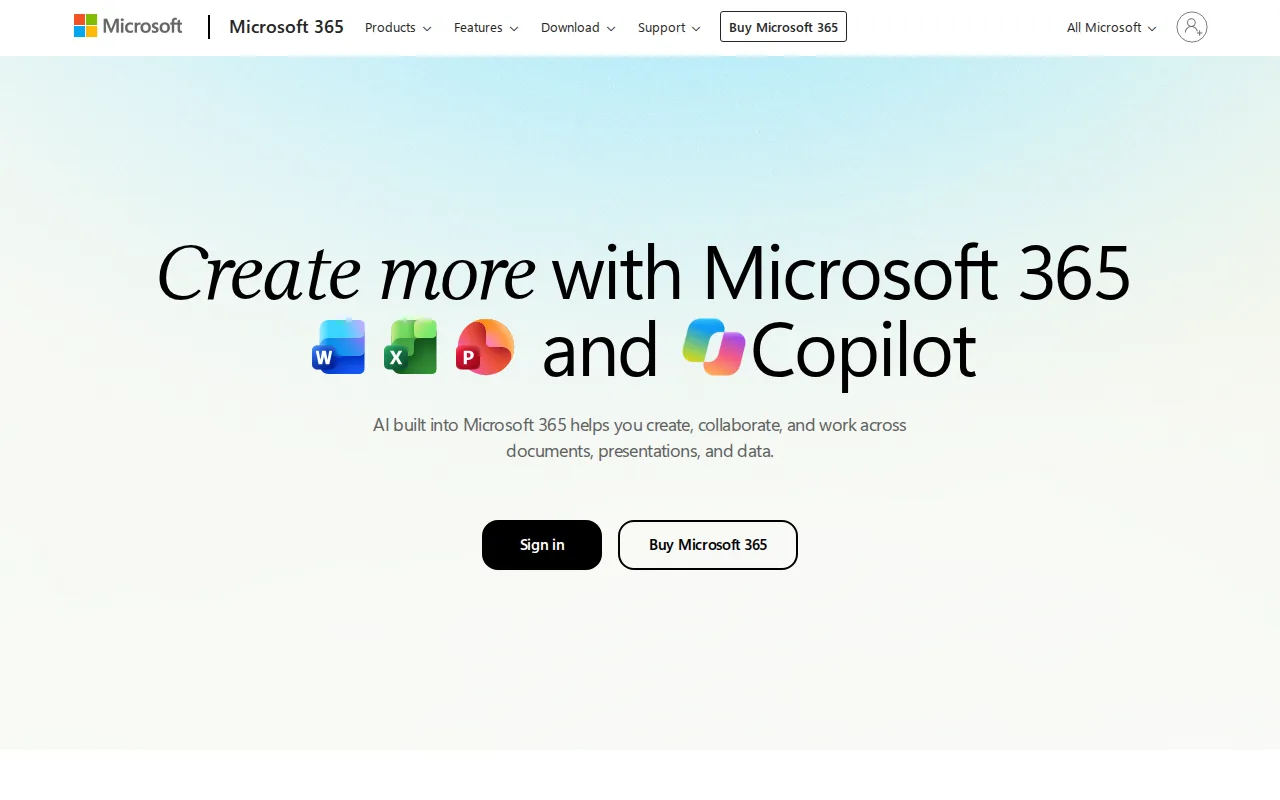
Microsoft 365 is the best OnlyOffice alternative for individuals and families who want the full desktop-grade Word, Excel, and PowerPoint apps plus Copilot AI assistance, features OnlyOffice's self-hosted model doesn't bundle. Microsoft 365 Personal costs $9.99/month for 1TB of cloud storage alongside the desktop apps, a different pricing model than OnlyOffice's per-admin DocSpace subscription at $20/admin/month with unlimited free users. Microsoft 365 holds a 4.6/5 rating from 14,143 Capterra reviews, far more review volume than OnlyOffice's 4.5/5 from 324. Copilot AI drafts and rewrites text in Word, builds formulas in Excel, and generates presentations in PowerPoint, capabilities OnlyOffice's own AI assistants cover more narrowly. OnlyOffice is still the better choice for organizations that need to keep data entirely on their own servers: OnlyOffice's AGPL 3.0 source code is fully self-hostable at no license cost, while Microsoft 365 has no ongoing free tier and no self-hosting option at all, and canceling the subscription removes access to the desktop apps entirely.
Compared to OnlyOffice: full desktop-grade Office apps with Copilot AI built in, $9.99/month per person for 1TB vs OnlyOffice's $20/admin/month DocSpace, a 4.6/5 rating from 14,143 Capterra reviews vs OnlyOffice's 4.5/5 from 324
Wins:Copilot AI is built into every core app (Word, Excel, PowerPoint, Outlook) rather than a narrower add-on · Full desktop-grade apps with continuous updates and 1TB of storage bundled at $9.99/month per person · 4.6/5 rating from 14,143 Capterra reviews, far more review volume than OnlyOffice's 4.5/5 from 324
Loses:No ongoing free tier at all; canceling the subscription removes desktop app access entirely, unlike OnlyOffice's free self-hosted Community Server · No self-hosting option, unlike OnlyOffice's AGPL 3.0 source code that organizations can audit and run on their own servers · Advanced Copilot AI agents require the $19.99/month Premium tier, a step above the base Personal plan
Pros
- Bundles full-featured desktop and web apps (Word, Excel, PowerPoint, Outlook, OneNote) in one subscription.
- Generous cloud storage — 1TB per person, up to 6TB pooled on Family and Premium.
- Copilot AI assistance is built into Word, Excel, PowerPoint, and Outlook rather than sold separately.
- Family and Premium plans cover up to 6 people under a single subscription.
Cons
- No ongoing free tier; canceling the subscription removes access to the desktop apps entirely.
- The only one-time-purchase option (Office Home 2024, $179.99) lacks Copilot and never gets feature upgrades.
- Advanced Copilot AI agents require the $19.99/month Premium tier, a $10-20/month jump over Personal.
- Reviewers cite setup and admin complexity, especially for business deployments.
Pricing: From $9.99/mo — $9.99/month (Personal, 1TB) vs OnlyOffice's $20/admin/month DocSpace Business Cloud with unlimited free users (verified )
2Google Workspace — best OnlyOffice alternative for businesses, schools, and startups standardizing on browser-based email and real-time collaborative documents instead of desktop Office software
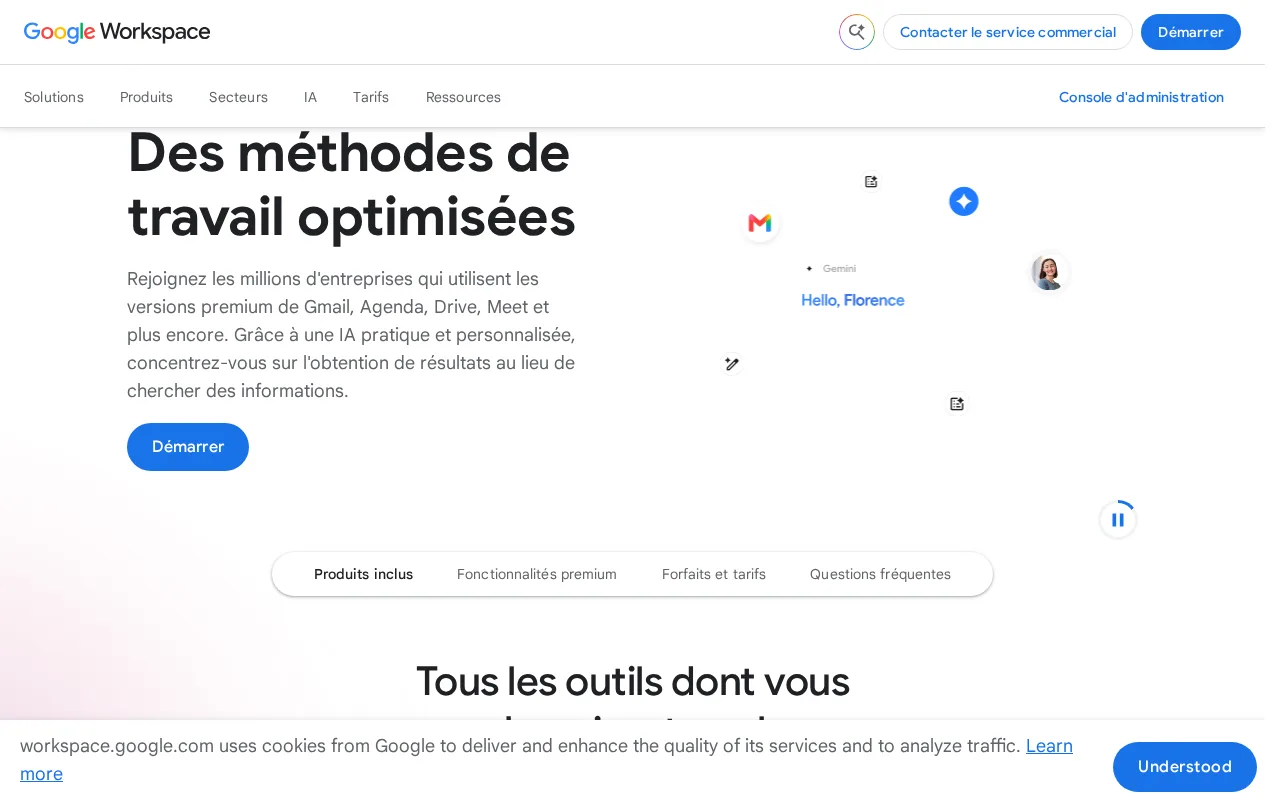
Google Workspace is the best OnlyOffice alternative for businesses and schools that want browser-first, real-time collaborative editing across Docs, Sheets, and Slides, an editing model OnlyOffice's character-level co-editing also supports but without Google's Gemini AI layered across every paid tier. Google Workspace Business Starter costs $7/user/month billed annually, a straightforward per-user price versus OnlyOffice's per-admin DocSpace pricing at $20/admin/month with unlimited free regular users. Google Workspace holds a 4.7/5 rating from 17,667 Capterra reviews, far more review volume than OnlyOffice's 4.5/5 from 324. Gemini AI features are bundled into every paid tier at increasing depth, rather than sold as a separate add-on. OnlyOffice is still the better choice for organizations that need to self-host on their own infrastructure: OnlyOffice's AGPL 3.0 source code is fully auditable and self-hostable at no license cost, while Google Workspace has no official native Linux desktop client and no self-hosting option, and its offline-editing depth lags behind OnlyOffice's native desktop apps.
Compared to OnlyOffice: Gemini AI bundled into every paid tier, Business Starter at $7/user/month vs OnlyOffice's $20/admin/month DocSpace, a 4.7/5 rating from 17,667 Capterra reviews vs OnlyOffice's 4.5/5 from 324
Wins:Gemini AI writing, summarization, and note-taking bundled into every paid tier rather than a separate add-on · Real-time multi-user editing with live cursors and automatic saving across Docs, Sheets, and Slides · 4.7/5 rating from 17,667 Capterra reviews, far more review volume than OnlyOffice's 4.5/5 from 324
Loses:No self-hosting option at all, unlike OnlyOffice's AGPL 3.0 source code that organizations can run on their own servers · No official native Linux desktop client, unlike OnlyOffice's native Linux app · Offline-editing depth lags behind OnlyOffice's native desktop editors
Pros
- Real-time collaborative editing across Docs, Sheets, and Slides with automatic saving.
- Gemini AI features are bundled into every paid tier rather than sold as a separate add-on.
- Tight integration across Gmail, Drive, Calendar, and Meet under one admin console.
- Transparent, published per-user pricing with no mandatory onboarding fee.
Cons
- Offline and power-user editing features lag behind Microsoft 365's desktop Excel and Word.
- No official native Linux desktop client for Drive sync.
- Google Meet participant caps and storage limits are hard-capped per tier, forcing plan upgrades.
- Lowest advertised per-user price requires annual billing; flexible monthly billing costs about 20% more.
Pricing: From $7/mo — $7/user/month (Business Starter) vs OnlyOffice's $20/admin/month DocSpace Business Cloud with unlimited free users
3LibreOffice — best OnlyOffice alternative for individuals, schools, and organizations that want a full office suite without a subscription and can work without native real-time cloud co-authoring
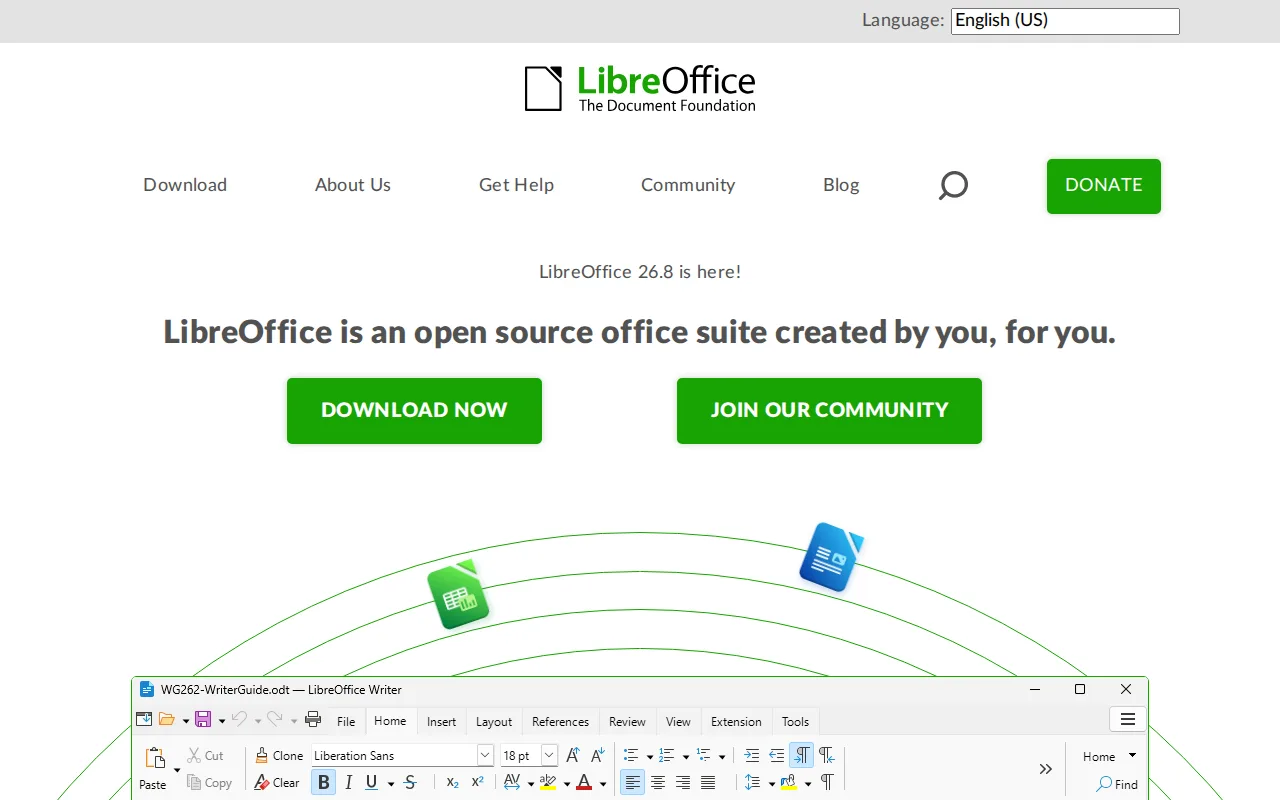
LibreOffice is the best OnlyOffice alternative for individuals and organizations that want a full office suite with absolutely no subscription, account, or license fee at any tier, going further than OnlyOffice's own free self-hosted Community Server, which still requires running and maintaining a server. LibreOffice includes six applications, Writer, Calc, Impress, Draw, Base, and Math, with Base a desktop database tool neither OnlyOffice nor most competitors offer at the consumer level. LibreOffice has no external rating on record, unlike OnlyOffice's 4.5/5 from 324 Capterra reviews. Both are open source, but LibreOffice's MPL-2.0/GPL/LGPL licensing needs no server deployment at all, just a local install on Windows, macOS, or Linux. OnlyOffice is still the better choice for teams that need real-time cloud co-editing and character-level change tracking: LibreOffice has no native real-time multi-user co-authoring the way OnlyOffice's DocSpace or Microsoft 365 and Google Workspace offer it, and complex Microsoft-format documents can lose fidelity when converted, a formatting risk OnlyOffice shares but positions closer to true Office compatibility.
Compared to OnlyOffice: zero cost at any tier with no server to run, a desktop database app (Base) neither product's core suite otherwise includes, no external rating on record vs OnlyOffice's 4.5/5 from 324 Capterra reviews
Wins:Completely free with no subscription, account, or feature paywall at any tier, and no server to deploy · Six-application suite includes Base, a desktop database tool most competitors omit · Runs fully offline as a local install with no internet dependency
Loses:No native real-time multi-user co-authoring, unlike OnlyOffice's character-level change tracking and DocSpace collaboration · No external rating on record, unlike OnlyOffice's 4.5/5 from 324 Capterra reviews · No official mobile apps for iOS/Android, unlike OnlyOffice's native mobile apps
Pros
- Completely free with no subscription, account, or feature paywall, including a desktop database app (Base) most competitors omit.
- Open source (MPL-2.0/GPL/LGPL) with an active community and frequent releases.
- Broad Microsoft Office format compatibility (.docx, .xlsx, .pptx) for opening and editing existing Office files.
- Runs on Windows, macOS, and Linux, and is the default suite on many Linux distributions.
Cons
- No native real-time cloud co-authoring like Microsoft 365 or Google Workspace, so simultaneous multi-user editing isn't built in.
- Complex Microsoft-format documents (advanced macros, some chart and font rendering) can lose fidelity when converted.
- No official mobile apps for iOS/Android under the LibreOffice brand.
- Interface and default styling feel dated compared to Microsoft Office or Google Workspace.
Pricing: Free — Free at every tier, no account or server required, vs OnlyOffice's free self-hosted Community Server or $20/admin/month DocSpace (verified )
4Nextcloud — best OnlyOffice alternative for organizations that want a self-hosted, data-sovereign alternative to Google Workspace or Microsoft 365 for file sync, groupware, and video conferencing
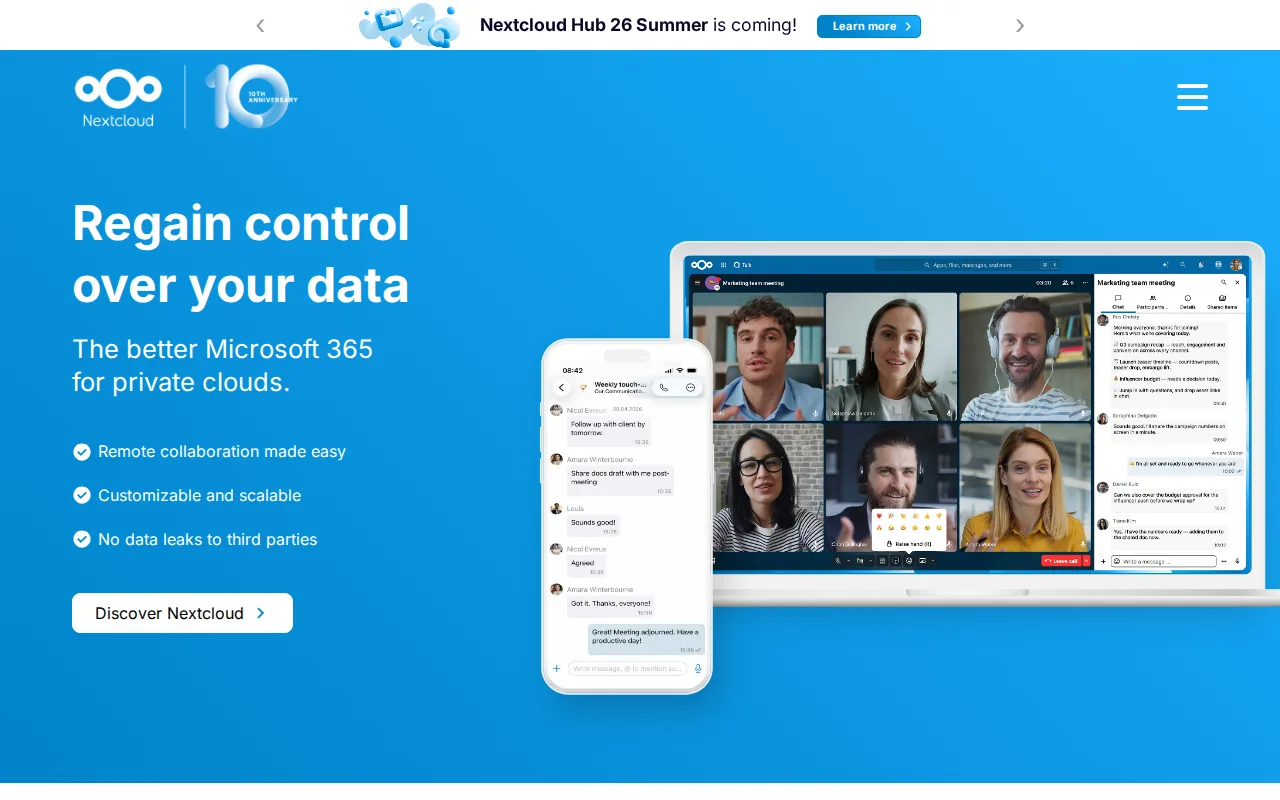
Nextcloud is the best OnlyOffice alternative for organizations that want document editing bundled inside a broader self-hosted collaboration suite, since Nextcloud's Office app is built on LibreOffice and ships alongside Talk video conferencing, groupware, and workflow automation in one codebase, going beyond OnlyOffice's narrower document-editing focus. Nextcloud's Community edition is free to self-host with no user minimum, matching OnlyOffice's own free Community Server, while Nextcloud's paid enterprise tiers start around €71.29/user/year for 100+ users, a different pricing model than OnlyOffice's per-admin DocSpace at $20/admin/month. Nextcloud holds a 4.6/5 rating from 443 Capterra reviews, more review volume than OnlyOffice's 4.5/5 from 324. Both are AGPL-licensed and self-hostable, but Nextcloud's file sync, calendar, and video conferencing apps go further than OnlyOffice's document-only focus. OnlyOffice is still the better choice for organizations that specifically need Microsoft Office-compatible document editing as the primary workload: Nextcloud's document editing depends on its bundled LibreOffice-based Office app rather than OnlyOffice's own AGPL 3.0 editors built for Office-format fidelity, and Nextcloud's enterprise pricing requires a 100-user minimum to see a published rate at all.
Compared to OnlyOffice: file sync, Talk video conferencing, and groupware bundled alongside document editing in one codebase, a 4.6/5 rating from 443 Capterra reviews vs OnlyOffice's 4.5/5 from 324, enterprise pricing from €71.29/user/year (100+ users) vs OnlyOffice's $20/admin/month DocSpace
Wins:Bundles file sync, Talk video conferencing, groupware, and workflow automation alongside document editing in one codebase · 4.6/5 rating from 443 Capterra reviews vs OnlyOffice's 4.5/5 from 324 · Scales from a single Raspberry Pi to distributed installations serving tens of millions of users
Loses:Document editing depends on a bundled LibreOffice-based Office app rather than dedicated Office-format editors like OnlyOffice's own · Enterprise pricing requires a 100-user minimum to see a published rate at all · Complex documents with heavy formatting can render less faithfully than a dedicated Office-compatible editor
Pros
- Fully open source (AGPL-3.0) and free to self-host with no user limit on the Community edition.
- Bundles file sync, video conferencing, groupware, and document editing into one connected suite.
- Scales from a single Raspberry Pi to distributed installations serving tens of millions of users.
- Native apps across web, Windows, macOS, Linux, iOS, and Android.
Cons
- Enterprise support pricing starts at a 100-user minimum, with no published self-serve rate for smaller teams.
- Self-hosting the Community edition puts the burden of updates, backups, and uptime on the organization's own IT staff.
- Performance and app ecosystem depend heavily on the hosting hardware and configuration, unlike a fully managed SaaS suite.
- The large number of optional apps can make initial setup and configuration more complex than a single-purpose file-sync tool.
Pricing: Free — Free self-hosted Community edition, then from €71.29/user/year enterprise (100+ users) vs OnlyOffice's $20/admin/month DocSpace with unlimited free users (verified )
5Collabora Online — best OnlyOffice alternative for organizations that need on-premise, self-hosted document collaboration (data residency, compliance, or Nextcloud/ownCloud integration) instead of Google Workspace or Microsoft 365 SaaS
Collabora Online is the best OnlyOffice alternative for organizations that want the lowest published per-user cost for self-hosted, LibreOffice-based document collaboration, at roughly $3.40/user/month for Collabora Online for Business, well under OnlyOffice's $20/admin/month DocSpace pricing. The free Collabora Online Development Edition (CODE) is open source and self-hostable, matching OnlyOffice's own free Community Server option. Collabora Online holds a 4.7/5 rating from 102 Capterra reviews, slightly higher than OnlyOffice's 4.5/5 from 324, though from a smaller review base. Collabora Online integrates directly as the editing backend inside Nextcloud and ownCloud, a deployment pattern OnlyOffice also supports as an integration. OnlyOffice is still the better choice for organizations that want document editing and collaboration as a full standalone product rather than one built for integration into another file-sync platform: Collabora's free CODE edition explicitly isn't meant for production use, and its Business tier caps out at 99 users before requiring custom-quoted Enterprise pricing, while OnlyOffice's DocSpace charges only for admin seats with unlimited regular users at any scale.
Compared to OnlyOffice: Business tier priced at roughly $3.40/user/month vs OnlyOffice's $20/admin/month DocSpace, a 4.7/5 rating from 102 Capterra reviews vs OnlyOffice's 4.5/5 from 324, direct integration as the editing backend for Nextcloud and ownCloud
Wins:Business tier priced at roughly $3.40/user/month, well under OnlyOffice's per-admin DocSpace pricing · 4.7/5 rating from 102 Capterra reviews vs OnlyOffice's 4.5/5 from 324 · Integrates directly as the editing backend for Nextcloud and ownCloud file-sync platforms
Loses:Free CODE edition explicitly isn't meant for production use, unlike OnlyOffice's free Community Server · Business tier caps out at 99 users before requiring custom-quoted Enterprise pricing · Smaller integration and template ecosystem than OnlyOffice's broader 40+ third-party integrations
Pros
- Free, open-source core (CODE) with full LibreOffice-based document, spreadsheet, and presentation editing.
- Self-hosted deployment gives full control over data residency and compliance, unlike SaaS office suites.
- Native integration as the editing backend for Nextcloud and ownCloud file-sync platforms.
- Supports Windows, macOS, Linux, iOS, and Android, plus the browser editor, a broader native platform spread than most office suite competitors.
Cons
- Self-hosting requires running and maintaining your own server infrastructure, even on paid tiers.
- The free CODE edition explicitly isn't meant for production use; long-term support requires the paid Business tier.
- Business tier caps out at 99 users; larger organizations must move to custom-quoted Enterprise pricing.
- Smaller integration and template ecosystem than Google Workspace or Microsoft 365.
Pricing: Free tier · paid from $3.40/mo — Free CODE edition, then roughly $3.40/user/month (Business, up to 99 users) vs OnlyOffice's $20/admin/month DocSpace with unlimited free users (verified )