5 Best Alternatives to Collabora Online in 2026
By Noahlast updated pricing verified

From our data: 3 of the 5 alternatives listed here (OnlyOffice, LibreOffice, and Nextcloud) can be self-hosted for $0, matching Collabora Online's own free CODE edition; Google Workspace and Microsoft 365 are SaaS-only with no free tier at all, starting at $7/user/month and $9.99/month respectively. Among the 4 alternatives with a disclosed external rating, Google Workspace leads at 4.7/5 from over 17,600 Capterra reviews and Microsoft 365 follows at 4.6/5 from 14,143, while Nextcloud (4.6/5, 443 reviews) and OnlyOffice (4.5/5, 324 reviews) trail well behind; LibreOffice has no external rating on file in this data.
 Google Workspace
 Microsoft 365
 LibreOffice
 OnlyOffice
 Nextcloud
How we picked
- External review depth varies sharply: Google Workspace leads with 4.7/5 from over 17,600 Capterra reviews, Microsoft 365 follows at 4.6/5 from 14,143, and Nextcloud and OnlyOffice trail at 443 and 324 reviews respectively; LibreOffice has no external rating on file at all, so its ranking rests on feature completeness and license instead.
- Self-hosting capability was compared directly against Collabora Online's own open-core, on-premise model: OnlyOffice, LibreOffice, and Nextcloud can all be self-hosted at $0, while Google Workspace and Microsoft 365 are SaaS-only with no self-hosted option at any price.
- Pricing verification dates were used where available: Collabora Online's own pricing, plus Microsoft 365's, OnlyOffice's, LibreOffice's, and Nextcloud's, all carry a recorded 2026-08-21 pricing-verification date in this data, while Google Workspace's pricing has no pricing-verification date recorded.
- License model is treated as a first-class signal, not a footnote: LibreOffice is the only alternative here under a permissive open-source license (MPL-2.0/GPL/LGPL) with zero paid tier, mirroring the spirit of Collabora Online's own LibreOffice-based, open-core engine.
Paid placement never alters editorial rank — read the full methodology.
Collabora Online alternatives at a glance
| Alternative | Best for | Learning curve | Price |
|---|---|---|---|
| Collabora Onlinereference | organizations that need on-premise, self-hosted document collaboration (data residency, compliance, or Nextcloud/ownCloud integration) instead of Google Workspace or Microsoft 365 SaaS | Moderate | Free tier · paid from $3.40/mo |
| Google Workspace | businesses, schools, and startups standardizing on browser-based email and real-time collaborative documents instead of desktop Office software | Low | From $7/mo |
| Microsoft 365 | individuals and families who want the full desktop-grade Office apps plus generous cloud storage and Copilot AI synced across multiple devices, rather than free browser-only Office | Low | From $9.99/mo |
| OnlyOffice | organizations that need Microsoft Office-compatible editing but want the option to self-host on their own servers under an open-source license | Moderate | Free tier · paid from $20/mo |
| LibreOffice | individuals, schools, and organizations that want a full office suite without a subscription and can work without native real-time cloud co-authoring | Low | Free |
| Nextcloud | organizations that want a self-hosted, data-sovereign alternative to Google Workspace or Microsoft 365 for file sync, groupware, and video conferencing | Moderate | Free |
 Collabora Online
1Google Workspace — best Collabora Online alternative for businesses, schools, and startups standardizing on browser-based email and real-time collaborative documents instead of desktop Office software
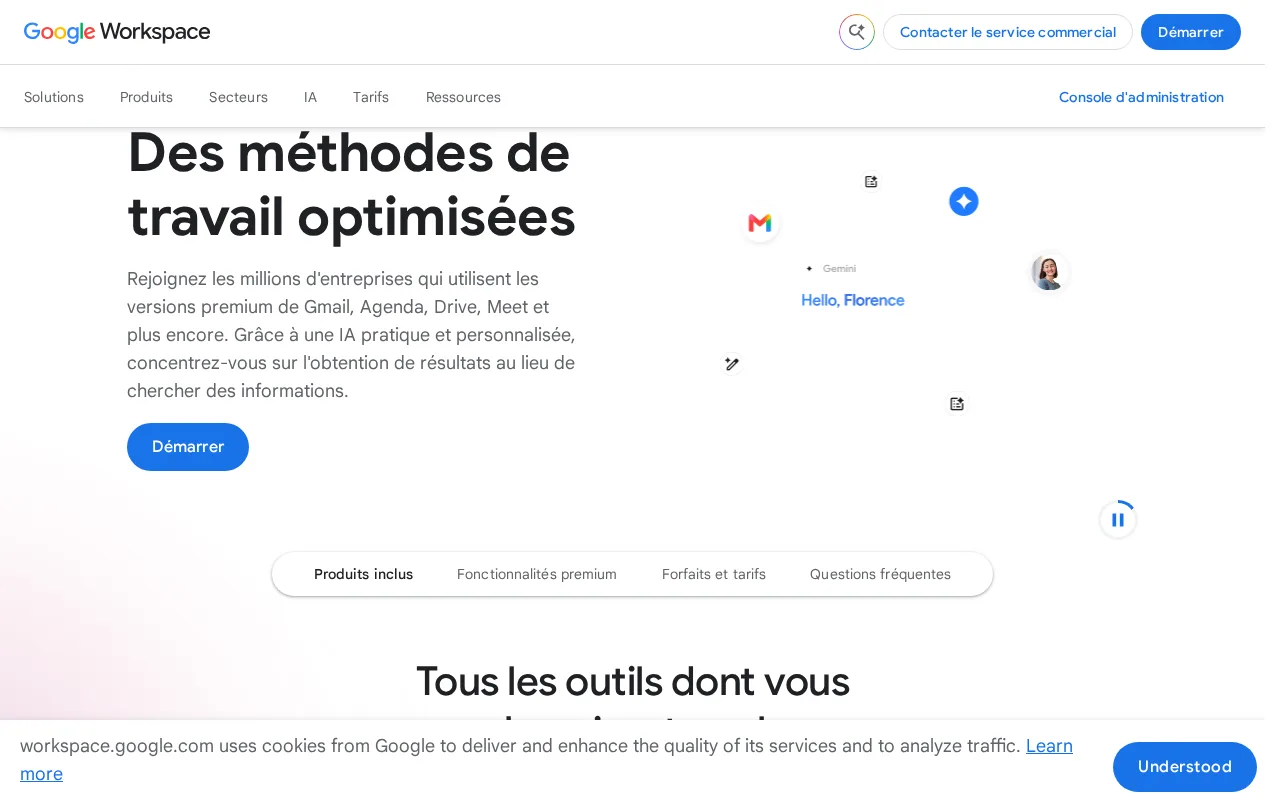
Collabora Online and Google Workspace both offer real-time collaborative editing of documents, spreadsheets, and presentations, but Google Workspace ships as a fully managed SaaS suite, so teams get Gmail on a custom domain, Drive storage, and Meet video calls without running any server infrastructure themselves, unlike Collabora Online's self-hosted model. Google Workspace holds a 4.7/5 rating from over 17,600 Capterra reviews, by far the deepest evidence base of any tool compared here, and Business Starter costs $7/user/month billed annually with 30GB of pooled storage and 100-participant Meet calls, while every paid Workspace tier bundles Gemini AI writing and summarization at increasing depth. The honest tradeoff is control and cost model: Google Workspace has no on-premise or self-hosted option at all, so organizations that need data residency, compliance-driven local hosting, or Nextcloud/ownCloud-style integration have no path to run it on their own infrastructure the way Collabora Online's CODE edition (free) or Business tier ($3.40/user/month) allows. Google Workspace also has no official native Linux desktop client, unlike Collabora Online's Windows, macOS, and Linux desktop coverage. Organizations that need self-hosted, on-premise document collaboration for data residency or compliance are better served by Collabora Online.
Compared to Collabora Online: fully managed SaaS with no server to run, the deepest review base here (4.7/5 from 17,600+ Capterra reviews), and Gemini AI bundled into every paid tier, but no self-hosted or on-premise option at all and no native Linux desktop client.
Wins:Fully managed SaaS with Gmail, Drive, Meet, and Calendar bundled under one admin console, no server infrastructure to run · 4.7/5 rating from over 17,600 Capterra reviews, the deepest evidence base of any tool compared here · Gemini AI writing, summarization, and note-taking features are bundled into every paid tier
Loses:No self-hosted or on-premise option at all, unlike Collabora Online's free CODE edition or paid Business tier ($3.40/user/month) · No official native Linux desktop client, unlike Collabora Online's Windows, macOS, and Linux desktop coverage · Meet participant caps and pooled storage are hard-capped per tier, forcing upgrades for larger teams
Pros
- Real-time collaborative editing across Docs, Sheets, and Slides with automatic saving.
- Gemini AI features are bundled into every paid tier rather than sold as a separate add-on.
- Tight integration across Gmail, Drive, Calendar, and Meet under one admin console.
- Transparent, published per-user pricing with no mandatory onboarding fee.
Cons
- Offline and power-user editing features lag behind Microsoft 365's desktop Excel and Word.
- No official native Linux desktop client for Drive sync.
- Google Meet participant caps and storage limits are hard-capped per tier, forcing plan upgrades.
- Lowest advertised per-user price requires annual billing; flexible monthly billing costs about 20% more.
Pricing: From $7/mo — Google Workspace Business Starter is $7/user/month (billed annually) vs Collabora Online for Business at about $3.40/user/month, or free on the self-hosted CODE edition
2Microsoft 365 — best Collabora Online alternative for individuals and families who want the full desktop-grade Office apps plus generous cloud storage and Copilot AI synced across multiple devices, rather than free browser-only Office
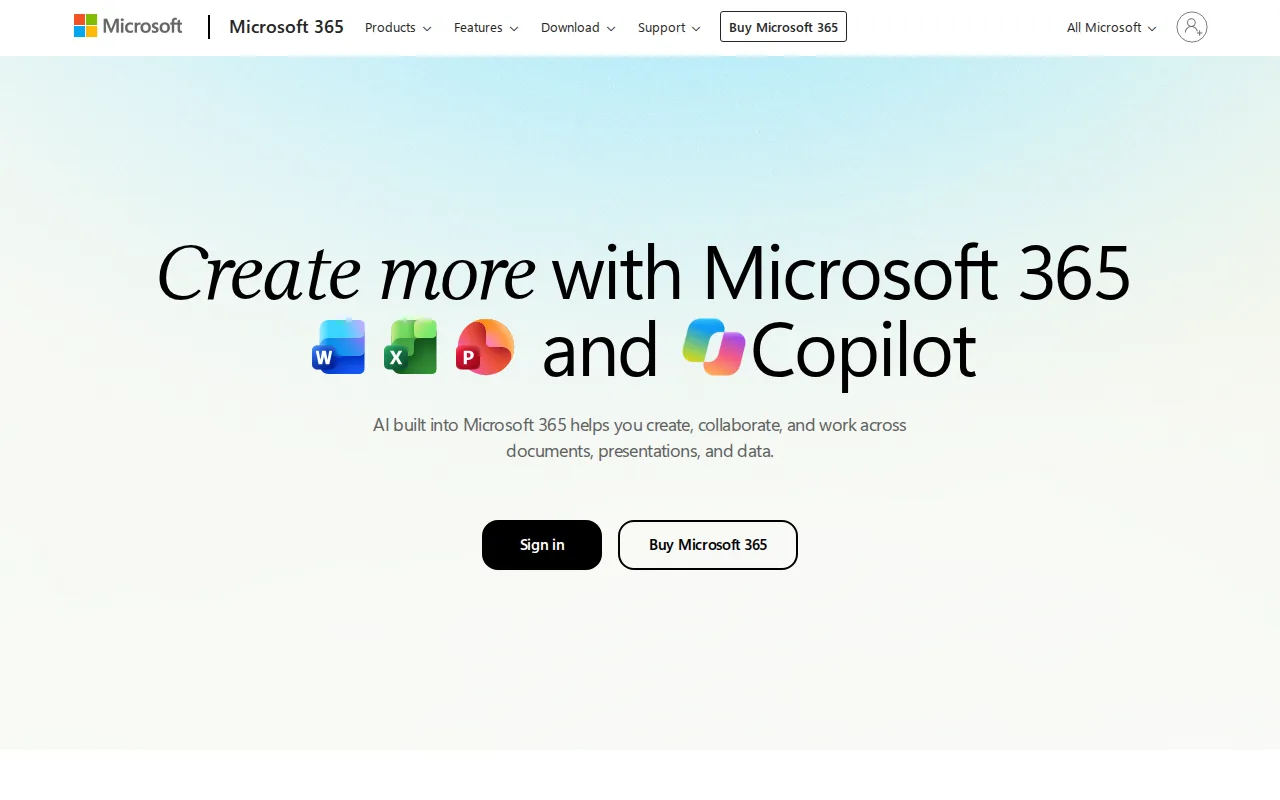
Collabora Online and Microsoft 365 both edit Microsoft Office formats (DOCX, XLSX, PPTX), but Microsoft 365 bundles the full desktop-grade Word, Excel, PowerPoint, and Outlook apps with Copilot AI assistance built into every app, a depth of native desktop tooling Collabora Online's browser-first, LibreOffice-based editor doesn't match. Microsoft 365 Personal starts at $9.99/month with 1TB of cloud storage per person, and it holds a 4.6/5 rating from 14,143 Capterra reviews, versus Collabora Online's 4.7/5 from a much smaller base of 102 reviews. The honest tradeoff is hosting model and cost floor: Microsoft 365 has no self-hosted or on-premise option at all and no ongoing free tier, requiring a recurring subscription indefinitely to keep desktop app access, unlike Collabora Online's free CODE edition that organizations can run on their own infrastructure with full data control. Microsoft 365's only non-subscription path, the $179.99 one-time Office Home 2024, lacks Copilot and never receives feature upgrades. Organizations that need on-premise hosting for data residency or compliance, or that want a genuinely free tier, are better served by Collabora Online.
Compared to Collabora Online: full desktop-grade Word, Excel, PowerPoint, and Outlook apps with Copilot AI built in, a much larger review base (14,143 Capterra reviews), but no self-hosted or on-premise option at all and no ongoing free tier.
Wins:Full desktop-grade Word, Excel, PowerPoint, and Outlook apps, not just a browser-based editor · Copilot AI assistance is built into every app (Word, Excel, PowerPoint, Outlook) rather than sold separately · 4.6/5 rating from 14,143 Capterra reviews, a much larger base than Collabora Online's 102
Loses:No self-hosted or on-premise option at all, unlike Collabora Online's free CODE edition or paid Business tier for on-premise deployment · No ongoing free tier; the only one-time-purchase path (Office Home 2024, $179.99) lacks Copilot and never gets feature upgrades · Requires a recurring subscription indefinitely to keep desktop app access, unlike Collabora Online's option to self-host indefinitely at $0
Pros
- Bundles full-featured desktop and web apps (Word, Excel, PowerPoint, Outlook, OneNote) in one subscription.
- Generous cloud storage — 1TB per person, up to 6TB pooled on Family and Premium.
- Copilot AI assistance is built into Word, Excel, PowerPoint, and Outlook rather than sold separately.
- Family and Premium plans cover up to 6 people under a single subscription.
Cons
- No ongoing free tier; canceling the subscription removes access to the desktop apps entirely.
- The only one-time-purchase option (Office Home 2024, $179.99) lacks Copilot and never gets feature upgrades.
- Advanced Copilot AI agents require the $19.99/month Premium tier, a $10-20/month jump over Personal.
- Reviewers cite setup and admin complexity, especially for business deployments.
Pricing: From $9.99/mo — Microsoft 365 Personal is $9.99/month with no ongoing free tier vs Collabora Online's free CODE edition, or Business at about $3.40/user/month (verified )
3OnlyOffice — best Collabora Online alternative for organizations that need Microsoft Office-compatible editing but want the option to self-host on their own servers under an open-source license
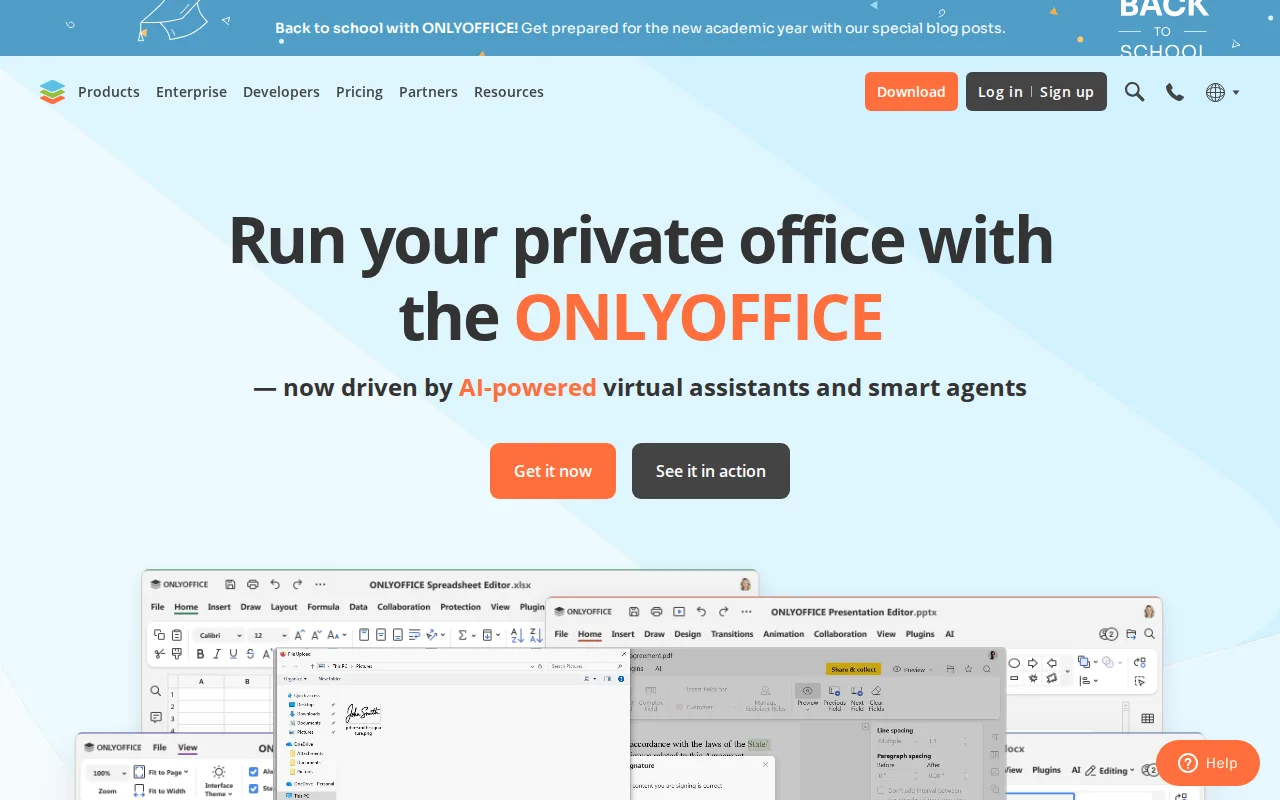
Collabora Online and OnlyOffice are both open-core, self-hostable office suites that give organizations an on-premise alternative to Google Workspace or Microsoft 365, and OnlyOffice's DocSpace pricing model charges only for admin seats ($20/admin/month, discounted from $30) while unlimited regular users join free, a cost structure Collabora Online's per-user Business tier ($3.40/user/month) doesn't offer. OnlyOffice is distributed under AGPL 3.0 with source available on GitHub, and it holds a 4.5/5 rating from 324 Capterra reviews compared to Collabora Online's 4.7/5 from 102, plus notable deployments at UNESCO and the Red Cross and a self-reported 21 million users. The honest tradeoff is fidelity and pricing clarity: OnlyOffice users switching from Microsoft Office report formatting fidelity issues on complex documents with heavy macros or advanced layout, an issue Collabora Online's LibreOffice-based engine also faces but that OnlyOffice reviewers flag more specifically, and OnlyOffice's per-admin Business Cloud pricing takes more effort to compare against Collabora Online's straightforward per-user rate. Organizations that specifically want LibreOffice's mature, longstanding format-compatibility engine are better served by Collabora Online.
Compared to Collabora Online: DocSpace charges only for admin seats with unlimited free regular users, a broader native platform spread (Windows, macOS, Linux, iOS, Android), but a lower Capterra rating (4.5/5 vs 4.7/5) and reviewer-reported formatting fidelity issues on complex documents.
Wins:DocSpace pricing charges only for admin seats, with unlimited regular users invited free, a cost structure Collabora Online's per-user pricing doesn't offer · 40+ third-party integrations including Nextcloud and Moodle, plus native apps across Windows, macOS, Linux, iOS, and Android · Notable deployments at UNESCO and the Red Cross with a self-reported 21 million users
Loses:4.5/5 rating from 324 Capterra reviews trails Collabora Online's 4.7/5 from 102 · Reviewers specifically report formatting fidelity issues on complex documents with heavy macros or advanced layout · Business Cloud pricing is per-admin rather than per-user, taking more effort to compare against Collabora Online's straightforward per-user rate
Pros
- AGPL 3.0 source code available on GitHub; fully self-hostable for organizations that need to keep data on-premises.
- DocSpace charges only for admin seats, with unlimited regular users invited free.
- Native apps across Windows, macOS, Linux, iOS, and Android, plus 40+ third-party integrations including Nextcloud and Moodle.
- Real-time co-editing with character-level change tracking and built-in AI content tools.
Cons
- Complex documents with advanced Word/Excel formatting or macros can lose fidelity when opened in ONLYOFFICE.
- Enterprise on-premises pricing is not published; requires a sales conversation.
- Per-admin pricing model on Business Cloud takes more effort to compare against per-user competitors.
- DocSpace's interface is less polished than Google Workspace or Notion for non-technical teams.
Pricing: Free tier · paid from $20/mo — OnlyOffice Business Cloud is $20/admin/month with unlimited free users vs Collabora Online for Business at about $3.40/user/month (verified )
4LibreOffice — best Collabora Online alternative for individuals, schools, and organizations that want a full office suite without a subscription and can work without native real-time cloud co-authoring
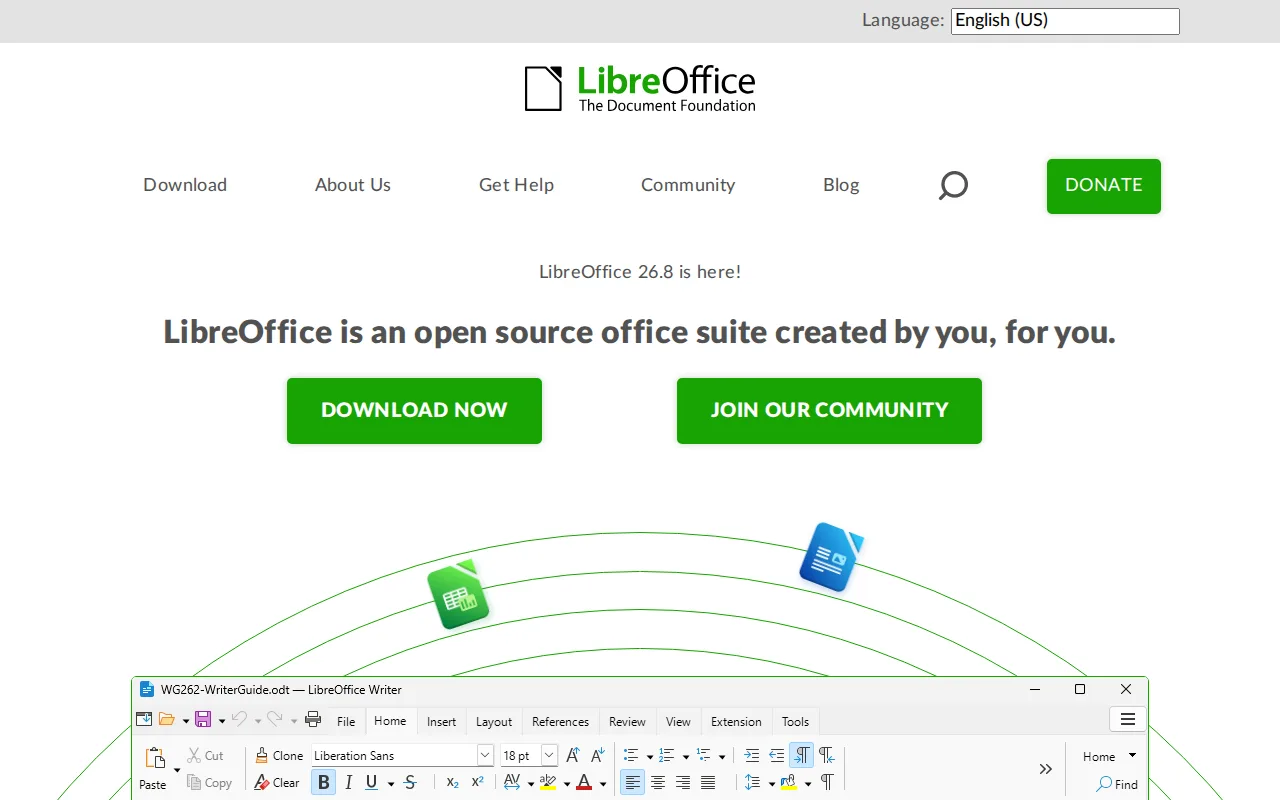
Collabora Online is built on LibreOffice's own editing engine, but LibreOffice itself is a standalone desktop suite that runs entirely free with no server, account, or subscription of any kind, unlike Collabora Online's paid Business ($3.40/user/month) and Enterprise tiers for production support. LibreOffice bundles six applications — Writer, Calc, Impress, Draw, Base, and Math — including a desktop database tool in Base that neither Microsoft nor Google offer at the consumer level, and it's maintained by the nonprofit Document Foundation under MPL-2.0/GPL/LGPL licensing. The honest tradeoff is collaboration and support: LibreOffice has no native real-time multi-user co-authoring the way Collabora Online (or Google Workspace and Microsoft 365) offers it, since it's fundamentally a desktop application rather than a browser-based collaborative editor, and LibreOffice has no external rating on file in this data, versus Collabora Online's 4.7/5 from 102 Capterra reviews. Teams that specifically need real-time collaborative editing across multiple simultaneous users are better served by Collabora Online.
Compared to Collabora Online: completely free with no server, account, or subscription needed, a desktop database tool (Base) neither Microsoft nor Google offer, but no native real-time multi-user co-authoring and no external rating on file.
Wins:Completely free with no server, account, or subscription required, unlike Collabora Online's paid Business and Enterprise tiers · Six-application suite (Writer, Calc, Impress, Draw, Base, Math) including a desktop database tool most competitors omit · No infrastructure to run or maintain at all, since it's a local desktop install rather than a hosted service
Loses:No native real-time multi-user co-authoring, unlike Collabora Online's browser-based collaborative editing · No official mobile apps for iOS or Android, unlike Collabora Online's iOS and Android apps · No external rating on file in this data, versus Collabora Online's 4.7/5 from 102 Capterra reviews
Pros
- Completely free with no subscription, account, or feature paywall, including a desktop database app (Base) most competitors omit.
- Open source (MPL-2.0/GPL/LGPL) with an active community and frequent releases.
- Broad Microsoft Office format compatibility (.docx, .xlsx, .pptx) for opening and editing existing Office files.
- Runs on Windows, macOS, and Linux, and is the default suite on many Linux distributions.
Cons
- No native real-time cloud co-authoring like Microsoft 365 or Google Workspace, so simultaneous multi-user editing isn't built in.
- Complex Microsoft-format documents (advanced macros, some chart and font rendering) can lose fidelity when converted.
- No official mobile apps for iOS/Android under the LibreOffice brand.
- Interface and default styling feel dated compared to Microsoft Office or Google Workspace.
Pricing: Free — LibreOffice is $0 with no paid tier at all vs Collabora Online's free CODE edition or Business at about $3.40/user/month (verified )
5Nextcloud — best Collabora Online alternative for organizations that want a self-hosted, data-sovereign alternative to Google Workspace or Microsoft 365 for file sync, groupware, and video conferencing
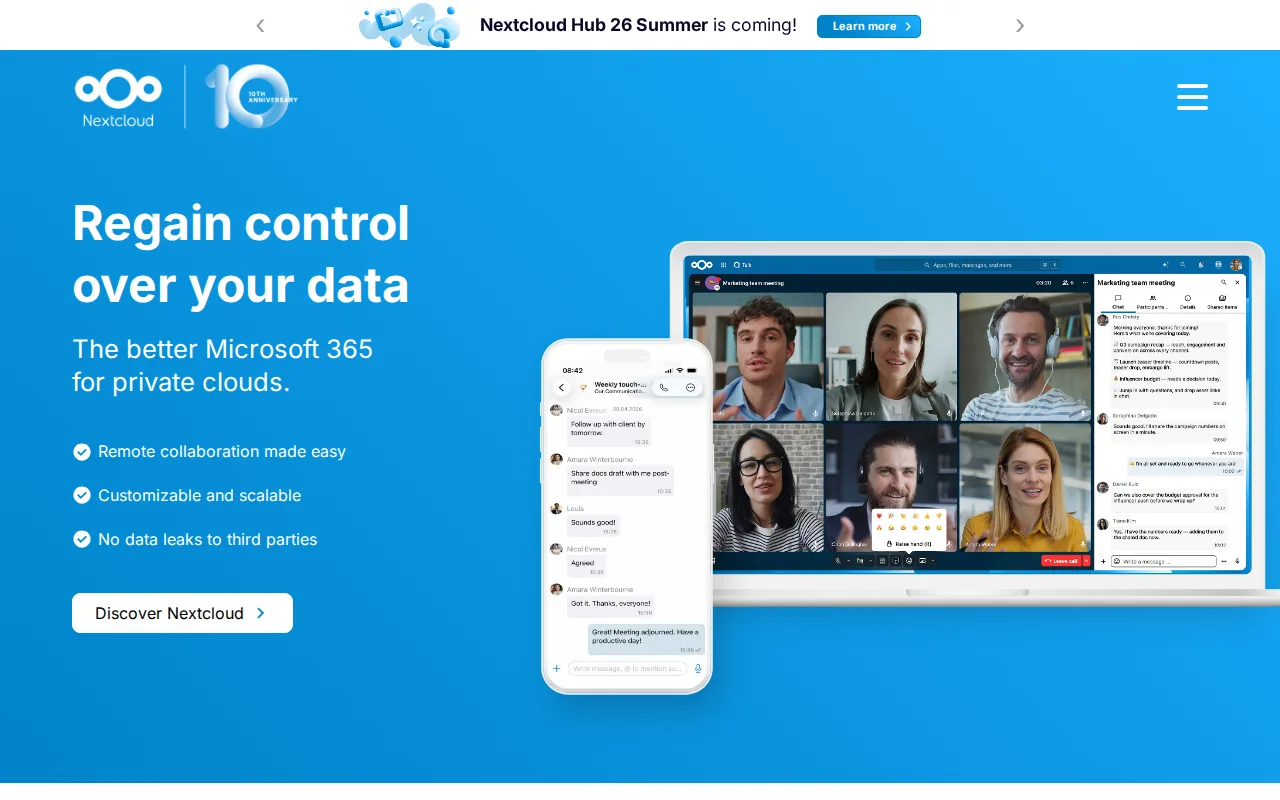
Collabora Online and Nextcloud are both open-core, self-hostable products built for organizations that want data sovereignty instead of a SaaS suite, and Nextcloud actually uses Collabora Online (or OnlyOffice) as its LibreOffice-based Office app's editing backend in many deployments, but as a standalone product Nextcloud bundles file sync, Talk video conferencing, groupware, and workflow automation into one self-hosted platform, a broader scope than Collabora Online's document-editing focus alone. Nextcloud's Community edition is free to self-host with no user limit, matching Collabora Online's free CODE edition, and it holds a 4.6/5 rating from 443 Capterra reviews versus Collabora Online's 4.7/5 from 102. The honest tradeoff is enterprise pricing transparency and setup complexity: Nextcloud's enterprise support pricing (starting around €71.29/user/year for Standard) requires a 100-user minimum to get a published rate, unlike Collabora Online's directly published $3.40/user/month Business tier for teams under 99 users, and Nextcloud's large number of optional apps can make initial setup more complex than Collabora Online's more focused document-editing product. Teams that specifically need document editing without adopting a broader file-sync and groupware platform are better served by Collabora Online.
Compared to Collabora Online: bundles file sync, Talk video conferencing, groupware, and workflow automation into one self-hosted platform, a slightly larger review base (443 vs 102 Capterra reviews), but enterprise pricing requires a 100-user minimum versus Collabora's published sub-99-user rate.
Wins:Bundles file sync, video conferencing (Talk), groupware, and workflow automation into one self-hosted platform, not just document editing · 4.6/5 rating from 443 Capterra reviews, a larger base than Collabora Online's 102 · Scales from a single Raspberry Pi to installations serving tens of millions of users
Loses:Enterprise support pricing requires a 100-user minimum to get a published rate, unlike Collabora Online's directly published Business tier (up to 99 users at $3.40/user/month) · The large number of optional apps can make initial setup more complex than Collabora Online's more focused document-editing product · Self-hosting the Community edition puts updates, backups, and uptime on the organization's own IT staff, the same tradeoff Collabora Online's self-hosted model carries
Pros
- Fully open source (AGPL-3.0) and free to self-host with no user limit on the Community edition.
- Bundles file sync, video conferencing, groupware, and document editing into one connected suite.
- Scales from a single Raspberry Pi to distributed installations serving tens of millions of users.
- Native apps across web, Windows, macOS, Linux, iOS, and Android.
Cons
- Enterprise support pricing starts at a 100-user minimum, with no published self-serve rate for smaller teams.
- Self-hosting the Community edition puts the burden of updates, backups, and uptime on the organization's own IT staff.
- Performance and app ecosystem depend heavily on the hosting hardware and configuration, unlike a fully managed SaaS suite.
- The large number of optional apps can make initial setup and configuration more complex than a single-purpose file-sync tool.
Pricing: Free — Nextcloud Community is $0 self-hosted, same as Collabora Online's free CODE edition; Nextcloud's Standard enterprise tier starts around €71.29/user/year for 100+ users vs Collabora Online Business at about $3.40/user/month for up to 99 users (verified )
Which one is right for you?
- You want browser-based email and document collaboration without running any server yourself.Google Workspace
- You need full desktop-grade Word, Excel, and PowerPoint with Copilot AI built in.Microsoft 365
- You want self-hosted document editing where unlimited regular users join free and only admins are billed.OnlyOffice
- You want a completely free office suite with no server, account, or subscription at all.LibreOffice
- You need file sync, video conferencing, and groupware bundled with document editing on your own infrastructure.Nextcloud
- You're under 99 users and want directly published self-hosted pricing instead of a 100-user enterprise minimum.OnlyOffice
- You want the deepest external review evidence before committing to a collaboration suite.Google Workspace
Frequently asked questions
Is there a free alternative to Collabora Online?
- Yes — LibreOffice is completely free with no server, account, or subscription needed, and Nextcloud's Community edition and OnlyOffice's desktop editors and Community Server are also free to self-host, matching Collabora Online's own free CODE edition. None of the three include Collabora Online's paid support and SLA guarantees.
What is the closest alternative to Collabora Online?
- OnlyOffice is the closest match — both are open-core, self-hostable office suites built as an on-premise alternative to Google Workspace or Microsoft 365, with a free tier and paid support tiers. OnlyOffice's DocSpace pricing charges only for admin seats rather than every user.
Can Google Workspace replace Collabora Online?
- Yes, for teams that don't need on-premise hosting — Google Workspace holds a 4.7/5 rating from over 17,600 Capterra reviews and starts at $7/user/month with Gemini AI bundled in. It has no self-hosted or on-premise option at all, unlike Collabora Online's free CODE edition or paid Business tier.
Is there an open-source alternative to Collabora Online?
- Yes — LibreOffice, OnlyOffice, and Nextcloud are all open source. LibreOffice (MPL-2.0/GPL/LGPL) has no paid tier at all, while OnlyOffice (AGPL 3.0) and Nextcloud (AGPL-3.0) are open-core like Collabora Online itself, with paid tiers for support and additional features.
Does Microsoft 365 have a self-hosted option like Collabora Online?
- No — Microsoft 365 has no self-hosted or on-premise option at all; it's SaaS-only, and its only non-subscription path is the feature-limited $179.99 one-time Office Home 2024. Collabora Online's CODE edition can be self-hosted for free on an organization's own infrastructure.
Which Collabora Online alternative has the best review evidence?
- Google Workspace has the deepest external review base of any alternative compared here, at 4.7/5 from over 17,600 Capterra reviews, followed by Microsoft 365 at 4.6/5 from 14,143 reviews. LibreOffice has no external rating on file in this data.