5 Best Alternatives to Nextcloud for Linux in 2026
By Noahlast updated pricing verified
Compared: Nextcloud alternatives that run on Linux
| Alternative | Best for | Learning curve | Price |
|---|---|---|---|
| Nextcloudreference | organizations that want a self-hosted, data-sovereign alternative to Google Workspace or Microsoft 365 for file sync, groupware, and video conferencing | Moderate | Free |
| Google Drive | individuals and teams already using Google Docs, Sheets, and Slides who want real-time collaborative editing with simple cloud storage and sharing links | Low | Free tier · paid from $1.99/mo |
| Dropbox | individuals and teams who need dependable cross-device file sync and simple sharing links, especially teams already invoking Dropbox's large-file-transfer and version-history features | Low | Free tier · paid from $9.99/mo |
| pCloud | users who want to pay once for cloud storage instead of an ongoing monthly subscription, and who value choosing between EU and US data residency | Low | Free tier · paid from $199 one-time |
| ownCloud | organizations that need full control over where their files are stored (self-hosted or EU-hosted) and want an open-source alternative to Dropbox or Google Drive for file sync and sharing | Moderate | Free |
| Seafile | small IT teams and privacy-focused organizations that want to self-host Dropbox-style file sync with granular permissions and optional office-document editing | Moderate | Free tier · paid from $8/mo |
 Nextcloud
 Google Drive
 Dropbox
 pCloud
 ownCloud
 Seafile
1Google Drive — best Nextcloud alternative for individuals and teams already using Google Docs, Sheets, and Slides who want real-time collaborative editing with simple cloud storage and sharing links
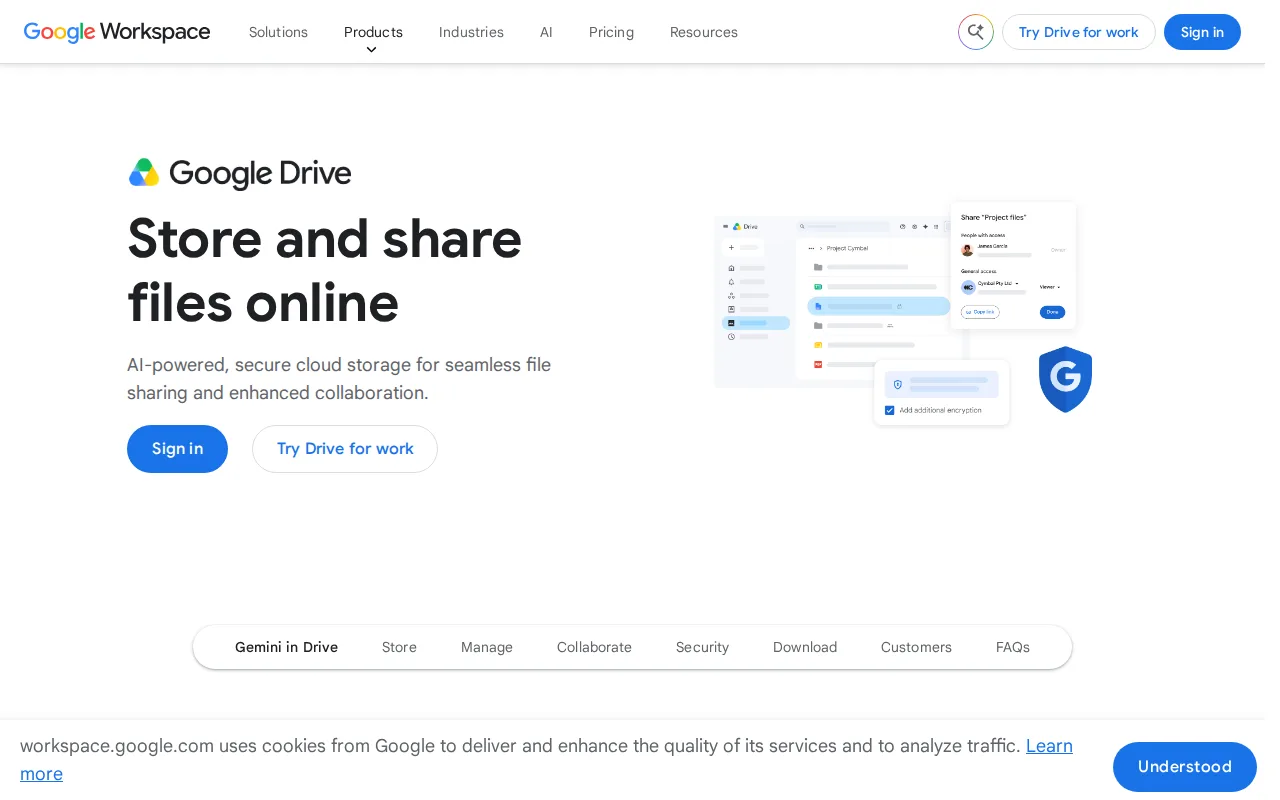
Google Drive is the best Nextcloud alternative for individuals and teams who want real-time collaborative editing without maintaining their own server, since Google Drive is fully managed SaaS while Nextcloud requires self-hosting the Community edition or paying a 100-user enterprise minimum for support. Google Drive's free tier gives 15GB shared across Drive, Gmail, and Photos, and paid Google One storage starts at just $1.99/month for 100GB, simpler to buy than Nextcloud's enterprise pricing, which requires a 100-user minimum to see a published rate at all. Google Drive holds a 4.8/5 rating from 28,587 Capterra reviews, the deepest review evidence of any alternative on this list, while Nextcloud holds 4.6/5 from 443. Real-time collaborative editing inside Docs, Sheets, and Slides has no separate sync step, unlike Nextcloud's LibreOffice-based Office app. Nextcloud is still the better choice for organizations that need full data sovereignty: its Community edition is open source (AGPL-3.0) and self-hostable with no user limit and no per-seat fee, while Google Drive is closed-source, proprietary infrastructure the organization does not control, and its 15GB free tier is shared across three services rather than dedicated to files.
Compared to Nextcloud: fully managed SaaS with no self-hosting required, Google One storage starting at $1.99/month for 100GB vs Nextcloud's 100-user enterprise minimum for published pricing, a 4.8/5 rating from 28,587 Capterra reviews vs Nextcloud's 4.6/5 from 443
Wins:Fully managed SaaS requires no server maintenance, unlike Nextcloud's self-hosted Community edition · Google One storage starts at $1.99/month for 100GB with a simple self-serve price, vs Nextcloud enterprise pricing requiring a 100-user minimum · 4.8/5 rating from 28,587 Capterra reviews vs Nextcloud's 4.6/5 from 443
Loses:Closed-source, proprietary platform vs Nextcloud's fully open-source AGPL-3.0 codebase that can be self-hosted with full data control · 15GB free tier is shared across Drive, Gmail, and Photos rather than dedicated file storage · No self-hosting option at all, so organizations requiring on-premises data sovereignty cannot use Google Drive
Pros
- Real-time collaborative editing built directly into Docs, Sheets, and Slides from stored files.
- Google One storage plans are inexpensive relative to competitors, starting at $1.99/month for 100GB.
- Powerful in-document and in-file search across the entire Drive.
- 2TB plan allows sharing storage with up to 5 family members at no extra cost.
Cons
- Free 15GB storage is shared across Drive, Gmail, and Photos, so it fills up quickly with normal use.
- Some bundled apps (particularly Sheets) are described by reviewers as lacking features versus dedicated tools like Excel.
- Large file uploads can experience delays compared to some competitors.
- Business/team storage isn't sold standalone; it requires a full Google Workspace subscription.
Pricing: Free tier · paid from $1.99/mo — $1.99/month for 100GB (Google One) vs Nextcloud's free self-hosted Community edition or €71.29/user/year enterprise (100+ users)
2Dropbox — best Nextcloud alternative for individuals and teams who need dependable cross-device file sync and simple sharing links, especially teams already invoking Dropbox's large-file-transfer and version-history features
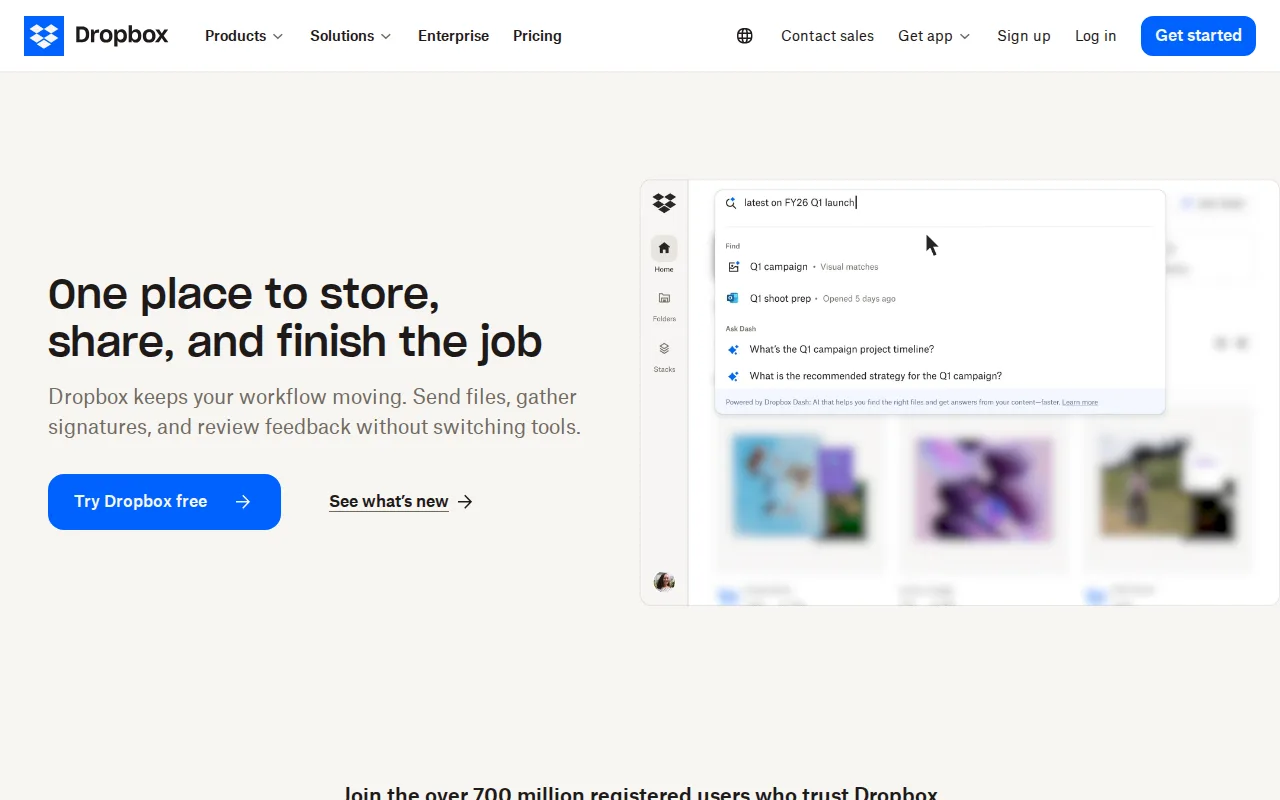
Dropbox is the best Nextcloud alternative for individuals and teams that want dependable cross-device file sync without running their own server, since Dropbox is fully managed while Nextcloud's Community edition puts updates, backups, and uptime on the organization's own IT staff. Dropbox's Plus plan costs $9.99/month for 2TB, and team plans start at Standard for $15/user/month with 3TB pooled storage, both pricier per user than Nextcloud's free self-hosted Community edition with no user limit. Dropbox holds a 4.5/5 rating from 21,704 Capterra reviews, far more review volume than Nextcloud's 4.6/5 from 443. File-transfer links up to 250GB and 175+ file-type previews go beyond Nextcloud's core file-sync feature set. Nextcloud is still the better choice for organizations that want a full collaboration suite instead of file sync alone: Nextcloud bundles video conferencing (Talk), groupware, and LibreOffice-based document editing into one self-hosted, open-source (AGPL-3.0) codebase with no per-user fee, while Dropbox's per-user team pricing ($15-$24/month) climbs quickly for larger teams and offers no video conferencing or groupware at all.
Compared to Nextcloud: fully managed sync with no server maintenance required, file-transfer links up to 250GB, per-user team pricing from $15/month vs Nextcloud's free self-hosted Community edition with no user limit
Wins:Fully managed sync requires no server maintenance, unlike Nextcloud's self-hosted Community edition · File-transfer links up to 250GB, well beyond typical file-sync limits · 4.5/5 rating from 21,704 Capterra reviews vs Nextcloud's 4.6/5 from 443
Loses:No bundled video conferencing, groupware, or document editing suite the way Nextcloud's Talk, Calendar, and Office apps provide · Per-user team pricing ($15-$24/month) costs far more at scale than Nextcloud's free, unlimited-user self-hosted Community edition · Closed-source, unlike Nextcloud's fully open-source AGPL-3.0 codebase
Pros
- Reliable cross-device sync with a simple, well-understood synced-folder model.
- File-transfer links support very large files (up to 250GB) without needing a separate tool.
- Long version history and file-recovery windows on paid tiers protect against accidental deletion or ransomware.
- Broad platform support and deep third-party integrations (Slack, Zoom, Adobe, Microsoft Office).
Cons
- Per-user team pricing ($15-$24/month) makes larger teams considerably more expensive than storage-only competitors.
- Free tier is limited to just 2GB, among the smallest of major cloud storage services.
- Syncing very large folders can be slower than expected, according to reviewer feedback.
- Advanced security and admin features (SSO, tiered admin) are locked behind the higher Advanced tier.
Pricing: Free tier · paid from $9.99/mo — $9.99/month for 2TB (Plus) or $15-$24/user/month for teams vs Nextcloud's free self-hosted Community edition (verified )
3pCloud — best Nextcloud alternative for users who want to pay once for cloud storage instead of an ongoing monthly subscription, and who value choosing between EU and US data residency
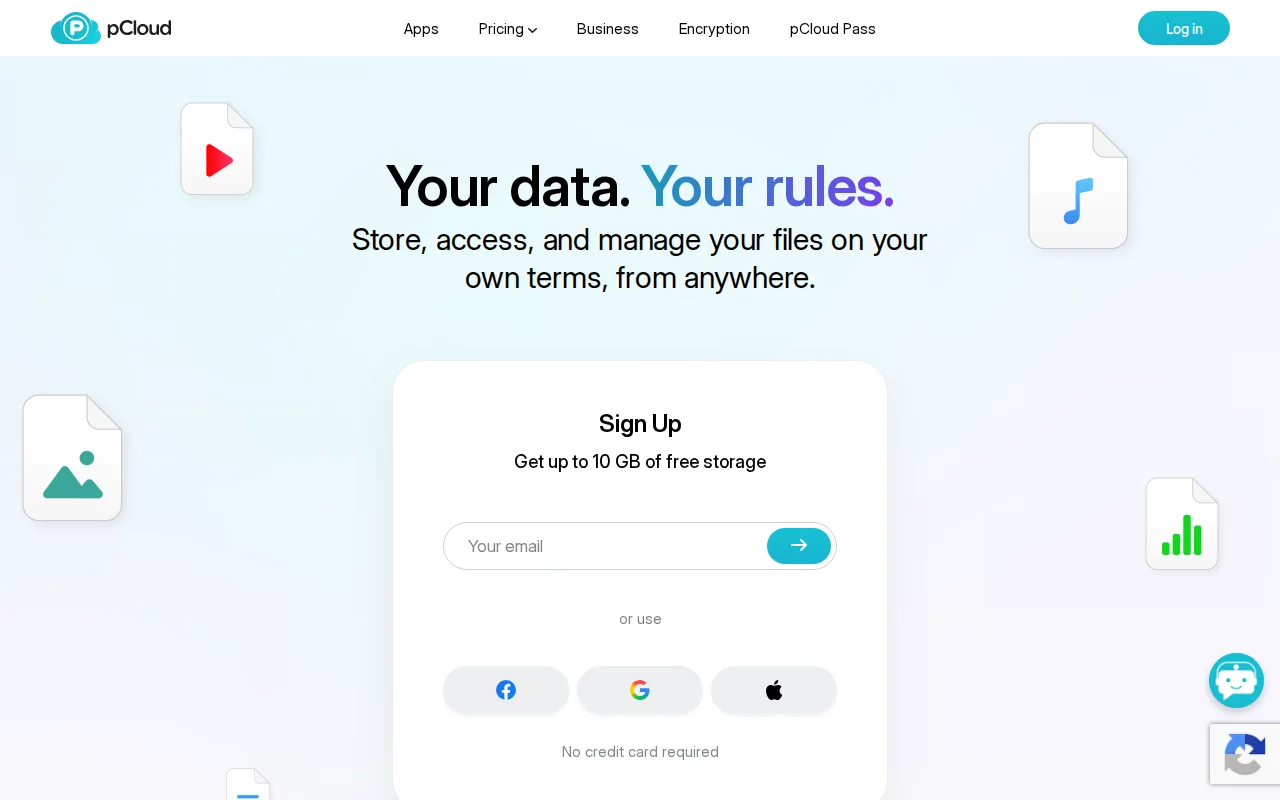
pCloud is the best Nextcloud alternative for users who want to pay once for cloud storage instead of running their own server or paying Nextcloud's per-user enterprise fees. pCloud's lifetime plans start at $199 one-time for 500GB, a single payment that replaces any subscription entirely, while Nextcloud's Community edition is free to self-host but shifts the cost of server hardware, maintenance, and backups onto the organization instead. pCloud holds a 4.5/5 rating from 180 Capterra reviews and includes 256-bit AES encryption and 30-day version history on paid plans. Users choose between EU (Luxembourg) or US data residency, similar in spirit to Nextcloud's own emphasis on data control. Nextcloud is still the better choice for organizations that need a full collaboration suite rather than storage alone: Nextcloud bundles Talk video conferencing, groupware, and LibreOffice document editing into one open-source AGPL-3.0 codebase with no per-user fee and no user limit, while pCloud is a single-purpose storage service whose true zero-knowledge encryption is sold as a separate paid add-on rather than included by default.
Compared to Nextcloud: a one-time $199 lifetime payment for 500GB instead of ongoing costs, choice of EU or US data residency, 4.5/5 rating from 180 Capterra reviews vs Nextcloud's 4.6/5 from 443
Wins:One-time lifetime payment (from $199 for 500GB) replaces ongoing subscription or self-hosting costs entirely · Choice of EU (Luxembourg) or US data center for stored files · 256-bit AES encryption and 30-day version history included on paid plans without self-hosting
Loses:Single-purpose file storage only, without Nextcloud's bundled video conferencing, groupware, and document editing suite · True zero-knowledge client-side encryption (pCloud Encryption) costs extra rather than being included, unlike Nextcloud's self-hosted infrastructure the organization fully controls · Closed-source, proprietary service, unlike Nextcloud's fully open-source AGPL-3.0 codebase
Pros
- One-time lifetime plans eliminate recurring subscription costs for long-term storage.
- Choice of EU (Luxembourg) or US data center for stored files.
- 30-day file version history and password-protected sharing links included on paid plans.
- 14-day money-back guarantee on lifetime purchases.
Cons
- True zero-knowledge client-side encryption (pCloud Encryption) costs extra rather than being built in.
- Lifetime plans require a large upfront payment ($199-$1,190) instead of a low monthly fee.
- Free plan's exact storage allocation isn't clearly stated on the pricing page.
- No annual/monthly subscription pricing is prominently displayed alongside the lifetime plans, which can make comparison shopping harder.
Pricing: Free tier · paid from $199 one-time — $199 one-time for 500GB (lifetime) vs Nextcloud's free self-hosted Community edition or €71.29/user/year enterprise (100+ users) (verified )
4ownCloud — best Nextcloud alternative for organizations that need full control over where their files are stored (self-hosted or EU-hosted) and want an open-source alternative to Dropbox or Google Drive for file sync and sharing
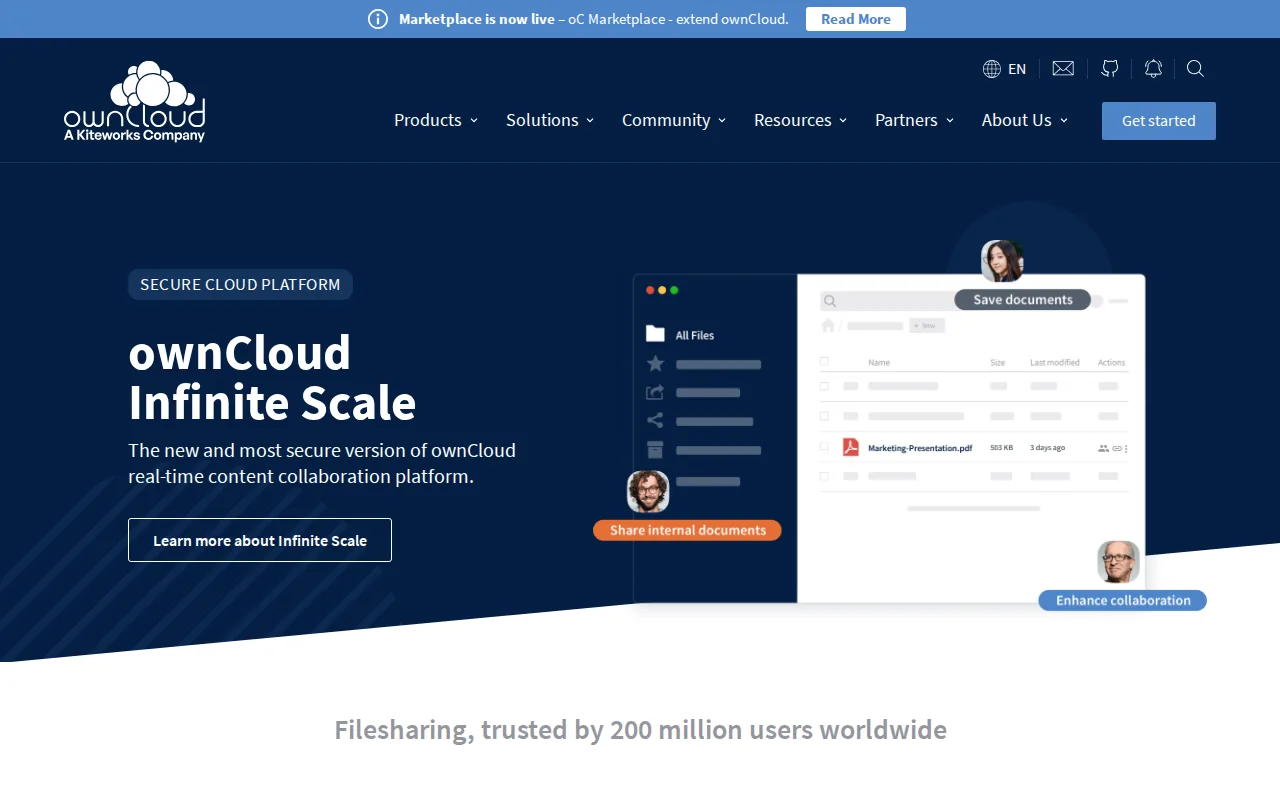
ownCloud is the best Nextcloud alternative for organizations that want the same self-hosted, open-source file-sync model but with a rewritten architecture: ownCloud Infinite Scale (oCIS) splits storage, backend, and frontend into separate services for real-time collaborative editing at scale, something Nextcloud's single-codebase design doesn't offer the same way. Like Nextcloud, ownCloud's Community edition is free, open source, and self-hostable with no user limit; ownCloud additionally offers ownCloud.online, a Germany-hosted managed SaaS option starting around €1.85/user/year for large deployments, a hosted option Nextcloud doesn't sell directly. ownCloud holds a 4.3/5 rating from 60 Capterra reviews, fewer than Nextcloud's 443-review 4.6/5 average. Both products require a large user minimum for published enterprise pricing, but ownCloud's Standard and Enterprise editions need only 25+ users, a lower bar than Nextcloud's 100-user minimum. Nextcloud is still the better choice for organizations that want more bundled apps in one suite: Nextcloud ships Talk video conferencing, groupware, and workflow automation (Flow) alongside file sync, while ownCloud's core pitch stays narrower around file synchronization, sharing, and collaboration, with fewer built-in adjacent apps than Nextcloud's ecosystem.
Compared to Nextcloud: a rewritten Infinite Scale (oCIS) architecture for real-time collaborative editing, a lower 25-user minimum for enterprise pricing vs Nextcloud's 100-user minimum, a Germany-hosted ownCloud.online SaaS option from €1.85/user/year
Wins:Infinite Scale (oCIS) architecture splits storage, backend, and frontend for real-time collaborative editing at scale · Enterprise pricing requires only a 25-user minimum, lower than Nextcloud's 100-user minimum · ownCloud.online offers a Germany-hosted managed SaaS option from €1.85/user/year, which Nextcloud doesn't sell directly
Loses:4.3/5 rating from 60 Capterra reviews vs Nextcloud's stronger 4.6/5 from 443 · Narrower bundled app suite than Nextcloud, which adds Talk video conferencing, groupware, and Flow workflow automation alongside file sync · Two parallel architectures (legacy ownCloud 10 and newer Infinite Scale) can complicate choosing a deployment path, a transition Nextcloud's single codebase avoids
Pros
- Community edition is free, open source, and self-hostable with no user limit.
- Full desktop and mobile client coverage: Windows, macOS, Linux, iOS, and Android.
- ownCloud.online offers Germany-hosted SaaS for teams that don't want to self-host.
- Infinite Scale (oCIS) architecture supports real-time collaborative document editing.
Cons
- Standard and Enterprise pricing is not published; both require a 25-user minimum and a sales quote.
- Support on the free Community edition is limited to community forums, with no SLA.
- Two parallel architectures (legacy ownCloud 10 and newer Infinite Scale) can make choosing a deployment path confusing.
- Self-hosting requires ongoing server maintenance and security patching that a fully managed cloud service doesn't.
Pricing: Free — Custom quoted pricing at a 25-user minimum (Standard/Enterprise) or free self-hosted Community edition, vs Nextcloud's free Community edition or €71.29/user/year enterprise (100+ users) (verified )
5Seafile — best Nextcloud alternative for small IT teams and privacy-focused organizations that want to self-host Dropbox-style file sync with granular permissions and optional office-document editing
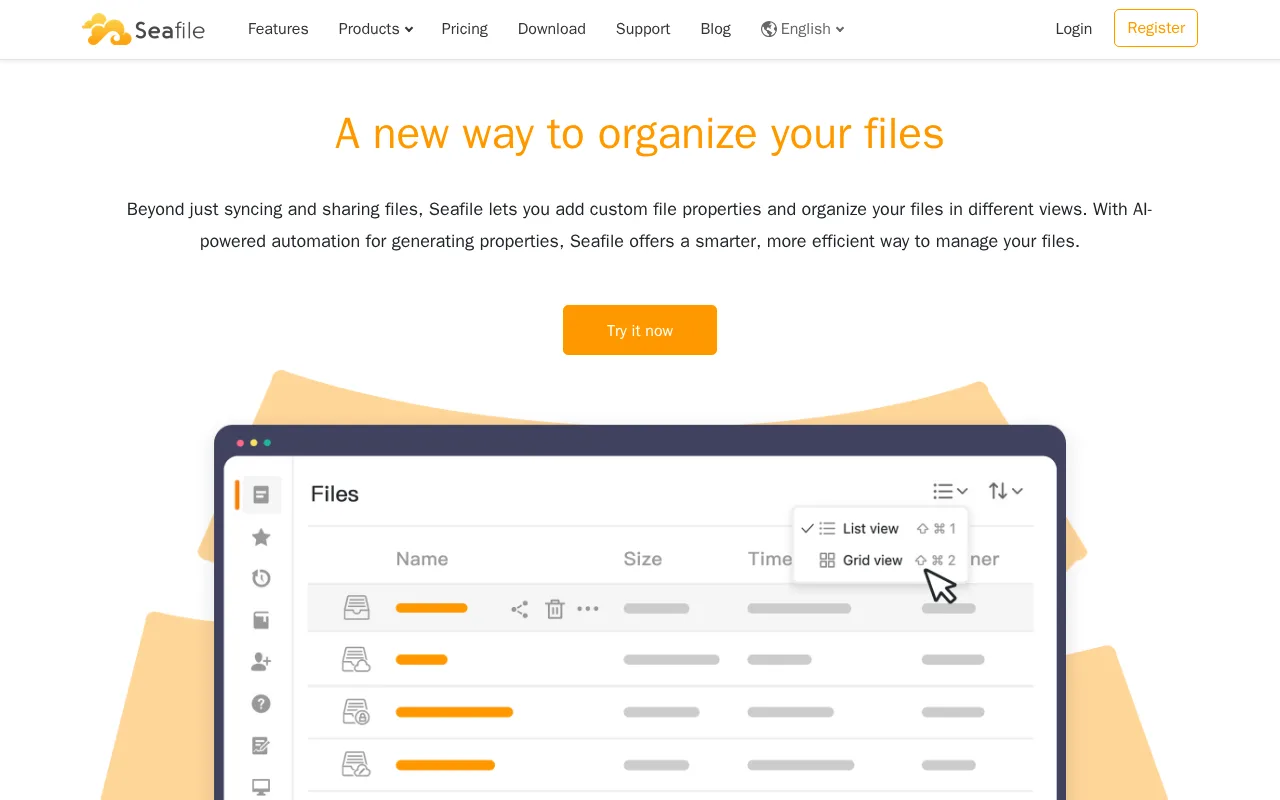
Seafile is the best Nextcloud alternative for small IT teams that want granular folder permissions and optional office-document editing without Nextcloud's broader app suite. Seafile's Community Edition is free, open source, and self-hostable with no per-user cost, matching Nextcloud's own free self-hosted model, while its Pro Edition starts at $48/user/year for 10-249 users, dropping to $35/user/year above 750 seats, both published without Nextcloud's 100-user minimum. Seafile's cloud-hosted Plus/Team plan costs $8/user/month for teams of 3 or more, with 500GB expandable storage and built-in document collaboration via SeaDoc. Seafile has no external rating on record, unlike Nextcloud's 4.6/5 from 443 Capterra reviews. Nextcloud is still the better choice for organizations that want a full collaboration suite rather than file sync with add-ons: Nextcloud bundles Talk video conferencing, groupware, and workflow automation into one codebase, while Seafile's cloud Plus plan caps version history at just 3 months, shorter than Nextcloud's offerings, and Seafile's Pro Edition licensing scales per-user-per-year in a way that gets expensive for larger teams compared to Nextcloud's flat self-hosted model.
Compared to Nextcloud: Pro Edition self-hosted pricing from $35-$48/user/year with no 100-user minimum, a cloud Plus/Team plan at $8/user/month for 3+ users, no external rating on record vs Nextcloud's 4.6/5 from 443 Capterra reviews
Wins:Pro Edition self-hosted pricing published from $35-$48/user/year with no 100-user minimum, unlike Nextcloud's enterprise tier · Cloud-hosted Plus/Team plan at $8/user/month for teams of 3+, with built-in document collaboration via SeaDoc · Fine-grained folder permissions and full-text search available on the self-hosted Pro Edition
Loses:No external rating on record, unlike Nextcloud's 4.6/5 from 443 Capterra reviews · Cloud Plus plan caps version history at 3 months, shorter than Nextcloud's retention · Narrower bundled suite than Nextcloud, which adds Talk video conferencing and groupware alongside file sync
Pros
- Free, open-source Community Edition can be self-hosted with no per-user cost.
- Native sync clients and mobile apps across Windows, macOS, Linux, iOS, and Android.
- Pro tier adds SSO, LDAP/AD, 2FA, and audit logs for organizations with compliance needs.
- Cloud Plus plan includes built-in document collaboration (SeaDoc) and full-text search.
Cons
- Cloud Plus plan caps version history at 3 months, shorter than some competitors.
- Pro Edition licensing is per-user-per-year, which scales up quickly for larger teams.
- Advanced features like SSO and audit logs are locked behind paid Pro/Plus tiers, not available in Community Edition.
- Self-hosting the Pro Edition still requires ongoing server administration, unlike fully managed alternatives.
Pricing: Free tier · paid from $8/mo — $35-$48/user/year self-hosted Pro or $8/user/month cloud Plus/Team, vs Nextcloud's free self-hosted Community edition or €71.29/user/year enterprise (100+ users) (verified )