6 Best Alternatives to Mattermost for Android in 2026
By Noahlast updated pricing verified
Compared: Mattermost alternatives that run on Android
| Alternative | Best for | Learning curve | Price |
|---|---|---|---|
| Mattermostreference | regulated, government, or defense organizations that need self-hosted, air-gapped, or sovereign-cloud team chat with compliance controls a SaaS-only tool like Slack can't provide | Moderate | Free |
| Slack | teams that need organized, searchable chat with channels, quick huddles, and workflow automation, from small teams on the free tier up to large enterprises needing compliance controls | Low | Free tier · paid from $8.75/mo |
| Microsoft Teams | organizations already using Microsoft 365 that need chat, video meetings, and calling tightly integrated with Word, Excel, Outlook, and SharePoint, from small teams under 300 people up to large enterprises | Moderate | Free tier · paid from $4/mo |
| Rocket.Chat | regulated and security-conscious organizations (government, defense, healthcare, financial services) that need a self-hostable or air-gapped team chat platform, plus teams wanting a free, open-source Slack alternative | Moderate | Free |
| Zulip | distributed and remote teams, open-source projects, and research groups who need many parallel conversations to stay organized without a flat, scrolling chat feed | Moderate | Free tier · paid from $3.50/mo |
| Discord | gaming and hobbyist communities that want an always-on voice hangout with unlimited free members, rather than a scheduled-meeting or formal workplace chat tool | Moderate | Free tier · paid from $2.99/mo |
| Element | government, defense, and enterprise organizations that need self-hosted, end-to-end encrypted chat with the option to federate across organizational boundaries | Moderate | Free |
 Mattermost
 Slack
Slack Microsoft Teams
 Rocket.Chat
 Zulip
Zulip Discord
 Element
1Slack — best Mattermost alternative for teams that need organized, searchable chat with channels, quick huddles, and workflow automation, from small teams on the free tier up to large enterprises needing compliance controls
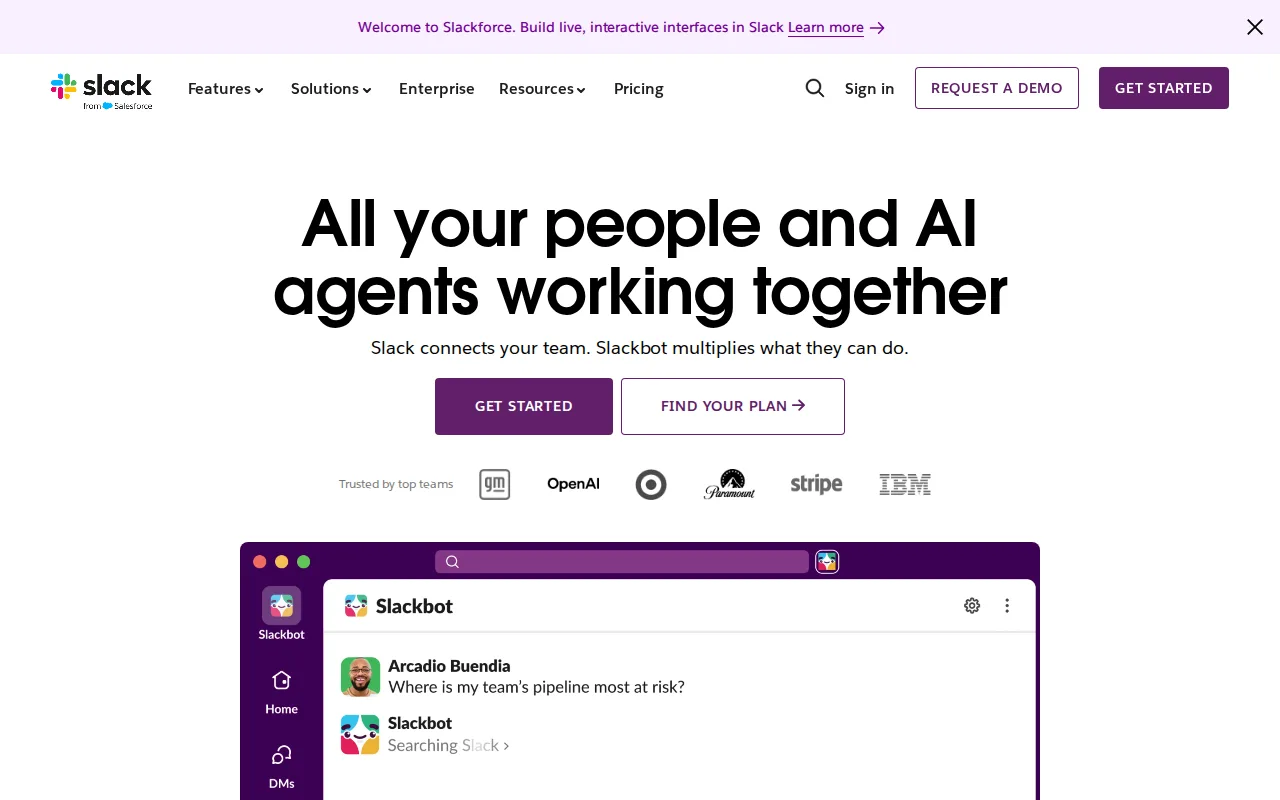
Slack is the best Mattermost alternative for teams that want mainstream, channel-based chat backed by a huge third-party app ecosystem, rather than Mattermost's self-hosted, compliance-first platform. Slack's Free plan covers up to 90 days of message history and 10 app integrations, and its Pro tier costs $8.75/month per user ($7.25/month billed annually), a published flat rate that stands in contrast to Mattermost, where none of the three paid tiers (Professional, Enterprise, Enterprise Advanced) publish a dollar figure at all — every quote requires a sales conversation. Slack holds a 4.7/5 rating from 24,182 Capterra reviews, an enormous sample next to Mattermost's own rating of a single 5/5 Product Hunt review. Slack's 1.7 million weekly active third-party app integrations, including native Salesforce and Google Drive connections, go well beyond what Mattermost's smaller integration ecosystem offers. Mattermost is still the better choice for regulated, government, or defense organizations that need self-hosted, air-gapped, or sovereign-cloud deployment: Slack has no self-hosting option at all, its free tier's 90-day rolling message history limits organizations that need indefinite retention, and its compliance features (SAML, DLP, legal holds) are reserved for the custom-priced Enterprise+ tier rather than being available lower down, unlike Mattermost's free MIT-licensed core, which ships with no user limit.
Compared to Mattermost: published flat pricing ($8.75/month) vs no public price on any paid tier, 4.7/5 rating from 24,182 reviews vs a single Product Hunt review, 1.7 million weekly active app integrations vs a smaller ecosystem
Wins:Publishes flat per-user pricing ($8.75/month Pro, billed annually at $7.25/month) while none of Mattermost's three paid tiers show a dollar figure · 4.7/5 rating from 24,182 Capterra reviews vs Mattermost's single 5/5 Product Hunt review · 1.7 million weekly active third-party app integrations, including native Salesforce and Google Drive, beyond Mattermost's smaller integration ecosystem
Loses:No self-hosting, on-premise, or air-gapped deployment option, unlike Mattermost's free MIT-licensed self-hosted core · Free tier's 90-day rolling message history limits organizations that need indefinite retention · Compliance features (SAML, DLP, legal holds) are reserved for the custom-priced Enterprise+ tier rather than a lower tier
Pros
- Organized, searchable channel-based messaging that scales better than a flat group-chat model.
- Huge third-party integration ecosystem, including native Salesforce CRM and Google Drive integration.
- Built-in Huddles provide quick audio/video calls without a separate meeting tool.
- AI-powered search, summarization, and workflow automation available on Business+.
Cons
- Free tier's 90-day message history is limiting for active teams.
- Advanced compliance features (SAML, DLP, legal holds) require the custom-priced Enterprise+ tier.
- Per-user pricing adds up for larger teams, especially at the $18/user/month Business+ tier.
- Some advanced AI features are gated behind Business+ rather than included in Pro.
Pricing: Free tier · paid from $8.75/mo — $8.75/month Pro ($7.25/month billed annually) vs Mattermost's contact-sales-only Professional/Enterprise/Enterprise Advanced tiers with no published price (verified )
2Microsoft Teams — best Mattermost alternative for organizations already using Microsoft 365 that need chat, video meetings, and calling tightly integrated with Word, Excel, Outlook, and SharePoint, from small teams under 300 people up to large enterprises
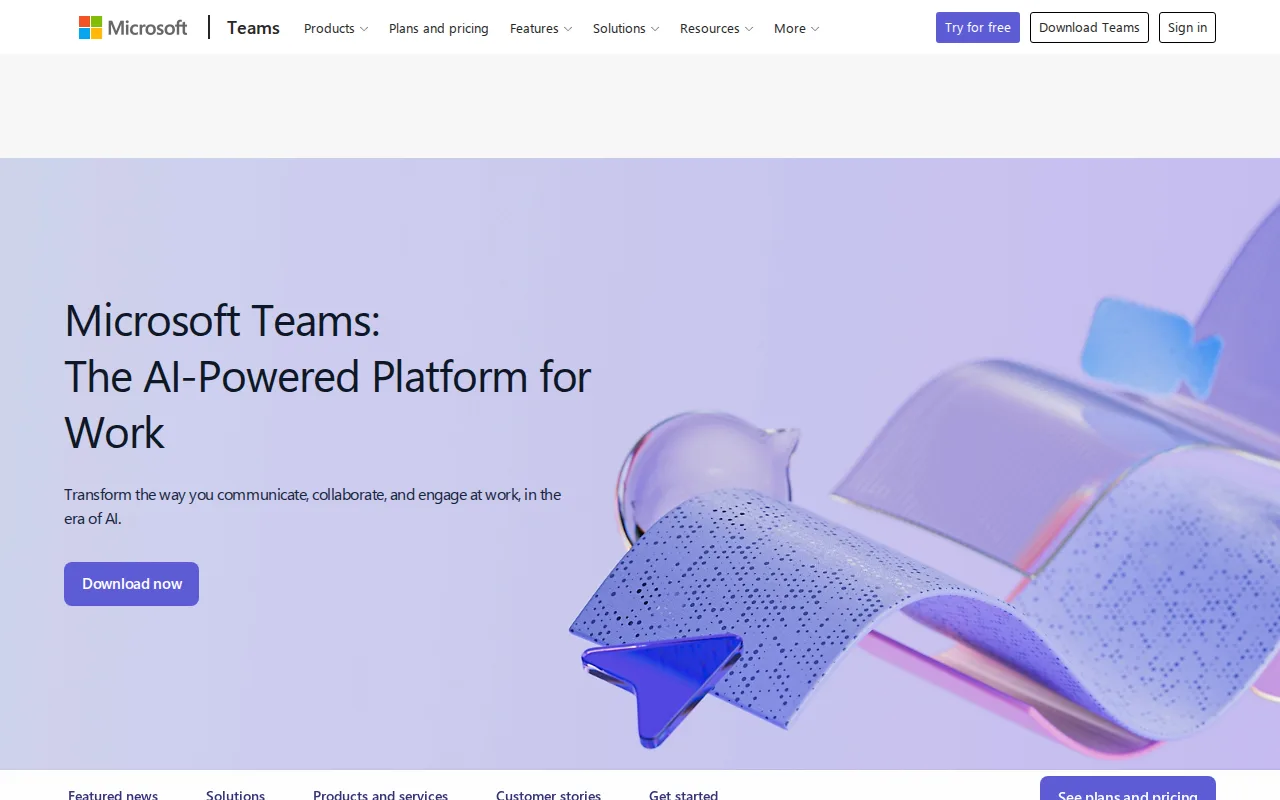
Microsoft Teams is the best Mattermost alternative for organizations already running Microsoft 365 that want chat, video meetings, and calling tied directly into Word, Excel, Outlook, and SharePoint, rather than Mattermost's standalone, compliance-first platform. Teams Essentials starts at $4/user/month, and Microsoft 365 Business Basic (which adds Exchange email, SharePoint, and OneDrive) runs $7/user/month, both published flat rates, while none of Mattermost's three paid tiers — Professional, Enterprise, Enterprise Advanced — show a dollar figure anywhere on-site. Microsoft Teams holds a 4.5/5 rating from 11,129 Capterra reviews, far more evidence than Mattermost's own single 5/5 Product Hunt review. Teams' free tier supports unlimited 1:1 messaging and calling with no user limit, a similar no-cost floor to Mattermost's free self-hosted core. Mattermost is still the better choice for regulated, government, or defense organizations that need self-hosted, air-gapped, or sovereign-cloud deployment: Microsoft Teams has no native Linux client and no self-hosting option at all, its free tier caps group video calls at 60 minutes, and Capterra reviewers report recurring bugs — crashes, login errors, and sync failures — that Mattermost's smaller, more controlled deployment model avoids. Getting Teams' full desktop Office apps also requires the $23.50/user/month Business Standard plan rather than a lower-cost Teams-only upgrade.
Compared to Mattermost: published pricing from $4/user/month vs no public price, 4.5/5 rating from 11,129 reviews vs a single Product Hunt review, no native Linux client or self-hosting option
Wins:Publishes flat per-user pricing starting at $4/month (Teams Essentials), while none of Mattermost's paid tiers show a dollar figure · 4.5/5 rating from 11,129 Capterra reviews vs Mattermost's single 5/5 Product Hunt review · Free tier supports unlimited 1:1 messaging and calling with no user limit, plus deep native integration with Word, Excel, Outlook, and SharePoint
Loses:No native Linux client and no self-hosting or air-gapped deployment option, unlike Mattermost's free MIT-licensed self-hosted core · Free tier caps group video calls at 60 minutes · Capterra reviewers report recurring bugs — crashes, login errors, and sync failures
Pros
- Free tier is usable for small teams with unlimited 1:1 messaging and calling.
- Tight native integration with Word, Excel, PowerPoint, Outlook, and SharePoint.
- AI-generated meeting notes, live captions, and real-time translation on paid tiers.
- Scales from a $4/user/month Essentials plan up to enterprise-grade Teams Phone and Teams Premium add-ons.
Cons
- Users report recurring bugs: crashes, login errors, sync failures, and unreliable status indicators.
- Free tier caps group video calls at 60 minutes.
- Full desktop Office apps require a $23.50/user/month Microsoft 365 Business Standard plan, not a lower-cost Teams-only upgrade.
- No official native Linux client.
Pricing: Free tier · paid from $4/mo — $4/user/month Teams Essentials vs Mattermost's contact-sales-only Professional/Enterprise/Enterprise Advanced tiers with no published price (verified )
3Rocket.Chat — best Mattermost alternative for regulated and security-conscious organizations (government, defense, healthcare, financial services) that need a self-hostable or air-gapped team chat platform, plus teams wanting a free, open-source Slack alternative
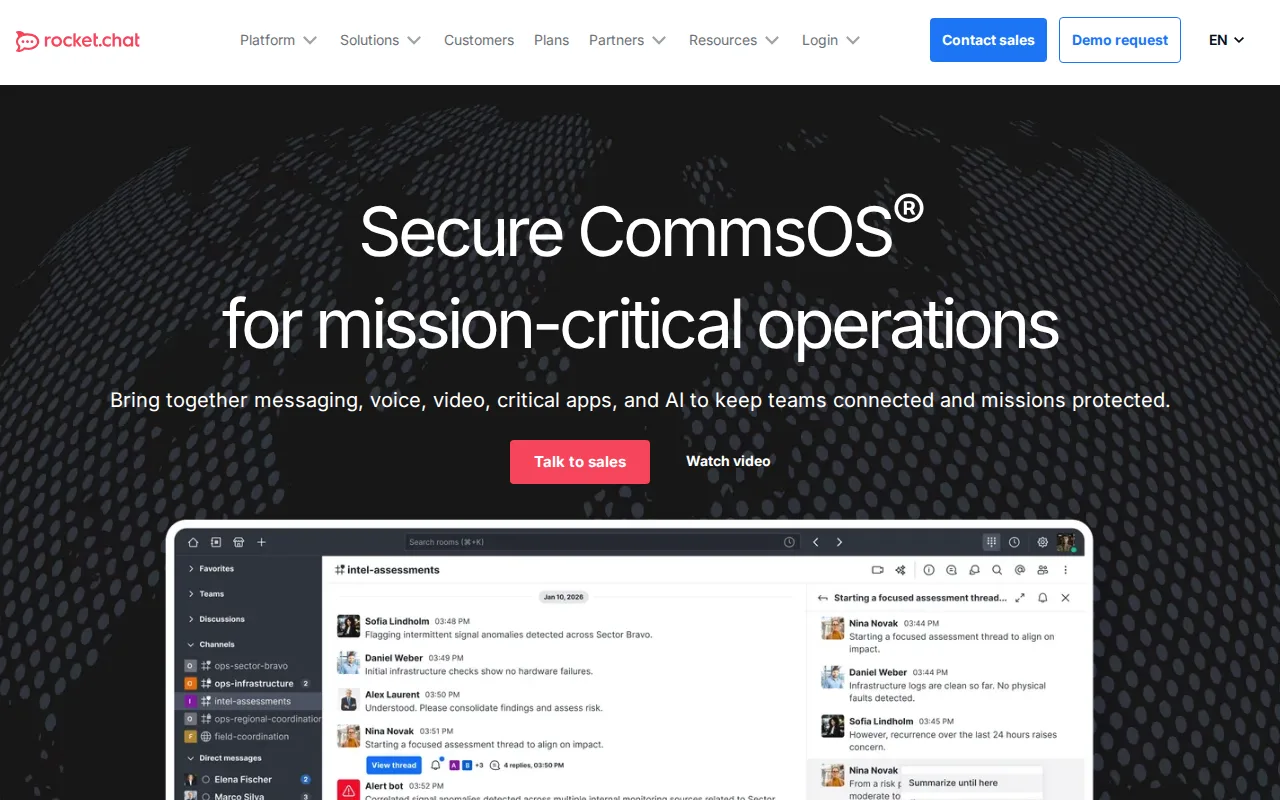
Rocket.Chat is the best Mattermost alternative for teams that want a fully open-source, self-hostable chat platform with no per-tier commercial license split, unlike Mattermost's open-core model where advanced features (sovereign AI, high availability, air-gapped support) sit behind a separate commercial Enterprise license. Rocket.Chat's Community edition is entirely MIT-licensed, free, self-hosted, and unlimited on user count, matching Mattermost's own free self-hosted core, and its GitHub repository has more than 46,000 stars, ahead of Mattermost's nearly 39,000. Rocket.Chat also supports deployments authorized up to DoD Impact Level 6 on its Defense tier, a depth of government and defense deployment comparable to Mattermost's own FIPS 140-3/STIG-hardened Enterprise Advanced options. Rocket.Chat holds a 4.3/5 rating from 156 Capterra reviews, a smaller sample than Slack's but more third-party evidence than Mattermost's single 5/5 Product Hunt review. Mattermost is still the better choice for buyers who want built-in Microsoft Teams interoperability and Kanban-style playbook automation, features Rocket.Chat doesn't list, and for organizations that value Mattermost's public roster of named enterprise customers (NASA, Samsung, the U.S. Air Force) as a compliance reference; Rocket.Chat's Commercial, Government, and Defense tiers all require the same sales-quote process Mattermost's paid tiers do, so neither product is more price-transparent than the other.
Compared to Mattermost: MIT-licensed Community edition with no separate commercial-license split vs Mattermost's open-core Enterprise license gate, 46,000+ GitHub stars vs nearly 39,000, Defense tier authorized up to DoD Impact Level 6
Wins:Community edition is entirely MIT-licensed with no advanced features gated behind a separate commercial license, unlike Mattermost's open-core split · GitHub repository has more than 46,000 stars vs Mattermost's nearly 39,000 · Defense tier supports deployments authorized up to DoD Impact Level 6
Loses:No built-in Microsoft Teams interoperability or Kanban-style playbook automation the way Mattermost lists · No published roster of named enterprise customers (Mattermost cites NASA, Samsung, and the U.S. Air Force) · Commercial, Government, and Defense tiers all require a sales quote, same as Mattermost's paid tiers
Pros
- Community Edition is free, open-source (MIT license), and self-hostable with no user limit.
- Deployment options span standard cloud hosting to fully air-gapped, classified environments.
- Federated communications let separate Rocket.Chat deployments message across organizational boundaries.
- Extensible via custom and pre-built apps, plus native voice, video, and screen sharing.
Cons
- No published list pricing for any paid tier; every quote requires a sales conversation.
- Self-hosting the Community Edition adds administration and infrastructure overhead compared to SaaS competitors.
- Government/Defense-specific features add complexity that most mainstream business customers won't need.
Pricing: Free — Both free self-hosted cores cost $0 with no user cap; neither product publishes paid-tier dollar pricing (verified )
4Zulip — best Mattermost alternative for distributed and remote teams, open-source projects, and research groups who need many parallel conversations to stay organized without a flat, scrolling chat feed
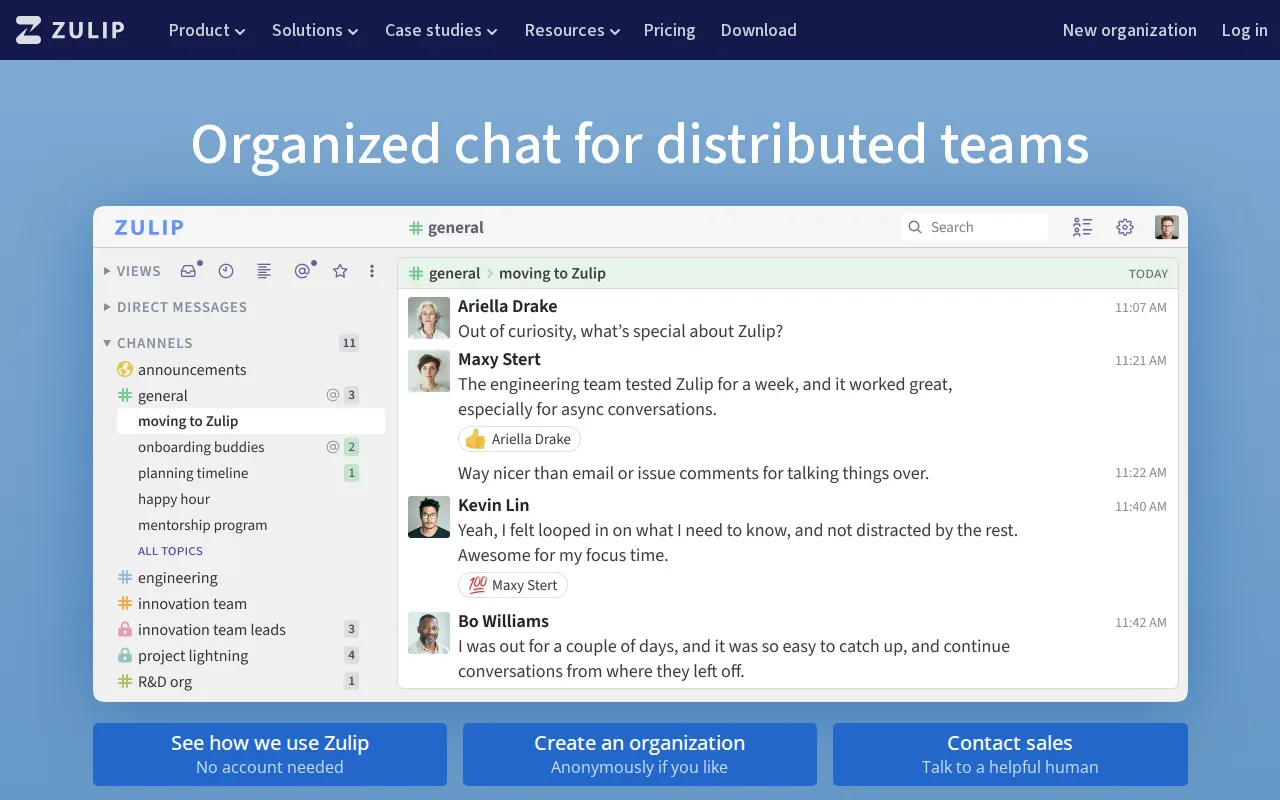
Zulip is the best Mattermost alternative for distributed teams that want topic-based threading — splitting every channel into named sub-conversations by default — rather than Mattermost's flat channel-and-thread model. Zulip's self-hosted edition is free with the complete feature set and no per-user cap, matching Mattermost's free MIT-licensed core, and its source is published on GitHub (zulip/zulip, 25,700+ stars) under the Apache 2.0 license. Zulip holds a 4.9/5 rating from 196 Capterra reviews, the highest score among Mattermost's listed alternatives and far more third-party evidence than Mattermost's own single 5/5 Product Hunt review. Zulip Cloud also publishes flat per-user pricing — Standard at $6.67/month billed annually ($8/month billed monthly) and Plus at $10/month billed annually — where none of Mattermost's three paid tiers show a dollar figure. Mattermost is still the better choice for organizations that need government-grade compliance certifications and sovereign or air-gapped deployment: Zulip's pricing and feature set target distributed teams and open-source projects rather than regulated government and defense buyers, and it doesn't advertise FIPS 140-3/STIG-hardened compliance or named customers like NASA and the U.S. Air Force the way Mattermost does. Teams migrating from Mattermost's flat-channel model to Zulip's topic-based threading also face a real adjustment period, per Zulip's own listing.
Compared to Mattermost: free self-hosted core with no per-user cap on both, 4.9/5 rating from 196 reviews vs a single Product Hunt review, published Cloud pricing from $6.67/month vs no public price
Wins:Topic-based threading organizes many parallel conversations within one channel, a different model from Mattermost's flat channels · 4.9/5 rating from 196 Capterra reviews, the highest score among Mattermost's listed alternatives · Zulip Cloud publishes flat per-user pricing from $6.67/month billed annually, while none of Mattermost's three paid tiers show a dollar figure
Loses:No advertised FIPS 140-3/STIG-hardened compliance or named government customers like Mattermost's NASA and U.S. Air Force references · Topic-based threading is a real behavior change from flat-channel chat, requiring a genuine adjustment period for switching teams · Positioned toward distributed teams and open-source projects rather than regulated government and defense deployments
Pros
- Self-hosted edition is fully open source (Apache 2.0) and free with the complete feature set and no user cap.
- Topic-based threading keeps many parallel conversations organized within a single channel.
- Cloud Free plan includes hundreds of integrations and guest accounts, not just a stripped demo.
- Apps available on web, Windows, macOS, Linux, iOS, and Android.
Cons
- Topic-based threading is a different mental model from flat-stream chat and requires teams to adjust their habits.
- Cloud Free caps search history at 10,000 messages, which active teams can hit quickly.
- Cloud Plus and Self-Hosted Business both carry 10- and 25-user minimums, respectively, so small teams pay a per-seat floor.
- Self-hosting requires ongoing server maintenance to get the same reliability as the managed Zulip Cloud.
Pricing: Free tier · paid from $3.50/mo — Zulip Cloud Standard at $6.67/month billed annually vs Mattermost's contact-sales-only Professional tier with no published price; both self-hosted free tiers are $0 (verified )
5Discord — best Mattermost alternative for gaming and hobbyist communities that want an always-on voice hangout with unlimited free members, rather than a scheduled-meeting or formal workplace chat tool

Discord is the best Mattermost alternative for informal communities, open-source projects, and small teams that want always-on voice channels and unlimited free membership rather than Mattermost's compliance-first, self-hosted platform — though the fit is a genuine mismatch for Mattermost's core regulated-industry audience. Discord's Free tier has no cap on servers, members, or message history, a simpler free floor than Mattermost's self-hosted core, which still requires standing up and maintaining a server. Discord holds a 4.6/5 rating from 540 Capterra reviews, well more third-party evidence than Mattermost's own single 5/5 Product Hunt review. Persistent voice channels let anyone in a server join or leave a call without scheduling, a casual, low-friction model Mattermost's more structured, channel-based chat doesn't offer. Mattermost is clearly the better choice for the regulated, government, and defense organizations it's actually built for: Discord itself says it lacks enterprise features like SSO, compliance controls, and granular admin auditing, has no self-hosting or on-premise option, and depends on volunteer admins and third-party bots for moderation rather than the audit trails and data classification banners Mattermost offers. Anyone evaluating Mattermost for compliance reasons should treat Discord as a poor substitute, useful mainly for the informal, hobbyist use case it's actually designed for.
Compared to Mattermost: unlimited free members and message history vs a self-hosted core requiring server upkeep, 4.6/5 rating from 540 reviews vs a single Product Hunt review, no enterprise SSO or compliance controls at all
Wins:Free tier has no cap on servers, members, or message history, and requires no server setup unlike Mattermost's self-hosted core · 4.6/5 rating from 540 Capterra reviews vs Mattermost's single 5/5 Product Hunt review · Persistent voice channels let anyone join or leave a call without scheduling
Loses:No SSO, compliance controls, or granular admin auditing, by Discord's own description, unlike Mattermost's compliance-first design · No self-hosting, on-premise, or air-gapped deployment option, a mismatch for Mattermost's regulated-industry, government, and defense audience · Moderation depends on volunteer admins and third-party bots rather than built-in audit trails and data classification banners
Pros
- Free tier has unlimited servers, members, and message history with no time-limited voice calls.
- Persistent voice channels let people join and leave communication casually, without scheduling.
- Deep gaming integrations (rich presence, direct game invites, low-latency streaming).
- Highly customizable via roles, permissions, and a large ecosystem of third-party bots.
Cons
- Not designed for professional/business communication; lacks the compliance, SSO, and formal admin auditing of workplace chat tools.
- Server moderation quality varies widely since it depends on volunteer admins and bots rather than built-in enterprise controls.
- Nitro pricing and perks (server boosts, file limits) can be confusing to new users trying to understand what's actually included.
- Anyone with a username can attempt to message or find users by default, raising privacy concerns some reviewers flag.
Pricing: Free tier · paid from $2.99/mo — Both offer a $0 free tier; Discord's optional Nitro ($2.99-$9.99/month) adds cosmetic and file-upload perks, not a business tier comparable to Mattermost's paid plans (verified )
6Element — best Mattermost alternative for government, defense, and enterprise organizations that need self-hosted, end-to-end encrypted chat with the option to federate across organizational boundaries
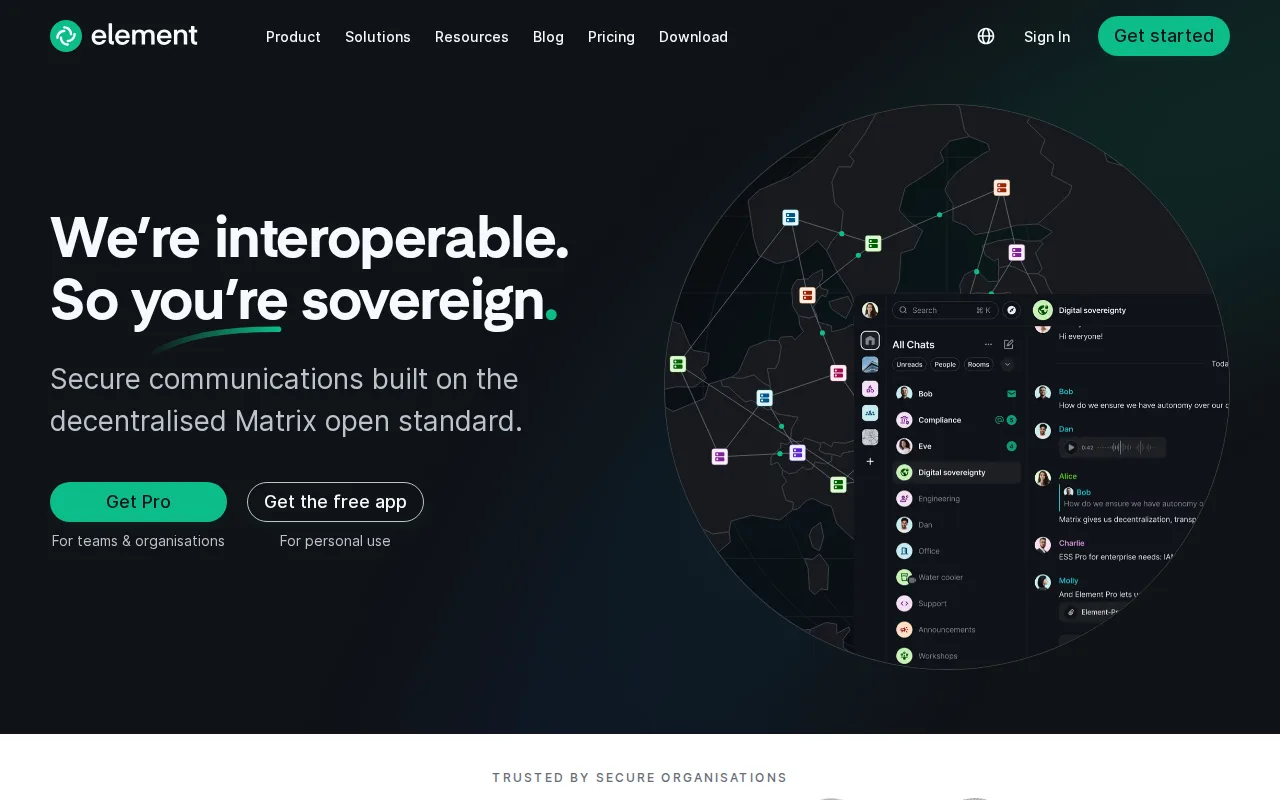
Element is the best Mattermost alternative for organizations that need encrypted messaging that can federate across separate companies' servers, something Mattermost's centralized deployment model doesn't support. Element is built on Matrix, an open, decentralized protocol, so a self-hosted Element/Matrix homeserver can still exchange end-to-end encrypted messages with users on an entirely different organization's server, unlike Mattermost's self-contained, single-organization deployments. Element's Community edition is free and AGPL-3.0-licensed for self-hosting, comparable to Mattermost's own free MIT-licensed core, and its Sovereign tier supports fully air-gapped, offline-capable installs for government and defense customers, matching the depth of Mattermost's FIPS 140-3/STIG-hardened Enterprise Advanced tier. Element counts NATO, UN agencies, and several European governments and militaries among its users, a similar regulated-sector customer base to Mattermost's own NASA and U.S. Air Force references. Mattermost is still the better choice for buyers who want a lower entry point for paid features: Element's Enterprise tier only becomes available from a 100-user minimum, a higher floor than any of Mattermost's tiers state, and neither Element's Enterprise nor Sovereign pricing is published, matching Mattermost's own lack of published paid-tier pricing, so cost comparison for either product requires a sales call. Element also carries no external ratings on Capterra, Product Hunt, or G2, versus Mattermost's own single Product Hunt score.
Compared to Mattermost: Matrix federation lets self-hosted servers message across organizations, Sovereign tier matches FIPS 140-3/STIG-hardened compliance depth, Enterprise tier requires a 100-user minimum
Wins:Matrix federation lets a self-hosted Element server exchange encrypted messages with users on entirely different organizations' servers, which Mattermost's centralized model doesn't support · Sovereign tier supports fully air-gapped, offline-capable installs, matching Mattermost's FIPS 140-3/STIG-hardened Enterprise Advanced depth · Named regulated-sector customers include NATO, UN agencies, and several European governments and militaries
Loses:Enterprise tier only becomes available from a 100-user minimum, a higher floor than any Mattermost tier states · Neither Enterprise nor Sovereign pricing is published, matching Mattermost's own lack of published paid-tier pricing · Carries no external ratings on Capterra, Product Hunt, or G2, versus Mattermost's single Product Hunt score
Pros
- Matrix federation allows cross-organization encrypted messaging without shared infrastructure.
- Community edition is fully free and AGPL-licensed for self-hosting.
- Sovereign tier supports fully air-gapped deployments with no internet dependency.
- Native apps cover web, Windows, macOS, Linux, iOS, and Android.
Cons
- Enterprise and Sovereign pricing is not published; both require contacting sales.
- Enterprise tier only becomes available from a 100-user minimum, limiting its use for small teams.
- Self-hosting the Community edition requires running and maintaining your own Synapse homeserver.
- The dual AGPL/commercial licensing model can be confusing for organizations unsure which terms apply to their use case.
Pricing: Free — Both free self-hosted cores cost $0; neither Element's Enterprise/Sovereign nor Mattermost's Professional/Enterprise/Enterprise Advanced tiers publish a dollar figure (verified )