4 Best Free Alternatives to Joplin in 2026
By Noahlast updated pricing verified
Compared: free alternatives to Joplin
| Alternative | Best for | Standout | Biggest weakness | Learning curve | Price |
|---|---|---|---|---|---|
| Joplinreference | People who want an offline-first, end-to-end encrypted Markdown note app with a free self-hosted sync option and no vendor lock-in. | End-to-end encryption is available on every sync method, including the free options (Dropbox, OneDrive, WebDAV, Nextcloud), not just the paid Joplin Cloud tier. | Joplin's editor and web clipper feel less polished than Notion or Evernote, and Joplin Cloud has no free plan of its own, so ongoing hosted sync costs money even though the app itself is free. | Moderate | Free tier · paid from $3.23/mo |
| Obsidian | individuals building a long-lived personal knowledge base who want their notes to stay plain markdown files they can read, back up, and move without the app | Every note is a plain markdown file in a normal folder on the device, so the vault opens offline and instantly, syncs with whatever tool you already use, and remains readable if Obsidian ever disappears. | Obsidian is built around one person's local vault, so the things a team takes for granted cost extra or do not exist: real-time collaboration only arrives through paid shared vaults on Obsidian Sync, and there is no web version at all, which means a vault is unreachable from any machine where you cannot install the app. Getting the same notes onto a phone and a laptop also means $4-$8/user/month for Sync or assembling your own iCloud, Dropbox, or Git setup, since the free app ships no sync of its own. | Moderate | Free tier · paid from $4/mo |
| Notion | Teams that want to consolidate scattered docs, wikis, and lightweight project trackers into one linked workspace, and are willing to spend time designing their own database structure. | Custom Agents and Notion Agent, which can complete multi-step tasks using context pulled from Notion pages, connected apps (Slack, GitHub, Google Drive), and the web, billed at $10 per 1,000 Notion credits after a free trial. | Free and Plus plans only give trial access to Notion AI features (chat, meeting notes, research mode); full AI usage requires the Business plan at $20/member/month or separate Notion credits for Custom Agents and Workers, which adds an unpredictable usage-based cost on top of the seat price. | Steep | Free tier · paid from $10/mo |
| Evernote | Individuals who want to capture and search notes, scanned documents, and web clips across phone, desktop, and browser in one synced place | Web Clipper plus advanced search (Boolean, geographic, and filtered queries) across notes, scanned documents, and attachments | The free tier limits users to 50 notes total and syncing to only 1 device, which is restrictive enough that most people who rely on Evernote daily end up needing a paid plan within weeks | Moderate | Free tier · paid from $14.99/mo |
| Standard Notes | privacy-focused professionals and journalists who want a fully open-source, end-to-end encrypted notes app they can self-host instead of trusting a vendor's servers | Fully open-source (AGPL-3.0) client and server code that can be self-hosted, combined with end-to-end encryption that keeps even Standard Notes/Proton from reading note content. | The free tier's editor is intentionally minimal (plain text-focused), so richer formatting, extended note history, and file attachments require a paid plan whose current price is not transparently listed on the marketing site without navigating to a signup flow, and the plain-text-first design means it lacks the richer block-based editing found in competitors like Notion. | Low | Free |
 Joplin
 Obsidian
 Notion
 Evernote
 Standard Notes
1.Obsidian — best Joplin alternative for individuals building a long-lived personal knowledge base who want their notes to stay plain markdown files they can read, back up, and move without the app
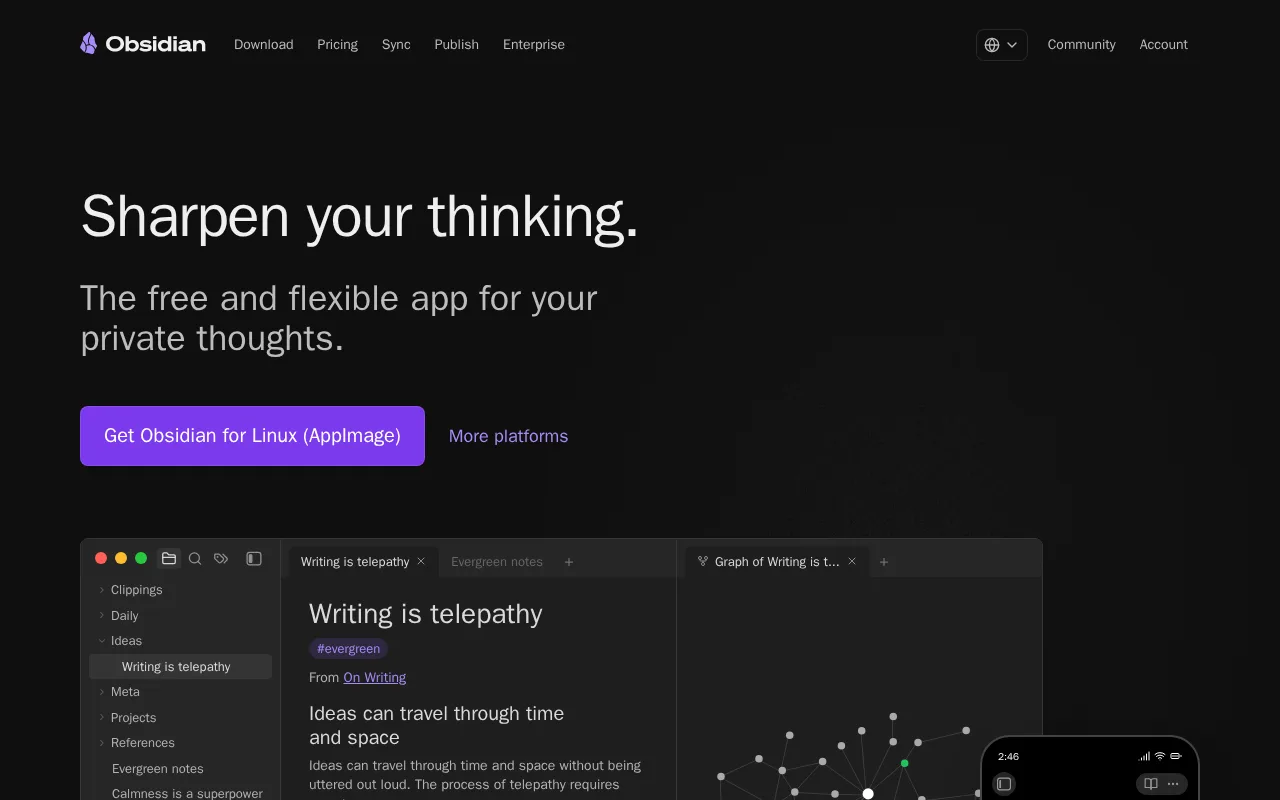
Obsidian is the best Joplin alternative for people who want to keep local Markdown notes but find Joplin's own interface rough. Both apps store notes as files on your own disk and both run on Windows, macOS, Linux, iOS, and Android, so moving between them is closer to a file move than an export. Obsidian answers the weakness Joplin names for itself: Joplin's listing concedes that its UI and mobile clipper are less refined than commercial alternatives, while Obsidian ships an official Web Clipper for eight browsers (Chrome, Safari, Firefox, Edge, Brave, Arc, Orion, and Vivaldi). Obsidian Sync costs $4/user/month billed annually ($5 month-to-month) and includes AES-256 end-to-end encryption, per-note version history, file recovery snapshots, and collaboration on shared vaults, which is sharing that Joplin holds back for Joplin Cloud Pro at 5.99 EUR/month (about $6.47) billed monthly. Obsidian Publish turns a vault into a themed site with graph view and full-text search for $8/site/month billed annually. Joplin is still the better choice on two counts. Joplin's core app is open source with the source on GitHub, while Obsidian's license overview reserves rights to the code in the app. And Joplin gives you end-to-end encrypted sync for free over Dropbox, OneDrive, WebDAV, or Nextcloud, where Obsidian's encrypted sync is a paid add-on at $4/user/month.
Compared to Joplin: an official Web Clipper for eight browsers against Joplin's own admission that its clipper is less refined, shared-vault collaboration inside $4/user/month Obsidian Sync vs notebook sharing gated to Joplin Cloud Pro at 5.99 EUR/month (about $6.47), and a proprietary app license where Joplin's core is open source
Wins:Official Web Clipper for eight browsers (Chrome, Safari, Firefox, Edge, Brave, Arc, Orion, Vivaldi), against the clipper Joplin's own listing calls less refined than commercial rivals · Obsidian Sync at $4/user/month billed annually already includes shared-vault collaboration, version history, and file-recovery snapshots; Joplin puts notebook sharing on Joplin Cloud Pro at 5.99 EUR/month (about $6.47) billed monthly · Obsidian Publish turns a vault into a themed website with graph view and full-text search for $8/site/month billed annually, a per-site product Joplin doesn't sell
Loses:Obsidian's app code is proprietary — its license overview reserves rights to the code in the app — while Joplin's core app is open source with the source on GitHub · End-to-end encryption comes only with paid Obsidian Sync ($4/user/month annually, $5 month-to-month), while Joplin supports end-to-end encryption on every sync backend including free Dropbox, OneDrive, WebDAV, and Nextcloud · No browser-based app: Obsidian's download page lists Windows, macOS, Linux, iOS, and Android clients, while Joplin lists web among its platforms and ships a terminal client too
Pros
- The app is free without limits and needs no account; notes are stored locally as plain markdown files in open formats, so there is no lock-in.
- 7,647 community plugins and 755 themes let the editor be reshaped for research, writing, task management, or visualization.
- Works fully offline on Windows, macOS, Linux, iOS, and Android, with no server round-trip to open a note.
- Obsidian states notes stay on the device and are inaccessible to the company, its apps collect no telemetry, and Obsidian Sync is AES-256 end-to-end encrypted.
- Paid products are optional services rather than a feature wall: Sync from $4/user/month, Publish from $8/site/month, and a commercial license the FAQ says is not required.
Cons
- There is no web version, so a vault is only reachable from a device where Obsidian is installed.
- Cross-device sync is a paid add-on from $4/user/month, or a do-it-yourself setup on iCloud, Dropbox, or Git.
- Real-time collaboration needs paid shared vaults on Obsidian Sync; there is no free multi-user editing.
- Obsidian's own apps are not open source — obsidian.md publishes open file formats plus public release and plugin repositories, but not the application source.
Pricing: Free tier · paid from $4/mo — Obsidian Sync at $4/user/month billed annually ($5 month-to-month) vs Joplin Cloud Basic at 2.99 EUR/month (about $3.23) billed monthly, or 2.40 EUR/month billed annually (verified undefined NaN, NaN)
2.Notion — best Joplin alternative for teams that want to consolidate scattered docs, wikis, and lightweight project trackers into one linked workspace, and are willing to spend time designing their own database structure.
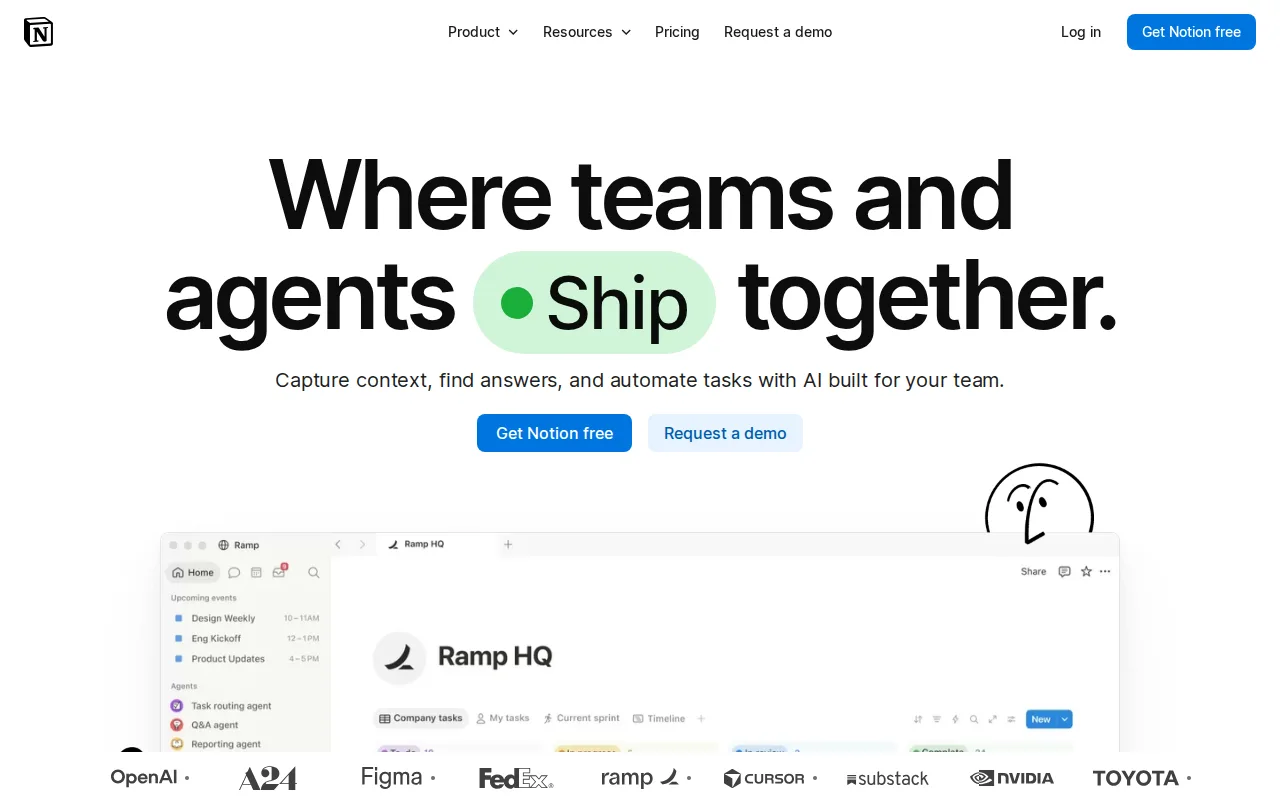
Notion is the best Joplin alternative for teams that need their notes to double as a wiki, a project tracker, and a database instead of a folder of Markdown files. Joplin is a notes app with sync; Notion is a workspace where one page can be a doc, a linked database row, and a task at once. Notion's free plan gives a solo user unlimited pages and blocks, which matters because Joplin Cloud has no free tier at all, so official hosted Joplin sync starts at 2.99 EUR/month (about $3.23). Paid Notion is $10/member/month for Plus and $20/member/month for Business, with Notion Agent, AI Meeting Notes, and Enterprise Search arriving only at the $20 Business tier. Notion's pricing was independently verified on September 15, 2026, the same date Joplin's plans page was checked. Joplin is still the better choice for anyone who cares about privacy, offline access, or ownership. Joplin encrypts notes end-to-end on every sync backend, including the free ones, while Notion's strongest listed privacy control is zero data retention with LLM providers on the custom-priced Enterprise plan. Notion's offline support reaches only recently viewed or favorited pages on paid plans, against Joplin's local Markdown files; its learning curve is rated steep where Joplin's is moderate; and Custom Agents bill at $10 per 1,000 Notion credits on top of the per-seat price.
Compared to Joplin: linked databases, wikis, and project tracking in one workspace instead of a Markdown notes app, a genuinely free plan with unlimited pages and blocks for solo use where Joplin Cloud has no free tier, and no end-to-end encryption where Joplin encrypts on every sync backend
Wins:Docs, wikis, relational databases, and project tracking live in one linked workspace rather than a flat Markdown note tree · Free plan supports unlimited pages and blocks for solo use, while Joplin Cloud has no free tier and starts at 2.99 EUR/month (about $3.23) · AI that Joplin has no equivalent for: Notion Agent, AI Meeting Notes, and Enterprise Search on the $20/member/month Business plan, plus a public API, webhooks, and one-way syncs from Jira, GitHub, and Asana
Loses:No end-to-end encryption; Notion's strongest listed privacy control is zero data retention with LLM providers on the custom-priced Enterprise plan, while Joplin encrypts end-to-end on every sync backend · Offline support covers only recently viewed or favorited pages on paid plans, where Joplin stores every note as a local Markdown file and works offline by default · Learning curve is rated steep against Joplin's moderate, and Plus at $10/member/month is roughly three times Joplin Cloud Basic's 2.99 EUR/month (about $3.23)
Pros
- Single tool covers docs, wikis, databases, and basic project tracking, reducing tool-switching
- Free plan supports unlimited pages and blocks for solo use, with only multi-member workspaces hitting block limits
- Deep customization through nested pages, linked databases, and templates
- Public API, webhooks, and 1-way database syncs (Jira, GitHub, Asana) for connecting external tools
Cons
- Per-member pricing on paid tiers ($10-$20/month) gets expensive fast for larger teams compared to flat-fee tools
- Offline support is limited to recently viewed or favorited pages on paid plans rather than full offline access
- Flexible block-and-database model has a steep learning curve for teams used to fixed-structure apps
- Meaningful AI features (Notion Agent, Enterprise Search, AI Meeting Notes) require the $20/month Business plan or higher
Pricing: Free tier · paid from $10/mo — $10/member/month (Plus, billed monthly) vs Joplin Cloud Basic at 2.99 EUR/month, about $3.23 (verified undefined NaN, NaN)
3.Evernote — best Joplin alternative for individuals who want to capture and search notes, scanned documents, and web clips across phone, desktop, and browser in one synced place
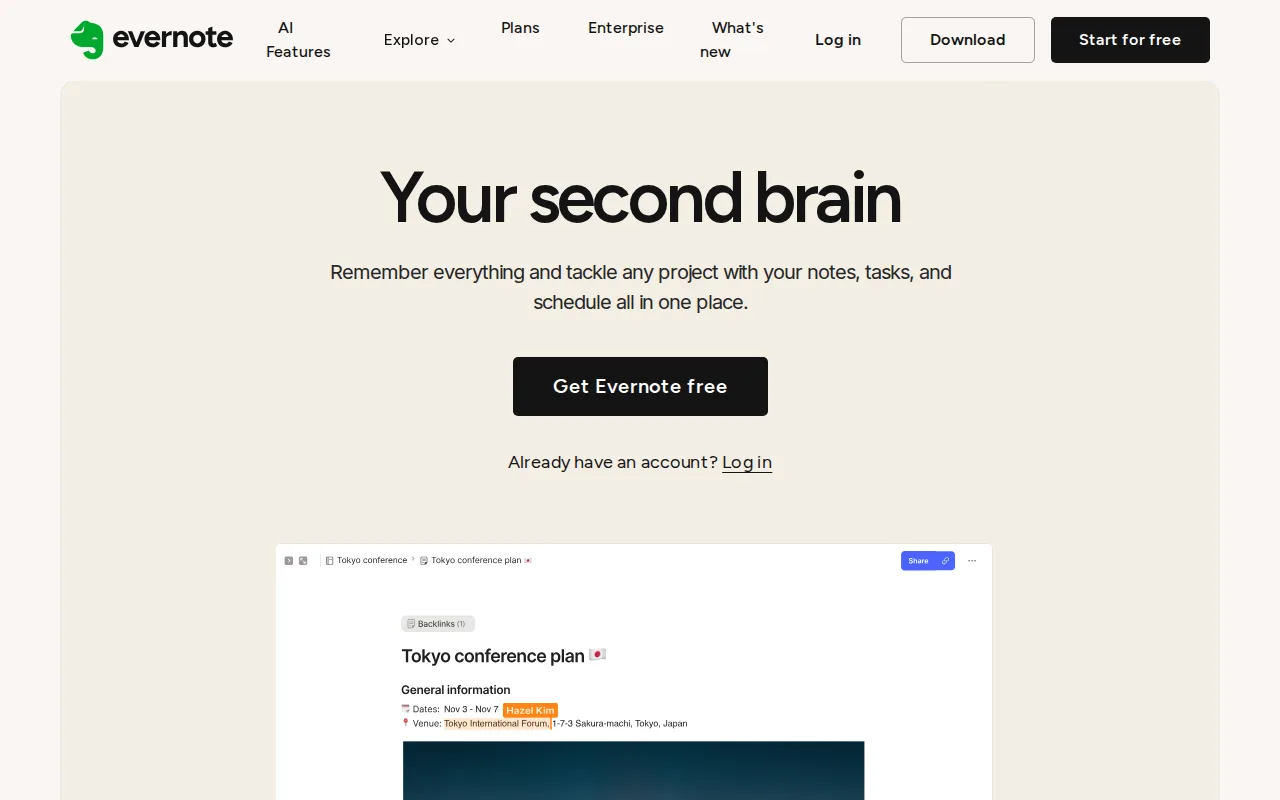
Evernote is the best Joplin alternative for people whose notes are mostly captured rather than typed: web pages, scanned receipts, contracts, and PDFs. Evernote's OCR turns paper and PDFs into searchable notes, its Web Clipper pulls full articles, screenshots, and PDFs straight into notebooks, and its search handles Boolean, geographic, and filtered queries across notes and attachments. That is precisely the capability Joplin's own listing names as its weak spot, conceding that Joplin's UI and mobile clipper are less refined than commercial alternatives like Evernote. Paid Evernote tiers add AI meeting transcription, rewriting, and semantic search. Joplin is still the better choice for most people switching on price or principle. Evernote's free plan stops at 50 notes, 1 notebook, and 1 device sync, while Joplin's apps are free with no note cap and encrypted sync over Dropbox, OneDrive, WebDAV, or Nextcloud at no charge. Evernote Starter costs $14.99/month, about 4.6 times Joplin Cloud Basic's 2.99 EUR/month (about $3.23), and still caps you at 1,000 notes and 20 notebooks; unlimited notes require Advanced at $17.99/month. Evernote also has no Linux client, listing web, Windows, macOS, iOS, and Android only, where Joplin runs on Linux and ships a terminal app, and Evernote provides no offline-first end-to-end encrypted note body by default outside its in-note encryption feature on Mac and Windows.
Compared to Joplin: OCR search across scanned documents and PDFs that Joplin has no equivalent for, a mature Web Clipper against the clipper Joplin calls its own weak point, and a free plan capped at 50 notes and 1 device where Joplin's free apps have no note cap
Wins:OCR and document scanning turn paper and PDFs into searchable notes, a capability Joplin does not offer · Web Clipper captures full articles, screenshots, and PDFs into notebooks, and advanced search handles Boolean, geographic, and filtered queries across notes and attachments · Paid plans include AI meeting transcription, rewriting, and semantic search, none of which Joplin ships
Loses:Free plan is capped at 50 notes, 1 notebook, 1 device sync, 1GB monthly upload, and 20 tags, while Joplin's free apps have no note cap and sync end-to-end encrypted over Dropbox, OneDrive, WebDAV, or Nextcloud at no cost · Starter at $14.99/month is about 4.6 times Joplin Cloud Basic's 2.99 EUR/month (about $3.23) and still limits you to 1,000 notes and 20 notebooks; unlimited notes need Advanced at $17.99/month · No Linux client (web, Windows, macOS, iOS, Android only), no self-hosting, and no offline-first end-to-end encrypted note body by default outside in-note encryption on Mac and Windows
Pros
- Strong OCR and document scanning for turning paper and PDFs into searchable notes
- Mature apps on Windows, Mac, iOS, Android, and web with reliable sync
- Web Clipper captures full articles, screenshots, and PDFs directly into notebooks
- AI features for meeting transcription, rewriting, and semantic search built into paid plans
Cons
- Free plan is capped at 50 notes and 1 device, far tighter than competitors like Google Keep or Notion's free tiers
- Notebook limits even on the paid Starter plan (20 notebooks) can feel restrictive for heavy users
- Pricing has risen substantially over the years, which has pushed some long-time users toward cheaper alternatives
- No fully offline-first, end-to-end encrypted note body by default outside of the in-note encryption feature on Mac and Windows
Pricing: Free tier · paid from $14.99/mo — $14.99/month (Starter) vs Joplin Cloud Basic at 2.99 EUR/month, about $3.23 — roughly 4.6x
4.Standard Notes — best Joplin alternative for privacy-focused professionals and journalists who want a fully open-source, end-to-end encrypted notes app they can self-host instead of trusting a vendor's servers
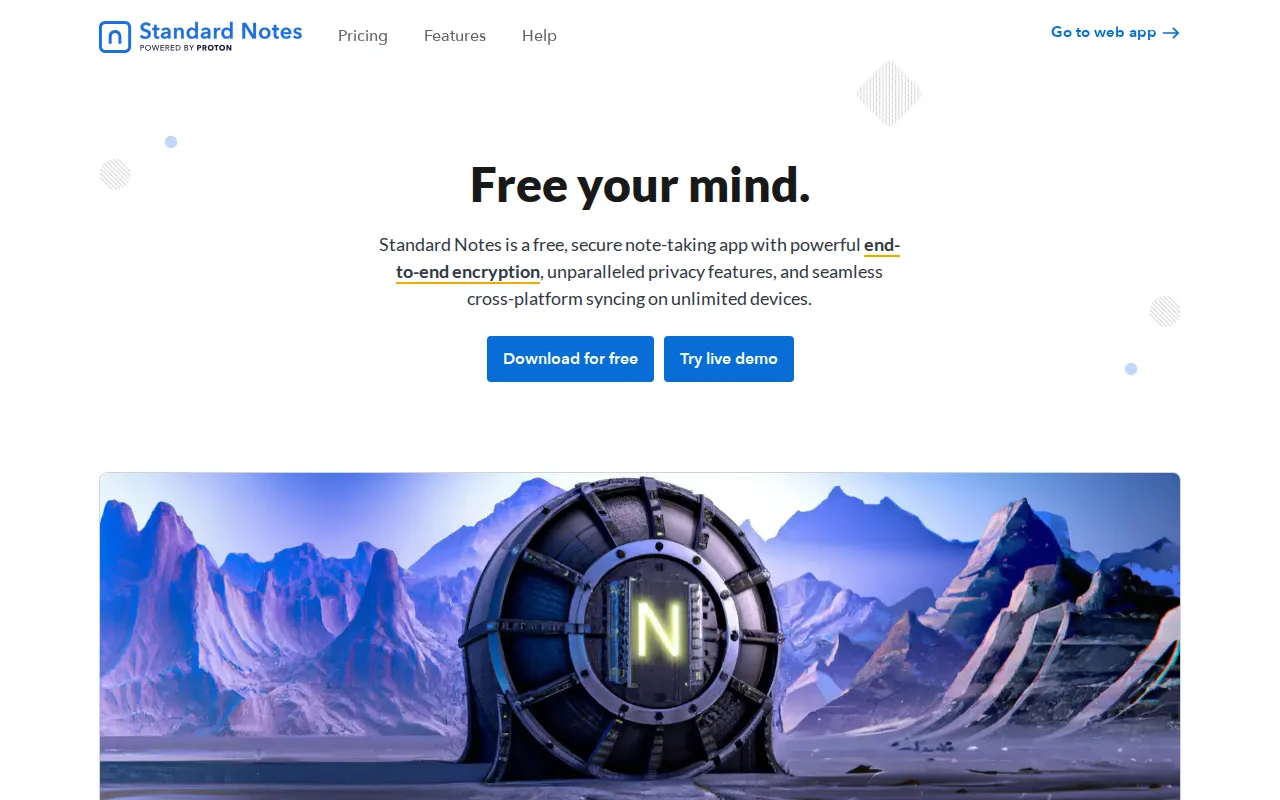
Standard Notes is the best Joplin alternative for people who came to Joplin for encryption and open source and would rather not pay for hosted sync. Standard Notes' free tier includes unlimited end-to-end encrypted notes synced across unlimited devices at $0, which answers Joplin's own biggest gap directly: Joplin Cloud has no free plan, so official Joplin sync starts at 2.99 EUR/month (about $3.23). Standard Notes goes further than Joplin on licensing too. Its client and server are AGPL-3.0 with the source on GitHub (6.6K stars) and the server can be self-hosted, where Joplin is open core. Proton AG acquired Standard Notes in April 2024 and kept both the brand and the open-source codebase. Standard Notes is also the only tool on this page with an external rating on record, 4.5/5 from 14 Capterra reviews, against none for Joplin. Joplin is still the better choice if you actually write inside your notes. The Standard Notes free editor is deliberately plain-text-focused, and rich text, Markdown, and code editors, extended version history, two-factor authentication, and encrypted file attachments all sit behind a paid plan whose current price is not published clearly, since standardnotes.com returned 403 to automated fetches. Joplin's free app already includes both Markdown and Rich Text editors, a plugin API, custom themes, and attachments covering images, PDFs, audio, math expressions, and diagrams.
Compared to Joplin: free end-to-end encrypted sync across unlimited devices where Joplin Cloud has no free plan, a fully AGPL-3.0 client and server against Joplin's open-core model, and a plain-text-focused free editor where Joplin's free app ships both Markdown and Rich Text editors
Wins:Free tier syncs unlimited end-to-end encrypted notes across unlimited devices at $0, while Joplin Cloud has no free plan and starts at 2.99 EUR/month (about $3.23) · Client and server are both AGPL-3.0 with the source on GitHub (6.6K stars) and the server is self-hostable, where Joplin is open core · The only tool on this page with an external rating on record: 4.5/5 from 14 Capterra reviews, against none for Joplin, and it has been backed by Proton AG since the April 2024 acquisition
Loses:The free editor is intentionally plain-text-focused, while Joplin's free app ships both Markdown and Rich Text editors plus a plugin API and custom themes · Extended note history, extra editors, two-factor authentication, and encrypted file attachments require a paid plan whose current price is not published clearly (standardnotes.com returned 403 to automated fetches), where Joplin lists every tier in euros on its plans page · Smaller user base and review footprint (14 Capterra reviews) with fewer third-party integrations, and no equivalent to Joplin's attachment range of images, PDFs, audio, math expressions, and diagrams on the free tier
Pros
- Fully open-source and self-hostable (AGPL-3.0), letting privacy-conscious users run their own server.
- End-to-end encryption means Standard Notes cannot read note content, even after the Proton acquisition.
- Native apps across web, Windows, macOS, Linux, iOS, and Android from one shared codebase.
- Backed by Proton's infrastructure and funding since the April 2024 acquisition.
Cons
- Free tier's default editor is intentionally plain and minimal compared to rich-text or block-based note apps.
- Paid tier's exact current pricing is not clearly published on the marketing site without starting a signup flow.
- Smaller user base and review footprint than mainstream note apps, meaning fewer third-party integrations.
- Self-hosting the server requires technical setup that most users will skip in favor of the hosted service.
Pricing: Free — $0 for unlimited encrypted sync across unlimited devices vs Joplin Cloud Basic at 2.99 EUR/month (about $3.23); the Standard Notes paid tier's current price is not published in a verifiable form