5 Best Free Alternatives to IntelliJ IDEA in 2026
By Noahlast updated
All 6 IntelliJ IDEA alternatives
Compared: free alternatives to IntelliJ IDEA
| Alternative | Best for | Learning curve | Price |
|---|---|---|---|
| IntelliJ IDEAreference | Java and Kotlin developers who want the strongest JVM-focused IDE, using the free Community edition unless they specifically need Ultimate's web-framework or database tooling | Moderate | Free tier · paid from $169/yr |
| Visual Studio Code | developers across nearly any language or stack who want a fast, free, extensible editor with strong Git integration and a large extension ecosystem, rather than a full paid IDE | Low | Free |
| Cursor | software teams that want autonomous AI agents handling multi-file changes and PR reviews directly inside their editor and CI pipeline | Moderate | Free tier · paid from $20/mo |
| Zed | developers who want a genuinely fast, native (non-Electron) editor with built-in agentic AI support, and who are comfortable using their own API keys or a lean paid AI subscription instead of a bundled enterprise IDE | Moderate | Free tier · paid from $10/mo |
| VSCodium | developers who want VS Code's editing experience and MIT-licensed source without Microsoft's telemetry, proprietary marketplace terms, or branding | Low | Free |
| Replit | hobbyist builders, product managers, and small teams who want to turn natural-language prompts into deployed apps without setting up a local dev environment | Low | Free tier · paid from $20/mo |
 IntelliJ IDEA
 Visual Studio Code
 Cursor
 Zed
Zed VSCodium
 Replit
1Visual Studio Code — best IntelliJ IDEA alternative for developers across nearly any language or stack who want a fast, free, extensible editor with strong Git integration and a large extension ecosystem, rather than a full paid IDE
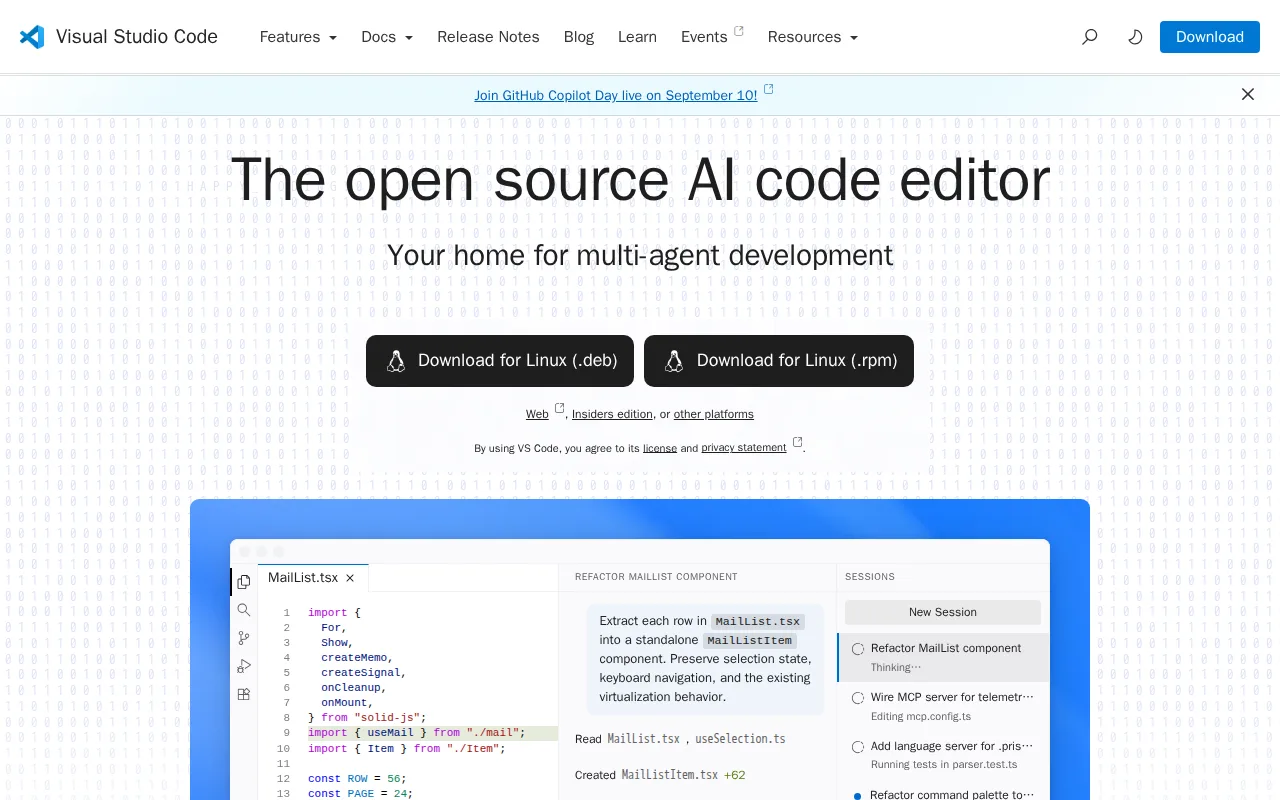
Visual Studio Code is the best IntelliJ IDEA alternative for developers who work across several languages and do not want to pay for IntelliJ IDEA Ultimate to get web and database tooling. VS Code is free for individual and commercial use on Windows, macOS, Linux, and in the browser at vscode.dev. Its marketplace of over 80,000 extensions covers nearly every language and framework. IntelliJ IDEA keeps Spring, JavaScript and TypeScript support, and its database tools in Ultimate, at $169/year for an individual or $599/user/year for an organization in the first year. VS Code also ships built-in Git, an integrated terminal, a debugger, and remote development over SSH, containers, and GitHub Codespaces. It holds 4.8/5 from 1,694 Capterra reviews against IntelliJ IDEA's 4.7/5 from 1,259. IntelliJ IDEA is still the better choice for serious Java work. VS Code's own listing concedes that its advanced refactoring and language-specific tooling generally lag JetBrains IDEs for Java, its performance degrades as extensions pile up, and full AI functionality points to GitHub Copilot, a separate paid subscription. A Java or Kotlin developer who never needs Ultimate's extras also pays nothing for IntelliJ IDEA Community, so VS Code's price advantage only counts against Ultimate.
Compared to IntelliJ IDEA: free for commercial use with no paid tier, where IntelliJ IDEA Ultimate costs $169/year for individuals, 80,000+ extensions plus a browser version at vscode.dev, weaker advanced Java refactoring than JetBrains IDEs by VS Code's own account
Wins:Free for individual and commercial use with no paid tier, where IntelliJ IDEA's web-framework and database tooling require Ultimate at $169/year for individuals or $599/user/year for organizations (first-year prices) · Runs in the browser at vscode.dev as well as on Windows, macOS, and Linux, where IntelliJ IDEA is desktop-only · 4.8/5 from 1,694 Capterra reviews against IntelliJ IDEA's 4.7/5 from 1,259, with a learning curve rated low against IntelliJ IDEA's moderate
Loses:Advanced refactoring and language-specific tooling generally lag dedicated JetBrains IDEs for Java, according to VS Code's own listing · Performance degrades with many extensions installed, especially on large codebases · Full AI functionality leans on GitHub Copilot, a separate paid subscription · The official Microsoft build ships telemetry and marketplace terms under a separate proprietary license, where IntelliJ IDEA Community is open source under Apache 2.0
Pros
- Free for individual and commercial use with no paid tier gating core editor functionality.
- Extension marketplace covers virtually every language, framework, and workflow, from linting to remote containers.
- Built-in Git integration and an integrated terminal remove the need for separate tools for basic version control.
- Runs identically across Windows, macOS, Linux, and the browser via vscode.dev.
Cons
- Performance degrades with many extensions installed, especially on large codebases or lower-end hardware.
- The official build's telemetry and marketplace terms sit under a separate Microsoft license, distinct from the MIT-licensed open-source core.
- Advanced refactoring and language-specific tooling generally lag behind dedicated JetBrains IDEs for languages like Java or C#.
- AI features increasingly nudge users toward GitHub Copilot, which is a separate paid subscription for full functionality.
Pricing: Free — $0 for Visual Studio Code vs $169/year for IntelliJ IDEA Ultimate (individual, first year) or $599/user/year (organization); IntelliJ IDEA Community is also $0 (verified )
2Cursor — best IntelliJ IDEA alternative for software teams that want autonomous AI agents handling multi-file changes and PR reviews directly inside their editor and CI pipeline
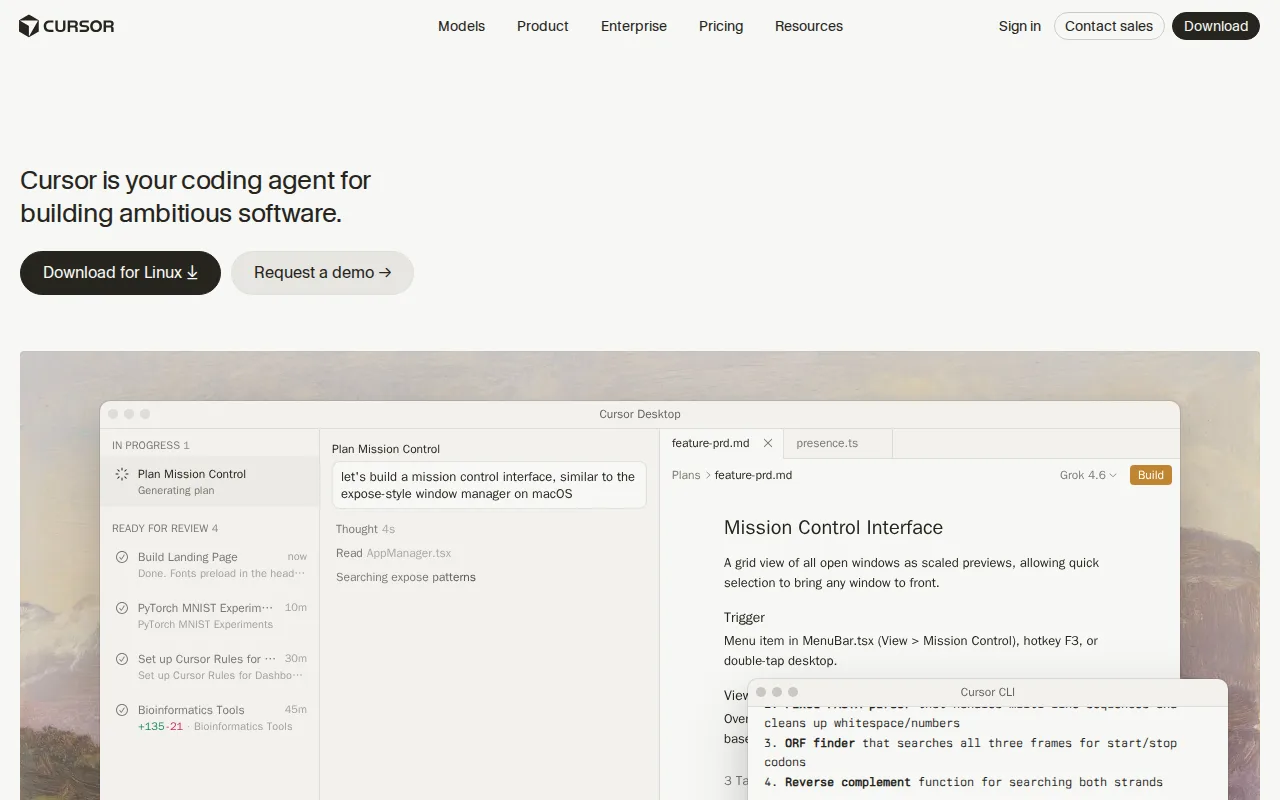
Cursor is the best IntelliJ IDEA alternative for developers who want AI agents to do the multi-file work, not just suggest the next line. Cursor is a VS Code fork whose agents read a codebase, plan a change across files, write it, run tests, and open a pull request, with an autonomy slider that sets how much they do unattended. Cloud agents keep running long tasks for hours or days off the local machine, and Cursor works with several models, including Grok, Claude, and its own Composer model. The free Hobby tier needs no credit card. Teams costs $40/user/month, or $480/user/year, which is $119 less per seat than IntelliJ IDEA Ultimate's $599/user/year first-year organization price, and it adds SAML/OIDC SSO, shared context agents, and code review. IntelliJ IDEA is still the better choice for developers who care more about Java and Kotlin tooling than about agents. Cursor's listing centers on AI and names none of the Maven, Gradle, or JVM refactoring tooling IntelliJ IDEA is built around. Cursor Pro at $20/month comes to $240/year against Ultimate's $169 for individuals, usage-based charges make monthly totals hard to predict, and Cursor's 5.0/5 Capterra score rests on just 4 reviews against IntelliJ IDEA's 1,259.
Compared to IntelliJ IDEA: autonomous agents that plan multi-file changes, run tests, and open pull requests, Teams at $40/user/month ($480/year) vs IntelliJ IDEA Ultimate's $599/user/year for organizations, a 5.0/5 rating from only 4 Capterra reviews vs IntelliJ IDEA's 1,259
Wins:Agents read the codebase, plan multi-file changes, write the code, run tests, and open pull requests, and cloud agents keep working for hours or days off the local machine · Choice of models (Grok, Claude, and Cursor's own Composer), so the AI is not tied to one provider · Teams at $40/user/month ($480/user/year) undercuts IntelliJ IDEA Ultimate's $599/user/year first-year organization price and includes SAML/OIDC SSO
Loses:Pro at $20/month ($240/year) costs more than IntelliJ IDEA Ultimate's $169 first-year individual price, and higher Agent limits jump to $60/month on Pro+ or $200/month on Ultra · Usage-based charges on top of the subscription make monthly cost harder to predict than IntelliJ IDEA's flat annual subscription · The listing names none of the Maven, Gradle, or JVM refactoring tooling that IntelliJ IDEA is built around · 5.0/5 from just 4 Capterra reviews, against IntelliJ IDEA's 4.7/5 from 1,259
Pros
- Autonomous agents can plan, write, test, and open pull requests with minimal hand-holding.
- Multi-model support (Grok, Claude, Cursor's own Composer) avoids lock-in to a single AI provider.
- Cloud agents keep running on long tasks without tying up the developer's local machine.
- Free Hobby tier requires no credit card, making it easy to evaluate before paying.
Cons
- Usage-based charges on top of the subscription make total monthly cost harder to predict than a flat fee.
- Steep price jump from Pro ($20/month) to Ultra ($200/month) for teams needing higher Agent limits.
- Requires comfort delegating multi-file changes to an agent, a real workflow shift for developers used to manual review of every diff.
- No iOS or Android app; Cursor is desktop- and CLI-only.
Pricing: Free tier · paid from $20/mo — $20/month for Cursor Pro ($240/year) vs $169/year for IntelliJ IDEA Ultimate (individual, first year); Cursor Teams at $40/user/month ($480/year) vs Ultimate at $599/user/year (verified )
3Zed — best IntelliJ IDEA alternative for developers who want a genuinely fast, native (non-Electron) editor with built-in agentic AI support, and who are comfortable using their own API keys or a lean paid AI subscription instead of a bundled enterprise IDE
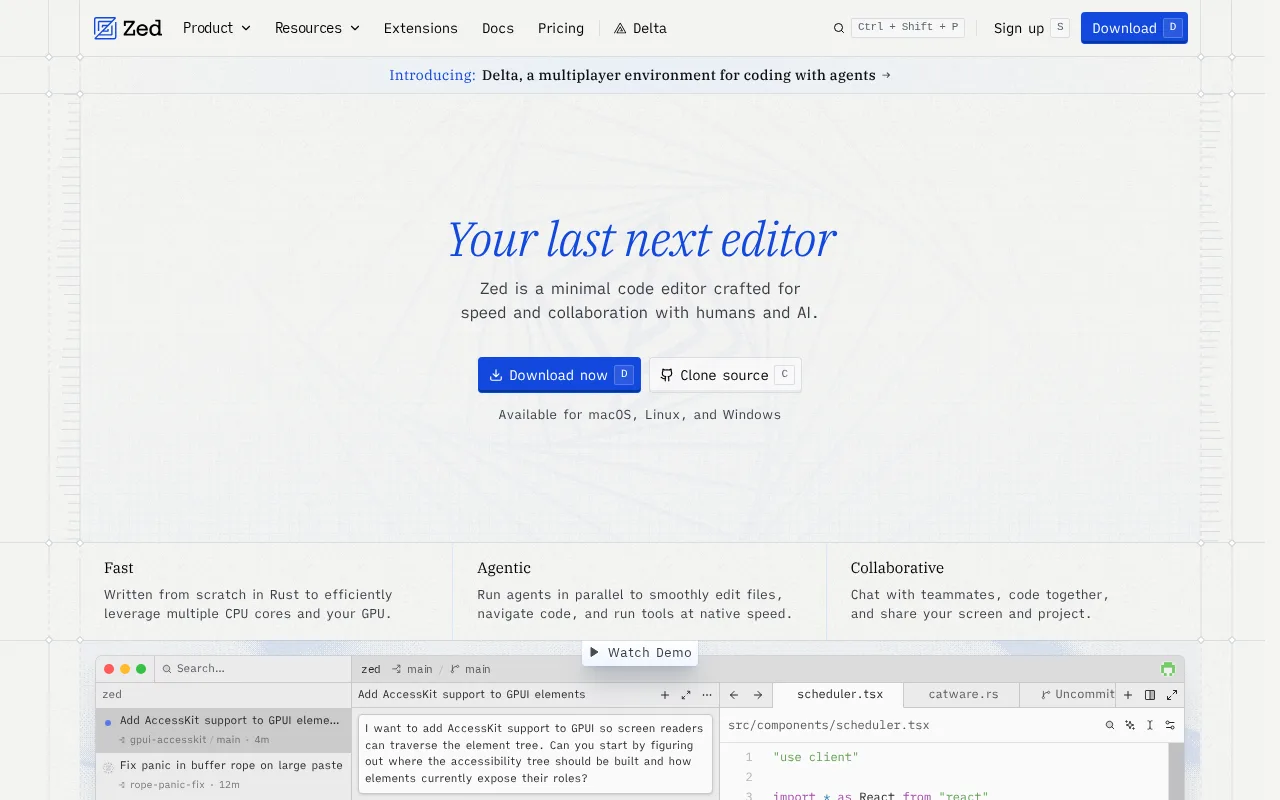
Zed is the best IntelliJ IDEA alternative for developers who find IntelliJ IDEA's RAM use and startup time heavy and want a lighter native editor. Zed is written from scratch in Rust and runs natively rather than inside Electron. Its core is open source under GPL-3.0 with some Apache-2.0 components, and the project has more than 89,000 GitHub stars. The editor is free to use indefinitely, including with your own AI API keys or an external agent such as Claude Code; Zed's paid tiers only cover its hosted AI. The free Personal plan includes 2,000 accepted edit predictions, Pro is $10/month ($120/year) with unlimited predictions and $5 of monthly token credits, and Business is $30/seat/month ($360/seat/year) against IntelliJ IDEA Ultimate's $599/user/year organization price. Zed also ships a debugger, native Git, Vim-style modal editing, and multiplayer collaboration on macOS, Linux, and Windows. IntelliJ IDEA is still the better choice for JVM projects. Zed's own listing calls its extension ecosystem and language-specific tooling thinner than VS Code's, and it names no Maven or Gradle integration. Windows support is newer and has lagged macOS and Linux, and Zed's 5.0/5 score comes from 46 Product Hunt reviews against IntelliJ IDEA's 1,259 on Capterra.
Compared to IntelliJ IDEA: native Rust performance against IntelliJ IDEA's heavier RAM use and startup time, a free open-source editor with Pro AI at $10/month vs IntelliJ IDEA Ultimate at $169/year, thinner language tooling and no listed Maven or Gradle integration
Wins:Written in Rust and runs natively rather than in Electron, a direct answer to the heavier RAM use and startup time IntelliJ IDEA's own listing flags · The editor is free and open source (GPL-3.0, some Apache-2.0 components) with unlimited use on your own API keys or an external agent such as Claude Code · Business at $30/seat/month ($360/seat/year) with no seat minimum for self-serve, against IntelliJ IDEA Ultimate's $599/user/year first-year organization price
Loses:Extension ecosystem and language-specific tooling are thinner than VS Code's by Zed's own account, and no Maven or Gradle integration is listed, where IntelliJ IDEA ships both out of the box · Windows support is newer than macOS and Linux support and has historically lagged in feature parity · Pro's usage-based billing beyond the $5 monthly credit, at API list price plus 10%, can make AI costs unpredictable · The 5.0/5 score rests on 46 Product Hunt reviews, a thinner sample than IntelliJ IDEA's 1,259 Capterra reviews
Pros
- Genuinely fast, native performance versus Electron-based editors like VS Code.
- Editor core is free, open-source, and usable indefinitely without a paid plan, including with a user's own API keys.
- Native multiplayer collaboration and Claude Code integration built in, not bolted on via extension.
- Business plan requires no minimum seat count for self-serve signup.
Cons
- Smaller extension ecosystem and less mature IDE tooling (debuggers, language-specific integrations) than VS Code.
- Pro plan's usage-based billing beyond the $5 monthly credit (at API price +10%) can produce unpredictable costs for heavy AI users.
- Windows support is newer than macOS/Linux support and historically lagged behind in feature parity.
Pricing: Free tier · paid from $10/mo — $10/month for Zed Pro ($120/year) vs $169/year for IntelliJ IDEA Ultimate (individual, first year); Zed Business at $30/seat/month ($360/year) vs Ultimate at $599/user/year (verified )
4VSCodium — best IntelliJ IDEA alternative for developers who want VS Code's editing experience and MIT-licensed source without Microsoft's telemetry, proprietary marketplace terms, or branding
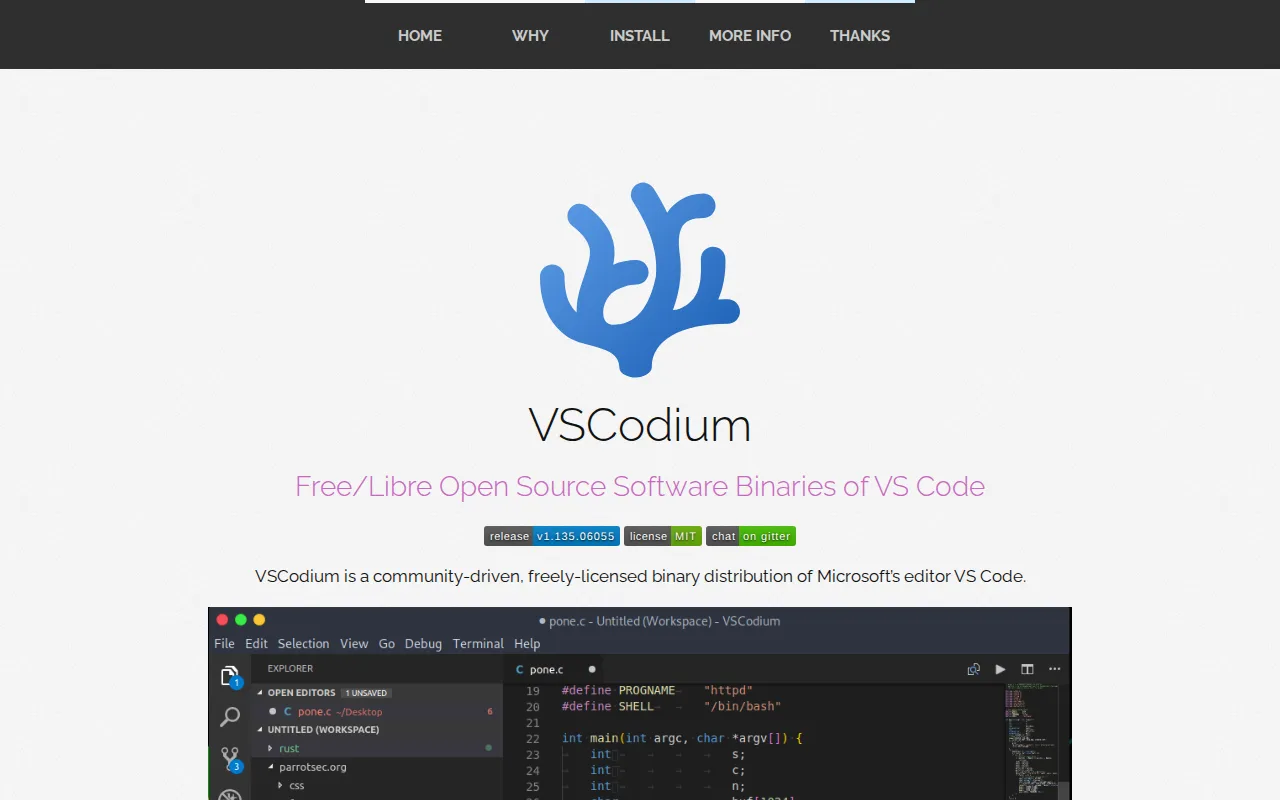
VSCodium is the best IntelliJ IDEA alternative for developers who want VS Code's editor under a plain open-source license, with no telemetry and no account. VSCodium is built from the same MIT-licensed source as Visual Studio Code but compiled without Microsoft's telemetry, branding, and product.json customizations. It keeps the same interface, shortcuts, integrated terminal, and extension API, with telemetry off by default. VSCodium costs $0 with no paid tier, installs through WinGet, Chocolatey, Scoop, Homebrew, Snap, AUR, Flatpak, and Nix, and has a learning curve rated low against IntelliJ IDEA's moderate. Ultimate, the IntelliJ IDEA edition that adds web frameworks and database tools, is closed source and costs $169/year for individuals in the first year. IntelliJ IDEA is still the better choice in two cases. A Java or Kotlin developer who wants open source already has IntelliJ IDEA Community, free under Apache 2.0, with JetBrains refactoring and Maven and Gradle integration built in. And VSCodium cannot use Microsoft's Visual Studio Marketplace: extensions come from the smaller Open VSX Registry, some that check for Microsoft's product.json fail, and support is community-only on GitHub. VSCodium also has no external rating on record here, against IntelliJ IDEA's 4.7/5 from 1,259 Capterra reviews.
Compared to IntelliJ IDEA: an MIT-licensed VS Code build with telemetry disabled by default, $0 with no paid tier, where IntelliJ IDEA's closed-source Ultimate edition costs $169/year, extensions limited to the Open VSX Registry and community-only support
Wins:Distributed under the plain MIT license with telemetry disabled by default, where IntelliJ IDEA's Ultimate edition is closed source · $0 with no paid tier, account, or license key, against $169/year for IntelliJ IDEA Ultimate (individual, first year) · Learning curve rated low against IntelliJ IDEA's moderate, with VS Code's interface, shortcuts, and extension API unchanged
Loses:Cannot use Microsoft's Visual Studio Marketplace; extensions come from the smaller Open VSX Registry, and some that check for Microsoft's product.json will not install or work · No official support channel, only community GitHub issues · No external rating on record, against IntelliJ IDEA's 4.7/5 from 1,259 Capterra reviews · For Java and Kotlin, IntelliJ IDEA Community is also free and open source (Apache 2.0) and adds JetBrains refactoring plus Maven and Gradle integration
Pros
- Identical editing experience to VS Code, built from the same MIT-licensed source code.
- Telemetry disabled by default, with no Microsoft data collection baked into the binary.
- Available via package managers on every major platform: WinGet/Chocolatey/Scoop, Homebrew, and Snap/AUR/Flatpak/Nix on Linux.
- Community-maintained and fully free, with no account, license key, or subscription required.
Cons
- Can't access Microsoft's official Visual Studio Marketplace; extensions install from the smaller Open VSX Registry instead.
- Some VS Code extensions that check for Microsoft's proprietary product.json won't install or function correctly.
- No official support channel from Microsoft; community-only support through GitHub issues.
Pricing: Free — $0 for VSCodium vs $169/year for IntelliJ IDEA Ultimate (individual, first year); IntelliJ IDEA Community is also $0 (verified )
5Replit — best IntelliJ IDEA alternative for hobbyist builders, product managers, and small teams who want to turn natural-language prompts into deployed apps without setting up a local dev environment
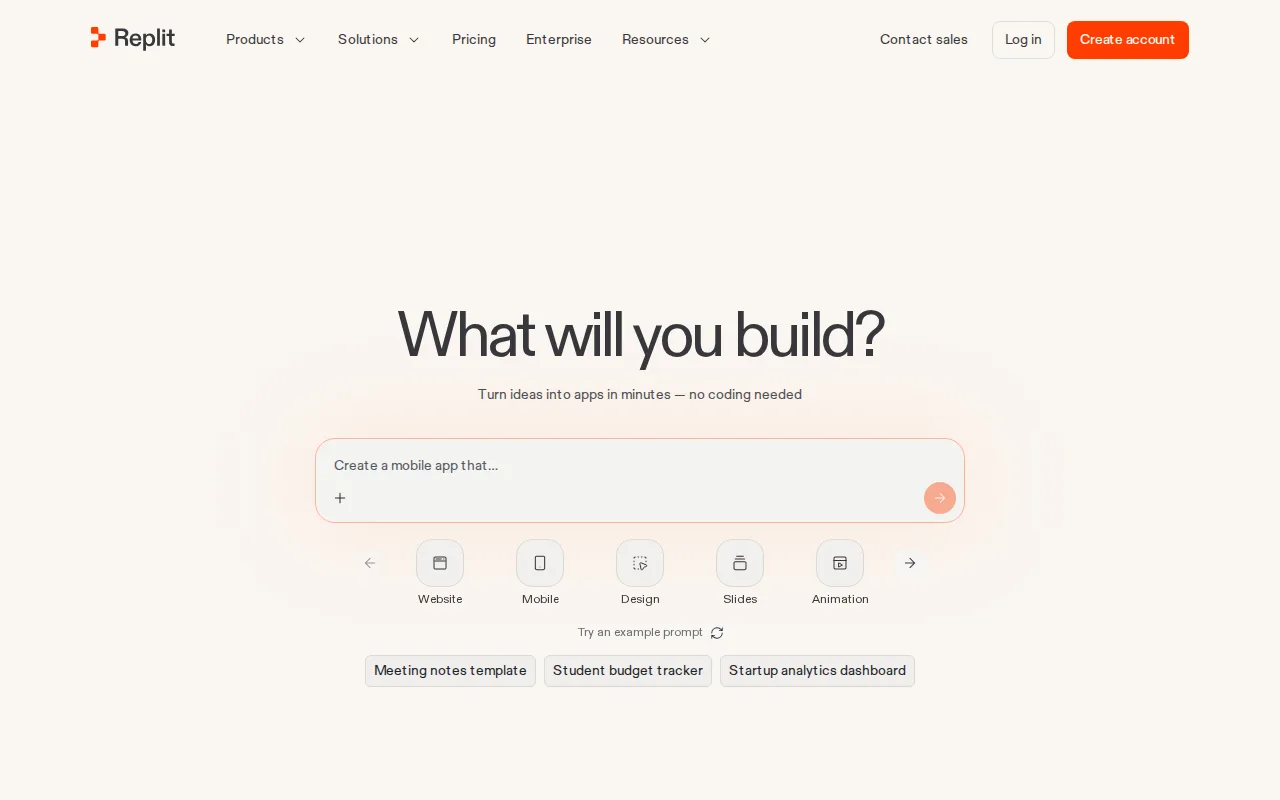
Replit is the best IntelliJ IDEA alternative for people who want to go from an idea to a deployed app without installing an IDE at all. Replit runs entirely in the browser. Its AI Agent turns a natural-language prompt into a working application with authentication, a database, hosting, and monitoring already wired up, and Replit adds real-time multi-user collaboration and more than 100 integrations, including OpenAI, Stripe, and Google Workspace. The free Starter tier has daily usage limits, Core is $20/month billed annually ($25 billed monthly), and Pro is $95/month billed annually, with apps on web, iOS, and Android. Replit holds 4.4/5 from 159 Capterra reviews and 4.5/5 from 51 Product Hunt reviews, and its learning curve is rated low against IntelliJ IDEA's moderate. IntelliJ IDEA is the better choice for most professional Java and Kotlin developers, and Replit is a loose fit for them. Replit has no Windows, macOS, or Linux desktop app, and its browser-dependent workflow is a constraint for anyone who wants a local IDE or offline work. Agent usage is metered, so heavy builds push users from Core toward the $95 Pro tier. Core alone comes to $240/year against IntelliJ IDEA Ultimate's $169 first-year individual price, and IntelliJ IDEA Community costs nothing.
Compared to IntelliJ IDEA: an AI Agent that turns prompts into deployed apps with auth, a database, and hosting built in, runs in a browser and on iOS and Android, with no Windows, macOS, or Linux desktop app, Core at $20/month billed annually ($240/year) vs IntelliJ IDEA Ultimate's $169/year
Wins:The AI Agent builds and deploys a working app from a natural-language prompt, with authentication, a database, hosting, and monitoring included · No local setup: the whole environment runs in a browser, with iOS and Android apps, where IntelliJ IDEA is a Windows, macOS, and Linux desktop install · Learning curve rated low against IntelliJ IDEA's moderate, with real-time multi-user collaboration and 100+ integrations including OpenAI, Stripe, and Google Workspace
Loses:No desktop app and a browser-dependent workflow, a constraint for developers who want a local IDE or offline work · AI Agent usage is metered on paid plans, and heavy builds push users from Core at $20/month toward Pro at $95/month billed annually · Lowest rating on this page at 4.4/5 from 159 Capterra reviews, against IntelliJ IDEA's 4.7/5 from 1,259
Pros
- AI Agent generates deployable code with authentication, database, and hosting already configured.
- No local setup required — the entire dev environment runs in the browser.
- Infinite Canvas and Replit Chat support visual and conversational iteration on a project.
- Over 100 integrations, including OpenAI, Stripe, and Google Workspace.
Cons
- AI Agent usage is metered on paid plans and can be consumed quickly on complex builds.
- Pro tier ($95/month annual) is a large jump from Core for teams that outgrow the base allowance.
- Browser-dependent workflow can be a constraint for developers who prefer a local IDE and offline work.
Pricing: Free tier · paid from $20/mo — $20/month for Replit Core billed annually ($240/year) vs $169/year for IntelliJ IDEA Ultimate (individual, first year) (verified )