4 Best Alternatives to VSCodium in 2026
By Noahlast updated pricing verified

From our data: Of the four listed VSCodium alternatives, two carry a $0 starting price on file (Visual Studio Code and Zed), matching VSCodium's own $0 cost, while Cursor's starting price is $20/month and Sublime Text's is $50/year per seat (Business tier); on reviews, Visual Studio Code's 1,694 Capterra reviews are the largest sample, more than 423 times Cursor's 4 Capterra reviews, and VSCodium itself carries no external ratings at all.
 Visual Studio Code
 Cursor
 Zed
Zed Sublime Text
How we picked
- Pricing was independently verified on-site for VSCodium and three of its four alternatives (Visual Studio Code, Zed, Sublime Text; timestamps 2026-08-21); Cursor carries no verified pricing timestamp.
- Review volume varies sharply: Sublime Text's 1,382 Capterra reviews and Visual Studio Code's 1,694 Capterra reviews give a solid sample, while Cursor's 5.0/5 rests on just 4 Capterra reviews and Zed's 5.0/5 on 46 Product Hunt reviews; VSCodium's own listing carries no external ratings at all.
- All five products (VSCodium plus its four alternatives) offer free access to core editing, though Sublime Text's free evaluation eventually prompts for a $99 one-time purchase, and Cursor's and Zed's free tiers gate advanced AI agent features behind paid plans.
- License model was weighted against VSCodium's own telemetry-free, MIT-licensed positioning: Zed (GPL-3.0/Apache-2.0) and Visual Studio Code's Code - OSS core (MIT) are open source like VSCodium itself, while Cursor is closed-source freemium and Sublime Text is fully proprietary.
Paid placement never alters editorial rank — read the full methodology.
VSCodium alternatives at a glance
| Alternative | Best for | Learning curve | Price |
|---|---|---|---|
| VSCodiumreference | developers who want VS Code's editing experience and MIT-licensed source without Microsoft's telemetry, proprietary marketplace terms, or branding | Low | Free |
| Visual Studio Code | developers across nearly any language or stack who want a fast, free, extensible editor with strong Git integration and a large extension ecosystem, rather than a full paid IDE | Low | Free |
| Cursor | software teams that want autonomous AI agents handling multi-file changes and PR reviews directly inside their editor and CI pipeline | Moderate | Free tier · paid from $20/mo |
| Zed | developers who want a genuinely fast, native (non-Electron) editor with built-in agentic AI support, and who are comfortable using their own API keys or a lean paid AI subscription instead of a bundled enterprise IDE | Moderate | Free tier · paid from $10/mo |
| Sublime Text | developers who want a fast, lightweight editor for large files and quick edits without the memory overhead of a full IDE | Moderate | From $50/yr |
 VSCodium
1Visual Studio Code — best VSCodium alternative for developers across nearly any language or stack who want a fast, free, extensible editor with strong Git integration and a large extension ecosystem, rather than a full paid IDE
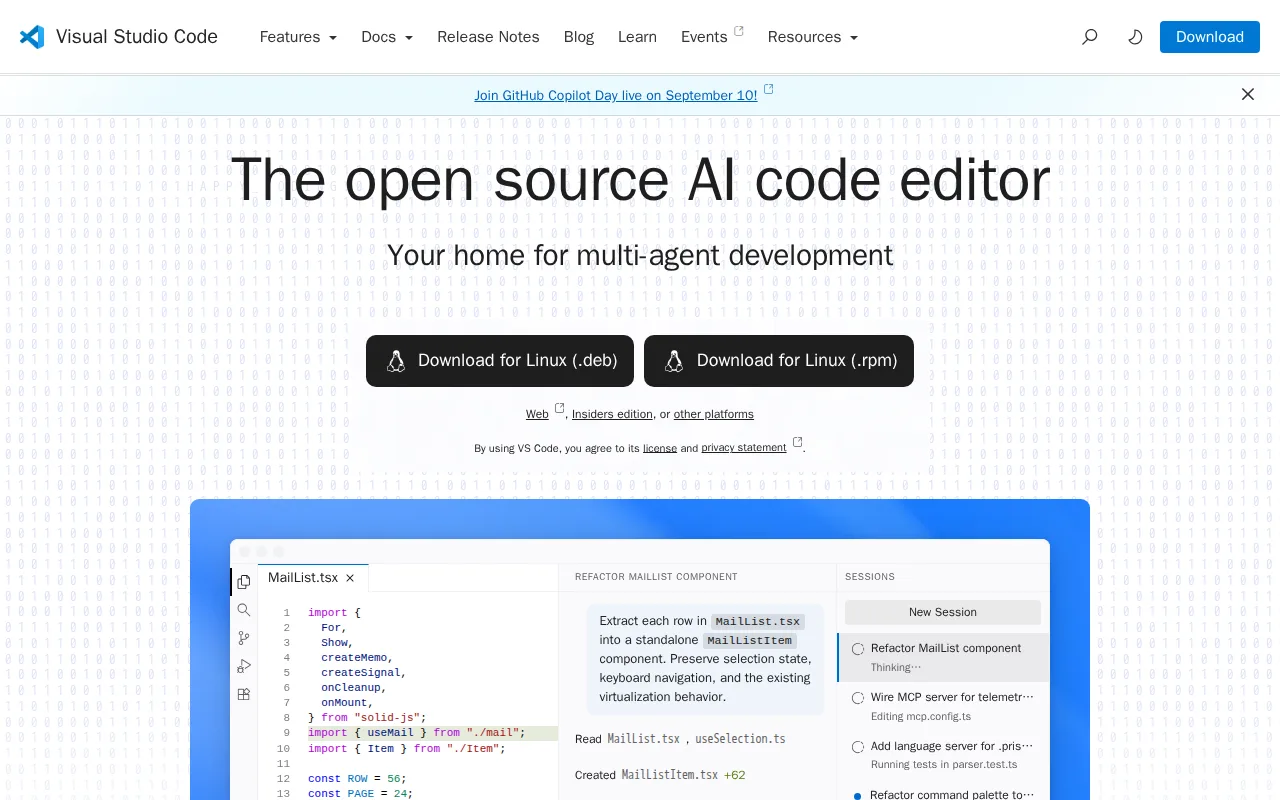
Visual Studio Code is the best VSCodium alternative for developers who want the official Microsoft-supported build and access to Microsoft's full Visual Studio Marketplace, rather than VSCodium's community-maintained build that's restricted to the smaller Open VSX Registry. Visual Studio Code's marketplace covers more than 80,000 extensions, and because VSCodium can't connect to that marketplace due to Microsoft's licensing terms, some extensions that check specifically for Microsoft's product.json fields won't install or function correctly in VSCodium at all. Visual Studio Code holds a 4.8/5 rating from 1,694 Capterra reviews, while VSCodium has no external ratings on record. Both editors are free with no paid tier and run on Windows, macOS, and Linux, and Visual Studio Code adds a web build at vscode.dev that VSCodium doesn't offer. Microsoft has also built AI-assisted coding directly into Visual Studio Code, including inline completions and GitHub Copilot integration, features not present in VSCodium's stripped-down build. VSCodium remains the better choice for anyone who specifically wants telemetry removed and no Microsoft data collection: Visual Studio Code's official build ships with Microsoft's proprietary telemetry enabled by default, the exact customization VSCodium's maintainers strip out at compile time, and VSCodium requires no account, license key, or Microsoft branding at all.
Compared to VSCodium: access to Microsoft's 80,000+ extension Marketplace vs VSCodium's smaller Open VSX Registry, 4.8/5 from 1,694 Capterra reviews vs no ratings on file for VSCodium, ships with Microsoft's telemetry enabled by default vs VSCodium's telemetry-stripped build
Wins:Connects to Microsoft's official Visual Studio Marketplace with 80,000+ extensions, versus VSCodium's smaller, community-run Open VSX Registry · 4.8/5 rating from 1,694 Capterra reviews, evidence VSCodium's own listing has no external ratings to compare against · Runs on web (vscode.dev) in addition to Windows, macOS, and Linux, one more platform than VSCodium's coverage
Loses:Ships with Microsoft's proprietary telemetry enabled by default, the exact data collection VSCodium's build strips out at compile time · The official build's telemetry and marketplace terms sit under a separate Microsoft license, distinct from the plain MIT license VSCodium ships under · Carries Microsoft branding and product.json customizations throughout, while VSCodium requires no account, license key, or Microsoft branding at all
Pros
- Free for individual and commercial use with no paid tier gating core editor functionality.
- Extension marketplace covers virtually every language, framework, and workflow, from linting to remote containers.
- Built-in Git integration and an integrated terminal remove the need for separate tools for basic version control.
- Runs identically across Windows, macOS, Linux, and the browser via vscode.dev.
Cons
- Performance degrades with many extensions installed, especially on large codebases or lower-end hardware.
- The official build's telemetry and marketplace terms sit under a separate Microsoft license, distinct from the MIT-licensed open-source core.
- Advanced refactoring and language-specific tooling generally lag behind dedicated JetBrains IDEs for languages like Java or C#.
- AI features increasingly nudge users toward GitHub Copilot, which is a separate paid subscription for full functionality.
Pricing: Free — Both free with no paid tier for the editor itself (verified )
2Cursor — best VSCodium alternative for software teams that want autonomous AI agents handling multi-file changes and PR reviews directly inside their editor and CI pipeline
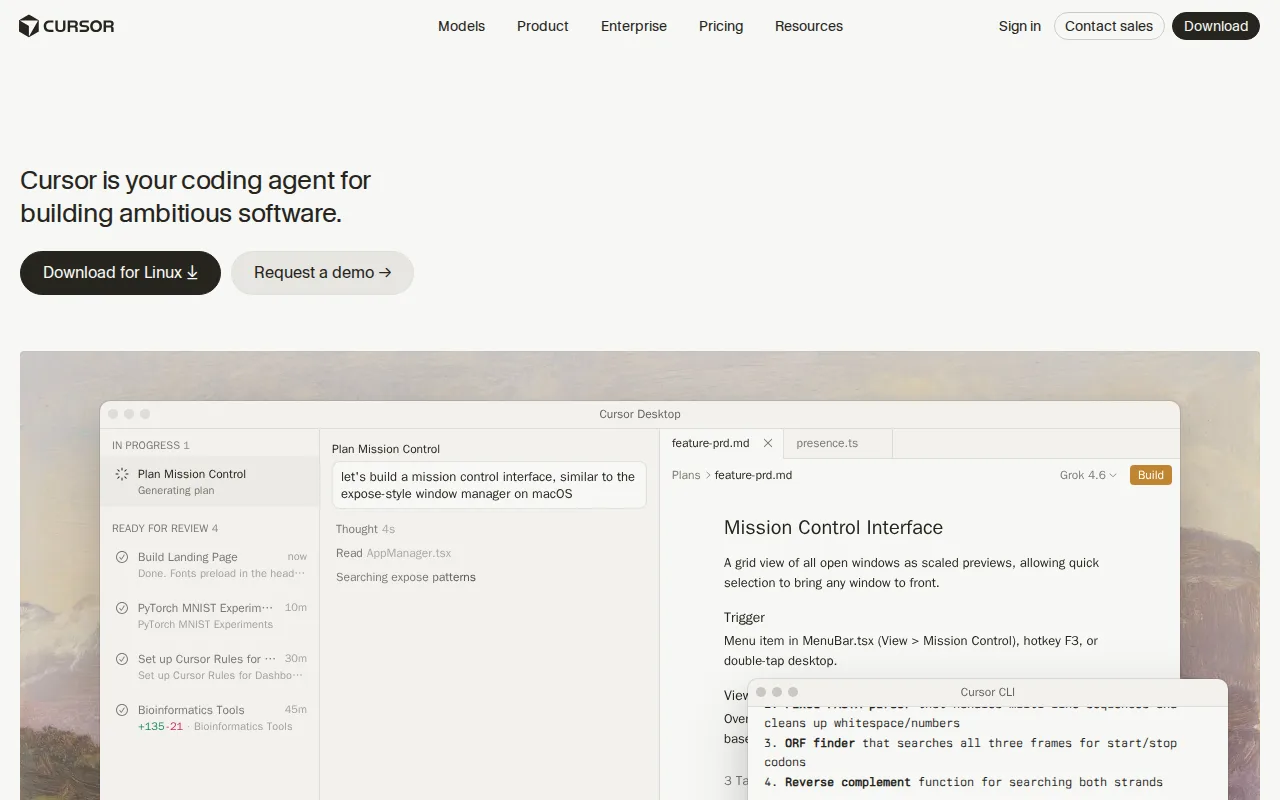
Cursor is the best VSCodium alternative for individual developers and engineering teams who want autonomous AI agents built into the editor's core workflow, capable of planning, writing, testing, and opening pull requests, functionality entirely absent from VSCodium's telemetry-stripped VS Code build. Cursor is itself forked from VS Code, so it keeps a familiar interface and extension model, but its Composer and cloud agents can run long tasks for hours or days independent of the local machine, and support multiple frontier models including Grok and Claude variants so teams aren't locked to one AI provider. Cursor holds a 5.0/5 rating on Capterra, though from only 4 reviews so far, a much thinner sample than more established editors. Cursor's free Hobby tier requires no credit card and includes limited Agent requests, while its Pro tier costs $20/month for extended Agent limits, both priced well above VSCodium's own $0 cost with no paid tier at all. VSCodium remains the better choice for anyone who wants a completely free editor with predictable costs and no Microsoft-adjacent licensing baggage: Cursor's usage-based pricing on top of its subscription can make monthly costs unpredictable for heavy users, and the price jump from Pro ($20/month) to Ultra ($200/month) is steep, while VSCodium never charges anything and needs no account at all.
Compared to VSCodium: autonomous AI agents that plan, write, test, and open pull requests vs VSCodium's stripped-down VS Code build with no AI features, 5.0/5 from 4 Capterra reviews vs no ratings on file for VSCodium, Pro at $20/month vs VSCodium's $0 cost with no paid tier
Wins:Autonomous agents (Composer, cloud agents) can plan, write, test, and open pull requests with minimal hand-holding, functionality VSCodium's build doesn't include · Supports multiple frontier AI models (Grok, Claude, Cursor's own Composer model), avoiding lock-in to a single provider · 5.0/5 rating on Capterra, though VSCodium's own listing carries no external ratings to compare against
Loses:Pro tier costs $20/month and usage-based charges on top can make total monthly cost unpredictable, unlike VSCodium's permanent $0 cost with no paid tier · 5.0/5 rating rests on just 4 Capterra reviews, a thin sample size for confidence · No iOS or Android app, and no telemetry-free positioning the way VSCodium's build explicitly strips Microsoft's data collection
Pros
- Autonomous agents can plan, write, test, and open pull requests with minimal hand-holding.
- Multi-model support (Grok, Claude, Cursor's own Composer) avoids lock-in to a single AI provider.
- Cloud agents keep running on long tasks without tying up the developer's local machine.
- Free Hobby tier requires no credit card, making it easy to evaluate before paying.
Cons
- Usage-based charges on top of the subscription make total monthly cost harder to predict than a flat fee.
- Steep price jump from Pro ($20/month) to Ultra ($200/month) for teams needing higher Agent limits.
- Requires comfort delegating multi-file changes to an agent, a real workflow shift for developers used to manual review of every diff.
- No iOS or Android app; Cursor is desktop- and CLI-only.
Pricing: Free tier · paid from $20/mo — Free Hobby tier or $20/month Pro (up to $200/month Ultra) vs VSCodium's permanent $0 cost with no paid tier (verified )
3Zed — best VSCodium alternative for developers who want a genuinely fast, native (non-Electron) editor with built-in agentic AI support, and who are comfortable using their own API keys or a lean paid AI subscription instead of a bundled enterprise IDE
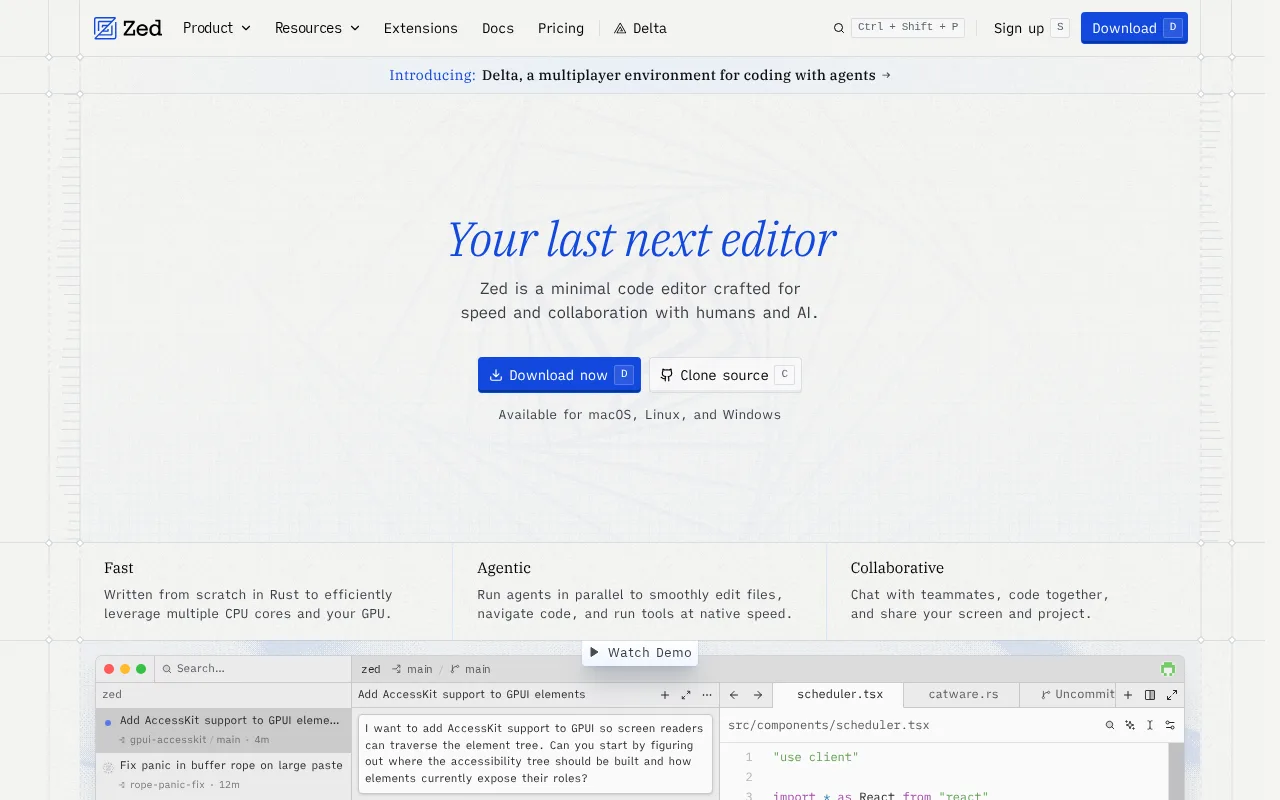
Zed is the best VSCodium alternative for developers who want a genuinely fast, native (non-Electron) editor with built-in agentic AI support, rather than a build of Microsoft's Electron-based VS Code with telemetry removed. Zed is built from scratch in Rust rather than forked from VS Code, and its editor core is free, open-source (GPL-3.0/Apache-2.0) with 89,000-plus GitHub stars, and usable indefinitely, including with a user's own API keys or external agents such as Claude Code, matching VSCodium's own free-forever, no-account model. Zed holds a 5.0/5 rating from 46 Product Hunt reviews, while VSCodium has no external ratings on record. Zed's free Personal plan includes 2,000 accepted edit predictions, and its Pro tier at $10/month adds unlimited edit predictions and $5 of monthly token credits, pricing that only applies to Zed's own hosted AI subscription, not the editor itself, which stays free like VSCodium. Zed also ships native multiplayer collaboration and a debugger built on the Debug Adapter Protocol, features VSCodium's listing doesn't mention. VSCodium remains the better choice for anyone who wants an editor and extension ecosystem functionally identical to mainstream VS Code: Zed's extension ecosystem and IDE-style tooling (debuggers, language-specific integrations) are noticeably thinner than VS Code's, since Zed is a much younger project without VS Code's decade-plus head start on plugins, unlike VSCodium which runs the exact same extension model as VS Code.
Compared to VSCodium: native Rust performance instead of an Electron-based VS Code fork, 89,000+ GitHub stars and 5.0/5 from 46 Product Hunt reviews vs no ratings on file for VSCodium, editor core free like VSCodium with a separate $10/month Pro AI subscription
Wins:Built from scratch in Rust for native performance, rather than running inside Electron/Chromium the way VSCodium's VS Code fork does · 89,000+ GitHub stars and a 5.0/5 rating from 46 Product Hunt reviews, evidence VSCodium's own listing has no external ratings to compare against · Native multiplayer collaboration and a Debug Adapter Protocol-based debugger ship built in, features VSCodium's listing doesn't mention
Loses:Extension ecosystem and IDE-style tooling (debuggers, language-specific integrations) are noticeably thinner than VS Code's, unlike VSCodium which runs the exact same extension model as VS Code · Pro plan's usage-based billing beyond the $5 monthly credit (at API price +10%) can produce unpredictable costs, unlike VSCodium's permanent $0 cost · Windows support is newer than macOS/Linux support and historically lagged in feature parity, unlike VSCodium's identical three-platform build process
Pros
- Genuinely fast, native performance versus Electron-based editors like VS Code.
- Editor core is free, open-source, and usable indefinitely without a paid plan, including with a user's own API keys.
- Native multiplayer collaboration and Claude Code integration built in, not bolted on via extension.
- Business plan requires no minimum seat count for self-serve signup.
Cons
- Smaller extension ecosystem and less mature IDE tooling (debuggers, language-specific integrations) than VS Code.
- Pro plan's usage-based billing beyond the $5 monthly credit (at API price +10%) can produce unpredictable costs for heavy AI users.
- Windows support is newer than macOS/Linux support and historically lagged behind in feature parity.
Pricing: Free tier · paid from $10/mo — Editor core free like VSCodium; Zed's own AI subscription runs $10/month Pro or $30/seat/month Business, costs VSCodium doesn't carry at all (verified )
4Sublime Text — best VSCodium alternative for developers who want a fast, lightweight editor for large files and quick edits without the memory overhead of a full IDE
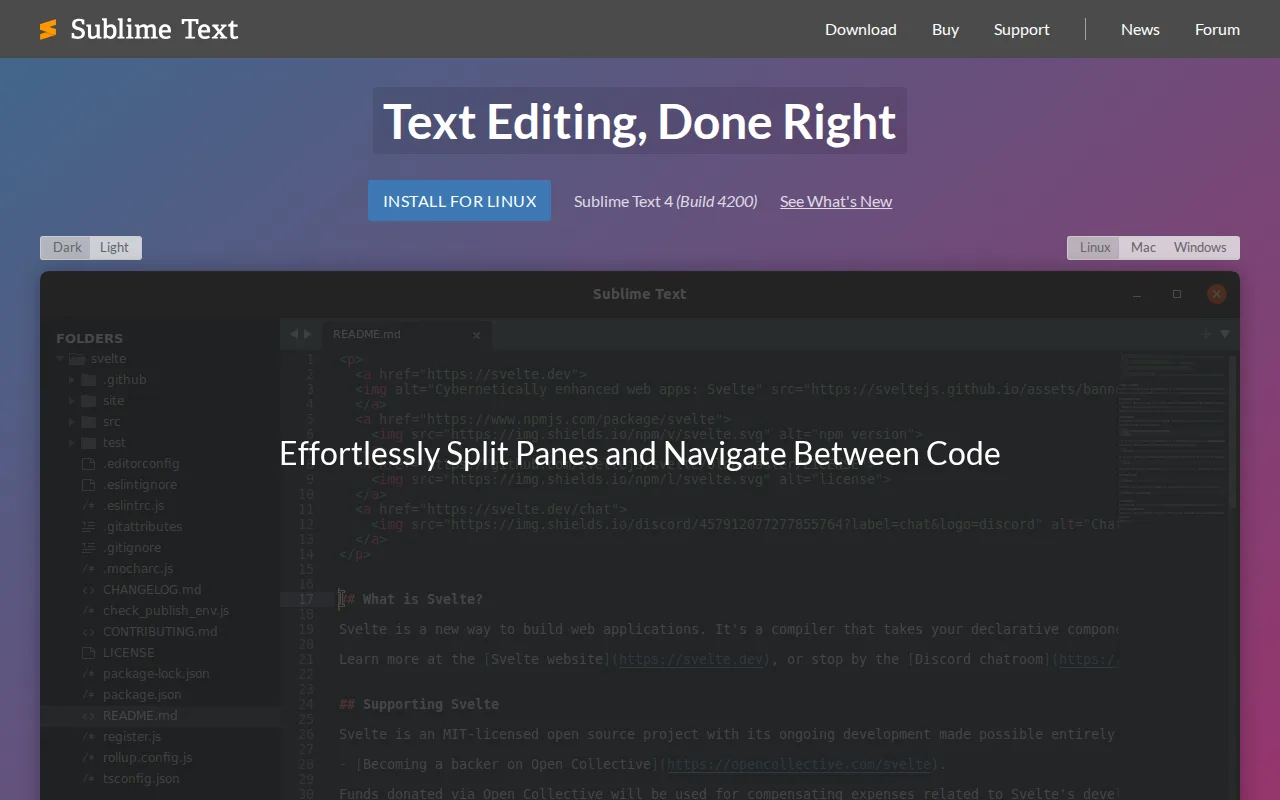
Sublime Text is the best VSCodium alternative for developers who want a fast, lightweight editor for large files and quick edits without the memory overhead of an Electron-based build like VSCodium's VS Code fork. Sublime Text is GPU-accelerated and handles very large files quickly, and it's licensed with a one-time $99 Personal purchase covering 3 years of updates across Windows, Mac, and Linux on a single key, an entirely different pricing model from VSCodium's permanently free, no-license-key approach. Sublime Text holds a 4.6/5 rating from 1,382 Capterra reviews, a far larger sample than the zero external ratings on record for VSCodium. Sublime Text's multiple-selection editing (Ctrl+D/Cmd+D) lets developers make the same edit across many locations in a file simultaneously, and its Python 3.8-based plugin API extends the editor, though its plugin ecosystem doesn't rival VS Code's or VSCodium's shared extension model. Business licenses run $65/seat/year for 1-10 seats, stepping down to $50/seat/year above 51 seats, ongoing costs VSCodium never charges. VSCodium remains the better choice for anyone who wants a completely free editor with Microsoft's actual extension compatibility and no purchase reminders: Sublime Text's free evaluation periodically prompts for purchase and it has no built-in AI coding assistance at all, while VSCodium costs nothing indefinitely and runs the same extension model as VS Code, just through the Open VSX Registry instead of Microsoft's Marketplace.
Compared to VSCodium: GPU-accelerated performance on large files vs VSCodium's standard Electron-based rendering, 4.6/5 from 1,382 Capterra reviews vs no ratings on file for VSCodium, one-time $99 Personal license vs VSCodium's permanently free, no-license-key model
Wins:GPU-accelerated rendering and multiple-selection editing (Ctrl+D/Cmd+D) make bulk edits and large-file handling faster than VSCodium's standard build · 4.6/5 rating from 1,382 Capterra reviews, a far larger sample than the zero external ratings recorded for VSCodium · One-time $99 purchase covers 3 years of updates with no recurring subscription for individual developers
Loses:Requires a $99 one-time purchase (or $50-65/seat/year for business licenses) after the free evaluation period, unlike VSCodium which costs nothing indefinitely · Free evaluation periodically prompts for purchase, an interruption VSCodium's permanently free model doesn't have · Plugin ecosystem is built on a proprietary Python 3.8 API rather than the shared VS Code extension model VSCodium's Open VSX-compatible build uses
Pros
- Very fast performance, even on large files, thanks to GPU-accelerated rendering.
- Multiple-selection editing makes bulk in-file changes fast without macros or find-replace.
- One-time $99 Personal license (not a recurring subscription) for individual developers.
- Native performance on Windows, Mac (Apple Silicon), and Linux (including ARM64).
Cons
- No built-in AI coding assistance, which competitors like VS Code and JetBrains IDEs now offer natively.
- Free evaluation periodically prompts for purchase, which some users find intrusive over time.
- $99 one-time or $50-65/seat/year pricing is a point of criticism given free competitors like VS Code.
- Plugin management and JSON-based configuration have a learning curve compared to GUI-driven settings in other editors.
Pricing: From $50/yr — $99 one-time Personal license (or $50-65/seat/year Business) vs VSCodium's permanently free, $0 cost (verified )
Which one is right for you?
- You want the official Microsoft build with access to the full Visual Studio Marketplace.Visual Studio Code
- You want autonomous AI agents that can plan, write, test, and open pull requests inside your editor.Cursor
- You want the fastest possible native editor with no Electron overhead.Zed
- You're comfortable bringing your own API keys or an external coding agent like Claude Code instead of paying for a bundled AI subscription.Zed
- You want a one-time purchase instead of a recurring subscription for your editor.Sublime Text
- You need GPU-accelerated performance for editing very large files quickly.Sublime Text
- You want AI-assisted coding features like inline completions and GitHub Copilot built into a mainstream editor.Visual Studio Code
Frequently asked questions
What is the best alternative to VSCodium?
- Visual Studio Code is the best-known alternative to VSCodium, holding a 4.8/5 rating from 1,694 Capterra reviews and access to Microsoft's full 80,000+ extension marketplace, though it reintroduces the Microsoft telemetry VSCodium strips out. Cursor is the closer match for anyone who specifically wants autonomous AI coding agents built into the editor.
Is there a free alternative to VSCodium?
- Yes — Visual Studio Code and Zed's editor core are both free with no paid tier, matching VSCodium's own $0 cost. Cursor and Sublime Text offer free tiers or evaluations too, but Cursor's advanced AI agent features and Sublime Text's continued use both eventually require paying.
Can Visual Studio Code replace VSCodium?
- Visual Studio Code can replace VSCodium for editing since both share the same MIT-licensed core, and it adds access to Microsoft's full 80,000+ extension marketplace that VSCodium can't connect to. Visual Studio Code's official build ships with Microsoft's proprietary telemetry enabled by default, the exact data collection VSCodium's build removes at compile time.
What is the closest alternative to VSCodium for AI-assisted coding?
- Cursor and Zed both build AI agent support directly into the editor, unlike VSCodium's telemetry-stripped VS Code build, which carries no AI features of its own. Cursor's agents can plan, write, test, and open pull requests, while Zed lets developers bring an external agent like Claude Code or pay $10/month for its own Pro AI subscription.
Does any VSCodium alternative avoid a subscription?
- Sublime Text uses a one-time $99 Personal license instead of a recurring subscription, closer to VSCodium's own $0, no-account cost than Cursor's or Zed's monthly AI subscriptions. Visual Studio Code is also free with no subscription for the editor itself, the same as VSCodium.
Is Zed faster than VSCodium?
- Zed is built from scratch in Rust rather than running inside Electron/Chromium the way VSCodium's VS Code fork does, and it holds a 5.0/5 rating from 46 Product Hunt reviews praising its speed. VSCodium's own listing carries no external ratings to compare against on this point.