5 Best Alternatives to Heroku for Web in 2026
By Noahlast updated pricing verified
Compared: Heroku alternatives that run on Web
| Alternative | Best for | Learning curve | Price |
|---|---|---|---|
| Herokureference | small teams and startups who want git-push deployment and managed Postgres/Redis without hiring dedicated DevOps, and can accept dyno pricing above raw cloud VM cost | Low | From $5/mo |
| Render | developers and teams migrating off Heroku who want autoscaling web services, managed Postgres/Redis, and background workers with usage-based compute pricing | Low | Free tier · paid from $6/mo |
| Railway | developers and small teams who want a Heroku-style deploy experience with usage-based pricing and unlimited team seats on the $20/month Pro workspace plan | Low | Free tier · paid from $5/mo |
| Fly.io | developers deploying Dockerized apps and APIs who want multi-region placement and per-second usage billing instead of a fixed monthly plan | Moderate | From $29/mo |
| Vercel | frontend teams deploying Next.js or other JS-framework apps who want Git-based preview deployments and a global edge network without managing servers | Low | Free tier · paid from $20/mo |
| DigitalOcean | developers and small engineering teams who want predictable, usage-based cloud pricing for VMs, Kubernetes, and managed databases without navigating AWS's pricing complexity | Low | Free tier · paid from $4/mo |
 Heroku
 Render
 Railway
 Fly.io
 Vercel
 DigitalOcean
1Render — best Heroku alternative for developers and teams migrating off Heroku who want autoscaling web services, managed Postgres/Redis, and background workers with usage-based compute pricing
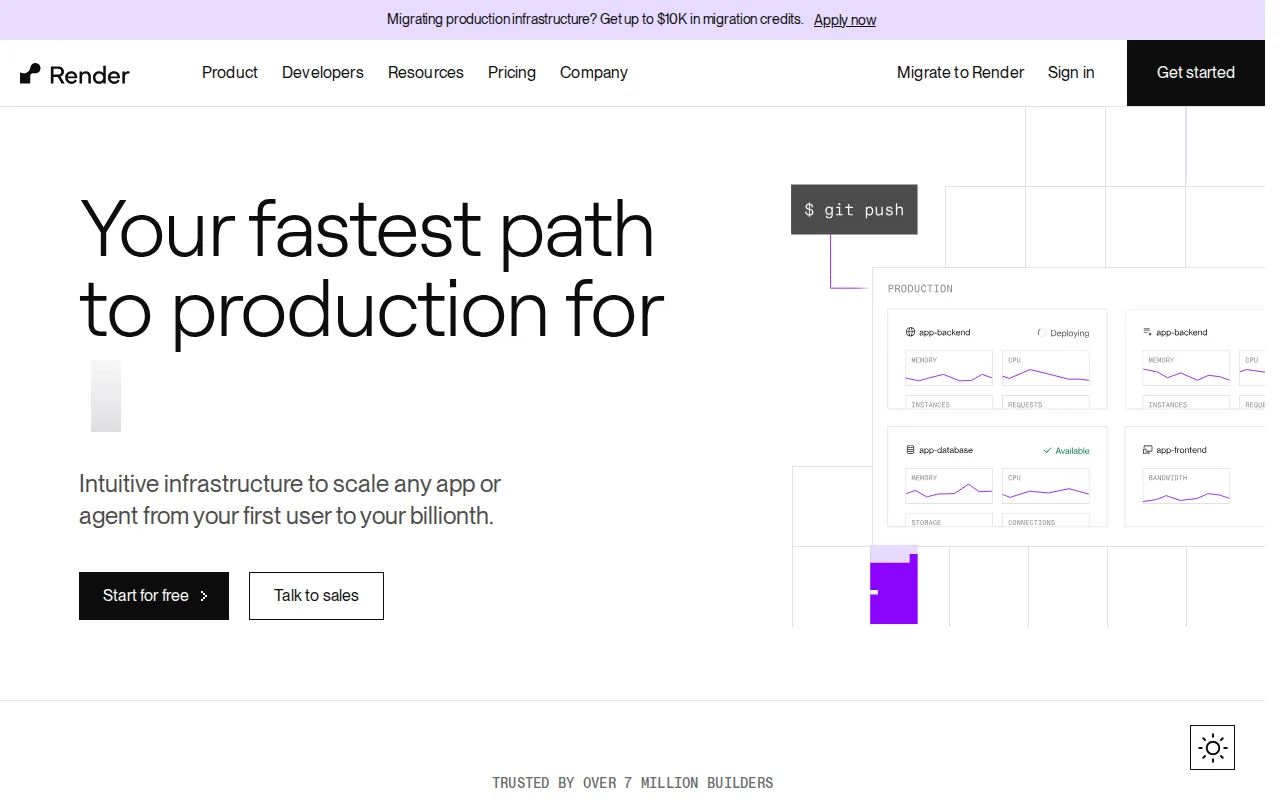
Render is the best Heroku alternative for developers and teams migrating off Heroku who want autoscaling web services, managed Postgres, and background workers without Heroku's post-2022 pricing. Render's free Hobby plan covers 1 project with 500 build-pipeline minutes and 100GB of monthly bandwidth at no cost, something Heroku hasn't offered since 2022, and paid compute instances start at $7/month for a Starter instance, scaling up to a 64 CPU / 512GB Pro Ultra instance at $450/month without switching platforms. Render holds a 5.0/5 rating from 76 Product Hunt reviews, above Heroku's 4.6/5 from 305 Capterra reviews, and it offers up to $10,000 in migration credits specifically for teams moving off Heroku or Railway. Heroku is still the better choice for teams that specifically rely on its 380+ buildpacks for less common languages, or GitHub-integrated review apps that spin up a disposable staging environment for every pull request: Render's free-tier web services spin down after inactivity, adding cold-start latency, and Render's paid workspace/seat-level pricing beyond individual compute costs isn't published on its pricing page.
Compared to Heroku: a genuine free Hobby tier (500 build minutes, 100GB bandwidth) where Heroku has had none since 2022, automatic PR preview environments and one-click rollback, up to $10,000 in migration credits for teams moving off Heroku
Wins:Free Hobby tier (500 build-pipeline minutes, 100GB bandwidth/month) where Heroku has had no free tier since 2022 · Automatic PR preview environments and one-click rollback, similar to Heroku's review apps but on a currently free tier · Up to $10,000 in migration credits specifically for teams moving production infrastructure off Heroku or Railway
Loses:380+ Heroku buildpacks cover more niche languages than Render natively supports · Free-tier web services spin down after inactivity, adding cold-start latency on the next request · Paid workspace/seat-level plan pricing beyond individual compute instance costs isn't published on Render's pricing page
Pros
- Automatic PR preview environments and one-click rollback simplify testing changes before merge.
- Compute instance sizing scales from $7/month up to 64 CPUs / 512 GB RAM without migrating platforms.
- Managed Postgres and Redis-compatible Key Value store included, with point-in-time recovery on paid tiers.
- CLI and MCP server support AI-agent-driven deployment workflows.
Cons
- Free-tier web services spin down after inactivity, adding cold-start latency on the next request.
- Paid workspace-level plan pricing (beyond individual compute instance costs) isn't published on the pricing page.
- Managed database pricing scales steeply at larger sizes, reaching into the thousands of dollars per month.
Pricing: Free tier · paid from $6/mo — Free Hobby tier vs Heroku's cheapest $5/month Eco dyno (which still sleeps after 30 minutes); Render's Starter compute instance is $7/month, matching Heroku's always-on $7/month Basic dyno (verified )
2Railway — best Heroku alternative for developers and small teams who want a Heroku-style deploy experience with usage-based pricing and unlimited team seats on the $20/month Pro workspace plan
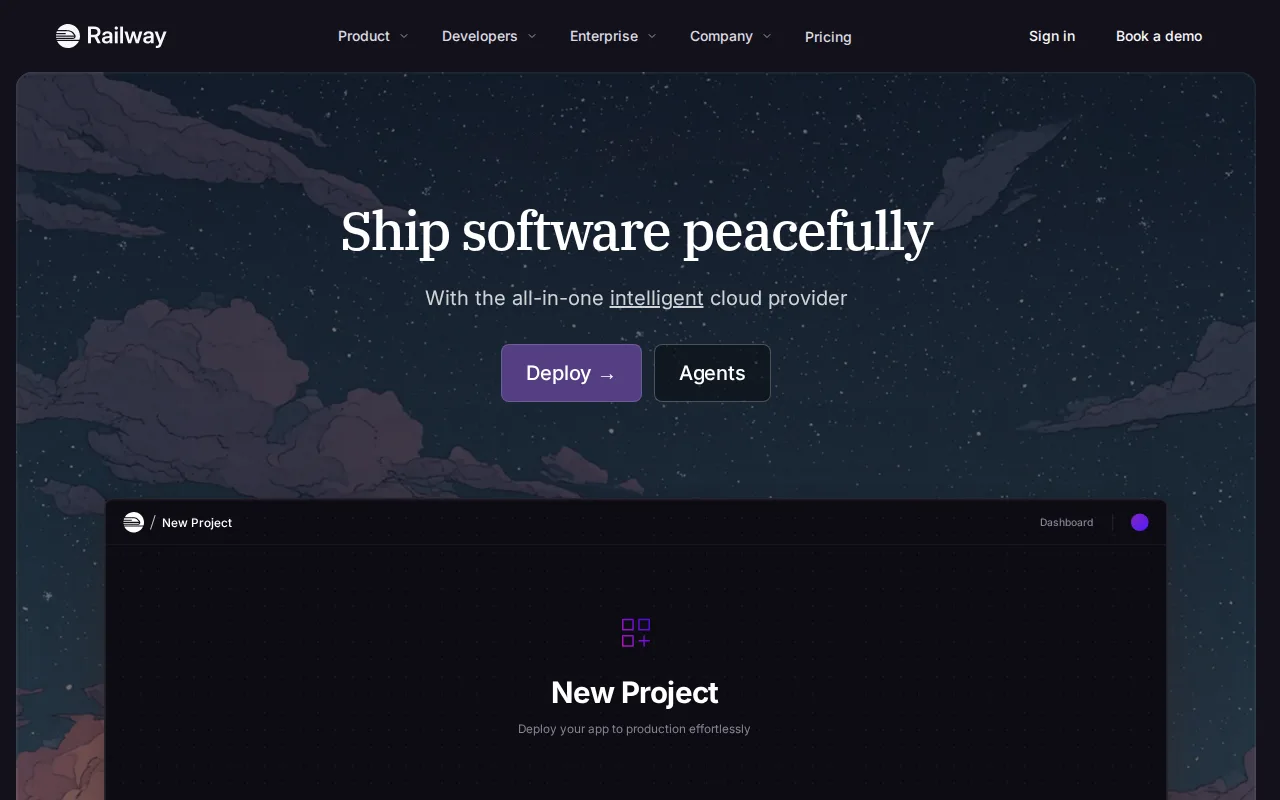
Railway is the best Heroku alternative for developers and small teams who want a Heroku-style deploy experience with unlimited team seats instead of per-user pricing. Railway's Pro plan is a flat $20/month per workspace with unlimited team members included, plus a $20 monthly usage credit, an unusual structure compared with Heroku's per-dyno, per-add-on billing that scales with every additional resource. Railway also offers a genuine Free tier with $1 of monthly usage credit, something Heroku has not had since 2022, and it auto-detects build systems via Nixpacks or a Dockerfile without requiring a buildpack. Heroku is still the better choice for teams that want predictable, capped monthly costs: Railway's usage-based billing on top of the plan fee can be hard to predict for variable workloads, and Railway's Free tier is capped at just $1/month in credits and 0.5GB RAM per service, tighter than Heroku's always-on $7/month Basic dyno.
Compared to Heroku: Pro is a flat $20/month per workspace with unlimited team seats instead of per-dyno billing, a genuine Free tier with usage credit where Heroku has none since 2022, MCP server and railway up -y for AI-agent-driven deployment
Wins:Pro plan is a flat $20/month per workspace with unlimited team seats, not per-user pricing like Heroku's per-dyno cost structure · Free tier with $1/month of usage credit, something Heroku has not offered since 2022 · MCP server integration and railway up -y support agent-driven, one-command deployments Heroku doesn't offer
Loses:Usage-based compute billing on top of plan fees can be harder to predict than Heroku's fixed per-dyno pricing · Free tier is capped at just $1/month in usage credit and 0.5GB RAM per service, tighter than Heroku's always-on $7/month Basic dyno · SLAs, SSO, and dedicated support require the custom-priced Enterprise tier, similar to Heroku's higher-priced Private Spaces
Pros
- Pro plan is a flat $20/month per workspace with unlimited team seats, not per-user pricing.
- Auto-detects build systems via Nixpacks, or use a Dockerfile for full control.
- Managed Postgres, MySQL, Redis, MongoDB, and ClickHouse databases available out of the box.
- MCP server integration and
railway up -ysupport agent-driven, one-command deployments.
Cons
- Usage-based compute billing on top of plan fees can be hard to predict for variable workloads.
- Free tier is very limited: $1/month in usage credit and 0.5 GB RAM per service.
- SLAs, SSO, and dedicated support require the custom-priced Enterprise tier.
Pricing: Free tier · paid from $5/mo — $20/month Pro (unlimited seats, $20 usage credit) vs Heroku's per-dyno pricing starting at $5/month Eco (which still sleeps) or $7/month Basic (always on, single dyno) (verified )
3Fly.io — best Heroku alternative for developers deploying Dockerized apps and APIs who want multi-region placement and per-second usage billing instead of a fixed monthly plan
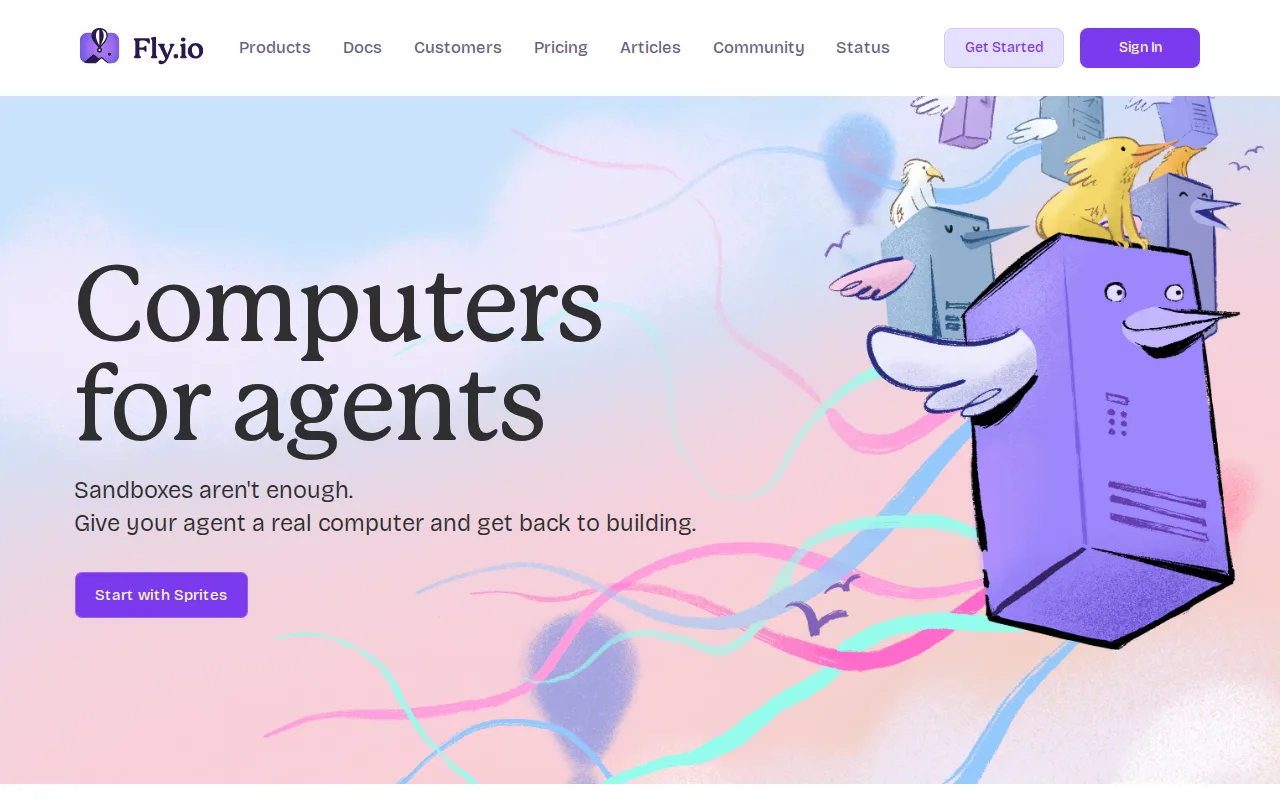
Fly.io is the best Heroku alternative for developers deploying Dockerized apps who want multi-region placement close to users and per-second usage billing instead of a fixed dyno tier. Fly Machines boot as Firecracker microVMs in about a second in any of Fly.io's global regions, and every resource, compute, storage volumes at $0.15/GB/month, dedicated IPv4 at $2/month, bills separately with no predefined plan, so a low-traffic app can cost just a couple of dollars a month, well under Heroku's cheapest always-on $7/month Basic dyno. Fly.io also runs managed Postgres and, as of 2026, Sprites, persistent Linux computers for AI coding agents. Heroku is still the better choice for anyone who wants a predictable flat monthly bill or a permanently free entry point: Fly.io has no free tier at all, billing starts immediately on signup, and predicting a total monthly cost is harder than Heroku's named dyno tiers since compute, storage, IPs, and transfer all meter separately.
Compared to Heroku: Fly Machines boot in about a second across dozens of global regions instead of Heroku's more limited region options, every resource bills per second with no predefined plan tiers, idle apps can cost just a couple dollars a month
Wins:Fly Machines boot in about a second and can run in dozens of regions worldwide, versus Heroku's more limited region options · Per-second billing across compute, storage, and transfer means idle or low-traffic apps can cost just a couple dollars a month, cheaper than Heroku's $5/month Eco dyno that still sleeps · Sprites, persistent Linux computers for AI coding agents launched in 2026, a product category Heroku doesn't offer
Loses:No free tier at all; a credit card is required at signup and billing starts from the first resource created, unlike Heroku's low-cost Eco dyno · Usage-based pricing across compute, storage, IPs, and transfer makes total monthly cost harder to predict than Heroku's named dyno tiers · Support beyond community channels requires a paid plan starting at $29/month, separate from compute costs
Pros
- Fly Machines boot in about a second and can run in dozens of regions worldwide for low-latency placement near users.
- Usage-based pricing means idle or low-traffic apps cost only a couple dollars a month rather than a flat plan fee.
- Managed Postgres, Fly Kubernetes, and Redis/object-storage extensions cover most of a typical app's infrastructure needs from one account.
- flyctl CLI and configuration-as-code (fly.toml) fit well into existing CI/CD pipelines.
Cons
- No free tier: a credit card is required at signup and billing starts from the first resource created.
- Usage-based pricing across compute, storage, IPs, and transfer makes total monthly cost harder to predict than a flat-rate host.
- Managed Postgres and Kubernetes pricing sit on separate, less prominently documented pages than the core compute pricing.
- Support beyond community channels requires a paid plan starting at $29/month.
Pricing: From $29/mo — No free tier; a shared-cpu-1x/256MB Fly Machine costs about $2.02/month run continuously vs Heroku's cheapest $5/month Eco dyno (which still sleeps after 30 minutes) (verified )
4Vercel — best Heroku alternative for frontend teams deploying Next.js or other JS-framework apps who want Git-based preview deployments and a global edge network without managing servers
Vercel is the best Heroku alternative for frontend teams deploying Next.js or other JavaScript-framework apps who want Git-based preview deployments and a global edge network without managing servers. Vercel's Hobby plan is free for personal projects with 100GB of data transfer and 1 million edge requests per month, and Pro costs $20/month per seat plus a $20 usage credit, with first-class Next.js integration built by the same team that maintains the framework. Vercel holds a 4.4/5 rating from 48 Capterra reviews, close to Heroku's 4.6/5 from 305 reviews. Heroku is still the better choice for backend and long-running server workloads: Vercel's usage-based billing on Pro can escalate quickly beyond the $20 monthly credit for traffic-heavy sites, its Hobby tier is explicitly for non-commercial use, and Advanced Deployment Protection costs an extra $150/month, whereas Heroku's dyno model is built for traditional long-running backend processes and databases that Vercel's edge-function architecture isn't designed around.
Compared to Heroku: free Hobby tier for personal projects with 1 million edge requests/month, deepest available Next.js integration with automatic PR preview URLs, global edge network for reduced latency without extra configuration
Wins:Free Hobby tier covers personal projects with 100GB data transfer and 1 million edge requests/month, more generous than Heroku's post-2022 all-paid dynos · Deepest available Next.js integration, including image optimization and edge middleware, built by the framework's own team · Global edge network reduces latency for static assets and edge functions without extra configuration, unlike Heroku's fixed dyno regions
Loses:Usage-based pricing on Pro can scale unpredictably once the $20 monthly credit is used, versus Heroku's fixed per-dyno pricing · Hobby tier is explicitly for non-commercial use, so any revenue-generating project requires a paid seat · Less natural fit for backend and long-running server workloads than Heroku's traditional dyno model
Pros
- Deploys from a Git push in seconds, with automatic preview URLs for every pull request.
- Deepest available integration with Next.js, including image optimization and edge middleware.
- Free Hobby tier is generous enough for real personal projects, not just a trial.
- Global edge network reduces latency for static assets and edge functions without extra configuration.
Cons
- Usage-based pricing on Pro can scale unpredictably; overage rates for edge requests, bandwidth, and compute apply once the $20 credit is used.
- Hobby tier is explicitly for non-commercial use, so any revenue-generating project requires a paid seat.
- Advanced Deployment Protection, a security feature some teams need, costs an extra $150/month on top of Pro.
- Backend and long-running server workloads are less natural fits than on traditional VPS or container platforms.
Pricing: Free tier · paid from $20/mo — Free Hobby tier vs Heroku's $5/month Eco dyno; Vercel Pro is $20/month per seat vs Heroku's $7/month always-on Basic dyno (verified )
5DigitalOcean — best Heroku alternative for developers and small engineering teams who want predictable, usage-based cloud pricing for VMs, Kubernetes, and managed databases without navigating AWS's pricing complexity
DigitalOcean is the best Heroku alternative for developers and small engineering teams who want predictable, usage-based cloud pricing across VMs, Kubernetes, and managed databases without Heroku's per-dyno cost structure. DigitalOcean's Droplets start at $4/month with per-second billing, cheaper than Heroku's $5/month Eco dyno that still sleeps after 30 minutes, and App Platform includes a genuinely free tier for static sites and small apps, not just a time-limited trial. DigitalOcean holds a 4.6/5 rating from 159 Capterra reviews, matching Heroku's own 4.6/5 from 305 reviews, and new accounts get a $5 credit valid for 90 days. Heroku is still the better choice for teams that specifically want Heroku's git-push deployment simplicity and GitHub-integrated review apps for every pull request: DigitalOcean has far fewer regions and a smaller managed-service catalog than the major hyperscalers, and its newer AI infrastructure line (GPU access, inference engine) is less proven than dedicated AI cloud providers.
Compared to Heroku: Droplets start at $4/month, cheaper than Heroku's $5/month Eco dyno that still sleeps, App Platform includes a genuine free tier rather than a time-limited trial, managed Kubernetes includes a free control plane
Wins:Droplets start at $4/month with per-second billing, cheaper than Heroku's $5/month Eco dyno, which still sleeps after 30 minutes · App Platform includes a genuine free tier for static sites and small apps, not a time-limited trial, unlike Heroku's post-2022 all-paid dynos · Managed Kubernetes includes a free control plane, a cost Heroku doesn't offer an equivalent for
Loses:Far fewer regions and a smaller managed-service catalog than the major hyperscalers, more infrastructure to manage than Heroku's simpler dyno abstraction · AI infrastructure line (GPU access, inference engine) is newer and less proven than dedicated AI cloud providers · Requires more manual configuration of VMs, Kubernetes, and databases than Heroku's git-push, buildpack-driven deploy flow
Pros
- Droplets start at $4/month with simple per-second billing, easier to predict than hyperscaler pricing.
- App Platform includes a genuine free tier, not just a time-limited trial.
- Managed Kubernetes includes a free control plane, a cost hyperscalers usually charge for.
- 4.6/5 rating from 159 Capterra reviews, with reviewers reporting largely positive sentiment.
Cons
- Far fewer regions and managed services than AWS, Azure, or Google Cloud, limiting fit for complex enterprise needs.
- The new-account credit is a modest $5 valid for 90 days, smaller than promotional credits some competitors offer.
- The AI infrastructure line (GPU access, inference engine) is newer and less proven than dedicated AI cloud providers.
- Support and SLA options are thinner than what enterprise customers get from the major hyperscalers.
Pricing: Free tier · paid from $4/mo — $4/month Droplets (per-second billing) vs Heroku's $5/month Eco dyno (sleeps after 30 minutes of inactivity) (verified )