1 Best Open-Source Alternatives to Figma in 2026
By Noahlast updated pricing verified
Compared: open-source alternatives to Figma
| Alternative | Best for | Standout | Biggest weakness | Learning curve | Price |
|---|---|---|---|---|---|
| Figmareference | design and product teams that need real-time multiplayer editing and a shared design-to-development handoff, from solo freelancers on the free tier up to large enterprises managing design systems across many teams | True real-time multiplayer editing across design, prototyping, whiteboarding (FigJam), and dev handoff (Dev Mode), all in the same browser-based file with no manual save or merge conflicts. | Figma requires an active internet connection for full functionality, and paid tiers are priced per seat by role (full/dev/collab), which reviewers say gets expensive to manage at scale; it also lacks native CMYK color profiles and 300dpi print export, so print-focused design work still requires a separate tool. | Moderate | Free tier · paid from $16/mo |
| Penpot | small design teams (up to 8 members) wanting a free Figma-style tool, and larger organizations wanting to self-host their design infrastructure under an open-source license | Full MPL-2.0 open-source codebase that can be self-hosted with no per-seat licensing cost, while the hosted cloud plan stays free for teams up to 8 people. | The Unlimited and Enterprise cloud tiers ($7 and $25 per user/month) sit close to Figma's pricing, so the cost advantage mainly shows up for teams willing to self-host, and Penpot's plugin and font ecosystem is smaller than Figma's after years of third-party development there. | Moderate | Free tier · paid from $7/mo |
 Figma
Figma Penpot
1.Penpot — best Figma alternative for small design teams (up to 8 members) wanting a free Figma-style tool, and larger organizations wanting to self-host their design infrastructure under an open-source license
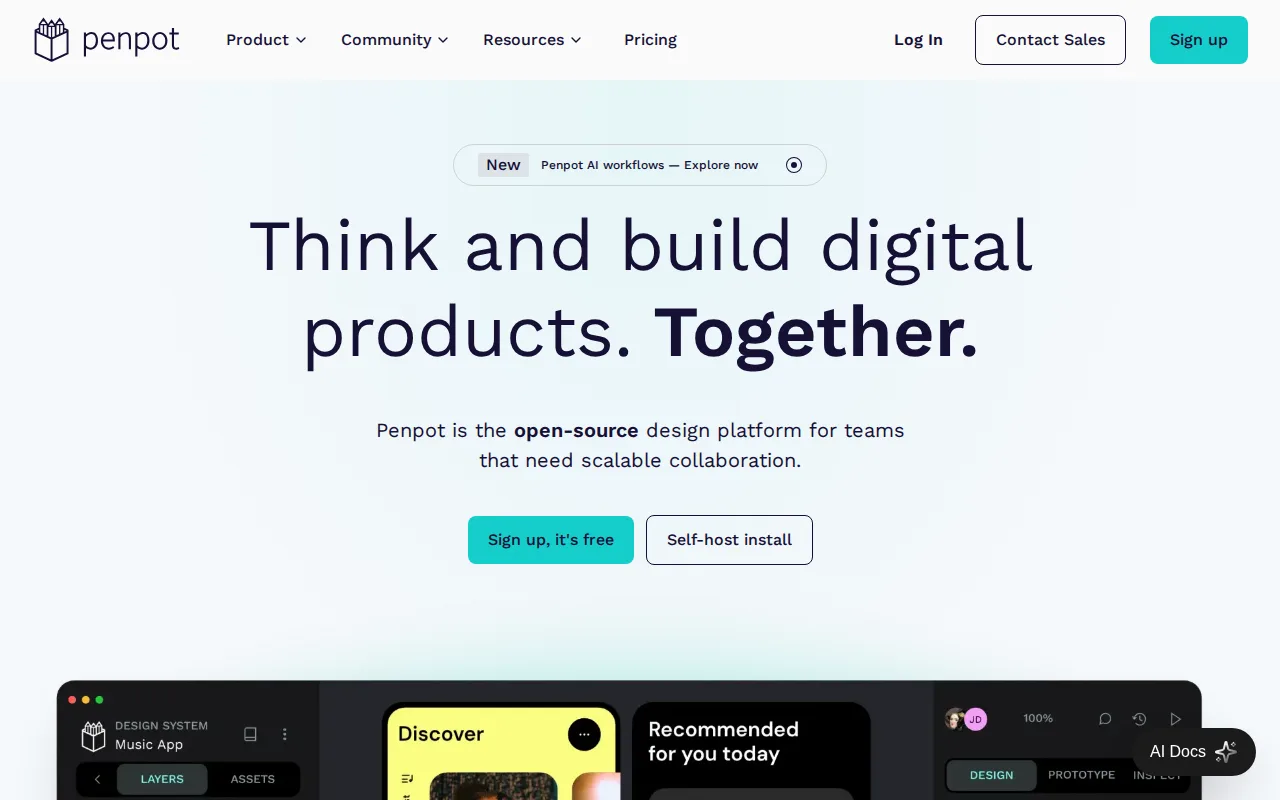
Penpot is the best Figma alternative for teams that want a Figma-style collaborative design tool they can audit or self-host, rather than trusting a closed-source vendor. Penpot's full codebase is published under the Mozilla Public License 2.0, and its hosted Professional plan is free for teams of up to 8 members with 10GB storage, comparable in spirit to Figma's free Starter tier but without Figma's 3-collaborative-file limit. Organizations that want full control can self-host Penpot entirely, avoiding per-seat fees to Kaleidos, the company behind it, an option Figma's closed-source model doesn't offer at any price. Figma is still the better choice for teams that need the largest plugin and font ecosystem: Penpot's plugin marketplace is smaller after Figma's years of third-party development, its Unlimited and Enterprise cloud tiers ($7 and $25 per user/month) sit close to Figma's own $16 and $55 tiers once seats are counted, narrowing the cost advantage for teams not self-hosting, and Penpot's real-time collaboration on very large files lags behind Figma's per user reports.
Compared to Figma: full open-source (MPL-2.0) codebase that can be self-hosted, free Professional plan for up to 8 members without a 3-file cap, but a smaller plugin ecosystem and Unlimited/Enterprise pricing close to Figma's own
Wins:Full open-source codebase (MPL-2.0) that can be self-hosted with no vendor lock-in, unlike Figma's closed-source model · Free Professional plan covers teams up to 8 members with unlimited viewers, without Figma Starter's 3-collaborative-file cap · Native CSS Grid and Flexbox-aware layout tools that export directly to standard CSS
Loses:Smaller plugin and font marketplace than Figma, which has years of third-party ecosystem lead · Cloud Unlimited and Enterprise pricing ($7-$25/user/month) is close to Figma's own $16-$55 tiers, narrowing the cost advantage for teams not self-hosting · Real-time collaboration and rendering performance on very large files lag behind Figma, per user reports
Pros
- Full open-source codebase (MPL-2.0) that can be self-hosted with no vendor lock-in.
- Free Professional plan covers teams up to 8 members with unlimited viewers.
- Native CSS Grid and Flexbox-aware layout tools that export directly to standard CSS.
- Design-to-code and code-to-design AI workflows built into the platform.
Cons
- Smaller plugin and font marketplace than Figma, which has years of third-party ecosystem lead.
- Enterprise self-hosted licensing ($50,000/year) is a significant jump from the free self-hosted community edition's DIY setup.
- Cloud Unlimited and Enterprise pricing ($7-$25/user/month) is close to Figma's own tiers, narrowing the price advantage for teams not self-hosting.
- Real-time collaboration and rendering performance on very large files lag behind Figma, per user reports.
Pricing: Free tier · paid from $7/mo — Free for up to 8 members, then $7/user/month Unlimited vs Figma's $16/month Professional seat (verified undefined NaN, NaN)