5 Best Alternatives to Figma for macOS in 2026
By Noahlast updated pricing verified
Compared: Figma alternatives that run on macOS
| Alternative | Best for | Standout | Biggest weakness | Learning curve | Price |
|---|---|---|---|---|---|
| Figmareference | design and product teams that need real-time multiplayer editing and a shared design-to-development handoff, from solo freelancers on the free tier up to large enterprises managing design systems across many teams | True real-time multiplayer editing across design, prototyping, whiteboarding (FigJam), and dev handoff (Dev Mode), all in the same browser-based file with no manual save or merge conflicts. | Figma requires an active internet connection for full functionality, and paid tiers are priced per seat by role (full/dev/collab), which reviewers say gets expensive to manage at scale; it also lacks native CMYK color profiles and 300dpi print export, so print-focused design work still requires a separate tool. | Moderate | Free tier · paid from $16/mo |
| Sketch | professional and freelance UI/UX designers on macOS who want a native, distraction-free vector design tool with built-in prototyping and developer handoff | Native macOS performance combined with real-time cloud collaboration and prototyping (Smart Animate, overlays, interaction triggers) in the same app, plus a one-time $120 Mac-only license for designers who don't need cloud collaboration. | The native editor is macOS-only, so Windows and Linux designers can't run it at all, and there's no permanent free tier — every plan is a 30-day trial that converts to a paid subscription starting at $12/month billed annually. | Low | From $12/mo |
| Adobe XD | existing Creative Cloud subscribers who already have XD projects and want to keep using them without migrating to a new tool immediately | Auto-Animate prototyping, which turns artboard-to-artboard differences into smooth interactive transitions without manual keyframing, though Adobe has not added new features to XD since 2023. | Adobe confirmed it has stopped active development on XD and retired it as a standalone purchase in June 2023; it now ships only inside multi-app Creative Cloud Standard or Pro bundles, and most design teams have already migrated to Figma, which receives active updates XD no longer gets. | Moderate | From $54.99/mo |
| Canva | marketers, small business owners, and social media managers who need on-brand graphics fast without hiring a designer or learning Illustrator or Photoshop | The template-first workflow combined with Magic Resize, which reformats one design across dozens of platform-specific sizes automatically. | Designs can't be exported as editable source files (no .psd or .ai export), so work started in Canva is effectively locked into Canva, and premium templates and the full content library sit behind the Pro paywall. | Low | Free tier · paid from $18/mo |
| Lunacy | designers and non-designers who want a free, native desktop vector and UI design tool with built-in AI features instead of a browser-only or per-seat subscription app | Native free desktop app for Windows, macOS, and Linux with AI tools (background removal, upscaling, art generation) and Icons8's icon and illustration libraries built directly into the editor. | Full use of the built-in AI features and Icons8's premium asset library depends on Icons8's separate paid subscription, so the 'free' core app is really a funnel into a paid ecosystem for anyone using AI tools or premium assets at real volume; it also has a smaller plugin and community ecosystem than Figma. | Low | Free |
| InVision | no one — InVision is fully shut down as of December 31, 2024, with all data deleted; this listing exists for historical and migration reference only | Historically, InVision was one of the first tools to make clickable prototyping from static mockups accessible without code, and pioneered stakeholder-review links before that became standard across the design-tool category. | InVision no longer exists. InVision App Inc. ceased all operations on December 31, 2024, permanently deleted every document, prototype, and design system asset, and the invisionapp.com domain now redirects to Miro, which separately acquired the Freehand whiteboard product in 2023. | Moderate | Pricing not verified |
 Figma
Figma Sketch
 Adobe XD
 Canva
Canva Lunacy
 InVision
1.Sketch — best Figma alternative for professional and freelance UI/UX designers on macOS who want a native, distraction-free vector design tool with built-in prototyping and developer handoff
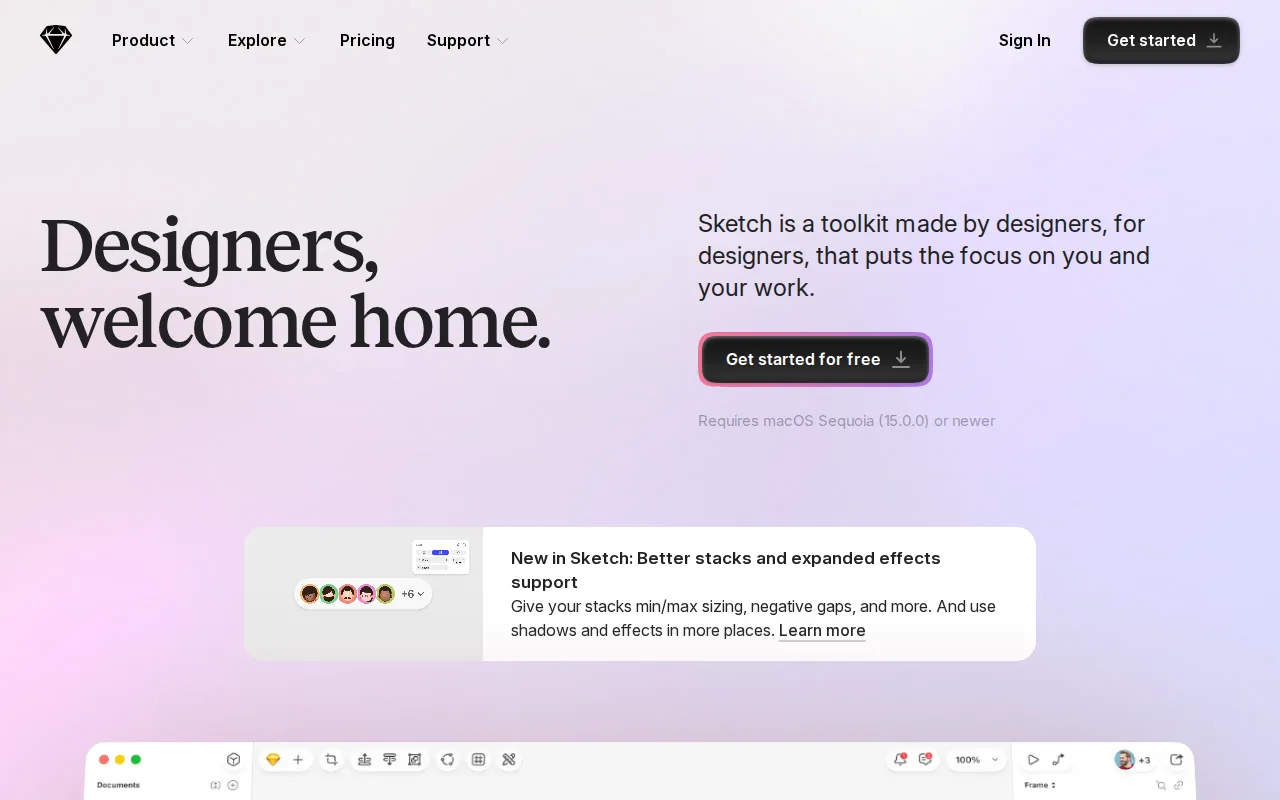
Sketch is the best Figma alternative for macOS-only teams that want native app performance and the option to buy a license outright instead of a recurring subscription. Sketch's Standard plan costs $12/month billed annually, below Figma's $16/month Professional seat, and its one-time $120 Mac-only license serves designers who don't need cloud collaboration at all, an option Figma doesn't offer since every Figma plan is subscription-based. Sketch holds a 4.6/5 rating from 812 Capterra reviews plus 4.7/5 from 42 Product Hunt reviews. Figma is still the better choice for teams that need cross-platform collaboration: Sketch's native editor is macOS-only, so Windows and Linux designers can't run it at all, unlike Figma's browser-based model that works identically everywhere, and Sketch has no permanent free tier, only a 30-day trial, while Figma's Starter plan is free indefinitely with unlimited drafts. Sketch's real-time co-editing and plugin ecosystem also remain smaller than Figma's after years of Figma's browser-first lead.
Compared to Figma: native macOS performance plus a one-time $120 license option, 4.6/5 from 812 Capterra reviews, but macOS-only with no Windows or Linux app and no permanent free tier
Wins:Native macOS app delivers faster performance than Figma's browser-based engine · One-time $120 Mac-only license option for designers who don't need cloud collaboration, unlike Figma's subscription-only model · Offline-capable design work, unlike Figma which requires an active internet connection for full functionality
Loses:macOS-only on desktop; Windows and Linux designers can't run the native editor at all, unlike Figma which works in any browser · No permanent free tier — every plan is a 30-day trial before billing begins, unlike Figma's indefinitely free Starter plan · Real-time co-editing and plugin ecosystem are smaller than Figma's after years of Figma's browser-first lead
Pros
- Native macOS app delivers faster performance than browser-based design tools.
- Prototyping (Smart Animate, overlays, interaction triggers) and developer handoff are built in, not separate products.
- Offline-capable design work, unlike fully cloud-dependent competitors.
- One-time $120 Mac-only license option for designers who don't need cloud collaboration.
Cons
- No Windows or Linux native app; the platform is macOS-only for the design editor.
- No permanent free tier — every plan starts as a 30-day trial before billing begins.
- Enterprise-grade security features (SCIM, BYOK) require the $44/month Enterprise tier.
Pricing: From $12/mo — $12/month Standard (billed yearly) vs Figma's $16/month Professional; Sketch also offers a $120 one-time license Figma doesn't (verified undefined NaN, NaN)
2.Adobe XD — best Figma alternative for existing Creative Cloud subscribers who already have XD projects and want to keep using them without migrating to a new tool immediately
Adobe XD appears on Figma comparison lists from its years as a direct competitor, but the honest framing today is that Adobe confirmed it stopped investing in new XD features after its blocked acquisition of Figma, retiring XD's standalone single-app purchase on June 22, 2023. Where XD still has real substance is Auto-Animate, which turns artboard-to-artboard differences into smooth interactive transitions without manual keyframing, and its deep integration with Photoshop and Illustrator libraries for teams already inside Creative Cloud, and it holds a 4.5/5 rating from 1,087 Capterra reviews, evidence collected before the maintenance-mode announcement. Figma is now the clearly better choice for essentially everyone: XD is no longer sold as a standalone app, only bundled inside Creative Cloud Standard ($54.99/month) or Pro ($69.99/month) plans, real-time multiplayer co-editing and its plugin ecosystem lag behind Figma's active development, and most design teams have already migrated to Figma, which receives the updates XD no longer gets.
Compared to Figma: Auto-Animate transitions and Creative Cloud library integration, 4.5/5 from 1,087 Capterra reviews, but no active development since 2023 and no standalone purchase option
Wins:Auto-Animate makes building interactive, animated prototypes faster than manual transition setup in some competitors · Shares Creative Cloud libraries, fonts, and assets directly with Photoshop and Illustrator for existing Adobe teams · 4.5/5 rating from 1,087 Capterra reviews, collected from its years as an actively developed product
Loses:No further feature development since 2023, so it will fall further behind Figma's actively developed platform over time — a real currency gap, not a routine trade-off · No longer sold as a standalone app; only available bundled inside Creative Cloud Standard ($54.99/mo) or Pro ($69.99/mo) plans · Real-time multiplayer co-editing and plugin ecosystem lag well behind Figma's
Pros
- Auto-Animate makes building interactive, animated prototypes faster than manual transition setup in some competitors.
- Shares Creative Cloud libraries, fonts, and assets directly with Photoshop and Illustrator for teams already in the Adobe ecosystem.
- Companion iOS and Android apps let stakeholders preview and test prototypes on an actual device.
- Existing files and projects remain usable for current Creative Cloud subscribers without forced migration.
Cons
- No longer sold as a standalone app; only available bundled inside Creative Cloud Standard ($54.99/mo) or Pro ($69.99/mo) plans.
- Adobe has confirmed no further feature development, so it will fall further behind actively developed competitors over time.
- Real-time multiplayer co-editing and plugin ecosystem lag behind Figma, XD's primary competitor.
- Capterra reviewers report bugs and crashes that interrupt workflow and cause lost progress.
Pricing: From $54.99/mo — $54.99/month Creative Cloud Standard (bundled, no standalone option) vs Figma's $16/month Professional seat (verified undefined NaN, NaN)
3.Canva — best Figma alternative for marketers, small business owners, and social media managers who need on-brand graphics fast without hiring a designer or learning Illustrator or Photoshop
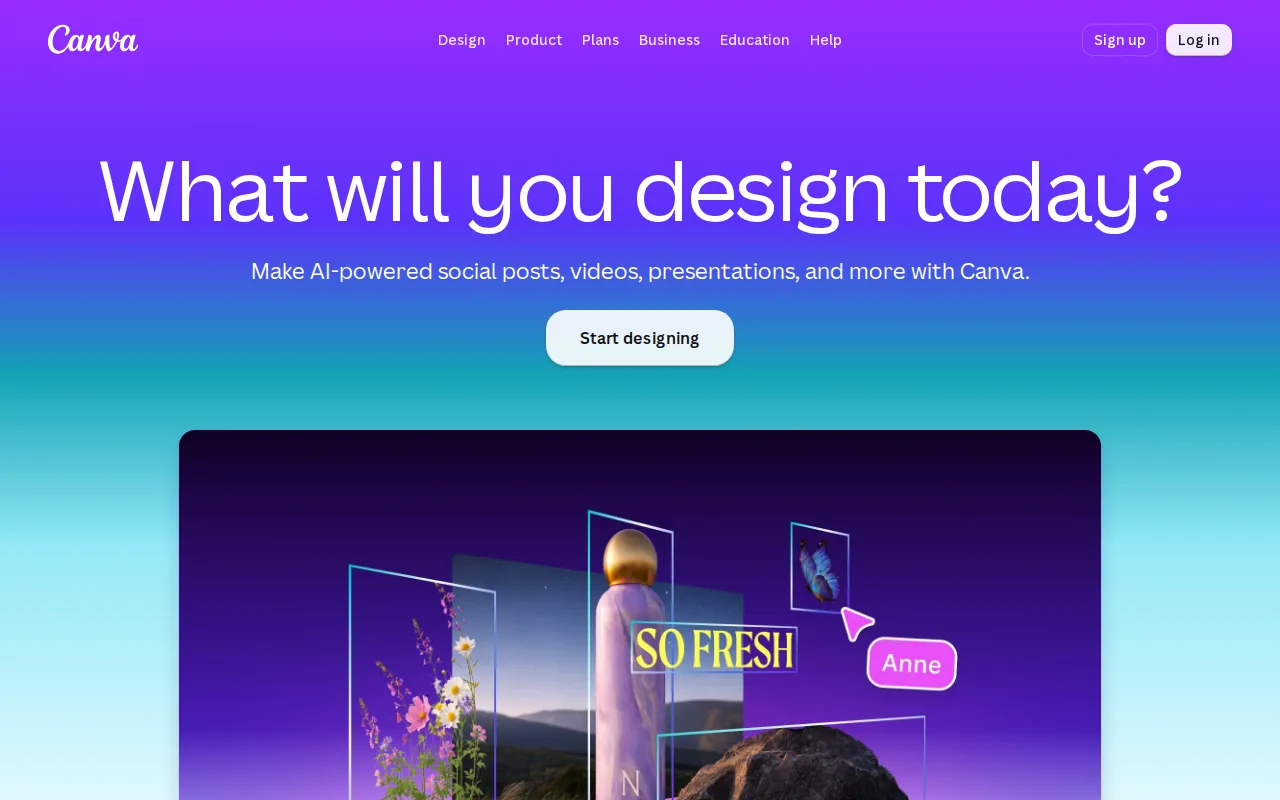
Canva is the best Figma alternative for marketers and non-designers who need on-brand graphics fast without learning Figma's vector-design tools, though it's worth naming plainly that Canva is not a like-for-like UI-design substitute. Canva's free plan includes 2M+ templates with 5GB storage, and Canva Pro costs $18/month (about $12/month billed annually), while Canva holds a 4.7/5 rating from 13,411 Capterra reviews, by far the largest evidence base among Figma's alternatives compared here. Canva's Magic Resize reformats one design across dozens of platform-specific sizes automatically, a template-first workflow Figma's blank-canvas approach doesn't replicate. Figma is still the far better choice for anyone doing actual interface design, prototyping, or developer handoff: Canva has no Dev Mode, no design-system component libraries in the Figma sense, and designs can't be exported as editable source files like .psd or .ai, so work started in Canva is effectively locked into Canva's own editor rather than portable the way Figma files are.
Compared to Figma: template-driven workflow for marketers, not UI design, 4.7/5 from 13,411 Capterra reviews (the largest evidence base here), but no Dev Mode or component libraries and no editable source-file export
Wins:4.7/5 rating from 13,411 Capterra reviews, by far the largest evidence base among Figma's compared alternatives · Template library and drag-and-drop editor let non-designers produce usable graphics in minutes · Magic Resize adapts one design to many platform-specific formats automatically, a workflow Figma doesn't offer
Loses:No Dev Mode or component-library system comparable to Figma's design-to-development handoff — a genuine category gap for UI design work · No export to editable source formats like .psd or .ai; designs are effectively locked to Canva's own editor · Not built for interface design or interactive prototyping the way Figma is
Pros
- Template library and drag-and-drop editor let non-designers produce usable graphics in minutes.
- Magic Resize adapts one design to many platform-specific formats automatically.
- Business plan's brand kits and approval workflows keep team output on-brand without a design lead reviewing everything.
- Bundles docs, presentations, and a website builder alongside design, reducing the number of separate tools a small team needs.
Cons
- No export to editable source formats like .psd or .ai; designs are effectively locked to Canva's own editor.
- Most premium templates, stock assets, and AI features require the Pro or Business paid tier.
- Mobile app is noticeably more limited than the desktop/web editor.
- Some users report confusing billing transitions between the free trial and paid subscription.
Pricing: Free tier · paid from $18/mo — $18/month Pro (about $12/month billed annually) vs Figma's $16/month Professional seat
4.Lunacy — best Figma alternative for designers and non-designers who want a free, native desktop vector and UI design tool with built-in AI features instead of a browser-only or per-seat subscription app
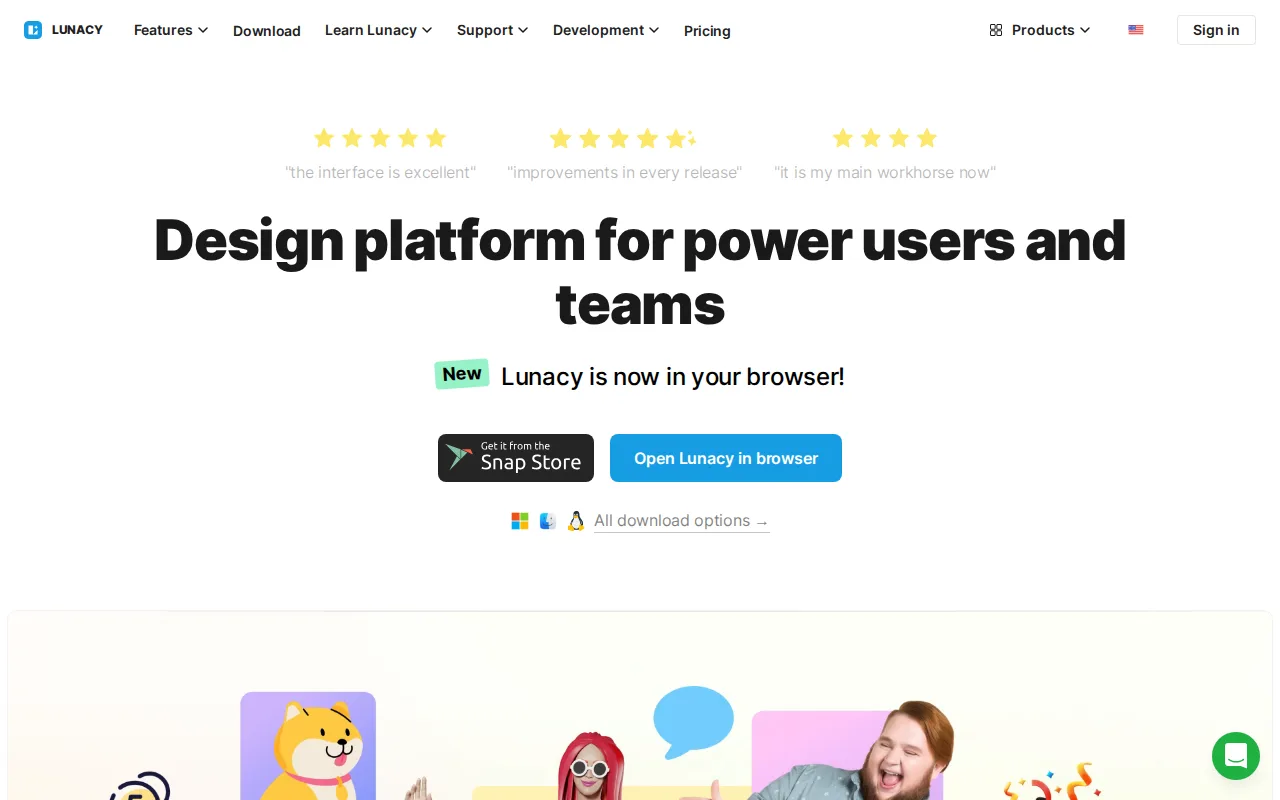
Lunacy is the best Figma alternative for designers who want a free, installable desktop app that works offline on Windows, macOS, or Linux, rather than Figma's browser-dependent model. Lunacy's core vector editing, UI design, and prototyping tools are free to download and use, with no per-seat subscription required, unlike every paid Figma tier above Starter. It bundles built-in AI features (background removal, image upscaling, avatar generation) and direct access to Icons8's icon, photo, and illustration libraries from inside the editor. Lunacy holds a 4.7/5 rating from 26 Capterra reviews. Figma is still the better choice for teams that need mature real-time multiplayer collaboration and a large plugin ecosystem: Lunacy's collaboration features are less mature than Figma's, per design-team reports, and its brand recognition and community resources are much smaller than Figma's, meaning fewer tutorials and community templates; heavy use of Lunacy's AI features or premium Icons8 assets also requires a separate Icons8 subscription not disclosed at a fixed price in our listing data.
Compared to Figma: free native desktop app for Windows, macOS, and Linux vs Figma's browser-dependent model, built-in AI tools and Icons8 libraries, but less mature real-time collaboration and a smaller ecosystem
Wins:Free native desktop app for Windows, macOS, and Linux, unlike browser-only or per-seat competitors · Built-in AI tools (background removal, upscaling, avatar/art generation) without needing separate plugins · Direct in-app access to Icons8's icon, photo, and illustration libraries
Loses:Real-time multiplayer collaboration is less mature than Figma's, a common gap noted by design teams · Smaller plugin ecosystem and third-party integration support than Figma · Heavy AI-feature or premium-asset use requires a separate Icons8 subscription, pricing not fixed in our listing data
Pros
- Free native desktop app for Windows, macOS, and Linux, unlike browser-only competitors.
- Built-in AI tools (background removal, upscaling, avatar/art generation) without needing separate plugins.
- Direct in-app access to Icons8's icon, photo, and illustration libraries.
- Low learning curve for users coming from Sketch- or Figma-style vector and UI tools.
Cons
- Heavy AI-feature or premium-asset use requires an Icons8 subscription, so the free tier has practical usage limits.
- Smaller plugin ecosystem and third-party integration support than Figma.
- Real-time multiplayer collaboration is less mature than Figma's, a common gap noted by design teams.
- Brand recognition and community resources are much smaller than for Figma or Sketch, meaning fewer tutorials and community templates.
Pricing: Free — $0 core app vs Figma's $16/month Professional seat; heavy AI/asset use on Lunacy draws on a separate, unpriced Icons8 subscription
5.InVision — best Figma alternative for no one — InVision is fully shut down as of December 31, 2024, with all data deleted; this listing exists for historical and migration reference only

InVision shows up on older Figma comparison lists, but the honest answer today is that it no longer exists: InVision App Inc. ceased all operations on December 31, 2024, after Figma's combined design-and-prototyping platform eroded InVision's market share from roughly 63% in 2017 to under 23% by 2020. Historically, InVision pioneered clickable prototyping from static mockups and shareable stakeholder-review links, features that were novel before Figma made prototyping-in-the-design-tool the industry standard, and its Freehand whiteboard product lives on today inside Miro, which acquired it separately in late 2023. There is no meaningful way to compare current pricing or ratings, since InVision's Capterra listing shows zero reviews reflecting its retirement rather than live sentiment. Figma is now the only real choice between the two: all InVision documents, prototypes, and design system assets were permanently deleted at shutdown, invisionapp.com now redirects to Miro, and there is no sign-up, no active product, and no migration path beyond switching entirely to a platform like Figma.
Compared to Figma: InVision no longer exists — InVision App Inc. shut down entirely on December 31, 2024, all documents were deleted, and invisionapp.com now redirects to Miro
Wins:Historically pioneered clickable prototyping from static mockups and shareable stakeholder-review links before Figma made that standard · Freehand's collaborative whiteboard concept lives on today inside Miro, which acquired it separately in late 2023 · Design System Manager offered structured component-library management before this became standard elsewhere
Loses:Fully shut down since December 31, 2024 — no sign-up, no pricing, no supported product to switch to · All user data, prototypes, and design system assets were permanently deleted at shutdown, with no export path · Lost market share to Figma's combined design-and-prototyping workspace well before the shutdown, dropping from roughly 63% share in 2017 to under 23% by 2020
Pros
- Historically pioneered clickable prototyping from static mockups and shareable stakeholder-review links.
- Freehand's collaborative whiteboard concept lives on inside Miro, which acquired it in late 2023.
- Design System Manager offered structured component-library management before this became a standard feature elsewhere.
- Had a large historical review base reflecting years of active enterprise use before shutdown.
Cons
- Fully shut down since December 31, 2024 — no sign-up, no pricing, no supported product.
- All user data, prototypes, and design system assets were permanently deleted at shutdown.
- Lost market share to Figma's combined design-and-prototyping workspace well before the shutdown, dropping from roughly 63% share in 2017 to under 23% by 2020.
- Users must migrate entirely to a different platform; InVision offers no export or continuity path beyond Miro's separate Freehand product.
Pricing: Pricing not verified