2 Best Open-Source Alternatives to Cline in 2026
By Noahlast updated pricing verified
Compared: open-source alternatives to Cline
| Alternative | Best for | Standout | Biggest weakness | Learning curve | Price |
|---|---|---|---|---|---|
| Clinereference | developers who want a free, open-source coding agent that works across multiple IDEs and lets them choose and pay for any AI model provider directly | Fully open-source (Apache 2.0) with 8M+ installs, letting users plug in any model provider — Claude, GPT, Gemini, or a local Ollama model — instead of being locked to one vendor's model and pricing. | No bundled AI usage is included with the free tool — every request draws down the user's own API key balance, so total cost scales unpredictably with usage and there's no flat monthly price to budget against. | Moderate | Free |
| Continue | developers who want an editor-agnostic AI coding agent they can point at any LLM, including self-hosted models, and who are comfortable adopting a project with no active company behind it | Model-agnostic architecture: developers configure any LLM provider or a self-hosted model instead of being locked into one vendor's built-in assistant, with configuration stored in version-controlled files. | The project is no longer actively developed: Continue Dev, Inc. was acquired by Cursor and the GitHub repository was archived as read-only after a final 2.0.0 release, so there is no company fixing new bugs, adding model support, or responding to issues going forward. | Moderate | Free |
| Aider | developers comfortable in a terminal who want a model-agnostic AI coding assistant without a subscription, paying only for the LLM tokens they actually use | Model-agnostic design with an automatic codebase-mapping system that lets large repositories stay within context limits, combined with automatic git commits on every accepted edit. | There is no built-in GUI or IDE-native experience: Aider lives in the terminal, which is a barrier for developers who expect an editor-integrated assistant like Cursor or GitHub Copilot, and total cost is unpredictable since it scales directly with token usage on whatever LLM is configured. | Moderate | Free |
 Cline
Cline Continue
 Aider
Aider1.Continue — best Cline alternative for developers who want an editor-agnostic AI coding agent they can point at any LLM, including self-hosted models, and who are comfortable adopting a project with no active company behind it
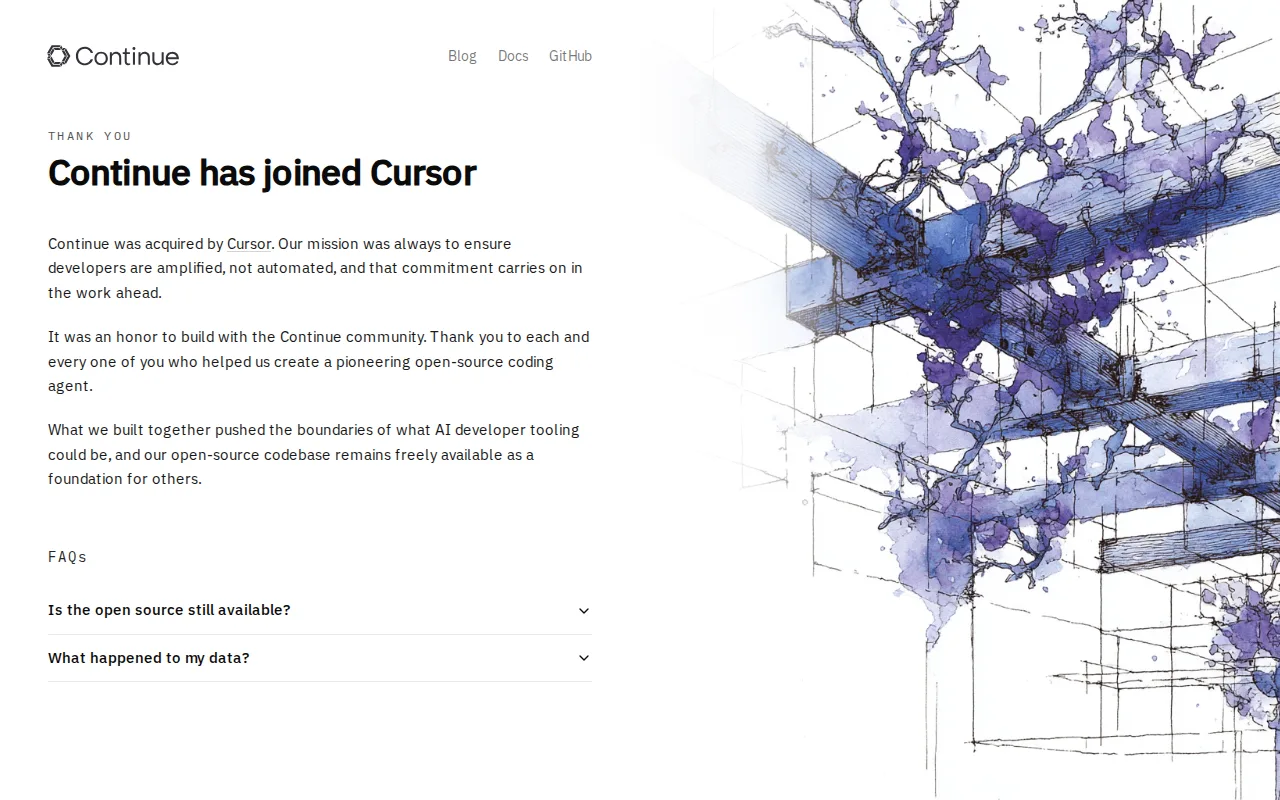
Cline and Continue are both free, open-source AI coding agents (Apache 2.0) available as VS Code extensions, JetBrains plugins, and CLIs, so the core value proposition is nearly identical: no subscription fee, and freedom to point the agent at any LLM provider including locally hosted models. Continue's GitHub repository holds 35,600 stars, and its configuration lives in version-controlled files rather than a vendor dashboard, similar to Cline's own .clinerules approach. The honest catch is maintenance: Continue Dev, Inc., the company behind the project, was acquired by Cursor, and the GitHub repository shipped a final 2.0.0 release removing telemetry and hosted authentication before being archived as read-only, so there is no company fixing new bugs, adding model support, or responding to issues going forward. Cline, by contrast, is still under active development with 8M+ installs and adoption at companies including Samsung, Amazon, and Microsoft, plus a JetBrains plugin (early access), a CLI, and an embeddable SDK, while Continue's own JetBrains support has been deprioritized in favor of its CLI. Developers who specifically need an actively maintained open-source agent with ongoing model support, or who want JetBrains parity with the VS Code experience, are better served by Cline.
Compared to Cline: nearly identical free, open-source (Apache 2.0), editor-agnostic model, but the GitHub repository was archived as read-only after Cursor's acquisition, so no new features or bug fixes are shipping, unlike Cline's actively maintained 8M+-install codebase.
Wins:35,600 GitHub stars reflect an established open-source track record · Configuration lives entirely in version-controlled files, matching Cline's own .clinerules approach to project-specific rules
Loses:Archived as read-only on GitHub after Cursor's acquisition, so no new features or bug fixes are shipping from the original team, unlike Cline's active development · JetBrains plugin support has been deprioritized in favor of the CLI, while Cline's JetBrains plugin remains in active early access · No external rating on file, unlike Cline's broader installed base of 8M+
Pros
- Free and open source under Apache 2.0 with no pricing tiers or usage limits.
- Works with any LLM provider, including locally hosted models, avoiding vendor lock-in.
- Available as a VS Code extension, JetBrains plugin, and standalone CLI, covering multiple workflows.
- Configuration lives in version-controlled files rather than a vendor dashboard.
Cons
- Archived as read-only on GitHub after Cursor's acquisition, so no new features or bug fixes are shipping from the original team.
- Requires manually configuring an LLM provider and API key before it does anything, unlike bundled assistants that work out of the box.
- The JetBrains plugin is now a secondary priority; the project recommends the CLI instead.
Pricing: Free — Both are $0 with no paid tier — Continue and Cline are both free under Apache 2.0 (verified undefined NaN, NaN)
2.Aider — best Cline alternative for developers comfortable in a terminal who want a model-agnostic AI coding assistant without a subscription, paying only for the LLM tokens they actually use
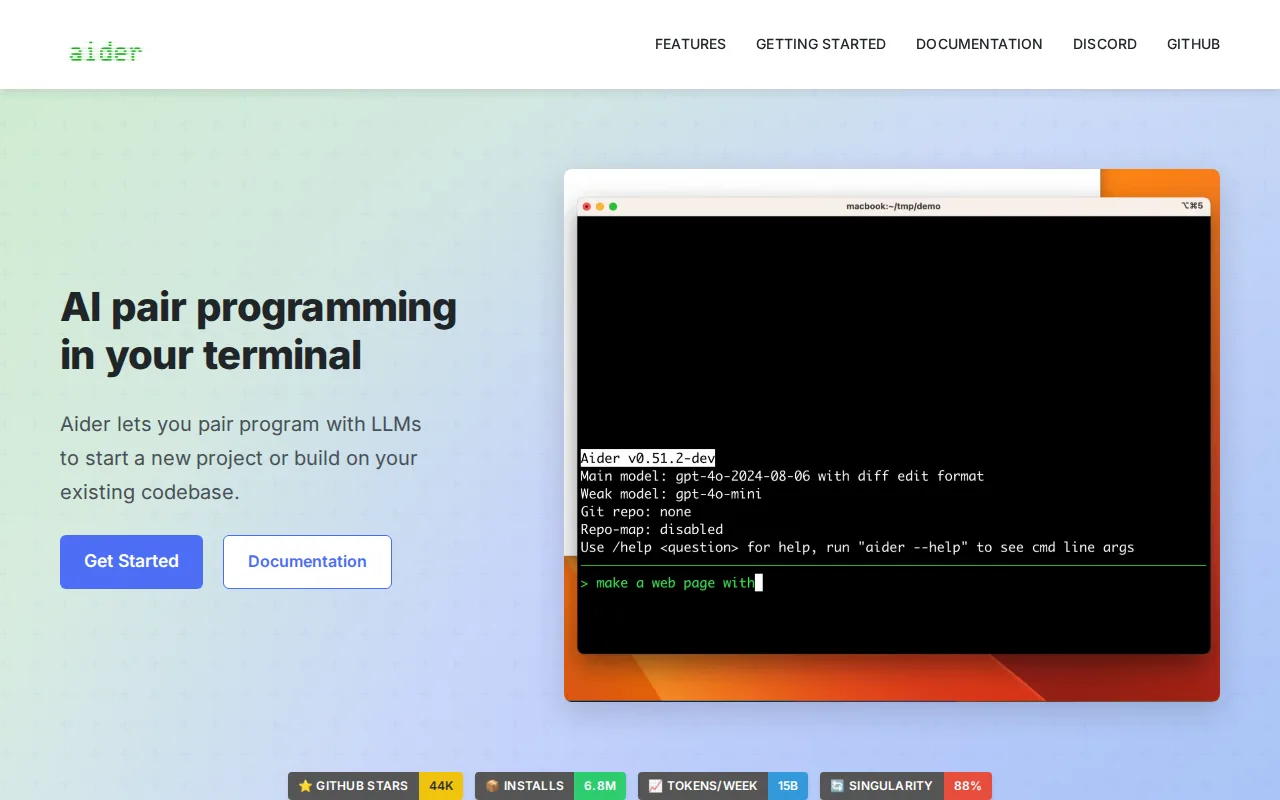
Cline and Aider are both free, open-source (Apache 2.0), bring-your-own-key coding agents with no subscription fee, but Aider lives entirely in the terminal rather than as an IDE extension, building a condensed map of the codebase so large repositories stay within a model's context window without sending the entire project on every request. Aider automatically commits every accepted edit to git, keeping changes reviewable and revertible by default, a stronger built-in safety net than Cline's checkpoint-based reverting. Aider's GitHub repository has 48.4k stars and the project reports 6.8 million weekly installs and roughly 15 billion tokens processed weekly across its user base, a larger publicly reported usage signal than Cline's 8M+ installs figure alone conveys about active weekly use. The honest tradeoff is interface: Aider has no GUI or IDE-native experience at all, a real barrier for developers who expect an editor-integrated assistant, while Cline is available directly inside VS Code and JetBrains without leaving the editor, plus a Plan-and-Act mode for reviewing strategy before execution that Aider's command-driven workflow doesn't structure the same way. Developers who want their coding agent inside the editor they already use, rather than a separate terminal tool, are better served by Cline.
Compared to Cline: terminal-native workflow with automatic codebase mapping and a git commit on every accepted edit, both free and open-source (Apache 2.0), but no GUI or IDE-native experience at all, unlike Cline's VS Code and JetBrains integration.
Wins:Automatic codebase mapping keeps large, existing repositories within a model's context window without sending the whole project · Every accepted edit auto-commits to git, keeping changes reviewable and revertible by default · 48.4k GitHub stars and a reported 6.8 million weekly installs, a larger publicly reported usage signal
Loses:No GUI or IDE-native experience at all; lives entirely in the terminal, unlike Cline's VS Code and JetBrains extensions · No Plan-and-Act-style mode separating strategy review from execution the way Cline structures it
Pros
- No subscription fee; Apache-2.0 licensed and free to self-host indefinitely.
- Works with any LLM provider (Anthropic, OpenAI, DeepSeek, local models), avoiding vendor lock-in.
- Automatic git commits on every edit keep changes reviewable and revertible.
- Repository mapping lets it work effectively on large, existing codebases, not just greenfield projects.
Cons
- Terminal-only interface with no native GUI, a steeper adjustment for developers used to IDE-integrated tools.
- Actual cost is variable and provider-dependent, since Aider itself doesn't charge but token usage does.
- Requires users to separately manage and secure their own LLM API keys and billing.
- Community support only, since there is no vendor offering paid enterprise support or SLAs.
Pricing: Free — Both are $0 with no paid tier — Aider and Cline are both free and open-source, and both bill only for the LLM API usage a user configures (verified undefined NaN, NaN)