6 Best Alternatives to AWS Amplify for Web in 2026
By Noahlast updated pricing verified
All 6 AWS Amplify alternatives
Compared: AWS Amplify alternatives that run on Web
| Alternative | Best for | Learning curve | Price |
|---|---|---|---|
| AWS Amplifyreference | teams already building on AWS who want Git-based hosting plus managed auth, data, and storage without assembling separate services | Moderate | Free tier · paid from $0.01/mo |
| Firebase | mobile and web developers who want a fully managed backend (database, auth, hosting, functions) without provisioning or maintaining their own servers | Moderate | Free |
| Vercel | frontend teams deploying Next.js or other JS-framework apps who want Git-based preview deployments and a global edge network without managing servers | Low | Free tier · paid from $20/mo |
| Netlify | developers and small teams deploying static sites, JAMstack apps, or AI-assisted web projects from Git who want a generous free tier with built-in CDN and serverless functions | Low | Free tier · paid from $9/mo |
| Heroku | small teams and startups who want git-push deployment and managed Postgres/Redis without hiring dedicated DevOps, and can accept dyno pricing above raw cloud VM cost | Low | From $5/mo |
| DigitalOcean | developers and small engineering teams who want predictable, usage-based cloud pricing for VMs, Kubernetes, and managed databases without navigating AWS's pricing complexity | Low | Free tier · paid from $4/mo |
| PlanetScale | teams needing a managed, horizontally-scalable MySQL (Vitess) or Postgres database with Git-style branching workflows, who don't need a permanent free tier | Moderate | From $5/mo |
 AWS Amplify
 Firebase
 Vercel
 Netlify
 Heroku
 DigitalOcean
 PlanetScale
1Firebase — best AWS Amplify alternative for mobile and web developers who want a fully managed backend (database, auth, hosting, functions) without provisioning or maintaining their own servers
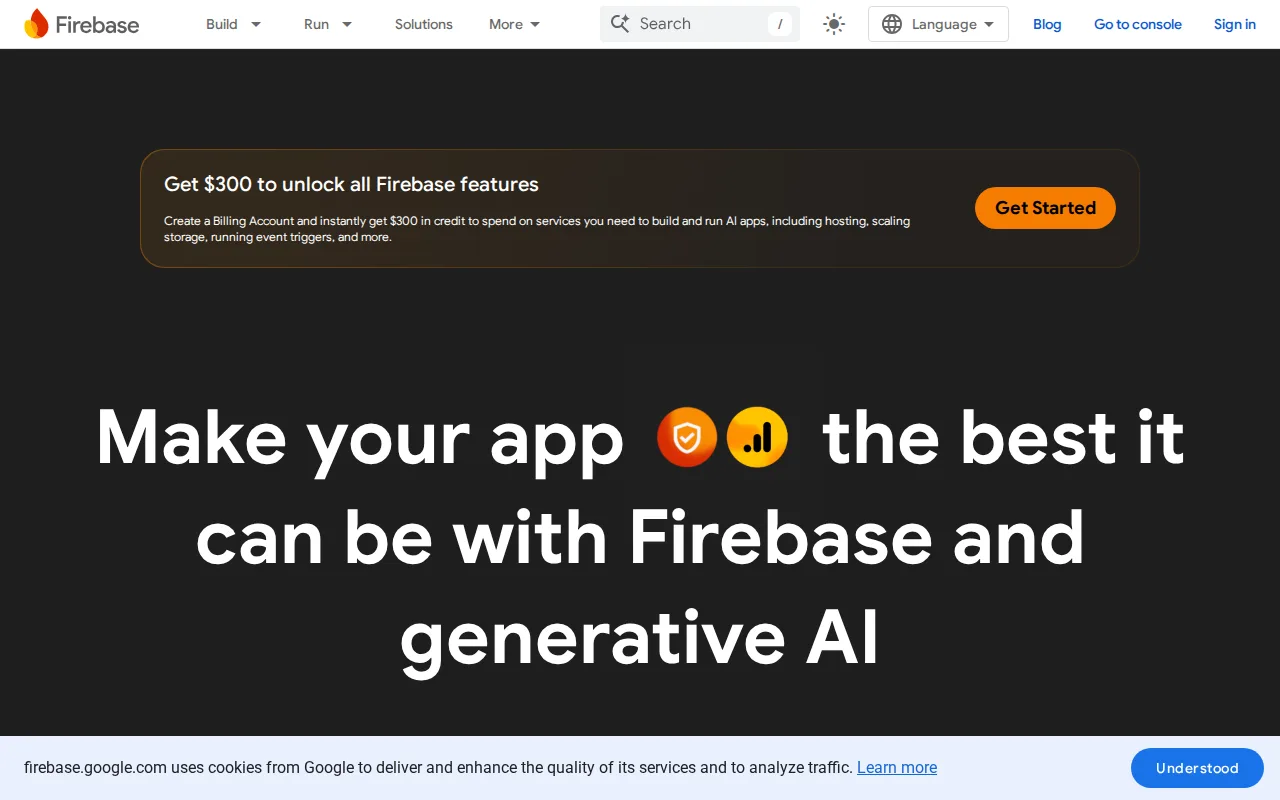
Firebase is the best AWS Amplify alternative for mobile and web developers who want a fully managed backend (database, auth, hosting, functions) without provisioning or maintaining their own servers. Firebase integrates a NoSQL database, authentication, hosting, serverless functions, crash reporting, and analytics into a single platform, all provisioned and scaled automatically by Google, and it holds a 4.6/5 rating from 767 Capterra reviews, far more review volume than AWS Amplify's 8 Capterra and 11 Product Hunt reviews combined. Firebase's Spark plan is free, and its pay-as-you-go Blaze plan matches Amplify's own pay-as-you-go build-and-deploy pricing model. AWS Amplify is still the better choice for teams already committed to the AWS ecosystem: Blaze-plan costs are usage-based across many separate metered services (reads/writes, bandwidth, function invocations, storage), so bills can escalate unpredictably at scale, and Firestore's proprietary NoSQL data model creates real migration lock-in compared to SQL-based backends, while Amplify integrates more directly with other AWS services a team may already run.
Compared to AWS Amplify: a 4.6/5 rating from 767 Capterra reviews vs Amplify's combined 19 reviews, a single integrated platform spanning database, auth, hosting, and functions, and automatic provisioning with no server management
Wins:4.6/5 rating from 767 Capterra reviews, far more review volume than Amplify's combined 8 Capterra and 11 Product Hunt reviews · Single integrated platform spans database, authentication, hosting, serverless functions, crash reporting, and analytics · Free Spark plan available with no 12-month time limit, unlike Amplify's free tier that applies only for the first 12 months
Loses:Blaze-plan costs are usage-based across many separate metered services, so bills can escalate unpredictably at scale · Firestore's proprietary NoSQL data model creates real migration lock-in compared to SQL-based backends · Less native integration with other AWS services a team may already be running, compared to Amplify's AWS-native design
Pros
- Generous free Spark tier with no payment method required, suitable for prototypes and small apps.
- Fully managed infrastructure removes the need to provision or scale servers manually.
- Deep, well-documented SDKs across iOS, Android, web, Flutter, Unity, and C++.
- Integrated operational tooling (Crashlytics, Analytics, Remote Config) reduces the need for separate third-party services.
Cons
- Blaze pay-as-you-go pricing spans many separately metered services, making cost forecasting difficult at scale.
- Firestore's proprietary NoSQL model creates lock-in and a steeper query-design learning curve than SQL databases.
- Some reviewers report recurring bugs and instability in certain SDK versions.
- Complex security rules (Firestore/Realtime Database) require careful configuration to avoid open or over-restrictive access.
Pricing: Free — Free (Spark) or pay-as-you-go (Blaze) vs AWS Amplify's free 12-month tier, then pay-as-you-go build & deploy from $0.01 (verified )
2Vercel — best AWS Amplify alternative for frontend teams deploying Next.js or other JS-framework apps who want Git-based preview deployments and a global edge network without managing servers
Vercel is the best AWS Amplify alternative for frontend teams deploying Next.js or other JS-framework apps who want Git-based preview deployments and a global edge network without managing servers. Vercel offers first-class Next.js integration with automatic preview deployments for every pull request, built by the same team that maintains the Next.js framework, a framework-specific advantage AWS Amplify's more general full-stack platform doesn't match as tightly. Vercel's Hobby tier is free, matching Amplify's own free 12-month tier, and Vercel holds a 4.4/5 rating from 48 Capterra reviews. AWS Amplify is still the better choice for teams that need managed backend services (auth, structured data, file storage) bundled in, not just hosting: Vercel's usage-based billing on Pro means costs can escalate quickly beyond the $20 monthly credit for traffic-heavy sites, since edge requests, bandwidth, and function compute all bill incrementally, and Advanced Deployment Protection is a separate $150/month add-on, while Amplify bundles auth, data, and storage services Vercel doesn't provide natively.
Compared to AWS Amplify: first-class Next.js integration with automatic PR preview deployments built by the Next.js team, a global edge network, and a Hobby tier free with no 12-month time limit
Wins:First-class Next.js integration with automatic preview deployments for every pull request, built by the Next.js team itself · Free Hobby tier with no 12-month time limit, unlike Amplify's free tier that applies only for the first 12 months · 4.4/5 rating from 48 Capterra reviews vs Amplify's combined 19 reviews across Capterra and Product Hunt
Loses:No bundled managed auth, structured data, or file storage services the way Amplify provides out of the box · Usage-based billing on Pro can escalate quickly beyond the $20 monthly credit for traffic-heavy sites · Advanced Deployment Protection is a separate $150/month add-on
Pros
- Deploys from a Git push in seconds, with automatic preview URLs for every pull request.
- Deepest available integration with Next.js, including image optimization and edge middleware.
- Free Hobby tier is generous enough for real personal projects, not just a trial.
- Global edge network reduces latency for static assets and edge functions without extra configuration.
Cons
- Usage-based pricing on Pro can scale unpredictably; overage rates for edge requests, bandwidth, and compute apply once the $20 credit is used.
- Hobby tier is explicitly for non-commercial use, so any revenue-generating project requires a paid seat.
- Advanced Deployment Protection, a security feature some teams need, costs an extra $150/month on top of Pro.
- Backend and long-running server workloads are less natural fits than on traditional VPS or container platforms.
Pricing: Free tier · paid from $20/mo — Free (Hobby) or $20/month (Pro) vs AWS Amplify's free 12-month tier, then pay-as-you-go build & deploy from $0.01 (verified )
3Netlify — best AWS Amplify alternative for developers and small teams deploying static sites, JAMstack apps, or AI-assisted web projects from Git who want a generous free tier with built-in CDN and serverless functions
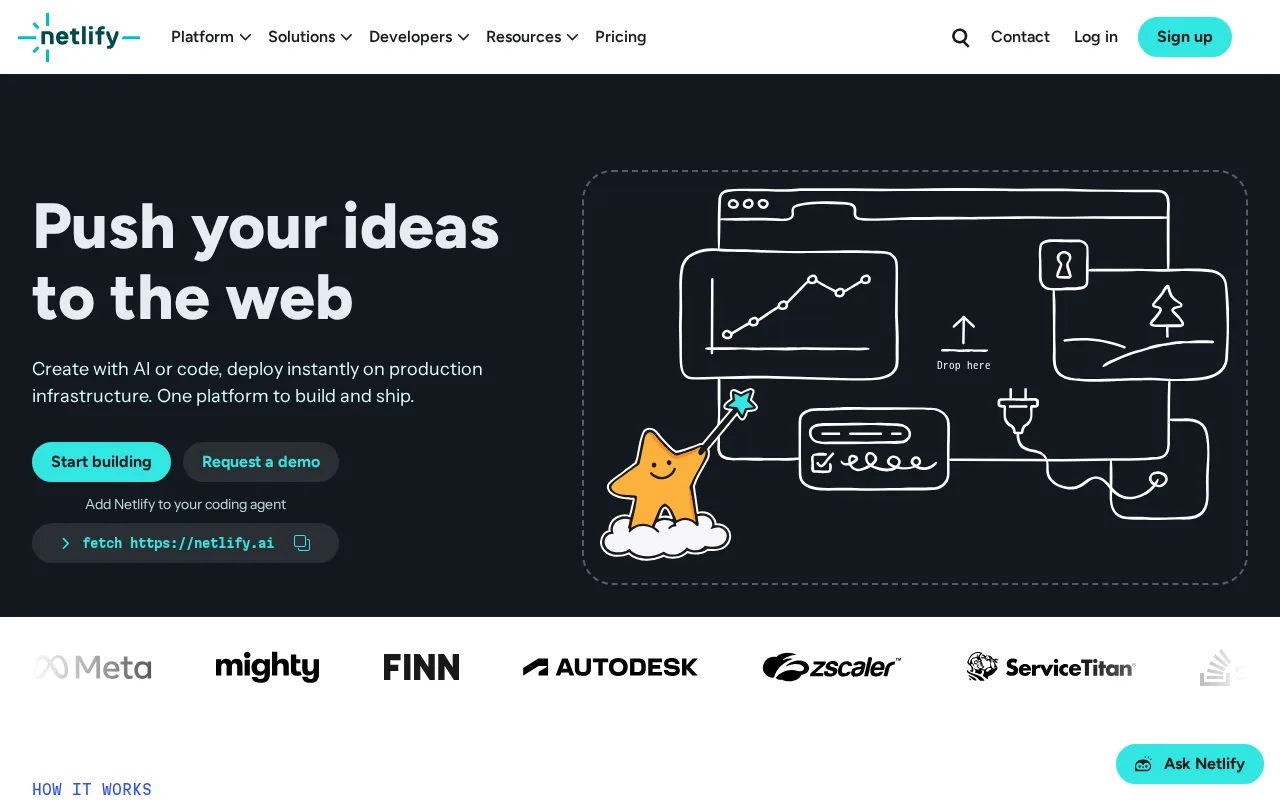
Netlify is the best AWS Amplify alternative for developers and small teams deploying static sites, JAMstack apps, or AI-assisted web projects from Git who want a generous free tier with built-in CDN and serverless functions. Netlify's unified per-credit billing model covers deploys, compute, bandwidth, and requests in one pool, instead of separate hard limits for each resource type, and its Free tier has no 12-month time limit, unlike Amplify's free tier that applies only for the first 12 months. Netlify holds a 4.6/5 rating from 90 Capterra reviews plus a 5.0/5 from 55 Product Hunt reviews, more combined review volume than Amplify's 19. AWS Amplify is still the better choice for teams that need deeper backend services bundled with hosting: Netlify's per-credit billing model makes it harder to predict exact monthly cost than a flat bandwidth cap, since production deploys, compute, bandwidth, and requests all draw from the same pool at different rates, and high-traffic or compute-heavy sites can burn through credits faster than expected, while Amplify bundles managed auth and data services Netlify doesn't provide natively.
Compared to AWS Amplify: a free tier with no 12-month time limit, a unified per-credit billing model covering deploys, compute, bandwidth, and requests in one pool, and a combined 4.6/5 and 5.0/5 rating across 145 reviews vs Amplify's 19
Wins:Free tier has no 12-month time limit, unlike Amplify's free tier that applies only for the first 12 months · Unified per-credit billing model covers deploys, compute, bandwidth, and requests in one pool, simpler than tracking separate metered services · 4.6/5 rating from 90 Capterra reviews plus 5.0/5 from 55 Product Hunt reviews, more combined review volume than Amplify's 19
Loses:No bundled managed auth, structured data, or file storage services the way Amplify provides out of the box · Per-credit billing model makes it harder to predict exact monthly cost than a flat bandwidth cap · High-traffic or compute-heavy sites can burn through credits faster than expected
Pros
- Free tier includes 300 monthly credits covering deploys, functions, database, and blob storage, not just static hosting.
- Deploy previews for every pull request are unlimited even on the free plan.
- Global CDN, automatic HTTPS, and serverless functions are included rather than sold as separate add-ons.
- Git-based deploys with fast, simple setup for static sites and JAMstack frameworks.
Cons
- Credit-based billing across deploys, compute, bandwidth, and requests makes total cost harder to predict than a flat plan.
- Auto-recharge credit packs are needed to avoid interruptions once a plan's monthly credits run out.
- Serverless function cold starts and execution limits can affect latency-sensitive backend logic compared to a dedicated server.
- Enterprise-grade features (SSO, SCIM, high SLA) are gated behind custom Enterprise pricing rather than a fixed higher tier.
Pricing: Free tier · paid from $9/mo — Free, then $9/month (Personal) or $20/month (Pro) vs AWS Amplify's free 12-month tier, then pay-as-you-go build & deploy from $0.01 (verified )
4Heroku — best AWS Amplify alternative for small teams and startups who want git-push deployment and managed Postgres/Redis without hiring dedicated DevOps, and can accept dyno pricing above raw cloud VM cost
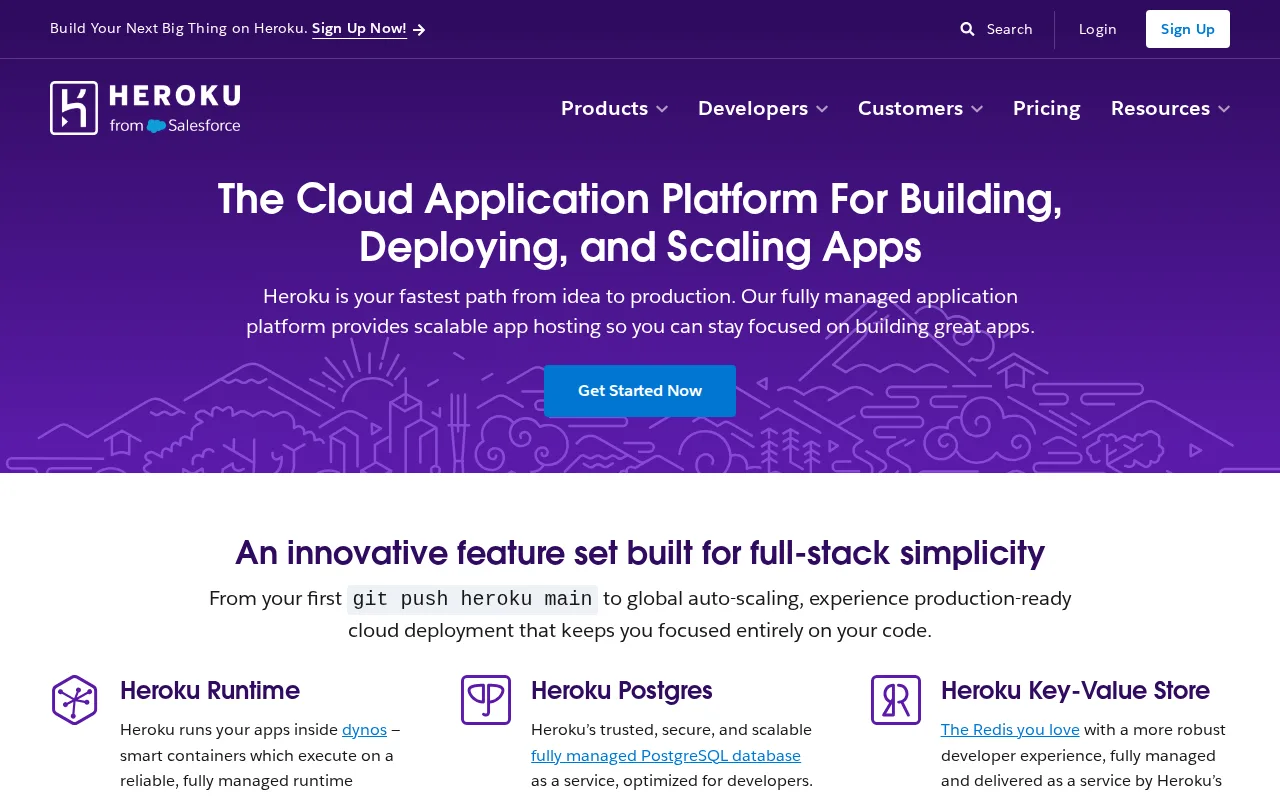
Heroku is the best AWS Amplify alternative for small teams and startups who want git-push deployment and managed Postgres/Redis without hiring dedicated DevOps, and can accept dyno pricing above raw cloud VM cost. Heroku offers git-push deployment with automatic GitHub-integrated review apps for every pull request, plus one-click rollback to a prior release or database backup, a simplicity Amplify's AWS-native configuration doesn't fully match. Heroku holds a 4.6/5 rating from 305 Capterra reviews, more review volume than Amplify's combined 19 reviews. AWS Amplify is still the better choice for cost-conscious teams: Heroku has had no free tier since 2022, the cheapest Eco dyno is $5/month and still sleeps after 30 minutes of inactivity, unlike Amplify's free 12-month tier, and Standard and Performance dyno pricing scales far above the cost of an equivalent self-managed VM on AWS or DigitalOcean, while Amplify's pay-as-you-go build & deploy pricing starts as low as $0.01.
Compared to AWS Amplify: git-push deployment with automatic GitHub-integrated review apps for every pull request, one-click rollback to a prior release or database backup, and a 4.6/5 rating from 305 Capterra reviews vs Amplify's combined 19
Wins:Git-push deployment with automatic GitHub-integrated review apps for every pull request · One-click rollback to a prior release or database backup · 4.6/5 rating from 305 Capterra reviews, more review volume than Amplify's combined 19
Loses:No free tier since 2022; the cheapest Eco dyno is $5/month and still sleeps after 30 minutes of inactivity, unlike Amplify's free 12-month tier · Standard and Performance dyno pricing scales far above the cost of an equivalent self-managed VM on AWS or DigitalOcean · Less native integration with broader AWS services compared to Amplify's AWS-native design
Pros
- Git-push deployment with zero server configuration; buildpacks auto-detect the language and framework.
- GitHub-integrated review apps spin up a disposable staging environment for every pull request.
- Managed Postgres and Redis with one-click provisioning, automated backups, and fork/rollback support.
- 380+ buildpacks cover nearly any language beyond the natively supported ones.
Cons
- No permanently free tier since 2022; the $5/month Eco dyno still sleeps after 30 minutes of inactivity.
- Standard and Performance dyno pricing runs well above equivalent raw compute on AWS, DigitalOcean, or Render.
- Add-on pricing (Postgres, Redis, Kafka) is billed separately from dyno cost, so total bills climb quickly for production apps.
- Private Spaces (network isolation, HIPAA/PCI compliance) require a much higher-priced tier, pricing out smaller regulated teams.
Pricing: From $5/mo — $5/month Eco dyno (no free tier) vs AWS Amplify's free 12-month tier, then pay-as-you-go build & deploy from $0.01 (verified )
5DigitalOcean — best AWS Amplify alternative for developers and small engineering teams who want predictable, usage-based cloud pricing for VMs, Kubernetes, and managed databases without navigating AWS's pricing complexity
DigitalOcean is the best AWS Amplify alternative for developers and small engineering teams who want predictable, usage-based cloud pricing for VMs, Kubernetes, and managed databases without navigating AWS's pricing complexity. DigitalOcean offers simple, transparent per-second billing on Droplets starting at $4/month, combined with a newer AI infrastructure stack, GPU access, a 70+ model inference engine, and managed agent orchestration, on the same account, a pricing clarity Amplify's metered AWS billing doesn't offer as directly. DigitalOcean holds a 4.6/5 rating from 159 Capterra reviews, more review volume than Amplify's combined 19, and its App Platform PaaS tier is free, matching Amplify's own free 12-month tier without the time limit. AWS Amplify is still the better choice for teams that want deep integration with the broader AWS service catalog: DigitalOcean has fewer regions and a smaller managed-service catalog than AWS, Azure, or Google Cloud, so teams with complex compliance, networking, or enterprise-integration needs often outgrow DigitalOcean and have to migrate to a hyperscaler like AWS.
Compared to AWS Amplify: transparent per-second billing on Droplets starting at $4/month, a free App Platform PaaS tier with no 12-month time limit, and a 4.6/5 rating from 159 Capterra reviews vs Amplify's combined 19
Wins:Simple, transparent per-second billing on Droplets starting at $4/month, easier to predict than Amplify's metered AWS billing · App Platform PaaS tier is free with no 12-month time limit, unlike Amplify's time-limited free tier · 4.6/5 rating from 159 Capterra reviews, more review volume than Amplify's combined 19
Loses:Fewer regions and a smaller managed-service catalog than AWS, Azure, or Google Cloud · Teams with complex compliance, networking, or enterprise-integration needs often outgrow DigitalOcean and have to migrate to a hyperscaler · Less native integration with the broader AWS service catalog compared to Amplify's AWS-native design
Pros
- Droplets start at $4/month with simple per-second billing, easier to predict than hyperscaler pricing.
- App Platform includes a genuine free tier, not just a time-limited trial.
- Managed Kubernetes includes a free control plane, a cost hyperscalers usually charge for.
- 4.6/5 rating from 159 Capterra reviews, with reviewers reporting largely positive sentiment.
Cons
- Far fewer regions and managed services than AWS, Azure, or Google Cloud, limiting fit for complex enterprise needs.
- The new-account credit is a modest $5 valid for 90 days, smaller than promotional credits some competitors offer.
- The AI infrastructure line (GPU access, inference engine) is newer and less proven than dedicated AI cloud providers.
- Support and SLA options are thinner than what enterprise customers get from the major hyperscalers.
Pricing: Free tier · paid from $4/mo — Droplets from $4/month, App Platform free vs AWS Amplify's free 12-month tier, then pay-as-you-go build & deploy from $0.01 (verified )
6PlanetScale — best AWS Amplify alternative for teams needing a managed, horizontally-scalable MySQL (Vitess) or Postgres database with Git-style branching workflows, who don't need a permanent free tier
PlanetScale is the best AWS Amplify alternative for teams needing a managed, horizontally-scalable MySQL (Vitess) or Postgres database with Git-style branching workflows, who don't need a permanent free tier. PlanetScale's database branching, copy-on-write schema and data branches for testing migrations, is paired with non-blocking, zero-downtime schema changes on both its Postgres and Vitess offerings, a database-specific depth Amplify's more general-purpose managed data layer doesn't match. PlanetScale's pricing was verified from a live vendor page. AWS Amplify is still the better choice for teams that want an integrated free-tier full-stack platform rather than a standalone database: PlanetScale eliminated its free Hobby tier in April 2024, a widely-criticized move that pushed small and side projects onto paid plans starting at a $5/month minimum, with production-grade high-availability tiers starting significantly higher and metal tiers running into the thousands per month, unlike Amplify's free 12-month tier that covers hosting, auth, and data together.
Compared to AWS Amplify: database branching with copy-on-write schema and data branches for testing migrations, non-blocking zero-downtime schema changes on both Postgres and Vitess, and live-verified pricing
Wins:Database branching (copy-on-write schema and data branches) for testing migrations, a depth Amplify's general-purpose data layer doesn't match · Non-blocking, zero-downtime schema changes on both Postgres and Vitess (MySQL-compatible) offerings · Pricing was verified from a live vendor page, giving buyers a currently accurate figure
Loses:Eliminated its free Hobby tier in April 2024; plans now start at a $5/month minimum, unlike Amplify's free 12-month tier · Production-grade high-availability tiers start significantly higher, with metal tiers running into the thousands per month · A standalone database product, not a full-stack platform bundling hosting, auth, and storage the way Amplify does
Pros
- Database branching lets developers test schema migrations on an isolated copy before merging to production.
- Zero-downtime, non-blocking schema changes on both the Vitess and Postgres product lines.
- Offers both a MySQL-compatible (Vitess) and a native Postgres option under one platform.
- Multi-cloud support across AWS and GCP with multi-region deployment options.
Cons
- No free tier since April 2024; every database, including tiny side projects, costs at least $5/month.
- Pricing scales into thousands of dollars per month for high-availability metal tiers with meaningful storage.
- Vitess-specific concepts like sharding add operational complexity compared to a plain managed Postgres instance.
Pricing: From $5/mo — $5/month minimum (no free tier) vs AWS Amplify's free 12-month tier, then pay-as-you-go build & deploy from $0.01 (verified )