5 Best Free Alternatives to Arc in 2026
By Noahlast updated pricing verified
Compared: free alternatives to Arc
| Alternative | Best for | Standout | Biggest weakness | Learning curve | Price |
|---|---|---|---|---|---|
| Arcreference | users who already adopted Arc's Spaces workflow and want a free, stable Chromium browser, not those looking for a browser with an active development roadmap | Spaces and Profiles, which group tabs, extensions, and favorites into separate switchable environments instead of one flat tab bar. | The Browser Company halted active development on Arc in May 2025 to focus on its new AI browser Dia, and Atlassian acquired the company in October 2025; Arc now receives only minimal security fixes, not new features, so it is effectively a discontinued product going forward. | Moderate | Free |
| Google Chrome | users who want the widest website compatibility and browser-extension ecosystem, and who are already inside the Google account/services ecosystem for sync | The largest extension ecosystem and highest web-compatibility of any browser, since Chrome's Chromium engine is also the basis most other browsers build on and test against. | Chrome consistently uses more RAM than lighter competitors when many tabs are open, which reviewers say slows down lower-spec machines and drains laptop battery faster than Firefox, Safari, or other Chromium-based browsers with more aggressive tab suspension. | Low | Free |
| Microsoft Edge | Windows users who want a browser tightly integrated with the OS, Microsoft 365, and Copilot AI without installing a separate browser | Deep Windows and Microsoft 365 integration combined with Copilot Vision, which can analyze on-screen content and suggest actions directly inside the browser, going beyond the AI features most competing browsers offer. | Most of Edge's distinguishing features (Copilot, cross-device sync, deep OS integration) assume a Microsoft account and are most valuable on Windows, giving non-Windows users little practical reason to choose it over Chrome, whose engine it shares; it also carries a reputation for persistent default-browser prompts and pre-installed promotional content on Windows. | Low | Free |
| Brave | privacy-conscious users who want built-in ad and tracker blocking plus an optional device-wide VPN without installing separate browser extensions | Ships with ad and tracker blocking, script blocking, and fingerprint randomization built in and on by default, with no extensions needed to match what competitors require several add-ons to replicate. | Brave Rewards' opt-in BAT-token ad program has drawn criticism from users who find its ad-serving and crypto-wallet defaults confusing to disable, and the VPN/Firewall add-on requires a separate $9.99/month subscription rather than being bundled free. | Low | Free tier · paid from $9.99/mo |
| Vivaldi | power users who want deep tab and workspace customization (tiling, stacking, mouse gestures) built into the browser instead of relying on extensions | Built-in tab tiling, stacking, and workspaces plus a native mail client, calendar, and feed reader bundled directly into the browser rather than requiring separate apps or extensions. | The extensive feature set and settings menus create a steeper learning curve than mainstream browsers, and being Chromium-based, Vivaldi still depends on Google's browser engine even while blocking Google's own tracking. | Moderate | Free |
| Zen Browser | Firefox users who want vertical tabs, workspaces, and split view built in without installing separate extensions or switching to a Chromium-based browser | Workspaces and native split view ship built into the browser itself, letting users separate browsing contexts and view two tabs side by side without third-party extensions, on top of Firefox's Gecko engine. | Zen Browser has no official mobile app, so it can't replace Firefox or Chrome as a synced browser across phone and desktop, and as a smaller community-run fork it lags behind Firefox itself on security patch turnaround and enterprise policy support. | Low | Free |
 Arc
Arc Google Chrome
 Microsoft Edge
 Brave
Brave Vivaldi
 Zen Browser
1.Google Chrome — best Arc alternative for users who want the widest website compatibility and browser-extension ecosystem, and who are already inside the Google account/services ecosystem for sync
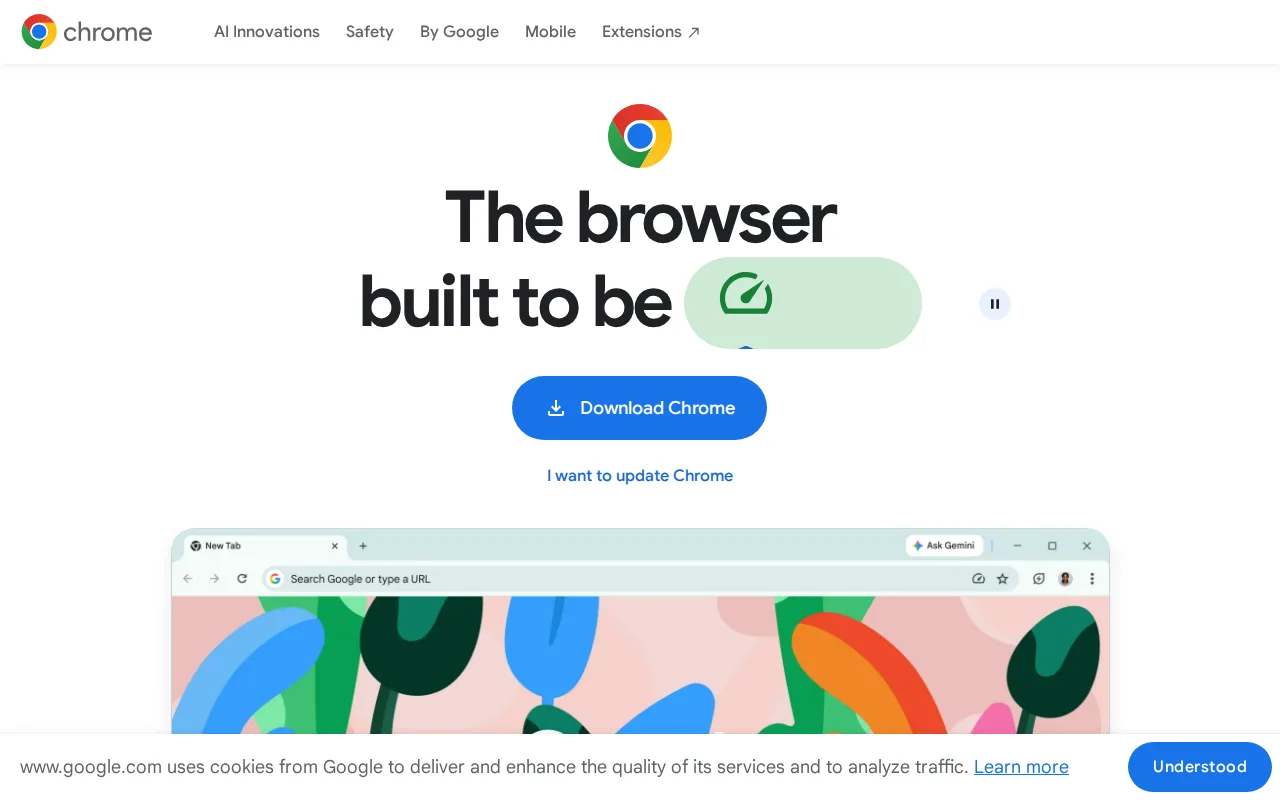
Google Chrome is the best Arc alternative for users who want the widest website compatibility and browser-extension ecosystem, especially those already inside the Google account ecosystem for sync. Chrome is free with no paid tier, matching Arc's own $0 price, and it holds the broadest extension ecosystem and highest website compatibility of any browser, since Chrome's Chromium engine is the basis Arc itself was built on and that most other browsers test against. Chrome holds a 4.8/5 rating from 2,148 Capterra reviews, the largest verified review sample among Arc's alternatives, and its cross-device sync of bookmarks, passwords, and tabs via a Google account, plus automatic updates roughly every four weeks, keep it under active development, unlike Arc's frozen roadmap. Arc is still worth keeping for users specifically attached to its Spaces and Profiles workflow, which groups tabs, extensions, and favorites into separate switchable environments in a way Chrome's flat tab bar doesn't replicate: Chrome uses significantly more RAM than lighter browsers when many tabs are open, its deep integration with Google services raises privacy concerns for some users, and its built-in Gemini AI features and 'auto browse' cannot be fully disabled.
Compared to Arc: actively developed vs Arc's frozen roadmap since May 2025, broadest extension ecosystem and website compatibility of any browser, verified 4.8/5 rating from 2,148 Capterra reviews
Wins:Actively developed with frequent automatic updates roughly every four weeks, unlike Arc's frozen roadmap since May 2025 · Broadest extension ecosystem and highest website compatibility of any browser · 4.8/5 rating from 2,148 Capterra reviews, a verified signal Arc has no external rating to match
Loses:No Spaces/Profiles-style workflow that groups tabs, extensions, and favorites into separate switchable environments the way Arc does · Uses significantly more RAM than lighter browsers when many tabs are open, slowing lower-spec machines · Built-in Gemini AI features and 'auto browse' cannot be fully disabled by users who prefer a minimal browser
Pros
- Broadest extension ecosystem and highest website compatibility of any browser.
- Free with no paid tier; all sync, password manager, and AI features are included.
- Cross-device sync of bookmarks, passwords, and tabs via a Google account.
- Frequent, low-friction automatic updates roughly every four weeks.
Cons
- Uses significantly more RAM than lighter browsers when many tabs are open, slowing lower-spec machines.
- Heavier resource use drains laptop battery faster than more battery-optimized alternatives.
- Deep integration with Google services and account-based sync raises privacy concerns for some users.
- Built-in Gemini AI features and "auto browse" cannot be fully disabled by users who prefer a minimal browser.
Pricing: Free (verified undefined NaN, NaN)
2.Microsoft Edge — best Arc alternative for windows users who want a browser tightly integrated with the OS, Microsoft 365, and Copilot AI without installing a separate browser
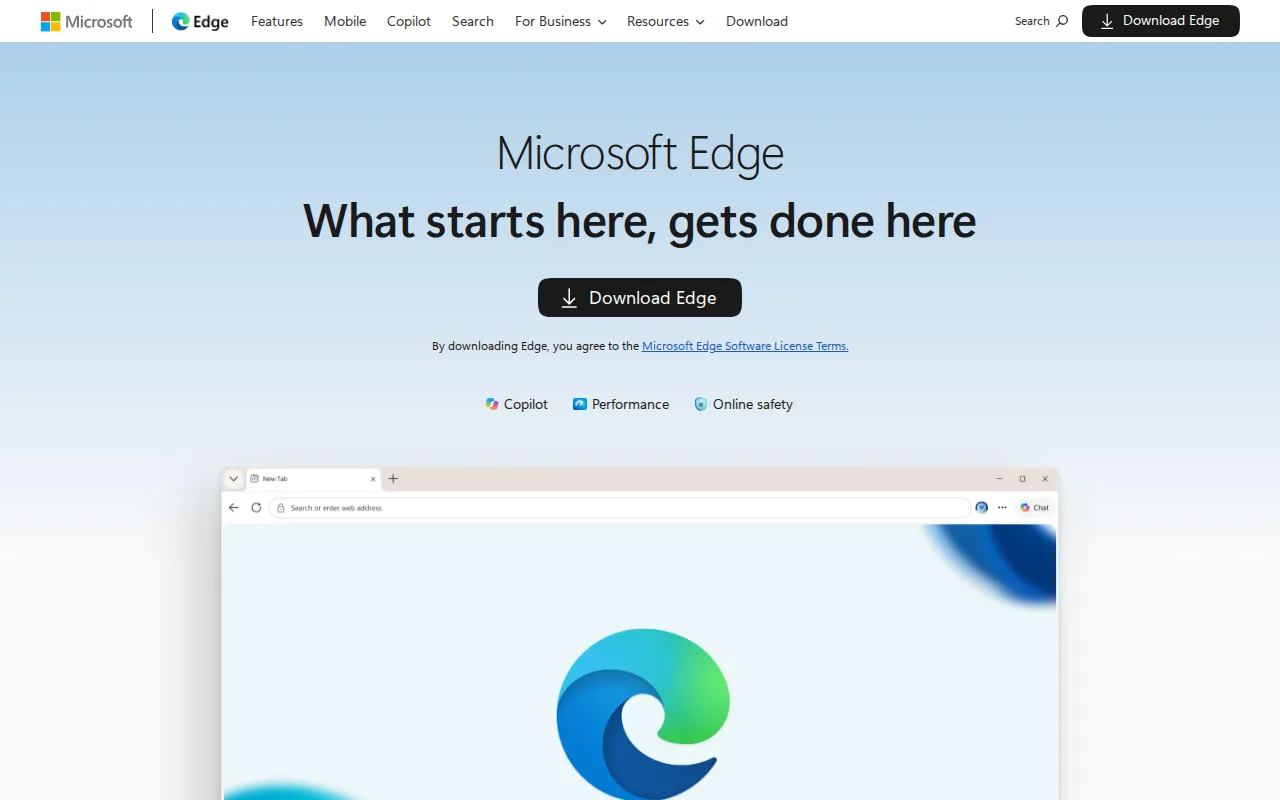
Microsoft Edge is the best Arc alternative for Windows users who want a browser tightly integrated with the OS, Microsoft 365, and Copilot AI without installing a separate browser. Edge is free on macOS, Linux, iOS, and Android and built into Windows with no separate install required, matching Arc's own $0 price while adding active development Arc no longer has. Edge's Copilot and Copilot Vision integrate AI chat and on-screen content analysis directly into the browser, and its performance features (energy saver, sleeping tabs, startup boost) are aimed at extending laptop battery life, addressing a resource-use concern some Arc users share. Being Chromium-based, Edge also supports most Chrome extensions and web standards, similar breadth to what Arc itself offered as a Chromium browser. Arc is still worth keeping for users who specifically want its Spaces and Profiles workflow: most of Edge's standout features assume a Microsoft account and are most useful inside the Windows/Microsoft 365 ecosystem, it shares Chrome's underlying engine so offers few rendering advantages over Chrome itself, and Windows repeatedly prompts users to keep Edge as their default browser, which some find intrusive.
Compared to Arc: actively developed vs Arc's frozen roadmap, Copilot and Copilot Vision integrate AI chat and on-screen analysis, deep Windows and Microsoft 365 integration
Wins:Actively developed with Windows/Microsoft 365 integration, unlike Arc's frozen roadmap since May 2025 · Copilot and Copilot Vision integrate AI chat and on-screen content analysis directly into the browser · Built into Windows with no separate install required, and free on macOS, Linux, iOS, and Android
Loses:No Spaces/Profiles-style workflow that groups tabs, extensions, and favorites into separate switchable environments the way Arc does · Most standout features assume a Microsoft account and are most useful within the Windows/Microsoft 365 ecosystem · Windows repeatedly prompts users to keep Edge as their default browser, which some users find intrusive
Pros
- Built into Windows with no separate install required, and free on macOS, Linux, iOS, and Android.
- Chromium-based, so it supports most Chrome extensions and web standards.
- Copilot and Copilot Vision integrate AI chat and on-screen analysis directly into the browser.
- Performance features (energy saver, sleeping tabs, startup boost) are aimed at extending laptop battery life and reducing memory use.
Cons
- Most standout features assume a Microsoft account and are most useful within the Windows/Microsoft 365 ecosystem.
- Shares Chrome's underlying engine, so it offers few rendering or compatibility advantages over Chrome itself.
- Windows repeatedly prompts users to keep Edge as their default browser, which some users find intrusive.
- Smaller and less mature non-Windows install base means fewer platform-specific optimizations on macOS/Linux/mobile compared to Windows.
Pricing: Free (verified undefined NaN, NaN)
3.Brave — best Arc alternative for privacy-conscious users who want built-in ad and tracker blocking plus an optional device-wide VPN without installing separate browser extensions
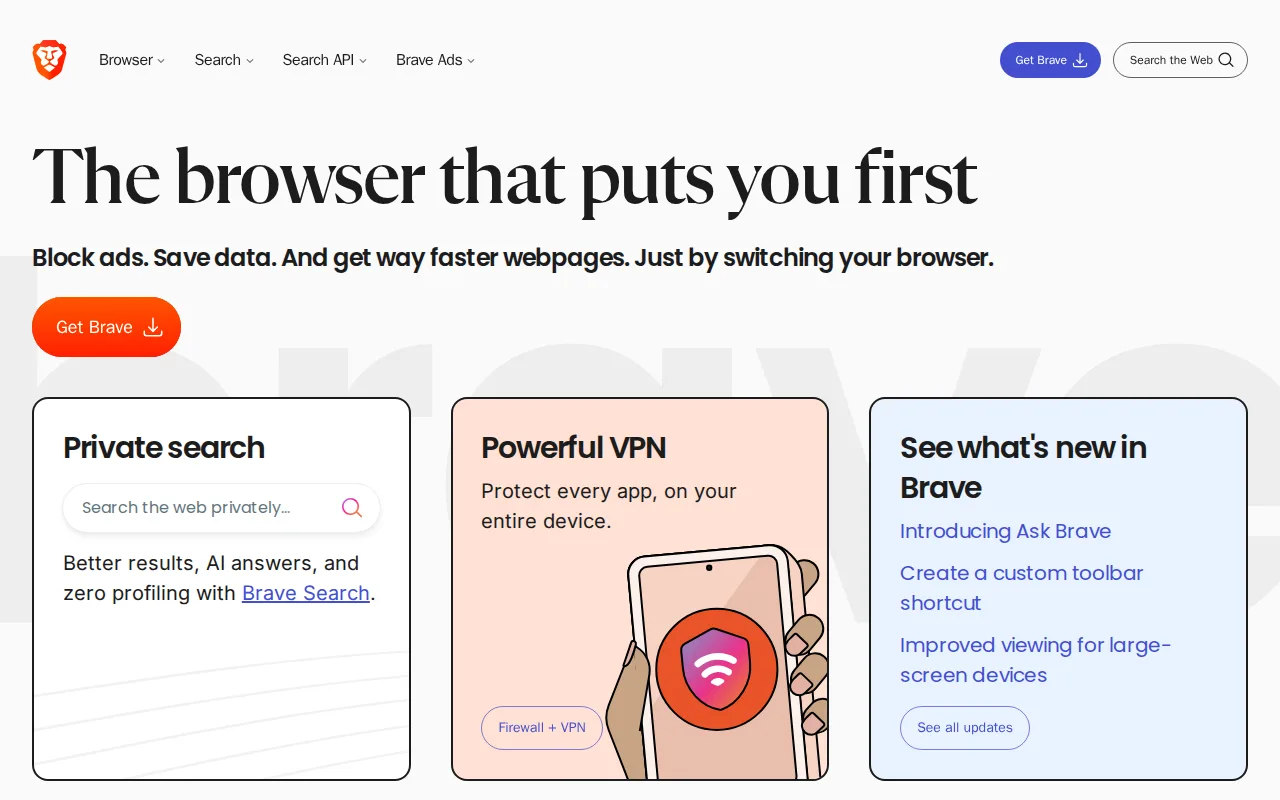
Brave is the best Arc alternative for privacy-conscious users who want built-in ad and tracker blocking plus an optional device-wide VPN without installing separate browser extensions. Brave's browser is free, matching Arc's $0 price, and it ships with ad and tracker blocking, script blocking, and fingerprint randomization built in and on by default, with no extensions needed to match what competitors require several add-ons to replicate — a capability Arc itself doesn't build in natively. Brave's client code is open source (MPL-2.0) and independently auditable, unlike Arc's closed-source codebase, and its built-in Brave Search runs on an independent index rather than reselling another engine's results. Brave is also under active development across every major desktop and mobile platform, unlike Arc's frozen roadmap since May 2025. Arc is still worth keeping for users who specifically want its Spaces and Profiles workflow: Brave's optional Firewall + VPN add-on costs a separate $9.99/month rather than being bundled free, its opt-in BAT-token ad Rewards program confuses some users about what's on by default, and some sites misidentify Brave's fingerprint randomization as bot activity, occasionally breaking site functionality.
Compared to Arc: built-in ad/tracker/script blocking and fingerprint randomization by default, open-source (MPL-2.0) and independently auditable client code, actively developed vs Arc's frozen roadmap
Wins:Ships with ad and tracker blocking, script blocking, and fingerprint randomization built in and on by default, with no extensions needed · Client code is open source (MPL-2.0) and independently auditable, unlike Arc's closed-source codebase · Actively developed across every major desktop and mobile platform, unlike Arc's frozen roadmap since May 2025
Loses:No Spaces/Profiles-style workflow that groups tabs, extensions, and favorites into separate switchable environments the way Arc does · Firewall + VPN add-on costs a separate $9.99/month rather than being bundled free · Opt-in BAT-token ad Rewards program confuses some users about what's on by default versus optional
Pros
- Blocks ads and trackers by default with no extensions required to set up.
- Client code is open source (MPL-2.0) and independently auditable.
- Built-in Brave Search runs on an independent index rather than reselling another engine's results.
- Available on every major desktop and mobile platform with nearly 160 languages supported.
Cons
- Brave Rewards' opt-in BAT-token ad program confuses some users about what's on by default versus optional.
- Brave VPN is a separate $9.99/month subscription, not bundled free with the browser.
- Built on Chromium, so it inherits Google's engine-level decisions and roadmap even while blocking Google's tracking.
- Some sites misidentify Brave's fingerprint randomization as bot activity, occasionally breaking site functionality.
Pricing: Free tier · paid from $9.99/mo — $0 browser ($9.99/month optional VPN) vs Arc's $0 (verified undefined NaN, NaN)
4.Vivaldi — best Arc alternative for power users who want deep tab and workspace customization (tiling, stacking, mouse gestures) built into the browser instead of relying on extensions
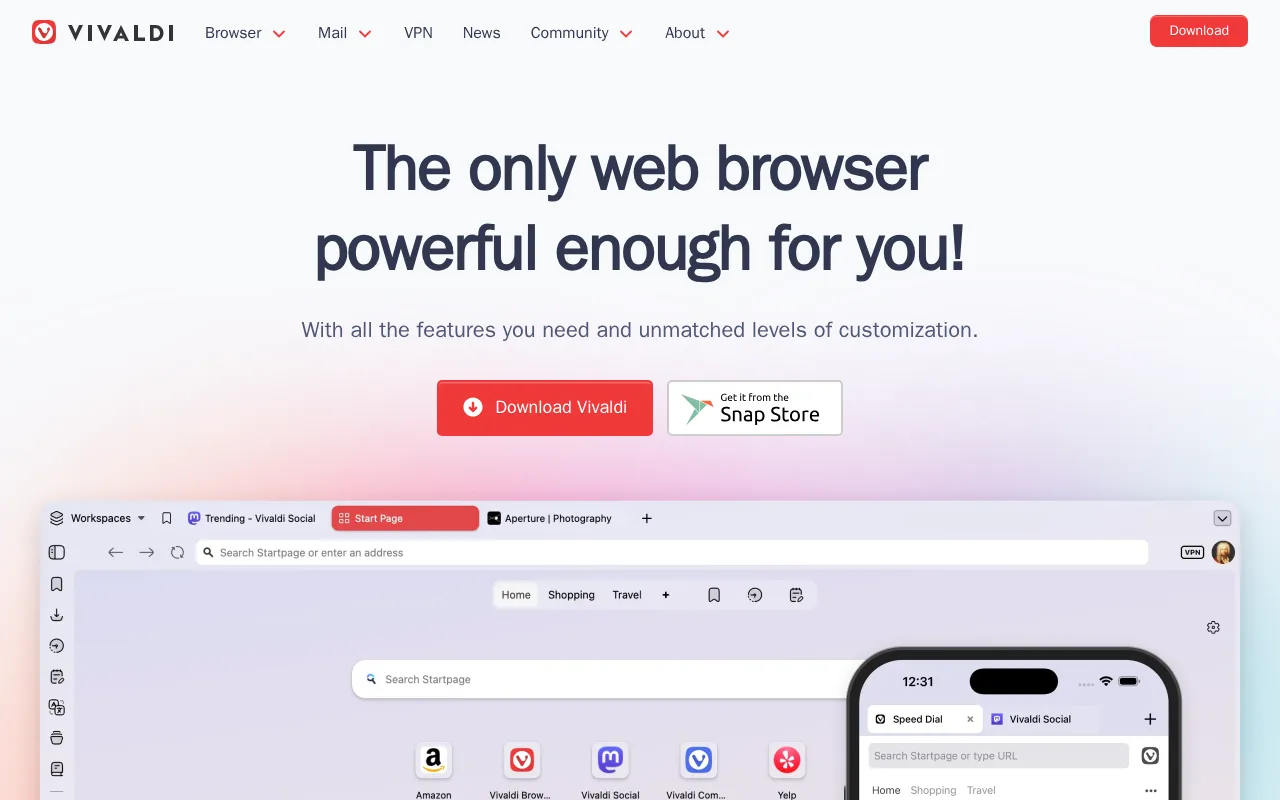
Vivaldi is the best Arc alternative for power users who want deep tab and workspace customization (tiling, stacking, mouse gestures) built into the browser instead of relying on extensions. Vivaldi is free with no paid tier, matching Arc's $0 price, and its built-in tab tiling, stacking, and workspaces, plus a native mail client, calendar, and feed reader, replicate and extend Arc's Spaces concept without requiring separate apps. Vivaldi is developed by an independent, privately funded company that says it doesn't sell user data tracking to advertisers, and unlike Arc, it remains under active development with highly customizable keyboard shortcuts and mouse gesture command chains. Arc is still worth keeping for users who prefer a gentler learning curve or a more polished, minimal interface: Vivaldi's dense feature set and settings menus make the learning curve steeper than Chrome, Safari, or even Arc's own distinctive interface, it's built on Chromium so it still depends on Google's rendering engine, and its smaller market share means fewer sites are specifically tested against it, occasionally surfacing compatibility quirks.
Compared to Arc: actively developed vs Arc's frozen roadmap, built-in tab tiling/stacking/workspaces plus a native mail client and calendar, independently funded with no data sold to advertisers
Wins:Actively developed with regular updates, unlike Arc's frozen roadmap since May 2025 · Built-in tab tiling, stacking, and workspaces plus a native mail client, calendar, and feed reader bundled into the browser · Independent, privately funded company that says it doesn't sell user data tracking to advertisers
Loses:Dense feature set and settings menus make the learning curve steeper than Chrome, Safari, or Arc's own interface · Built on Chromium, so it still depends on Google's rendering engine despite privacy-focused positioning · Smaller market share than mainstream browsers means fewer sites are specifically tested against it
Pros
- Deep tab management: tiling, stacking, and workspaces built in without needing extensions.
- Bundled mail client, calendar, feed reader, and note-taking tools inside the browser itself.
- No data tracking sold to advertisers; independent, privately funded company.
- Highly customizable UI, including custom keyboard shortcuts and mouse gesture command chains.
Cons
- Dense feature set and settings menus make the learning curve steeper than Chrome, Safari, or Firefox.
- Built on Chromium, so it still depends on Google's rendering engine despite privacy-focused positioning.
- Smaller market share than mainstream browsers means fewer sites are specifically tested against it, occasionally surfacing compatibility quirks.
Pricing: Free (verified undefined NaN, NaN)
5.Zen Browser — best Arc alternative for firefox users who want vertical tabs, workspaces, and split view built in without installing separate extensions or switching to a Chromium-based browser
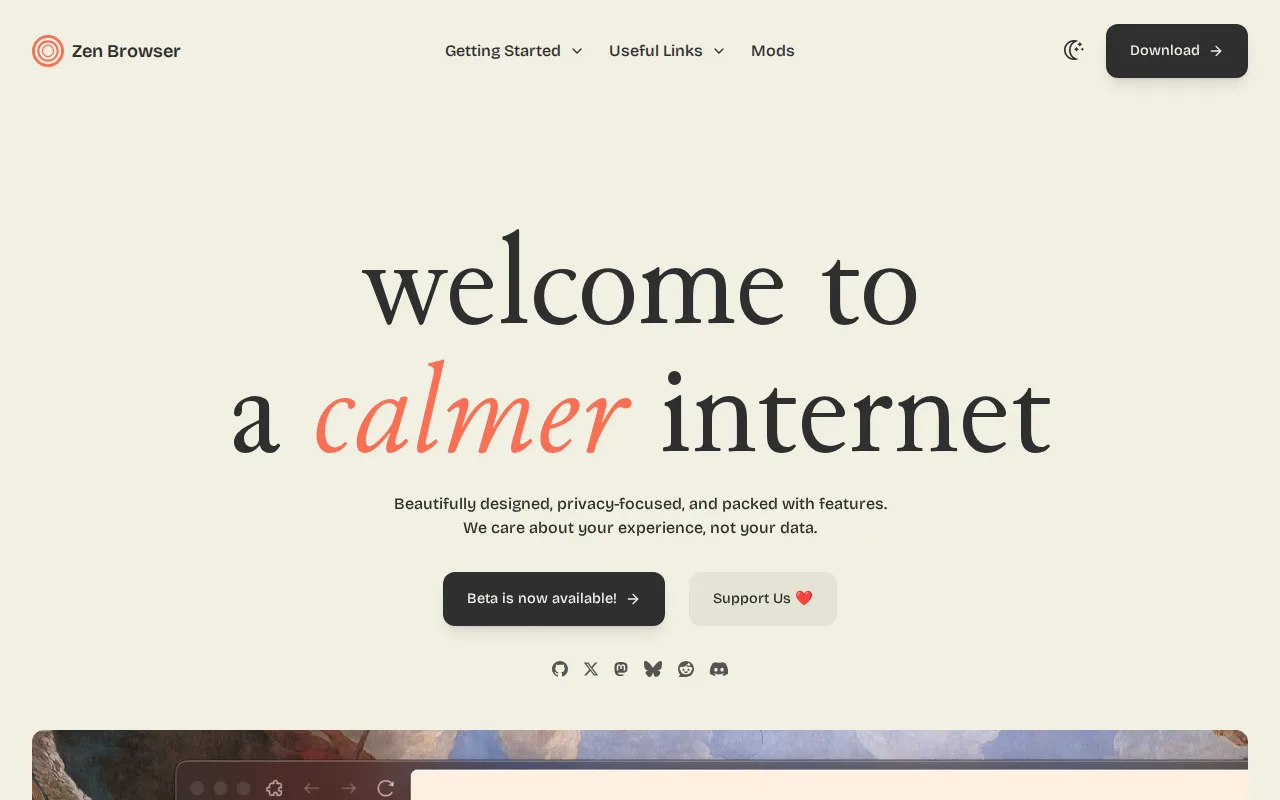
Zen Browser is the best Arc alternative for Firefox users who want vertical tabs, workspaces, and split view built in without installing separate extensions or switching to a Chromium-based browser. Zen Browser is free and open source under the Mozilla Public License 2.0, with the code public on GitHub and over 44,000 stars, while Arc's code is closed-source and its development has been frozen since May 2025. Zen's Workspaces and native split view ship built into the browser itself, closely mirroring Arc's own Spaces concept, but built on Firefox's Gecko engine and extension compatibility rather than another Chromium skin like Arc. Zen holds a 4.8/5 rating from 9 Product Hunt reviews, and its Zen Mods system provides community themes and interface customization Arc's frozen roadmap can no longer add. Arc is still worth keeping for users who need broader Chromium extension compatibility or a mobile app: Zen Browser has no official iOS or Android app, so it can't be a cross-device replacement the way Arc at least offered on desktop, it's a smaller, community-run project without Mozilla's release cadence or enterprise/managed-policy support, and its only support channels are Discord and GitHub issues.
Compared to Arc: free and open source (MPL-2.0) with 44,000+ GitHub stars vs Arc's closed-source, frozen codebase, Workspaces and split view mirror Arc's Spaces concept, built on Firefox's Gecko engine rather than Chromium
Wins:Free and open source under the Mozilla Public License 2.0, with the code public on GitHub (44,000+ stars), vs Arc's closed-source, frozen codebase · Workspaces and native split view closely mirror Arc's own Spaces concept, built in rather than bolted on · Built on Firefox's Gecko engine and extension compatibility rather than another Chromium skin like Arc
Loses:No official iOS or Android app, so it can't be a cross-device replacement for Chrome, Firefox, or even Arc's own mobile presence · Smaller, community-run project without Mozilla's release cadence or enterprise/managed-policy support · No official support channel beyond Discord and GitHub issues
Pros
- Free and open source under the Mozilla Public License 2.0, with the code public on GitHub (44,000+ stars).
- Vertical tabs, workspaces, and split view are built in, not bolted on through extensions.
- Inherits Firefox's Gecko engine and extension compatibility rather than being another Chromium skin.
- Zen Mods provides a built-in system for community themes and interface customization.
Cons
- No official iOS or Android app, so it can't be a cross-device replacement for Chrome or Firefox mobile.
- Smaller, community-run project without Mozilla's release cadence or enterprise/managed-policy support.
- As a Firefox fork, it depends on Mozilla continuing to maintain the underlying Gecko engine and Firefox codebase it forks from.
- No official support channel beyond Discord and GitHub issues.
Pricing: Free (verified undefined NaN, NaN)