4 Best Free Alternatives to Aider in 2026
By Noahlast updated pricing verified
Compared: free alternatives to Aider
| Alternative | Best for | Standout | Biggest weakness | Learning curve | Price |
|---|---|---|---|---|---|
| Aiderreference | developers comfortable in a terminal who want a model-agnostic AI coding assistant without a subscription, paying only for the LLM tokens they actually use | Model-agnostic design with an automatic codebase-mapping system that lets large repositories stay within context limits, combined with automatic git commits on every accepted edit. | There is no built-in GUI or IDE-native experience: Aider lives in the terminal, which is a barrier for developers who expect an editor-integrated assistant like Cursor or GitHub Copilot, and total cost is unpredictable since it scales directly with token usage on whatever LLM is configured. | Moderate | Free |
| GitHub Copilot | developers already working inside GitHub-integrated IDEs (VS Code, JetBrains) who want inline AI code completions plus PR review and coding-agent features without switching tools | Deep native integration across GitHub.com, VS Code, and JetBrains IDEs, including autonomous coding agents that can open pull requests directly against a repository. | Paid tiers now run on a usage-based model-credit system layered on top of the flat per-seat price, and reviewers report that heavy usage of premium models (like Opus on Pro+) can burn through included credits faster than expected, making costs less predictable than the earlier flat-rate Copilot plan. | Low | Free tier · paid from $10/mo |
| Cursor | software teams that want autonomous AI agents handling multi-file changes and PR reviews directly inside their editor and CI pipeline | Cloud agents that keep working on long-running tasks (hours or days) independent of the local machine, combined with a Slack and GitHub-integrated review workflow. | Usage-based pricing on top of the subscription (extra Agent requests, Bugbot) can make monthly costs unpredictable for heavy users, and the jump from Pro ($20/month) to Ultra ($200/month) is steep for teams that outgrow Pro's Agent limits. | Moderate | Free tier · paid from $20/mo |
| Cline | developers who want a free, open-source coding agent that works across multiple IDEs and lets them choose and pay for any AI model provider directly | Fully open-source (Apache 2.0) with 8M+ installs, letting users plug in any model provider — Claude, GPT, Gemini, or a local Ollama model — instead of being locked to one vendor's model and pricing. | No bundled AI usage is included with the free tool — every request draws down the user's own API key balance, so total cost scales unpredictably with usage and there's no flat monthly price to budget against. | Moderate | Free |
| Continue | developers who want an editor-agnostic AI coding agent they can point at any LLM, including self-hosted models, and who are comfortable adopting a project with no active company behind it | Model-agnostic architecture: developers configure any LLM provider or a self-hosted model instead of being locked into one vendor's built-in assistant, with configuration stored in version-controlled files. | The project is no longer actively developed: Continue Dev, Inc. was acquired by Cursor and the GitHub repository was archived as read-only after a final 2.0.0 release, so there is no company fixing new bugs, adding model support, or responding to issues going forward. | Moderate | Free |
 Aider
Aider GitHub Copilot
 Cursor
 Cline
Cline Continue
1.GitHub Copilot — best Aider alternative for developers already working inside GitHub-integrated IDEs (VS Code, JetBrains) who want inline AI code completions plus PR review and coding-agent features without switching tools
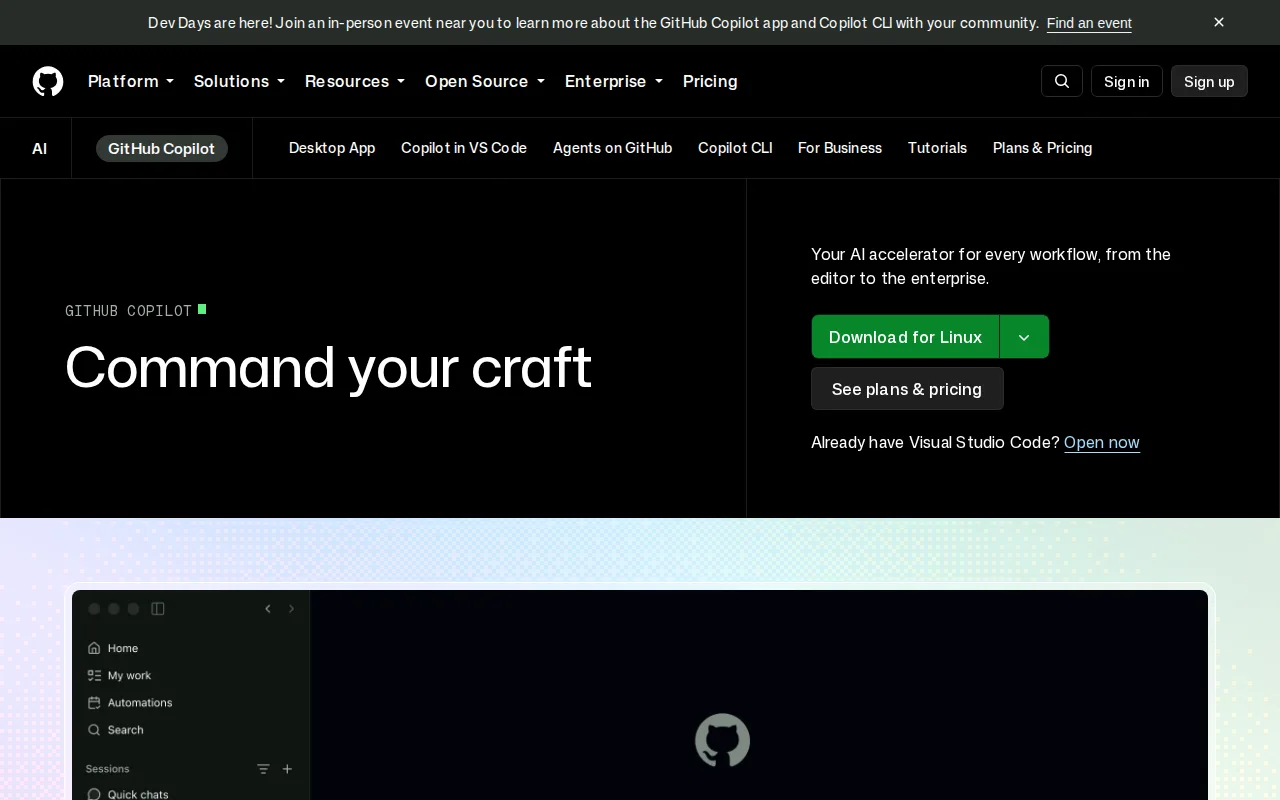
GitHub Copilot is the best Aider alternative for developers who want a graphical, IDE-integrated assistant rather than Aider's terminal-only interface. Copilot's Free plan includes 2,000 code completions and 50 chat requests a month at no cost, comparable in spirit to Aider's own $0 tool price, but Copilot adds inline suggestions directly inside VS Code, JetBrains IDEs, and GitHub.com rather than requiring a terminal session. Copilot holds a 4.5/5 rating from 50 Capterra reviews, a larger structured sample than Aider's single Product Hunt review. GitHub's Copilot coding agent can open pull requests autonomously, and its Pro tier at $10/month bundles $15 in monthly model credits, a fixed starting cost against Aider's fully variable token spend. Aider is still the better choice for developers who want to choose their own model and pay providers directly with nothing held back: Copilot's paid tiers now run on usage-based model credits layered on top of the per-seat price, so heavy users of premium models like Opus can burn through included credits faster than expected, and Copilot's Business tier pricing isn't listed on GitHub's public pricing page at all, unlike Aider's fully transparent, open-source, pay-your-provider-directly model.
Compared to Aider: IDE-native completions inside VS Code, JetBrains, and GitHub.com vs Aider's terminal-only interface, a real free tier (2,000 completions/month), autonomous coding agent that opens pull requests
Wins:Inline completions and chat live directly inside VS Code, JetBrains IDEs, and GitHub.com, vs Aider's terminal-only interface · Free plan includes 2,000 completions and 50 chat requests a month at no cost · 4.5/5 rating from 50 Capterra reviews, a larger structured sample than Aider's single Product Hunt review
Loses:Paid tiers run on usage-based model credits on top of the per-seat price, making costs less predictable than Aider's fully pay-as-you-go provider billing · Business tier pricing isn't listed on GitHub's public pricing page, unlike Aider's fully transparent open-source model · Locked to GitHub's supported model list rather than Aider's fully open choice of any provider, including local models
Pros
- Deep, first-party integration with GitHub.com, VS Code, and JetBrains IDEs.
- Free tier gives every GitHub user a meaningful number of completions with no subscription.
- Supports multiple AI models (including third-party models like Claude and Gemini) depending on plan.
- Coding agent and PR review features extend beyond simple autocomplete into automated code changes.
Cons
- Usage-based model credits on paid tiers make monthly costs harder to predict for heavy users.
- Not always reliable on complex logic or large codebases; generated code still needs careful review.
- Business and Enterprise pricing isn't listed directly on GitHub's public pricing page, requiring a sales conversation.
- Premium model access (like Opus on Pro+) consumes credits significantly faster than base models.
Pricing: Free tier · paid from $10/mo — Free (2,000 completions/month) or $10/month Pro with $15 in credits vs Aider's $0 tool cost (pay only your LLM provider directly) (verified undefined NaN, NaN)
2.Cursor — best Aider alternative for software teams that want autonomous AI agents handling multi-file changes and PR reviews directly inside their editor and CI pipeline
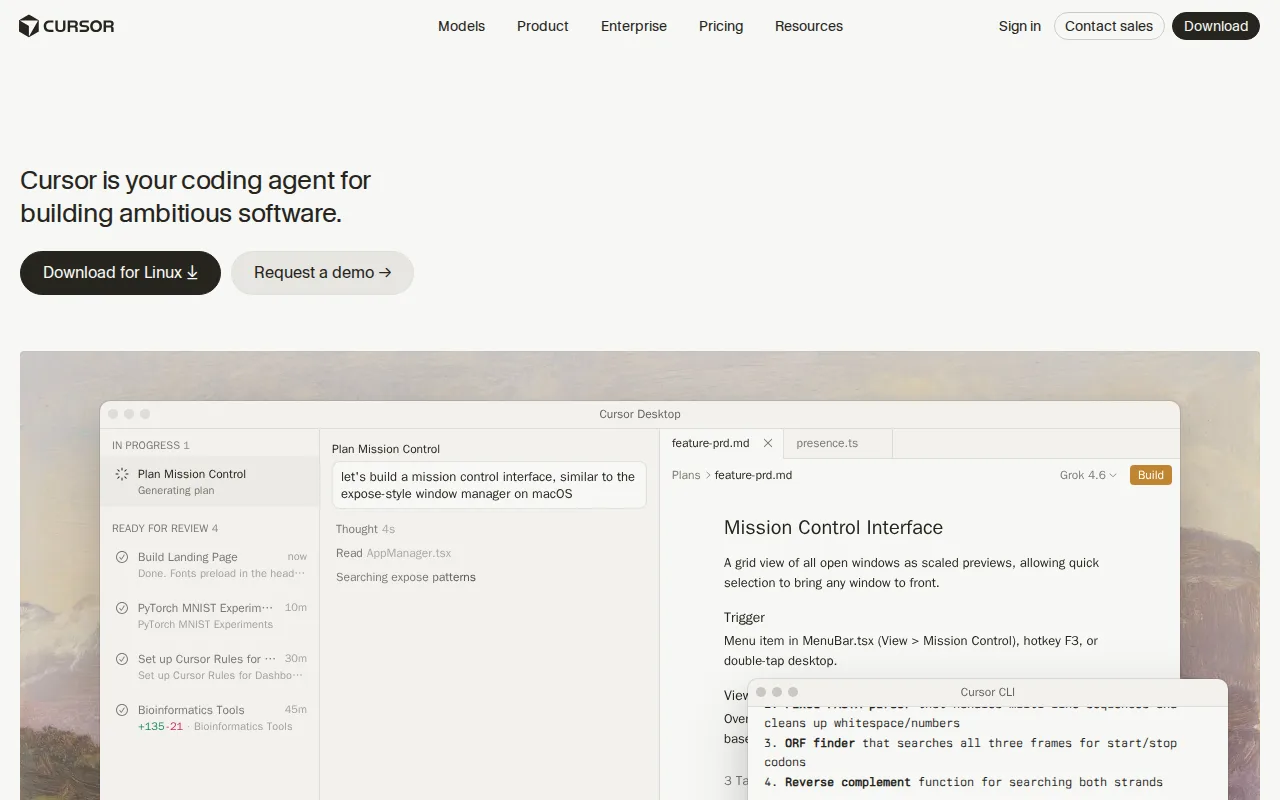
Cursor is the best Aider alternative for developers who want AI agents built into a full code editor rather than Aider's terminal-only workflow. Cursor's Composer and autonomous agents can read a codebase, plan a multi-file change, write the code, run tests, and open a pull request with an adjustable autonomy slider, a GUI-native workflow Aider's command-line interface doesn't offer. Cursor's free Hobby tier requires no credit card, and its cloud agents can keep working on long tasks for hours or days independent of the local machine, something Aider's synchronous terminal sessions can't do. Cursor holds a 5.0/5 rating on Capterra, though from only 4 reviews so far, a thinner sample than even Aider's single Product Hunt review. Aider is still the better choice for developers who want a fully open, free tool with predictable, pay-your-own-provider costs: Cursor's Pro tier costs $20/month with usage-based charges on top for extra Agent requests, and the price jump to Ultra at $200/month is steep for teams that outgrow Pro's Agent limits, while Aider itself never charges anything beyond the LLM tokens a user configures directly.
Compared to Aider: AI-native editor with autonomous multi-file agents vs Aider's terminal-only interface, cloud agents that run for hours or days, free Hobby tier with no credit card required
Wins:Composer and autonomous agents plan, write, test, and open pull requests inside a full GUI editor, not just a terminal · Cloud agents keep working on long tasks for hours or days independent of the local machine, unlike Aider's synchronous terminal sessions · Free Hobby tier requires no credit card to start
Loses:Pro tier costs $20/month plus usage-based charges for extra Agent requests, vs Aider's $0 tool cost · Steep price jump from Pro ($20/month) to Ultra ($200/month) for teams needing higher Agent limits · Rating comes from just 4 Capterra reviews, a thinner sample than even Aider's single Product Hunt review
Pros
- Autonomous agents can plan, write, test, and open pull requests with minimal hand-holding.
- Multi-model support (Grok, Claude, Cursor's own Composer) avoids lock-in to a single AI provider.
- Cloud agents keep running on long tasks without tying up the developer's local machine.
- Free Hobby tier requires no credit card, making it easy to evaluate before paying.
Cons
- Usage-based charges on top of the subscription make total monthly cost harder to predict than a flat fee.
- Steep price jump from Pro ($20/month) to Ultra ($200/month) for teams needing higher Agent limits.
- Requires comfort delegating multi-file changes to an agent, a real workflow shift for developers used to manual review of every diff.
- No iOS or Android app; Cursor is desktop- and CLI-only.
Pricing: Free tier · paid from $20/mo — $20/month Pro (plus usage-based extras) vs Aider's $0 tool cost (pay only your LLM provider directly)
3.Cline — best Aider alternative for developers who want a free, open-source coding agent that works across multiple IDEs and lets them choose and pay for any AI model provider directly
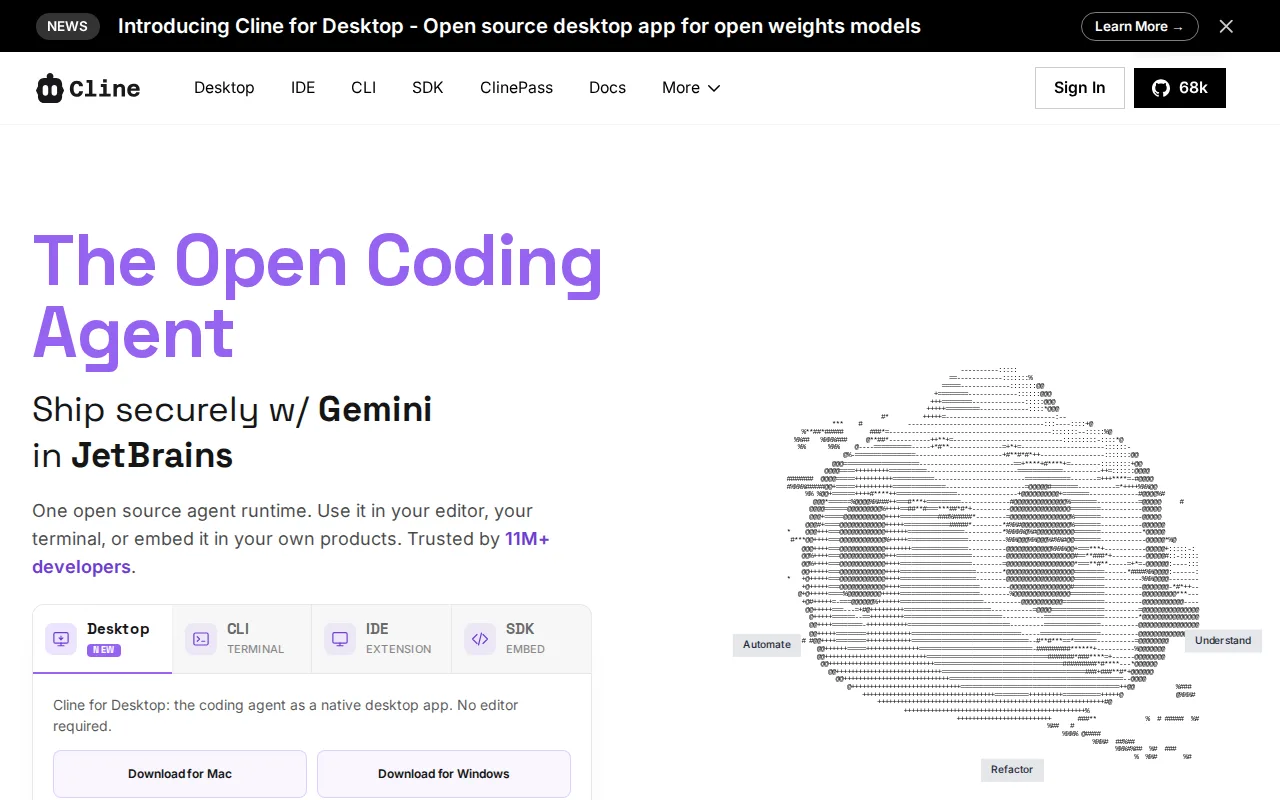
Cline is the best Aider alternative for developers who want Aider's exact free, open-source, bring-your-own-key model but inside a graphical VS Code or JetBrains extension instead of a terminal. Both tools are free to install with no subscription fee, licensed as open source (Cline under Apache 2.0, matching Aider's own Apache-2.0 license), and both let users configure any model provider — Claude, GPT, Gemini, or a local Ollama model — paying the provider directly rather than a middleman. Cline reports 8M+ installs and is used at companies including Samsung, Amazon, and Microsoft, and its Plan-and-Act mode separates strategy review from execution, plus checkpoints for reverting to earlier states, workflow conveniences Aider's git-auto-commit model handles differently. Aider is still the better choice for developers who specifically want a lightweight, scriptable command-line workflow and Aider's proven codebase-mapping system for very large repositories: Cline's JetBrains support is still in early access behind its more mature VS Code extension, Cline carries no external rating on Capterra or G2 in our listing data versus Aider's Product Hunt score, and Cline has no dedicated terminal-first design the way Aider was built from the ground up for CLI use.
Compared to Aider: same free, open-source, bring-your-own-key model but with a VS Code/JetBrains GUI, 8M+ installs, Plan-and-Act mode separates strategy from execution
Wins:Runs as a graphical VS Code or JetBrains extension, not just a terminal, while remaining free and open source like Aider · 8M+ installs and adoption at companies including Samsung, Amazon, and Microsoft · Plan-and-Act mode separates strategy review from execution, plus checkpoints for reverting to earlier states
Loses:JetBrains support is still in early access, behind its more mature VS Code extension · Carries no external rating on Capterra or G2 in our listing data, versus Aider's Product Hunt score · No terminal-first design the way Aider was built from the ground up for CLI use and scripting
Pros
- Fully open-source under Apache 2.0, with no subscription fee for the tool itself.
- Model-agnostic: works with Claude, GPT, Gemini, and local Ollama models via a bring-your-own-key setup.
- Available as a VS Code extension, JetBrains plugin, CLI, and embeddable SDK.
- Plan-and-Act mode separates strategy review from execution, and checkpoints allow reverting changes.
Cons
- No bundled AI usage included; costs scale directly and unpredictably with each provider's own token pricing.
- JetBrains support is still in early access, behind the more mature VS Code extension.
- Requires managing and securing your own API keys across one or more model providers.
- Enterprise features (SSO, SLA, centralized billing) require a custom sales conversation rather than transparent published pricing.
Pricing: Free — $0 vs Aider's $0 (both free; pay only your LLM provider directly) (verified undefined NaN, NaN)
4.Continue — best Aider alternative for developers who want an editor-agnostic AI coding agent they can point at any LLM, including self-hosted models, and who are comfortable adopting a project with no active company behind it
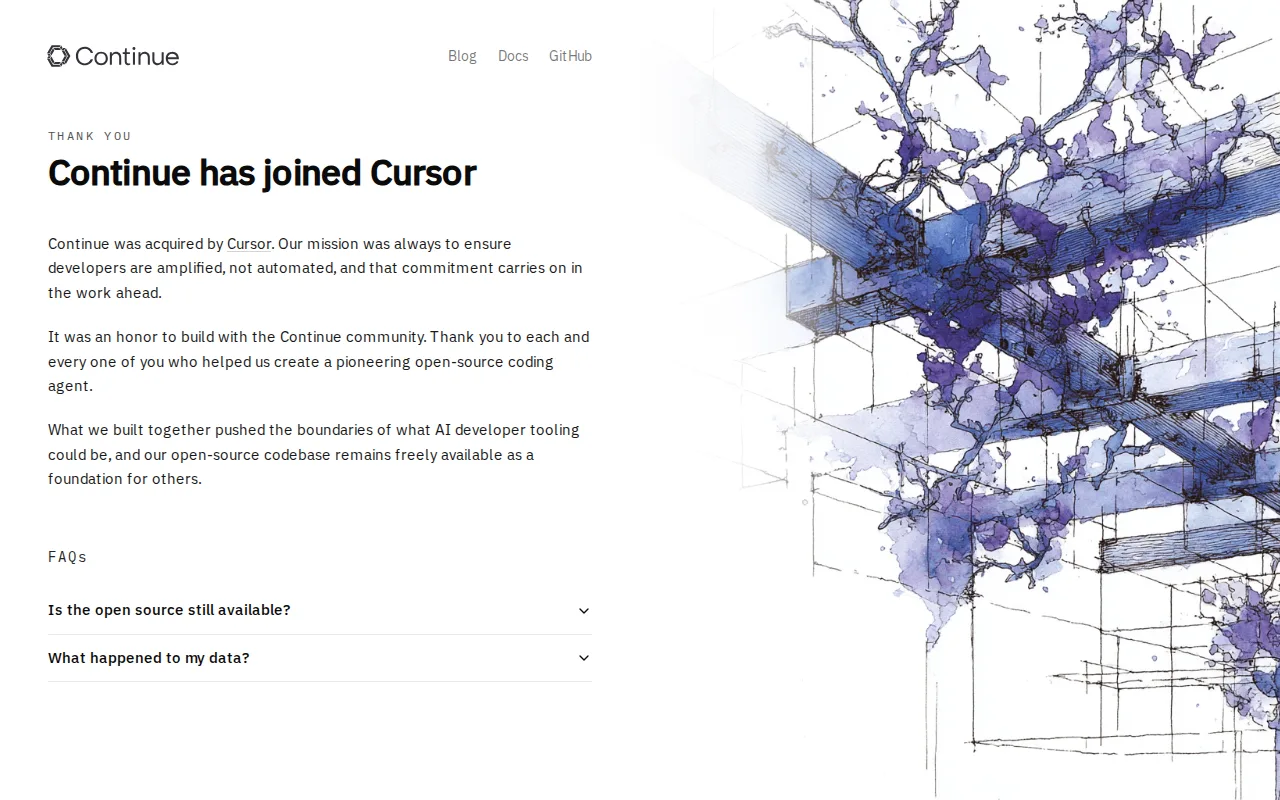
Continue is the best Aider alternative for developers who want a free, open-source agent that routes to any LLM provider from inside VS Code, JetBrains, or the terminal, matching Aider's own model-agnostic, Apache-licensed design. Both tools cost nothing to install, and Continue's 35,600 GitHub stars show a similarly large open-source community footprint to Aider's own 48.4k stars. Continue keeps configuration in version-controlled files rather than a vendor dashboard, and it's available as a VS Code extension, a JetBrains plugin, and a standalone CLI, covering more surface area than Aider's terminal-only interface. Aider is still clearly the better choice today: Continue Dev, Inc. was acquired by Cursor and its GitHub repository was archived as read-only after a final 2.0.0 release, so no company is fixing new bugs, adding model support, or responding to issues going forward, while Aider remains actively maintained with 6.8 million weekly installs and roughly 15 billion tokens processed weekly across its user base. Anyone choosing Continue today is adopting a frozen codebase rather than a living project.
Compared to Aider: same free, open-source, model-agnostic design with a similar-sized GitHub community (35,600 vs 48.4k stars), but the project is archived and no longer actively developed
Wins:Available as a VS Code extension, JetBrains plugin, and standalone CLI, covering more interfaces than Aider's terminal-only design · Configuration lives in version-controlled files rather than a vendor dashboard, similar to Aider's transparent approach · 35,600 GitHub stars reflect a substantial open-source community, comparable in scale to Aider's own 48.4k
Loses:Archived as read-only on GitHub after Cursor's acquisition, so no new features or bug fixes are shipping from the original team, unlike Aider's active development · No company or maintainer team responding to issues going forward, while Aider reports 6.8 million weekly installs and ongoing development · Carries no external rating on Capterra or G2 in our listing data, versus Aider's Product Hunt score
Pros
- Free and open source under Apache 2.0 with no pricing tiers or usage limits.
- Works with any LLM provider, including locally hosted models, avoiding vendor lock-in.
- Available as a VS Code extension, JetBrains plugin, and standalone CLI, covering multiple workflows.
- Configuration lives in version-controlled files rather than a vendor dashboard.
Cons
- Archived as read-only on GitHub after Cursor's acquisition, so no new features or bug fixes are shipping from the original team.
- Requires manually configuring an LLM provider and API key before it does anything, unlike bundled assistants that work out of the box.
- The JetBrains plugin is now a secondary priority; the project recommends the CLI instead.
Pricing: Free — $0 vs Aider's $0 (both free; pay only your LLM provider directly) (verified undefined NaN, NaN)