6 Best Alternatives to Adobe Lightroom for macOS in 2026
By Noahlast updated pricing verified
All 6 Adobe Lightroom alternatives
Compared: Adobe Lightroom alternatives that run on macOS
| Alternative | Best for | Learning curve | Price |
|---|---|---|---|
| Adobe Lightroomreference | photographers who shoot in volume and want cloud-synced, non-destructive edits and AI-assisted culling across every device | Moderate | Free tier · paid from $11.99/mo |
| Capture One | portrait, fashion, product, and commercial photographers who need tethered shooting and fine-grained color grading beyond what Lightroom offers | Steep | Custom pricing |
| Luminar Neo | photography hobbyists who want AI-assisted, single-slider editing tools like sky replacement and background removal without paying an ongoing Adobe-style subscription | Low | From $129 one-time |
| darktable | photographers who want a fully non-destructive, database-driven raw editing workflow on Linux, Windows, or macOS without paying an Adobe Lightroom subscription | Steep | Free |
| Affinity | designers and photographers who want Photoshop/Illustrator-level editing tools without paying a subscription, and don't need AI generative features | Moderate | Free tier · paid from $18/mo |
| DxO PhotoLab | photographers who want DeepPRIME's high-ISO noise reduction and automated lens corrections without paying a monthly subscription | Moderate | From $149.99 one-time |
| ON1 Photo RAW | photographers who want a full RAW-to-export editing workflow without a recurring subscription, either standalone or as a Lightroom/Photoshop plugin | Moderate | From $99.99 one-time |
 Adobe Lightroom
 Capture One
 Luminar Neo
 darktable
 Affinity
 ON1 Photo RAW
1Capture One — best Adobe Lightroom alternative for portrait, fashion, product, and commercial photographers who need tethered shooting and fine-grained color grading beyond what Lightroom offers
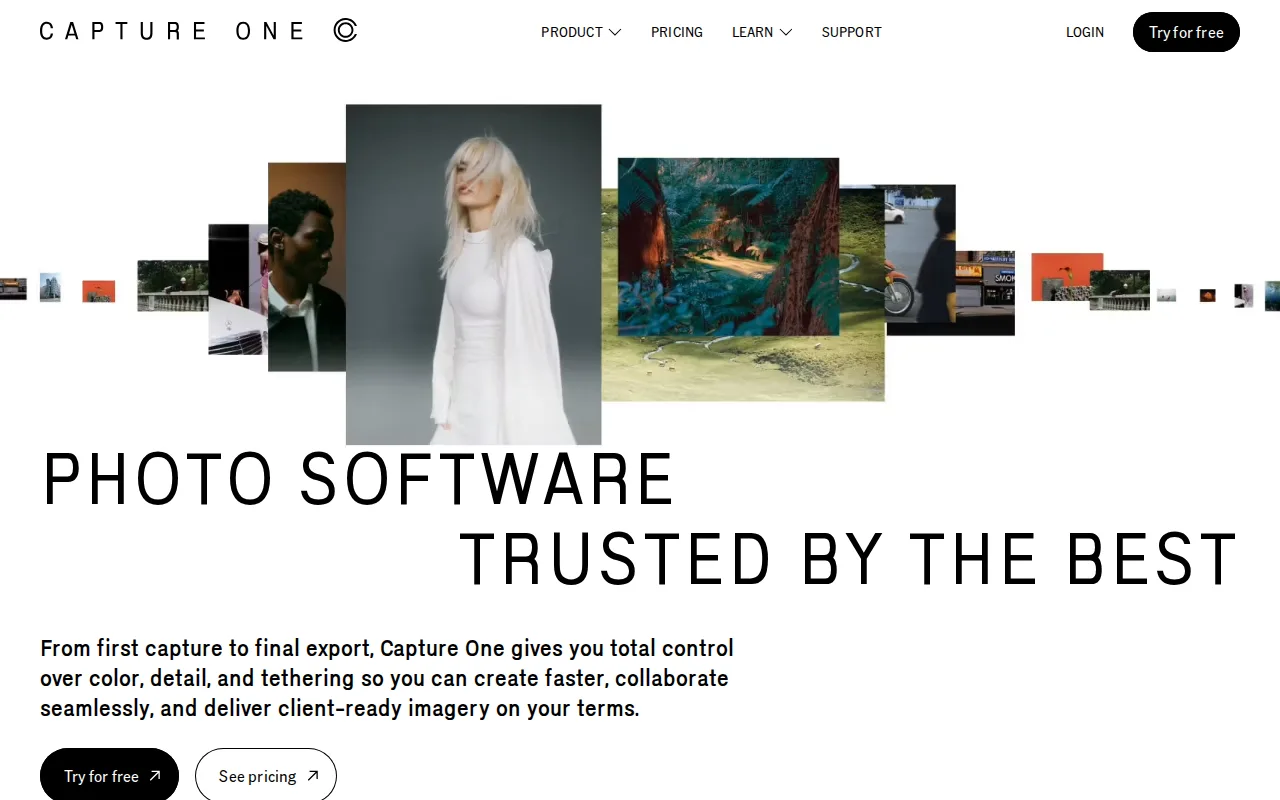
Capture One is the best Adobe Lightroom alternative for portrait, fashion, product, and commercial photographers who need tethered capture and fine color control beyond what Lightroom offers. Capture One supports tethered shooting from 550+ camera models, letting a photographer see each frame appear instantly during a studio shoot, and its Studio tier adds live-viewer collaboration so a remote art director or client can watch in real time — workflows Lightroom's cloud-sync model doesn't replicate. After five consecutive years of subscription, Phase One converts a Capture One subscriber to a free perpetual license, an ownership path Adobe Lightroom's pure subscription model never offers. Capture One holds a 4.7/5 rating from 66 Capterra reviews, a smaller sample than Lightroom's 4.8/5 from 327 reviews. Lightroom is still the better choice for photographers who want a lower, predictable monthly cost and an easier ramp-up: Capture One's own pricing page hides exact dollar figures behind an interactive calculator rather than static text, reviewers describe a steeper learning curve than Lightroom's, especially for color and layer-based tools, and Capture One ships no Android app, while Lightroom runs on iOS and Android both.
Compared to Adobe Lightroom: tethered shooting for 550+ camera models, live-viewer collaboration on the Studio tier, converts to a free perpetual license after 5 years of subscription
Wins:Tethered capture support for 550+ camera models, deeper than Lightroom's tethering coverage · Studio tier adds live-viewer collaboration so a remote art director or client can watch a shoot in real time · 5 consecutive years of subscription converts to a free perpetual license, an ownership path Lightroom's subscription-only model doesn't offer
Loses:Exact subscription and perpetual-license prices are hidden behind an interactive calculator rather than shown as static text, unlike Lightroom's published $11.99/month starting price · Reviewers describe a steeper learning curve than Lightroom, especially for color and layer-based tools · No Android app; mobile support is iPad/iPhone only, while Lightroom runs on both iOS and Android
Pros
- Tethered shooting support for 550+ camera models, deeper than most competitors.
- More granular color grading and correction tools than Adobe Lightroom.
- Offers both subscription and perpetual license options, unlike most modern creative software.
- Five years of continuous subscription converts to a free perpetual license.
Cons
- Steeper learning curve than Lightroom, reviewers say, especially for color and layer-based editing tools.
- Pricing runs higher than Lightroom once Studio or All in One tiers are needed for collaboration or mobile.
- Exact subscription and perpetual license prices are not shown as static text on Capture One's own pricing page, requiring an interactive calculator to compare.
- No Android app; mobile support is iPad/iPhone only.
Pricing: Custom pricing (verified )
2Luminar Neo — best Adobe Lightroom alternative for photography hobbyists who want AI-assisted, single-slider editing tools like sky replacement and background removal without paying an ongoing Adobe-style subscription
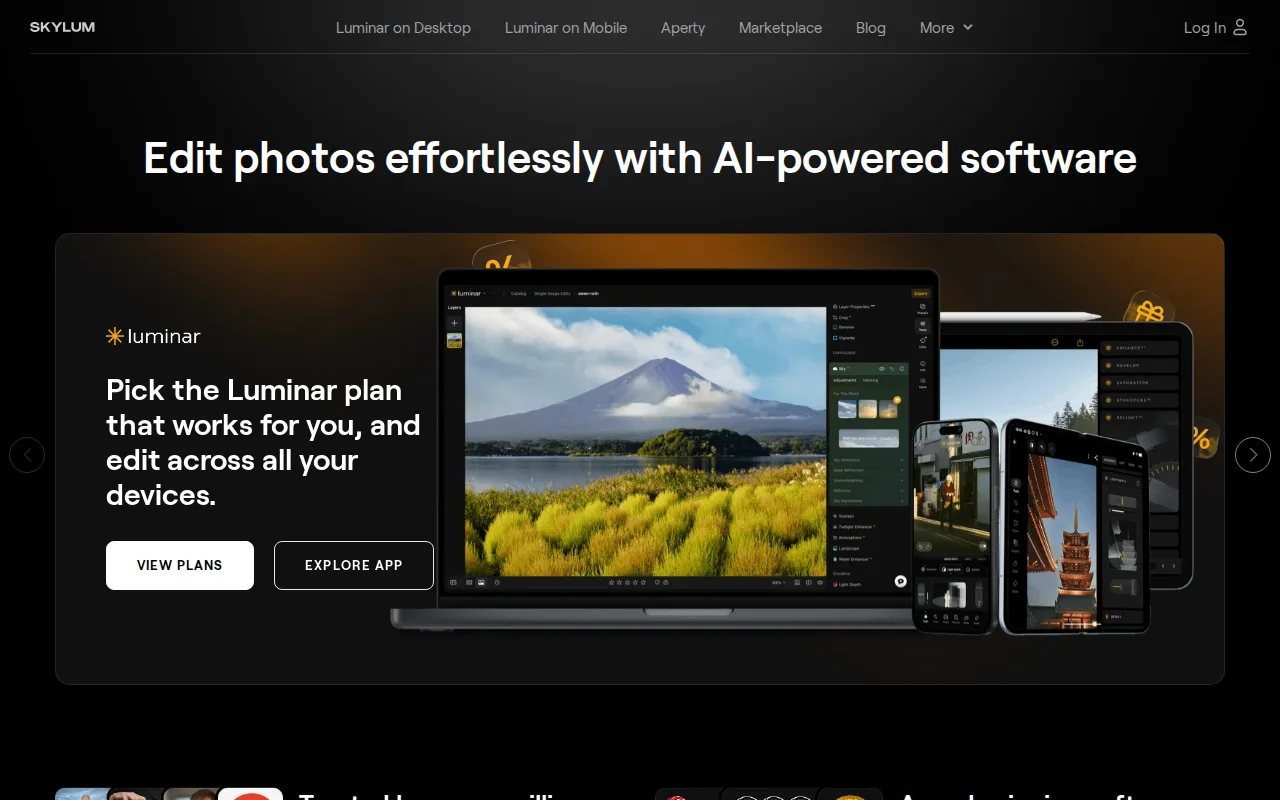
Luminar Neo is the best Adobe Lightroom alternative for hobbyist photographers who want AI-assisted, single-slider editing tools without Lightroom's ongoing subscription. Luminar Neo's Desktop Only edition costs $129 as a one-time purchase, against Lightroom's $11.99/month subscription that never stops billing, and its Sky Replacement, background removal, and AI-driven SupersharpAI and NoiselessAI tools automate edits that take more manual adjustment in Lightroom. The Max bundle at $199 adds mobile apps for iOS, Android, ChromeOS, and Apple Vision Pro support, platforms beyond Lightroom's own iOS/Android/desktop/web coverage. Lightroom is still the better choice for photographers who want ongoing feature updates without an extra renewal and a large body of independent reviews to check: Luminar Neo's AI tools run on a 365-day license cycle that requires a separate Luminar Prime renewal of $33 to $59 a year to keep working past the first year, softening its one-time-purchase pitch, and Luminar Neo carries no external rating on Capterra or G2 in our listing data, versus Lightroom's 4.8/5 from 327 Capterra reviews. Luminar Neo also lacks the depth of professional manual retouching and color-grading tools Lightroom and Photoshop provide.
Compared to Adobe Lightroom: one-time $129 purchase vs an ongoing $11.99/month subscription, AI single-slider tools automate sky replacement and background removal, adds Apple Vision Pro support
Wins:Desktop Only edition costs $129 as a one-time purchase, vs Lightroom's $11.99/month subscription that bills indefinitely · Single-slider AI tools (Sky Replacement, background removal, SupersharpAI, NoiselessAI) automate edits that take more manual adjustment in Lightroom · Max bundle adds mobile apps for iOS, Android, ChromeOS, and Apple Vision Pro, beyond Lightroom's iOS/Android/desktop/web coverage
Loses:AI tools require a separate Luminar Prime renewal of $33 to $59 a year to keep working past the first year, softening the one-time-purchase pitch · Carries no external rating on Capterra, G2, or Product Hunt in our listing data, versus Lightroom's 4.8/5 from 327 Capterra reviews · Lacks the depth of professional manual retouching and color-grading tools found in Lightroom and Photoshop
Pros
- One-time perpetual license option avoids Adobe's mandatory ongoing subscription for the core desktop app.
- Single-slider AI tools (Accent AI, Sky Replacement, background removal) make complex edits accessible without a manual layers-based workflow.
- Cross-platform coverage including iOS, Android, ChromeOS, and Apple Vision Pro on higher-tier bundles.
- Includes a large library of presets, LUTs, overlays, and skies, plus bundled photography courses.
Cons
- AI tools require a 365-day license renewal through Luminar Prime ($33-$59/year) to stay current after the first year, softening the 'pay once' pitch.
- Pricing display leans on frequent 'up to 50% off' discounting from list prices, making it harder to judge the real baseline cost.
- Lacks the depth of professional-grade manual retouching and color-grading tools found in Photoshop or Capture One.
- AI-driven edits can look overprocessed on some images without careful slider tuning, a common complaint among more experienced photo editors.
Pricing: From $129 one-time — $129 one-time Desktop Only vs Lightroom's $11.99/month ongoing subscription (verified )
3darktable — best Adobe Lightroom alternative for photographers who want a fully non-destructive, database-driven raw editing workflow on Linux, Windows, or macOS without paying an Adobe Lightroom subscription
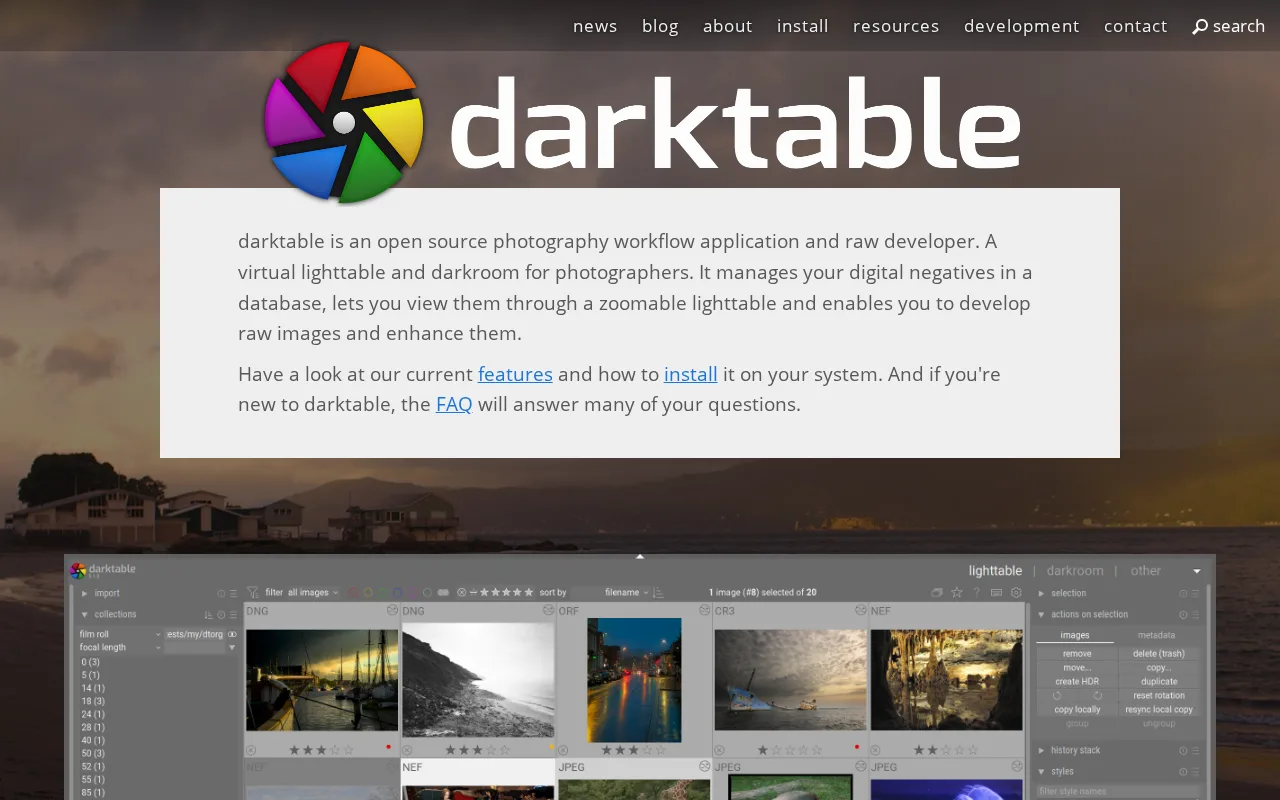
darktable is the best Adobe Lightroom alternative for photographers who want a fully non-destructive, database-driven raw editing workflow without paying anything, ever, unlike Lightroom's $11.99/month minimum subscription. darktable is released under the GPL-3.0 license with its full source on GitHub, where the project holds 13,000 stars, and there is no paid tier, subscription, or feature gate of any kind — the entire application is built and maintained by a volunteer photographer-developer community. Its GPU-accelerated processing pipeline and database-backed lighttable mirror Lightroom's non-destructive, catalog-based approach to raw development, and darktable runs natively on Linux, Windows, and macOS, covering a platform (Linux) Lightroom doesn't support at all. Lightroom is still the better choice for photographers who want cloud sync across mobile devices and a gentler learning curve: darktable has no official cloud sync or mobile companion app, unlike Lightroom's cross-device workflow, its dense, module-heavy interface has a steeper learning curve than Lightroom's more guided tools, and camera raw-format support can lag behind brand-new camera releases, a gap Lightroom's commercial development team closes faster.
Compared to Adobe Lightroom: completely free and open source (GPL-3.0, 13,000 GitHub stars) vs an $11.99/month subscription, GPU-accelerated non-destructive raw pipeline, no official mobile app or cloud sync
Wins:Completely free and open source under GPL-3.0 with 13,000 GitHub stars, vs Lightroom's $11.99/month minimum subscription · GPU-accelerated, fully non-destructive raw processing backed by a searchable image database, mirroring Lightroom's catalog model at no cost · Runs natively on Linux, Windows, and macOS, covering a platform (Linux) Lightroom doesn't support at all
Loses:No official cloud sync or mobile companion app, unlike Lightroom's cross-device workflow across desktop, web, and mobile · Dense, module-heavy interface has a steeper learning curve than Lightroom's more guided tools · Camera raw-format support can lag behind brand-new camera releases, and the plugin and tutorial ecosystem is smaller than Lightroom's
Pros
- Completely free and open source under GPL-3.0, with no subscription or paid tier at all.
- Fully non-destructive raw editing backed by a searchable image database (the lighttable).
- A GPU-accelerated processing pipeline handles large raw files and complex edit stacks responsively.
- Runs natively on Linux, Windows, and macOS, unlike some raw editors that are Mac- or Windows-only.
Cons
- The dense, module-heavy interface has a steeper learning curve than guided commercial tools like Lightroom.
- A smaller plugin and tutorial ecosystem than Adobe Lightroom, since development depends on volunteer contributors.
- No official cloud sync or mobile companion app, unlike Lightroom's cross-device workflow.
- Big-endian and 32-bit platforms are not officially supported, and camera raw-format support can lag behind brand-new camera releases.
Pricing: Free — $0 vs Lightroom's $11.99/month starting price (verified )
4Affinity — best Adobe Lightroom alternative for designers and photographers who want Photoshop/Illustrator-level editing tools without paying a subscription, and don't need AI generative features
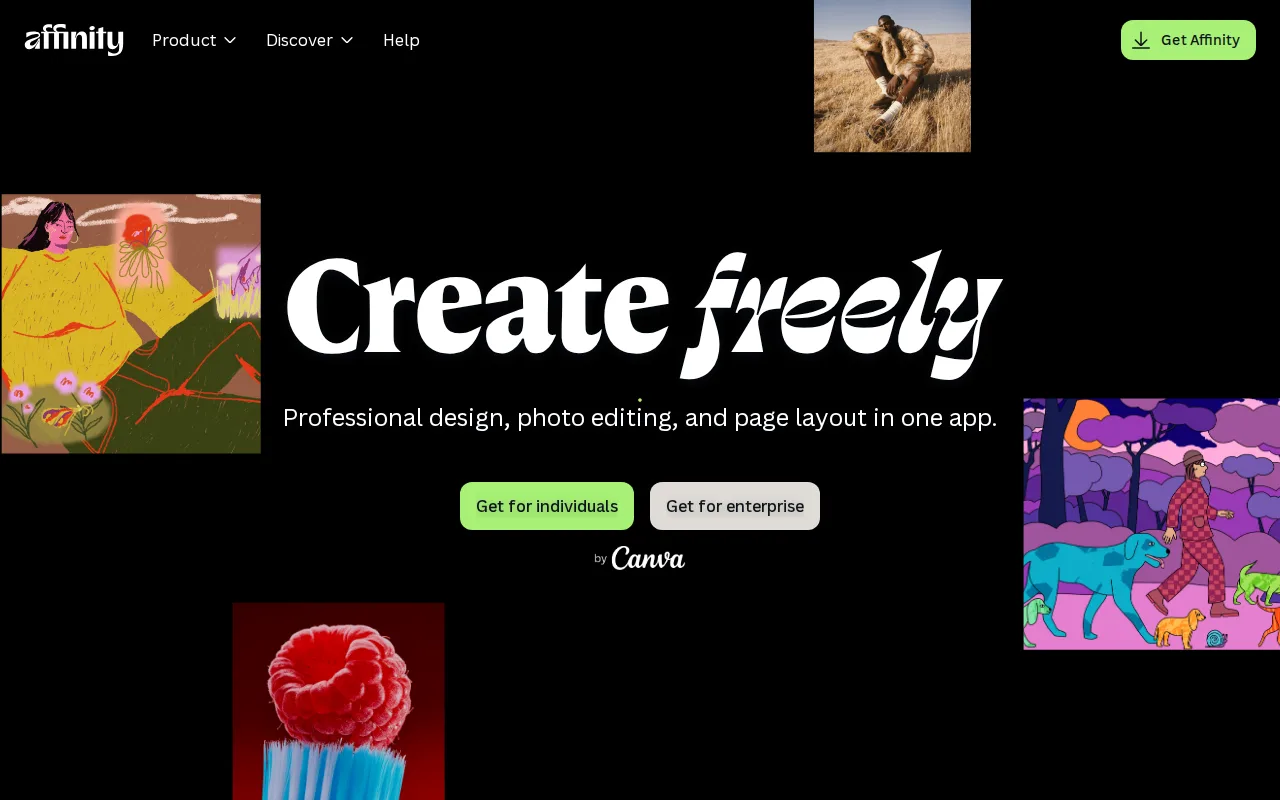
Affinity is the best Adobe Lightroom alternative for photographers and designers who want Photoshop/Lightroom-caliber editing tools without paying a subscription for the core app. Since Canva's acquisition, Affinity's Vector, Pixel, and Layout studios are free for everyone with no restrictions on tools, customization, or export, requiring only a free Canva account, against Lightroom's $11.99/month minimum subscription. Affinity holds a 4.8/5 rating from 99 Capterra reviews, matching Lightroom's own 4.8/5 rating, though on roughly a third of Lightroom's 327-review sample. Optional AI features (Generative Fill, Generative Expand, AI image/vector generation) require Canva Pro at $14.99/month, cheaper than Lightroom's $19.99/month Photography plan that bundles Photoshop. Lightroom is still the better choice for photographers who specifically need cloud-synced catalog management and mobile editing: Affinity has no iPad app yet, listing iPad support as coming soon rather than shipped, has no Linux version, and runs on Windows and macOS only, while Lightroom syncs across desktop, web, iOS, and Android.
Compared to Adobe Lightroom: free core app (Vector, Pixel, Layout studios) vs an $11.99/month subscription, matching 4.8/5 Capterra rating, optional AI at $14.99/month vs Lightroom's $19.99/month Photography plan
Wins:Vector, Pixel, and Layout studios are free with no restrictions on tools, customization, or export, vs Lightroom's $11.99/month minimum subscription · 4.8/5 rating from 99 Capterra reviews, matching Lightroom's own 4.8/5 rating · Optional Canva Pro AI features cost $14.99/month, cheaper than Lightroom's $19.99/month Photography plan that bundles Photoshop
Loses:No iPad app yet; support is listed as coming soon rather than shipped, while Lightroom runs on iOS today · No Linux version, and desktop support is limited to Windows and macOS · Rating sample of 99 Capterra reviews is about a third the size of Lightroom's 327 Capterra reviews
Pros
- Full professional design suite (vector, raster, layout) free with no time limit or feature gate on the core tools.
- Requires only a free Canva account, no credit card, to unlock everything in the base app.
- Backed by Canva's infrastructure and update cadence rather than a small independent studio.
- Optional Canva Pro AI features integrate directly inside the same app rather than requiring a separate tool.
Cons
- Generative AI features are gated behind a paid Canva plan (Canva Pro costs $18/month or $144/year).
- No iPad app yet; it is listed as coming soon rather than available.
- No Linux support.
- The October 2025 relaunch merged three apps into one and moved sign-in to Canva accounts, while the older Affinity V2 apps remain a separate product with separate Serif accounts.
Pricing: Free tier · paid from $18/mo — $0 core app vs Lightroom's $11.99/month; optional Canva Pro AI at $14.99/month vs Lightroom's $19.99/month Photography plan (verified )
5DxO PhotoLab — best Adobe Lightroom alternative for photographers who want DeepPRIME's high-ISO noise reduction and automated lens corrections without paying a monthly subscription
DxO PhotoLab is the best Adobe Lightroom alternative for photographers who want DeepPRIME's high-ISO noise reduction and automated lens corrections without an ongoing subscription. PhotoLab 9 Essential sells as a one-time purchase for $149.99, and Elite costs $239.99, both one-time payments against Lightroom's $11.99/month subscription that adds up to more than the Essential price within roughly 13 months. DeepPRIME's deep-learning denoising is widely regarded as best-in-class for high-ISO raw files, and DxO Optics Modules apply lens and camera-body corrections automatically during raw conversion rather than as a post-hoc filter. DxO holds a 4.4/5 rating from 14 Capterra reviews and roughly a 4-star rating from over 800 Trustpilot reviews. Lightroom is still the better choice for photographers who need the broadest camera and lens compatibility and any mobile or web access: DxO's camera and lens support in its Optics Modules database lags behind Adobe's much larger compatibility list, PhotoLab has no permanently free tier, only a time-limited trial, and it ships no mobile or web version, running as Windows and macOS desktop software only, while Lightroom covers desktop, web, iOS, and Android.
Compared to Adobe Lightroom: one-time $149.99 purchase (Essential) vs an ongoing $11.99/month subscription, DeepPRIME AI denoising rated best-in-class for high-ISO raw files, smaller camera/lens compatibility list
Wins:PhotoLab 9 Essential is a one-time $149.99 purchase, cheaper than roughly 13 months of Lightroom's $11.99/month subscription and never bills again · DeepPRIME AI denoising is widely regarded as best-in-class for high-ISO raw files · DxO Optics Modules apply lens and camera-body corrections automatically during raw conversion, without manual profile hunting
Loses:Camera and lens support in DxO Optics Modules lags behind Adobe's much larger compatibility list · No permanently free tier; only a time-limited trial before purchase, while Lightroom includes a free mobile app · No mobile or web version; Windows and macOS desktop only, while Lightroom covers desktop, web, iOS, and Android
Pros
- DeepPRIME denoising is widely regarded as best-in-class for high-ISO RAW files.
- One-time purchase with no subscription, unlike Adobe Lightroom.
- Automated DxO Optics Modules apply lens and camera-body corrections without manual profile hunting.
- PureRAW add-on lets DeepPRIME processing plug into an existing Lightroom or Capture One workflow.
Cons
- Camera and lens support list is smaller than Adobe's or Capture One's.
- No permanently free tier; only a time-limited trial before purchase.
- Elite edition costs $90 more than Essential for local adjustments and haze removal that competitors often include at their base tier.
- No mobile or web version; Windows and macOS desktop only.
Pricing: From $149.99 one-time — $149.99 one-time Essential (or $239.99 Elite) vs Lightroom's $11.99/month ongoing subscription (verified )
6ON1 Photo RAW — best Adobe Lightroom alternative for photographers who want a full RAW-to-export editing workflow without a recurring subscription, either standalone or as a Lightroom/Photoshop plugin
ON1 Photo RAW is the best Adobe Lightroom alternative for photographers who want a complete import-to-export raw editing workflow without a recurring subscription. The base Photo RAW 2026.5 edition costs $99.99 as a one-time purchase, and the MAX edition costs $169.99, both undercutting more than eight months of Lightroom's $11.99/month subscription while never billing again, and ON1 combines RAW processing, layers and brushes, AI-based one-click masking, noise reduction, and sky replacement in one application that can also run as a plugin inside Lightroom and Photoshop rather than replacing them outright. Third-party reviewers rate ON1 Photo RAW around 4.3/5, close to Lightroom's own 4.8/5 from 327 Capterra reviews. Lightroom is still the better choice for photographers on older hardware and those who want guaranteed ongoing updates without repurchasing: ON1 Photo RAW runs noticeably slower than Lightroom or Capture One on older or lower-spec machines, buyers who want new features every year effectively end up on the MAX edition or the Photo Studio subscription, the same recurring-cost model ON1 markets itself against, and it has no web or mobile app, unlike Lightroom's desktop, web, iOS, and Android coverage.
Compared to Adobe Lightroom: one-time $99.99 purchase (or $169.99 MAX) vs an ongoing $11.99/month subscription, works as a Lightroom/Photoshop plugin, noticeably slower on older hardware
Wins:Photo RAW 2026.5 costs $99.99 as a one-time purchase, undercutting more than 8 months of Lightroom's $11.99/month subscription and never billing again · Combines RAW processing, layers and brushes, AI masking, noise reduction, and sky replacement in one app that can also run as a Lightroom/Photoshop plugin · Installs on 2-3 computers per license depending on edition, without a per-seat subscription
Loses:Noticeably slower processing than Lightroom or Capture One on older or lower-spec hardware · MAX edition and the Photo Studio subscription reintroduce a recurring-cost model similar to what the base product markets itself against · No web or mobile app; Windows and macOS desktop only, while Lightroom covers desktop, web, iOS, and Android
Pros
- One-time purchase avoids the recurring subscription fee Adobe Lightroom and Photoshop require.
- Works standalone or as a plugin inside Photoshop and Lightroom via the MAX edition.
- AI-based masking, sky replacement, and noise reduction built in rather than sold as separate add-ons.
- Installs on 2-3 computers per license depending on edition.
Cons
- Noticeably slower processing than Lightroom or Capture One on older hardware.
- MAX edition and Photo Studio subscription reintroduce the recurring-cost model the base product markets itself against.
- No web or mobile app; Windows and macOS desktop only.
- Exact current pricing is not shown on ON1's marketing pages and requires visiting the checkout flow.
Pricing: From $99.99 one-time — $99.99 one-time Photo RAW (or $169.99 MAX) vs Lightroom's $11.99/month ongoing subscription