3 Best Alternatives to darktable in 2026
By Noahlast updated pricing verified

From our data: All three alternatives to darktable carry external Capterra ratings averaging 4.77/5 across 492 combined reviews (327 for Adobe Lightroom, 99 for Affinity, 66 for Capture One), while darktable itself has zero external ratings on file; sorted low to high, the three scores are 4.7, 4.8, and 4.8, putting the median at 4.8.
 Adobe Lightroom
 Affinity
 Capture One
How we picked
- All three alternatives compared here carry external ratings fetched from Capterra on 2026-08-21 (Adobe Lightroom 4.8/5 from 327 reviews, Affinity 4.8/5 from 99 reviews, Capture One 4.7/5 from 66 reviews), while darktable itself has no external ratings on file, so the list order weighs review volume alongside score rather than score alone.
- darktable's own pricing was last verified on 2026-08-21 at $0 with no paid tier at all; only Adobe Lightroom ($11.99/month, verified 2026-08-21) and Affinity ($0 core app, no recorded pricing-verification date) carry confirmed dollar figures in our listing data, while Capture One's subscription tiers show no dollar amount because its pricing page renders through an interactive calculator rather than static text.
- Ranking reflects the feature and license gap each alternative closes relative to darktable's free, GPL-3.0, non-cloud-synced workflow: Adobe Lightroom is ranked first for closing the cross-device sync gap, Capture One second for closing the tethered-capture and color-grading gap, and Affinity third for matching darktable's no-subscription pricing model most closely among the three.
- None of the three alternatives, nor darktable itself, report a like count or usage count above zero in our listing data, so on-platform engagement signals could not factor into the ranking.
Paid placement never alters editorial rank — read the full methodology.
darktable alternatives at a glance
| Alternative | Best for | Learning curve | Price |
|---|---|---|---|
| darktablereference | photographers who want a fully non-destructive, database-driven raw editing workflow on Linux, Windows, or macOS without paying an Adobe Lightroom subscription | Steep | Free |
| Adobe Lightroom | photographers who shoot in volume and want cloud-synced, non-destructive edits and AI-assisted culling across every device | Moderate | Free tier · paid from $11.99/mo |
| Capture One | portrait, fashion, product, and commercial photographers who need tethered shooting and fine-grained color grading beyond what Lightroom offers | Steep | Custom pricing |
| Affinity | designers and photographers who want Photoshop/Illustrator-level editing tools without paying a subscription, and don't need AI generative features | Moderate | Free tier · paid from $18/mo |
 darktable
1Adobe Lightroom — best darktable alternative for photographers who shoot in volume and want cloud-synced, non-destructive edits and AI-assisted culling across every device
Adobe Lightroom is the best darktable alternative for photographers who shoot in volume and want the same non-destructive edits to follow them from desktop to phone to a browser tab automatically. Where darktable's database lives on one machine, Lightroom's cloud catalog carries edit history and 1TB of storage across Windows, macOS, iOS, and Android the moment a photo imports, starting at $11.99/month billed annually. Lightroom holds a 4.8/5 rating from 327 Capterra reviews, a review base darktable's community-built listing has no equivalent for, since darktable carries no external ratings on file at all. Generative Remove and Assisted Culling triage large shoots automatically, cutting down manual work that darktable's dense, module-heavy interface leaves entirely to the photographer, a gap darktable's own listing concedes as its steeper learning curve. darktable remains the better choice for anyone who refuses to pay a recurring fee: Lightroom has no perpetual-license option and its $11.99-$19.99/month tiers never end, while darktable is fully free under GPL-3.0 with no subscription of any kind. Photographers on slow or metered connections should also weigh Lightroom's cloud-dependent workflow carefully, since darktable's local-only database works entirely offline with no sync requirement. For anyone who shoots in volume and wants automatic cross-device sync more than they want to avoid a subscription, Lightroom is the more capable, better-reviewed choice.
Compared to darktable: $11.99/month cloud-synced editing vs darktable's $0 local-only workflow, 4.8/5 rating from 327 Capterra reviews vs darktable's none on file, AI-assisted culling and Generative Remove vs darktable's fully manual module-based tools
Wins:Cloud catalog syncs edits and library automatically across Windows, macOS, iOS, and Android, unlike darktable's single-machine local database · 4.8/5 rating from 327 Capterra reviews, evidence darktable has none of on file · Generative Remove and Assisted Culling automate object removal and photo triage that darktable's interface requires doing manually, module by module
Loses:$11.99-$19.99/month subscription with no perpetual-license option, unlike darktable's permanently free GPL-3.0 license · Cloud-dependent workflow adds a sync requirement that darktable's fully offline, local-only database doesn't have · Base 1TB of cloud storage fills quickly for RAW shooters and additional storage costs extra, a limit darktable's local storage model doesn't impose
Pros
- Non-destructive, catalog-based editing that syncs across desktop, web, and mobile automatically.
- AI tools like Generative Remove and Assisted Culling cut down time spent on repetitive photo triage.
- Free mobile app covers basic editing without a subscription.
- Lightroom Classic (included) gives desktop-only photographers local file control instead of cloud storage.
Cons
- 1TB of included cloud storage fills up fast for photographers shooting RAW in volume; extra storage costs more.
- Performance and sync can lag with large catalogs, per user reviews.
- Cancelling an annual-billed-monthly plan within the first year can trigger an early termination fee.
- Full editing power requires understanding Lightroom's catalog model, which trips up first-time users.
Pricing: Free tier · paid from $11.99/mo — $11.99/month (Lightroom, annual) vs darktable's permanently free $0, no tier of any kind (verified )
2Capture One — best darktable alternative for portrait, fashion, product, and commercial photographers who need tethered shooting and fine-grained color grading beyond what Lightroom offers
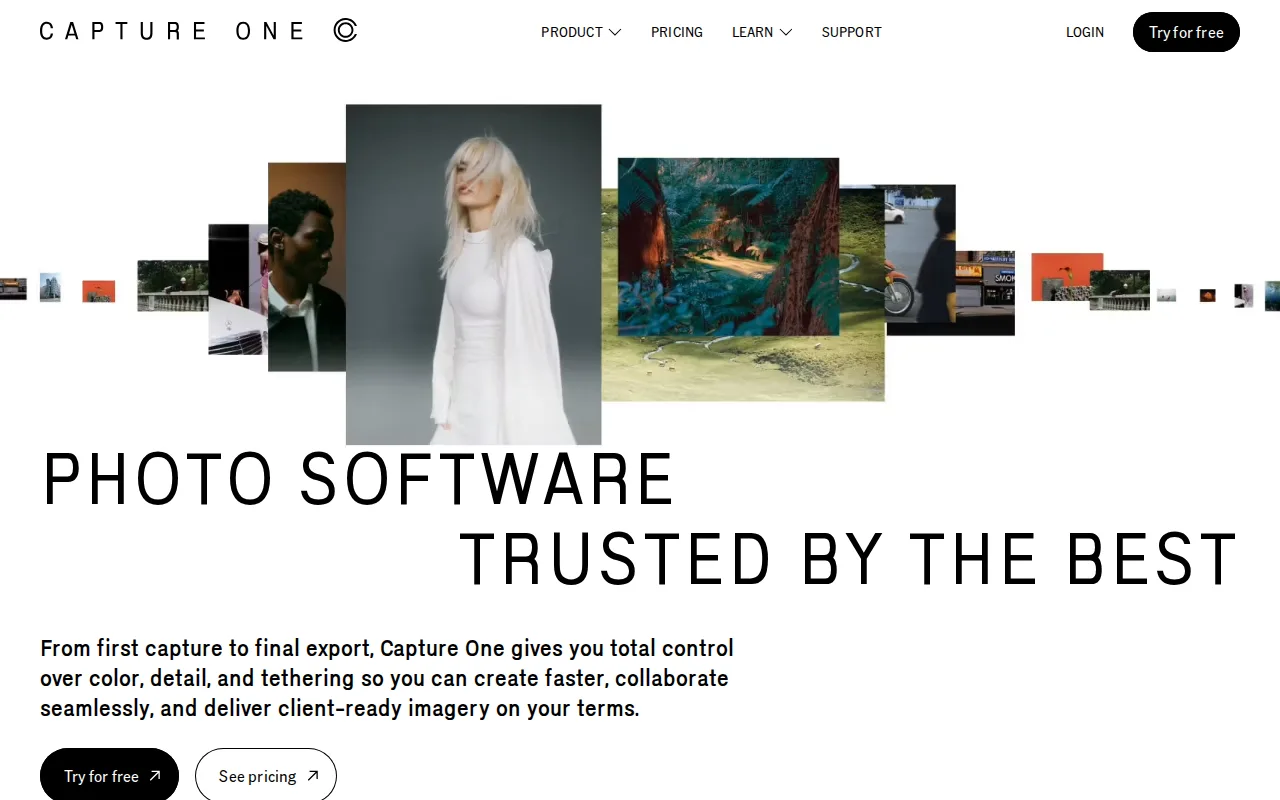
Capture One is the best darktable alternative for portrait, fashion, and commercial photographers who need tethered capture and color grading more granular than darktable's module stack provides. Capture One supports tethered shooting from 550+ camera models, letting a photographer watch each frame appear on a laptop mid-shoot, a studio workflow darktable's listing doesn't document at all. It holds a 4.7/5 rating from 66 Capterra reviews, external validation darktable's own listing has none of since darktable carries no ratings on file. Capture One's color grading tools go deeper than darktable's own module-based color correction, and after five consecutive years of subscription Phase One converts a subscriber to a perpetual license at no extra cost, a middle ground between darktable's always-free model and a pure ongoing subscription. darktable remains the better choice for anyone who wants to know the price before committing: Capture One's own pricing page renders exact dollar figures through an interactive calculator rather than static page text, so getting a real number takes extra steps, while darktable is transparently $0 with no tier to calculate at all. Reviewers also note Capture One's steeper learning curve than more guided tools, a complaint that echoes darktable's own biggest weakness of a dense, module-heavy interface, so photographers switching from darktable specifically to avoid a learning curve won't necessarily find one here. For studio and tethered work, though, Capture One's camera support and color depth outclass what darktable currently offers.
Compared to darktable: tethered capture for 550+ camera models vs darktable's no tethering support documented, 4.7/5 rating from 66 Capterra reviews vs darktable's none on file, subscription or perpetual-after-5-years pricing vs darktable's permanently free $0
Wins:Tethered shooting support for 550+ camera models with live-viewer collaboration, a studio workflow darktable's listing doesn't document · 4.7/5 rating from 66 Capterra reviews, evidence darktable has none of on file · More granular color grading and correction tools than darktable's own module-based color correction
Loses:Exact subscription and perpetual-license prices are not shown as static text, requiring an interactive calculator, unlike darktable's transparently free $0 · Steeper learning curve, per reviewers, which doesn't solve the same steep-learning-curve complaint darktable's own listing concedes · No permanently free tier of any kind, unlike darktable's fully free GPL-3.0 license
Pros
- Tethered shooting support for 550+ camera models, deeper than most competitors.
- More granular color grading and correction tools than Adobe Lightroom.
- Offers both subscription and perpetual license options, unlike most modern creative software.
- Five years of continuous subscription converts to a free perpetual license.
Cons
- Steeper learning curve than Lightroom, reviewers say, especially for color and layer-based editing tools.
- Pricing runs higher than Lightroom once Studio or All in One tiers are needed for collaboration or mobile.
- Exact subscription and perpetual license prices are not shown as static text on Capture One's own pricing page, requiring an interactive calculator to compare.
- No Android app; mobile support is iPad/iPhone only.
Pricing: Custom pricing — Exact dollar pricing not published as static text (interactive calculator only) vs darktable's permanently free $0, no tier (verified )
3Affinity — best darktable alternative for designers and photographers who want Photoshop/Illustrator-level editing tools without paying a subscription, and don't need AI generative features
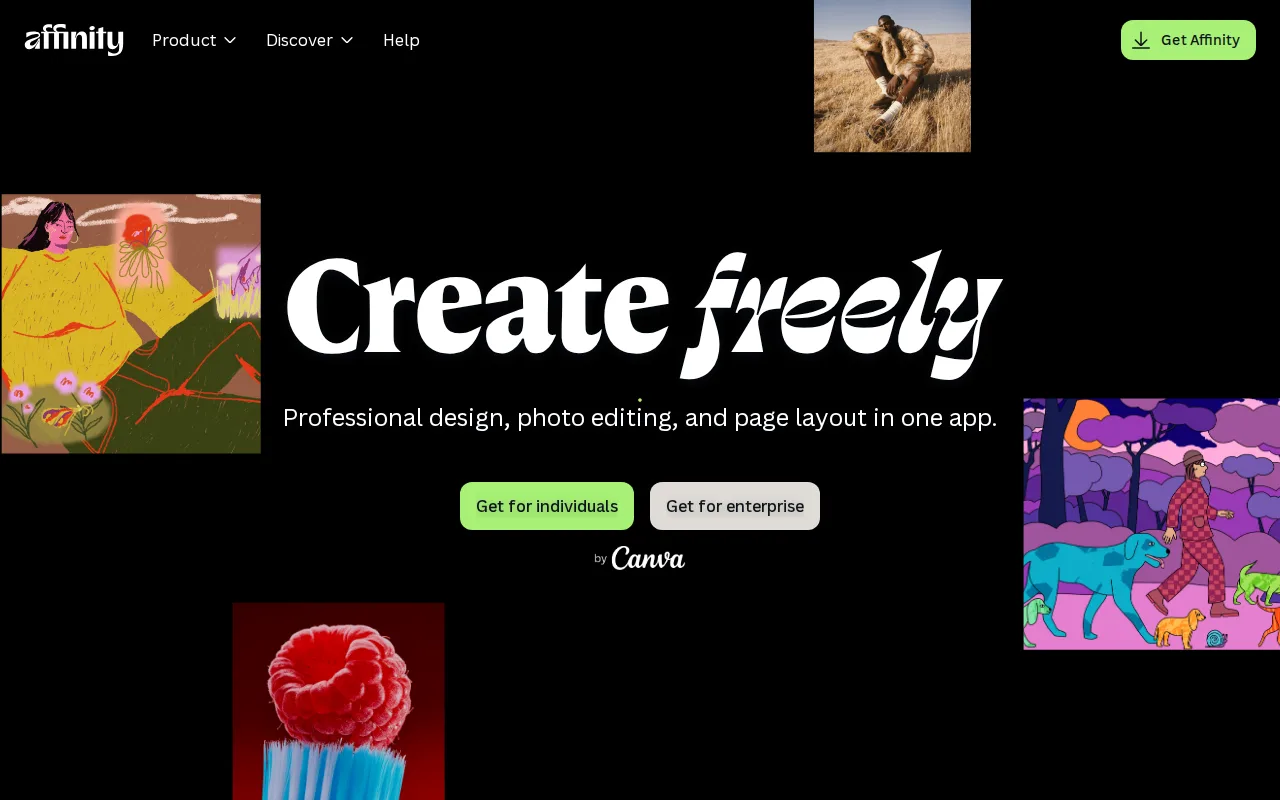
Affinity is the best darktable alternative for photographers and designers who want darktable's no-subscription philosophy but with a more guided, unified interface spanning vector, pixel, and layout editing in one app. Since Canva's acquisition, Affinity's core app is completely free for individuals, requiring only a free Canva account, matching darktable's own $0 price point while adding a moderate rather than steep learning curve, according to our listing data. Affinity Photo holds a 4.8/5 rating from 99 Capterra reviews, external validation darktable's own listing has none of since darktable carries no ratings on file at all. Affinity backs its free tier with Canva's infrastructure and update cadence rather than a volunteer community, a different reliability trade-off than darktable's photographer-developer-maintained project. darktable remains the better choice for photographers who specifically want a database-driven, non-destructive raw workflow: Affinity's studios are built around vector and layout work as much as photo editing, and its raw-development depth doesn't match darktable's dedicated lighttable-and-darkroom model built specifically for photography. Affinity also has no Linux version and its iPad app is still listed as coming soon rather than shipped, while darktable runs natively on Linux, Windows, and macOS. For anyone who wants a free, guided editing suite with a gentler learning curve than darktable's dense module stack, Affinity is the closer match.
Compared to darktable: $0 free core app matching darktable's own price vs a moderate rather than steep learning curve, 4.8/5 rating from 99 Capterra reviews vs darktable's none on file, vector/pixel/layout studios vs darktable's dedicated raw-photography lighttable-and-darkroom model
Wins:Free core app with no restrictions, matching darktable's own $0 price, but with a moderate rather than darktable's steep learning curve · 4.8/5 rating from 99 Capterra reviews, evidence darktable has none of on file · Backed by Canva's infrastructure and update cadence rather than a smaller volunteer community
Loses:No dedicated database-driven lighttable for organizing large raw libraries, unlike darktable's purpose-built photo-management model · No Linux version, unlike darktable's native Linux, Windows, and macOS support · Generative AI features require a separate paid Canva Pro subscription ($14.99/month), a cost darktable never introduces for any feature
Pros
- Full professional design suite (vector, raster, layout) free with no time limit or feature gate on the core tools.
- Requires only a free Canva account, no credit card, to unlock everything in the base app.
- Backed by Canva's infrastructure and update cadence rather than a small independent studio.
- Optional Canva Pro AI features integrate directly inside the same app rather than requiring a separate tool.
Cons
- Generative AI features are gated behind a paid Canva plan (Canva Pro costs $18/month or $144/year).
- No iPad app yet; it is listed as coming soon rather than available.
- No Linux support.
- The October 2025 relaunch merged three apps into one and moved sign-in to Canva accounts, while the older Affinity V2 apps remain a separate product with separate Serif accounts.
Pricing: Free tier · paid from $18/mo — $0 free core app, same as darktable's $0; optional Canva Pro AI add-on runs $14.99/month with no equivalent paid tier in darktable at all (verified )
Which one is right for you?
- You shoot in high volume and want the same non-destructive edits to sync automatically across desktop, phone, and a browser tab.Adobe Lightroom
- You need tethered capture from 550+ camera models and color grading more granular than darktable's module stack for studio or client work.Capture One
- You want a free, guided editing suite with vector and layout tools alongside photo editing, with a gentler learning curve than darktable.Affinity
- You want cloud storage bundled with your subscription instead of managing your own local database and backups.Adobe Lightroom
- You're a portrait or fashion photographer who wants a remote art director to watch a shoot happen live.Capture One
Frequently asked questions
What is the best alternative to darktable?
- Adobe Lightroom is the best-reviewed alternative to darktable, holding a 4.8/5 rating from 327 Capterra reviews and cloud sync across every device, though it costs $11.99/month versus darktable's permanently free $0. Capture One and Affinity are the next best matches, for tethered studio work and free no-subscription editing respectively.
Is there a free alternative to darktable?
- Affinity is the closest free alternative to darktable, since Canva's acquisition made its core Vector, Pixel, and Layout studios free with no restrictions, matching darktable's own $0 price. Adobe Lightroom and Capture One are both paid, at $11.99/month and an uncalculated subscription rate respectively.
Can Adobe Lightroom replace darktable?
- Adobe Lightroom can replace darktable for non-destructive raw editing, since both are built around a non-destructive, catalog-based workflow. Lightroom adds cloud sync across devices and a 4.8/5 rating from 327 reviews that darktable's free, ratings-free listing doesn't have, but it costs $11.99/month where darktable stays $0.
What is the closest alternative to darktable for professional tethered shooting?
- Capture One is the closest alternative to darktable for tethered shooting, supporting 550+ camera models and holding a 4.7/5 rating from 66 Capterra reviews. Its exact subscription price isn't published as static text, unlike darktable's transparently free $0.
Does Affinity have the same non-destructive raw editing as darktable?
- Affinity does not have darktable's dedicated database-driven lighttable for raw photo management; it's built around combined vector, pixel, and layout studios rather than a raw-photography-first workflow. It matches darktable's $0 price and holds a 4.8/5 rating from 99 Capterra reviews, with a moderate rather than steep learning curve.