Wondershare PDFelement review

An AI-assisted PDF editor from Wondershare for editing, converting, and signing PDFs, sold as one-time licenses or subscriptions starting around $22 per quarter.
By Noahlast updated pricing verified
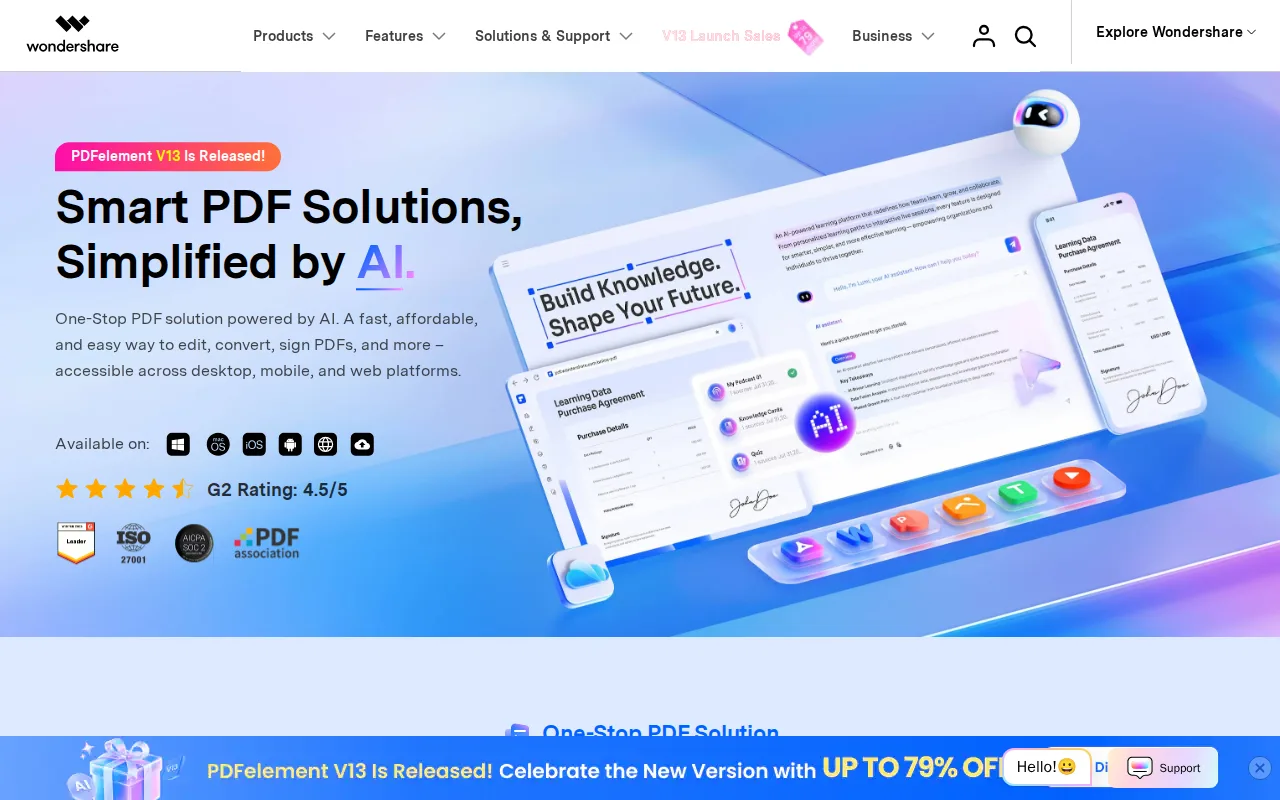
Wondershare PDFelement screenshots & video
Wondershare PDFelement in 20 seconds
Best for: individuals and small teams wanting an Adobe Acrobat-level PDF editor at a lower price with a perpetual-license option
Pricing: From $21.99/quarter (subscription) or $61.99 one-time for a perpetual license (Mac individual plan); pricing varies by platform, audience, and license type.
- Wondershare PDFelement is a PDF editor with AI tools for summarization, translation, chat-with-PDF, and smart redaction.
- Mac individual pricing includes a $21.99 quarterly subscription, $89.99 yearly subscription, $41.99 one-time yearly license, $119.99 2-year license, and a $61.99 perpetual license.
- PDFelement holds a 4.4/5 rating from 440 reviews on Capterra.
- PDFelement supports OCR in 26 languages with batch processing.
- The product runs on Windows, macOS, iOS, and Android, plus browser-based tools.
Limitations: Pricing is fragmented across platform, audience, and license type, making direct comparison difficult.; Perpetual license does not include future major-version upgrades.; AI features are metered and cost extra beyond a 7-day trial.
Top alternatives: Adobe Acrobat, Foxit PDF Editor, Nitro PDF, PDF Expert, Smallpdf — full list
What is Wondershare PDFelement?
Wondershare PDFelement is a PDF editor covering the core Adobe Acrobat feature set — text and image editing, page organization, format conversion, OCR, forms, and digital signatures — at a lower price and with the option to buy a perpetual license instead of only a subscription. Its AI tools handle summarization, translation, "chat with PDF" question answering, grammar checking, and smart redaction, layered on top of standard editing and OCR (26 languages, with batch processing for scanned documents). The product recognizes and creates fillable forms with bulk data extraction, and supports merging, splitting, compressing, and cropping PDFs alongside password protection and encryption. PDFelement runs on Windows, macOS, iOS, and Android, plus browser-based tools, and syncs files through PDFelement Cloud on subscription plans. Wondershare sells it through a mix of subscription and one-time perpetual licenses depending on platform and audience (individual, team, education, or cross-platform bundle), which makes its pricing structure more fragmented than a single-SKU competitor like Adobe Acrobat.
Wondershare PDFelement is a PDF editing and management application that covers text and image editing, format conversion, OCR in 26 languages, form recognition, digital signatures, and redaction, aimed at students, legal, healthcare, and government users who need an Adobe Acrobat alternative. Its Mac individual pricing (the plan verified) offers a quarterly auto-renewing subscription at $21.99, a yearly auto-renewing subscription at $89.99, a one-time yearly license with manual renewal at $41.99, a one-time 2-year license at $119.99, and a perpetual license at $61.99 for PDFelement 12 with no future major-version upgrades included; an optional AI add-on costs $3.99/month or $39.99/year after a 7-day trial. PDFelement differentiates from Adobe Acrobat mainly on price and on offering both perpetual and subscription licensing side by side, and it ships apps for Windows, macOS, iOS, and Android plus web-based tools. Wondershare's pricing structure varies notably by platform and audience (individual, team, education, cross-platform bundles), so buyers comparing costs should check the specific plan and platform they need rather than a single headline price.
Standout feature: A perpetual, one-time-purchase license option ($61.99 for the current major version) sold alongside subscription plans, letting buyers avoid an ongoing PDF-editing subscription entirely.
Biggest weakness: Pricing is fragmented across platform (Windows vs. Mac), audience (individual, team, education, cross-platform), and license type (subscription vs. perpetual vs. one-time-yearly), making it hard to compare cost against competitors without checking the exact plan for the exact platform being bought.
Pros
- Offers a genuine perpetual license option, unlike Adobe Acrobat's subscription-only model.
- AI tools (summarization, translation, chat-with-PDF, smart redaction) are built in rather than a separate add-on cost for most features.
- OCR supports 26 languages with batch processing for scanned documents.
- Apps available across Windows, macOS, iOS, and Android with cloud sync between them.
Cons
- Pricing structure is fragmented across platform, audience, and license type, making direct cost comparisons difficult.
- Perpetual license covers only the current major version; future major-version upgrades require an additional paid upgrade.
- AI add-on features are metered and cost extra ($3.99/month or $39.99/year) beyond a 7-day trial.
- Cloud storage allowance varies by plan (20GB vs. 100GB) and the perpetual license's cloud access is time-limited rather than permanent.
Wondershare PDFelement pricing
From $21.99/mo · verified from the vendor's pricing page
| Plan | Price | Notes |
|---|---|---|
| Quarterly (auto-renew) | $21.99/mo | Billed every 3 months, auto-renews. 1 quarter of access to all features plus 20GB cloud storage. (Mac individual plan.) |
| Yearly (auto-renew) | $89.99/yr | Auto-renewing annual subscription. 1 year of access plus 100GB cloud storage. (Mac individual plan.) |
| Yearly (one-time, manual renewal) | $41.99/yr | One-time payment covering 1 year, does not auto-renew. 20GB cloud storage. (Mac individual plan.) |
| 2-Year Plan | $119.99 once | One-time payment covering 2 years of access, 100GB cloud storage. (Mac individual plan.) |
| Perpetual License | $61.99 once | Lifetime access to PDFelement 12 with no future major-version upgrades included, plus 20GB cloud storage for a limited time. (Mac individual plan.) |
What reviewers say
Scores belong to their platforms; we display them with attribution and never fold them into our own ratings.