3 Best Free Alternatives to Wix in 2026
By Noahlast updated
Compared: free alternatives to Wix
| Alternative | Best for | Standout | Biggest weakness | Learning curve | Price |
|---|---|---|---|---|---|
| Wixreference | small businesses and freelancers who want an AI-assisted site builder with a genuinely free published-site option before committing to a paid plan | The Wix App Market, a marketplace of first- and third-party apps (booking, forms, chat, marketing tools) that extends the core site editor without custom code, paired with an AI-assisted site generator. | Templates cannot be changed after a site is published without rebuilding it from scratch, and the jump from Business ($39/month) to Business Elite ($159/month) is steep for stores that need just one advanced feature; the free plan keeps Wix branding and ads on the published site. | Low | Free tier · paid from $17/mo |
| WordPress | site owners and developers who want full control over hosting, plugins, and code, and are comfortable managing their own server, security updates, and backups in exchange for no software licensing cost | A plugin ecosystem with tens of thousands of free and premium plugins (WooCommerce for e-commerce, Yoast for SEO, and more) that lets a self-hosted install take on nearly any site type without custom development. | Because it is self-hosted, the site owner is fully responsible for hosting performance, security patching, and backups; a poorly chosen host or an unmaintained plugin is a common source of slow sites, hacked installs, and update conflicts that hosted builders like Squarespace and Wix eliminate entirely. | Moderate | Free |
| Webflow | designers and marketing teams who want to ship a fully custom, responsive website without hand-coding CSS, and who are comfortable working inside Webflow's own hosting and CMS rather than a portable open-source stack | Full CSS-level design control in the browser combined with a visual CMS and built-in hosting, so designers can ship production sites without a separate developer handoff for styling. | Sites are locked into Webflow's own hosting and CMS data model — there's no simple one-click export to run the same site on another host, so switching away later means rebuilding rather than migrating, and CMS collection-item limits force upgrades as content-heavy sites grow. | Moderate | Free tier · paid from $18/mo |
| Weebly | small businesses and solo entrepreneurs who want a simple website with built-in Square-powered online selling, without a separate e-commerce platform | Unlimited e-commerce items, a shopping cart, and Square Gift Cards are included even on the entry-level $13/month Personal plan, unlike builders that reserve online selling for a dedicated commerce tier. | Templates and layout flexibility lag newer builders like Squarespace and Webflow — sections stack in a fixed grid with no freeform canvas, and reviewers describe the design options as dated. | Low | Free tier · paid from $13/mo |
 Wix
Wix WordPress
 Webflow
 Weebly
1.WordPress — best Wix alternative for site owners and developers who want full control over hosting, plugins, and code, and are comfortable managing their own server, security updates, and backups in exchange for no software licensing cost
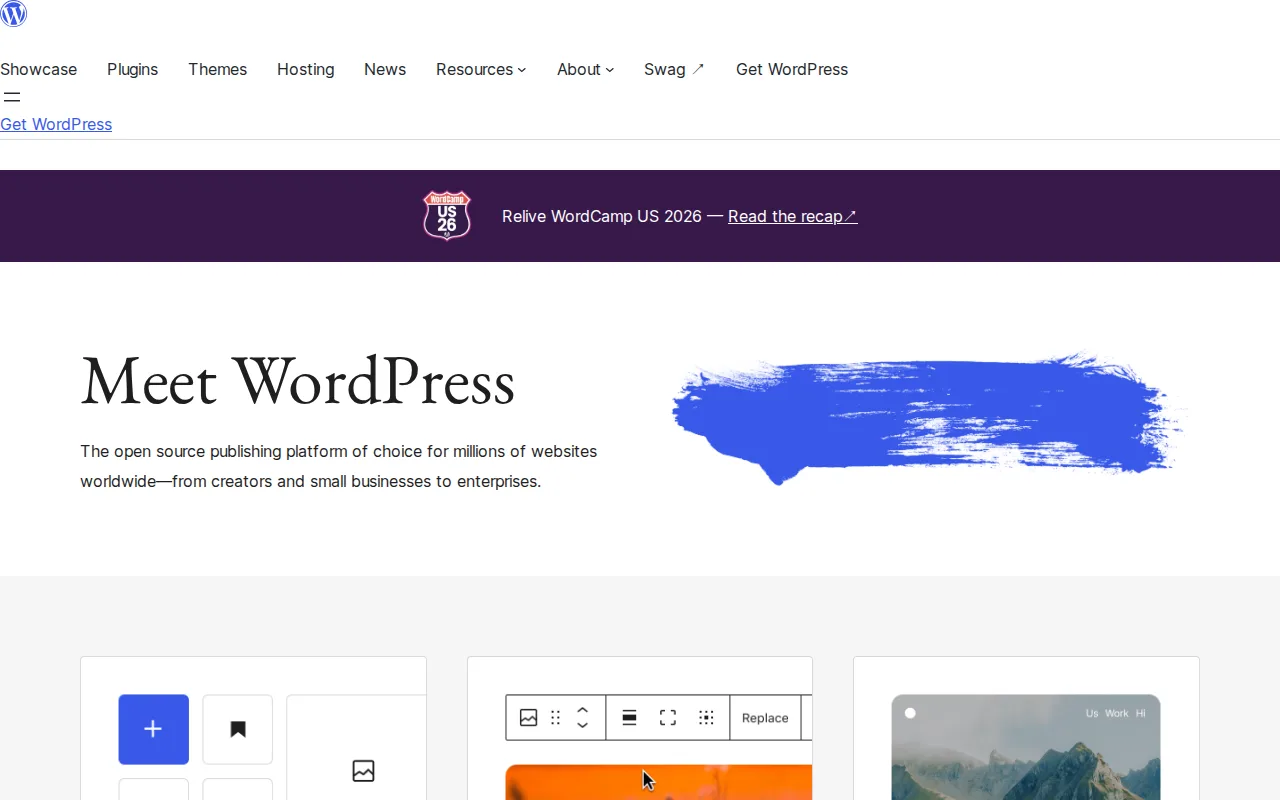
WordPress is the best Wix alternative for site owners and developers who want full control over hosting, plugins, and code without paying a software licensing fee or being locked into Wix's own template system. WordPress itself is free to download and self-host under the GPLv2 (or later) license, with pricing independently verified on 2026-08-21, and a WordPress site can move to any host without vendor lock-in — unlike Wix, which doesn't allow switching templates after a site is published without a full rebuild. WordPress's plugin ecosystem includes tens of thousands of free and premium plugins, WooCommerce for e-commerce and Yoast for SEO among them, letting a self-hosted install take on nearly any site type without custom development. WordPress holds a 4.7/5 rating from 42 Product Hunt reviews. Wix is still the better choice for anyone who doesn't want to manage their own hosting, security, or backups: WordPress puts the site owner fully responsible for server performance, security patching, and update conflicts, a common source of hacked installs that Wix eliminates entirely by being fully managed, and WordPress's total cost is unpredictable since hosting, premium themes, and premium plugins are all separate purchases rather than one fixed subscription.
Compared to Wix: free, open-source software (GPLv2) with no licensing fee, full portability to any host with no template lock-in, tens of thousands of plugins for e-commerce and SEO
Wins:Free to download and self-host under GPLv2, no licensing fee at any site size, vs Wix's $17-159/month paid tiers · Full ownership and portability — a WordPress site can move to any host, unlike Wix's template lock-in after publishing · Plugin ecosystem (WooCommerce, Yoast, and thousands more) covers e-commerce, SEO, and page-building without custom development
Loses:Site owner is fully responsible for hosting performance, security patching, and backups, with no managed vendor safety net like Wix provides · Total cost is unpredictable versus Wix's fixed-tier pricing, since hosting, premium themes, and plugins are separate purchases · Only 42 Product Hunt reviews on record here, far thinner review evidence than Wix's 10,760 Capterra reviews
Pros
- Free software under GPLv2, no licensing fee regardless of site size or traffic.
- Plugin ecosystem covers e-commerce, SEO, forms, and page-building without custom code for most common needs.
- Full ownership and portability: a self-hosted WordPress site can move to any host without vendor lock-in.
- Massive community documentation, forums, and third-party tutorials for nearly any configuration question.
Cons
- Self-hosting means the site owner is responsible for security updates, backups, and server performance, with no built-in vendor safety net.
- Plugin quality varies widely; poorly maintained plugins are a common source of security vulnerabilities and site breakage after core updates.
- Total cost is unpredictable compared to fixed-tier builders, since hosting, premium themes, and premium plugins are all separate purchases.
- The learning curve for a properly configured, secure, fast site is steeper than fully hosted builders like Squarespace or Wix.
Pricing: Free — $0 software cost (GPLv2, self-hosted) vs Wix's $17-159/month tiers — WordPress trades a lower headline cost for separate hosting and maintenance expenses (verified undefined NaN, NaN)
2.Webflow — best Wix alternative for designers and marketing teams who want to ship a fully custom, responsive website without hand-coding CSS, and who are comfortable working inside Webflow's own hosting and CMS rather than a portable open-source stack
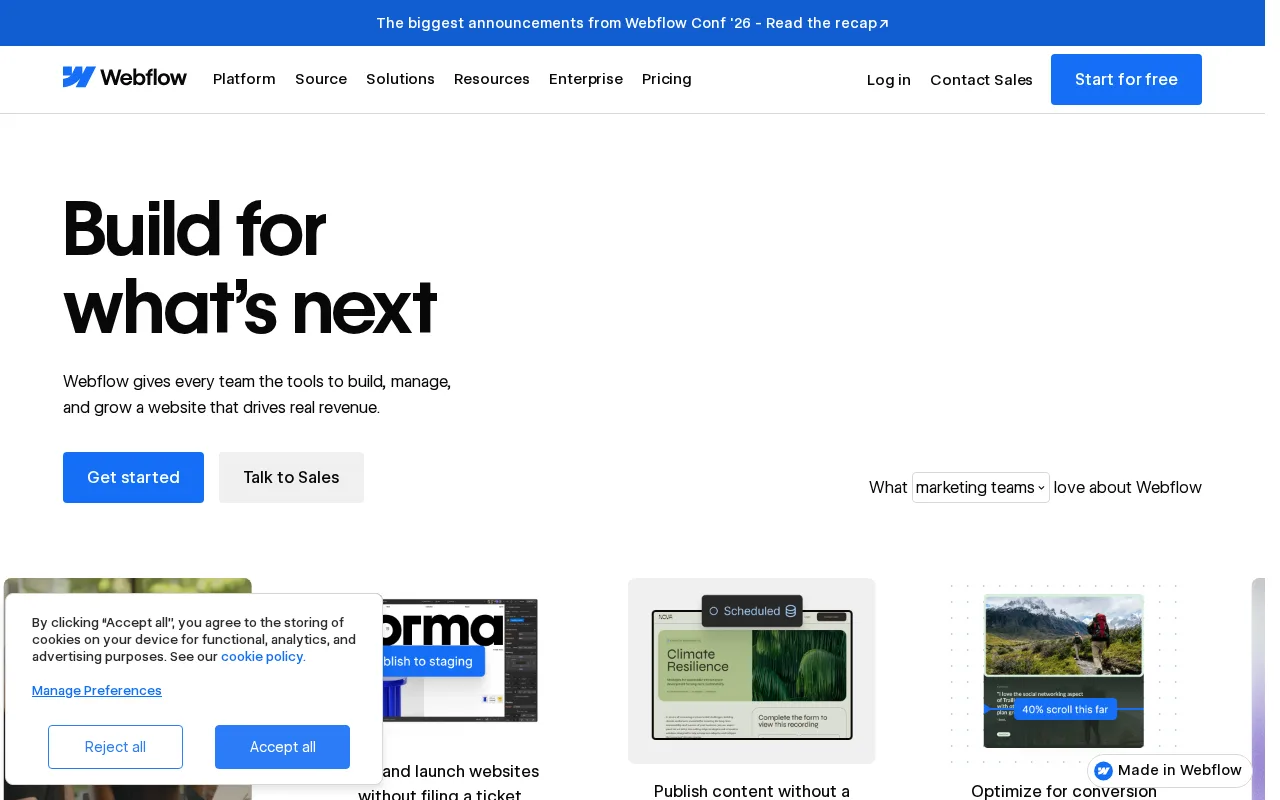
Webflow is the best Wix alternative for designers and marketing teams who want full CSS-level control over layout instead of Wix's drag-and-drop, template-locked editor. Webflow's visual canvas generates production HTML, CSS, and JavaScript directly in the browser, giving designers pixel-level control that Wix's freeform but template-bound editor doesn't match, and Webflow includes a free Starter tier limited to a webflow.io subdomain, similar in spirit to Wix's free published-site plan. Paid Webflow plans start around $18/month for Basic, close to Wix's $17/month Light tier, and Webflow holds a 4.5/5 rating from 266 Capterra reviews plus a 4.8/5 rating from 145 Product Hunt reviews, both above Wix's 4.4/5 from 10,760 Capterra reviews. Webflow's visual CMS lets marketers manage dynamic content like blog posts without touching code, and Figma import plus clean code export give developers a path in and out of the editor that Wix doesn't offer. Wix is still the better choice for non-technical users who want the widest no-code app ecosystem: Webflow's Ecommerce and multi-seat Workspace plans are priced separately from core site plans, and Webflow sites are locked into Webflow's own hosting and CMS with no portable export, while Wix's App Market covers booking, forms, and chat more broadly for non-designers.
Compared to Wix: full CSS-level design control instead of a template-bound editor, higher external ratings (4.5/5 Capterra, 4.8/5 Product Hunt vs 4.4/5 Capterra), Figma import and clean code export
Wins:Full CSS-level visual control produces genuinely custom designs, beyond Wix's template-bound drag-and-drop editor · 4.5/5 Capterra and 4.8/5 Product Hunt ratings, both above Wix's 4.4/5 Capterra score · Figma import and clean code export give designers and developers a path in and out of the editor, which Wix doesn't offer
Loses:Ecommerce and multi-seat Workspace plans are priced separately from site plans, harder to estimate total cost than Wix's tiered pricing · No portable export to self-host elsewhere; leaving Webflow means rebuilding, unlike switching hosts more freely · Narrower no-code app ecosystem than Wix's App Market, which covers booking, forms, and chat for non-designers
Pros
- Full CSS-level visual control produces genuinely custom designs, not template-locked layouts.
- Visual CMS lets marketers manage dynamic content (blog posts, products, team bios) without touching code.
- Hosting, CDN, and SSL are bundled in every paid plan instead of requiring a separate hosting purchase.
- Figma import and clean code export give developers a path in and out of the visual editor.
Cons
- No portable export to self-host elsewhere; leaving Webflow means rebuilding the site on another platform, not migrating a file.
- CMS collection-item and bandwidth limits mean content-heavy or high-traffic sites are pushed toward the pricier Business tier.
- Ecommerce and multi-seat Workspace plans are priced separately from site plans, making total cost harder to estimate upfront.
Pricing: Free tier · paid from $18/mo — $18/month Basic vs Wix's $17/month Light — roughly comparable at entry, though Webflow's Ecommerce and Workspace plans add separate costs
3.Weebly — best Wix alternative for small businesses and solo entrepreneurs who want a simple website with built-in Square-powered online selling, without a separate e-commerce platform

Weebly is the best Wix alternative for small businesses and solo entrepreneurs who want the lowest-cost paid website with online selling included from the very first paid tier. Weebly's Personal plan costs $13/month billed annually, well under Wix's $17/month Light tier, and even at that entry price Weebly includes unlimited e-commerce items, a shopping cart, and Square Gift Cards — features Wix only unlocks at its pricier Business tier for $39/month. Weebly is owned by Square (Block, Inc.), so every paid site ships with Square-powered checkout and in-store pickup for businesses already using Square hardware. Weebly's pricing was independently verified on 2026-08-21, and it holds a 4.3/5 rating from 1,829 Capterra reviews, a smaller sample than Wix's 10,760 Capterra reviews. Wix is still the better choice for anyone who wants a genuinely free published site or a larger no-code app ecosystem: Weebly's templates are functional but dated next to Wix's editor, with no freeform drag-anywhere canvas since sections stack inside a fixed grid, and Wix's App Market and AI-assisted ADI site generator go well beyond what Weebly offers for non-technical customization.
Compared to Wix: cheaper entry tier ($13/mo vs $17/mo), unlimited e-commerce with Square Gift Cards even on the cheapest paid plan, pricing independently verified
Wins:$13/month Personal tier undercuts Wix's $17/month Light tier · Unlimited e-commerce items and Square Gift Cards included even on the cheapest paid tier, vs Wix's $39/month Business tier for full Stores e-commerce · Square-powered checkout and in-store pickup connect online and in-person sales for existing Square merchants
Loses:No genuinely free published-site plan; the free tier is more limited than Wix's live-site-at-no-cost option · Templates feel dated next to Wix's editor, with no freeform drag-anywhere canvas · 4.3/5 rating from 1,829 Capterra reviews, a smaller sample than Wix's 4.4/5 from 10,760 reviews
Pros
- Every paid tier, including the cheapest, includes full e-commerce with unlimited items and Square Gift Cards.
- Square-powered checkout and in-store pickup connect online and in-person sales for businesses already using Square.
- Simple drag-and-drop editor with a low learning curve for people with no web design experience.
- Free SSL and basic eCommerce tools are available even on the free plan.
Cons
- Design templates feel dated next to Squarespace, Webflow, or Wix, with no freeform drag-anywhere canvas.
- Custom domain connection requires the paid Personal tier; the free plan stays on a weebly.com subdomain.
- Phone support is reserved for the top Performance tier at $32/month.
- No confirmed dedicated mobile app for managing the site on the go, unlike competitors such as Wix or Squarespace.
Pricing: Free tier · paid from $13/mo — $13/month Personal vs Wix's $17/month Light — Weebly is cheaper at entry but has a smaller app ecosystem (verified undefined NaN, NaN)