5 Best Alternatives to Vivaldi for iOS in 2026
By Noahlast updated pricing verified
Compared: Vivaldi alternatives that run on iOS
| Alternative | Best for | Standout | Biggest weakness | Learning curve | Price |
|---|---|---|---|---|---|
| Vivaldireference | power users who want deep tab and workspace customization (tiling, stacking, mouse gestures) built into the browser instead of relying on extensions | Built-in tab tiling, stacking, and workspaces plus a native mail client, calendar, and feed reader bundled directly into the browser rather than requiring separate apps or extensions. | The extensive feature set and settings menus create a steeper learning curve than mainstream browsers, and being Chromium-based, Vivaldi still depends on Google's browser engine even while blocking Google's own tracking. | Moderate | Free |
| Brave | privacy-conscious users who want built-in ad and tracker blocking plus an optional device-wide VPN without installing separate browser extensions | Ships with ad and tracker blocking, script blocking, and fingerprint randomization built in and on by default, with no extensions needed to match what competitors require several add-ons to replicate. | Brave Rewards' opt-in BAT-token ad program has drawn criticism from users who find its ad-serving and crypto-wallet defaults confusing to disable, and the VPN/Firewall add-on requires a separate $9.99/month subscription rather than being bundled free. | Low | Free tier · paid from $9.99/mo |
| Firefox | users who want a non-Chromium, open-source browser with tracker blocking on by default and no ties to Google's or Apple's advertising businesses | Runs on the independent Gecko engine rather than Chromium, giving the web a genuine rendering-engine alternative to Google's dominant Blink/Chromium base, with Enhanced Tracking Protection blocking trackers by default. | Firefox's market share has declined for years as most competing browsers (Chrome, Edge, Brave, Opera) all run on Chromium, meaning some sites and web apps get tested and optimized for Chromium first and occasionally behave inconsistently in Firefox. | Low | Free |
| Opera | everyday users who want built-in ad blocking, a free VPN, and an AI chat assistant bundled into the browser instead of installed as separate extensions | A free built-in VPN and ad blocker shipped inside the browser by default, with no extension installs or subscription required, plus Opera AI chat and Tab Islands for tab organization. | Opera's free built-in VPN is a basic privacy tool, not a full-featured VPN service, with fewer server locations and less consistent speed than dedicated VPN products, and the browser's extra features (AI, Flow, Tab Islands) add complexity some users don't want in a simple browser. | Low | Free |
| Arc | users who already adopted Arc's Spaces workflow and want a free, stable Chromium browser, not those looking for a browser with an active development roadmap | Spaces and Profiles, which group tabs, extensions, and favorites into separate switchable environments instead of one flat tab bar. | The Browser Company halted active development on Arc in May 2025 to focus on its new AI browser Dia, and Atlassian acquired the company in October 2025; Arc now receives only minimal security fixes, not new features, so it is effectively a discontinued product going forward. | Moderate | Free |
| Microsoft Edge | Windows users who want a browser tightly integrated with the OS, Microsoft 365, and Copilot AI without installing a separate browser | Deep Windows and Microsoft 365 integration combined with Copilot Vision, which can analyze on-screen content and suggest actions directly inside the browser, going beyond the AI features most competing browsers offer. | Most of Edge's distinguishing features (Copilot, cross-device sync, deep OS integration) assume a Microsoft account and are most valuable on Windows, giving non-Windows users little practical reason to choose it over Chrome, whose engine it shares; it also carries a reputation for persistent default-browser prompts and pre-installed promotional content on Windows. | Low | Free |
 Vivaldi
 Brave
Brave Firefox
 Opera
Opera Arc
Arc Microsoft Edge
1.Brave — best Vivaldi alternative for privacy-conscious users who want built-in ad and tracker blocking plus an optional device-wide VPN without installing separate browser extensions
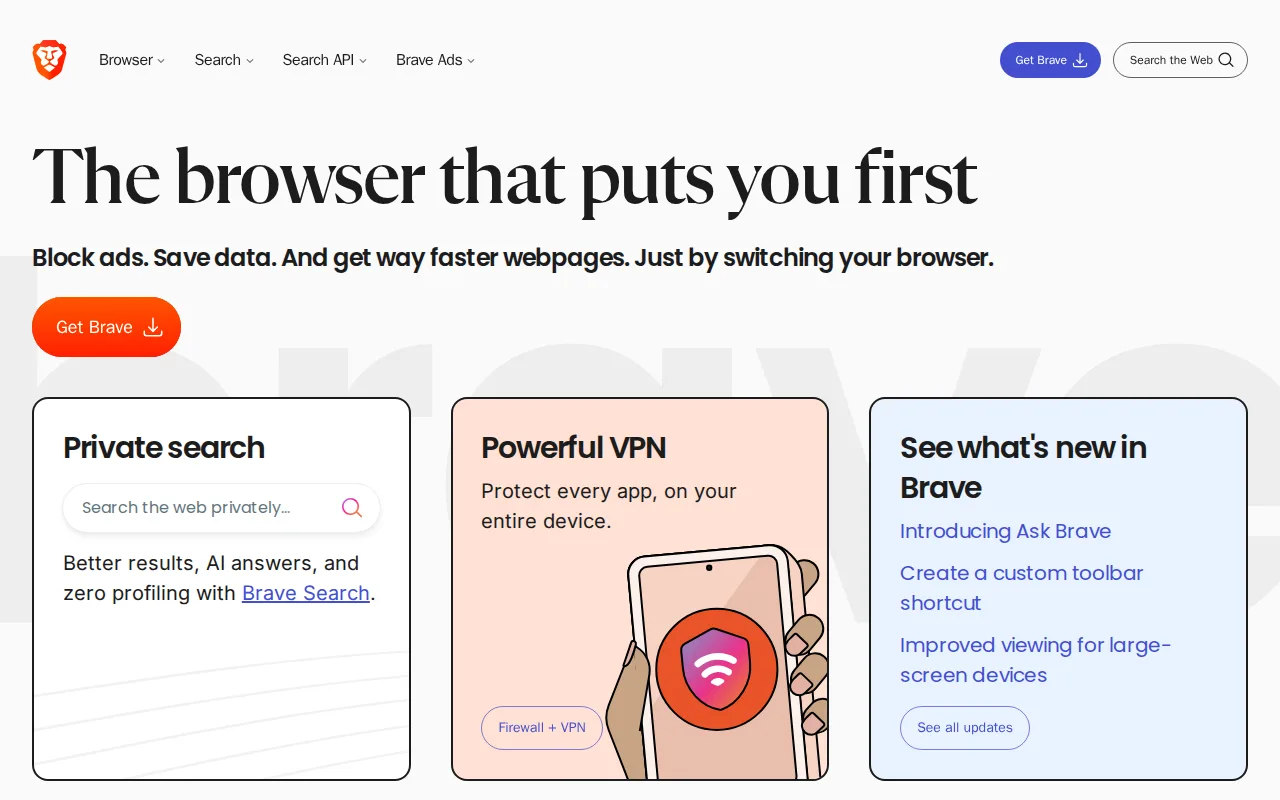
Brave is the best Vivaldi alternative for users who want ad and tracker blocking on by default with no configuration, matching Vivaldi's own built-in blocker but pairing it with an optional device-wide VPN, something Vivaldi doesn't offer natively. Brave's client code is open source under the Mozilla Public License 2.0, the same license Firefox uses, letting security researchers audit it directly, while Vivaldi's core remains closed source despite its privacy-focused positioning. Brave Firewall + VPN costs $9.99/month or $99.99/year and covers up to 10 devices, an add-on Vivaldi's own free browser doesn't provide (though Vivaldi does bundle Proton VPN integration). Vivaldi is still the better choice for power users who want deep tab tiling, stacking, and workspace management plus a native mail client and calendar built directly into the browser: Brave has no equivalent tab-tiling or workspace system, and its opt-in Brave Rewards BAT-token ad program has drawn criticism from users who find it confusing to disable, a complexity Vivaldi's more straightforward productivity-tool bundling avoids.
Compared to Vivaldi: open-source client code (MPL-2.0) vs Vivaldi's closed-source core, optional $9.99/month device-wide VPN vs Vivaldi's Proton VPN integration, no built-in tab tiling or mail client vs Vivaldi's bundled productivity suite
Wins:Client code is open source under MPL-2.0 and independently auditable, unlike Vivaldi's closed-source core · Ad and tracker blocking, script blocking, and fingerprint randomization are on by default with zero configuration required · Brave Search runs on an independent index rather than reselling another engine's results
Loses:No built-in tab tiling, stacking, or workspace system the way Vivaldi bundles directly into the browser · No native mail client, calendar, or feed reader, all of which Vivaldi includes · Brave Rewards' opt-in BAT-token ad program confuses some users about what's on by default versus optional
Pros
- Blocks ads and trackers by default with no extensions required to set up.
- Client code is open source (MPL-2.0) and independently auditable.
- Built-in Brave Search runs on an independent index rather than reselling another engine's results.
- Available on every major desktop and mobile platform with nearly 160 languages supported.
Cons
- Brave Rewards' opt-in BAT-token ad program confuses some users about what's on by default versus optional.
- Brave VPN is a separate $9.99/month subscription, not bundled free with the browser.
- Built on Chromium, so it inherits Google's engine-level decisions and roadmap even while blocking Google's tracking.
- Some sites misidentify Brave's fingerprint randomization as bot activity, occasionally breaking site functionality.
Pricing: Free tier · paid from $9.99/mo — Free browser, optional $9.99/month Firewall + VPN vs Vivaldi's entirely free browser with Proton VPN integration (verified undefined NaN, NaN)
2.Firefox — best Vivaldi alternative for users who want a non-Chromium, open-source browser with tracker blocking on by default and no ties to Google's or Apple's advertising businesses
Firefox is the best Vivaldi alternative for users who want genuine rendering-engine independence: Firefox runs on Mozilla's own Gecko engine rather than Chromium, unlike Vivaldi, which despite its privacy-first positioning still depends on Google's Chromium base. Firefox holds a 4.4/5 rating from 543 Capterra reviews, the only alternative here with a substantial external rating to compare against Vivaldi's own lack of an external rating on record. Firefox's source code is fully public on GitHub under the Mozilla Public License 2.0, and Mozilla, a non-profit foundation, states it does not sell user browsing data, matching Vivaldi's own no-data-selling stance. Vivaldi is still the better choice for power users who specifically want deep tab tiling, stacking, and workspaces plus a bundled mail client, calendar, and feed reader built directly in: Firefox has no equivalent tab-management system and relies on its 30,000+ extension ecosystem for similar functionality rather than shipping it natively, and Firefox's market share decline means some sites are tested against Chromium first and can render inconsistently.
Compared to Vivaldi: runs on independent Gecko engine vs Vivaldi's Chromium base, has an external Capterra rating (4.4/5 from 543 reviews) vs Vivaldi's none, no native tab tiling/mail client vs Vivaldi's bundled productivity suite
Wins:Runs on the independent Gecko rendering engine, preserving web rendering-engine diversity unlike Vivaldi's Chromium base · 4.4/5 rating from 543 Capterra reviews, giving buyers an external signal Vivaldi's listing doesn't have · Enhanced Tracking Protection blocks trackers and third-party cookies by default with no extra configuration
Loses:No built-in tab tiling, stacking, or workspace system; achieving similar organization requires extensions · No native mail client, calendar, or feed reader bundled into the browser, unlike Vivaldi's built-in productivity suite · Market share has declined for years, so some sites are tested against Chromium first and can render inconsistently
Pros
- Free and open source, published on GitHub under the Mozilla Public License 2.0.
- Enhanced Tracking Protection blocks third-party trackers and cookies by default.
- Runs on the independent Gecko engine rather than Chromium, preserving rendering-engine diversity on the web.
- Built-in Reader Mode, picture-in-picture, and PDF editing without extra extensions.
Cons
- Market share has declined for years, so some sites are tested against Chromium first and can render inconsistently.
- Fewer and sometimes lower-quality extensions available compared to the Chrome Web Store.
- Sync and account features are less tightly integrated with a broader productivity suite than Edge (Microsoft 365) or Chrome (Google Workspace).
- Performance and memory usage can lag Chrome on some heavy, JavaScript-intensive web apps.
Pricing: Free — Free with no paid tier vs Vivaldi's entirely free browser (verified undefined NaN, NaN)
3.Opera — best Vivaldi alternative for everyday users who want built-in ad blocking, a free VPN, and an AI chat assistant bundled into the browser instead of installed as separate extensions
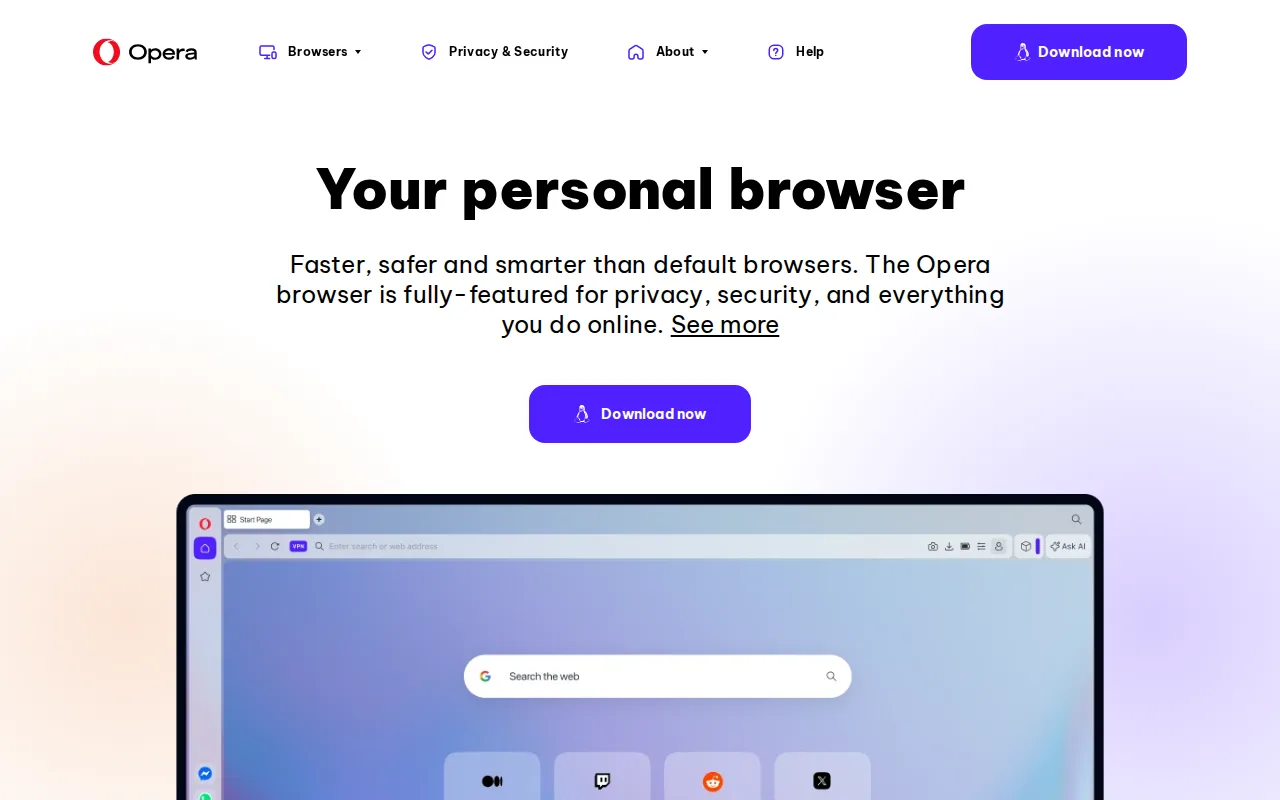
Opera is the best Vivaldi alternative for everyday users who want a genuinely free, built-in VPN with no separate subscription, since Opera's VPN is bundled into the core browser at no cost, unlike Vivaldi, which integrates with Proton VPN as a separate product rather than including its own VPN natively. Opera holds a 4.4/5 rating from 15 Product Hunt reviews, giving it an external signal Vivaldi's own listing lacks. Opera AI chat is built directly into the browser sidebar, and Tab Islands group related tabs into visual clusters, a lighter-weight organizational feature than Vivaldi's more extensive tiling and stacking system but still built in rather than requiring extensions. Vivaldi is still the better choice for power users who want deeper tab management and a full built-in productivity suite: Opera's bundled VPN is a basic privacy tool with fewer server locations and less consistent speed than a dedicated VPN service, and Opera has no native mail client or calendar the way Vivaldi bundles directly into the browser. Opera's extra features (AI, Flow, sidebar messengers) also add UI complexity some users don't want in a simple browser, a criticism similar to one leveled at Vivaldi's own dense settings menus.
Compared to Vivaldi: free built-in VPN with no subscription vs Vivaldi's separate Proton VPN integration, has an external Product Hunt rating (4.4/5 from 15 reviews) vs Vivaldi's none, lighter Tab Islands organization vs Vivaldi's deeper tiling/stacking system
Wins:Built-in VPN is bundled free with no subscription required, unlike Vivaldi's separate Proton VPN integration · 4.4/5 rating from 15 Product Hunt reviews, an external signal Vivaldi's listing doesn't have · Opera AI chat is built directly into the browser sidebar for immediate use
Loses:Tab Islands offer lighter tab organization than Vivaldi's more extensive tiling, stacking, and full workspace system · No native mail client, calendar, or feed reader bundled in, all of which Vivaldi includes · Bundled VPN is a basic privacy tool with fewer server locations and less consistent speed than a dedicated VPN service
Pros
- Free built-in VPN and ad blocker with no extension install or subscription required.
- Opera AI chat assistant is built directly into the browser sidebar.
- Tab Islands organize related tabs into visual groups for easier context switching.
- Available across Windows, macOS, Linux, iOS, and Android, plus the gaming-focused Opera GX variant.
Cons
- The bundled free VPN is a basic privacy feature, not a full VPN service, with fewer locations and less consistent performance than dedicated VPN products.
- Built on Chromium, so it inherits the same underlying engine (and market-power concerns) as Chrome and Edge rather than offering a truly independent rendering engine.
- Extra bundled features (AI, Flow, sidebar messengers) add UI complexity for users who just want a minimal browser.
- Smaller extension ecosystem than Chrome, though it can install most Chrome Web Store extensions.
Pricing: Free — Free with a bundled VPN and no paid tier vs Vivaldi's entirely free browser with Proton VPN integration (verified undefined NaN, NaN)
4.Arc — best Vivaldi alternative for users who already adopted Arc's Spaces workflow and want a free, stable Chromium browser, not those looking for a browser with an active development roadmap
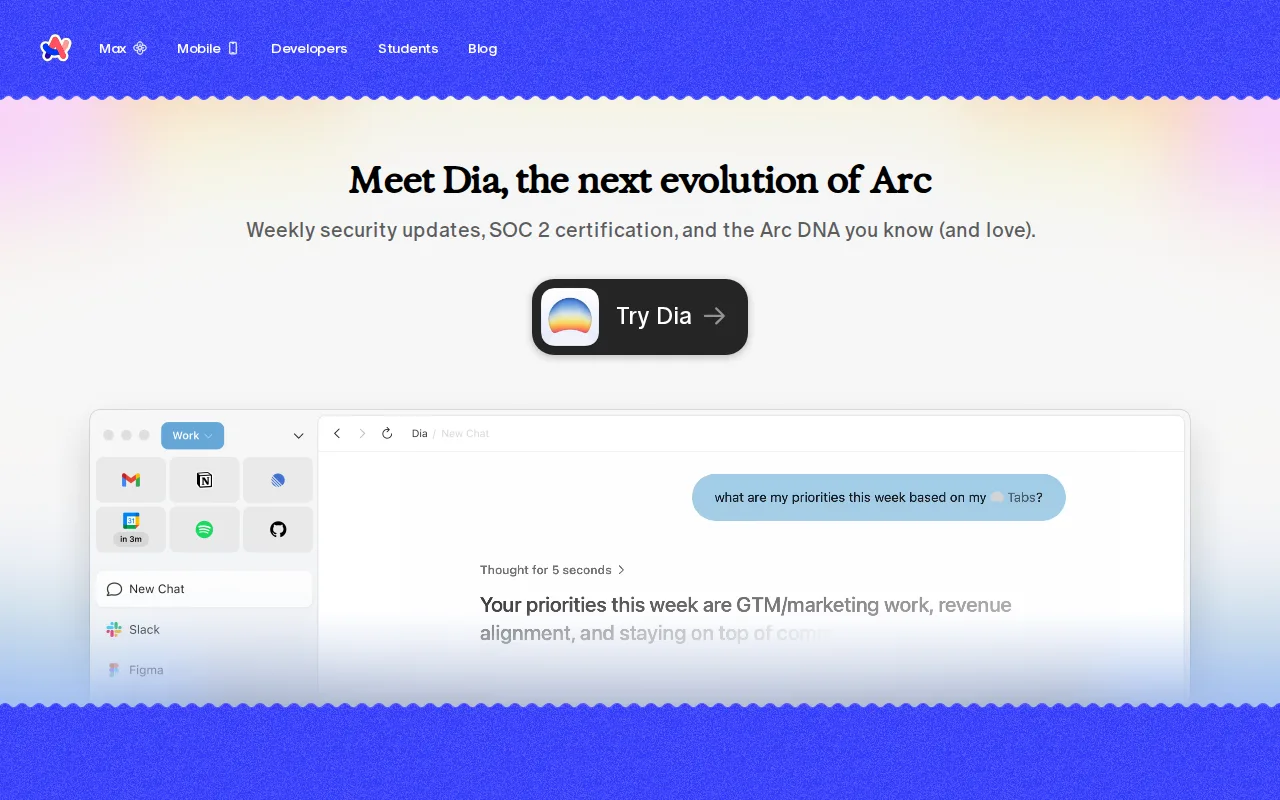
Arc is the best Vivaldi alternative for users who specifically want Spaces and Profiles to organize tabs into separate switchable environments, a different but comparably deep organizational philosophy to Vivaldi's own tab tiling, stacking, and workspaces. Both Arc and Vivaldi are entirely free with no paid tier, and Arc's Split View lets users view two pages side by side in one window, similar in spirit to Vivaldi's own tab tiling feature. Vivaldi is clearly the better choice going forward, though, since The Browser Company halted active development on Arc in May 2025 to focus on its new AI-native browser Dia, and Atlassian acquired The Browser Company in October 2025, meaning Arc now receives only minimal security fixes rather than new features. Vivaldi, by contrast, is actively developed and bundles a native mail client, calendar, and feed reader that Arc has never offered, and Vivaldi runs on Linux and Android as well, while Arc has no Linux or Android version at all.
Compared to Vivaldi: development frozen since May 2025 vs Vivaldi's active development, no Linux or Android version vs Vivaldi's five-platform support, Spaces/Split View organization vs Vivaldi's tiling/stacking/workspaces
Wins:Spaces and Profiles group tabs, extensions, and favorites into separate switchable environments, a distinct organizational model from Vivaldi's · Split View lets users view two pages side by side in one window with a polished, distinctive interface · Free with no paid tier, matching Vivaldi's own pricing
Loses:Development is frozen: no new features since May 2025, only minimal security patches, following Atlassian's October 2025 acquisition of The Browser Company · No Linux or Android version at all, unlike Vivaldi's support across Windows, macOS, Linux, iOS, and Android · No native mail client, calendar, or feed reader, all of which Vivaldi bundles directly into the browser
Pros
- Free with no paid tier or subscription to manage.
- Spaces and Split View genuinely reduce tab clutter for users juggling many contexts.
- Full compatibility with Chrome extensions since it's Chromium-based.
- Polished, distinctive interface that many reviewers say replaced Chrome or Safari for them.
Cons
- Development is frozen: no new features since May 2025, only minimal security patches.
- The Browser Company (now owned by Atlassian) has redirected its engineering effort to Dia, its separate AI-native browser.
- Spaces and the non-traditional interface require a real adjustment period for users coming from Chrome or Safari.
- No Linux or Android version, unlike most competing browsers.
Pricing: Free — Free with no paid tier vs Vivaldi's entirely free browser (verified undefined NaN, NaN)
5.Microsoft Edge — best Vivaldi alternative for windows users who want a browser tightly integrated with the OS, Microsoft 365, and Copilot AI without installing a separate browser
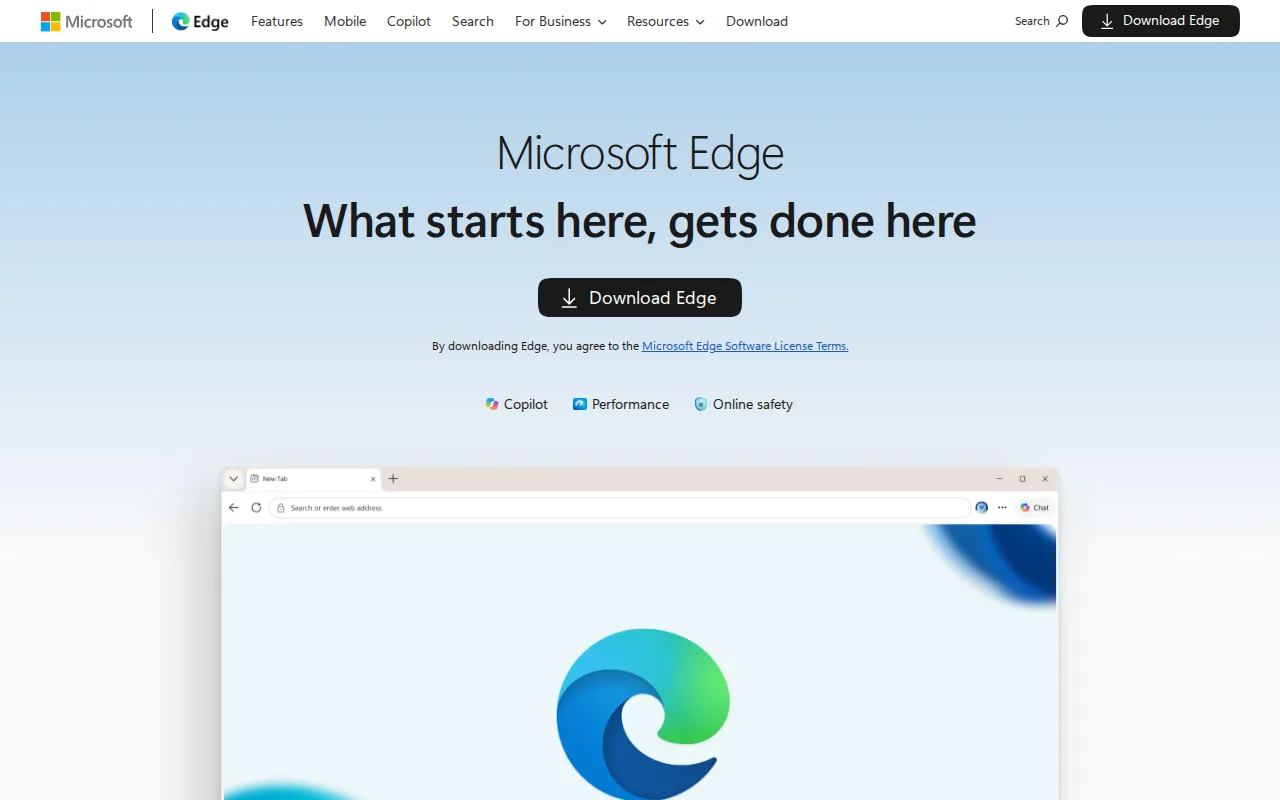
Microsoft Edge is the best Vivaldi alternative for Windows users who want a browser tightly integrated with the OS and Microsoft 365, an ecosystem advantage Vivaldi's independent, cross-platform-neutral design doesn't specifically target. Edge is built into Windows with no separate install required and free on macOS, Linux, iOS, and Android, matching Vivaldi's own free, no-paid-tier model across the same five platforms. Edge's Copilot and Copilot Vision integrate AI chat and on-screen content analysis directly into the browser, a more advanced built-in AI feature set than Vivaldi currently offers. Vivaldi is still the better choice for power users who want deep tab tiling, stacking, and workspace customization plus a native mail client, calendar, and feed reader, none of which Edge provides: Edge's distinguishing features mostly assume a Microsoft account and are most valuable within the Windows/Microsoft 365 ecosystem, giving non-Windows users little practical reason to choose it, and Edge shares Chrome's underlying engine just as Vivaldi does, so neither offers a rendering-engine alternative the way Firefox does.
Compared to Vivaldi: deep Windows/Microsoft 365 integration vs Vivaldi's platform-neutral design, Copilot Vision on-screen AI analysis vs Vivaldi's lack of a comparable AI feature, no native tab tiling/mail client vs Vivaldi's bundled productivity suite
Wins:Built into Windows with no separate install required, and deeply integrated with Microsoft 365 for users in that ecosystem · Copilot and Copilot Vision analyze on-screen content and suggest actions directly inside the browser · Performance features (energy saver, sleeping tabs, startup boost) are aimed at extending laptop battery life
Loses:No built-in tab tiling, stacking, or workspace system the way Vivaldi bundles directly into the browser · No native mail client, calendar, or feed reader, all of which Vivaldi includes · Most standout features assume a Microsoft account and are most useful within the Windows ecosystem, unlike Vivaldi's platform-neutral design
Pros
- Built into Windows with no separate install required, and free on macOS, Linux, iOS, and Android.
- Chromium-based, so it supports most Chrome extensions and web standards.
- Copilot and Copilot Vision integrate AI chat and on-screen analysis directly into the browser.
- Performance features (energy saver, sleeping tabs, startup boost) are aimed at extending laptop battery life and reducing memory use.
Cons
- Most standout features assume a Microsoft account and are most useful within the Windows/Microsoft 365 ecosystem.
- Shares Chrome's underlying engine, so it offers few rendering or compatibility advantages over Chrome itself.
- Windows repeatedly prompts users to keep Edge as their default browser, which some users find intrusive.
- Smaller and less mature non-Windows install base means fewer platform-specific optimizations on macOS/Linux/mobile compared to Windows.
Pricing: Free — Free with no paid tier vs Vivaldi's entirely free browser (verified undefined NaN, NaN)