1 Best Open-Source Alternatives to UXPin in 2026
By Noahlast updated pricing verified
Compared: open-source alternatives to UXPin
| Alternative | Best for | Standout | Biggest weakness | Learning curve | Price |
|---|---|---|---|---|---|
| UXPinreference | product design teams building on a custom React component library who need prototypes and handoff specs that match production code, not just visual mockups | Code-backed components (MUI, Tailwind UI, Ant Design, or a team's own synced React library via Git) that let prototypes carry real logic, variables, and conditional flows, then export directly to production-ready React code. | Steeper learning curve and setup overhead than static design tools like Figma or Sketch, since the code-backed workflow only pays off when a team actually syncs and maintains a real component library rather than using generic templates. | Steep | Free tier · paid from $29/mo |
| Penpot | small design teams (up to 8 members) wanting a free Figma-style tool, and larger organizations wanting to self-host their design infrastructure under an open-source license | Full MPL-2.0 open-source codebase that can be self-hosted with no per-seat licensing cost, while the hosted cloud plan stays free for teams up to 8 people. | The Unlimited and Enterprise cloud tiers ($7 and $25 per user/month) sit close to Figma's pricing, so the cost advantage mainly shows up for teams willing to self-host, and Penpot's plugin and font ecosystem is smaller than Figma's after years of third-party development there. | Moderate | Free tier · paid from $7/mo |
 UXPin
UXPin Penpot
1.Penpot — best UXPin alternative for small design teams (up to 8 members) wanting a free Figma-style tool, and larger organizations wanting to self-host their design infrastructure under an open-source license
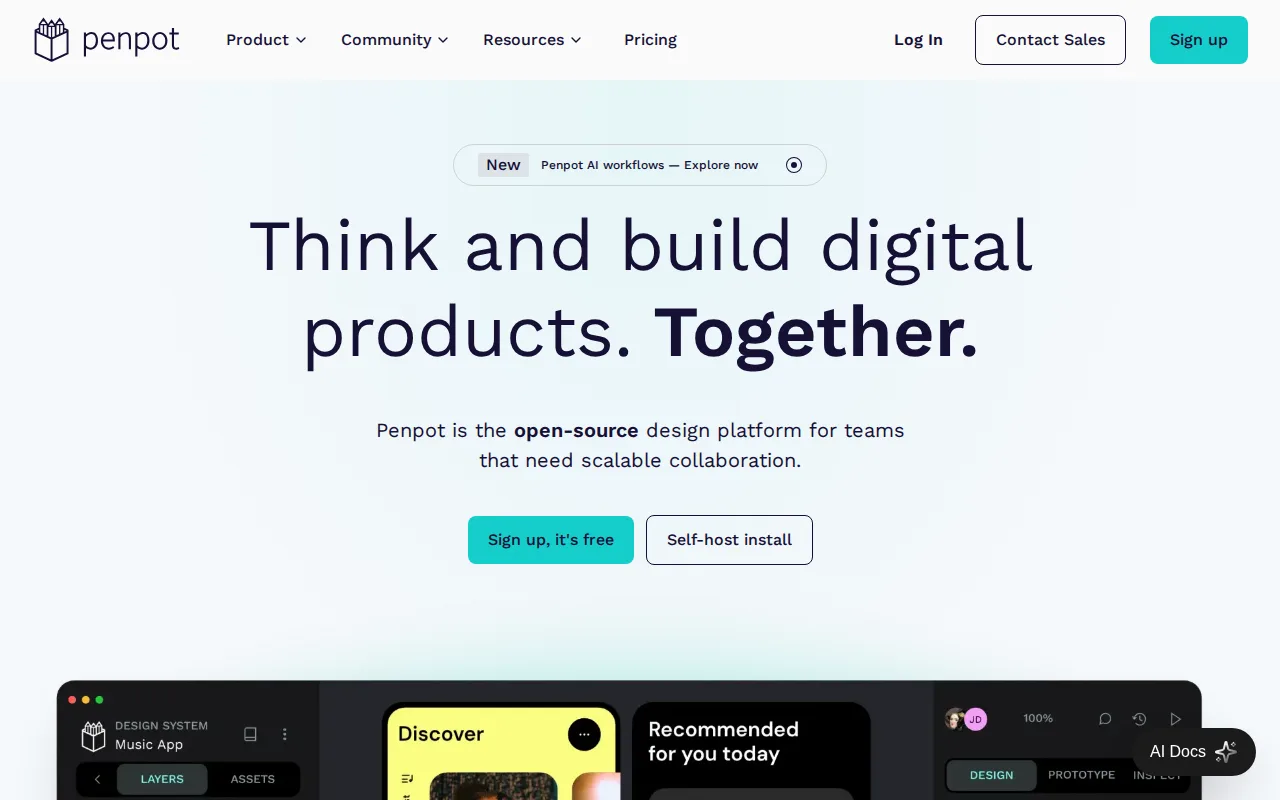
Penpot is the best UXPin alternative for teams that want a free, open-source design platform they can self-host, since Penpot's full codebase is published under the Mozilla Public License 2.0 and can run entirely on an organization's own infrastructure with no per-seat fee, an option UXPin's closed-source, cloud-only product doesn't offer. Penpot's hosted Professional plan is free for teams up to 8 members with unlimited viewers, a genuinely free tier UXPin only offers in a limited form (50 AI credits, 2 prototypes) after its 14-day trial ends. Penpot exports natively to standard SVG, CSS, HTML, and JSON, and has added AI workflows for code-to-design and design-to-code conversion. UXPin is still the better choice for teams that specifically need code-backed component prototyping with real logic and variables: Penpot's smaller plugin and font ecosystem lags behind more established tools, and Penpot's Unlimited ($7/user/month) and Enterprise ($25/user/month) cloud tiers sit close to UXPin's own pricing once a team outgrows the free 8-member cap, narrowing the cost advantage for teams not self-hosting.
Compared to UXPin: MPL-2.0 open-source core is free to self-host, free Professional plan for up to 8 members, but no code-backed React components or logic in prototypes
Wins:Full MPL-2.0 open-source codebase can be self-hosted with no vendor lock-in, an option UXPin doesn't offer · Free Professional plan covers teams up to 8 members with unlimited viewers, more generous than UXPin's limited post-trial free plan · Native CSS Grid and Flexbox-aware layout tools that export directly to standard CSS, HTML, and SVG
Loses:No code-backed React components; prototypes use static vector shapes rather than UXPin's real component logic and variables · Smaller plugin and font marketplace than more established design tools · Cloud Unlimited ($7/user/month) and Enterprise ($25/user/month) tiers narrow the cost advantage for teams not self-hosting
Pros
- Full open-source codebase (MPL-2.0) that can be self-hosted with no vendor lock-in.
- Free Professional plan covers teams up to 8 members with unlimited viewers.
- Native CSS Grid and Flexbox-aware layout tools that export directly to standard CSS.
- Design-to-code and code-to-design AI workflows built into the platform.
Cons
- Smaller plugin and font marketplace than Figma, which has years of third-party ecosystem lead.
- Enterprise self-hosted licensing ($50,000/year) is a significant jump from the free self-hosted community edition's DIY setup.
- Cloud Unlimited and Enterprise pricing ($7-$25/user/month) is close to Figma's own tiers, narrowing the price advantage for teams not self-hosting.
- Real-time collaboration and rendering performance on very large files lag behind Figma, per user reports.
Pricing: Free tier · paid from $7/mo — Free for teams up to 8 members; Unlimited is $7/user/month vs UXPin's $29/seat/month Core (verified undefined NaN, NaN)