Universal Media Server — A free, open-source DLNA, UPnP, and HTTP/S media server descended from PS3 Media Server, for streaming local video, audio, and photo libraries to networked devices.

By Noahlast updated pricing verified
Universal Media Server screenshots & video
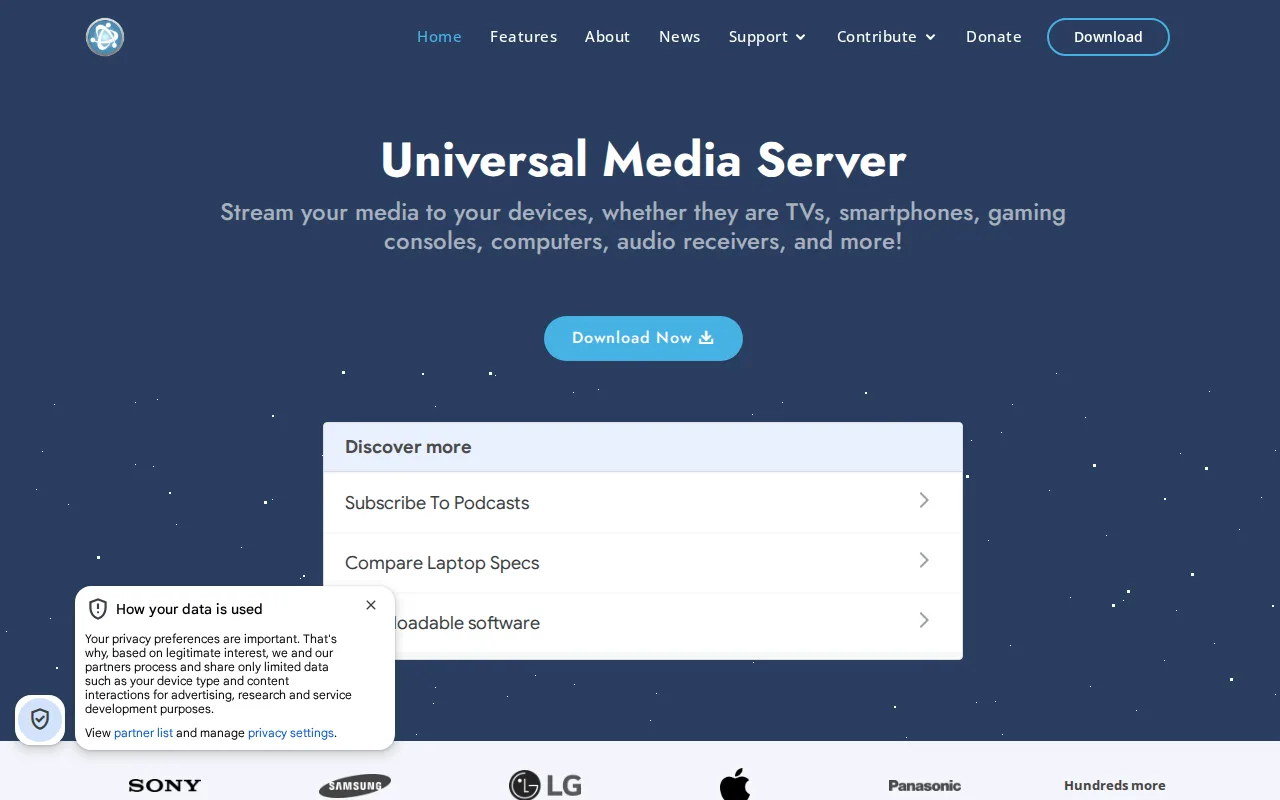
Universal Media Server in 20 seconds
Best for: technically comfortable users streaming a local media library to a smart TV or game console over DLNA/UPnP without cloud accounts
Pricing: Completely free and open source; no paid tiers.
- Universal Media Server is a free, open-source (GPL-2.0) DLNA/UPnP/HTTP media server forked from PS3 Media Server.
- It runs on Windows, macOS, and Linux and has no cost at any tier.
- Its GitHub repository has roughly 2,600 stars and 525 forks.
- It has no native web or mobile streaming client, relying on DLNA/UPnP discovery instead.
- It uses bundled FFmpeg, MediaInfo, MEncoder, tsMuxeR, AviSynth, and VLC for on-the-fly transcoding.
Limitations: No native web or mobile app for remote streaming.; Setup and transcoding configuration require more technical comfort than app-based alternatives.; Interface is noticeably less polished than Plex or Jellyfin.
Top alternatives: Jellyfin, Plex, Emby, Serviio, Kodi — full list
What is Universal Media Server?
Universal Media Server is a free, open-source DLNA/UPnP/HTTP media server for sharing local video, audio, and photo files with other devices on a home network. It originated as a fork of PS3 Media Server and inherited that project's focus on transcoding whatever file format a client device needs on the fly, using bundled engines such as FFmpeg, MEncoder, tsMuxeR, and VLC. Unlike app-centric media platforms, UMS relies on the DLNA/UPnP protocol so that smart TVs, game consoles (including PlayStation and Xbox), and other DLNA-capable devices can discover and browse the shared library without installing a dedicated client app. It has no built-in remote-access web app or mobile client of its own, and no cloud component; everything runs on the local network from a self-hosted Windows, macOS, or Linux machine. The project is maintained by volunteer contributors and distributed under the GPL-2.0 license.
Universal Media Server (UMS) is a free, open-source media server, licensed under GPL-2.0, that shares video, audio, and image libraries over DLNA, UPnP, and HTTP/S to smart TVs, game consoles, and other networked devices on a home network. UMS is a fork of PS3 Media Server and leans on bundled tools (FFmpeg, MediaInfo, MEncoder, tsMuxeR, AviSynth, VLC) to transcode formats a target device cannot play natively, with an emphasis on broad file-format compatibility and minimal setup rather than a polished streaming UI. It runs on Windows, macOS, and Linux, and its GitHub repository has roughly 2,600 stars and 525 forks, with an active issue tracker and community forum. Because it has no web-based streaming client of its own and depends on DLNA/UPnP discovery rather than app-based casting, UMS suits technically comfortable users streaming to a smart TV or game console more than people wanting a Netflix-style mobile and web app experience like Plex or Jellyfin provide.
Standout feature: Broad on-the-fly transcoding built on bundled FFmpeg, MEncoder, tsMuxeR, and VLC engines, aimed at maximizing compatibility with whatever a target DLNA device can and cannot play natively.
Biggest weakness: No native web or mobile streaming client and no remote-access app of its own, so users who want Plex- or Jellyfin-style casting from anywhere need to pair UMS with separate remote-access tooling or rely purely on local-network DLNA discovery.
Pros
- Free and open source under GPL-2.0, with no subscription, account, or cloud dependency.
- Broad file-format and device compatibility through bundled FFmpeg, MEncoder, tsMuxeR, and VLC transcoding.
- Runs on Windows, macOS, and Linux with an active GitHub community (roughly 2,600 stars, 525 forks).
- Works with DLNA/UPnP game consoles and smart TVs without requiring a dedicated client app on the receiving device.
Cons
- No built-in web app or mobile client, unlike Plex or Jellyfin, which limits convenient remote or on-the-go streaming.
- Configuration and codec/transcoding setup require more technical comfort than app-based alternatives.
- Interface and library browsing are noticeably less polished than Plex's or Jellyfin's consumer-facing apps.
- Relies on local-network DLNA/UPnP discovery, which can be inconsistent across different router and device combinations.
Universal Media Server pricing
Free · verified from the vendor's pricing page
What reviewers say
No third-party review scores on file yet.