5 Best Alternatives to Subscord in 2026
By Noahlast updated pricing verified

From our data: None of the 5 Subscord alternatives publishes a 0% platform fee or describes crypto payments; the 3 with complete fee schedules take 3% (PayBot), 10% or 2.5% plus $28/month (DoorFee), and 3.5% plus $29/month (LaunchPass Premium), so at $6,000 a month in sales they cost $180, $178 to $600, and $239 against $65 on Subscord Max.
 DoorFee
 PayBot
 Upgrade.chat
 LaunchPass
 Whop
How we picked
- Each alternative was measured against Subscord's published plans, verified on 15 September 2026: 0% platform fees, with Free for up to 10 active subscribers, Pro at $39/month for 50, Max at $65/month for 500, and Unlimited at $199/month. Break-even points are computed from published fees, for example DoorFee Free's 10% against Subscord Pro at $390 a month in sales.
- Pricing was verified on 23 October 2026 for DoorFee and on 15 September 2026 for PayBot and LaunchPass. Upgrade.chat's plan prices are not shown in its pricing page's static content and Whop publishes no flat price, so their costs could not be computed.
- Payment methods were compared against Subscord's Stripe checkout plus 100+ cryptocurrencies: no alternative here describes crypto payments, Upgrade.chat connects PayPal directly, and DoorFee, PayBot, and LaunchPass run on Stripe only.
- Platform reach was compared against Subscord's Discord-only scope: Upgrade.chat adds Telegram and WhatsApp, LaunchPass adds Telegram and Slack, Whop runs communities in its own chat with an iOS app, and DoorFee and PayBot are Discord only.
- None of the six products on this page, Subscord included, has an external rating on record here, so the comparison rests on published fees and features.
Paid placement never alters editorial rank — read the full methodology.
Subscord alternatives at a glance
| Alternative | Best for | Learning curve | Price |
|---|---|---|---|
| Subscordreference | Discord server owners selling paid roles or subscriptions who want crypto payment support without platform sales fees. | Low | Free tier · paid from $39/mo |
| DoorFee | selling a recurring paid Discord role, such as a trading-signals or sports-picks channel, with Stripe billing and automatic role removal when a member stops paying | Low | Free tier · paid from $28/mo |
| PayBot | Discord server owners selling paid memberships, trading-room access, or courses who want payments and role access automated without a monthly software bill. | Low | Free |
| Upgrade.chat | Discord or Telegram server owners who want to sell paid roles or subscriptions with automatic access revocation tied directly to PayPal or Stripe payment status. | Low | Pricing not verified |
| LaunchPass | Creators charging a recurring fee for access to a private Discord server, Telegram group, or Slack workspace (e.g., stock-trading alert groups, podcaster communities, crypto/NFT groups) | Low | Free tier · paid from $29/mo |
| Whop | Creators and small teams selling gated communities, courses, coaching, or trading/education memberships who want a hosted storefront plus checkout and chat without building their own site. | Moderate | Pricing not verified |
 Subscord
1DoorFee — best Subscord alternative for selling a recurring paid Discord role, such as a trading-signals or sports-picks channel, with Stripe billing and automatic role removal when a member stops paying
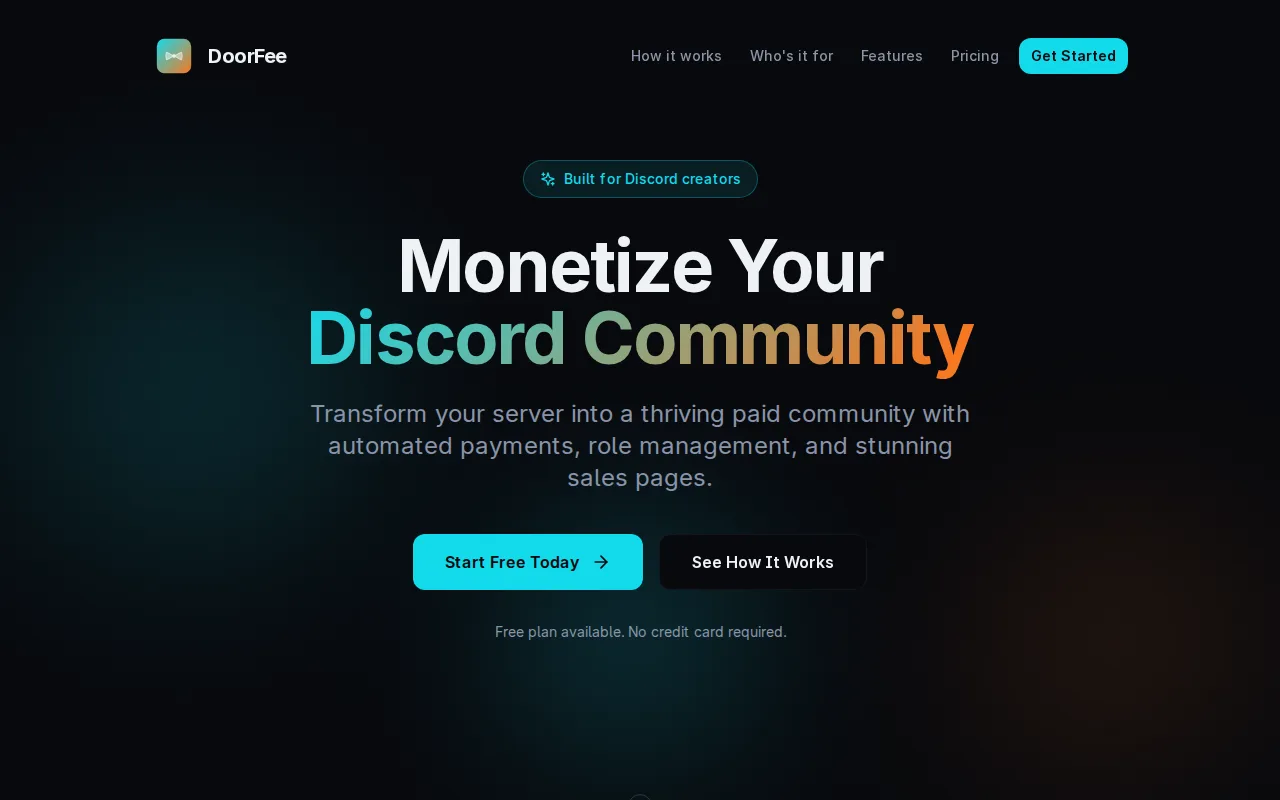
DoorFee is the best Subscord alternative for a Discord server that wants marketing tools without paying for a plan, and that has outgrown Subscord's 10-subscriber free tier. DoorFee's Free plan has no subscriber cap and no monthly fee and takes 10% per transaction, so it costs less than Subscord Pro below $390 a month in sales: 30 members paying $10 a month cost $30 on DoorFee Free against $39 on Subscord Pro. DoorFee's Free plan also includes what Subscord gates or leaves out: a drag-and-drop page builder with 40+ blocks, an affiliate program that pays members' Stripe accounts, where Subscord's affiliate program needs the $65 Max plan, and email campaigns with Brevo, Mailchimp, and Klaviyo. DoorFee also offers A/B testing, abandoned-checkout recovery, and Meta, Google, and TikTok pixels. DoorFee bills daily, weekly, monthly, or yearly with pause, resume, and prorated changes, and removes roles when a chargeback stays unresolved for 24 hours. Subscord is still the better choice for larger servers and for crypto. Subscord takes 0% platform fees, so 300 members paying $20 a month ($6,000) cost $65 on Subscord Max against $178 on DoorFee Pro or $600 on DoorFee Free. DoorFee accepts Stripe only, with no PayPal or crypto checkout, and its listing calls it newer than Whop, LaunchPass, and Upgrade.chat.
Compared to Subscord: a free plan with no subscriber cap that takes 10% per sale, a page builder, affiliate program, and email campaigns included free, and Stripe-only checkout with no PayPal or crypto
Wins:Free plan has no subscriber cap or monthly fee, so it costs less than Subscord Pro's $39/month below $390 a month in sales · Page builder, affiliate program, and email campaigns on the free plan, where Subscord's affiliate program requires Max at $65/month, plus A/B testing, abandoned-checkout recovery, and ad pixels · Daily, weekly, monthly, and yearly billing with pause, resume, and prorated tier changes, and role removal after a chargeback stays unresolved for 24 hours
Loses:Takes 10% on Free or 2.5% plus $28/month on Pro, where Subscord takes 0%: $600 or $178 against Subscord Max's $65 at $6,000 a month · Stripe only, with no PayPal or crypto checkout, where Subscord accepts 100+ cryptocurrencies plus PayPal via Stripe · No webhooks for n8n, Zapier, Make, or Pipedream and no CSV subscriber import described, both of which Subscord offers
Pros
- The Free plan has no monthly fee, no credit card requirement, and no subscriber cap, so a server can launch paid roles before paying DoorFee anything up front.
- The bot grants roles on payment and removes them on cancellation, after an unrecovered failed payment, or when a chargeback stays unresolved past a 24-hour grace period.
- Billing options cover daily, weekly, monthly, and yearly intervals, one-time payments, free trials, subscription pause and resume, and prorated upgrades.
- Sales pages with A/B testing, an affiliate program, email campaigns (Brevo, Mailchimp, and Klaviyo integrations), and Meta, Google, and TikTok pixels share one dashboard.
- Payouts land directly in the creator's own Stripe account rather than in a platform-held balance.
Cons
- The Free plan's 10% platform fee is steep for an active server, and Stripe's processing fees are deducted on top of DoorFee's cut on both plans.
- Discord only: no Telegram, Slack, or WhatsApp communities, which LaunchPass and Upgrade.chat cover.
- Payments run only through Stripe; DoorFee's own comparison tables confirm there is no PayPal or crypto checkout.
- DoorFee is a newer platform than Whop, LaunchPass, or Upgrade.chat, and its 99.9% uptime and thousands-of-communities figures are self-reported.
Pricing: Free tier · paid from $28/mo — DoorFee Free's 10% vs Subscord Pro's $39/month: $30 against $39 on $300 a month in sales; at $6,000 a month DoorFee Pro costs $178 against Subscord Max's $65 (verified November 1, 2026)
2PayBot — best Subscord alternative for discord server owners selling paid memberships, trading-room access, or courses who want payments and role access automated without a monthly software bill.
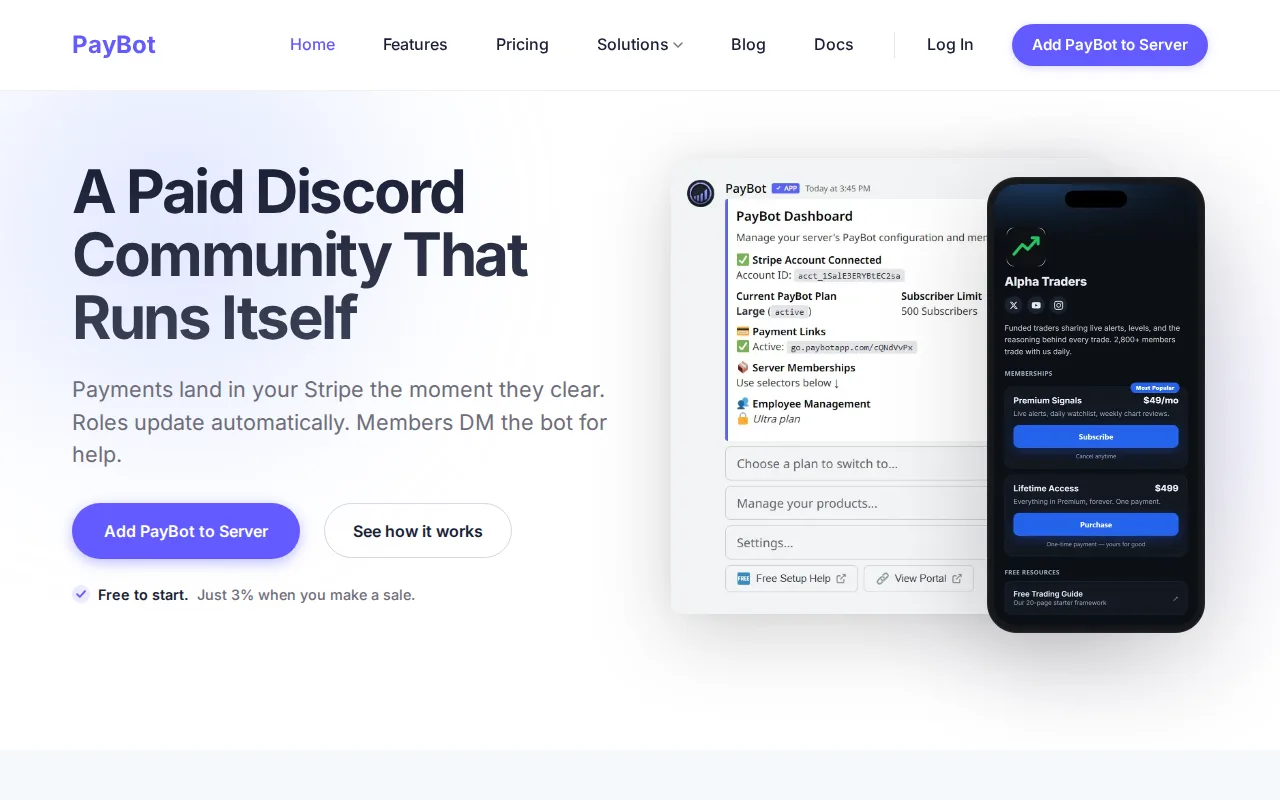
PayBot is the best Subscord alternative for a growing Discord server that wants to pay only when it sells. PayBot charges no monthly fee and takes 3% of each sale through the owner's own Stripe account, with no subscriber tiers, so it costs less than Subscord Pro's $39/month until sales pass $1,300 a month and less than Subscord Max's $65/month until about $2,167. A server with 40 members paying $15 a month ($600) pays PayBot $18 against $39 on Subscord Pro. PayBot runs setup through a /setup slash command, assigns roles when payment clears, retries failed payments, and lets members check plans, cancel, or ask billing questions by DM without leaving Discord. Its Studio storefront sells to buyers not yet on Discord, and verified-purchase reviews and course modules come at no extra cost. Subscord is still the better choice for crypto and for larger servers. Subscord accepts more than 100 cryptocurrencies plus PayPal, Apple Pay, Google Pay, and Klarna through Stripe, where PayBot is Stripe only, and its 0% platform fee beats PayBot's uncapped 3% at volume: at $10,000 a month PayBot takes $300 against $65 on Subscord Max for up to 500 subscribers or $199 on Unlimited. Subscord also offers webhooks for automation tools and CSV import for migrations.
Compared to Subscord: 3% per sale with no monthly fee or subscriber tiers, member self-service by DM inside Discord, and Stripe only with no crypto
Wins:No monthly fee or subscriber tiers: 3% costs less than Subscord Pro's $39/month below $1,300 a month in sales · Members check plans, cancel, and ask billing questions by DM inside Discord, and setup runs through a /setup slash command · Studio storefront, verified-purchase reviews, and course modules at no extra cost
Loses:The 3% fee is uncapped: $300 on $10,000 a month against $65 on Subscord Max or $199 on Unlimited · Stripe is the only processor, with no crypto, where Subscord accepts 100+ cryptocurrencies plus PayPal, Apple Pay, Google Pay, and Klarna via Stripe · No webhooks for n8n, Zapier, Make, or Pipedream and no CSV import described, both of which Subscord offers
Pros
- Setup runs entirely through Discord slash commands (/setup) and connects Stripe in under 5 minutes by the vendor's own description
- No monthly fee or seat pricing; cost is purely the 3% per-sale share
- Revenue deposits directly to the owner's own Stripe balance rather than a third-party held account
- Members can check plans, cancel, and ask billing questions via DM without leaving Discord
- Includes a branded storefront page, verified-purchase reviews, and course modules at no extra tier cost
Cons
- 3% transaction fee applies to every sale indefinitely, unlike flat-fee subscription tools
- No native mobile app; management happens through Discord and a web dashboard
- Tied to Stripe as the only payment processor, so it does not fit sellers who need PayPal or other processors
- Built specifically for Discord communities, so it is not usable for selling outside a Discord server context
Pricing: Free — 3% per sale vs Subscord Pro's $39/month for up to 50 subscribers: $18 against $39 on $600 a month; $300 against Subscord Max's $65 on $10,000 (verified September 15, 2026)
3Upgrade.chat — best Subscord alternative for discord or Telegram server owners who want to sell paid roles or subscriptions with automatic access revocation tied directly to PayPal or Stripe payment status.
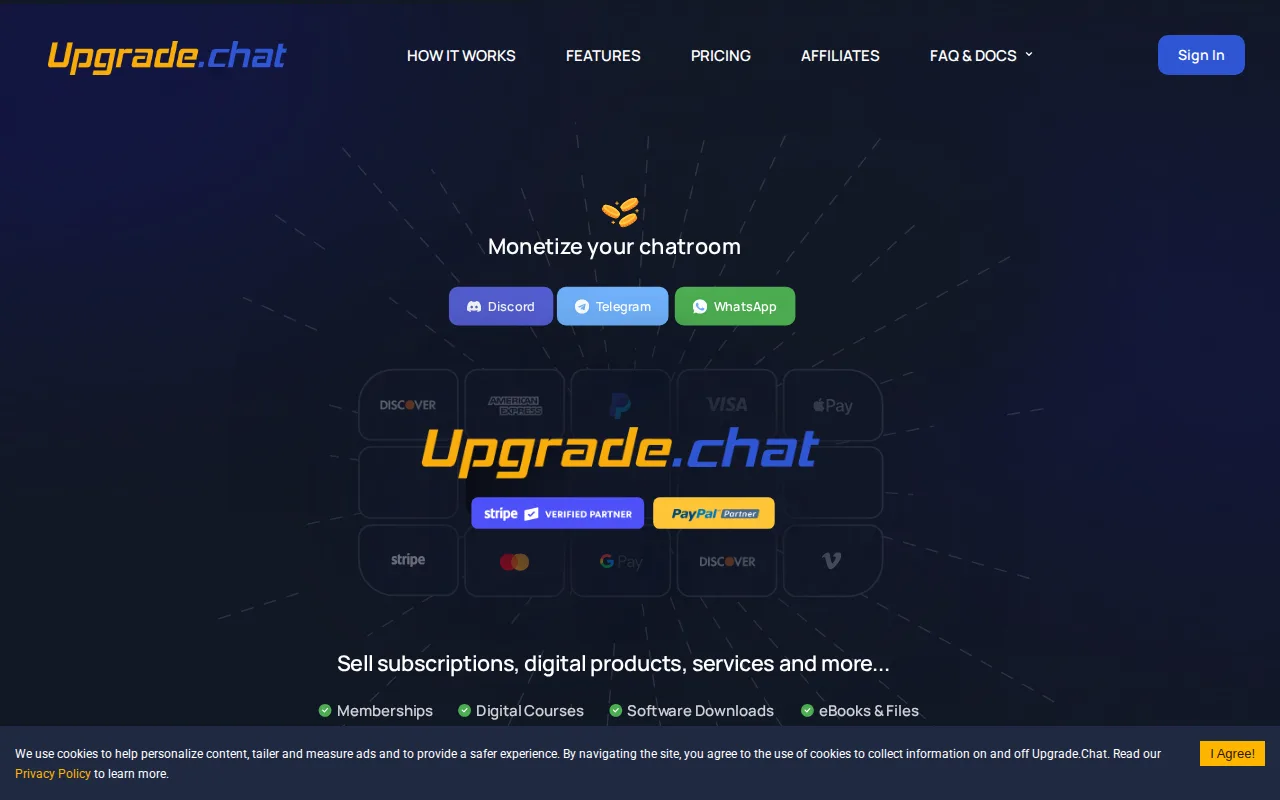
Upgrade.chat is the best Subscord alternative for community owners who run groups on Telegram or WhatsApp as well as Discord, or who want a direct PayPal connection. Upgrade.chat connects PayPal and Stripe accounts directly as a verified payment partner of both, where Subscord routes PayPal through Stripe, and it sells paid roles, subscriptions, digital products, and donations across Discord, Telegram, and WhatsApp, automating role changes on Discord and Telegram. Subscord works only within Discord. Access is granted on payment and revoked when a subscription lapses or a charge is disputed. Upgrade.chat says it has processed over $150 million in payments, manages more than 500,000 Discord roles, and pioneered Discord payment bots in 2018. It includes free or paid trials, coupons, custom subscription cycles, an affiliate referral program, and a free storefront for digital and physical goods. Subscord is still the better choice on transparency and fees. Subscord publishes every plan, from free for 10 subscribers to $199/month unlimited, with 0% platform fees, while Upgrade.chat's VIP and Max plan prices are not shown in its pricing page's static content and its per-transaction fee starts at 2.9% on top of any plan. Upgrade.chat's listing describes no crypto payments, and email and phone support are reserved for VIP and Max customers.
Compared to Subscord: Discord, Telegram, and WhatsApp where Subscord is Discord only, direct PayPal and Stripe connections, and a per-transaction fee from 2.9% against Subscord's 0%
Wins:Sells to Telegram and WhatsApp communities as well as Discord, with automated role changes on Discord and Telegram · Verified payment partner of PayPal and Stripe, connecting a PayPal account directly rather than through Stripe · Free storefront for physical as well as digital goods, and says it has processed over $150 million in payments
Loses:Per-transaction fee starts at 2.9% on top of any plan, where Subscord charges 0% platform fees · VIP and Max plan prices are not shown in the pricing page's static content, where Subscord publishes all four plans · No crypto payments described, where Subscord accepts 100+ cryptocurrencies, and email and phone support only on VIP and Max
Pros
- Verified payment partner of both PayPal and Stripe, a status the company says it has held since pioneering Discord payment bots in 2018
- Automates role and access changes the instant a subscription payment succeeds, lapses, or is disputed
- Built-in free/paid trials, coupon codes, custom subscription cycles, and an affiliate referral program
- Includes a free digital and physical goods storefront and embeddable checkout links usable outside Discord
Cons
- Exact VIP and Max plan monthly prices are not shown in the pricing page's static content because the plan table renders via JavaScript
- A per-transaction fee (starting at 2.9%, per Upgrade.chat's own comparison table) applies in addition to any plan fee
- Built around chat platforms (Discord, Telegram, WhatsApp) first, which may not suit sellers without an existing community there
- Email and phone support are reserved for VIP and Max customers; free-tier users get Discord-based support only
Pricing: Pricing not verified — Per-transaction fee from 2.9% plus a VIP or Max price not shown as static text vs Subscord's 0% platform fee and published plans from $0 to $199/month
4LaunchPass — best Subscord alternative for creators charging a recurring fee for access to a private Discord server, Telegram group, or Slack workspace (e.g., stock-trading alert groups, podcaster communities, crypto/NFT groups)
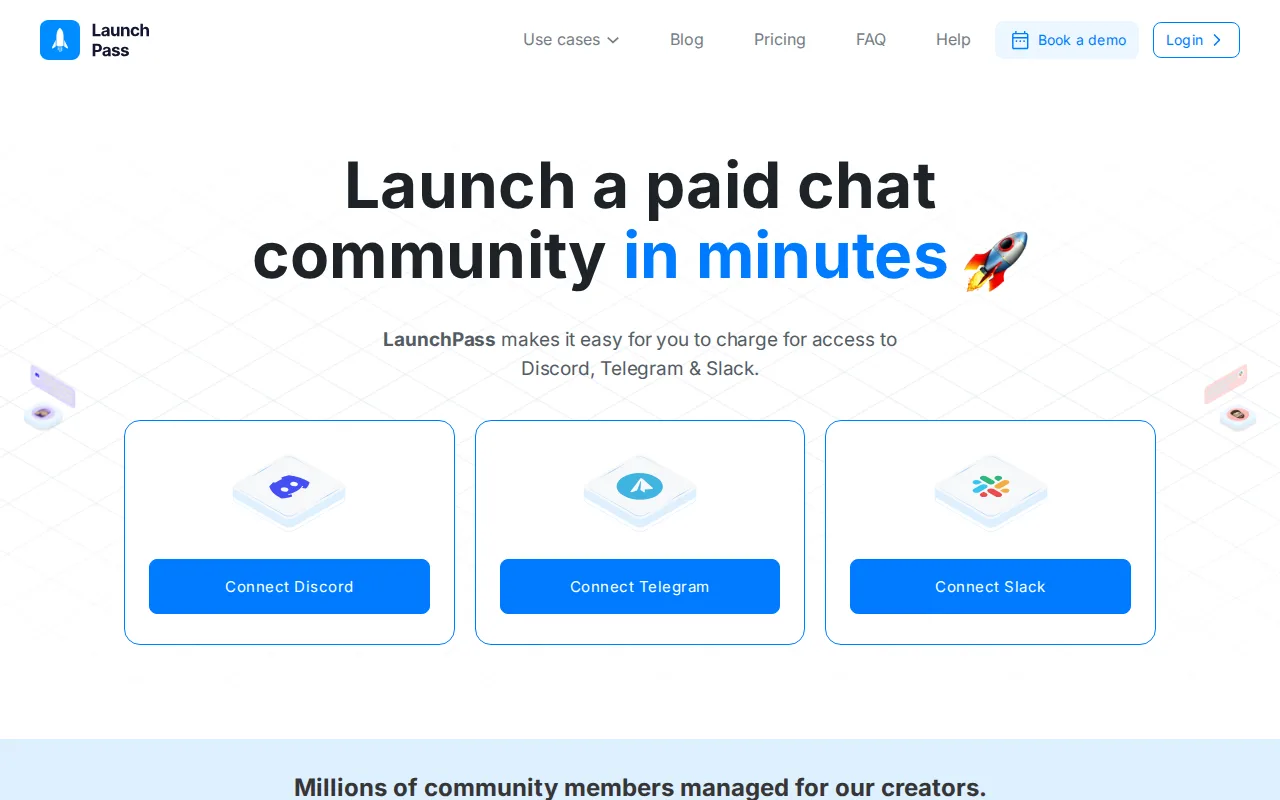
LaunchPass is the best Subscord alternative for creators who sell access to a Telegram group or Slack workspace, since Subscord works only within Discord. LaunchPass connects Discord, Telegram, and Slack, bills through Stripe, sends automated invites, and removes members or Discord roles on cancellation or failed payment. Premium adds recurring or one-time billing, free trials, coupons, multi-tier access, an embeddable signup widget, an affiliate integration, analytics, and 24/7 live chat support, for $29/month plus a 3.5% transaction fee after a 14-day free trial. LaunchPass's affiliate integration sits on that $29 plan, where Subscord's affiliate program needs the $65 Max plan. Its Basic plan is free forever for unlimited free members with no transaction fee, useful for running a free tier of a community. Subscord is still the better choice for Discord sellers on cost. LaunchPass's 3.5% comes on top of its $29 fee, so it costs more than Subscord Pro's $39 above about $286 a month in sales and more than Subscord Max above about $1,029; at $5,000 a month LaunchPass takes $204 against $65. LaunchPass is Stripe only with no crypto, and publishes no plan above Premium.
Compared to Subscord: Discord, Telegram, and Slack where Subscord is Discord only, 24/7 live chat support on Premium, and $29/month plus 3.5% against Subscord's 0% platform fee
Wins:Sells access to Telegram groups and Slack workspaces as well as Discord servers · Affiliate integration and 24/7 live chat support on Premium at $29/month, where Subscord's affiliate program needs Max at $65/month · Basic is free forever for unlimited free members with no transaction fee, for running a free community tier
Loses:Premium's 3.5% fee comes on top of $29/month: $204 on $5,000 a month against Subscord Max's $65 · Stripe only, with no crypto, where Subscord accepts 100+ cryptocurrencies · No published plan above Premium, where Subscord publishes four plans up to $199/month unlimited
Pros
- Free Basic plan with unlimited free members and no transaction fee
- Launches in minutes by connecting an existing Discord, Telegram or Slack account
- Automated invites and automatic removal on cancellation or failed charge
- Supports one-time, recurring, and tiered pricing with free trials and coupons
- Built-in affiliate program and Stripe/Zapier integrations for automation
Cons
- Premium plan stacks a $29/month fee on top of a 3.5% transaction fee, plus Stripe's separate processing fee
- Limited to three chat platforms (Discord, Telegram, Slack) rather than a general-purpose membership site builder
- Payment processing is tied to Stripe, so creators who can't use Stripe in their country or industry are excluded
- No published plan above Premium visible on the pricing page, so pricing for larger creators is unclear
Pricing: Free tier · paid from $29/mo — $29/month plus 3.5% vs Subscord's 0% platform fee: $204 against $65 on Subscord Max at $5,000 a month, before processing on either (verified September 15, 2026)
5Whop — best Subscord alternative for creators and small teams selling gated communities, courses, coaching, or trading/education memberships who want a hosted storefront plus checkout and chat without building their own site.
Whop is the best Subscord alternative for sellers who need buyers to find them and who sell more than Discord access. Whop runs a hosted storefront, checkout, wallet, payouts, and real-time chat from one dashboard, and its buyer-facing marketplace, the Whop network, can surface a listing to people already browsing Whop, a discovery channel Subscord's listing does not describe. Sellers can list courses, coaching, software, events, physical products, and paid communities, and developers can embed Whop's checkout, wallet, and chat with TypeScript, Python, and Ruby SDKs. Whop has an iOS app as well as the web, where Subscord is web only, and costs nothing to sign up and list. Subscord is still the better choice for Discord server owners. Subscord publishes 0% platform fees and four plans from free to $199/month, while Whop publishes no flat price and its transaction fee could not be verified. Subscord assigns and revokes Discord roles automatically, which Whop's listing does not describe, and Subscord never holds customer funds, paying straight to the seller's own Stripe account or wallet, where Whop bundles its own wallet and payouts. Whop's learning curve is rated moderate against Subscord's low, and Subscord accepts more than 100 cryptocurrencies, which Whop's listing does not mention.
Compared to Subscord: a buyer-facing marketplace that can surface listings, a storefront, checkout, and chat for many product types with an iOS app, and no published fee against Subscord's 0% and fixed plans
Wins:The Whop network can surface a listing to buyers already browsing Whop, a discovery channel Subscord's listing does not describe · Sells courses, coaching, software, events, and physical products, with embeddable checkout, wallet, and chat via TypeScript, Python, and Ruby SDKs · iOS app alongside the web, where Subscord is web only, and no monthly fee to start
Loses:No published flat price or verifiable transaction fee, where Subscord publishes 0% platform fees and plans from $0 to $199/month · Listing describes no Discord role management, and Whop bundles its own wallet and payouts where Subscord never holds funds · No crypto payments described, and the learning curve is rated moderate against Subscord's low
Pros
- Combines storefront, checkout, chat, and payouts in one dashboard instead of stitching together separate tools
- Whop network gives listed products a chance at organic buyer discovery beyond the seller's own audience
- Embeddable checkout, wallet, and chat components with TypeScript, Python, and Ruby SDKs for teams that want to keep their own UI
- Free to sign up and list a product, with no flat monthly fee required to start selling
Cons
- No published flat-rate pricing page; cost depends on transaction fees that were not verifiable from the pages checked for this listing
- Being listed in Whop's own marketplace means competing for attention alongside other sellers on Whop's terms, not fully independent branding
- Heavier platform than a single-purpose tool like Gumroad for someone who only wants to sell one digital download
Pricing: Pricing not verified — No published flat price or verified transaction fee vs Subscord's 0% platform fee with plans from free (10 subscribers) to $199/month (unlimited)
Which one is right for you?
- You want a sales page builder, affiliate program, and email campaigns without paying for a planDoorFee
- You just passed 10 paying members and would rather pay a small percentage than $39 a monthPayBot
- Your members want to cancel or check their plan by DM without leaving DiscordPayBot
- Your community also runs on Telegram or WhatsApp, or you want PayPal connected directlyUpgrade.chat
- You sell access to a Slack workspace or Telegram groupLaunchPass
- You sell courses or software as well as community access and want marketplace exposureWhop
Frequently asked questions
Is there a free alternative to Subscord?
- Yes, PayBot and DoorFee's Free plan charge no monthly fee at any member count, taking 3% and 10% per sale respectively, where Subscord's free plan stops at 10 active subscribers. LaunchPass Basic is free only for free members, and Upgrade.chat and Whop have free tiers, but Upgrade.chat charges a per-transaction fee from 2.9% and Whop publishes no fee.
What is the closest alternative to Subscord?
- DoorFee is the closest match on features: like Subscord, it bills through the seller's own Stripe account, assigns and removes Discord roles automatically, and offers a hosted sales page, coupons, free trials, and an affiliate program. DoorFee has no crypto checkout and takes 10% on Free or 2.5% plus $28/month on Pro, where Subscord takes 0%.
Can DoorFee replace Subscord?
- Yes for card-paying Discord servers, since DoorFee covers Stripe billing, automatic roles, a hosted sales page, coupons, and free trials, and adds an affiliate program and email campaigns on its free plan. Servers that take crypto or have hundreds of members should stay on Subscord: DoorFee has no crypto checkout, and at $6,000 a month DoorFee Pro's fees ($178) are almost three times Subscord Max's $65.
Which Subscord alternatives accept crypto?
- None of the five alternatives here describes crypto payments, so Subscord is the only option on this page for taking cryptocurrency. Upgrade.chat adds a direct PayPal connection, and DoorFee, PayBot, and LaunchPass run on Stripe only.
Is Subscord cheaper than PayBot?
- Above $1,300 a month in sales, yes: Subscord Pro's flat $39/month beats PayBot's 3%, and Max at $65/month beats it above about $2,167. Below those points PayBot is cheaper, except that Subscord's free plan, at 0% for up to 10 subscribers, beats both.
Which Subscord alternatives work with Telegram or Slack?
- LaunchPass covers Telegram and Slack as well as Discord, and Upgrade.chat covers Telegram and WhatsApp. DoorFee and PayBot, like Subscord, are Discord only.