Smallpdf — A browser-based PDF toolkit for compressing, converting, merging, editing, and e-signing documents, free with daily limits or from roughly $9/month billed annually for unlimited use.

By Noahlast updated
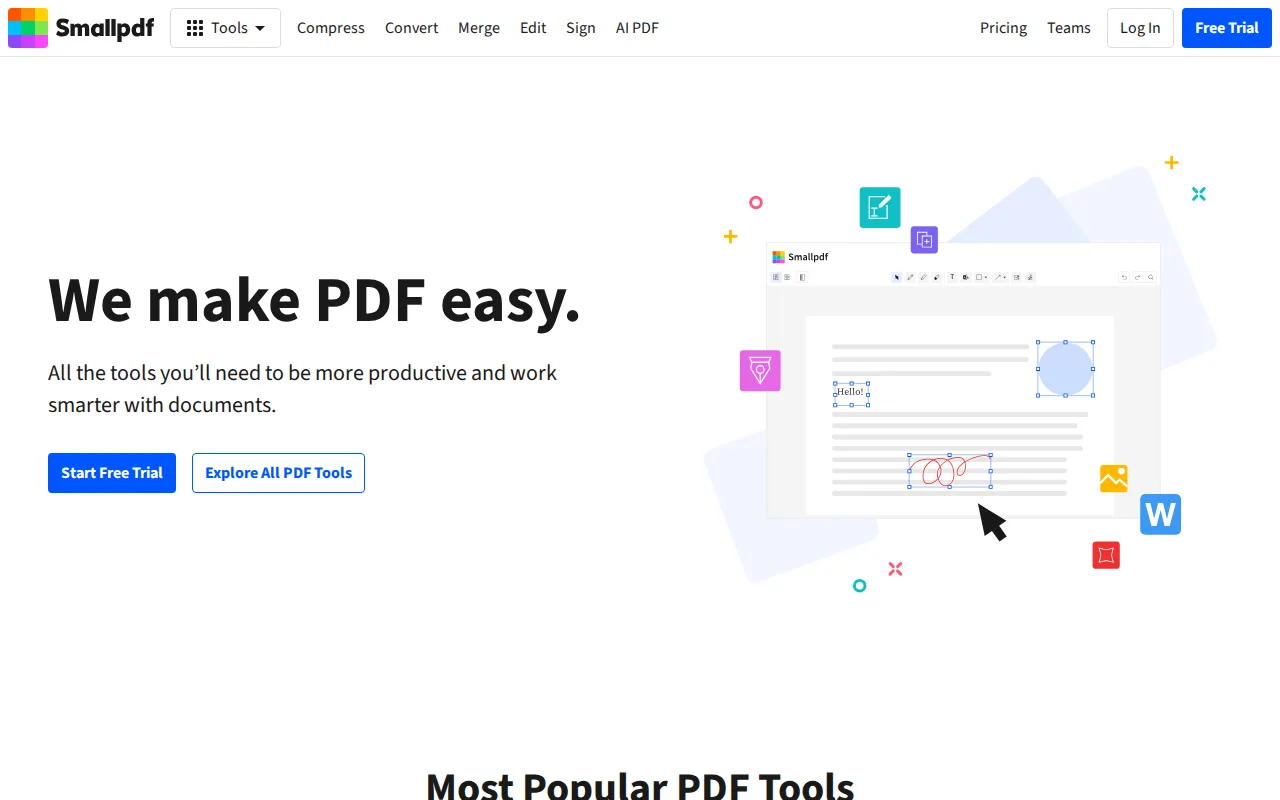
Smallpdf screenshots & video
Smallpdf in 20 seconds
Best for: individuals and small teams needing quick browser-based PDF conversion, compression, and e-signing
Pricing: Free with daily limits and ads; Pro from roughly $9/month billed annually for unlimited use; Team pricing requires contacting sales.
- Smallpdf's free tier gives limited daily use of core tools with ads shown.
- Smallpdf Pro is priced around $9/month when billed annually, removing daily limits and ads.
- Smallpdf holds a 4.7/5 rating from 997 reviews on Capterra.
- Smallpdf has native apps for Windows, iOS, and Android plus a Chrome extension.
- Smallpdf integrates directly with Google Workspace and Dropbox.
Limitations: Free tier caps daily tasks and shows ads.; AI features are entirely paid-tier with no free allowance.; Team plan pricing isn't published on the site.
Top alternatives: Adobe Acrobat, iLovePDF, PDFescape, Sejda, Foxit — full list
What is Smallpdf?
Smallpdf is a browser-based PDF toolkit covering compression, format conversion, merging, splitting, editing, form filling, document scanning, and electronic signatures. The free tier gives limited daily access to the core tools with ads shown; upgrading to Pro removes the daily caps and ads for a single user, while a Team plan layers on per-seat pricing with centralized billing and admin controls for organizations. Beyond editing, Smallpdf has added AI-assisted features — document summarization, translation, and a chat interface for querying PDF content — plus native apps for Windows, iOS, and Android and a Chrome extension, alongside direct integrations with Google Workspace and Dropbox. The company reports serving over a billion users worldwide across its consumer and business tools.
Smallpdf is a PDF management platform for compressing, converting, merging, splitting, editing, and electronically signing documents from a browser, with native Windows, iOS, and Android apps and a Chrome extension. The free tier gives limited daily use of the core tools with ads; a Pro plan removes those limits and ads for individuals, and a Team plan adds per-user seats with centralized billing for organizations, alongside a 7-day unlimited free trial. It targets individuals and businesses across sales, finance, real estate, and education who need quick document conversion without installing desktop PDF software. Beyond core PDF tools, Smallpdf has added AI-powered summarization, translation, and chat features on top of its editing and e-signature tools, plus form filling and document scanning. The platform integrates with Google Workspace and Dropbox and reports serving over a billion users globally, with more than 30 external tool integrations.
Standout feature: An all-in-one PDF toolkit covering compress, convert, merge, split, e-sign, and edit in one browser-based product, with native Windows and mobile apps plus direct Google Workspace and Dropbox integrations.
Biggest weakness: The free tier caps users to a small number of daily tasks with ads shown before requiring an upgrade, and the newer AI features (summarization, translation, chat) are gated entirely behind the paid Pro tier rather than offered in any free capacity.
Pros
- Covers the full PDF workflow (compress, convert, merge, split, edit, sign) in one browser-based product.
- Native Windows, iOS, and Android apps plus a Chrome extension for use outside the browser.
- Direct integrations with Google Workspace and Dropbox streamline document workflows.
- 7-day unlimited free trial lets users test Pro features before committing.
Cons
- Free tier limits users to a small number of daily tasks and shows ads.
- AI features (summarization, translation, chat) are entirely paid-tier, with no free allowance.
- Team plan pricing isn't published without contacting sales or starting checkout.
Smallpdf pricing
Free tier · paid from $9/mo
| Plan | Price | Notes |
|---|---|---|
| Free | Free | Limited daily use of core tools (compress, convert, merge, split, sign) with ads shown. |
| Pro | $9/mo | Billed annually; unlimited use of all tools, no ads, priority processing, plus AI summarization/translation/chat features. A 7-day unlimited trial is available before purchase. |
| Team | Custom | Per-user pricing for organizations with 2+ seats, centralized billing, and admin controls; exact per-seat rate, not independently verified. |
What reviewers say
Scores belong to their platforms; we display them with attribution and never fold them into our own ratings.