4 Best Free Alternatives to Sketch in 2026
By Noahlast updated pricing verified
Compared: free alternatives to Sketch
| Alternative | Best for | Standout | Biggest weakness | Learning curve | Price |
|---|---|---|---|---|---|
| Sketchreference | professional and freelance UI/UX designers on macOS who want a native, distraction-free vector design tool with built-in prototyping and developer handoff | Native macOS performance combined with real-time cloud collaboration and prototyping (Smart Animate, overlays, interaction triggers) in the same app, plus a one-time $120 Mac-only license for designers who don't need cloud collaboration. | The native editor is macOS-only, so Windows and Linux designers can't run it at all, and there's no permanent free tier — every plan is a 30-day trial that converts to a paid subscription starting at $12/month billed annually. | Low | From $12/mo |
| Figma | design and product teams that need real-time multiplayer editing and a shared design-to-development handoff, from solo freelancers on the free tier up to large enterprises managing design systems across many teams | True real-time multiplayer editing across design, prototyping, whiteboarding (FigJam), and dev handoff (Dev Mode), all in the same browser-based file with no manual save or merge conflicts. | Figma requires an active internet connection for full functionality, and paid tiers are priced per seat by role (full/dev/collab), which reviewers say gets expensive to manage at scale; it also lacks native CMYK color profiles and 300dpi print export, so print-focused design work still requires a separate tool. | Moderate | Free tier · paid from $16/mo |
| Framer | designers, marketers, and founders who want to design and launch a production website on a visual canvas without a developer handoff for every change | An AI Design Agent that works directly on the live canvas to generate and refine site layouts in place, alongside a CMS Agent and Code Agent for content and custom interactivity. | Paid plans meter both CMS collections and bandwidth, and adding a second editor costs an extra $20/month even on the Pro plan, which pushes real team costs well above the advertised $30/month for anything beyond a single-editor site. | Moderate | Free tier · paid from $10/mo |
| Penpot | small design teams (up to 8 members) wanting a free Figma-style tool, and larger organizations wanting to self-host their design infrastructure under an open-source license | Full MPL-2.0 open-source codebase that can be self-hosted with no per-seat licensing cost, while the hosted cloud plan stays free for teams up to 8 people. | The Unlimited and Enterprise cloud tiers ($7 and $25 per user/month) sit close to Figma's pricing, so the cost advantage mainly shows up for teams willing to self-host, and Penpot's plugin and font ecosystem is smaller than Figma's after years of third-party development there. | Moderate | Free tier · paid from $7/mo |
| Zeplin | design and engineering teams that need structured, versioned handoff specs from Figma/Sketch/Adobe XD to developers without giving every developer edit access to the design files | AI Design Review automatically flags off-system colors, spacing inconsistencies, typos, and accessibility issues against a team's design system before a developer starts building. | Some reviewers find Zeplin itself not very intuitive to learn, and for large projects with many screens and animation states, engineers report it's hard to keep track of everything without careful organization on the design side. | Moderate | Free tier · paid from $12/mo |
 Sketch
 Figma
Figma Framer
 Penpot
 Zeplin
1.Figma — best Sketch alternative for design and product teams that need real-time multiplayer editing and a shared design-to-development handoff, from solo freelancers on the free tier up to large enterprises managing design systems across many teams
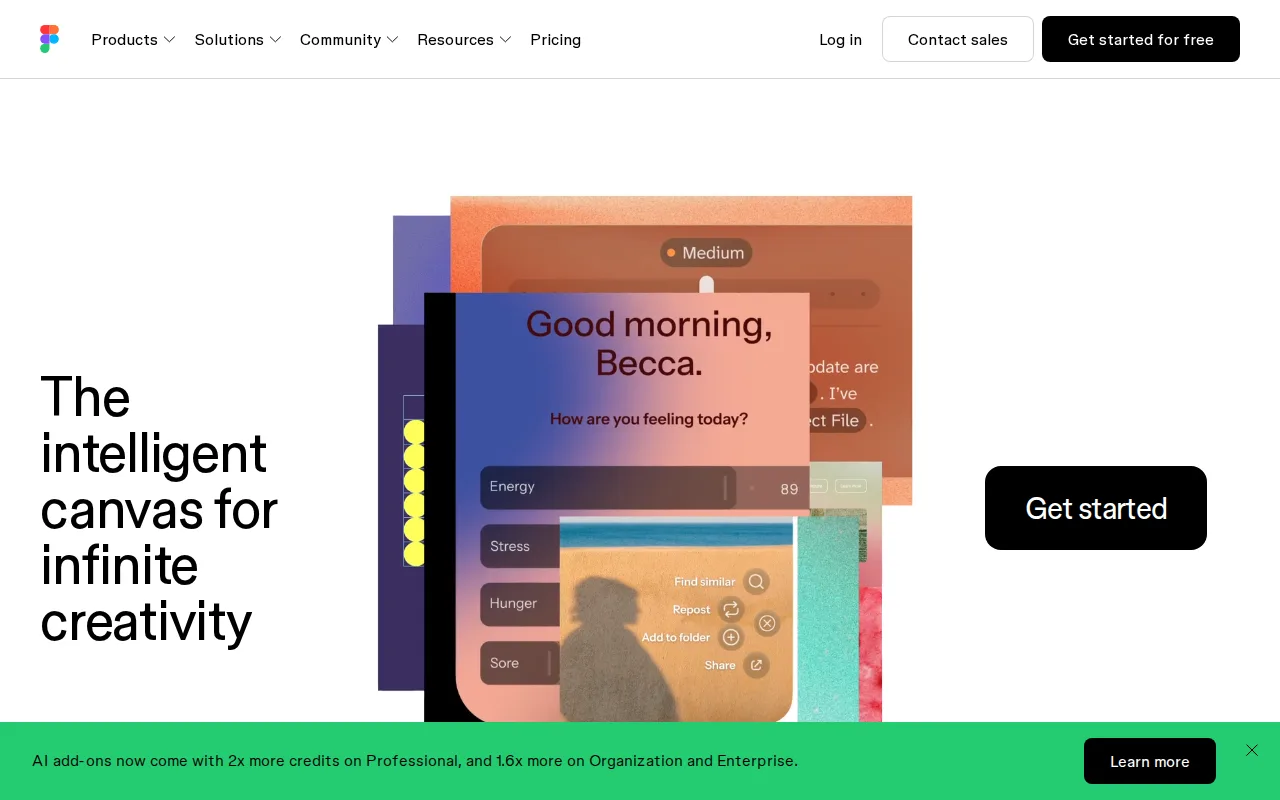
Figma is the best Sketch alternative for design and product teams that need real-time multiplayer editing and a browser-based workflow that runs on Windows and Linux, not just macOS, where Sketch's native editor is locked. Figma's free Starter plan offers unlimited drafts with no time-limited trial, unlike Sketch, which has no permanent free tier and only a 30-day trial before billing starts at $12/month. Figma holds a 4.7/5 rating from 874 Capterra reviews, edging out Sketch's own 4.6/5 from 812 reviews, and its Professional tier costs $16/month per full seat, above Sketch's $12/month Standard tier, but includes true real-time multiplayer editing where multiple designers and stakeholders work in the same file simultaneously, a capability Sketch also offers but only within its macOS-only client. Sketch is still the better choice for designers who specifically want native macOS performance without a browser dependency or who need offline-capable work: Figma requires an internet connection for full editing functionality, and it also lacks native CMYK color profiles and 300dpi print export, so print-focused design work still needs a separate tool, a gap Sketch's listing doesn't call out as a limitation.
Compared to Sketch: runs on Windows and Linux, not just macOS, free Starter tier with unlimited drafts and no forced trial, higher Capterra rating (4.7/5 from 874 reviews vs 4.6/5 from 812)
Wins:Runs natively on Windows and Linux in addition to macOS, unlike Sketch's macOS-only editor · Free Starter tier offers unlimited drafts with no forced 30-day trial, unlike Sketch's trial-only model · 4.7/5 rating from 874 Capterra reviews vs Sketch's 4.6/5 from 812 reviews
Loses:Requires an internet connection for full editing; offline work is limited, unlike Sketch's offline-capable design work · No native CMYK color profile or 300dpi export, so print design work needs a separate tool · Professional tier costs $16/month per full seat, above Sketch's $12/month Standard tier
Pros
- Real-time multiplayer collaboration works reliably even with many simultaneous editors in one file.
- Free Starter tier is genuinely usable for solo designers with unlimited drafts and basic AI credits.
- Dev Mode gives engineers direct, inspectable access to design specs, reducing handoff friction.
- Broad plugin and integration ecosystem plus FigJam and Slides extend it beyond pure UI design.
Cons
- Requires an internet connection for full editing; offline work is limited.
- No native CMYK color profile or 300dpi export, so print design work needs a separate tool.
- Per-seat, per-role pricing (full/dev/collab) can be confusing and adds up quickly for larger teams.
- Organization and Enterprise tiers are annual-billing only, reducing flexibility for smaller teams.
Pricing: Free tier · paid from $16/mo — $16/month Professional (full seat) vs Sketch's $12/month Standard, both billed annually per editor (verified undefined NaN, NaN)
2.Framer — best Sketch alternative for designers, marketers, and founders who want to design and launch a production website on a visual canvas without a developer handoff for every change
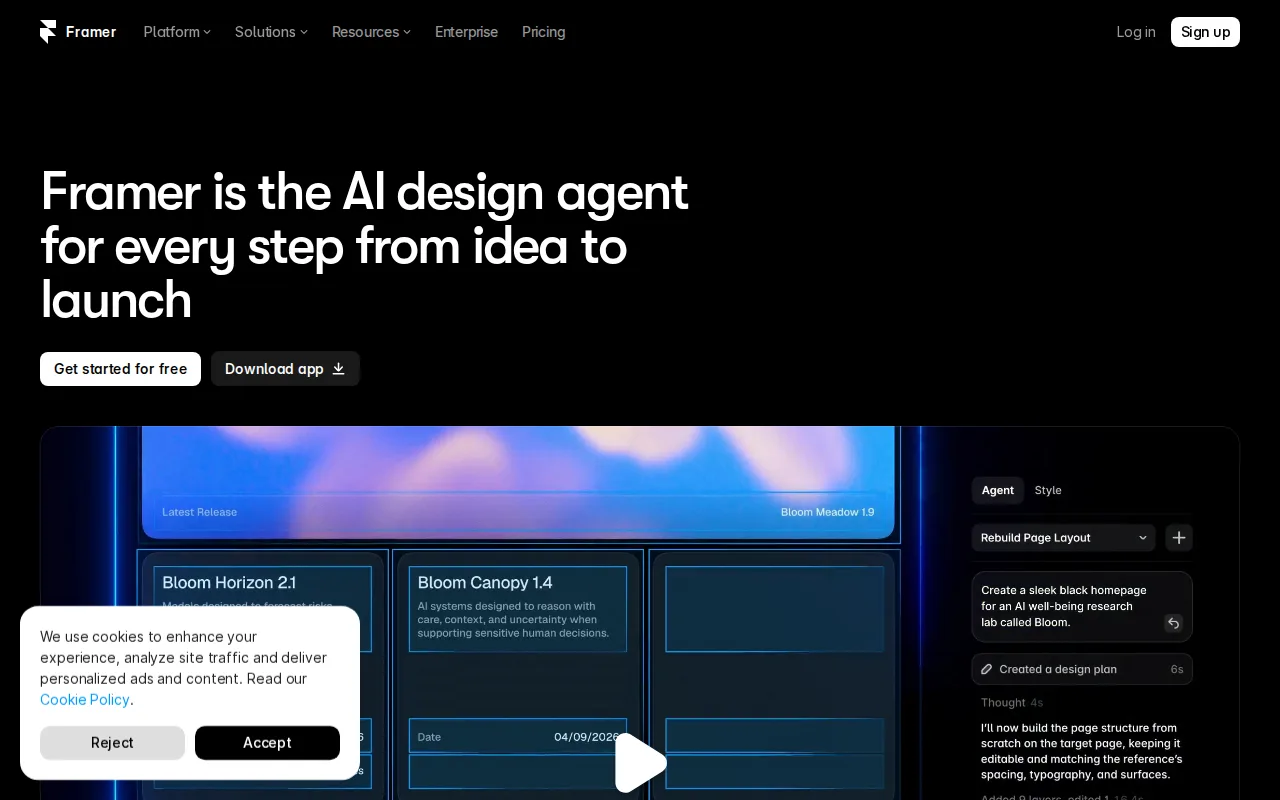
Framer is the best Sketch alternative for designers, marketers, and founders who want to design, launch, and host a production website from one canvas-based editor, rather than handing a Sketch file off to a developer to build. Framer's Free plan includes a working site with a framer.dev subdomain and 1GB of bandwidth at no cost, a genuinely usable free tier Sketch doesn't offer at any price. Framer's AI Design Agent edits a live site directly on the canvas, and its Basic plan at $10/month for a custom domain undercuts Sketch's $12/month Standard tier while bundling hosting, SEO, analytics, and A/B testing that Sketch's design-only product doesn't include. Framer holds a 4.8/5 rating from 261 Product Hunt reviews, a review signal Sketch's own listing doesn't carry. Sketch is still the better choice for teams building native app interfaces or complex component libraries rather than marketing websites: Framer is purpose-built for website design and publishing, so it lacks Sketch's nestable frames, stack layouts, and developer-handoff asset export aimed at iOS/Android app design, and each additional Framer editor costs $20/month on the Pro plan, adding up quickly for small teams.
Compared to Sketch: genuinely free tier with a working hosted site, bundled hosting/SEO/analytics Sketch's design-only product doesn't include, AI Design Agent edits the live site directly on the canvas
Wins:Free plan includes a working hosted site with a subdomain and 1GB bandwidth, unlike Sketch's trial-only, no-free-tier model · Hosting, SEO, analytics, and A/B testing bundled in, rather than sold separately or absent as in Sketch's design-only product · AI Design Agent edits the live site directly on the canvas rather than generating a draft to copy over manually
Loses:Purpose-built for website design and publishing, not native app interface design or component libraries the way Sketch is · Each additional editor costs $20/month on top of the Pro plan price, adding up quickly for small teams · CMS collections are capped by plan (2 on Basic, 10 on Pro), which can force an upgrade for content-heavy sites
Pros
- Design canvas, CMS, and hosting are integrated into one editor instead of separate tools.
- Free plan includes a working site with a subdomain and 1GB of bandwidth, not just a trial.
- Built-in AI Design Agent edits the live site directly rather than generating a draft to copy over manually.
- Hosting comes bundled with SEO, analytics, and A/B testing rather than requiring third-party add-ons.
Cons
- Each additional editor seat costs $20/month on top of the plan price, adding up quickly for small teams.
- CMS collections are capped by plan (2 on Basic, 10 on Pro), which can force an upgrade for content-heavy sites.
- Custom domains and most integrations require at least the $10/month Basic plan.
- Canvas-based, freeform layout has a steeper learning curve than block-based builders like Wix for users without design experience.
Pricing: Free tier · paid from $10/mo — $10/month Basic (custom domain) vs Sketch's $12/month Standard, both billed monthly-equivalent (verified undefined NaN, NaN)
3.Penpot — best Sketch alternative for small design teams (up to 8 members) wanting a free Figma-style tool, and larger organizations wanting to self-host their design infrastructure under an open-source license
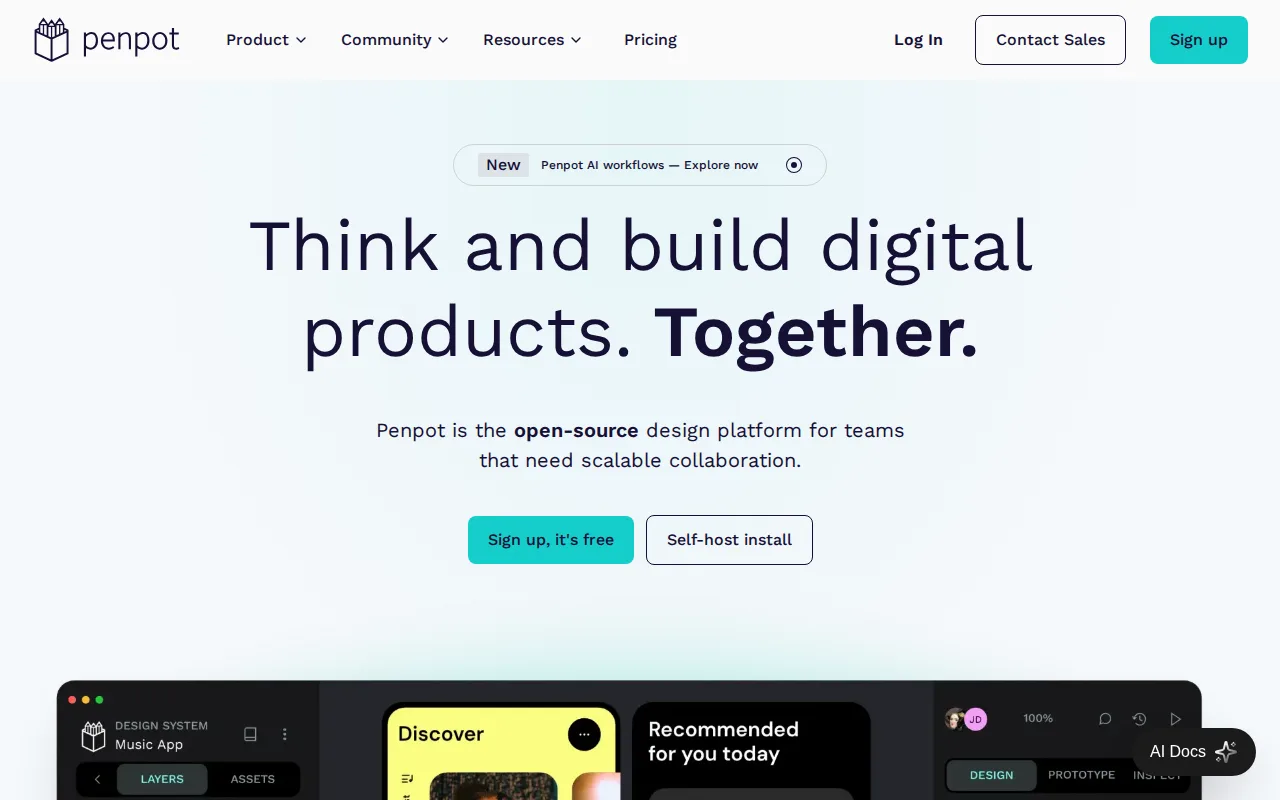
Penpot is the best Sketch alternative for small design teams and organizations that want a Figma-style collaborative tool without vendor lock-in, since its full codebase is published under the Mozilla Public License 2.0 and can be self-hosted with no per-seat fee at all. Penpot's hosted Professional plan is free for teams of up to 8 members with 10GB of storage, a genuinely free tier Sketch doesn't offer at any price since every Sketch plan starts as a 30-day trial before billing. Penpot exports directly to standard SVG, CSS, HTML, and JSON, and its native CSS Grid and Flexbox-aware layout tools translate designs straight into standard web code, a workflow Sketch's proprietary format doesn't match. Sketch is still the better choice for designers who want a more mature plugin and font ecosystem or faster performance on large files: Penpot's plugin and font marketplace is smaller than Sketch's after years of third-party development there, and Penpot's real-time collaboration and rendering performance on very large files lag behind established native tools like Sketch, per user reports.
Compared to Sketch: fully open-source (MPL-2.0) codebase that can be self-hosted with no per-seat fee, free hosted tier for teams up to 8 members vs Sketch's no-free-tier model, native CSS Grid/Flexbox export to standard web code
Wins:Full open-source codebase (MPL-2.0) can be self-hosted with no vendor lock-in or per-seat licensing cost · Free Professional plan covers teams up to 8 members with unlimited viewers, unlike Sketch's trial-only model · Native CSS Grid and Flexbox-aware layout tools export directly to standard CSS
Loses:Smaller plugin and font marketplace than Sketch, which has years of third-party ecosystem development · Real-time collaboration and rendering performance on very large files lag behind established native tools like Sketch · Cloud Unlimited and Enterprise pricing ($7-$25/user/month) narrows the cost advantage for teams not self-hosting
Pros
- Full open-source codebase (MPL-2.0) that can be self-hosted with no vendor lock-in.
- Free Professional plan covers teams up to 8 members with unlimited viewers.
- Native CSS Grid and Flexbox-aware layout tools that export directly to standard CSS.
- Design-to-code and code-to-design AI workflows built into the platform.
Cons
- Smaller plugin and font marketplace than Figma, which has years of third-party ecosystem lead.
- Enterprise self-hosted licensing ($50,000/year) is a significant jump from the free self-hosted community edition's DIY setup.
- Cloud Unlimited and Enterprise pricing ($7-$25/user/month) is close to Figma's own tiers, narrowing the price advantage for teams not self-hosting.
- Real-time collaboration and rendering performance on very large files lag behind Figma, per user reports.
Pricing: Free tier · paid from $7/mo — Free for up to 8 members (Professional) vs Sketch's $12/month Standard per editor, no free tier (verified undefined NaN, NaN)
4.Zeplin — best Sketch alternative for design and engineering teams that need structured, versioned handoff specs from Figma/Sketch/Adobe XD to developers without giving every developer edit access to the design files
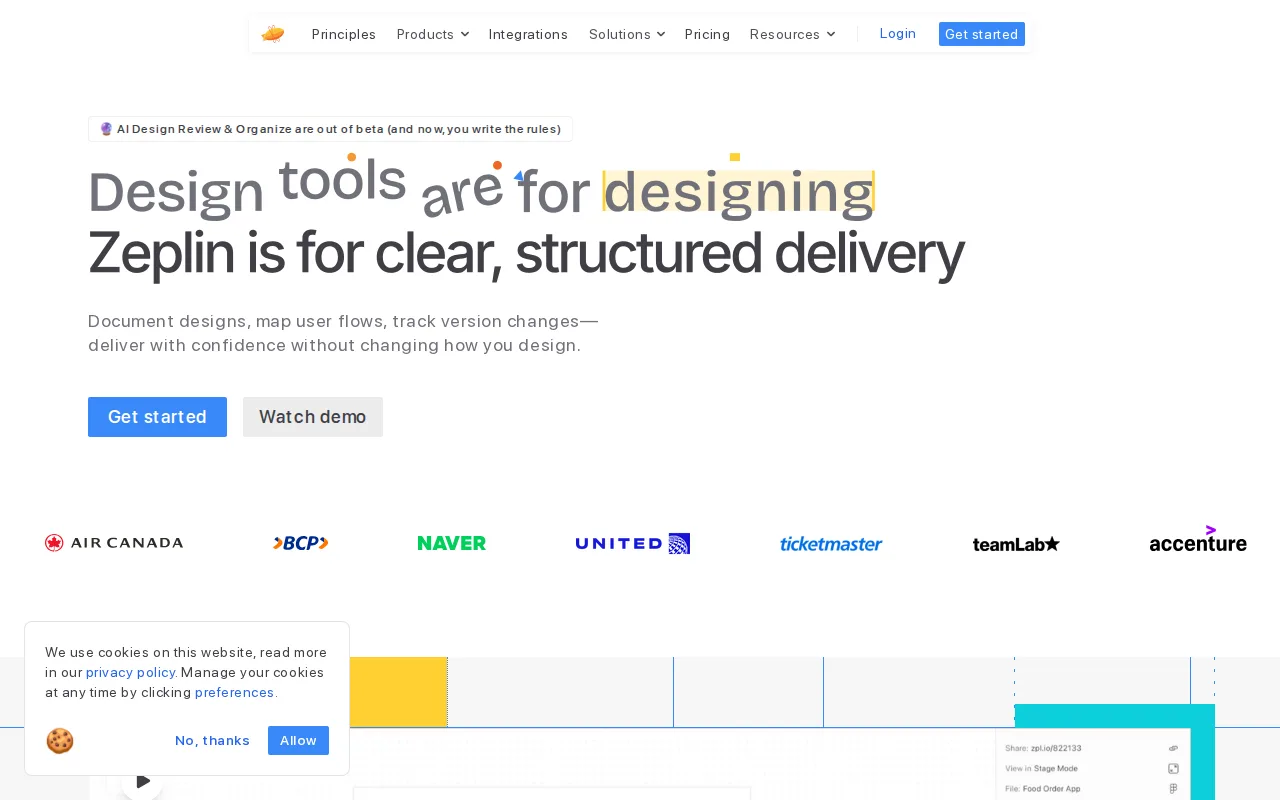
Zeplin is the best Sketch alternative for design and engineering teams that need structured, versioned handoff specs pulled from finished Sketch, Figma, or Adobe XD screens, without giving every developer edit access to the design files. Zeplin's Free plan covers 1 project and 100 screens with 3 AI screen reviews a week at no cost, and its AI Design Review automatically flags off-system colors, inconsistent spacing, typos, and accessibility problems against a team's design system rules, a specific automated QA capability Sketch's own listing doesn't describe. Zeplin's Advanced tier costs $12/seat/month billed annually, close to Sketch's $12/month Standard tier, but adds Flow Boards for mapping complete user journeys and unlimited Reviewer seats at no extra cost. Zeplin is used by 2M+ users at companies like Air Canada and Ticketmaster and holds a 4.4/5 rating on both G2 (117 reviews) and Capterra (54 reviews). Sketch is still the better choice for the actual design work itself: Zeplin sits between design tools and code rather than replacing the design editor, so teams still need Sketch (or another editor) to create the screens Zeplin turns into specs, and Zeplin itself is reported by some reviewers as not very intuitive to learn despite its narrow purpose.
Compared to Sketch: AI Design Review automatically flags off-system colors, spacing, and accessibility issues, Git-inspired version history with commit messages, free tier at 1 project/100 screens with weekly AI reviews
Wins:AI Design Review automatically flags off-system colors, spacing inconsistencies, typos, and accessibility issues before a developer starts building · Git-inspired version history with commit messages tracks design changes more precisely than a shared file link · Free plan covers 1 project and 100 screens with weekly AI design reviews, unlike Sketch's no-free-tier model
Loses:Sits between design tools and code rather than replacing the design editor — Sketch (or another editor) is still needed to create the screens · Reviewers describe Zeplin as not very intuitive to learn despite its narrow purpose · For projects with many screens and animation states, engineers report it's hard to track everything without disciplined organization
Pros
- Free plan covers 1 project and 100 screens with weekly AI design reviews, enough for solo designers to evaluate before paying.
- AI Design Review catches off-system colors, spacing, and accessibility issues automatically rather than relying on manual QA.
- Git-inspired version history with commit messages tracks design changes more precisely than a shared file link.
- Unlimited Reviewer seats at no extra cost on Advanced keeps stakeholder access cheap even as the team grows.
Cons
- Reviewers describe Zeplin as not very intuitive, with a real learning curve despite its narrow purpose.
- For projects with many screens and animation states, engineers report it's difficult to track everything without disciplined organization.
- SSO, MFA, and invoiced billing are locked behind the custom-priced Enterprise tier, out of reach for mid-size teams on Advanced.
- Figma's own built-in Dev Mode competes directly with Zeplin's core handoff use case for teams already fully on Figma.
Pricing: Free tier · paid from $12/mo — $12/seat/month Advanced (billed annually) vs Sketch's $12/month Standard, both per seat (verified undefined NaN, NaN)