7 Best Alternatives to Recraft for Web in 2026
By Noahlast updated
Compared: Recraft alternatives that run on Web
| Alternative | Best for | Learning curve | Price |
|---|---|---|---|
| Recraftreference | designers and brand teams who need editable vector graphics and consistent custom styles from AI generation, not just raster images | Low | Free |
| Midjourney | designers, illustrators, and marketers who want stylized, painterly AI-generated imagery for concept art and creative content rather than strictly photorealistic output | Moderate | From $10/mo |
| Adobe Firefly | designers and marketing teams already in the Adobe ecosystem who need commercially licensed generative AI (image, video, audio) integrated directly into Photoshop and Express | Low | Free tier · paid from $9.99/mo |
| Ideogram | designers and marketers who need AI-generated images with accurate, legible text inside them, like posters, logos, and social graphics | Low | Free tier · paid from $15/mo |
| Leonardo AI | game artists and concept artists who need multiple fine-tuned AI models plus in-app editing (inpainting, upscaling) rather than a single-model prompt-only workflow | Moderate | Free |
| Krea | creative teams and brands that need real-time AI image and video generation with style presets and custom model fine-tuning, rather than a single-prompt generator | Low | Free tier · paid from $9/mo |
| Canva | marketers, small business owners, and social media managers who need on-brand graphics fast without hiring a designer or learning Illustrator or Photoshop | Low | Free tier · paid from $18/mo |
| Stable Diffusion | developers and enterprises wanting a self-hostable, fine-tunable image generation model that's free under the Community License for small-scale or non-commercial use, rather than a closed API-only image generator | Steep | Free |
 Recraft
 Midjourney
 Adobe Firefly
 Ideogram
 Leonardo AI
 Krea
Krea Canva
Canva Stable Diffusion
1Midjourney — best Recraft alternative for designers, illustrators, and marketers who want stylized, painterly AI-generated imagery for concept art and creative content rather than strictly photorealistic output
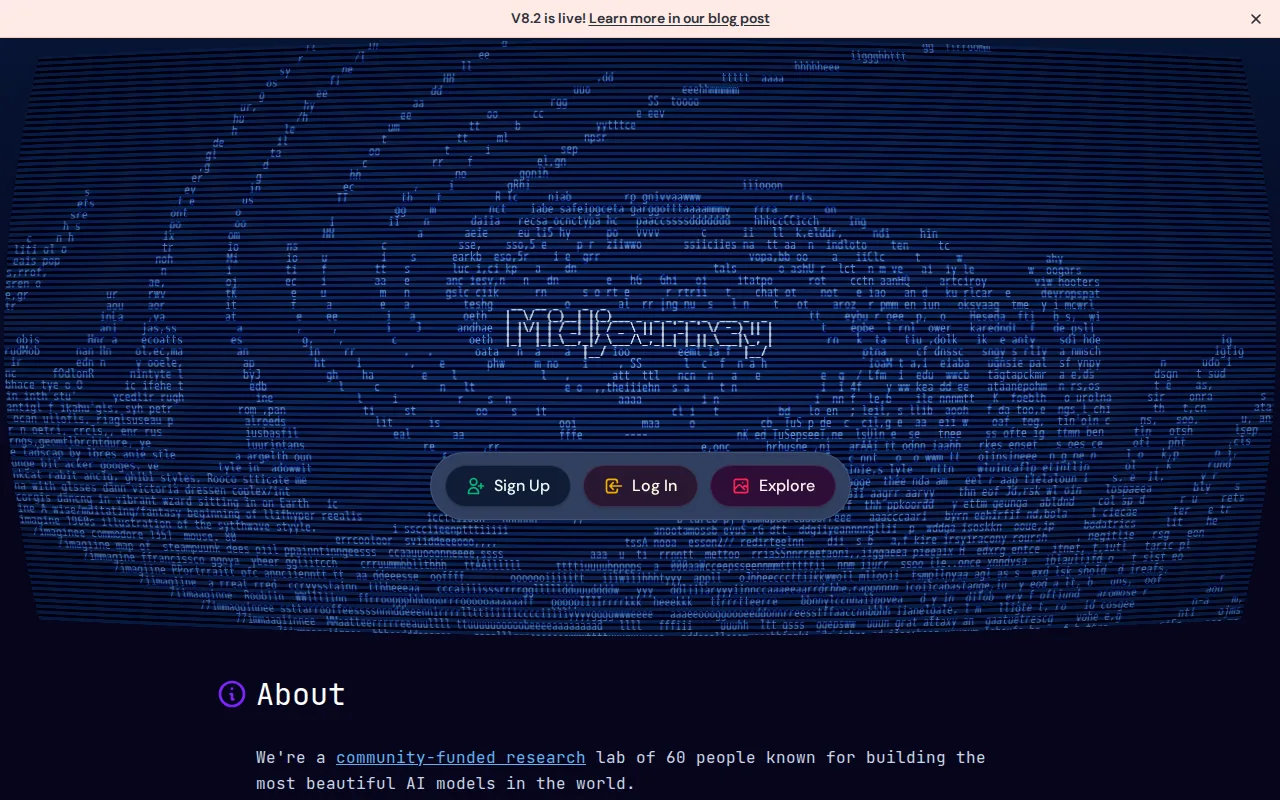
Midjourney is the best Recraft alternative for designers, illustrators, and marketers who want stylized, painterly AI-generated imagery for concept art and creative content. Midjourney's house visual style, cinematic lighting, painterly textures, and strong compositional coherence, gives it a recognizable creative identity that Recraft's more production-asset-focused output doesn't specifically aim for, and Midjourney holds a 4.7/5 rating from 81 Product Hunt reviews, close to Recraft's own 4.8/5 from 37 reviews. All of Midjourney's paid plans include general commercial usage rights starting at its Basic tier for $10/month, a clearer commercial-rights structure than Recraft's own model, where the Free plan's output is owned by Recraft and shown publicly, making commercial use require an unconfirmed-price paid tier. Midjourney's four tiers scale monthly fast-GPU-hour allotments from 3.3 hours (Basic) to 60 hours (Mega), a transparent usage-based structure compared to Recraft's own credit-based Basic, Pro, and Teams tiers, whose exact prices weren't exposed on its client-rendered pricing page. Recraft is still the better choice for anyone who specifically needs editable vector graphics, icons, or logos rather than raster images: Midjourney has no free tier or trial at all, so evaluating the product requires an immediate $10+/month commitment, and it produces raster images only, without Recraft's distinctive editable-SVG-style vector output for icons and logos.
Compared to Recraft: general commercial usage rights on every paid plan starting at $10/month, transparent fast-GPU-hour allotments (3.3 to 60 hours) vs Recraft's unconfirmed credit pricing, 4.7/5 rating from 81 Product Hunt reviews close to Recraft's own 4.8/5
Wins:All paid plans include general commercial usage rights starting at $10/month, a clearer path to commercial use than Recraft's unconfirmed-price paid tiers · Transparent fast-GPU-hour allotments (3.3 to 60 hours across four tiers) versus Recraft's credit-based pricing with prices not exposed on its live page · A distinctive, painterly house visual style widely cited as best-in-class for artistic, stylized output
Loses:No free tier or trial at all, so evaluating the product requires an immediate $10+/month commitment, unlike Recraft's free plan · Produces raster images only; no editable vector graphics, icons, or logos the way Recraft generates · Access is prompt-based via Discord or the web app rather than a conventional design app interface
Pros
- Produces distinctive, high-quality stylized imagery frequently cited as best-in-class for artistic output.
- All paid plans include general commercial usage rights, with users owning generated images.
- Four tiers scale fast-GPU-hour allotments from casual (3.3 hrs) to heavy production use (60 hrs).
- Extra fast-GPU hours ($4 each) don't expire once purchased.
Cons
- No free tier or trial; new users must pay before testing the product.
- Refund eligibility requires under 20 minutes of lifetime GPU usage, not monthly usage, which surprises users.
- Access is prompt-based via Discord or the web app rather than a conventional app interface.
- Reviewers report weak, slow customer support responsiveness.
Pricing: From $10/mo — $10/month Basic vs Recraft's unconfirmed Basic tier price
2Adobe Firefly — best Recraft alternative for designers and marketing teams already in the Adobe ecosystem who need commercially licensed generative AI (image, video, audio) integrated directly into Photoshop and Express
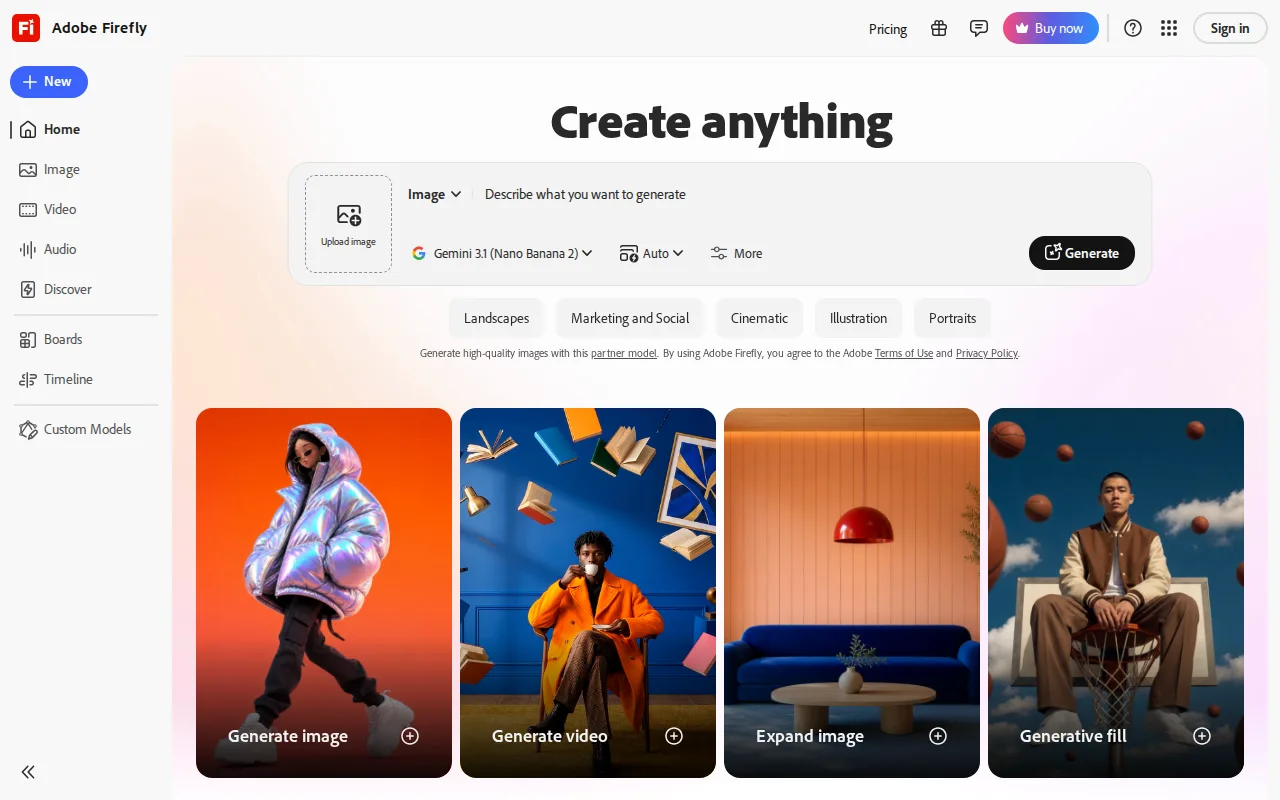
Adobe Firefly is the best Recraft alternative for designers and marketing teams already in the Adobe ecosystem who need commercially licensed generative AI, image, video, and audio, integrated directly into Photoshop and Express. Firefly gives paid subscribers access to more than 30 AI models, including Adobe's own Firefly models plus licensed third-party models like Veo and Kling, a far broader model library than Recraft's own custom-style and background-removal toolset. Firefly Standard costs $9.99/month for 2,000 generative credits, a published, confirmed price, versus Recraft's Basic tier, whose exact price wasn't exposed on its client-rendered pricing page during this research. Firefly holds a 4.5/5 rating from 19 Capterra reviews, and Adobe backs its own Firefly models with IP-indemnification for enterprise customers since they're trained on licensed Adobe Stock and public-domain content, a legal-safety guarantee Recraft's listing doesn't specify. Firefly's free tier also offers limited daily generations across image, video, and audio that reset daily, a broader free scope than Recraft's own free plan, which is image-only and publishes outputs to a public gallery. Recraft is still the better choice for anyone who specifically needs editable vector graphics, icons, and logos with a custom-trained reusable style: Firefly's generative-credit system consumes unevenly across image, video, and audio, making monthly cost hard to predict, and its own image model has lagged behind competitors like Midjourney in independent comparisons.
Compared to Recraft: access to 30+ AI models including licensed third-party video models vs Recraft's narrower custom-style toolset, published $9.99/month Standard pricing vs Recraft's unconfirmed Basic tier price, IP indemnification for enterprise customers
Wins:Access to 30+ AI models, including licensed third-party video models like Veo and Kling, versus Recraft's narrower image-and-vector toolset · Published, confirmed pricing starting at $9.99/month for 2,000 credits, versus Recraft's Basic tier price not exposed on its live pricing page · Trained on licensed Adobe Stock and public-domain content, with IP indemnification for enterprise use, a legal-safety guarantee Recraft doesn't specify
Loses:No editable vector graphics, icons, or logo generation the way Recraft's SVG-style output provides · Generative credits are consumed unevenly across image, video, and audio, making monthly cost harder to predict than Recraft's simpler credit tiers · Firefly's own image model has lagged behind Midjourney and some third-party models in independent quality comparisons
Pros
- Trained on licensed Adobe Stock and public-domain content, with IP indemnification for enterprise use.
- Access to 30+ models, including third-party video models like Veo and Kling, in one interface.
- Deep integration with Photoshop (Generative Fill/Expand) and Adobe Express.
- Free tier available for testing before committing to a paid plan.
Cons
- Generative credits are consumed unevenly across image, video, and audio, making monthly cost hard to predict.
- Premium tier needed for unlimited access to the newest video models, at $199.99/month before discounts.
- Output quality on Firefly's own image model has lagged behind Midjourney and some third-party models in independent comparisons.
- Full value requires an existing or new Adobe subscription relationship, adding friction for non-Adobe users.
Pricing: Free tier · paid from $9.99/mo — $9.99/month Standard vs Recraft's unconfirmed Basic tier price (verified )
3Ideogram — best Recraft alternative for designers and marketers who need AI-generated images with accurate, legible text inside them, like posters, logos, and social graphics
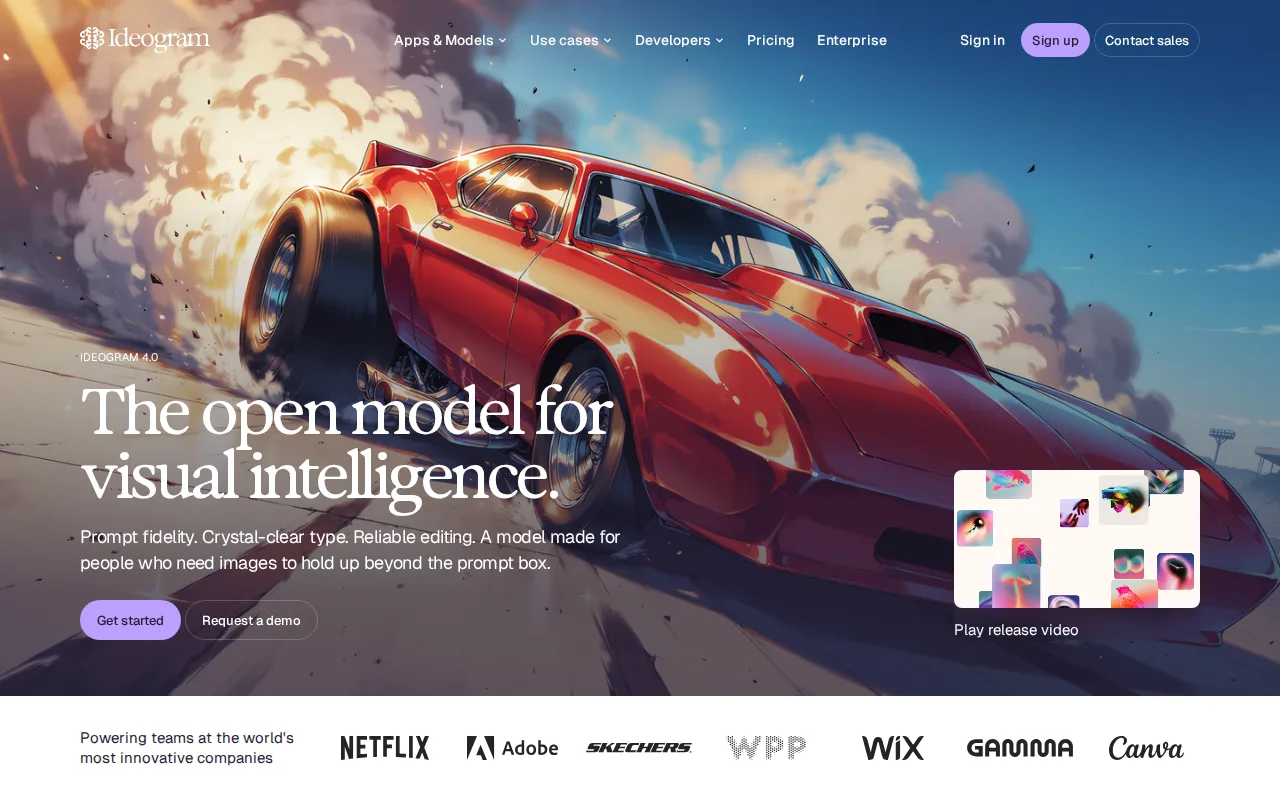
Ideogram is the best Recraft alternative for designers and marketers who need AI-generated images with accurate, legible text inside them, like posters, logos, and social graphics. Ideogram's text-rendering accuracy is a specific, verifiable strength, spelling out words and typography correctly inside a generated image, a capability distinct from Recraft's own core strength of editable vector output. Ideogram's Plus plan costs $15/month billed annually for 1,000 credits and private generations, a published, confirmed price, versus Recraft's Basic tier, whose exact dollar amount wasn't exposed on its client-rendered pricing page. Ideogram also supports character consistency across a series of images and multiple model versions with selectable rendering speed, giving users fine control over the quality-versus-credit-cost tradeoff similar in spirit to Recraft's own custom-style training from reference images. Recraft is still the better choice for anyone who specifically needs editable vector graphics, icons, or logos rather than raster text-heavy images: Ideogram's free-tier generations are public by default, requiring a paid plan for privacy, similar to Recraft's own free-tier gallery-exposure limitation, and Ideogram has no desktop or mobile app, web and API only, matching Recraft's own web-plus-API-plus-iOS structure but without Recraft's native iOS app.
Compared to Recraft: accurate, legible text rendering inside generated images vs Recraft's vector-focused strength, published $15/month Plus pricing vs Recraft's unconfirmed Basic tier price, character consistency across a series of images
Wins:Renders legible, correctly spelled text inside generated images, a capability most AI generators including Recraft's toolset don't specifically emphasize · Published, confirmed pricing starting at $15/month for 1,000 credits, versus Recraft's Basic tier price not exposed on its live pricing page · Character consistency lets users generate the same subject across multiple images
Loses:No editable vector graphics, icons, or logo generation the way Recraft's SVG-style output provides · Free-tier generations are public by default; privacy requires a paid plan, similar to Recraft's own free-tier gallery exposure · No native mobile app; web and API only, unlike Recraft's dedicated iOS app
Pros
- Text rendering inside images is meaningfully more reliable than most competing AI image generators.
- Character consistency lets users generate the same subject across multiple images.
- Multiple model versions and rendering-speed settings (Turbo/Balanced/Quality) let users trade credits for quality.
- Team plan adds centralized billing for organizations generating at volume.
Cons
- Free-tier images are public by default; privacy requires a paid plan.
- Monthly subscription credits expire unused at the end of each billing cycle.
- No desktop or mobile app; web and API only.
- Enterprise pricing is not published and requires a sales conversation.
Pricing: Free tier · paid from $15/mo — $15/month Plus vs Recraft's unconfirmed Basic tier price (verified )
4Leonardo AI — best Recraft alternative for game artists and concept artists who need multiple fine-tuned AI models plus in-app editing (inpainting, upscaling) rather than a single-model prompt-only workflow
Leonardo AI is the best Recraft alternative for game artists and concept artists who need multiple fine-tuned AI models plus in-app editing rather than a single-model or single-style workflow. Leonardo AI's library of fine-tuned models, including its own Phoenix and Lucid families plus community-published checkpoints for specific styles, gives users more model variety to choose from than Recraft's own custom-style-training approach built on a smaller set of base models. Both platforms include post-generation editing tools, Leonardo AI's canvas supports inpainting, outpainting, and upscaling, while Recraft bundles background removal, upscaling, and mockup generation, giving each tool a comparable finish-in-one-app workflow. Leonardo AI was acquired by Canva in 2024 and continues to operate as a standalone product with its own free tier, backed by Canva's resources for expanded creative-suite integrations. Recraft is still the better choice for anyone who specifically needs editable vector graphics, icons, or logos: Leonardo AI's current pricing tier names and dollar prices weren't independently verifiable because its site blocked automated fetches, unlike Recraft's own free plan, which is confirmed and documented, and Leonardo AI's token-based credit system means heavy generation and editing use can exhaust a monthly plan quickly.
Compared to Recraft: large library of fine-tuned and community models vs Recraft's smaller base-model set, in-app canvas editor for inpainting, outpainting, and upscaling, backed by Canva's resources since its 2024 acquisition
Wins:Wide selection of fine-tuned and community models, instead of Recraft's smaller set of base models and custom-style training · Built-in canvas editor supports inpainting, outpainting, and upscaling without leaving the app · Backed by Canva's resources following the 2024 acquisition, expanding its creative-suite integrations
Loses:No editable vector graphics, icons, or logo generation the way Recraft's SVG-style output provides · Current pricing tier names and dollar prices weren't independently verifiable due to the site blocking automated fetches · Token-based credit system means heavy generation and editing use can exhaust a monthly plan quickly
Pros
- Wide selection of fine-tuned and community models instead of being locked to one house style.
- Built-in canvas editor supports inpainting, outpainting, and upscaling without leaving the app.
- Free tier lets new users test multiple models before committing to a paid plan.
- Backed by Canva's resources following the 2024 acquisition, which has expanded its creative-suite integrations.
Cons
- Token-based credit system means heavy generation and editing use can exhaust a monthly plan quickly.
- Model quality and prompt behavior vary across the many available checkpoints, requiring experimentation to find a reliable one.
- No native desktop or mobile app; browser-only workflow.
- Current pricing was not independently verifiable because leonardo.ai blocked automated page fetches.
Pricing: Free
5Krea — best Recraft alternative for creative teams and brands that need real-time AI image and video generation with style presets and custom model fine-tuning, rather than a single-prompt generator
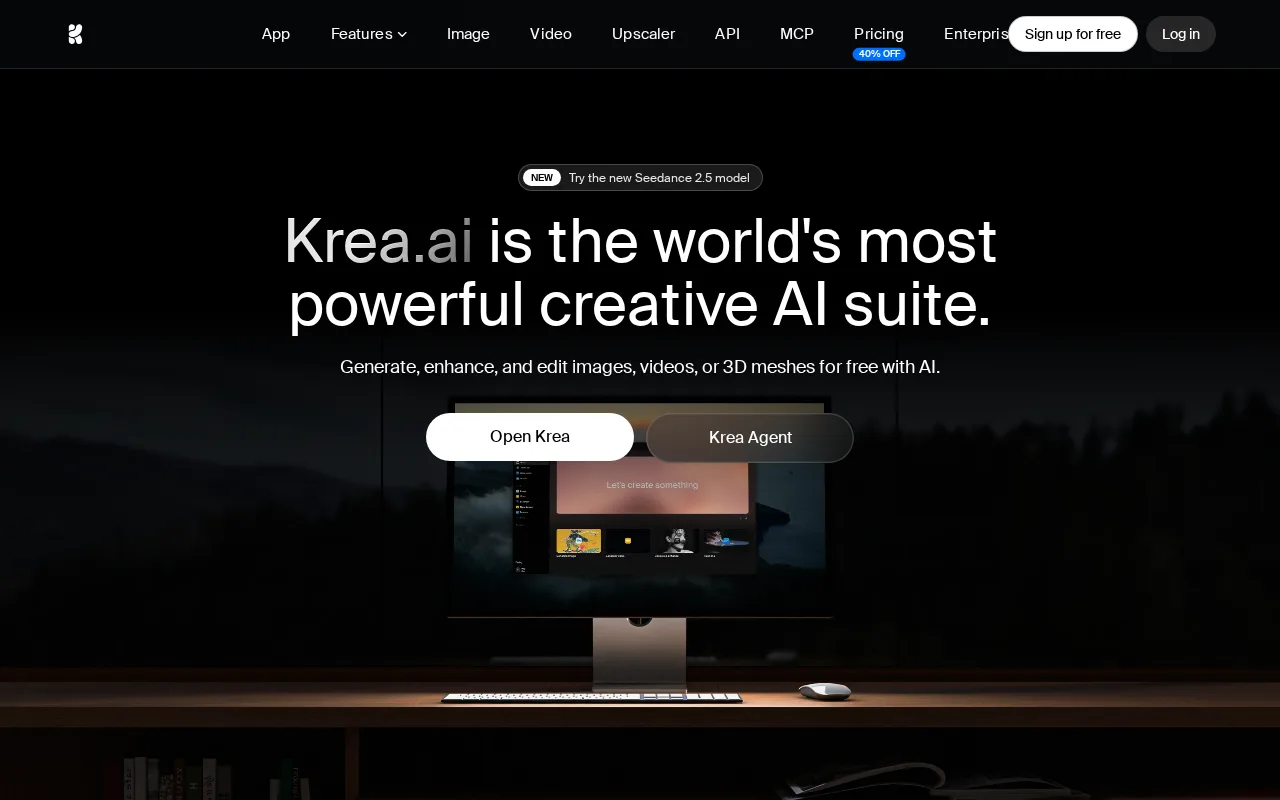
Krea is the best Recraft alternative for creative teams and brands that need real-time AI image and video generation with style presets and custom model fine-tuning. Krea's real-time image generation renders results in under 50 milliseconds as a user adjusts a prompt or sketch, an immediate-feedback interaction model Recraft's standard generate-and-wait workflow doesn't offer. Krea's Basic tier costs $9/month for 5,000 compute units, a published, confirmed price, versus Recraft's Basic tier, whose exact dollar amount wasn't exposed on its own client-rendered pricing page. Krea covers image, video, and 3D asset generation plus upscaling to 22K resolution in one platform, a broader media-type range than Recraft's own image-and-vector focus, and it's used in production by named enterprise brands including Nike, Samsung, Microsoft, and Amazon Studios. Recraft is still the better choice for anyone who specifically needs editable vector graphics, icons, or logos with a custom-trained reusable brand style: Krea's compute-unit pricing is harder to budget against than a flat subscription since video and upscaling consume units faster than standard image generation, and Krea produces raster images and video rather than Recraft's distinctive editable-SVG vector output.
Compared to Recraft: real-time generation under 50 milliseconds vs Recraft's standard generate-and-wait workflow, published $9/month Basic pricing vs Recraft's unconfirmed Basic tier price, covers image, video, and 3D generation in one platform
Wins:Real-time generation renders results in under 50 milliseconds as a user edits a prompt or sketch, unlike Recraft's standard generate-and-wait flow · Published, confirmed pricing starting at $9/month for 5,000 compute units, versus Recraft's Basic tier price not exposed on its live pricing page · Single platform covers image, video, and 3D generation plus upscaling to 22K resolution, broader than Recraft's image-and-vector focus
Loses:No editable vector graphics, icons, or logo generation the way Recraft's SVG-style output provides · Compute-unit pricing is harder to budget against than a flat subscription since video and upscaling consume units faster than images · Web-only, with no desktop or mobile app, unlike Recraft's dedicated iOS app
Pros
- Real-time generation (under 50ms) provides immediate visual feedback while adjusting a prompt.
- Single platform covers image, video, and 3D generation plus upscaling to 22K resolution.
- LoRA fine-tuning lets users train custom style or subject models.
- Used in production by named enterprise brands including Nike, Samsung, Microsoft, and Amazon Studios.
Cons
- Compute-unit pricing is harder to budget against than a flat subscription, since video and upscaling consume units faster than standard image generation.
- Free plan is capped at 100 units per day, thin for anything beyond casual testing.
- Web-only, with no desktop or mobile app.
- Product Hunt review volume (13 reviews, 4.2/5) is limited relative to larger AI image competitors.
Pricing: Free tier · paid from $9/mo — $9/month Basic vs Recraft's unconfirmed Basic tier price (verified )
6Canva — best Recraft alternative for marketers, small business owners, and social media managers who need on-brand graphics fast without hiring a designer or learning Illustrator or Photoshop
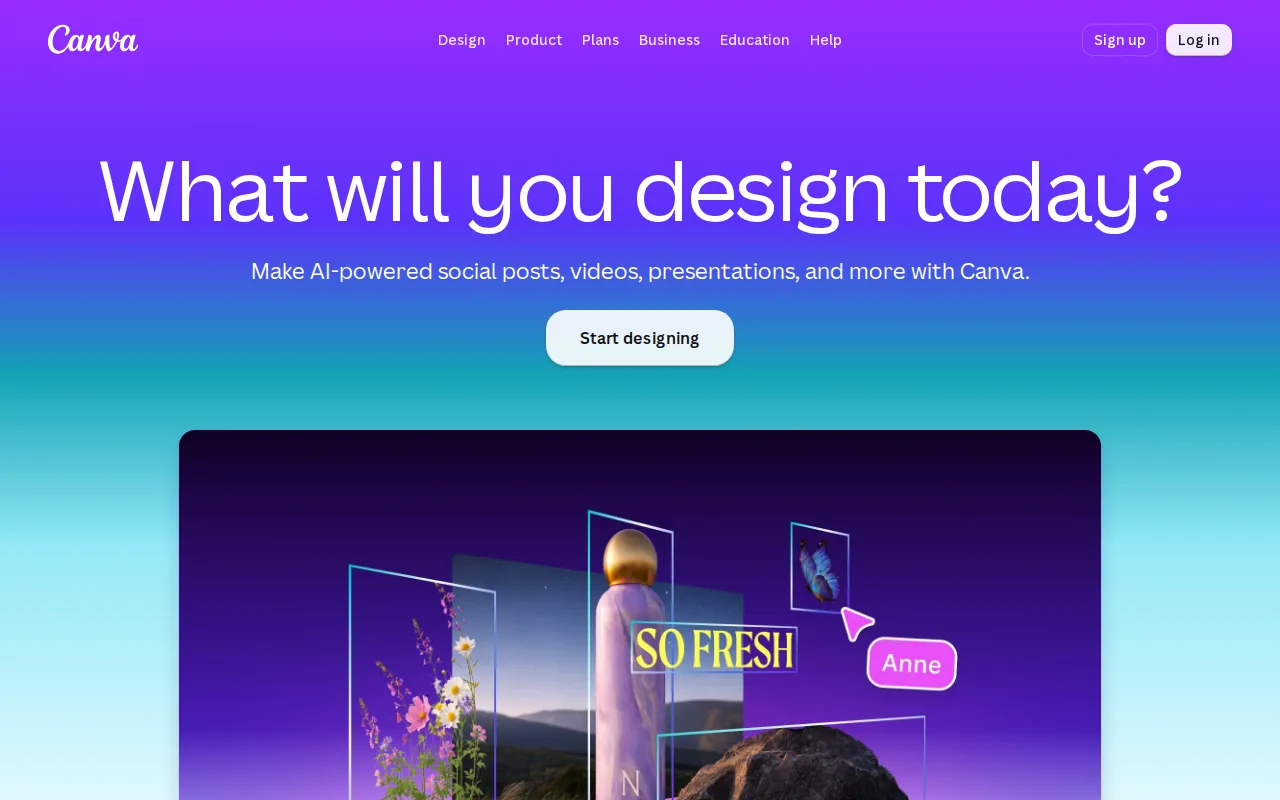
Canva is the best Recraft alternative for marketers, small business owners, and social media managers who need on-brand graphics fast without a generative-AI-first workflow. Canva's free plan includes 2M+ templates, a drag-and-drop editor, and basic AI features at no cost at all, a more accessible starting point than Recraft's own free plan, whose output is owned by Recraft and shown publicly in a community gallery, making it unsuitable for any private or commercial work. Canva holds a 4.7/5 rating from 13,411 Capterra reviews, by far the largest verified sample among Recraft's alternatives, and Canva Pro at $18/month adds Magic Resize, which reformats one design across dozens of platform-specific sizes automatically, a workflow capability outside Recraft's per-image generation model. Canva also bundles docs, presentations, and a website builder alongside design, reducing the number of separate tools a small team needs beyond Recraft's image-and-vector-generation focus. Recraft is still the better choice for anyone who specifically needs true AI-generated editable vector graphics, icons, or logos, or a custom style trained from reference images: Canva has no export to editable source formats like .psd or .ai, and its AI generation features (Magic Studio) are less specialized for production-ready vector assets than Recraft's dedicated vector-generation engine.
Compared to Recraft: 2M+ template library free with no signup restriction on private use, 4.7/5 rating from 13,411 Capterra reviews vs Recraft's 4.8/5 from only 37, Magic Resize reformats designs across platform sizes automatically
Wins:Free plan includes 2M+ templates with no public-gallery restriction on private use, unlike Recraft's free tier, whose output is owned by Recraft and shown publicly · 4.7/5 rating from 13,411 Capterra reviews, by far the largest verified sample among Recraft's alternatives · Magic Resize adapts one design across dozens of platform-specific formats automatically, a workflow capability Recraft's per-image generation doesn't offer
Loses:No true AI-generated editable vector graphics, icons, or logos the way Recraft's dedicated vector engine produces · No export to editable source formats like .psd or .ai; designs are effectively locked into Canva's own editor · No custom style trained from a user's own reference images the way Recraft's reusable style feature works
Pros
- Template library and drag-and-drop editor let non-designers produce usable graphics in minutes.
- Magic Resize adapts one design to many platform-specific formats automatically.
- Business plan's brand kits and approval workflows keep team output on-brand without a design lead reviewing everything.
- Bundles docs, presentations, and a website builder alongside design, reducing the number of separate tools a small team needs.
Cons
- No export to editable source formats like .psd or .ai; designs are effectively locked to Canva's own editor.
- Most premium templates, stock assets, and AI features require the Pro or Business paid tier.
- Mobile app is noticeably more limited than the desktop/web editor.
- Some users report confusing billing transitions between the free trial and paid subscription.
Pricing: Free tier · paid from $18/mo — $18/month Pro vs Recraft's unconfirmed Basic tier price (verified )
7Stable Diffusion — best Recraft alternative for developers and enterprises wanting a self-hostable, fine-tunable image generation model that's free under the Community License for small-scale or non-commercial use, rather than a closed API-only image generator
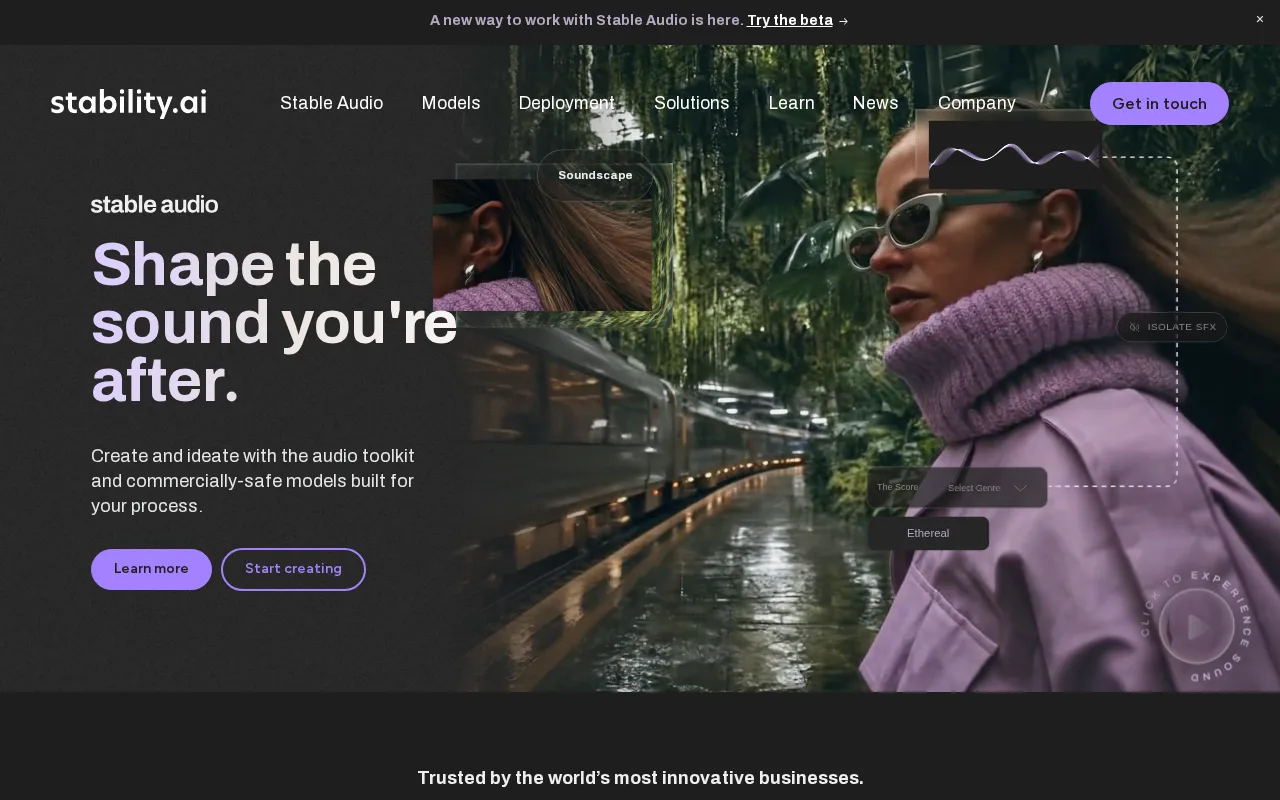
Stable Diffusion is the best Recraft alternative for developers and enterprises wanting a self-hostable, fine-tunable image generation model, rather than a closed API-only or subscription-only tool like Recraft. Stable Diffusion ships open model weights that can be downloaded, self-hosted, and fine-tuned at no cost under the Stability AI Community License for individuals, non-commercial use, and organizations under $1M in annual revenue, a self-hosting option Recraft's closed, commercial platform doesn't offer at all. Stable Diffusion's named enterprise customers, Electronic Arts, HubSpot, Mercado Libre, UMG, and Warner Music Group, demonstrate production-scale use beyond what Recraft's listing documents. Stability AI has also expanded the same open-weight approach beyond images into audio, video, and 3D generation models under one umbrella, a broader media scope than Recraft's image-and-vector focus. Recraft is still the better choice for anyone who wants a polished, ready-to-use web app with editable vector output and no GPU infrastructure to manage: Stable Diffusion's self-hosting and fine-tuning require GPU infrastructure and ML tooling knowledge, a steep learning curve versus Recraft's point-and-click web interface, and its free Community License ends at $1M in annual revenue, after which pricing requires a sales conversation.
Compared to Recraft: open model weights downloadable and self-hostable at no cost under the Community License, named enterprise customers (EA, HubSpot, UMG, Warner Music) demonstrate production scale, expanded into audio, video, and 3D generation under one umbrella
Wins:Open model weights can be downloaded, self-hosted, and fine-tuned at no cost under the Community License, a deployment option Recraft's closed platform doesn't offer · Named enterprise customers (Electronic Arts, HubSpot, UMG, Warner Music Group) demonstrate production-scale use · Expanded beyond images into audio, video, and 3D generation models under the same open-weight approach
Loses:Self-hosting and fine-tuning require GPU infrastructure and ML tooling knowledge, a steep learning curve versus Recraft's point-and-click web interface · No editable vector graphics, icons, or logo generation the way Recraft's SVG-style output provides · Free Community License ends at $1M in annual revenue, after which pricing requires a sales conversation
Pros
- Open model weights can be downloaded, self-hosted, and fine-tuned rather than accessed only through a closed API.
- Free under the Community License for individuals, non-commercial use, and organizations under $1M in annual revenue.
- Platform API and Brand Studio offer a managed path for teams that don't want to run their own GPU infrastructure.
- Named enterprise customers (Electronic Arts, HubSpot, UMG, Warner Music Group) demonstrate production-scale use.
Cons
- Self-hosting and fine-tuning require GPU infrastructure and ML tooling knowledge, a steep learning curve versus closed API tools.
- Community License free tier ends at $1M in annual revenue, after which pricing requires a sales conversation.
- Per-image Platform API and Brand Studio pricing isn't transparently published on the marketing site.
Pricing: Free