3 Best Free Alternatives to Pixelmator Pro in 2026
By Noahlast updated pricing verified
All 4 Pixelmator Pro alternatives
Compared: free alternatives to Pixelmator Pro
| Alternative | Best for | Standout | Biggest weakness | Learning curve | Price |
|---|---|---|---|---|---|
| Pixelmator Proreference | Mac and iPad users who want professional-grade, layer-based photo editing and AI retouching without a Photoshop subscription | AI-powered Super Resolution, background removal, Auto Enhance, and Intelligent Denoise built directly into a one-time-purchase image editor. | Apple acquired the Pixelmator Team in 2024, and the app requires macOS 26 or iPadOS 26 or later, locking out older hardware; it remains Mac- and iPad-only with no Windows, Linux, or Android version, and Apple's long-term roadmap for the app as a standalone product is less publicly documented than it was as an independent company. | Moderate | From $12.99/mo |
| Adobe Photoshop | photographers and designers who need pixel-level compositing, retouching, or AI-generated image edits beyond what non-destructive editors offer | Generative Fill and Generative Expand, which use Firefly and partner AI models to add, remove, or extend image content directly from a text prompt inside the layer stack. | Subscription-only with no perpetual license, a steep learning curve for anyone new to layers and masks, and heavy enough on CPU/GPU that Capterra reviewers report performance issues even on capable machines. | Steep | Free tier · paid from $19.99/mo |
| Affinity | designers and photographers who want Photoshop/Illustrator-level editing tools without paying a subscription, and don't need AI generative features | The full Vector, Pixel, and Layout studios are free with no feature restrictions, a direct reversal from Affinity's former one-time-purchase model and from Adobe's subscription pricing. | Generative AI tools (Fill, Expand, AI image/vector generation) require a separate Canva Pro subscription rather than being included, iPad support is still listed as coming soon rather than shipped, and there is no Linux version. | Moderate | Free tier · paid from $14.99/mo |
| GIMP | photographers, illustrators, and designers who want a full-featured, scriptable photo editor without paying a subscription or license fee | A scripting API in Python, C, C++, and Scheme lets users automate batch processing and build custom filters and plugins, backed by a large community library of scripts built up over the project's history. | No official vendor support: there is no paid support tier or SLA, so troubleshooting relies entirely on community forums and documentation, and the interface is widely considered less approachable for beginners than Photoshop or Affinity Photo. | Steep | Free |
 Pixelmator Pro
 Adobe Photoshop
 Affinity
 GIMP
GIMP1.Adobe Photoshop — best Pixelmator Pro alternative for photographers and designers who need pixel-level compositing, retouching, or AI-generated image edits beyond what non-destructive editors offer
Adobe Photoshop is the best Pixelmator Pro alternative for anyone who needs AI-generated image content or a Windows-compatible editor, since Photoshop's Generative Fill and Generative Expand use Adobe Firefly and partner AI models to add, remove, or extend image content from a text prompt, well beyond Pixelmator Pro's own AI toolset of Super Resolution, background removal, and Intelligent Denoise. Photoshop runs on Windows, macOS, and iPad, while Pixelmator Pro is Mac- and iPad-only, requiring macOS 26 or iPadOS 26 or later since Apple's 2024 acquisition of the Pixelmator Team. Photoshop holds a 4.8/5 rating from 2,466 Capterra reviews, more than 50 times the review volume behind Pixelmator Pro's own 4.8/5 score from just 48 reviews. The Photography plan bundling Photoshop with Lightroom starts at $19.99/month billed annually, a recurring cost against Pixelmator Pro's one-time $49.99 purchase. Pixelmator Pro is still the better choice for Mac and iPad users who want to pay once instead of subscribing indefinitely: Photoshop has no perpetual license, so access ends the moment a subscription lapses, and its steep learning curve and heavy CPU/GPU demands are more than many Pixelmator Pro users need for everyday retouching.
Compared to Pixelmator Pro: Generative Fill and Generative Expand AI tools, Windows support Pixelmator Pro lacks entirely, but $19.99/month vs a one-time $49.99 purchase
Wins:Generative Fill and Generative Expand use Firefly and partner AI models for text-prompt image editing, beyond Pixelmator Pro's Super Resolution and background removal · Runs on Windows, macOS, and iPad, versus Pixelmator Pro's Mac- and iPad-only availability requiring macOS 26 or iPadOS 26 · 4.8/5 rating from 2,466 Capterra reviews, over 50 times Pixelmator Pro's 48-review sample
Loses:Photography plan costs $19.99/month billed annually with no perpetual license, versus Pixelmator Pro's one-time $49.99 purchase · Steep learning curve and heavy CPU/GPU demands are more than many everyday retouching tasks need · No native macOS/iPadOS-specific interface polish or Apple Pencil integration to the same degree as Pixelmator Pro's Mac-first design
Pros
- Layer-based, pixel-level editing that remains the industry benchmark for compositing and retouching.
- Generative Fill and Remove tool cut hours off object removal and background work.
- Deep Creative Cloud integration shares fonts, assets, and files with Illustrator and Lightroom.
- Free web-based Firefly editor lets anyone try generative editing without a subscription.
Cons
- No perpetual license; access ends when the subscription lapses.
- Steep learning curve for users unfamiliar with layers, masks, and blend modes.
- Demanding on hardware; large multi-layer files can slow even high-end machines.
- Cancelling an annual-billed-monthly plan within the first year can trigger an early termination fee.
Pricing: Free tier · paid from $19.99/mo — $19.99/month Photography plan (recurring) vs Pixelmator Pro's one-time $49.99 purchase (verified undefined NaN, NaN)
2.Affinity — best Pixelmator Pro alternative for designers and photographers who want Photoshop/Illustrator-level editing tools without paying a subscription, and don't need AI generative features
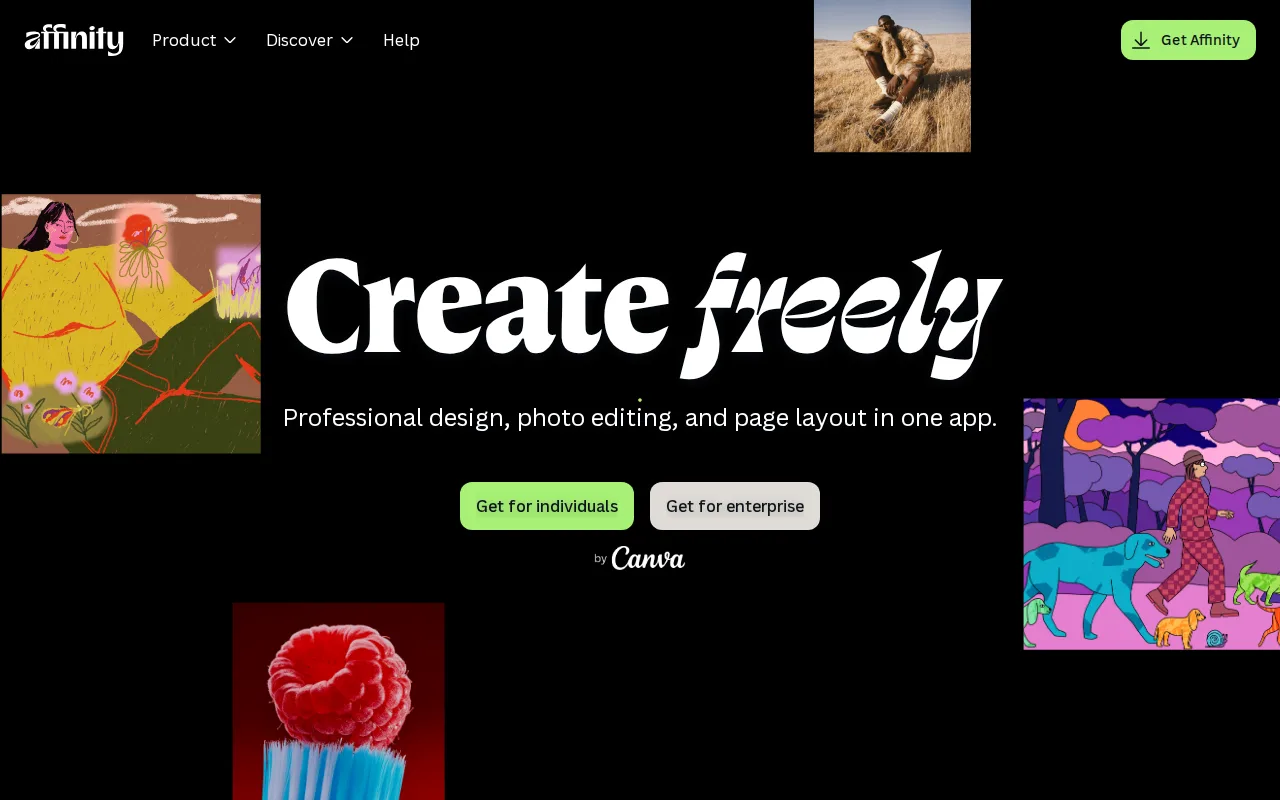
Affinity is the best Pixelmator Pro alternative for users who want vector, raster, and page-layout tools in one app without any purchase at all, since Affinity's Vector, Pixel, and Layout studios became completely free with just a Canva account in 2026, undercutting even Pixelmator Pro's one-time $49.99 price. Affinity Photo holds a 4.8/5 rating from 99 Capterra reviews, close to Pixelmator Pro's own 4.8/5 from 48 reviews, but from roughly twice the sample size. Affinity adds page-layout tools (the Layout studio) that Pixelmator Pro's image-focused toolset does not include, giving it broader scope for anyone doing print or multi-page design work. Both apps run on Windows and macOS, though Affinity currently lacks a shipped iPad app (listed as coming soon) while Pixelmator Pro's iPad version is available today. Pixelmator Pro is still the better choice for iPad users who want AI-powered Super Resolution and Intelligent Denoise built into a Mac-native app right now: Affinity's generative AI tools (Fill, Expand, AI image/vector generation) require a separate $14.99/month Canva Pro subscription, a recurring cost Pixelmator Pro's one-time purchase avoids for its own AI feature set.
Compared to Pixelmator Pro: free Vector, Pixel, and Layout studios with a Canva account, undercutting the $49.99 one-time price, but no shipped iPad app
Wins:Free Vector, Pixel, and Layout studios with a Canva account, undercutting Pixelmator Pro's one-time $49.99 price entirely · Layout studio adds page-design tools beyond Pixelmator Pro's image-focused feature set · 4.8/5 rating from 99 Capterra reviews, roughly double Pixelmator Pro's 48-review sample at the same score
Loses:No shipped iPad app yet, only listed as coming soon, while Pixelmator Pro's iPad version is available today · Generative AI tools (Fill, Expand, AI generation) require a separate $14.99/month Canva Pro subscription, a recurring cost on top of the free core app · No Apple Pencil-specific tuning to the depth Pixelmator Pro offers as a Mac/iPad-native app
Pros
- Full professional design suite (vector, raster, layout) free with no time limit or feature gate on the core tools.
- Requires only a free Canva account, no credit card, to unlock everything in the base app.
- Backed by Canva's infrastructure and update cadence rather than a small independent studio.
- Optional Canva Pro AI features integrate directly inside the same app rather than requiring a separate tool.
Cons
- Generative AI features are gated behind a paid Canva Pro subscription ($14.99/month or $119.99/year).
- No iPad app yet; it is listed as coming soon rather than available.
- No Linux support.
- The 2026 rebrand merging three separate apps into one changes workflows for users of the older per-app Affinity Designer/Photo/Publisher versions.
Pricing: Free tier · paid from $14.99/mo — Free with a Canva account vs Pixelmator Pro's one-time $49.99; Affinity's optional AI tools cost $14.99/month via Canva Pro
3.GIMP — best Pixelmator Pro alternative for photographers, illustrators, and designers who want a full-featured, scriptable photo editor without paying a subscription or license fee
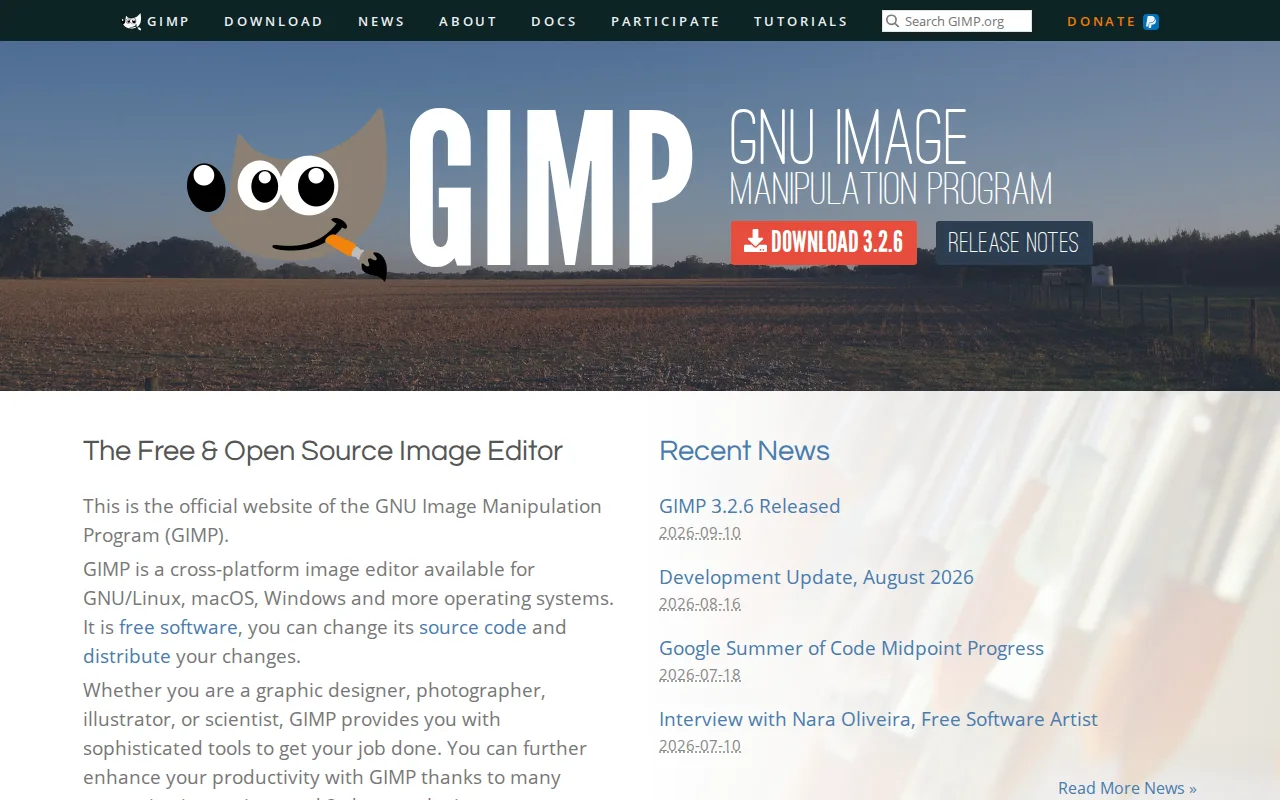
GIMP is the best Pixelmator Pro alternative for anyone who wants a $0 image editor on any operating system, since GIMP is licensed under the GPLv3 and runs natively on Windows, macOS, and Linux, while Pixelmator Pro costs a one-time $49.99 and works only on Mac and iPad. GIMP's source code is public and auditable, and it adds a scripting API in Python, C, C++, and Scheme for batch processing, a capability Pixelmator Pro's closed-source app does not expose. Pixelmator Pro requires macOS 26 or iPadOS 26 or later, locking out older Apple hardware, while GIMP has no such version-gating restriction across its supported platforms. Pixelmator Pro is still the better choice for Mac and iPad users who want AI-powered Super Resolution, Intelligent Denoise, and a more approachable interface: GIMP has no external ratings on record to compare against Pixelmator Pro's 4.8/5 score from 48 Capterra reviews, and GIMP's interface and non-destructive editing workflow are widely considered less approachable for beginners than Pixelmator Pro's Mac-native design.
Compared to Pixelmator Pro: completely free under GPLv3 vs a one-time $49.99 purchase, native Windows and Linux support, but a steeper interface for beginners
Wins:Completely free under the GPLv3, versus Pixelmator Pro's one-time $49.99 purchase · Runs on Windows, macOS, and Linux, unlike Pixelmator Pro's Mac- and iPad-only availability requiring macOS 26 or iPadOS 26 · Scripting API in Python, C, C++, and Scheme for batch processing, a capability Pixelmator Pro's closed-source app doesn't expose
Loses:No external ratings on record, versus Pixelmator Pro's 4.8/5 score from 48 Capterra reviews · Interface and non-destructive editing workflow are widely considered less approachable for beginners than Pixelmator Pro's · No AI-powered Super Resolution or Intelligent Denoise tools built into the core app the way Pixelmator Pro has
Pros
- Completely free with no license fee, subscription, or feature paywall.
- Fully cross-platform on Linux, macOS, and Windows with the same feature set on each.
- Scriptable via Python, C, C++, and Scheme for custom filters and batch automation.
- Open-source license means the software can be audited, modified, and redistributed without restriction.
Cons
- No official vendor support or SLA; help comes only from community forums and documentation.
- Interface and non-destructive editing workflow are less approachable for beginners than Photoshop or Affinity Photo.
- Native file compatibility with Photoshop's .psd format is imperfect for complex layered files.
- Smaller plugin and brush ecosystem than commercial competitors, despite community contributions.
Pricing: Free (verified undefined NaN, NaN)