PDFgear — Completely free PDF editor for Windows, Mac, iOS, and Android with an AI Copilot, no watermarks, and no sign-up required.

By Noahlast updated pricing verified
PDFgear screenshots & video
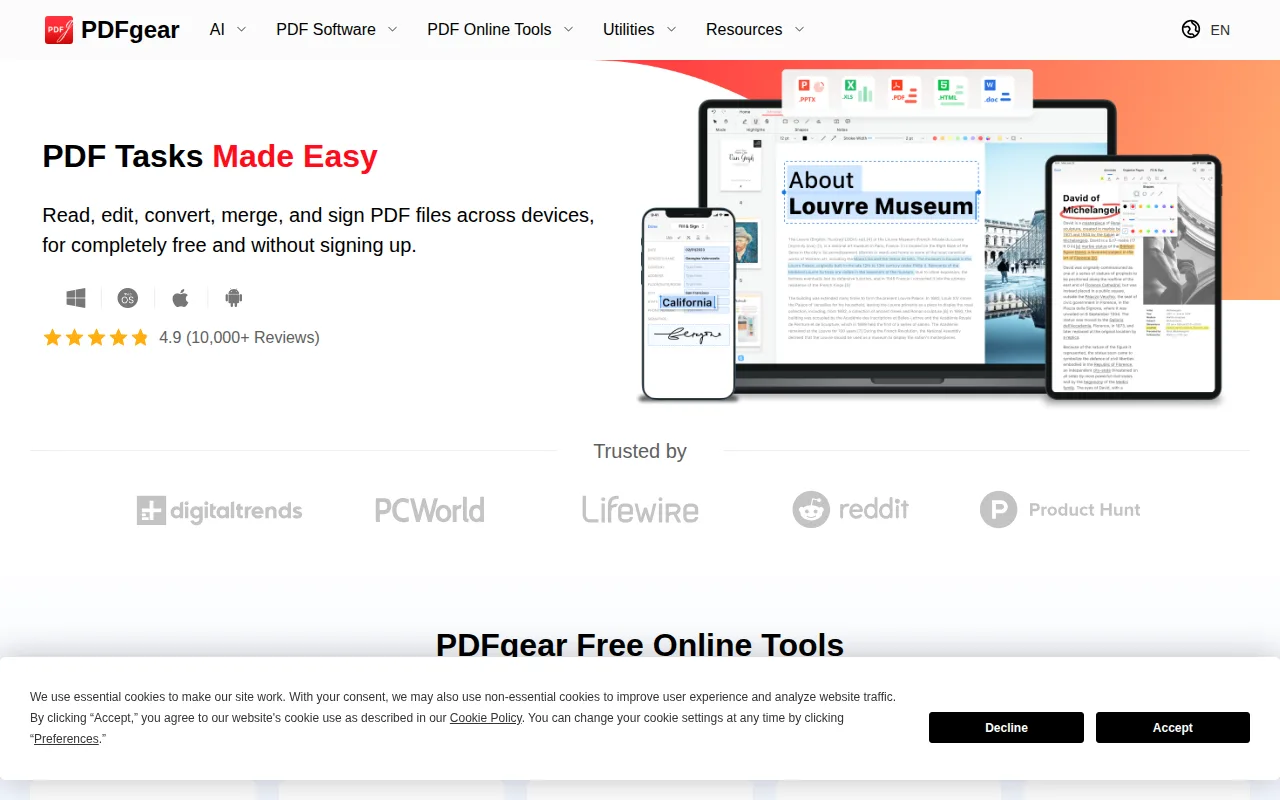
PDFgear in 20 seconds
Best for: individuals who want a completely free PDF editor with no account requirement
Pricing: Free for every feature — no paid tier exists.
- PDFgear is entirely free — every feature, including AI Copilot and OCR, has no cost or watermark.
- It's available on Windows, Mac, iOS, Android, and the web, plus a Chrome extension.
- PDFgear holds a 5.0-star rating from 15 reviews on Capterra.
- No account or sign-up is required to use any feature.
- OCR supports over 30 languages.
Limitations: No paid tier means no team administration or SSO for business use.; No account-based sync across devices since sign-up isn't required.; Newer, smaller company than established PDF vendors, with less long-term track record.
Top alternatives: Adobe Acrobat, Smallpdf, Foxit PDF Editor, PDF Expert, Sejda — full list
What is PDFgear?
PDFgear is a PDF editing application distributed free of charge across desktop (Windows, Mac), mobile (iOS, Android), and web, plus a Chrome extension. It handles the standard PDF toolkit — editing text, images, shapes, and form fields; annotating and marking up documents; converting between PDF and Word, Excel, PowerPoint, JPG, and plain text; merging, splitting, and reorganizing pages; adding digital signatures; and OCR for scanned documents in over 30 languages. A PDF Copilot feature adds AI-powered summarization and document chat. Unlike most PDF tools that gate advanced features behind a paywall, PDFgear offers its full feature set for free without account registration, watermarks, or file-size caps advertised on its marketing pages, funded instead by cross-promotion of its sibling e-signature product, eSignGear.
PDFgear is a free PDF editor and converter for Windows, Mac, iOS, Android, and the web that reads, edits, converts, merges, and signs PDF files without requiring an account or payment. It costs $0 for every feature it offers, including a PDF Copilot AI assistant for summarizing and chatting with document content and OCR in more than 30 languages. PDFgear is made by the same company behind the e-signature tool eSignGear, and it holds a 5.0-star rating from 15 reviews on Capterra, with reviewers frequently noting they switched from paid tools like Adobe Acrobat for the cost savings.
Standout feature: Every feature, including the AI Copilot and OCR in 30+ languages, is free with no watermark, sign-up, or paywall.
Biggest weakness: There is no paid tier, so PDFgear has none of the team administration, SSO, audit logging, or dedicated support that come with subscription PDF tools; it's built for individual, not organizational, use, and users switching devices don't get account-based sync since no sign-up is required.
Pros
- Full feature set — editing, conversion, OCR, signing, AI Copilot — costs nothing.
- No account, sign-up, or watermark required to use any feature.
- Available on Windows, Mac, iOS, Android, and web from a single company.
- 5.0-star rating from 15 Capterra reviews, with reviewers citing it as a free swap for Adobe Acrobat.
Cons
- No paid tier means no team management, SSO, or admin controls for business use.
- No account-based sync across devices since sign-up isn't required.
- Smaller, newer company than Adobe or Foxit, with less track record for long-term format support.
PDFgear pricing
Free · verified from the vendor's pricing page
| Plan | Price | Notes |
|---|---|---|
| Free | Free | All features — editing, conversion, signing, OCR, and AI Copilot — available at no cost, with no account, watermark, or paywall. |
What reviewers say
Scores belong to their platforms; we display them with attribution and never fold them into our own ratings.