PDFescape — A free browser-based PDF editor and form filler, with an ad-free Premium tier and a bundled Windows desktop app for heavier editing.

By Noahlast updated
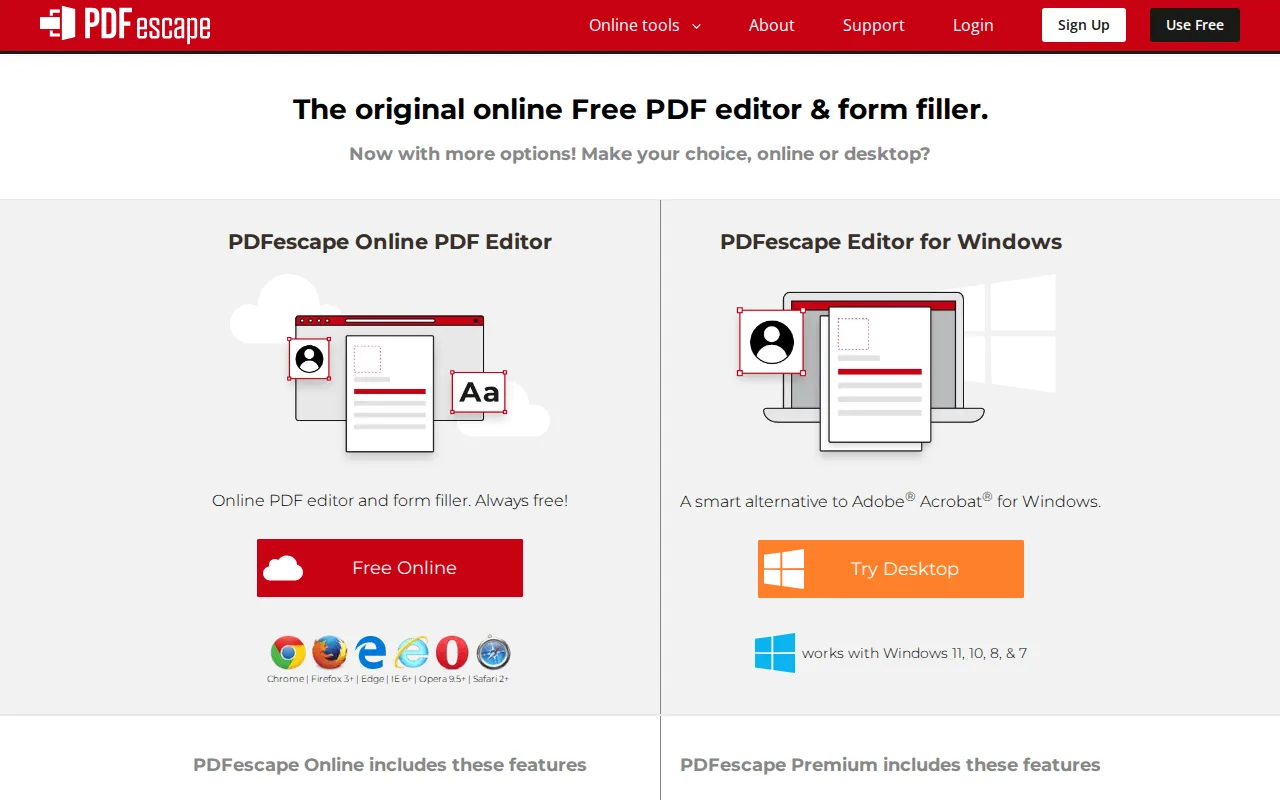
PDFescape screenshots & video
PDFescape in 20 seconds
Best for: people who need quick, occasional PDF edits or form filling in a browser without installing software
Pricing: Free (ad-supported, 10MB cap); Premium ~$2.99/month removes ads and raises limits; Ultimate ~$5.99/month adds full editing.
- PDFescape's free tier caps files at 10MB, stores 10 files, and keeps 7 days of file history, with ads in the interface.
- Premium (around $2.99/month) removes ads and raises limits to 40MB files, 100 stored files, and 30 days of history.
- Ultimate (around $5.99/month) adds real text/image editing, PDF-to-Word conversion, merging, and compression.
- Premium and Ultimate subscribers get access to the PDFescape Desktop app for Windows; there is no macOS desktop app.
- PDFescape holds a 4.6/5 rating from 16 reviews on Capterra.
Limitations: Free tier excludes real text and image editing entirely.; 10MB file-size cap and 7-day history on the free tier are restrictive for larger or scanned documents.; No native macOS desktop app; desktop editing is Windows-only.
Top alternatives: Smallpdf, iLovePDF, Adobe Acrobat, Sejda, PDFgear — full list
What is PDFescape?
PDFescape is a browser-based PDF editor: it opens PDFs directly in a web page for basic editing, annotation, form creation and filling, and password protection, with no software installation and no account required for the free tier. It has run as a free online editor since 2006. The free tier is deliberately limited — small file sizes, few stored files, a short file-history window, and ads in the interface. A paid Premium tier removes ads and raises those caps; a higher Ultimate tier adds real text and image editing, PDF-to-Word conversion, file merging, and compression, features the free and Premium tiers don't include. Premium and Ultimate subscriptions also unlock the PDFescape Desktop application for Windows, which brings the same advanced tools to offline editing; PDFescape has no native macOS or mobile desktop equivalent, though an Android app exists for basic mobile PDF tasks.
PDFescape is a browser-based PDF editor and form filler that markets itself as "the original online free PDF editor," usable without an account for basic editing, annotation, form filling, and password protection. The free tier caps file size at 10MB and stores 10 files with 7 days of history; the Premium plan (around $2.99/month based on multiple third-party pricing sources, not directly confirmed on PDFescape's own JavaScript-rendered pricing page) removes ads, raises the file-size limit to 40MB, and stores 100 files with 30 days of history, while an Ultimate plan adds text/image editing, PDF-to-Word conversion, merging, and compression. Premium and Ultimate subscribers also get access to the PDFescape Desktop app for Windows 7 through 11, which layers on the same advanced editing tools for offline use; there is no macOS desktop app. PDFescape holds a 4.6/5 rating from 16 reviews on Capterra.
Standout feature: A genuinely usable free online PDF editor with no required signup for basic editing, annotation, and form filling, distinguishing it from tools that gate all editing behind a paywall.
Biggest weakness: The free tier excludes real text and image editing entirely — those require the paid Ultimate plan — and the free tier's 10MB file-size cap and 7-day file history are restrictive for anyone working with scanned documents or larger PDFs.
Pros
- Free tier requires no account signup for basic PDF editing, annotation, and form filling.
- Premium and Ultimate unlock a Windows desktop app for offline editing at no extra cost beyond the subscription.
- Ultimate tier adds real text/image editing, PDF-to-Word conversion, and file compression.
- Simple, low-friction interface with a shallow learning curve for basic tasks.
Cons
- Free tier caps files at 10MB, stores only 10 files, and keeps 7 days of file history.
- Real text and image editing require upgrading to the Ultimate tier, not just Premium.
- No native macOS desktop app; desktop editing is Windows-only.
- Exact current pricing is not shown on PDFescape's own site (JavaScript-rendered), requiring third-party sources to triangulate.
PDFescape pricing
Free tier · paid from $2.99/mo
| Plan | Price | Notes |
|---|---|---|
| Free (online) | Free | Ad-supported; 10MB max file size, 10 stored files, 7 days of file history. Edit, annotate, and fill PDF forms. |
| Premium (online) | $2.99/mo | Ad-free; 40MB max file size, 100 stored files, 30 days of file history. Also unlocks the PDFescape Desktop app for Windows. Price triangulated from third-party sources, not confirmed on PDFescape's own site. |
| Ultimate (online) | $5.99/mo | Adds text and image editing, PDF-to-Word conversion, merging, and file compression on top of Premium. Price triangulated from third-party sources, not confirmed on PDFescape's own site. |
What reviewers say
Scores belong to their platforms; we display them with attribution and never fold them into our own ratings.