5 Best Alternatives to pCloud for macOS in 2026
By Noahlast updated pricing verified
Compared: pCloud alternatives that run on macOS
| Alternative | Best for | Learning curve | Price |
|---|---|---|---|
| pCloudreference | users who want to pay once for cloud storage instead of an ongoing monthly subscription, and who value choosing between EU and US data residency | Low | Free tier · paid from $199 one-time |
| Google Drive | individuals and teams already using Google Docs, Sheets, and Slides who want real-time collaborative editing with simple cloud storage and sharing links | Low | Free tier · paid from $1.99/mo |
| Dropbox | individuals and teams who need dependable cross-device file sync and simple sharing links, especially teams already invoking Dropbox's large-file-transfer and version-history features | Low | Free tier · paid from $9.99/mo |
| OneDrive | households and businesses already paying for Microsoft 365 who want file storage that co-authors Word, Excel, and PowerPoint documents natively | Low | Free tier · paid from $1.99/mo |
| Sync.com | privacy-conscious individuals and regulated businesses (legal, healthcare, finance) who need zero-knowledge encrypted file storage that even the vendor cannot read | Low | Free tier · paid from $4/mo |
| Icedrive | keeping a personal photo and document archive in encrypted cloud storage at a low price per terabyte | Low | Free tier · paid from $2.99/mo |
 pCloud
 Google Drive
 Dropbox
 OneDrive
 Sync.com
 Icedrive
1Google Drive — best pCloud alternative for individuals and teams already using Google Docs, Sheets, and Slides who want real-time collaborative editing with simple cloud storage and sharing links
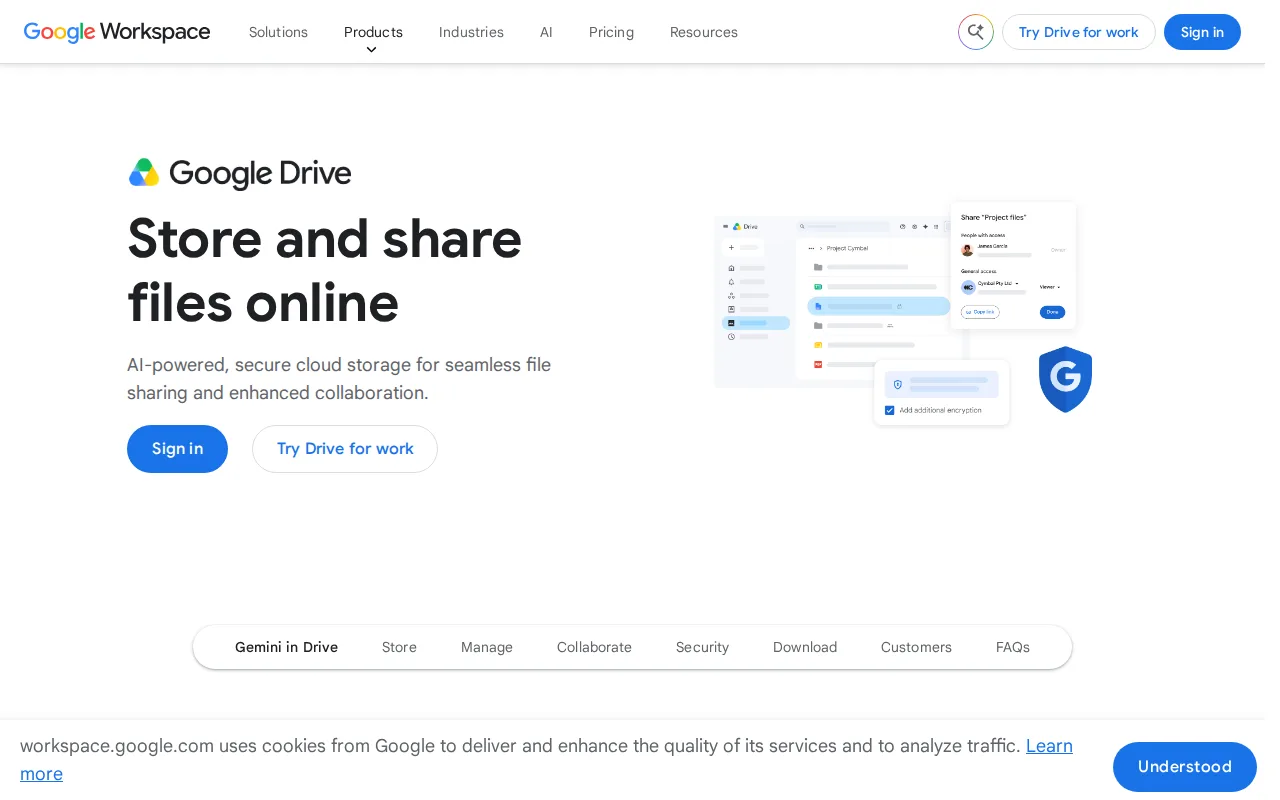
Google Drive is the best pCloud alternative for individuals and teams who want real-time collaborative editing built directly into Docs, Sheets, and Slides rather than pCloud's storage-only model. Google Drive's free tier gives 15GB, and Google One storage starts at just $1.99/month for 100GB, a far smaller commitment than pCloud's cheapest lifetime plan at $199 one-time for 500GB. Google Drive holds a 4.8/5 rating from 28,587 Capterra reviews, the deepest review evidence of any alternative on this list, compared to pCloud's 4.5/5 from 180. Real-time collaborative editing inside Docs, Sheets, and Slides has no separate sync step, a workflow pCloud's file-storage focus doesn't replicate. pCloud is still the better choice for users who specifically want to avoid a recurring subscription: pCloud's lifetime plans (from $199 for 500GB) replace ongoing costs entirely, while Google Drive requires an ongoing monthly or annual Google One payment for any storage beyond the free 15GB, and pCloud offers a choice between EU and US data centers that Google Drive doesn't publish.
Compared to pCloud: real-time collaborative editing built into Docs, Sheets, and Slides, a much lower entry price at $1.99/month for 100GB vs pCloud's $199 one-time for 500GB, a 4.8/5 rating from 28,587 Capterra reviews vs pCloud's 4.5/5 from 180
Wins:Real-time collaborative editing built directly into Docs, Sheets, and Slides from stored files · Much lower entry price at $1.99/month for 100GB vs pCloud's $199 one-time payment for 500GB · 4.8/5 rating from 28,587 Capterra reviews, far deeper review evidence than pCloud's 180
Loses:No one-time lifetime payment option, unlike pCloud's plans that eliminate recurring costs entirely · No published choice between EU and US data center location, unlike pCloud's residency choice · Free 15GB storage is shared across Drive, Gmail, and Photos rather than dedicated file storage
Pros
- Real-time collaborative editing built directly into Docs, Sheets, and Slides from stored files.
- Google One storage plans are inexpensive relative to competitors, starting at $1.99/month for 100GB.
- Powerful in-document and in-file search across the entire Drive.
- 2TB plan allows sharing storage with up to 5 family members at no extra cost.
Cons
- Free 15GB storage is shared across Drive, Gmail, and Photos, so it fills up quickly with normal use.
- Some bundled apps (particularly Sheets) are described by reviewers as lacking features versus dedicated tools like Excel.
- Large file uploads can experience delays compared to some competitors.
- Business/team storage isn't sold standalone; it requires a full Google Workspace subscription.
Pricing: Free tier · paid from $1.99/mo — $1.99/month for 100GB (Google One) vs pCloud's $199 one-time lifetime payment for 500GB
2Dropbox — best pCloud alternative for individuals and teams who need dependable cross-device file sync and simple sharing links, especially teams already invoking Dropbox's large-file-transfer and version-history features
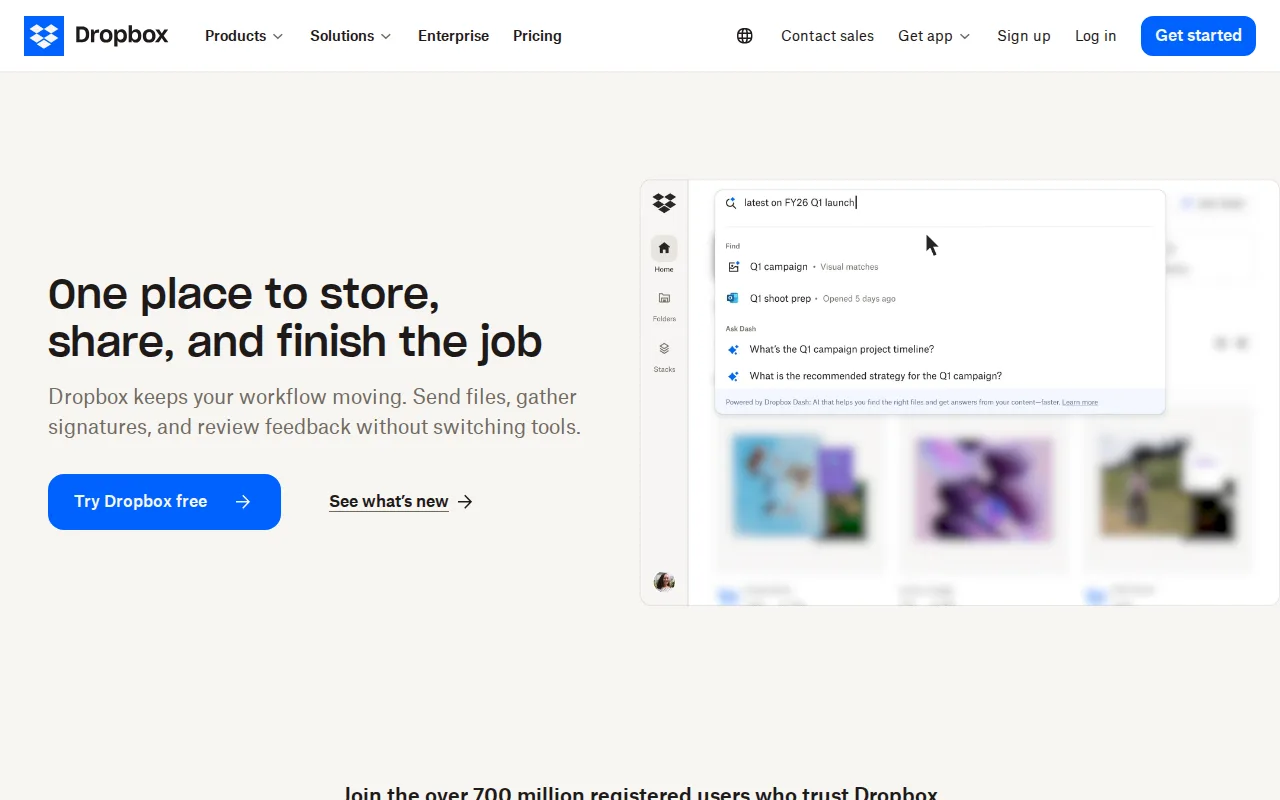
Dropbox is the best pCloud alternative for individuals and teams who need dependable cross-device sync plus file-transfer links up to 250GB, a capability pCloud's lifetime-storage model doesn't match at that scale. Dropbox's Plus plan costs $9.99/month for 2TB, a recurring cost that starts far lower than pCloud's $399 one-time lifetime payment for the same 2TB tier, though it accumulates over time rather than being a single payment. Dropbox holds a 4.5/5 rating from 21,704 Capterra reviews, far more review volume than pCloud's 4.5/5 from 180. 175+ file-type previews and 30-day (or longer) version history round out Dropbox's sync-first feature set. pCloud is still the better choice for users who want to avoid an ongoing subscription entirely: pCloud's one-time lifetime payment (from $199 for 500GB) eventually costs less than Dropbox's recurring monthly fee for long-term storage, and pCloud offers a choice between EU and US data residency that Dropbox doesn't publish.
Compared to pCloud: file-transfer links up to 250GB, a recurring $9.99/month for 2TB vs pCloud's $399 one-time lifetime payment for the same tier, a 4.5/5 rating from 21,704 Capterra reviews vs pCloud's 4.5/5 from 180
Wins:File-transfer links support very large files up to 250GB without a separate tool · 175+ file-type previews and long version-history windows on paid tiers · 4.5/5 rating from 21,704 Capterra reviews, far more review volume than pCloud's 180
Loses:No one-time lifetime payment option; long-term storage costs accumulate monthly, unlike pCloud's single upfront payment · No published choice between EU and US data center location, unlike pCloud's residency choice · Free tier is limited to just 2GB, smaller than pCloud's free allotment
Pros
- Reliable cross-device sync with a simple, well-understood synced-folder model.
- File-transfer links support very large files (up to 250GB) without needing a separate tool.
- Long version history and file-recovery windows on paid tiers protect against accidental deletion or ransomware.
- Broad platform support and deep third-party integrations (Slack, Zoom, Adobe, Microsoft Office).
Cons
- Per-user team pricing ($15-$24/month) makes larger teams considerably more expensive than storage-only competitors.
- Free tier is limited to just 2GB, among the smallest of major cloud storage services.
- Syncing very large folders can be slower than expected, according to reviewer feedback.
- Advanced security and admin features (SSO, tiered admin) are locked behind the higher Advanced tier.
Pricing: Free tier · paid from $9.99/mo — $9.99/month for 2TB (Plus) vs pCloud's $399 one-time lifetime payment for 2TB (verified )
3OneDrive — best pCloud alternative for households and businesses already paying for Microsoft 365 who want file storage that co-authors Word, Excel, and PowerPoint documents natively
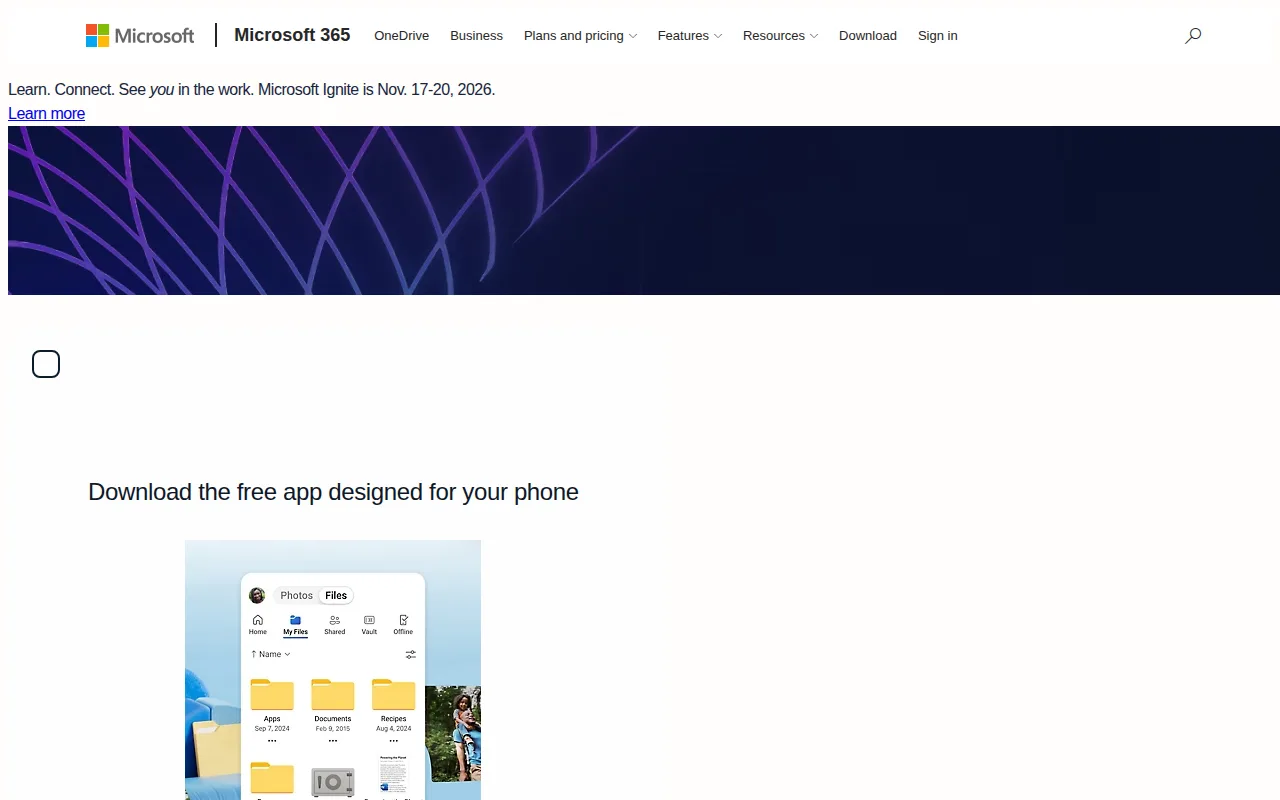
OneDrive is the best pCloud alternative for households and businesses that want cloud storage bundled with desktop Word, Excel, and PowerPoint, something pCloud's storage-only model doesn't include at any price. Microsoft 365 Personal costs $9.99/month for 1TB alongside the full Office apps and Copilot, a recurring cost that starts far lower than pCloud's $399 one-time lifetime payment for the equivalent 2TB tier, though it accumulates monthly rather than being paid once. OneDrive holds a 4.5/5 rating from 12,828 Capterra reviews, close to pCloud's own 4.5/5 but from far more reviews (12,828 vs 180). Personal Vault adds a second authentication layer for sensitive files, and ransomware detection can restore OneDrive to a version before an attack. pCloud is still the better choice for users who want to avoid an ongoing subscription and prefer a choice of data residency: pCloud's one-time lifetime payment (from $199 for 500GB) eliminates recurring costs entirely, and pCloud lets users choose between EU (Luxembourg) and US data centers, a choice OneDrive doesn't publish.
Compared to pCloud: storage bundled with desktop Word, Excel, and PowerPoint plus Copilot AI, $9.99/month for 1TB (recurring) vs pCloud's $399 one-time lifetime payment for 2TB, a 4.5/5 rating from 12,828 Capterra reviews vs pCloud's 4.5/5 from 180
Wins:Storage bundled with full desktop Word, Excel, PowerPoint, and Copilot AI, unlike pCloud's storage-only service · Personal Vault adds a second authentication layer for sensitive scanned documents and IDs · 4.5/5 rating from 12,828 Capterra reviews, far deeper review evidence than pCloud's 180
Loses:No one-time lifetime payment option; costs accumulate monthly instead of pCloud's single upfront payment · No published choice between EU and US data center location, unlike pCloud's residency choice · No official native Linux desktop client, unlike pCloud's Linux support
Pros
- 1TB of storage bundled with a Microsoft 365 Personal subscription that also includes desktop Office apps.
- Personal Vault adds a second authentication layer for sensitive scanned documents and IDs.
- Real-time co-authoring in Word, Excel, and PowerPoint without leaving the desktop apps.
- Family plan splits up to 6TB across six people for $12.99/month.
Cons
- Free tier is only 5GB, well below competitors like Google Drive's 15GB.
- No official native Linux sync client.
- Full value requires a Microsoft 365 subscription, not just storage.
- Sync client has a history of user complaints about performance on large file libraries.
Pricing: Free tier · paid from $1.99/mo — $9.99/month for 1TB (Microsoft 365 Personal) vs pCloud's $399 one-time lifetime payment for 2TB (verified )
4Sync.com — best pCloud alternative for privacy-conscious individuals and regulated businesses (legal, healthcare, finance) who need zero-knowledge encrypted file storage that even the vendor cannot read
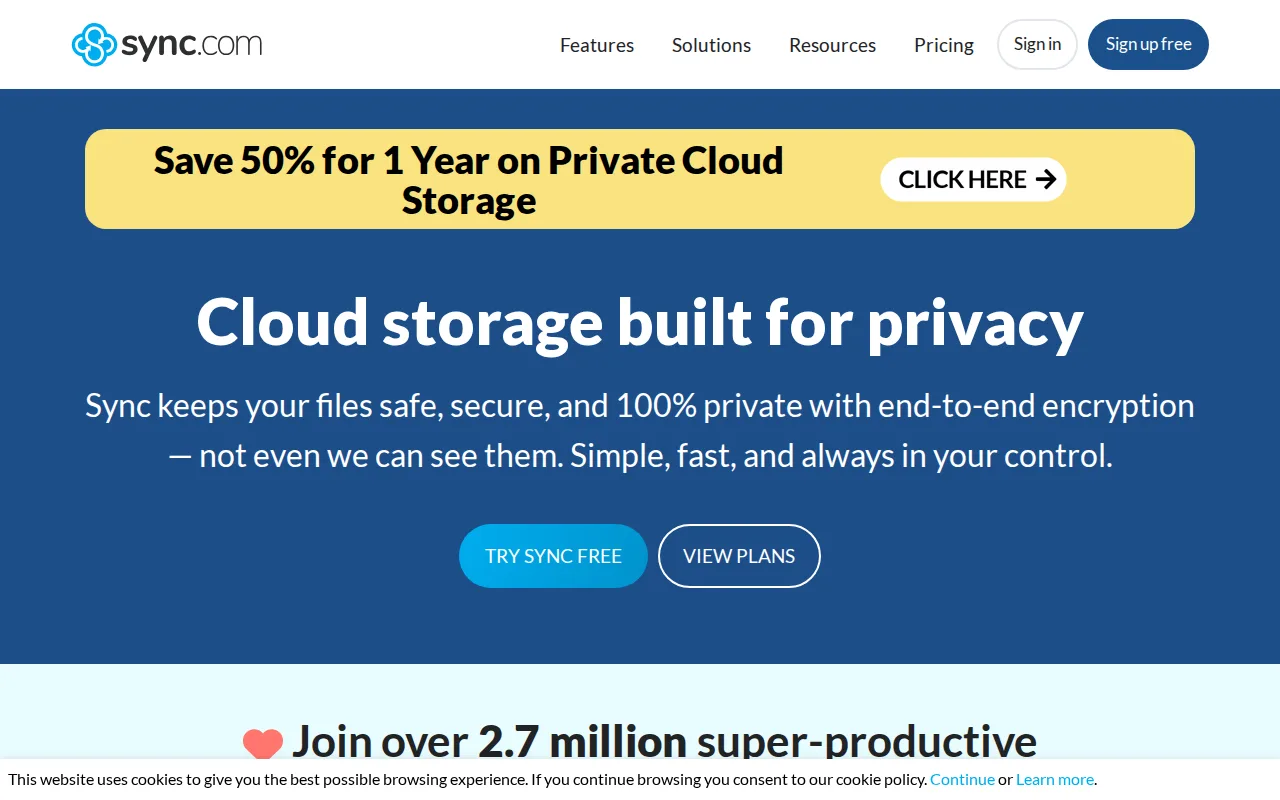
Sync.com is the best pCloud alternative for privacy-conscious users who want true zero-knowledge, end-to-end encryption included by default, unlike pCloud, which sells client-side zero-knowledge encryption (pCloud Encryption) as a separate paid add-on rather than including it. Sync.com's free tier gives 5GB, and Personal 150GB costs $4/month ($3.50/month billed annually), a recurring cost structure that contrasts with pCloud's one-time $199 lifetime payment for a larger 500GB tier. Sync.com holds a 4.3/5 rating from 57 Capterra reviews, close to pCloud's 4.5/5 from 180 but from fewer reviews. Sync.com is Canadian-based, appealing to users who want data outside US legal jurisdiction, similar in spirit to pCloud's own EU/US residency choice. pCloud is still the better choice for users who prefer to pay once instead of an ongoing subscription and want more storage per dollar: pCloud's lifetime plans (from $199 for 500GB) eliminate recurring costs, while Sync.com's zero-knowledge encryption also means a lost password results in permanently inaccessible files with no vendor-side recovery, a risk shared by pCloud's own optional Encryption add-on.
Compared to pCloud: true zero-knowledge encryption included by default rather than sold as a paid add-on, Personal 150GB at $4/month (recurring) vs pCloud's $199 one-time lifetime payment for 500GB, Canadian jurisdiction vs pCloud's EU/US data-center choice
Wins:True zero-knowledge encryption included by default, unlike pCloud's separately sold pCloud Encryption add-on · Canadian jurisdiction appeals to users wanting data outside US legal reach · CloudFiles integrates directly with Windows Explorer and Mac Finder for native-feeling sync
Loses:No one-time lifetime payment option; costs accumulate monthly instead of pCloud's single upfront payment · Some users report inconsistent reliability, including sync operations failing at times, an issue not reported for pCloud · 4.3/5 rating from 57 Capterra reviews vs pCloud's stronger 4.5/5 from 180
Pros
- True zero-knowledge encryption means even Sync.com cannot read stored files.
- Free tier includes 5GB of storage with no credit card required to start.
- Canadian jurisdiction appeals to users wanting data outside U.S. legal reach.
- CloudFiles integrates directly with Windows Explorer and Mac Finder for native-feeling sync.
Cons
- Some users report inconsistent reliability, including folder creation and sync operations failing at times.
- Customer support response times draw complaints, with some users left to self-resolve recovery issues.
- Zero-knowledge encryption means a lost password results in permanently inaccessible files, with no vendor-side reset.
- 1TB and 5TB tier pricing shown as 'promotional' against a listed regular price roughly double, making true long-term cost less transparent.
Pricing: Free tier · paid from $4/mo — $4/month for 150GB (Personal) vs pCloud's $199 one-time lifetime payment for 500GB (verified )
5Icedrive — best pCloud alternative for keeping a personal photo and document archive in encrypted cloud storage at a low price per terabyte
Icedrive is the best pCloud alternative for users who want a low-cost recurring plan instead of pCloud's larger upfront lifetime payment, with a Lite tier around $1.67/month for 150GB billed annually, far below pCloud's $199 one-time cost for 500GB in absolute dollars at the start. Icedrive's free tier gives 10GB, larger than the storage most competitors offer for free, and its 10GB free allotment is stated plainly, unlike pCloud's free plan, whose exact storage allocation isn't listed on pCloud's marketing pages. Icedrive uses Twofish client-side encryption on paid plans, a less common cipher than the AES-256 pCloud and most competitors use. Icedrive has no external rating on record, unlike pCloud's 4.5/5 from 180 Capterra reviews. pCloud is still the better choice for users who want to eliminate recurring payments entirely and value an established privacy track record: pCloud's lifetime plans (from $199 for 500GB) replace ongoing costs, while Icedrive's desktop and mobile clients are closed source, cutting against its own privacy-focused positioning, and Icedrive has had past gaps in native Linux and iOS app availability that pCloud's more consistent platform support doesn't share.
Compared to pCloud: a Lite tier around $1.67/month for 150GB vs pCloud's $199 one-time lifetime payment for 500GB, a clearly stated 10GB free tier vs pCloud's unlisted free-plan allocation, Twofish client-side encryption vs pCloud's AES-256
Wins:Lite tier costs around $1.67/month for 150GB, a much lower monthly entry point than pCloud's lifetime pricing · 10GB free tier is clearly stated, unlike pCloud's free plan whose exact allocation isn't published · Direct media streaming from the cloud without requiring a full local download first
Loses:No external rating on record, unlike pCloud's 4.5/5 from 180 Capterra reviews · Closed-source desktop and mobile clients undercut Icedrive's own privacy-focused positioning, an inconsistency pCloud doesn't share · Has had past gaps in native Linux and iOS app availability, per user reports, unlike pCloud's more consistent platform support
Pros
- 10GB free account to try the web, desktop and mobile apps before paying.
- Client-side Twofish encryption with zero-knowledge keys on every paid plan, file and folder names included.
- Low per-terabyte pricing billed yearly: 3TB for $9.99/month or 10TB for $29.99/month.
- Native apps for Windows, macOS, Linux (AppImage, Snap and a CLI), iOS and Android, with virtual-drive mounting on desktop.
- One-time Lifetime plans ($229 for 500GB, $499 for 2TB) and a 30-day money-back guarantee on paid plans.
Cons
- Zero-knowledge encryption covers only the encrypted space on paid plans; free accounts get no encryption and no file history.
- Starter (100GB) is sold yearly only, and month-to-month billing costs $2 to $5 more per month than yearly billing on the same plan.
- Desktop sync is capped at 2 to 10 devices depending on the plan, and Lifetime plans are positioned for casual personal use rather than heavy workloads.
- No document editing or office-suite integration; Icedrive Docs is still marked coming soon.
Pricing: Free tier · paid from $2.99/mo — $1.67/month for 150GB (Lite) vs pCloud's $199 one-time lifetime payment for 500GB (verified )